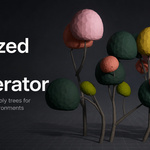
Stylized Tree Generator
 Raelin Assets



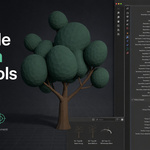
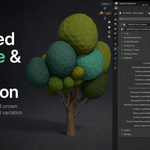
Getting Started
- Download and extract the product ZIP.
-
Open
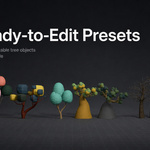
Raelin_Stylized_Tree_Generator_v1.0.blendin Blender. - Start with one of the 10 included tree presets.
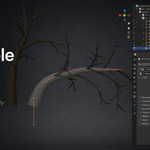
- Edit the Trunk Curve in Edit Mode to shape the main tree silhouette.
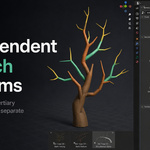
- Use the Geometry Nodes modifier to adjust secondary and tertiary branches, crown shapes, scale, distribution, materials, and procedural variation.
- Duplicate a preset before editing when you want to create additional tree variations.
The generator combines direct curve editing with procedural Geometry Nodes controls, allowing you to art-direct the main silhouette while keeping branches and crowns procedural.
The package includes 10 editable presets, 7 crown shapes, material variation controls, and Asset Browser-ready assets.
Compatibility: Blender 4.5 LTS – Blender 5.2 LTS.
No add-on or Python installation is required for normal use.
Have questions about this product?
Login to message
| Published | about 2 months ago |
| Blender Version | 4.5 - 5.2 |
| Render Engine Used | Cycles, Eevee |
| License | Royalty Free |
Discover more products like this
game-art vegetation low poly foliage procedural Generator tree asset-browser stylized geometry nodes #nature environment