Railway Generator - Geonodes
 3Dz
3Dz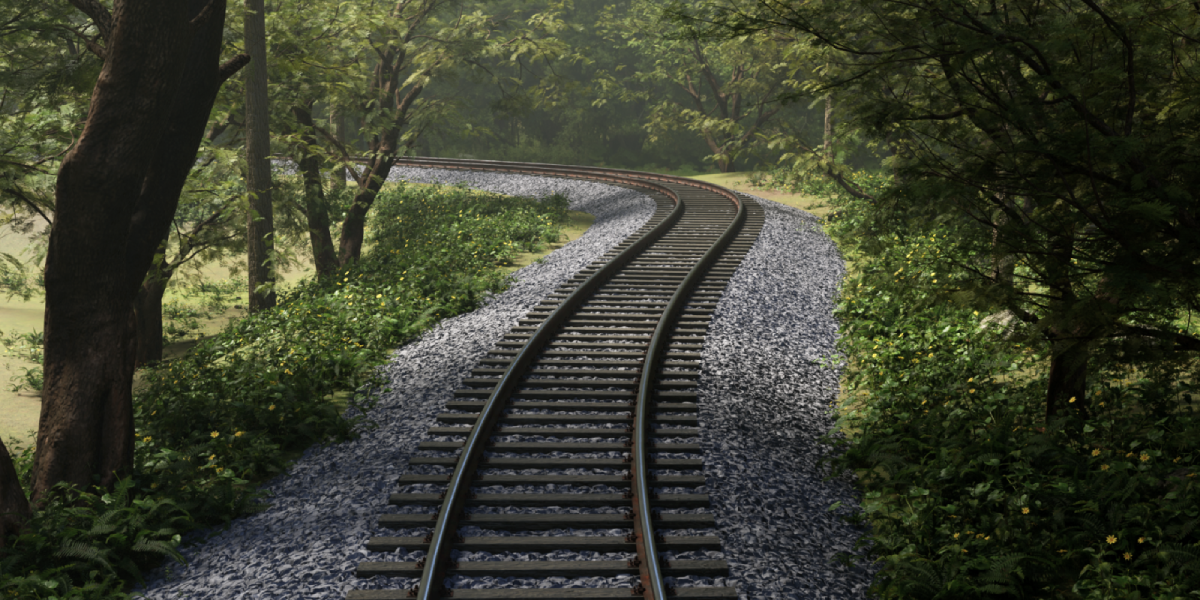
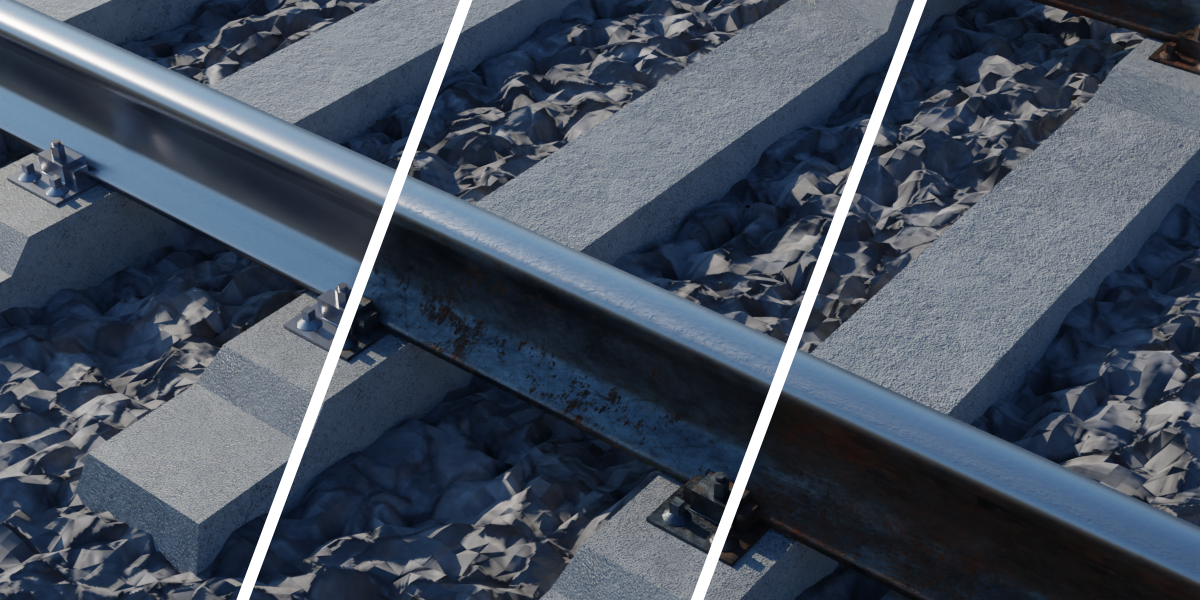
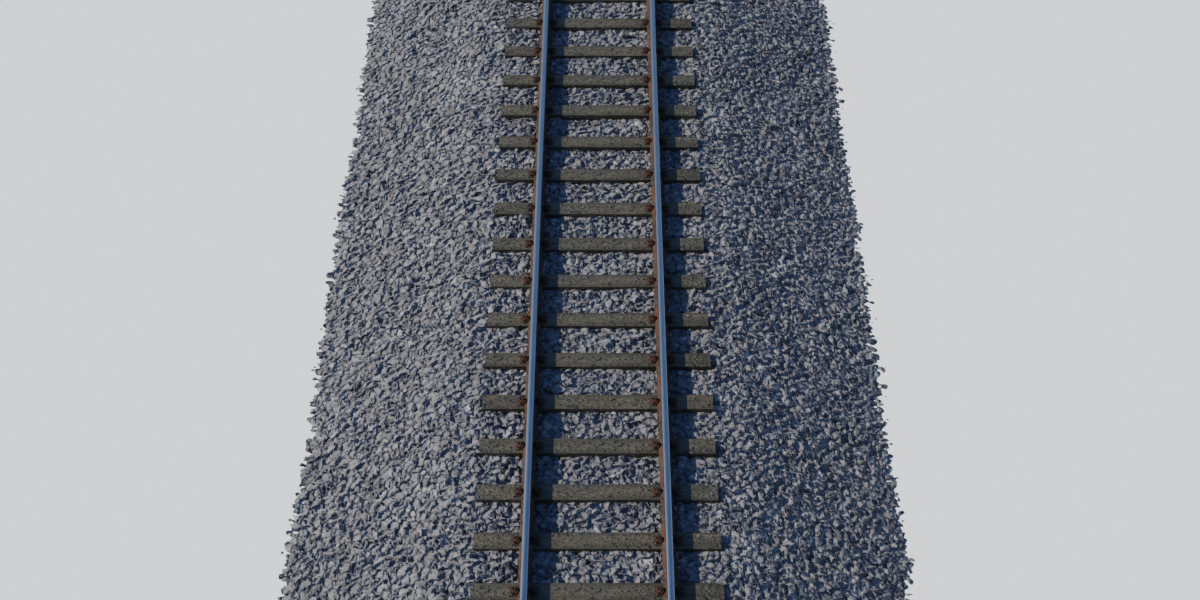
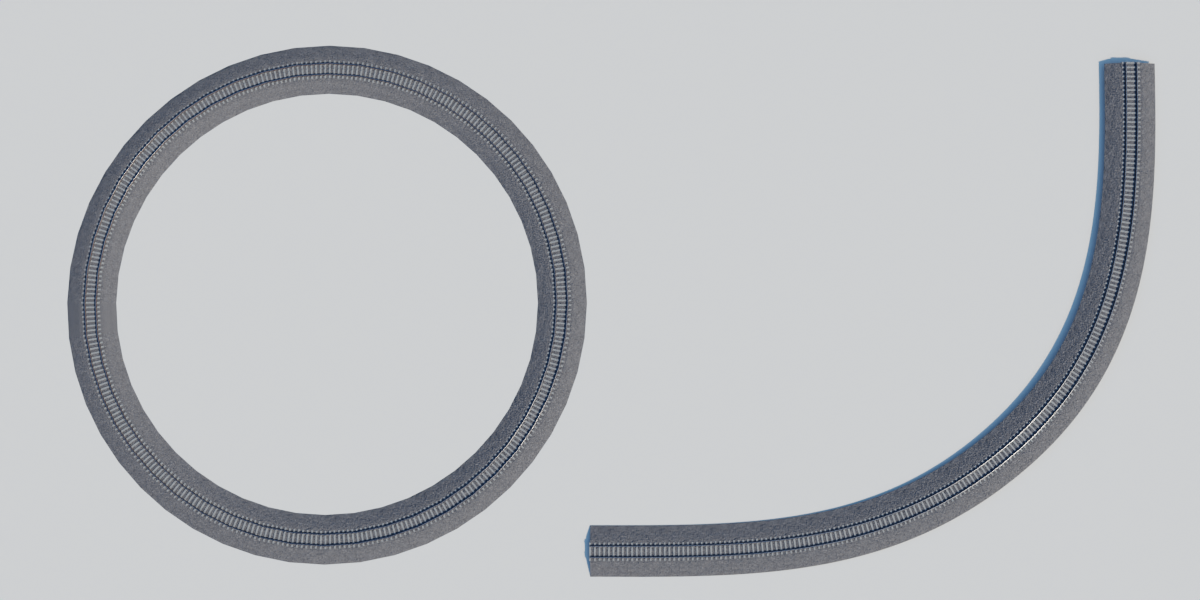
I don't see textures
The textures are related to the project with relative paths.
If you see pink color instead of textures so, do the following:
Open the blend file of the project --> go to File --> External Data --> Find missing files --> browse to the file that contains the textures --> then click find missing files.

-
$9
-
$5
Have questions about this product?
Login to message
| Sales | 300+ |
| Rating | 1 ratings |
| Dev Fund Contributor | |
| Published | almost 4 years ago |
| Blender Version | 3.4 - 5.2 |
| Render Engine Used | Cycles, Eevee |
| License | Royalty Free |
Discover more products like this
blender train geometrynodes nodes railway track railroad track Node train railway Geometry infrastructure outdoor bfcm23 railroad 3d curves dynamic loveblender geometry nodes forest sleeper Geonodes curve rail procedural path Generator asset