 SkdSam






Build the atmosphere.
Make the shot.
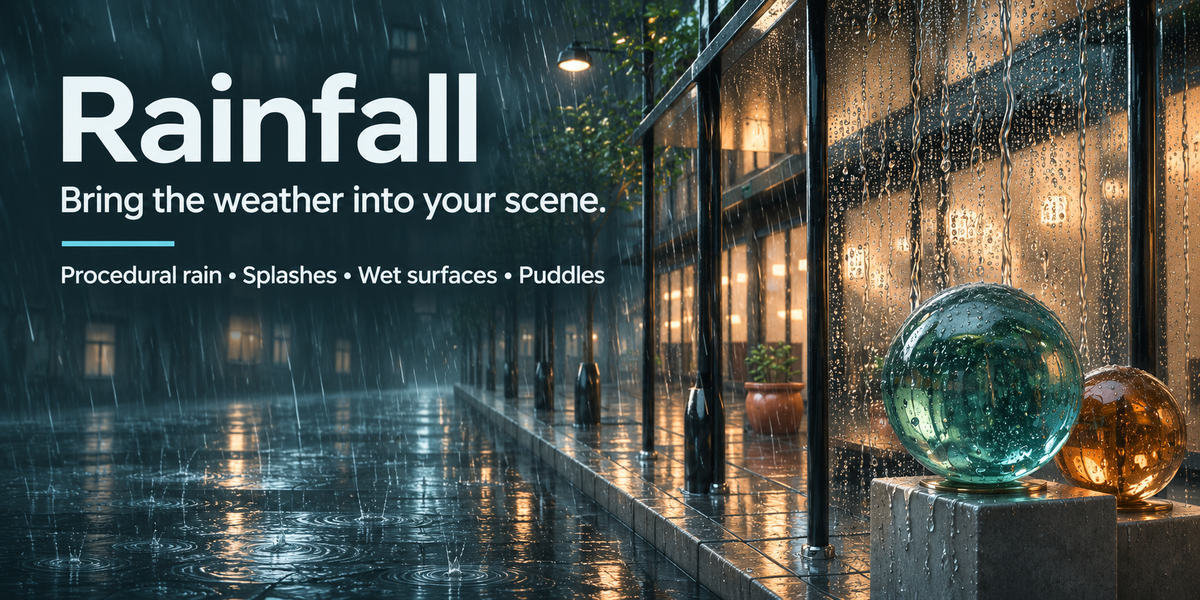
A quiet courtyard. A storm-lit street. Droplets sliding down the glass. Turn a scene into a moment with rain, splashes, wet surfaces and rippling puddles, together in one Blender add-on.
Start with a weather preset. Choose the surfaces. Shape the atmosphere. No simulation baking required.
Discover what Rainfall can doSee what you getSee the rain. Find your controls.
Watch Rainfall running in Blender alongside its sidebar controls. Open the animation full-size for a closer look.
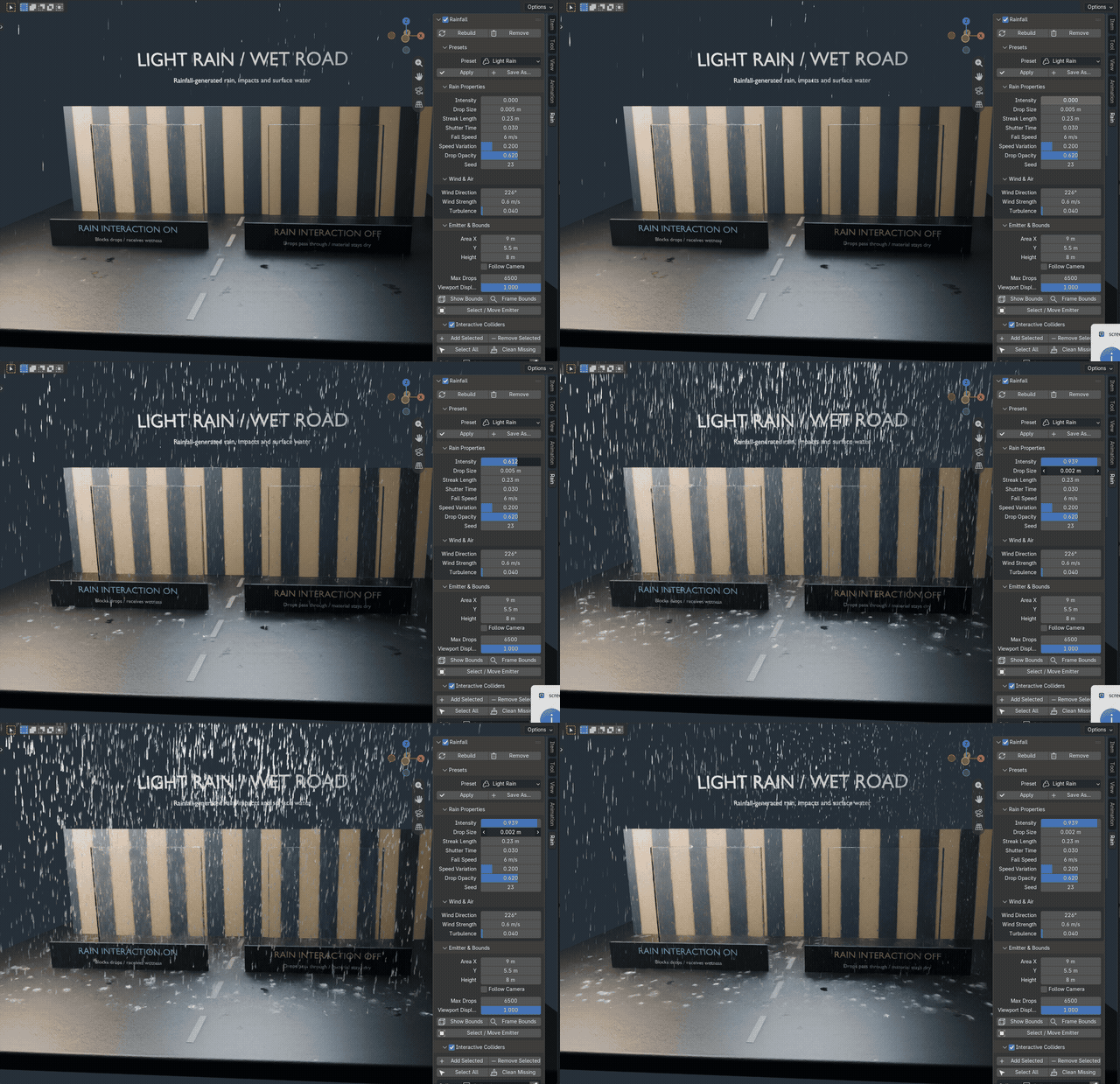
Actual Blender screen recording. Rainfall rain and sidebar controls in motion. The animation loops automatically; open it separately to view at its native size.
Rain & wind
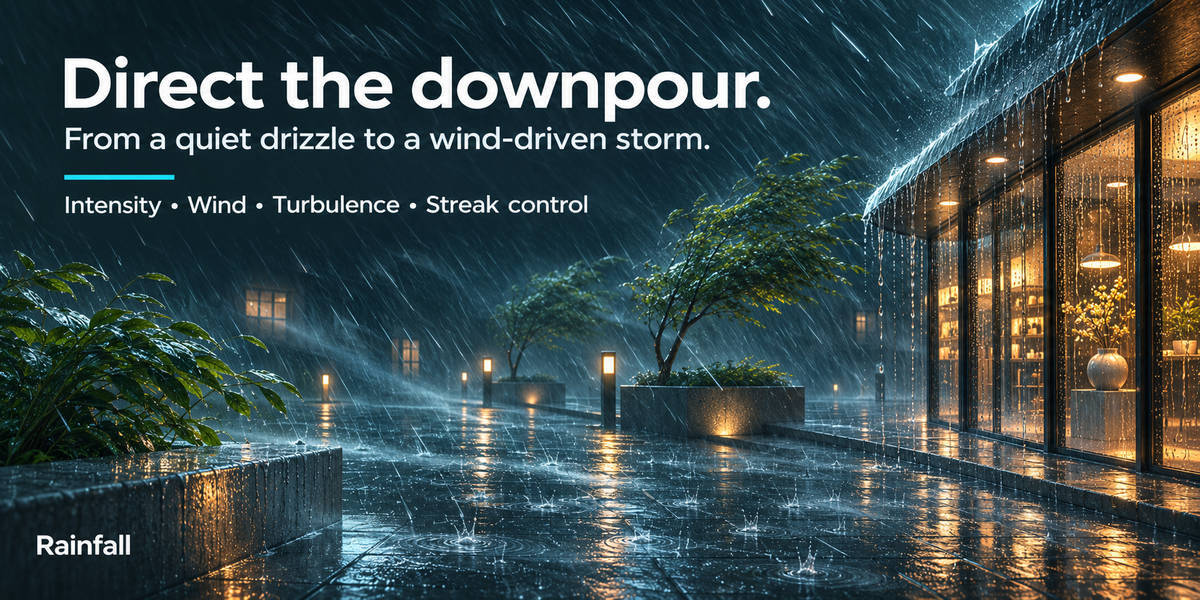
A drizzle changes the mood.
A storm changes the story.
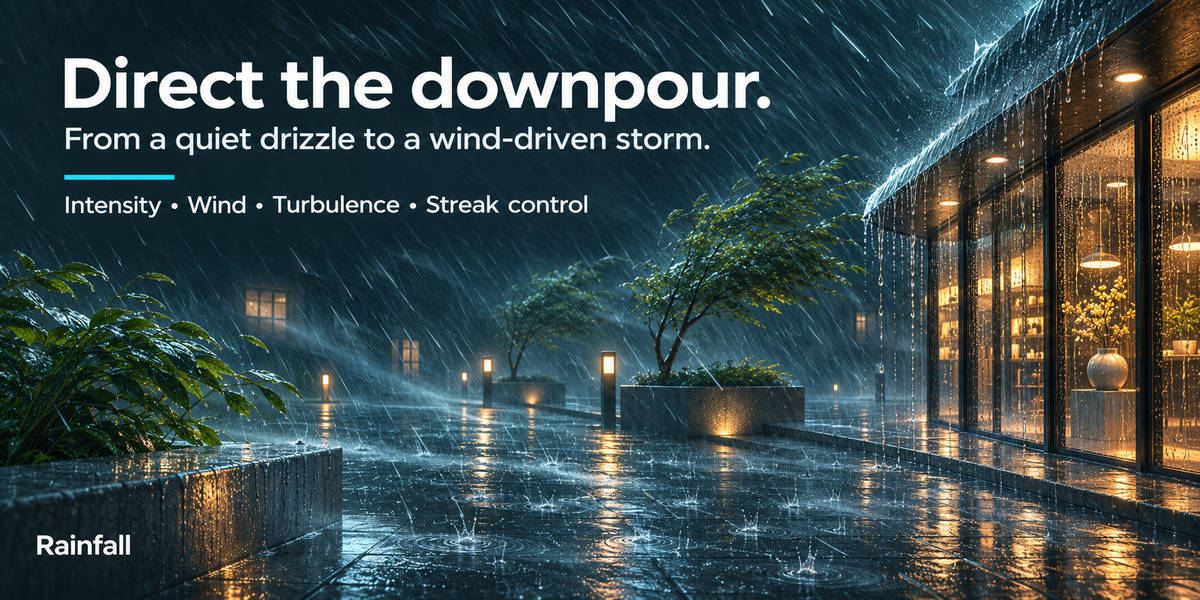
Give an architectural render a rain-soaked finish or turn a cinematic shot into a wind-driven downpour. Start with the feeling you want, then dial in the rain to match.
Rain with direction
Adjust intensity, drop radius, streak length, exposure-based streaking, fall speed, speed variation and opacity. Add directional wind and turbulence, then choose a seed for a repeatable arrangement.
Scrub straight to the moment
Animation is driven by the timeline rather than a baked simulation. Play the scene or scrub frames while you find your composition.
Keep the rain where you need it
Set the rain area and height, show and frame its bounds, and move the emitter into place. Follow Camera tracks the active camera horizontally.
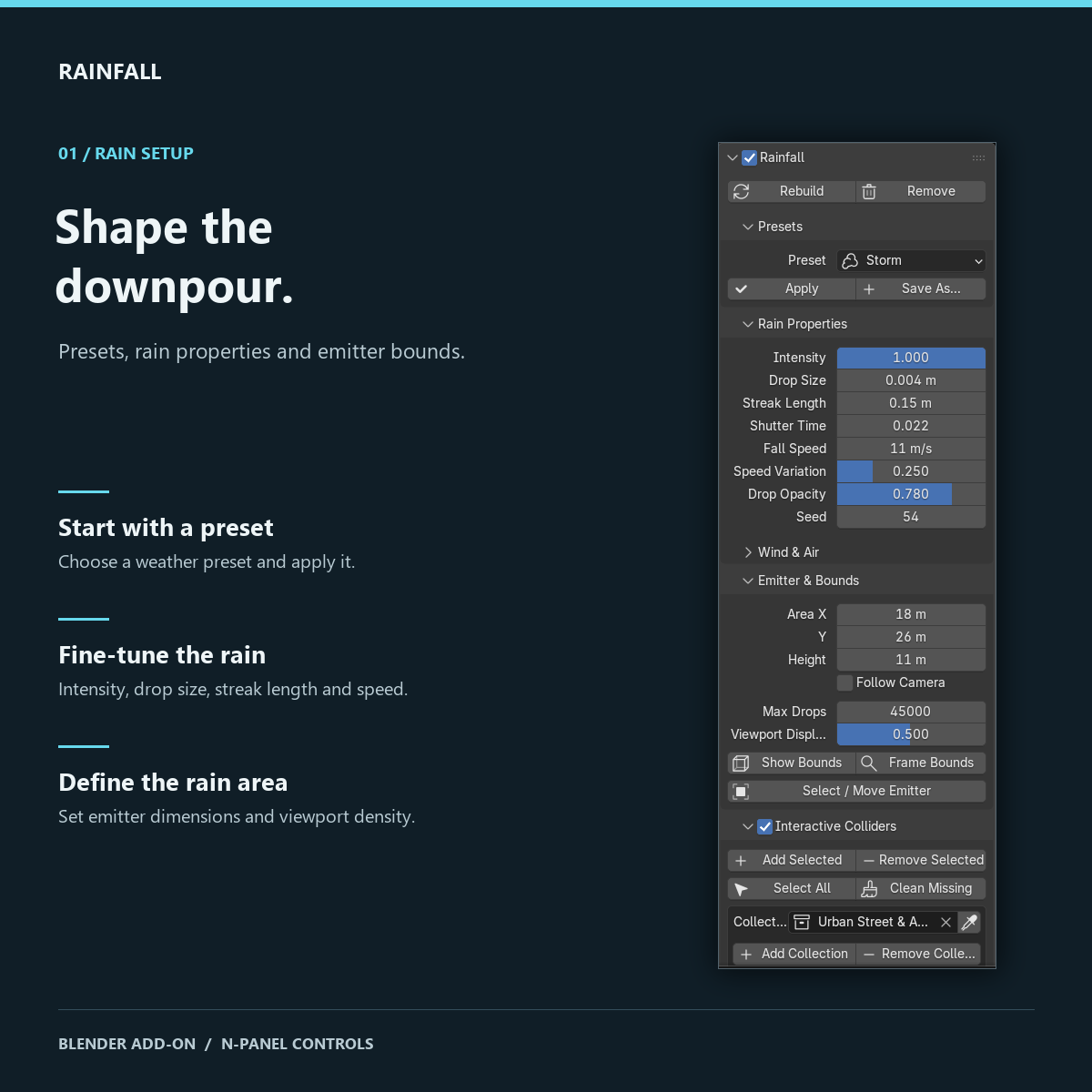
Actual Blender interface: presets, rain properties and emitter bounds. Open full-size to inspect the controls.
A budget for your viewport
Tune Max Drops and reduce Viewport Display for a lighter working view. Lower viewport density lets you reserve the full configured drop budget for rendering.
Collisions & splashes
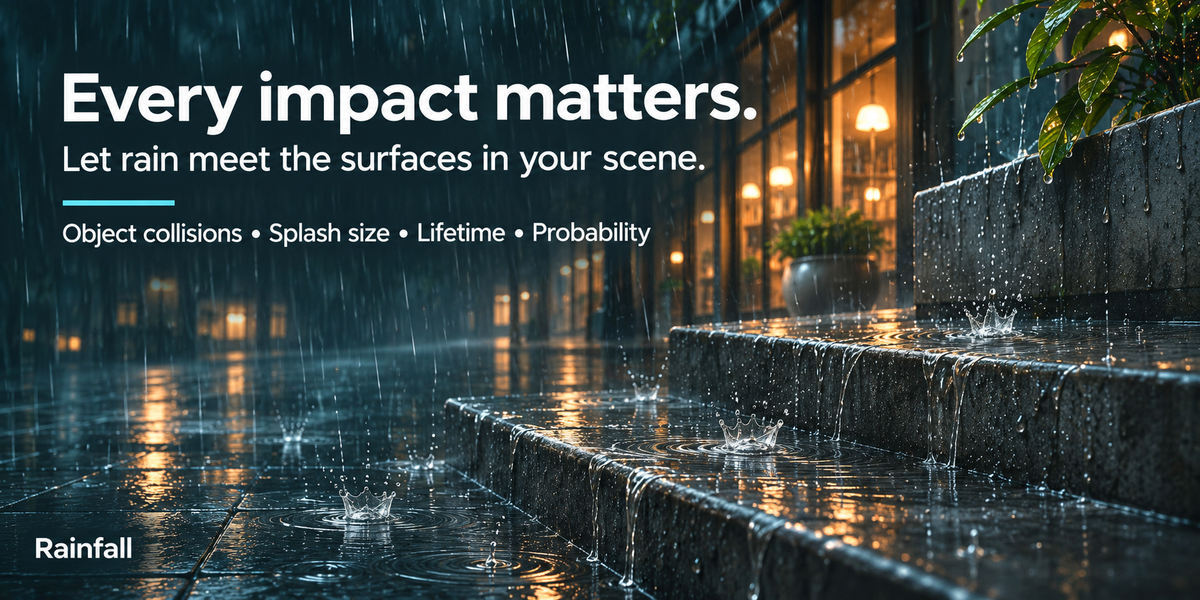
Make the impact
part of the shot.
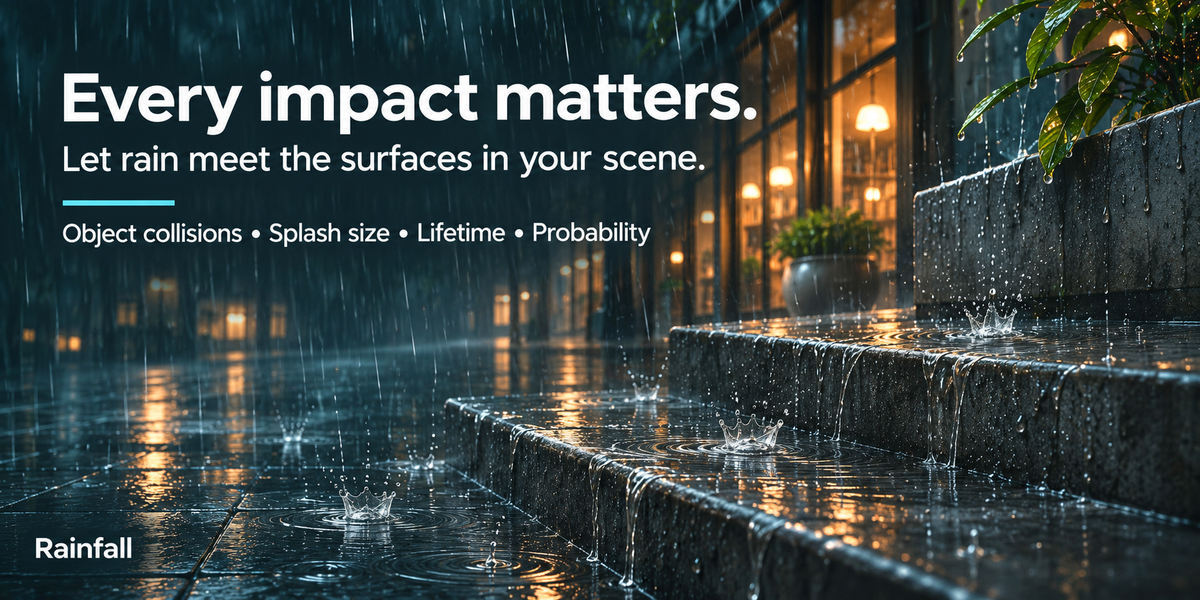
Rain belongs in the scene, from drops hitting a step to splashes on the ground. Choose which objects block the downpour and which receive wetness and puddles. Add a selection or a whole collection in one action.
Collisions & impact splashes
Drops raycast against blocking colliders and stop at the hit surface. Add splash crowns and control their size, lifetime and probability.
Control each surface
Toggle rain blocking, wetness and puddles separately. Use per-object wetness and puddle multipliers, and find registered objects with the collider search.
Lighter collision geometry
Create a decimated proxy for an active mesh when full-detail collision geometry is too expensive. Keep surface shading on the original and inspect the simplified proxy against your scene.
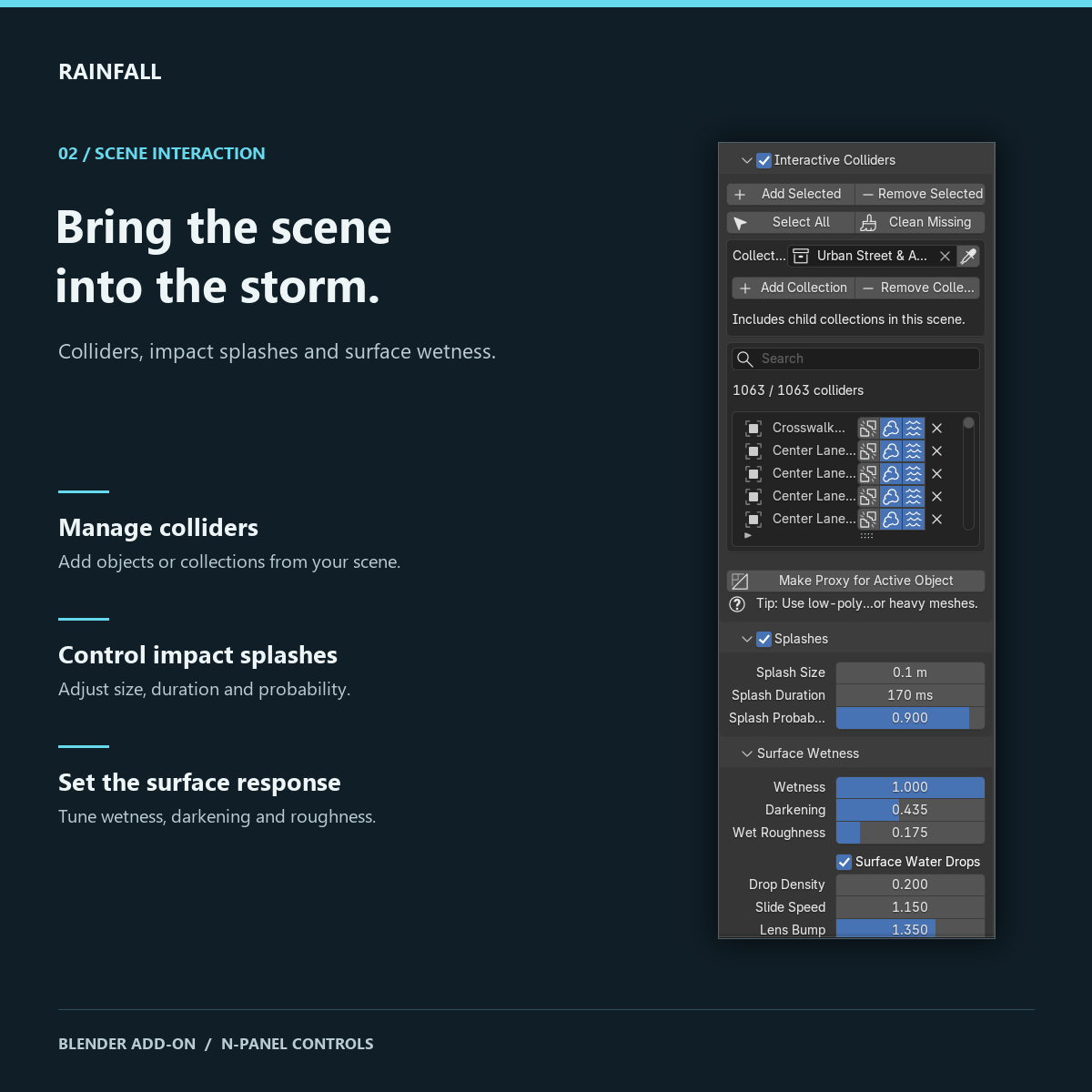
Actual Blender interface: collider management, splash controls and surface wetness.
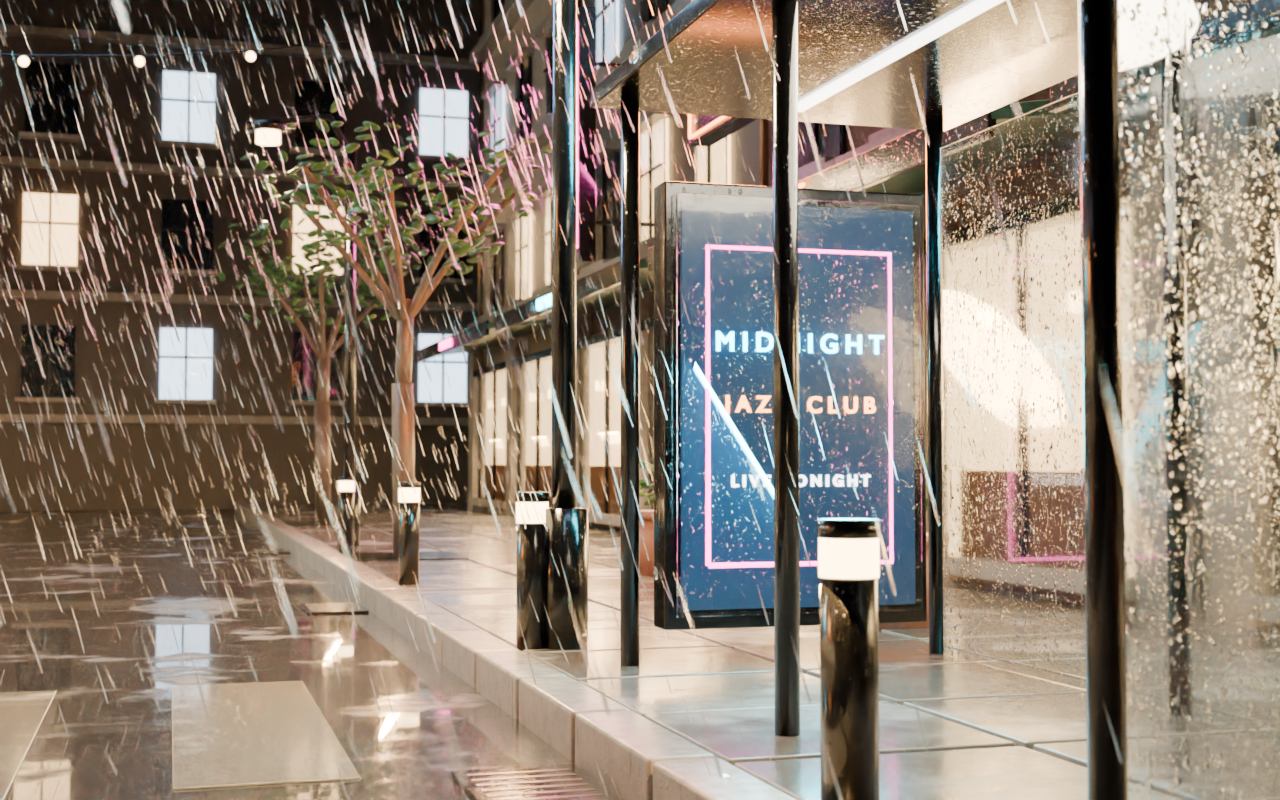
Glass & surface water
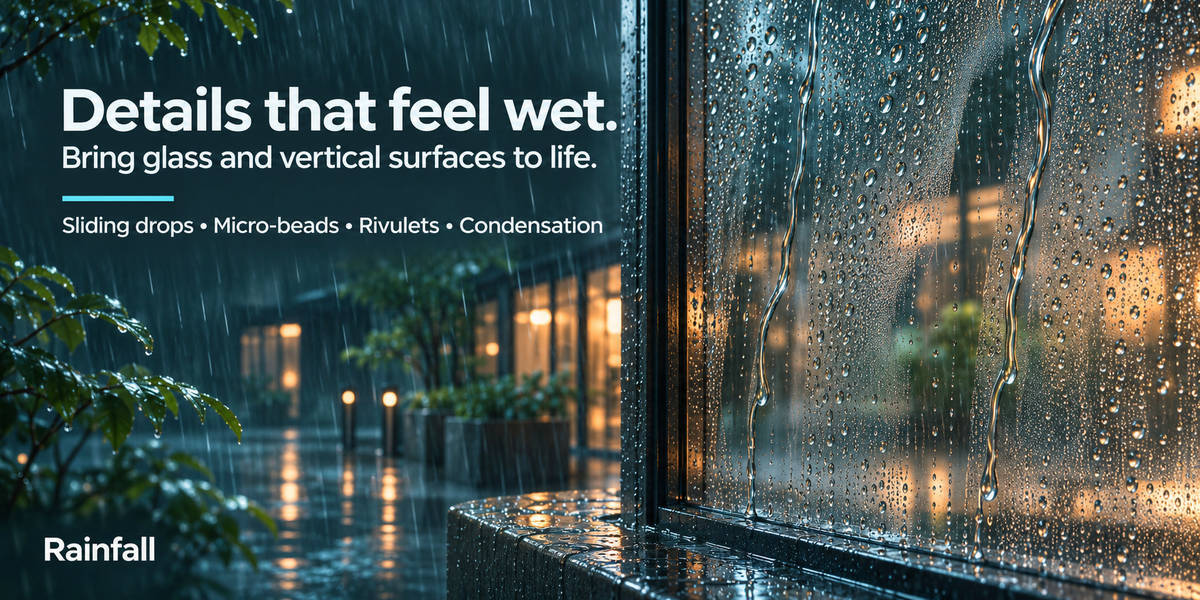
The close-up
makes it convincing.
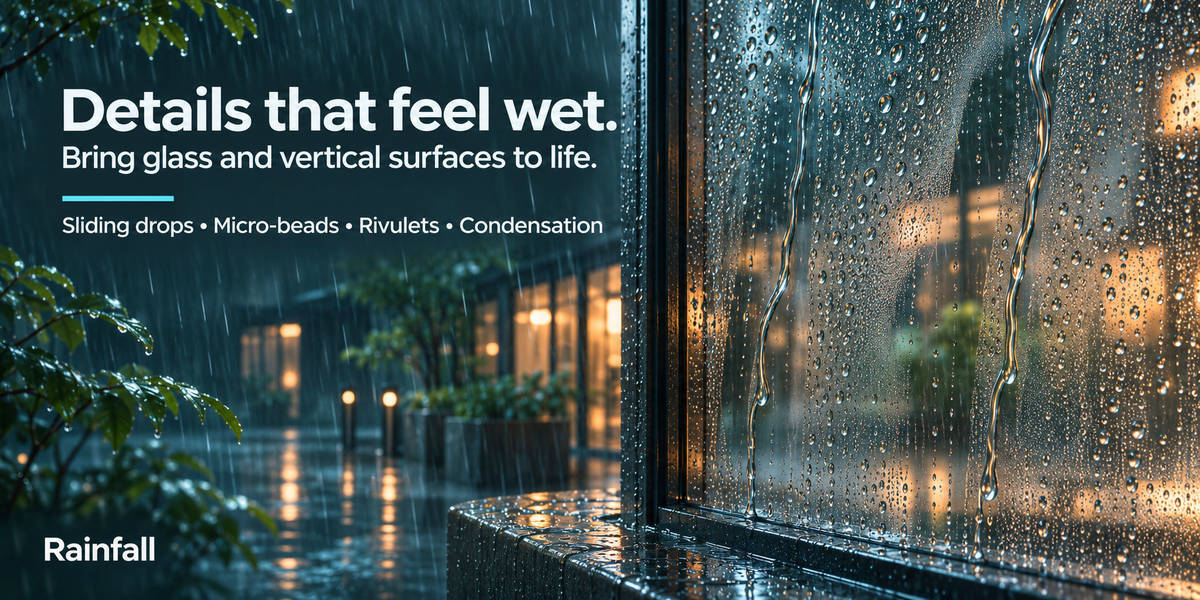
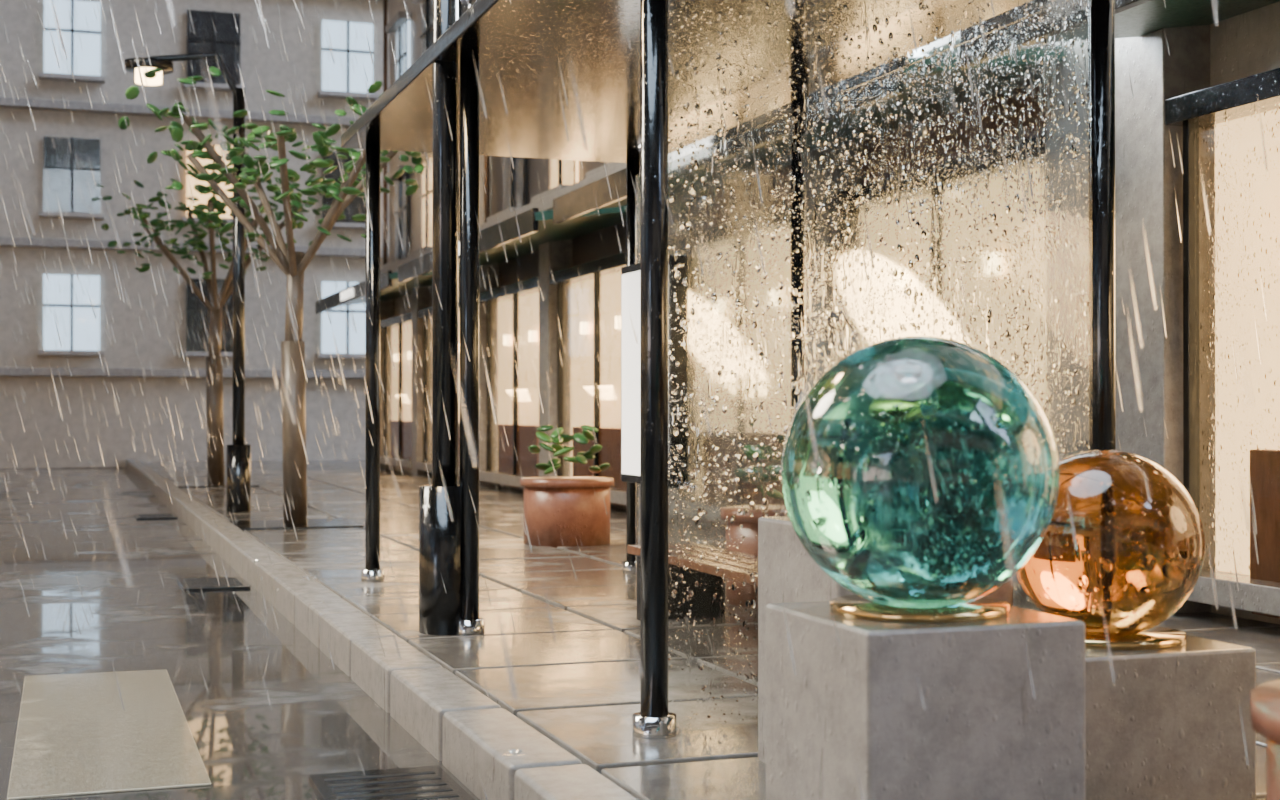
Falling streaks set the scene. Water on the glass makes you feel it. Add clinging beads, sliding rivulets and damp reflections for shots that reward a closer look.
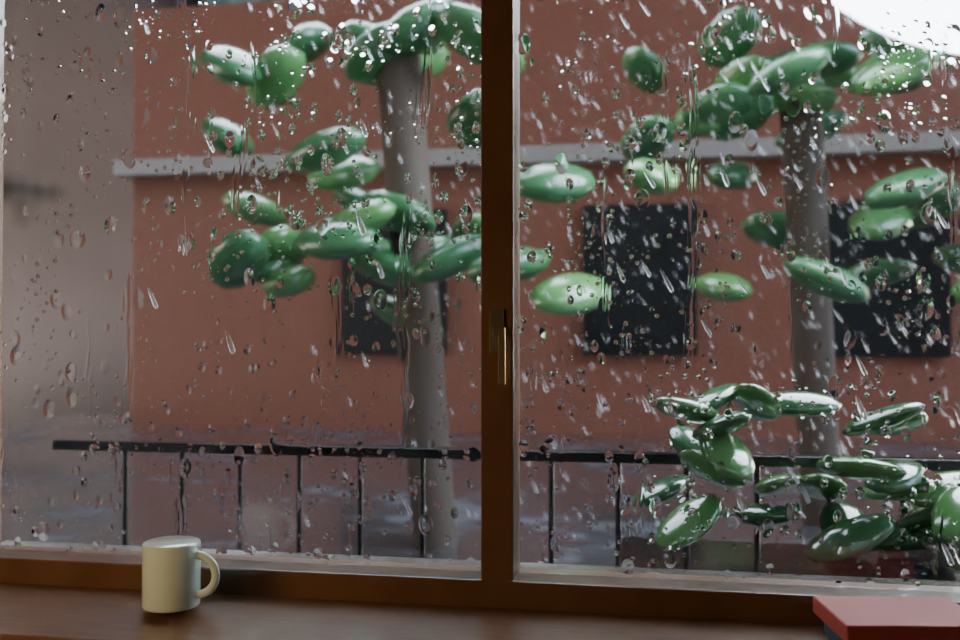
Window drops & rivulets
Animate sliding drops and clinging micro-beads on vertical surfaces and glass. Adjust pattern density, slide speed and lens bump strength.
A trace of condensation
Add subtle roughness on vertical glass, with clearer tracks along sliding drops and rivulets.
Wetness you can dial in
Balance wetness amount, darkening and wet roughness. Rainfall splices its surface treatment into supported Principled BSDF materials and provides material restoration tools.
Puddles & ripples
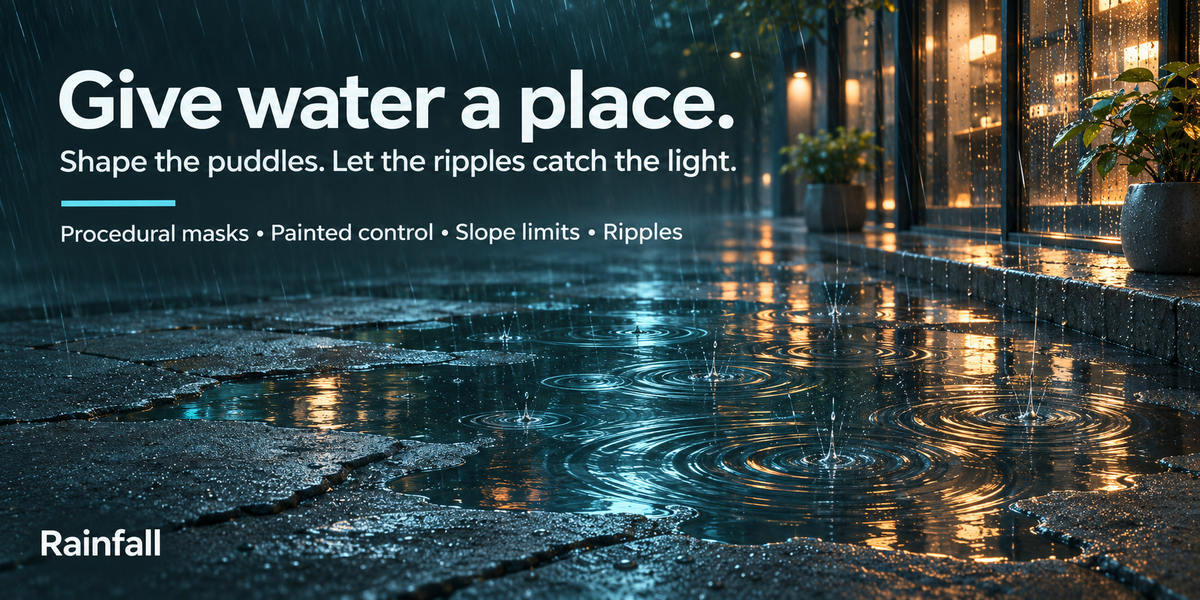
Give the light
something to reflect.
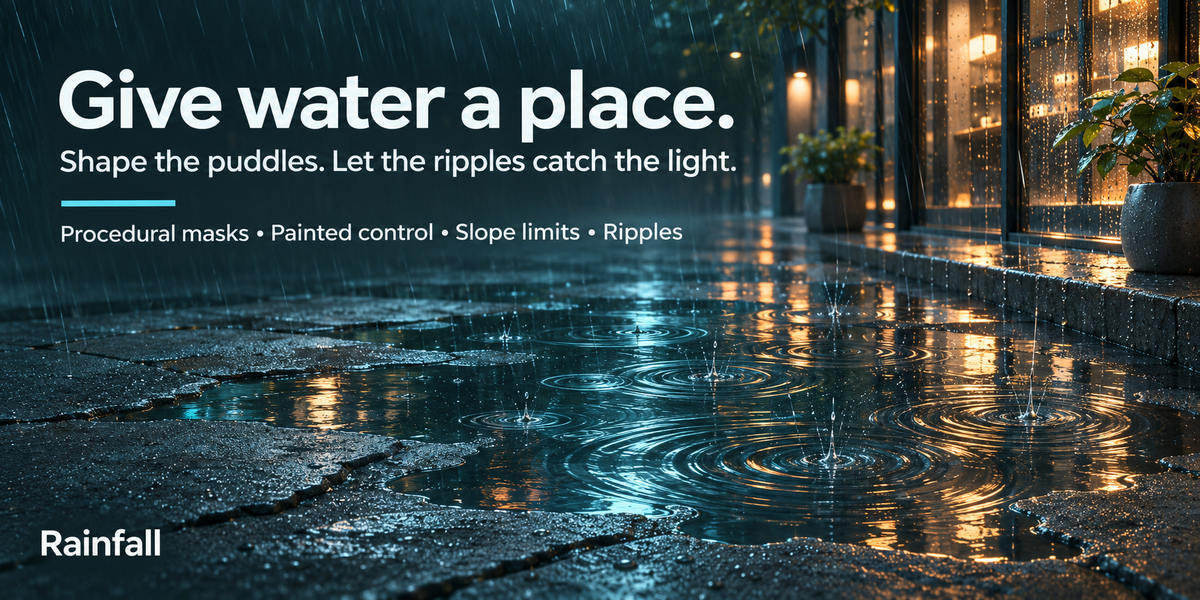
Break up a pavement with puddles. Catch warm window light in the ripples. Use procedural patterns for a starting point or paint the mask to place water where your composition needs it.
Noise, paint, or both
Choose a procedural noise mask, a painted vertex-color mask, or their combined result. Paint white to add puddle areas; Painted mode gives you control without the noise contribution.
Shape the surface
Adjust coverage, pattern scale, edge softness, slope limit and depth tint. Choose world coordinates for continuity across objects or object coordinates for a pattern that moves with the object.
Ripples that catch the light
Tune ripple density, speed and strength inside puddle areas. Puddles and ripples are shader effects, so they add surface detail without a simulated water volume.
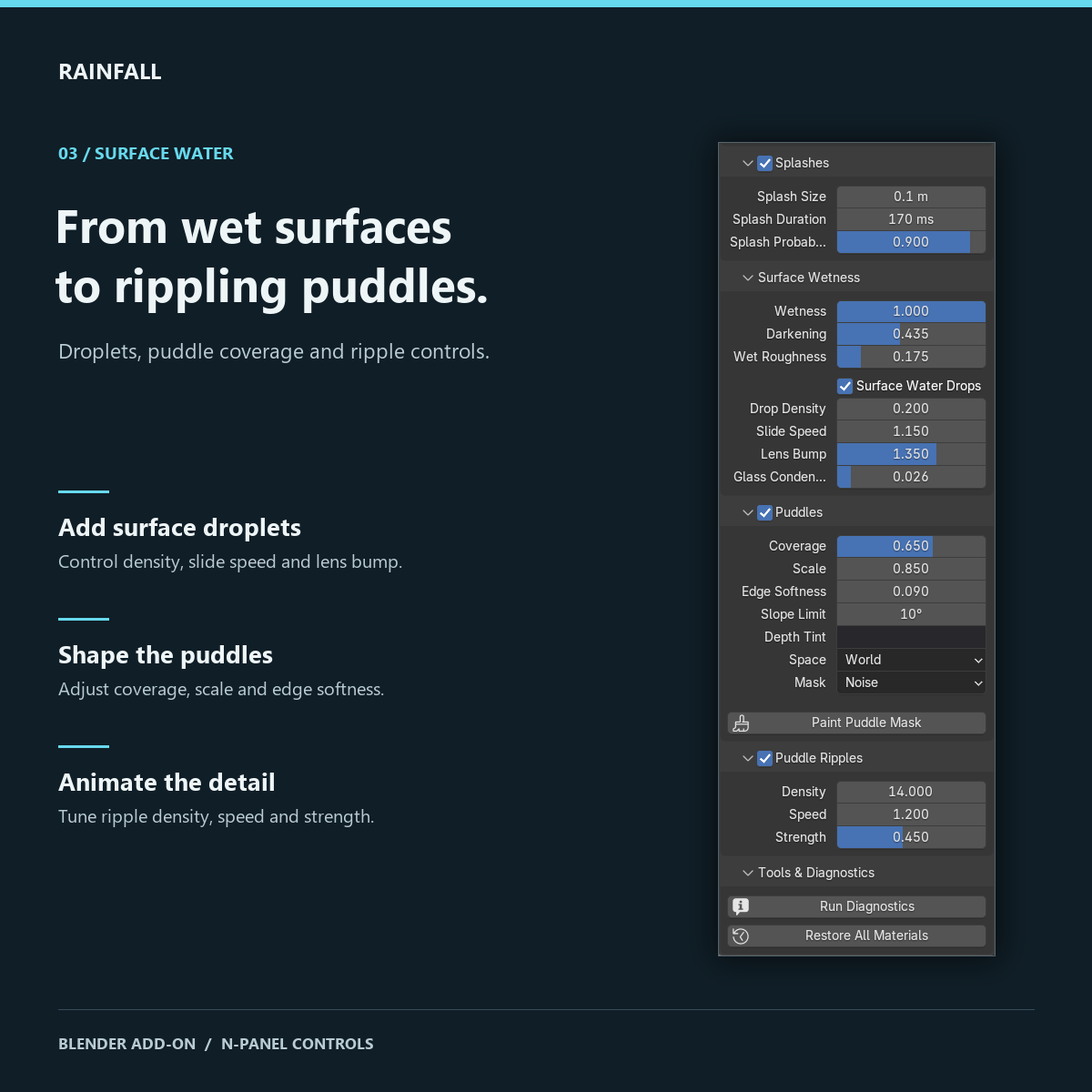
Actual Blender interface: surface droplets, puddle masks and animated ripple controls.
Wetness, puddles and ripples are art-directed material effects. They do not accumulate from individual raindrop impacts or simulate flowing water.
Presets & creative control
Your next atmosphere
starts with a preset.
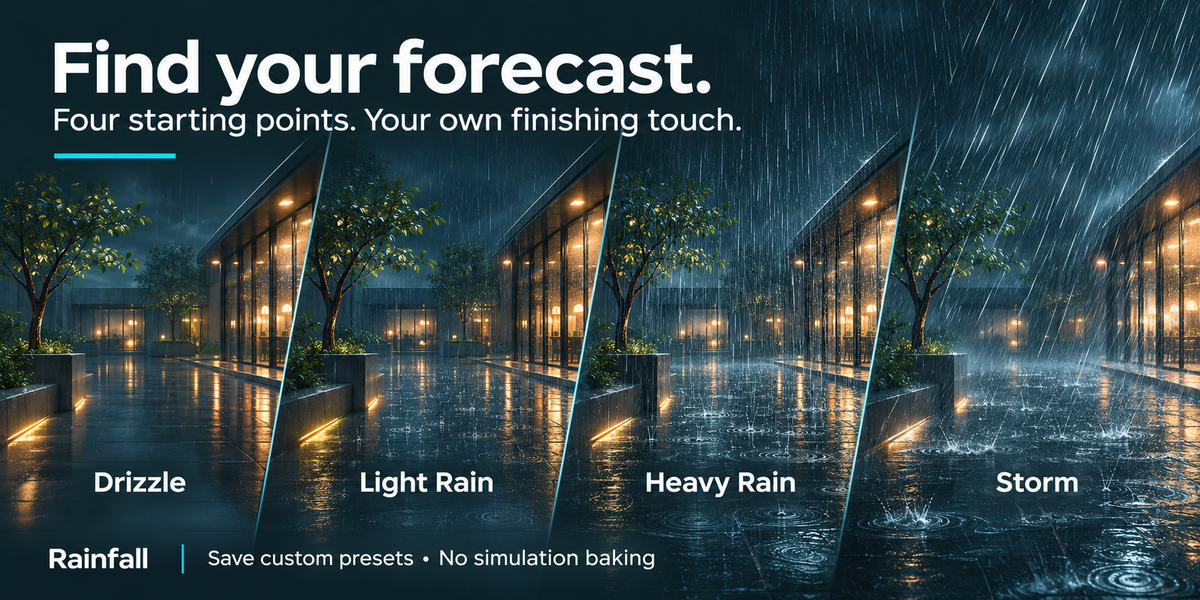
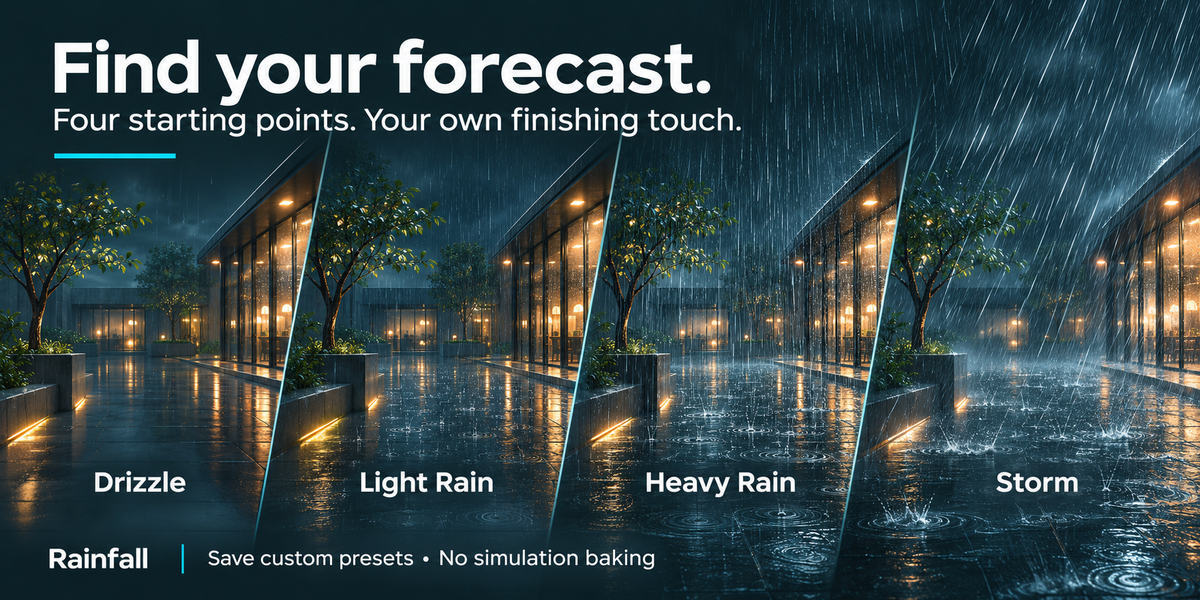
Skip the blank starting point. Choose Drizzle, Light Rain, Heavy Rain or Storm, click Apply, and make the result your own. Save a weather look you love for the next project.
Save a look worth keeping
Save the supported weather and surface appearance settings as a named user preset. Reuse your own rain, wind, wetness and ripple combination alongside the built-in options.
A guide, right in reach
Use Open Instructions at the bottom of the Rain sidebar to open the bundled offline HTML guide. Search features, read every control and follow the painted-puddle workflow.
See it in action
Built in Blender.
Made for your next scene.
See Rainfall in motion: explore daytime and nighttime renders, a road rain comparison and a closer look at window droplets.
Your first rainfall
From install
to first rainfall.
Rain setup, scene interaction and surface water live together in the Rain sidebar. Open the overview full-size to explore all three views.
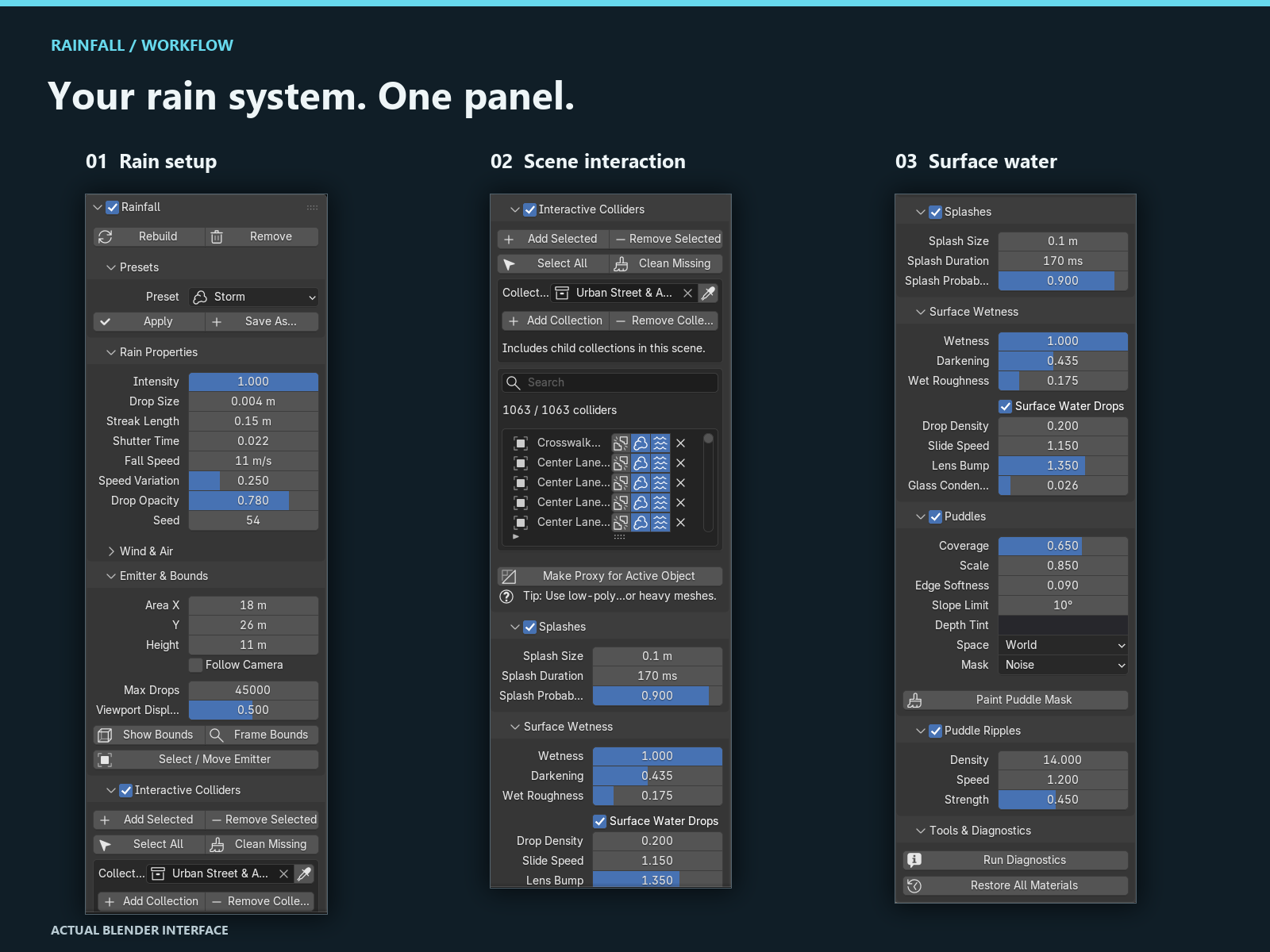
Actual Blender interface: three views of the Rainfall sidebar, from rain setup to surface water.
-
Install & enable
Install rainfall.zip using the legacy Add-ons installer or Blender’s extension Install from Disk workflow.
-
Create the rain
Open the 3D Viewport sidebar with N, choose the Rain tab and click Create Rain System.
-
Choose your surfaces
Select the ground, buildings or other surfaces and click Add Selected under Interactive Colliders.
-
Set the mood
Apply a preset, position the rain bounds and inspect the scene in Material Preview or Rendered shading. Play or scrub the timeline.
The complete toolkit
Inside the add-on.
- Procedural rain emitter, raindrop and splash assets
- Wind, bounds, camera-follow and viewport budget controls
- Selected-object and collection-based collider management
- Wetness, wall and window droplets, puddles and ripples
- Four built-in weather presets and user preset saving
- Bundled searchable offline guide, diagnostics and material restoration
One download. Your Blender workflow.
One installable ZIP supports the legacy Add-ons installation workflow in Blender 3.6–4.1 and extension installation from Blender 4.2 onward.
Blender 3.6–5.3
Target compatibility range. Appearance and performance depend on your scene, materials, render settings and hardware. Installation packaging alone does not establish runtime verification of every feature in every release.
Feature banners are AI-generated promotional illustrations. Images captioned “Blender demonstration render” show the existing demo scenes. Demonstration models and scenes are not an included asset library. Watch the four demonstration videos in the See it in action section.
Questions, answered
Before the first drop.
Do I need to bake a simulation?
No. Rainfall uses procedural, timeline-driven animation. You can play and scrub the timeline without a simulation bake.
Will rain interact with every object automatically?
Register the surfaces you want to use with Add Selected or Add Collection. Block Rain, Wetness and Puddles can then be controlled independently for each registered object.
Does it work with existing materials?
The standard surface treatment works with editable node-based materials containing Principled BSDF nodes. Read-only linked materials cannot be spliced; custom shaders without Principled BSDF do not receive the standard treatment.
Are the puddles a fluid simulation?
No. Wetness, puddles, glass drops and ripples are procedural material effects. They do not create a simulated water volume or physically accumulate from rain impacts.
Can I restore my materials?
Yes. Restore All Materials removes Rainfall’s material splices and restores recorded links and values. Removing the system also restores materials. These restoration operations apply across the file.
How do I keep a heavier scene responsive?
Reduce Viewport Display, lower Max Drops, or use simplified proxy colliders. The most useful budget depends on your scene and hardware.
Where do I find the instructions?
Click Open Instructions at the bottom of the Rain sidebar. The guide is bundled with the add-on and opens locally in your browser.
Make your next scene a rainy one
Your scene has a story.
Give it some weather.
Bring rain, splashes, wet glass and rippling puddles into your next Blender project. One connected toolkit, four weather starting points, and the control to make the result your own.
Get Rainfall and make the weather part of your creative toolkit.
See the complete toolkitExplore the features