 SkdSam









🌧️ Getting Started
- Install the supplied rainfall.zip and enable the add-on.
- Press N in the 3D Viewport, open the Rain tab and click Create Rain System.
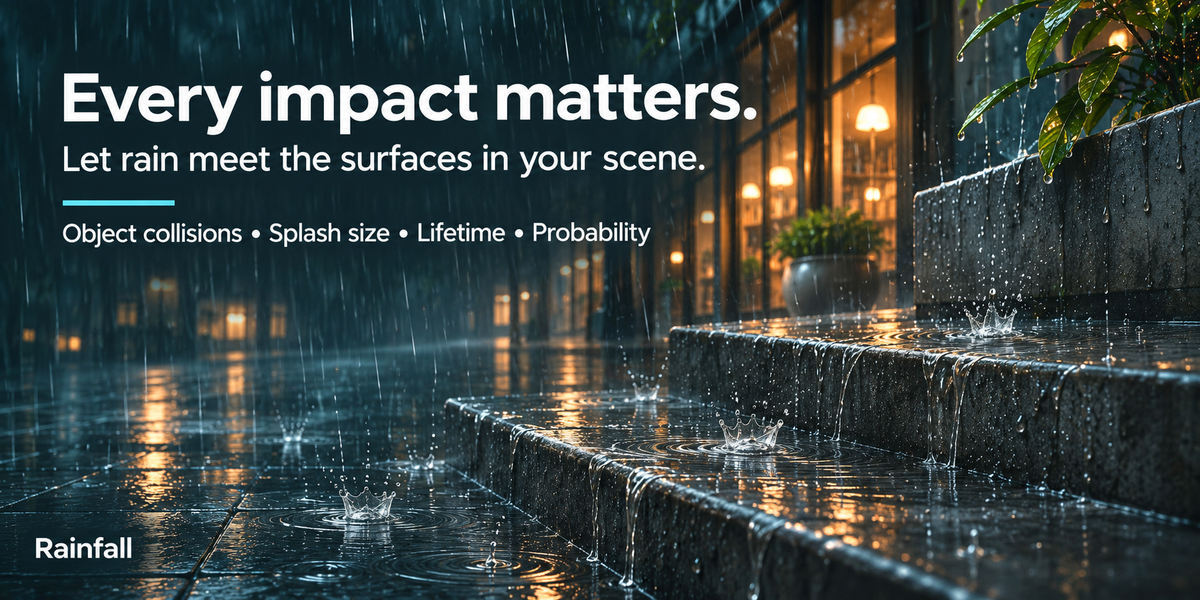
- Select your ground and other surfaces, then click Add Selected under Interactive Colliders.
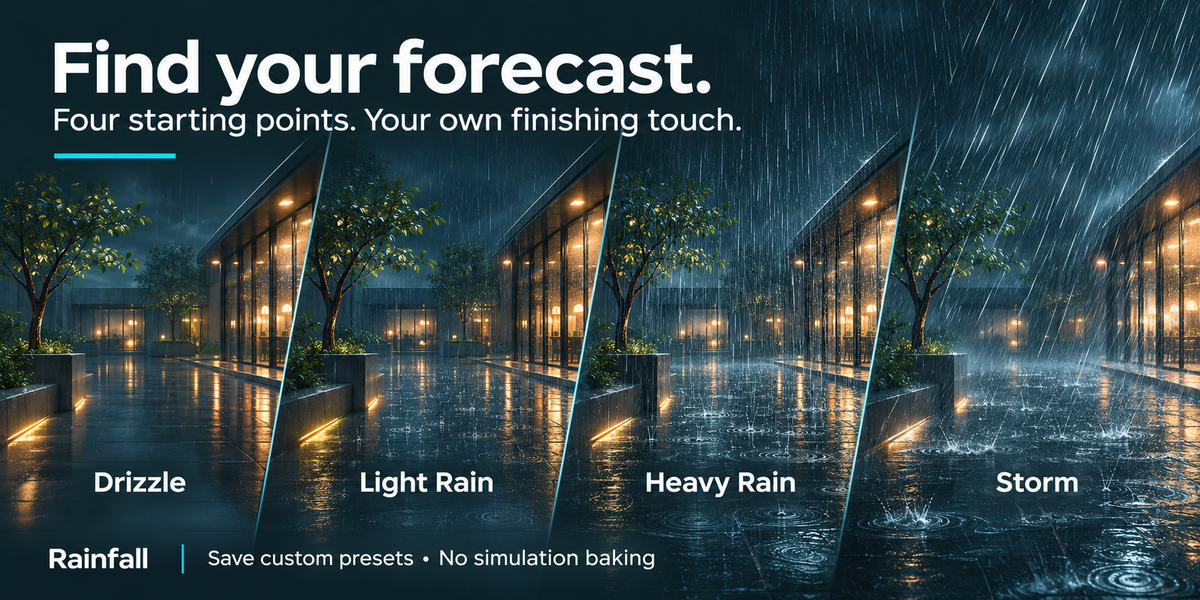
- Choose a weather preset and click Apply. Use Show Bounds to check the rain’s position and coverage.
- Switch to Material Preview or Rendered shading, then play or scrub the timeline.
📖 Built-in Instructions
Rainfall includes a searchable, offline user guide covering every feature and control. Click Open Instructions at the bottom of the Rain sidebar to open it in your browser.
Have questions about this product?
Login to message
| Blender Extension Compatible | Yes |
| Dev Fund Contributor | |
| Published | about 1 hour ago |
| Blender Version | 3.6 - 5.3 |
| Extension Type | Add-on |
| Render Engine Used | Cycles, Eevee |
| License | GPL |
Discover more products like this
puddles procedural Wet surfaces rain weather skdsam splashes