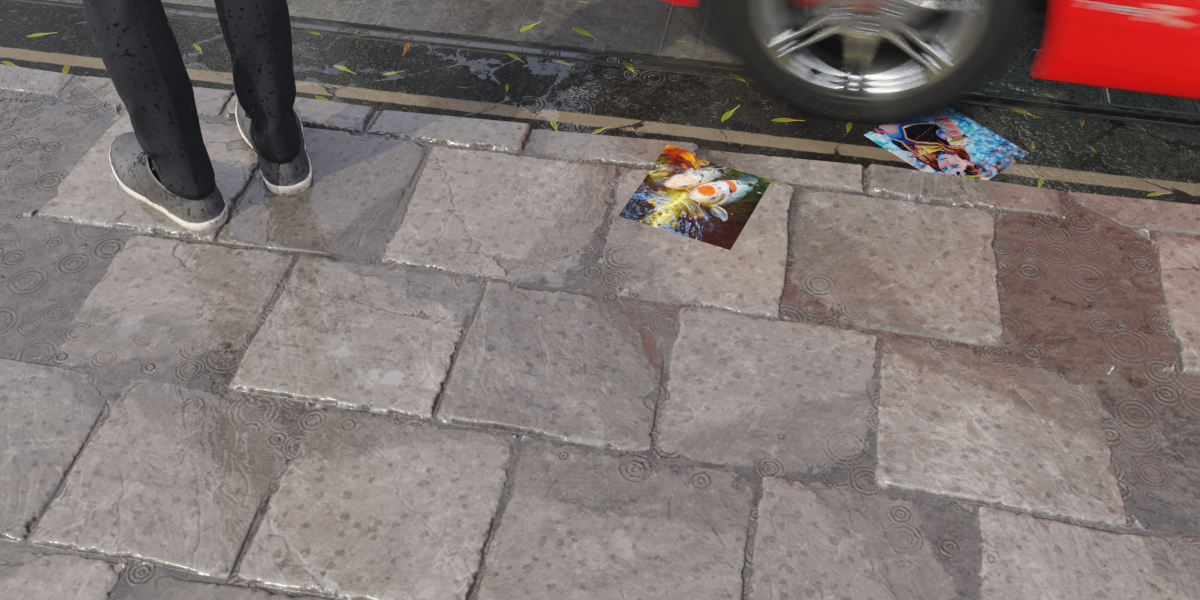
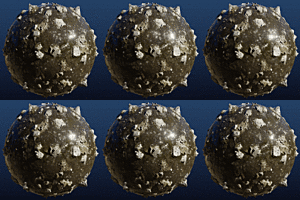
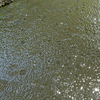
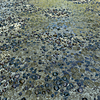
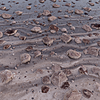
Rain Water
 Nodes and noodles






Import the nodes into your Blender project:
- Click on File -> Append
- Browse to your downloaded Rain.Water.blend file and select it.
- Open the NodeTree folder.
- Select the nodes with the Rain.Water prefix.
NOTE: to be notified about future updates, please remember to allow email contact from the creator when you make your purchase.
One or more textures in this pack have been created with photographs from Textures.com. These photographs may not be redistributed by default; please visit www.textures.com for more information.
$23
Have questions about this product?
Login to message
| Sales | 400+ |
| Rating | 6 ratings |
| Dev Fund Contributor | |
| Published | about 6 years ago |
| Blender Version | 3.6 - 5.2 |
| Render Engine Used | Cycles, Eevee |
| License | Royalty Free |