 Marcos Medel
Why 1 USD? I want RampCam to be free. Superhive lets a creator publish free products only with a paid creator plan, so here the lowest price I can set is 1 USD. You can get the same add-on for free on Gumroad: medelfpv.gumroad.com/l/rampcam. If you buy it here, thank you for the support.
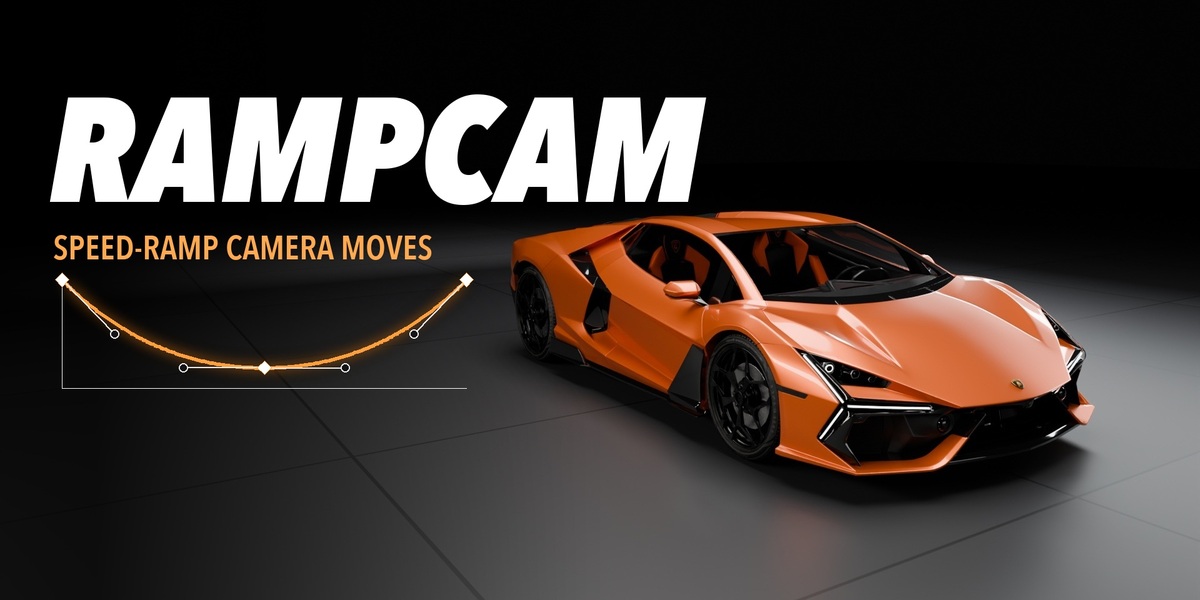
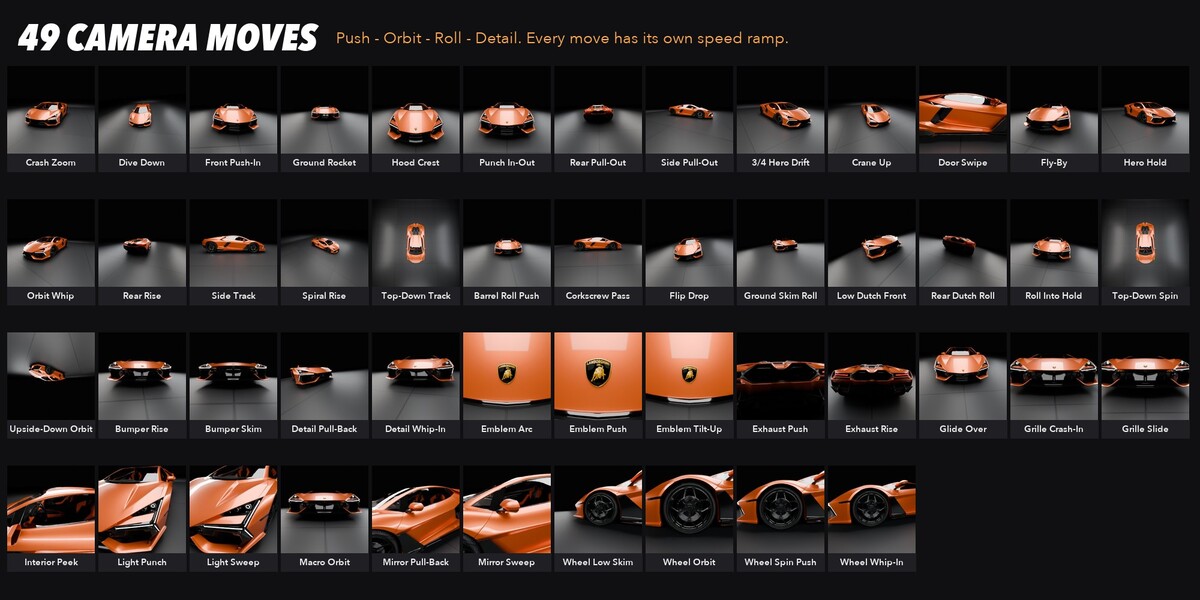
Car-reel camera work in one click. RampCam puts a camera rig on your vehicle and gives you 49 speed-ramp camera moves (push-ins, orbits, barrel rolls, wheel and emblem close-ups) that cut on the beat. Mark the beats of your song, press Auto Edit, and you have a full edit. Every shot has its own speed ramp, and you can change all of them.
How it works
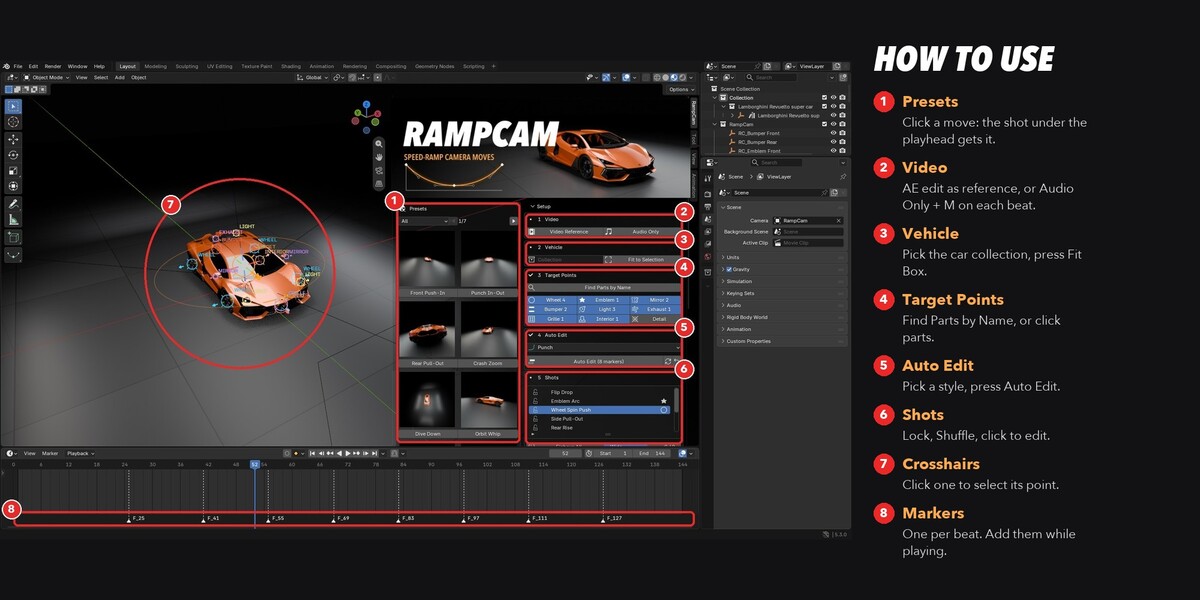
- Video or music. Load your After Effects edit as a reference (its comp markers come in as beat markers), or load a song and press M on each beat. You can add markers while the timeline plays.
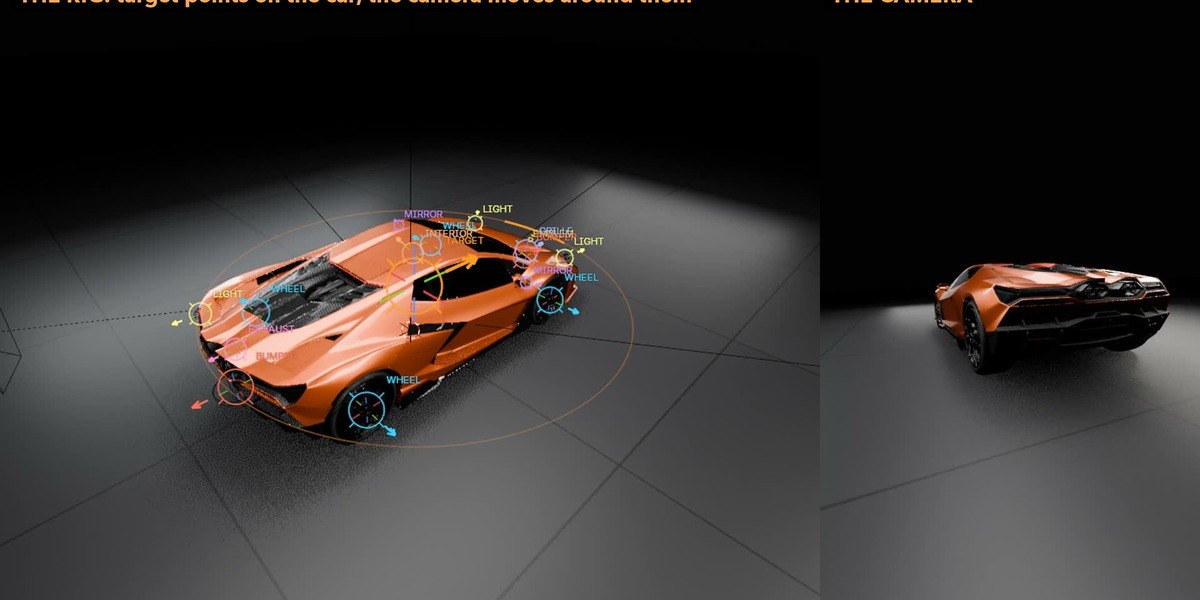
- Vehicle. Pick the car collection and press Fit Box. The moves take their size from the box, so they work on any car, bike or object.
- Target points. Find Parts by Name puts points on the wheels, logos, lights, mirrors, exhaust, grille, bumpers and seats. One mesh with 2 or 4 wheels gives one point per wheel, and each point looks out of the car. You can also click spots on the model.
- Auto Edit. Pick a style and press Auto Edit. RampCam makes one shot per beat, with a camera move, a target and a speed ramp for each, and keeps the motion going through the cuts.
Styles (from measured car reels)
- Punch: quick cuts on the beat, deep ramps, many details
- Roll Rush: very quick cuts, dutch angles and barrel rolls
- Cinematic: long shots, soft ramps, calm drifts
- Build-Up: calm first, a roll rush at the end
- One Take: long takes with no cuts. Every beat starts the next move
Edit any shot
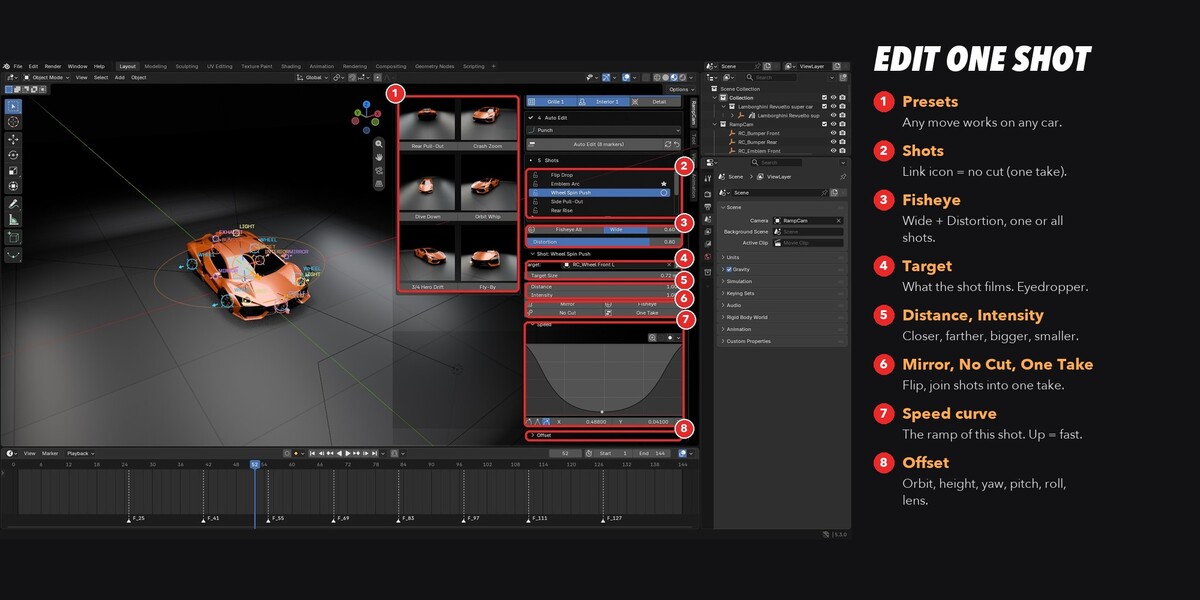
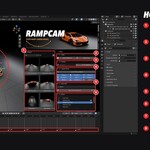
- Presets column: click a move, and the shot under the playhead gets it. Animated thumbnails show each move.
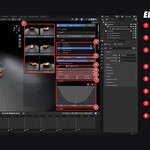
- Speed curve: the speed ramp of the active shot, right in the panel. Up = fast. The lowest point is where the camera lands on the car.
- Target, Distance, Intensity, Mirror and an Offset panel (orbit, height, yaw, pitch, roll, lens).
- No Cut / One Take: join shots into one continuous take. The moves blend into each other on the beat.
- Fisheye: a super-wide, bent look for one shot or all shots, in EEVEE and Cycles.
- Lock and Shuffle: keep the shots you like and get new moves for the rest.
Install
Blender 5.0 or newer. Edit > Preferences > Get Extensions > Install from Disk, pick the .zip. The panel is in 3D View > Sidebar (N) > RampCam. Make the sidebar wide to see the Presets column next to the settings.
Notes
- GPL-3.0. The camera is a normal Blender camera with normal keyframes: bake, export or edit it as you like.
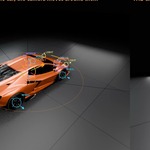
- The car in the pictures is only for the demo and is not included.
- Made by Medel Visuals, from real car-reel work.