 Barat Ovidiu
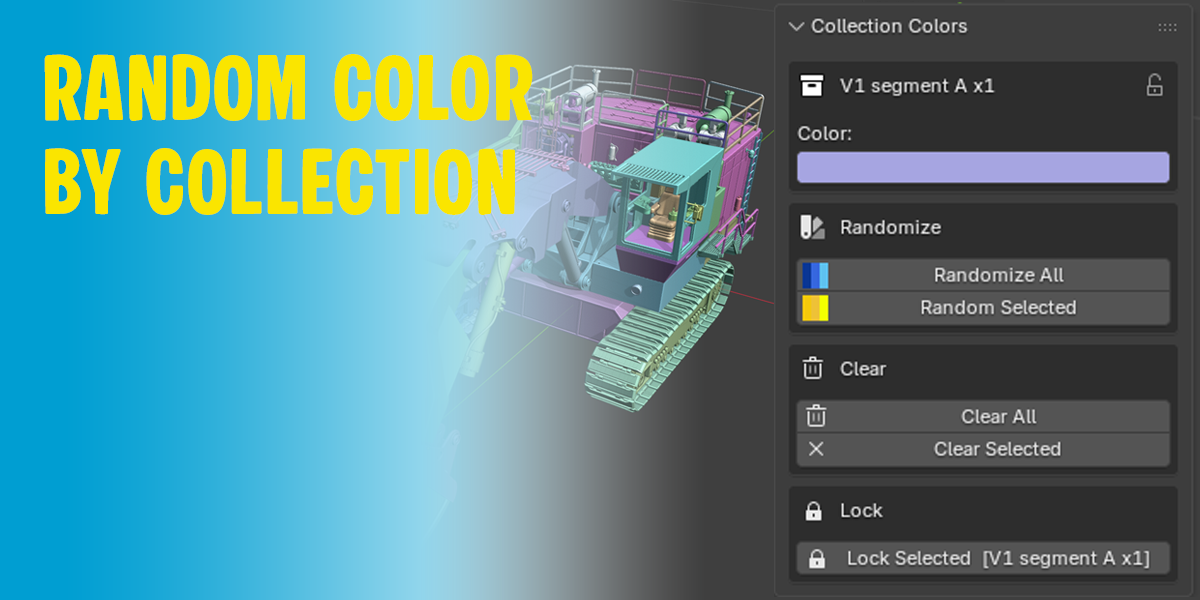
Random Color by Collection is a lightweight addon for Blender that automatically gives every object the color of its collection in the 3D Viewport. Instead of a sea of gray objects, you instantly see which parts of your scene belong together, making large and complex projects much easier to read and navigate.
Use Random Color by Collection to:
* Instantly tell apart walls, props, characters, lights and other groups in busy scenes
* Spot objects that ended up in the wrong collection
* Keep architecture, environment and kitbash scenes clear and organized
* Make blockouts and layouts easier to read for yourself and your team
* Present your scene structure clearly in screenshots and reviews
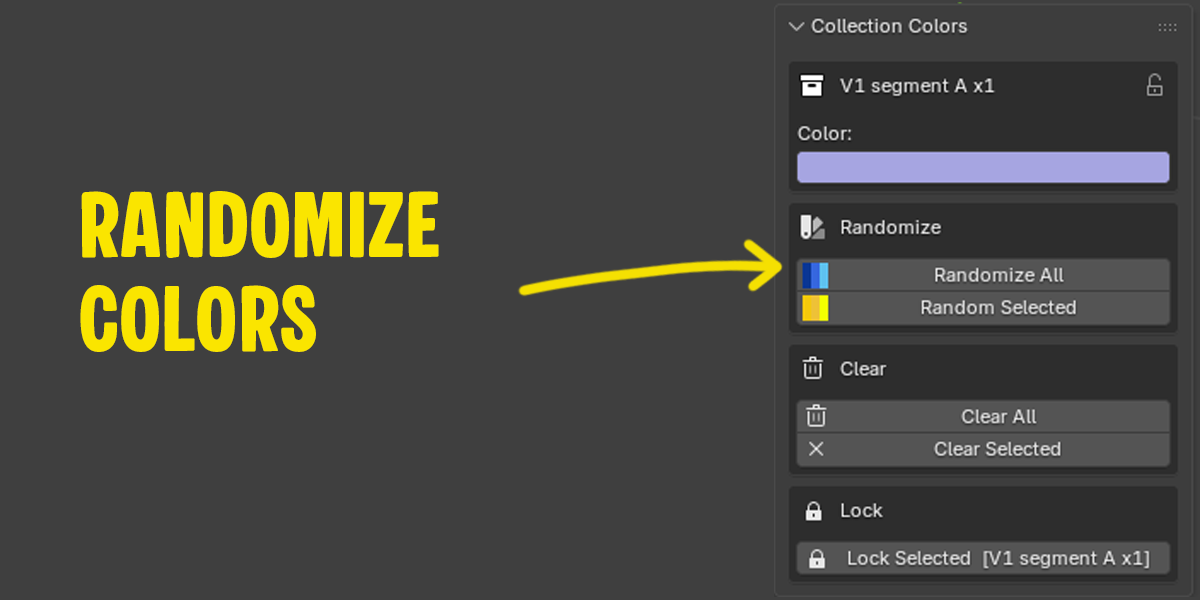
Colors update automatically. Move an object to another collection, add a new object, or change a collection's color, and the viewport follows right away. Randomize gives every collection a clearly different color, spread evenly across the color wheel so neighbouring collections never look alike.
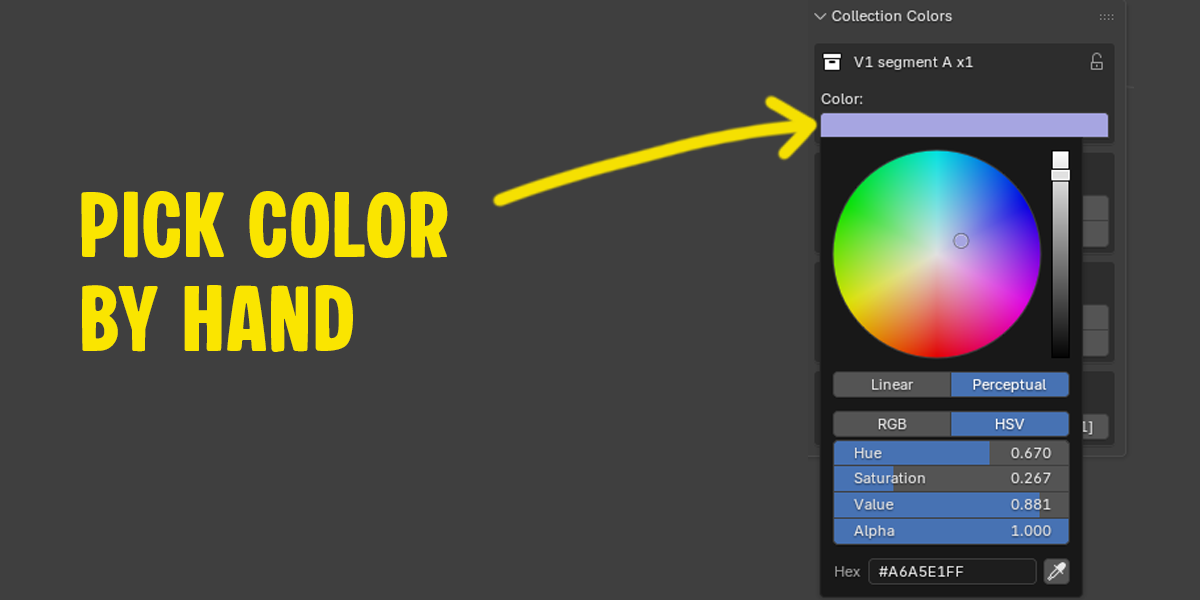
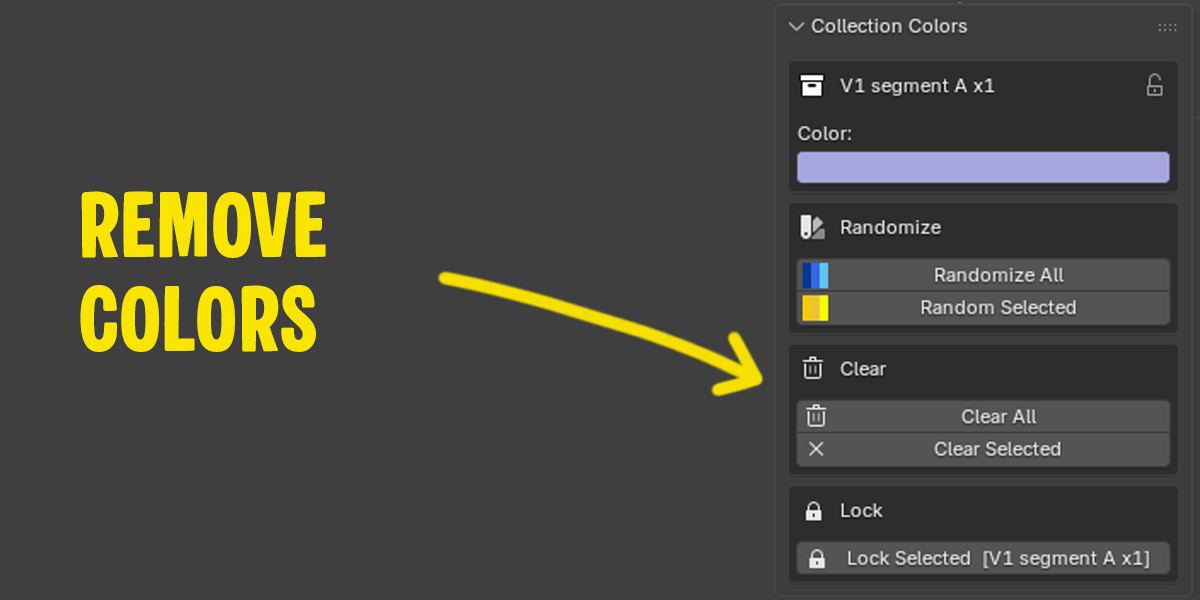
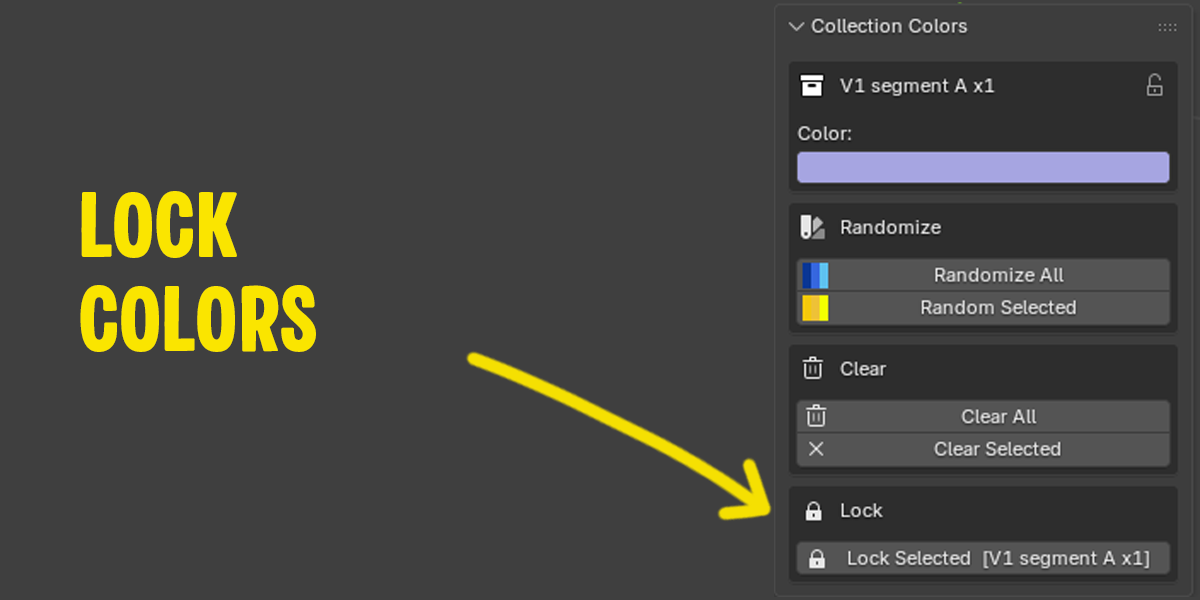
You stay in control. Pick any color by hand with the color picker, randomize everything or only the collections of the selected objects, and lock the collections whose colors you like so they are never changed or cleared. Clearing a color returns those objects to white, while objects you colored yourself are left untouched.
Everything is managed from one simple sidebar panel, colors are saved with your .blend file, and the addon switches the viewport to Object color automatically, so it works the moment you enable it.
Requires Blender 5.2 or newer.