Random Color by Collection
 Barat Ovidiu
# Random Color by Collection Documentation
## Installation
1. Download **random_color_by_collection-1.7.0.zip** (do not unzip it).
2. In Blender go to **Edit › Preferences › Get Extensions**.
3. Click the **˅** drop-down at the top right and choose **Install from Disk…**
4. Select the zip file. The add-on is enabled automatically.
Requires **Blender 5.2 or newer**.
## Where to find it
3D Viewport › Sidebar (**N**) › **Collection Colors** tab.
## How it works
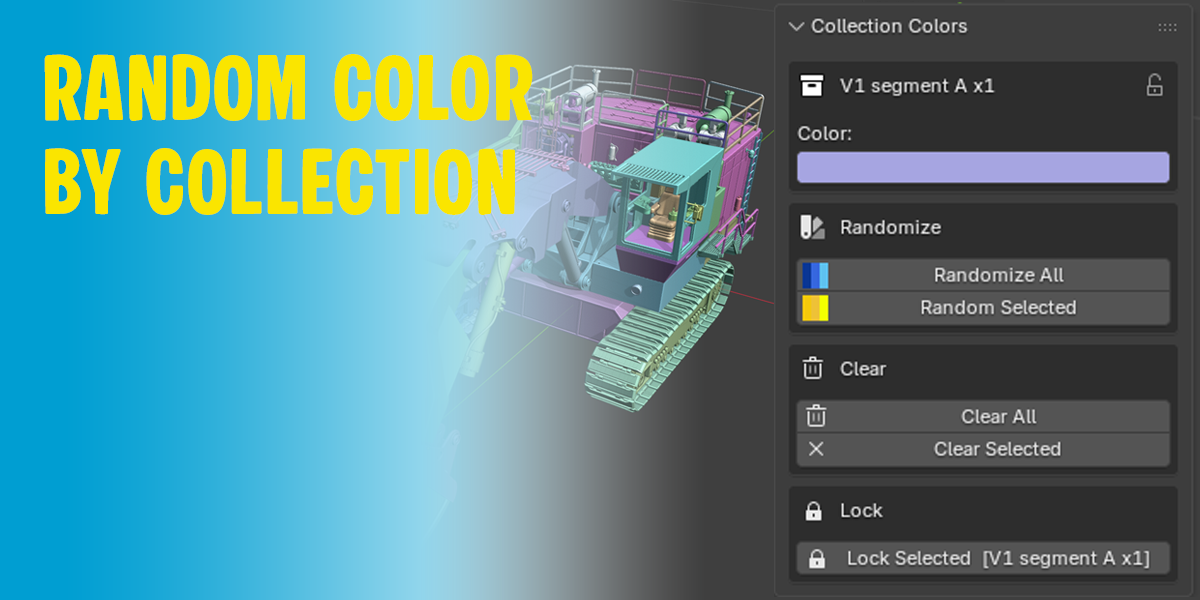
Every collection can have a color. Objects in that collection are shown in that color in the viewport. The add-on automatically sets the viewport shading to **Solid** with **Color: Object**, so the colors are visible right away.
Colors update on their own when you:
- move or link an object to another collection
- add a new object to a colored collection
- change a collection's color
## The panel
### Active collection
Shows the collection of the active object and whether it is locked.
- If the collection has no color yet, click **Assign Color** to give it a random one.
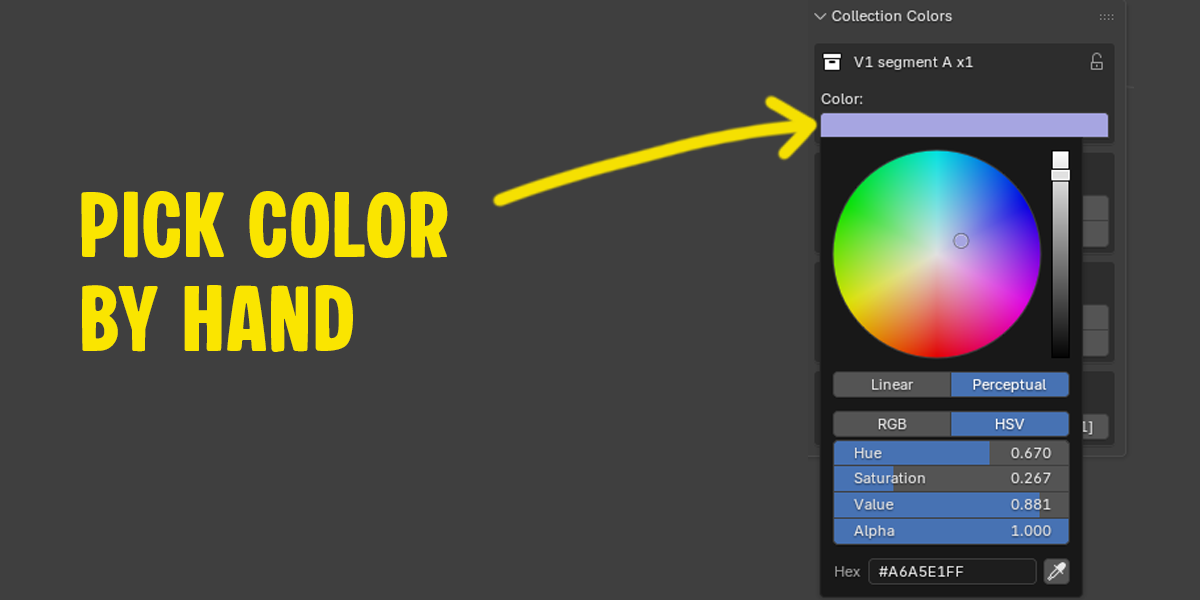
- If it already has a color, use the **Color** picker to choose any color you like.
### Randomize
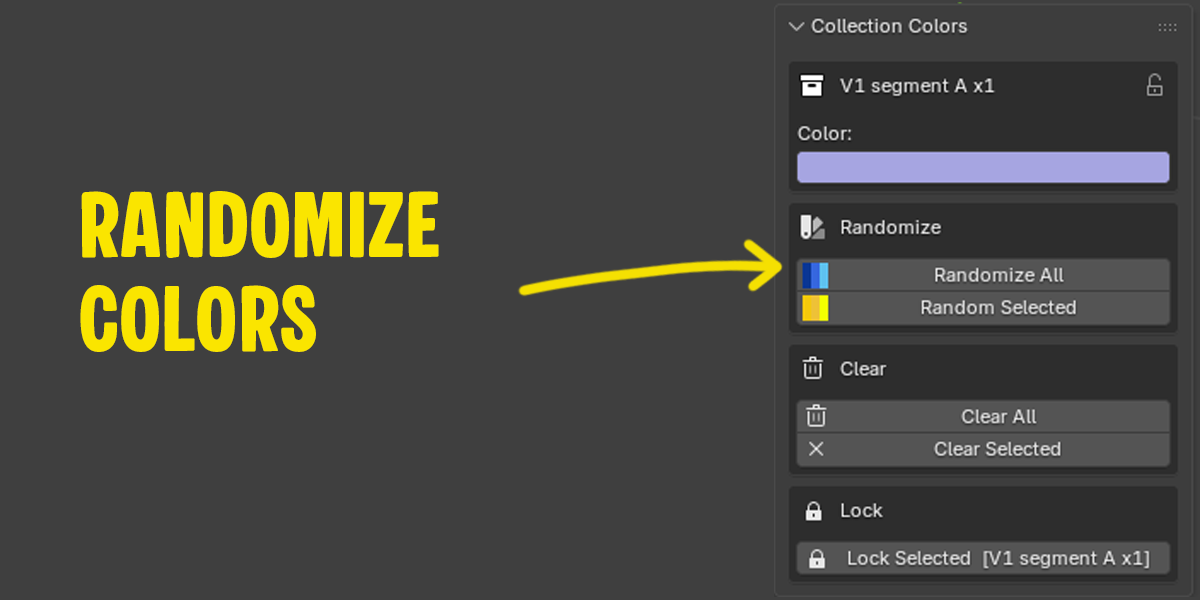
- **Randomize All:** gives every unlocked collection a new color. The colors are spread evenly around the color wheel, so they are always easy to tell apart. Click again for a fresh set.
- **Random Selected:** gives new colors only to the collections of the selected objects.
### Clear
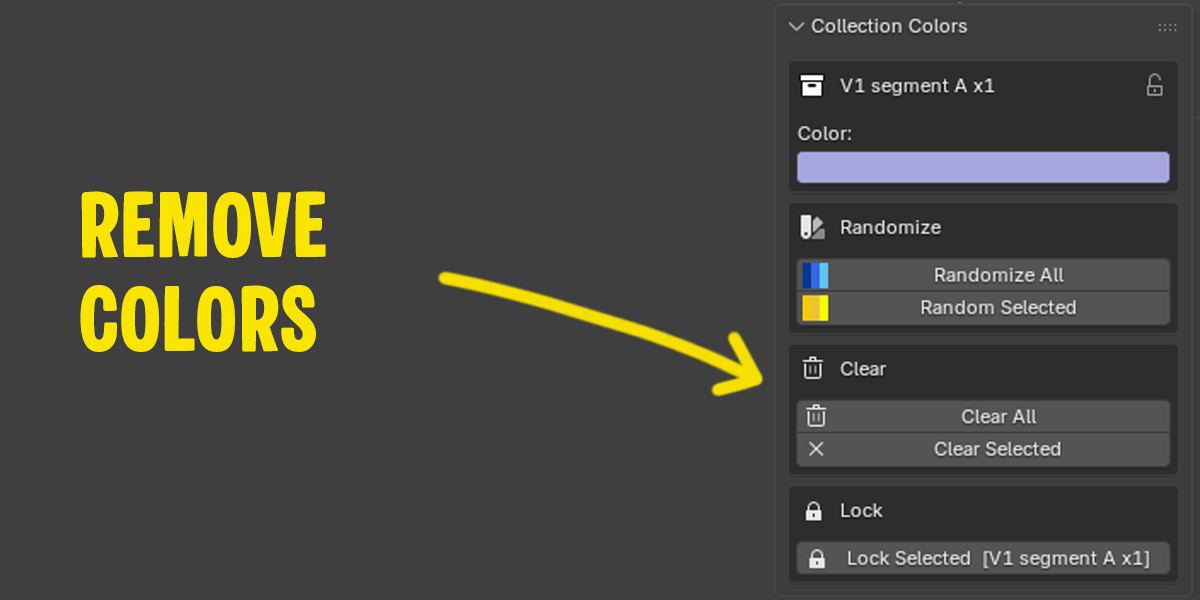
- **Clear All:** removes the color from every unlocked collection.
- **Clear Selected:** removes the color from the collections of the selected objects.
Objects that lose their collection color go back to white. Objects you colored by hand (and that never got a color from this add-on) keep their own color.
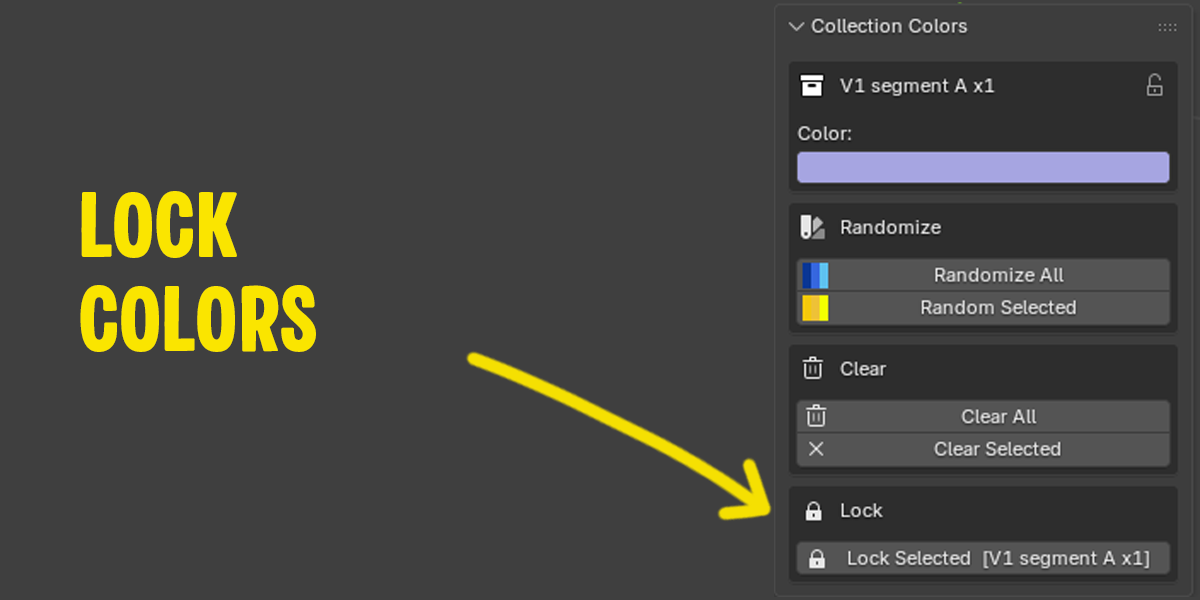
### Lock
- **Lock Selected / Unlock Selected:** locks or unlocks the collections of the selected objects. Locked collections are never changed by Randomize or Clear, but you can still change their color with the color picker.
## Good to know
- If an object is in more than one collection, it takes the color of the first of its collections that has a color.
- Colors are saved in the .blend file.
- The add-on only changes the color, never the transparency (alpha), so it works together with tools that control object transparency.
- Objects linked from other .blend files (libraries) are not changed.
- Object colors are visible in **Solid** shading. They don't change your materials and don't appear in Material Preview, Rendered mode or final renders.
Have questions about this product?
Login to message
| Blender Extension Compatible | Yes |
| Published | about 1 hour ago |
| Blender Version | 5.2 |
| Extension Type | Add-on |
| Render Engine Used | Arnold, Blender-Internal, Blender-Game-Engine, Cycles, Eevee, Freestyle, Luxrender, Mental-Ray, Octane, Vray, Yafaray |
| License | GPL |
Discover more products like this
collections random color Object Color Scene Management collection Workflow solid view color outliner viewport productivity organization