Random Flow
 Blender Guppy
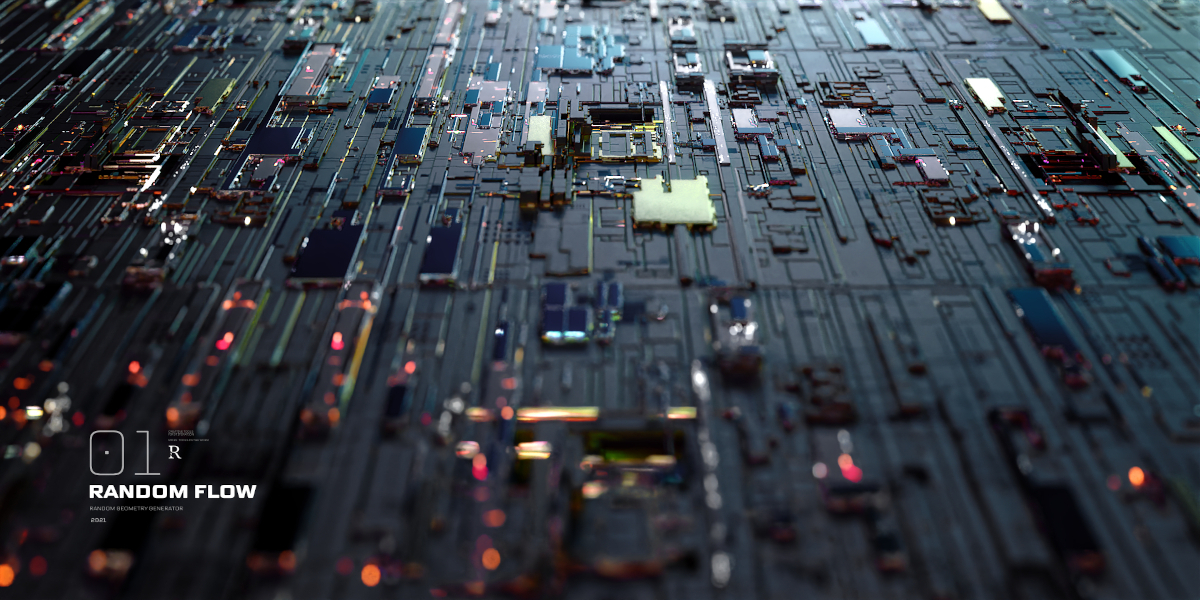
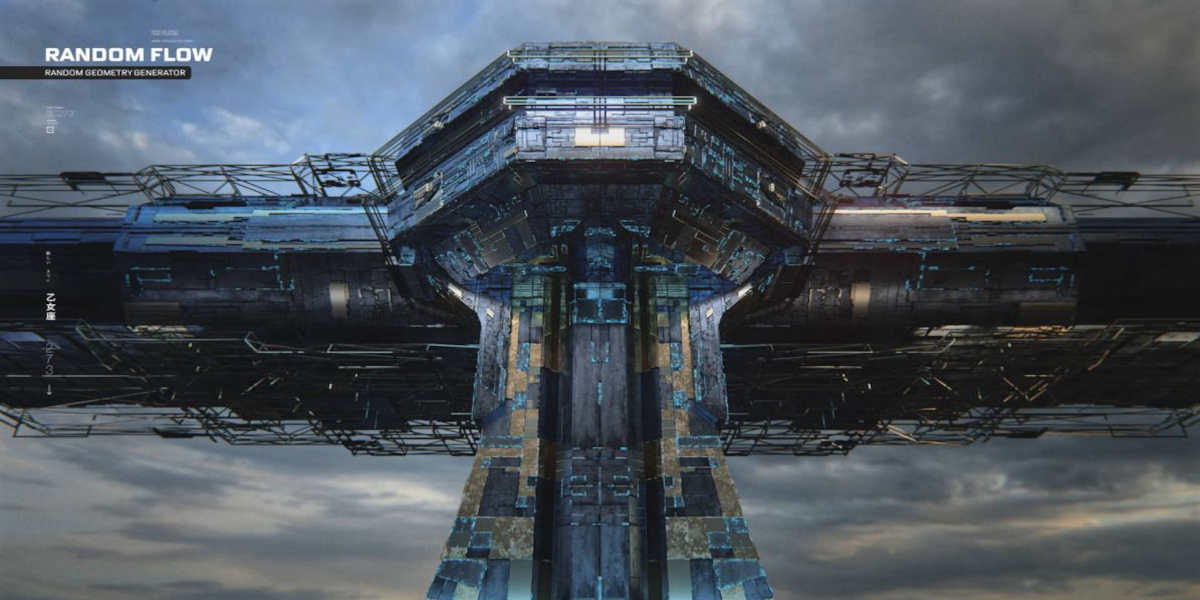
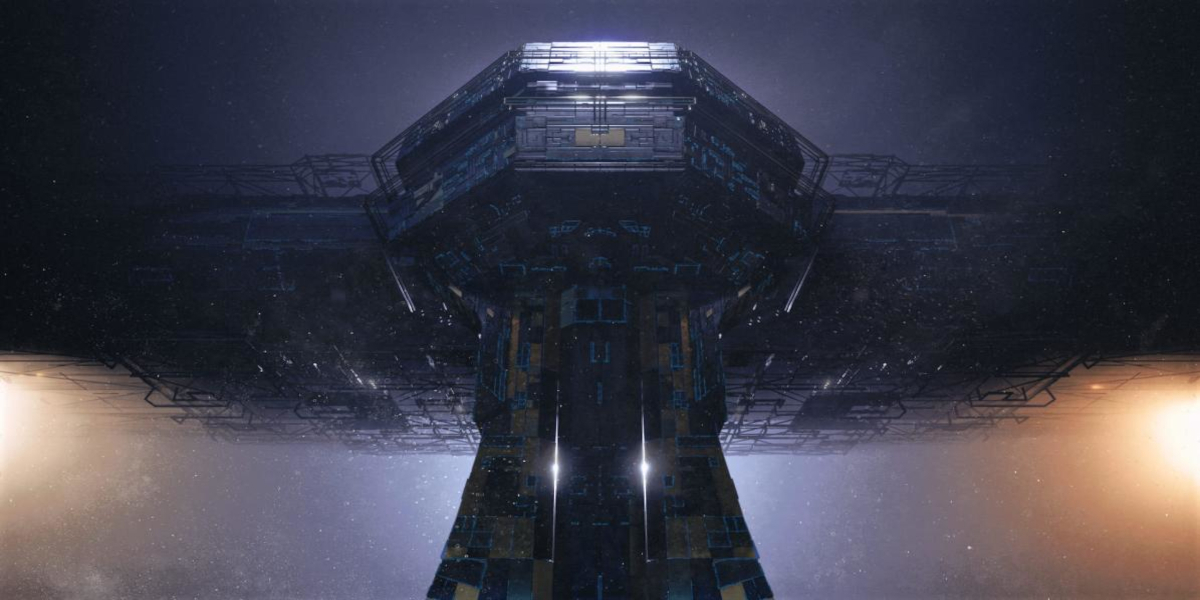



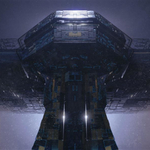
- Added Cut in the geonode feature. This doesn't have offset and just creates panel cuts. Great for baking the details as a texture.
- Clip Center in Random Offset now only clips vertices involved in the operation and not from the entire mesh.
- Random Slice's cut range property no longer defaults to 100 for every operation if its higher than 100. Be careful of this as this was a safeguard was meant to avoid freezes in high resolution selections.
- Random Cable's cable amount property now have a 1000 soft max limit.
- Random Tube's amount property now have a 1000 soft max limit.
- Fix geonode feature not working in Blender 5.2.0.
- Random Vertex Color has a new toggle called Assign Material ID which adds unique vertex colors as material IDs to faces. You can reduce the number of materials
- using the island or object offset parameters.
- Smooth boundary in pre and post smoothing now works properly - also with merge toggle on or off.
- Total overhaul to geonode feature. It now fully relies on the mark only workflow using the Random Panels operator using the unique random solvers of the
- add-on. The geonode now uses the edgesplit or bevel type panel cuts whose offset can be controlled using either random values or vertex color.
Read more here: https://www.blenderguppy.com/add-ons/random-flow/changelog
https://www.blenderguppy.com/add-ons/random-flow/changelog
- Added use skin feature in page 2 of Random Panels. This uses a skin modifier on the panel cut edges that can be used as another or alternative type of tube/pipe layer like Random Tubes.
- Using randomizations on multiple objects will no longer involve non-mesh to avoid error message.
- Area smooth toggle in pre-smooth and post-smooth parameters in Random Panels are now on by default.
- The tag faces feature will now use colored masks (vertex color). red for Clear, blue for Split and green for Mask.
- Added new preset for Random Panels called "square_merge_panel" which will have the merge panel and face tags on.
- When face tags is activated in Random Panels, a new setting called Uniform Split will appear which when turned on will show another setting in the Extrude dropdown section called Split Mask
- that will have two parameters which will let you control the thickness and depth of the areas using Split face tags independently.
- Added a new toggle in the subdivision dropdown section of Random Panels called Smooth Boundary. This will let you avoid smoothing non-manifold edges or boundary verts which is useful
- to keep the boundary shape when not using the merge panel toggle.
- Fixes for Random Panels presets to match with the new parameters.
https://www.blenderguppy.com/add-ons/random-flow/changelog
- Added a bevel feature to Random Offset with corresponding presets: extrude bevel and intrude bevel.
- Added label names to appended materials so it can better be managed.
- Added a new operator called Random Bevel that can randomize beveling (destructive) on face groups or separate face islands in a mesh or meshes.
- Added a bevel feature in Random Panels that can be found in the bevel tab using the sharp type. Legacy is the corner type that bevels the corner edges. This functionality resembles the Random Bevel operator but is baked to the operator.
- Added page 1-2 to Random Panels and Random Loop Extrude to fix the issue of the growing UI. This only activates for Inset and Sharp type for now since the Bevel type redo panel UI is not that long.
- Random Loops Extrude, Random Panels, Random Slice, Random Axis Extrude, Random Cells, Random Scatter, Random Tubes, Random Symbols, Panel Screws, Plate Insets and Quick Displacement now works for multiple objects selected. This works well with low poly selections to quickly iterate through randomizations without using the operators on every singe object. Be aware though that increased resolution in selected meshes can affect operator processing speed.
- Added 1/2/3 hotkeys to Auto Mirror that represents the XYZ axis respectively.
- Random Cells has a new parameter called Align Axis in the auxiliary tab that will let you line up the lights in the x, y and z axis.
- You can now set the minimum number of faces using Random Cells. If an island has less than the value of the Minimum Size parameter then it will be removed. This essentially combines well with the new Align Axis parameter for creating lights for buildings or spaceships allowing you to remove noise or islands that have fewer number of faces than the minimum.
- Random Panels and Random Loop Extrude has a new parameter called Split Crease in the auxiliary tab that will split creased edges. This lets you avoid geometric errors on certain areas by creasing edges. This behavior will activate on crease values that are more than zero.
- Added a new section in Random Scatter that can subdivide the resulting scatter objects - exposed for others suggested use is only for cube type as increased resolution for hires scatter objects can lead to lag or freezes. You can use the fractal parameter to create random displacement without even subdividing.
- Added an overlay color mix node to control the strength of the Vertex Color in the grunge materials by raising or lowering the value of the color B.
- Added the offset parameter in the Cavity Mask shader group to randomize the distribution of the texture.
- Added the invert parameter in the Cavity Mask shader group to invert the colors.
- Added the rflow_metal_v2 material which is another version of the rflow_metal original variant that inverts the cavity mask making the edge wear the more apparent attribute.
- Added a new toggle in Random Animation called Split Mesh. This can be used in combination with Random Scatter to generate individual animations for the scatter objects by splitting them apart based on face islands. The resulting meshes are grouped in a collection for easy selection and outliner management.
- Fixed error in Random Symbols when space offset parameter min is higher than the maximum generating the empty range error. Apparently, int randomization will not switch min/max if e.g. min is higher compared to using float.
- Fixed Random Animation not working for Blender 5.0. This goes for both Axis and Path type.
- Changed default settings of Axis type in Random Animation to start out with slower animation.
- Changed bump values of grunge materials/shaders to 0.05.
- Slight modification to the hue/saturation of the Quick Dirt and Cavity shader group nodes.
- The Edge Mask shader group node and the bevel node in the grunge materials/shaders now share a single value from a value node called Bevel Radius.
- Added attribute node with color attribute Vertex Color which is made by both Random Flow and Creative Flow with their vertex color operators in the grunge materials/shaders. You can now just switch to this color by setting the mix factor to 1 instead of adding the whole setup from the saart. (This entails that you have created the vertex color first using the said add-ons.)
- Presets are now in the add-on directory itself and there is no need to manually install them. You have to delete the presets that you have installed before in the address location in the preset installation page: https://www.blenderguppy.com/add-ons/random-flow/presets in order to avoid duplicates. Do not touch the one in the add-on directory.
 Included
Includes 12 months of
- Support from Blender Guppy
- Product updates
Extend this product’s Support Period +12 months: 50% of product price
Have questions before purchasing?
Login to message
| Blender Extension Compatible | Yes |
| Sales | 14600+ |
| Rating | 54 ratings |
| Published | about 5 years ago |
| Blender Version | 3.6 - 5.2 |
| Extension Type | Add-on |
| Render Engine Used | Cycles, Eevee |
| License | GPL |
Discover more products like this
Randomizer hard surface prototyping Generator concept art greebles organic modeling loveblender