 Meshwright
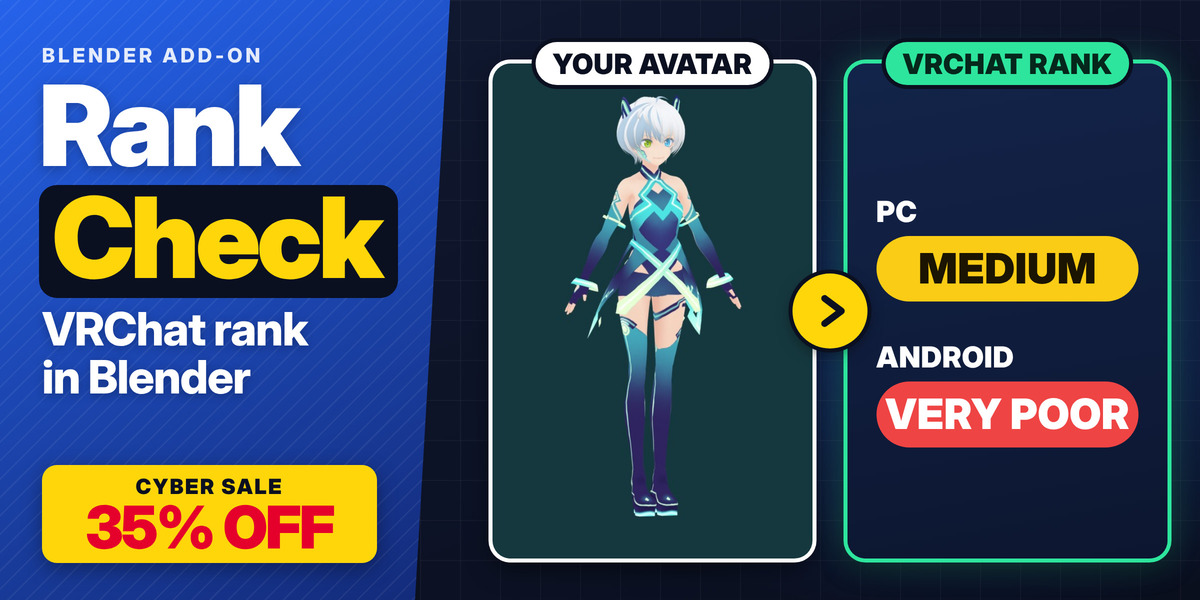
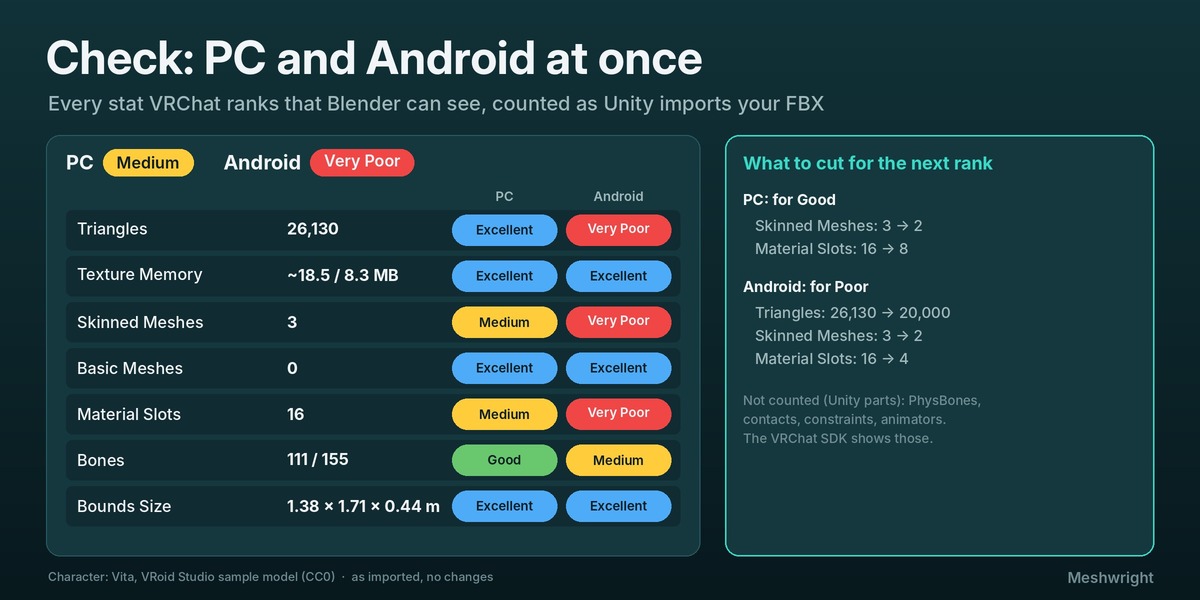
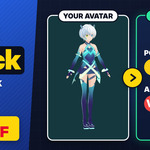
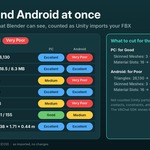
You upload, and Unity says Poor. Or Very Poor on Quest, where other players see a fallback avatar instead of yours by default. Then it is back to Blender, export again, import again, and still the same rank. RankCheck shows the rank in Blender, while you work: the same stats VRChat uses, counted the way Unity imports your FBX, for PC and Android at once.
How it works
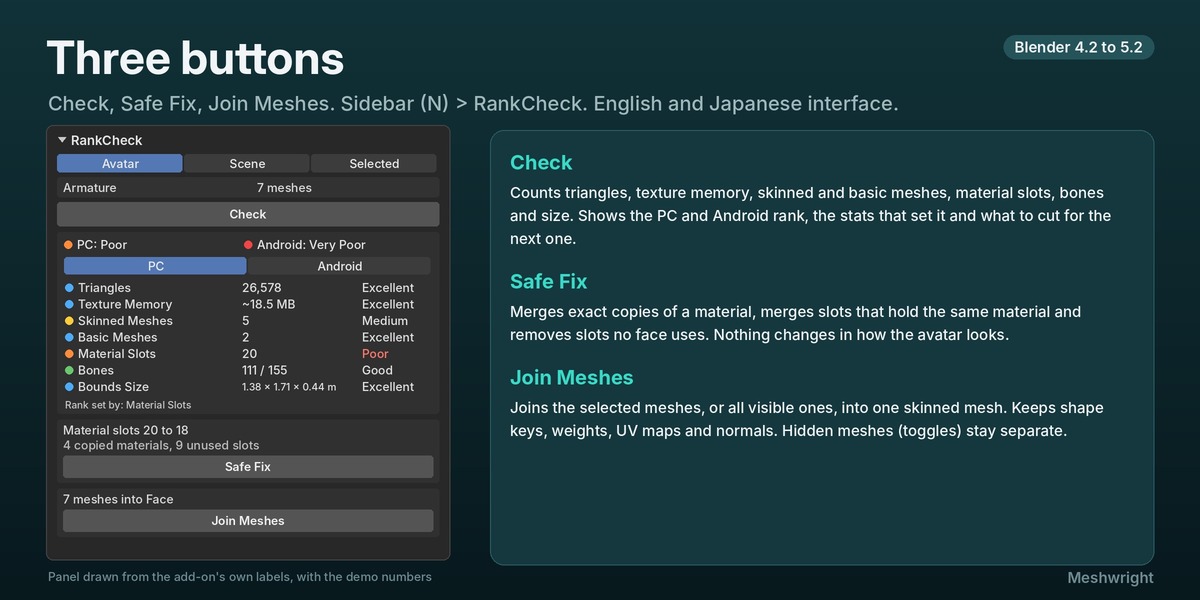
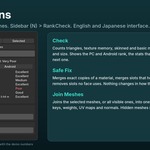
- Select the avatar's armature (or any of its meshes). Open the RankCheck tab in the sidebar (N).
- Press Check. You see the PC and Android rank, every stat with its own rank, the stats that set the rank and what each one must drop to for the next rank.
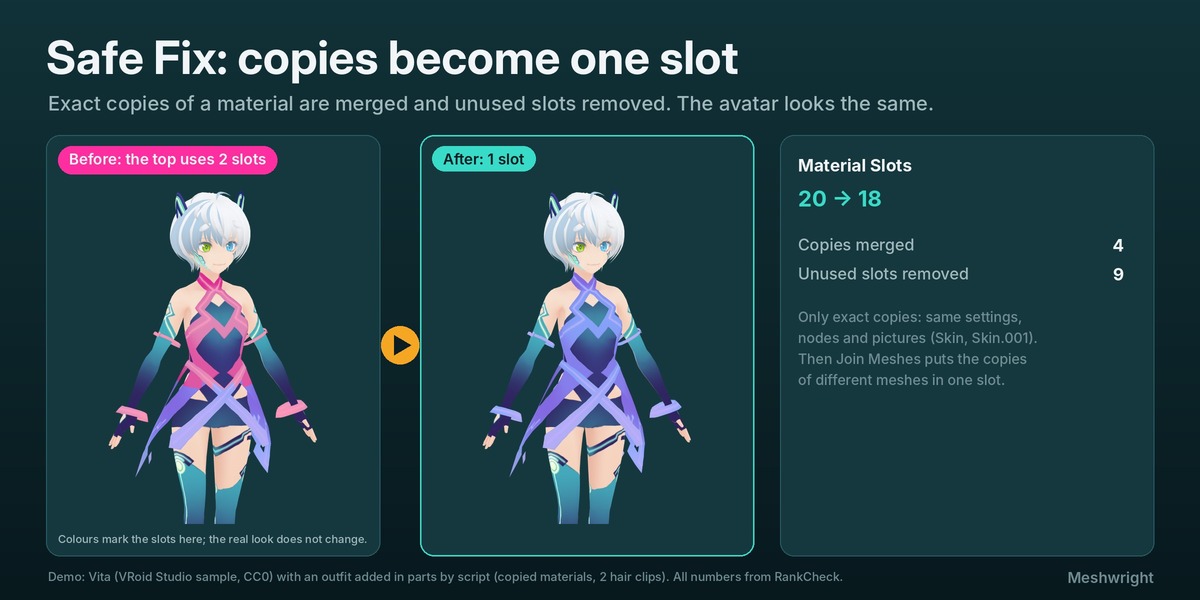
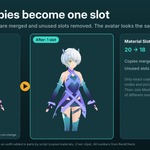
- Press Safe Fix to merge copies of a material (Skin and Skin.001) and remove empty material slots.
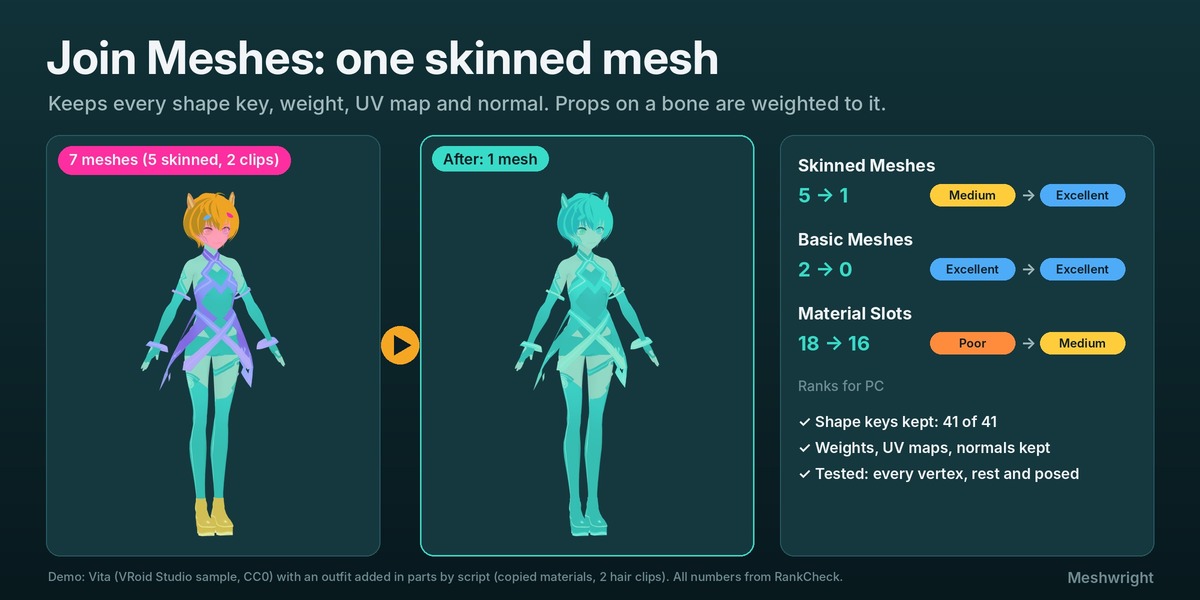
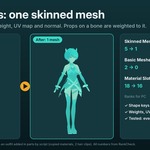
- Press Join Meshes to join the visible meshes (or the selected ones) into one skinned mesh.
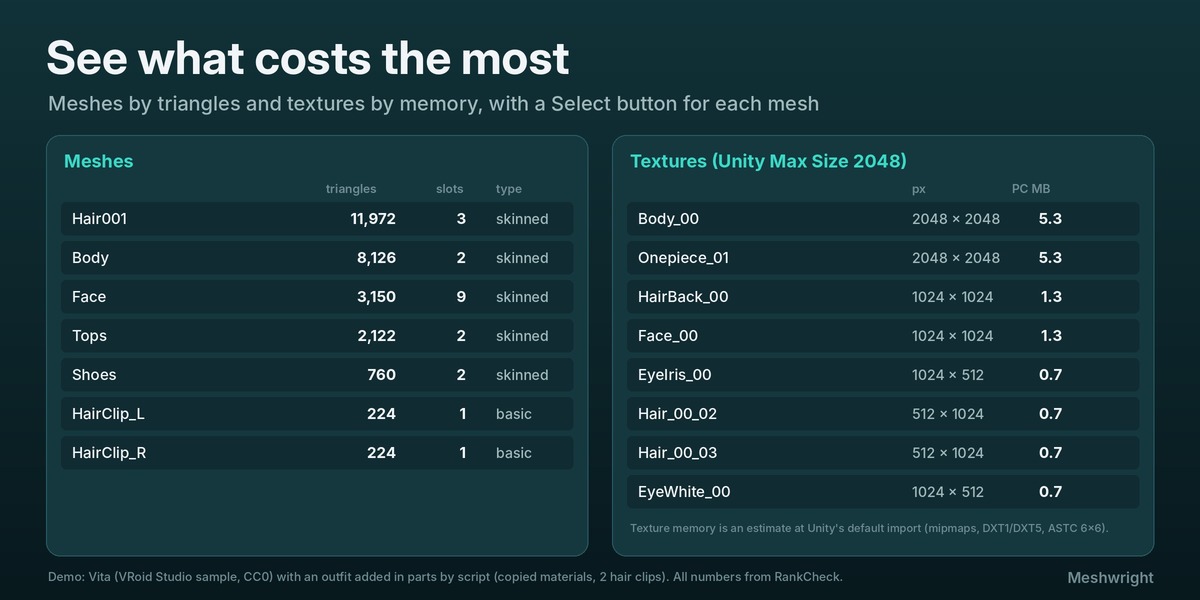
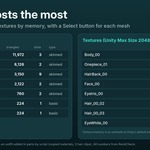
- Open Details to see the meshes by triangles and the textures by memory, with a Select button for each mesh.
What it counts
- Triangles of every mesh after modifiers (a Subdivision modifier you forgot shows up here), hidden meshes too, as VRChat counts toggled off meshes.
- Skinned Meshes and Basic Meshes: a mesh with an armature or with shape keys is a Skinned Mesh in Unity; a prop parented to a bone is a Basic Mesh.
- Material Slots the way the FBX export and Unity make them: a material used twice in one mesh is one slot, a slot no face uses is none.
- Bones that hold weights (Unity's Strip Bones import option, on by default), or all bones if you switch it.
- Bounds Size in meters, in the rest pose.
- Texture Memory, estimated at Unity's default import: Max Size 2048 (you can change it), mipmaps, DXT1 or DXT5 on PC, ASTC 6x6 on Android.
- Limits from VRChat's published Performance Ranks table, for PC and for Android (Quest).
What the fixes do
- Safe Fix merges materials that are exact copies (same settings, nodes and pictures), merges slots of one mesh that hold the same material and removes slots that no face uses. The avatar looks exactly the same.
- Join Meshes keeps every shape key (it adds a Basis when only the other meshes have keys), every weight, the UV maps (matched by their order, so the first UV map stays first), the normals and the materials. A prop parented to a bone is weighted to that bone first, so it moves exactly as before. Hidden meshes stay separate, so your toggles keep working. Meshes with other modifiers or another armature are left out, with the reason.
- One undo brings everything back after either fix.
- English and Japanese interface.
What it does not do
- It does not lower triangles, merge textures into an atlas, resize images or merge bones. It tells you how much each of those must drop.
- It cannot see Unity parts: PhysBones, contacts, constraints, animators, particles, lights and audio. The VRChat SDK in Unity gives the final rank.
- Texture memory is an estimate: it uses Unity's default import settings, not yours.
Tested
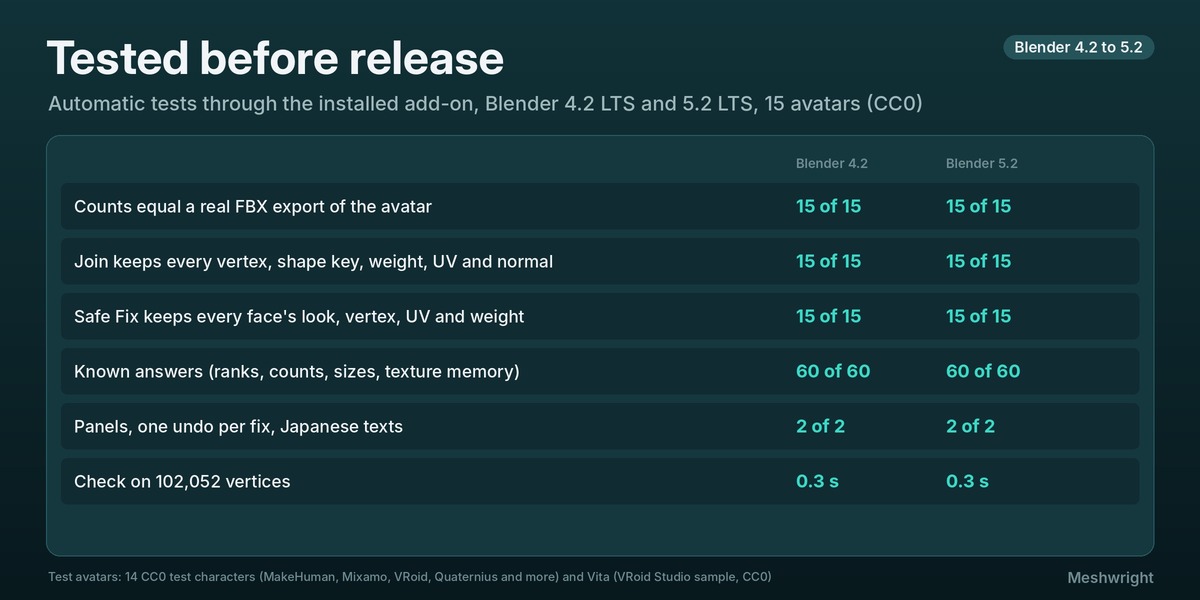
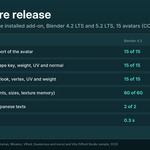
Blender 4.2 LTS and 5.2 LTS, automated tests through the installed add-on, all passing: the counts equal a real FBX export of the avatar on 15 test avatars (Mixamo, VRoid / VRM, Rigify, MakeHuman, Quaternius and more), Join Meshes keeps every vertex in the rest pose and in a bent pose, every shape key, weight, UV and normal on the same 15 avatars, Safe Fix keeps every face's look, plus known answers for ranks, counts, sizes and texture memory, one undo for each fix and the Japanese texts. Check takes 0.3 seconds on a 102,052 vertex avatar.
Install
Edit > Preferences > Get Extensions, the arrow menu at the top right, Install from Disk, pick rankcheck-1.0.0.zip. Or drag the zip into Blender. The RankCheck tab appears in the 3D Viewport sidebar (press N).
Character in the pictures: Vita, a VRoid Studio sample model (CC0). In the fix pictures an outfit was added in parts by script (copied materials and 2 hair clips), as happens when parts come from other files; every number is RankCheck's own result.
More Meshwright tools for VRChat avatars:
- FaceKeys: VRChat native face tracking keys, Unified Expressions and ARKit.
- Outfit Refit: fit any outfit onto your avatar, even without the original avatar.
- HeadWrap: automatic head retopology with eyes and teeth.