RankCheck: VRChat Performance Rank in Blender for PC and Quest, With Safe Fixes
 Meshwright
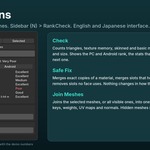
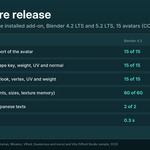
Install: Edit > Preferences > Get Extensions > arrow menu (top right) > Install from Disk > rankcheck-1.0.0.zip. Blender 4.2 or newer. Nothing else is installed or downloaded.
Check
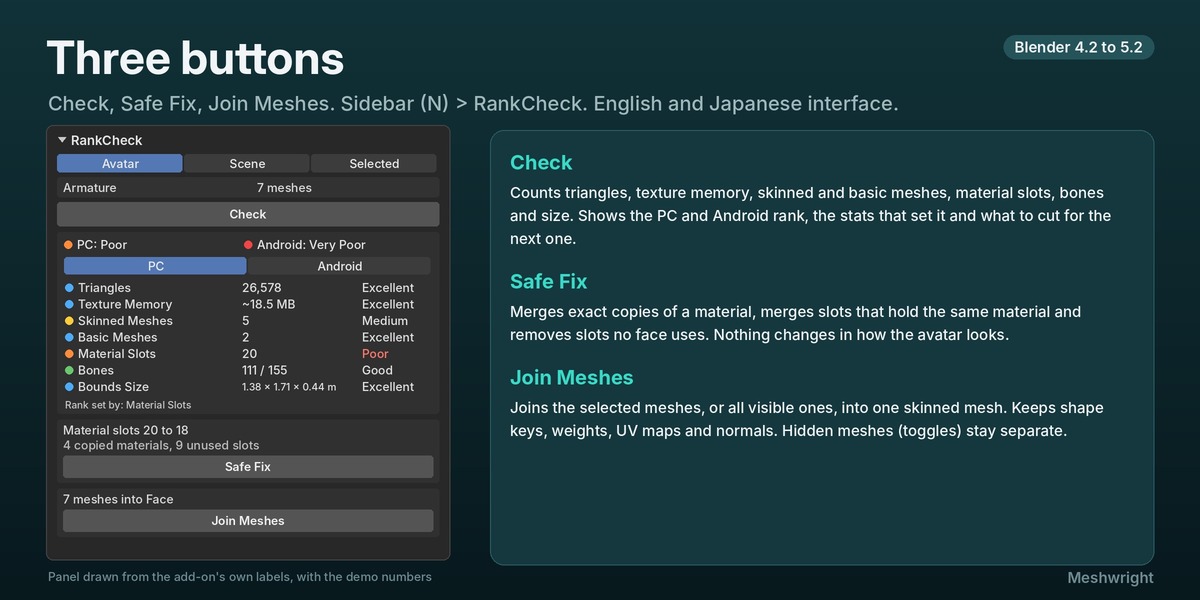
- Scope: Avatar (the armature and every mesh skinned to it or parented under it), Scene (every mesh in the scene, as an FBX export of the whole scene) or Selected (the selected meshes).
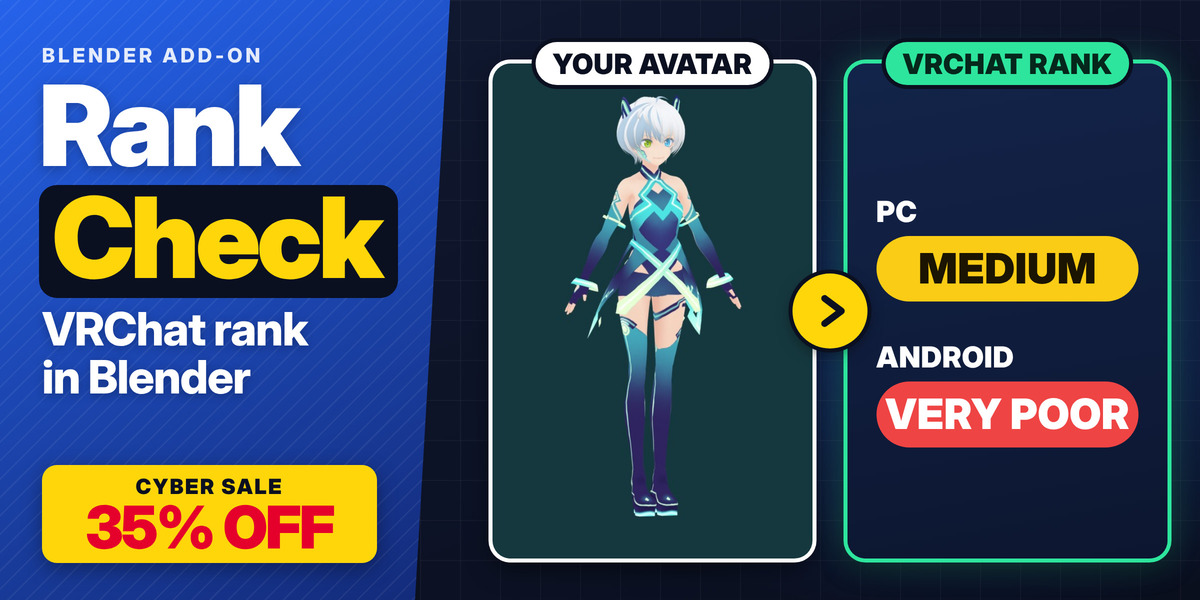
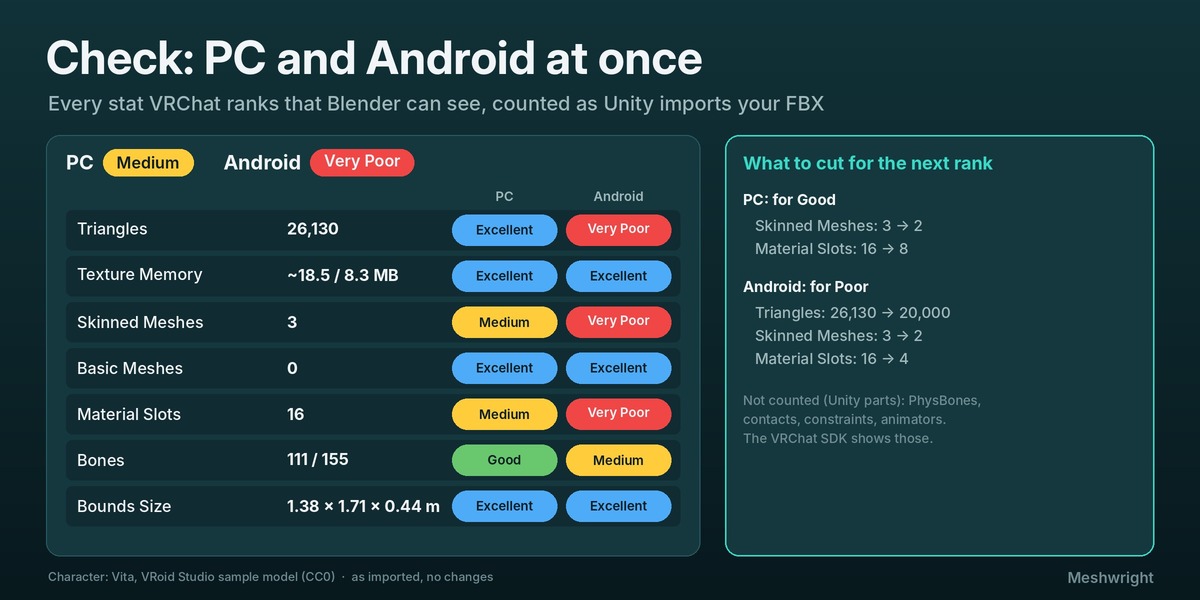
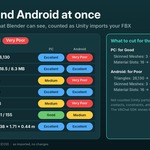
- Press Check. The top line shows the PC and Android rank. PC / Android switches the table.
- Each row shows the value and its rank (colour and name). Bones shows "weighted / all".
- "Rank set by" names the stats that hold the rank down; "For Good" (or the next rank) lists what each must drop to.
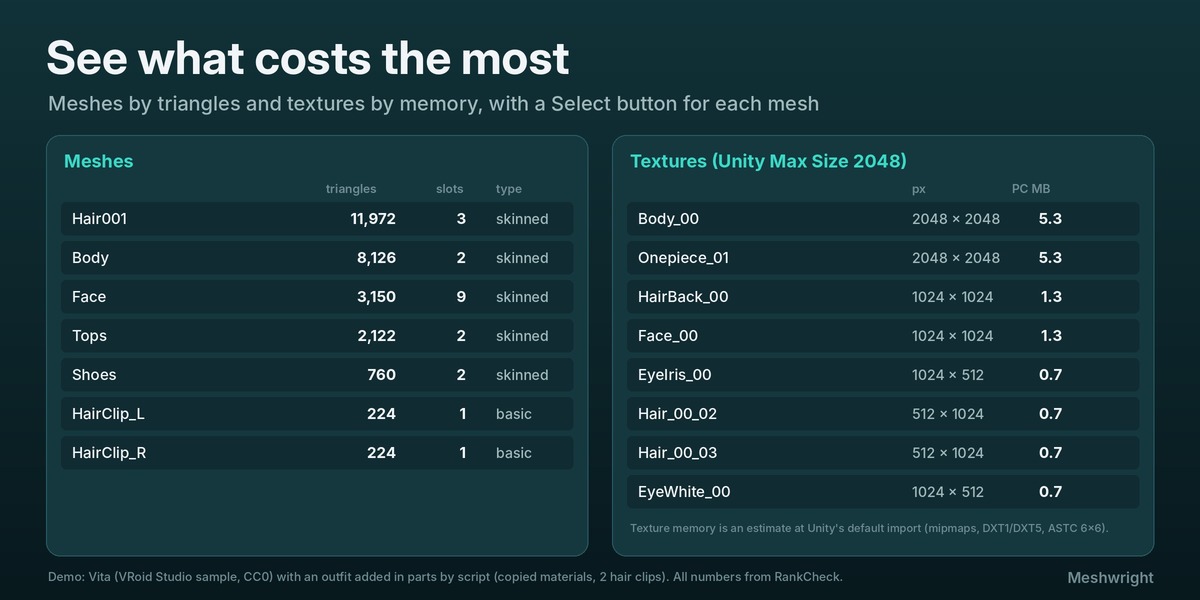
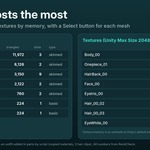
- Details: meshes by triangles (Select button for each), textures by memory, notes (hidden meshes, Subdivision modifiers, images over Max Size, missing images). Copy Report puts the result on the clipboard as text.
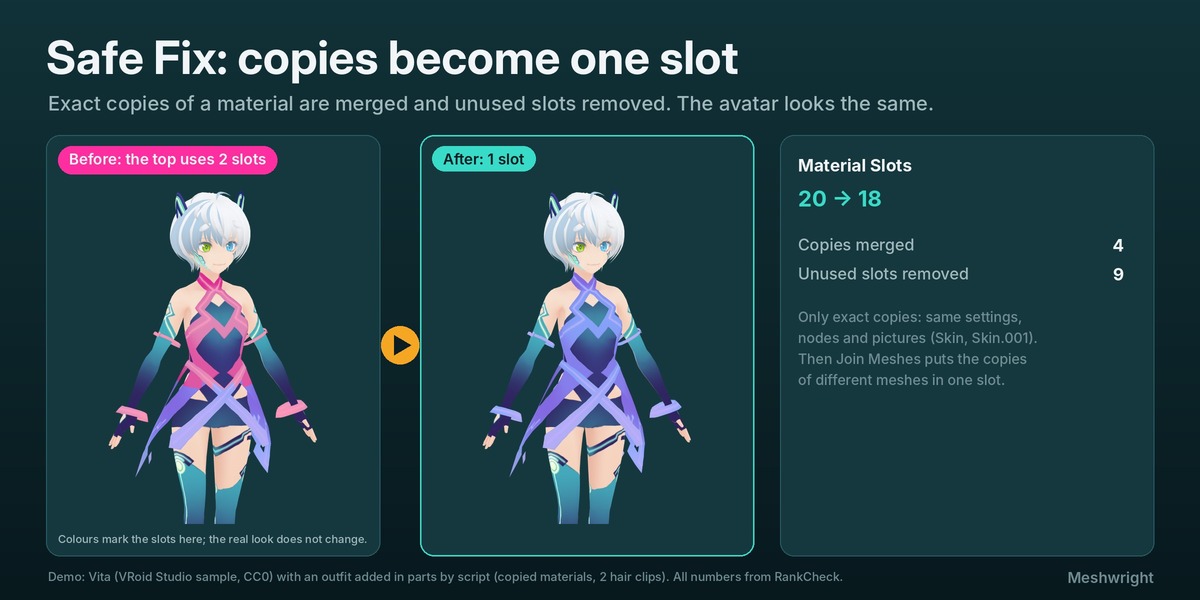
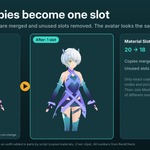
Safe Fix: merges exact copies of materials, merges repeated slots and removes unused slots on the meshes in the scope. The panel shows the material slot count before and after first.
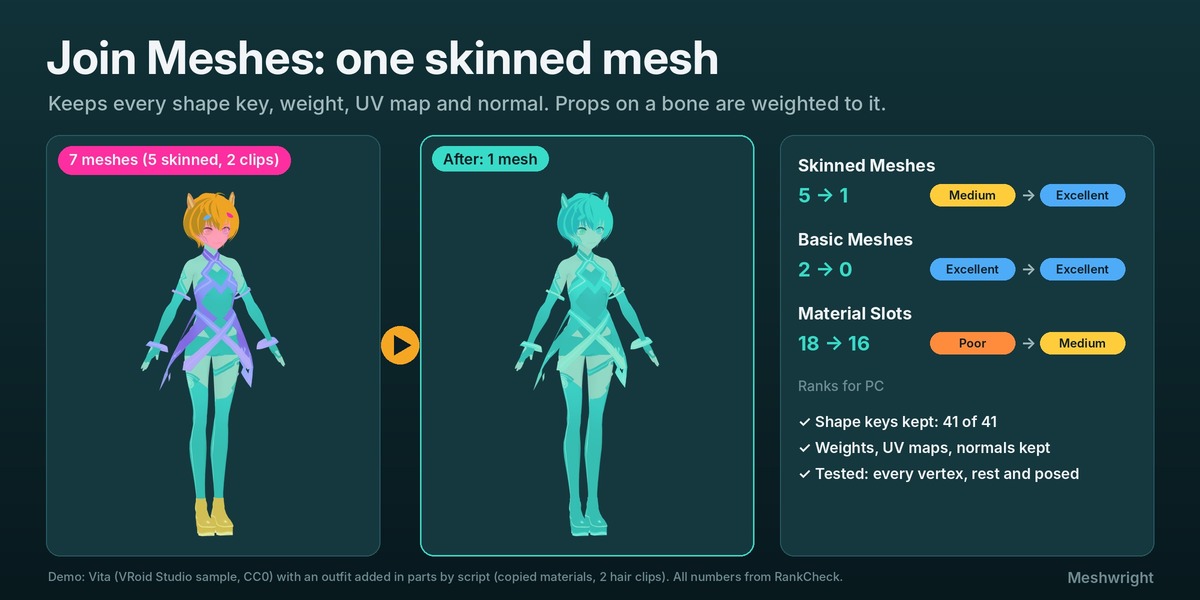
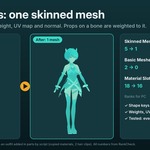
Join Meshes: Selected or All Visible (default: the selected meshes, or all visible ones when fewer than 2 are selected). The panel shows which meshes join into which and the new counts first. The mesh with the face shape keys keeps its name. Meshes that cannot be joined safely are listed with the reason (other modifiers, another armature, no material).
Settings: Max Texture Size (Unity's Max Size, 2048 by default) and Bones Counted (Weighted Bones or All Bones).
Tips
- Toggles: hide the meshes you toggle in VRChat before Join Meshes, or select only the meshes to join.
- After joining, the face shape keys are in the joined mesh: pick it as the Face Mesh in the VRChat Avatar Descriptor.
- Quest (Android) allows 1 material slot for Good: you need a texture atlas for that; RankCheck shows how far you are.
Have questions about this product?
Login to message
| Blender Extension Compatible | Yes |
| Published | 1 day ago |
| Blender Version | 4.2 - 5.2 |
| Extension Type | Add-on |
| License | GPL |
Discover more products like this
vroid avatar join meshes Quest materials fbx performance optimization vrchat game ready shape keys unity