 eFcoelum

RATOM Pro
Random & Animated Transforms for Object Collections
Randomize location, rotation and scale across object collections, add procedural wiggle, stagger the timing across objects, and bake the result to native keyframes, without setting up Geometry Nodes.

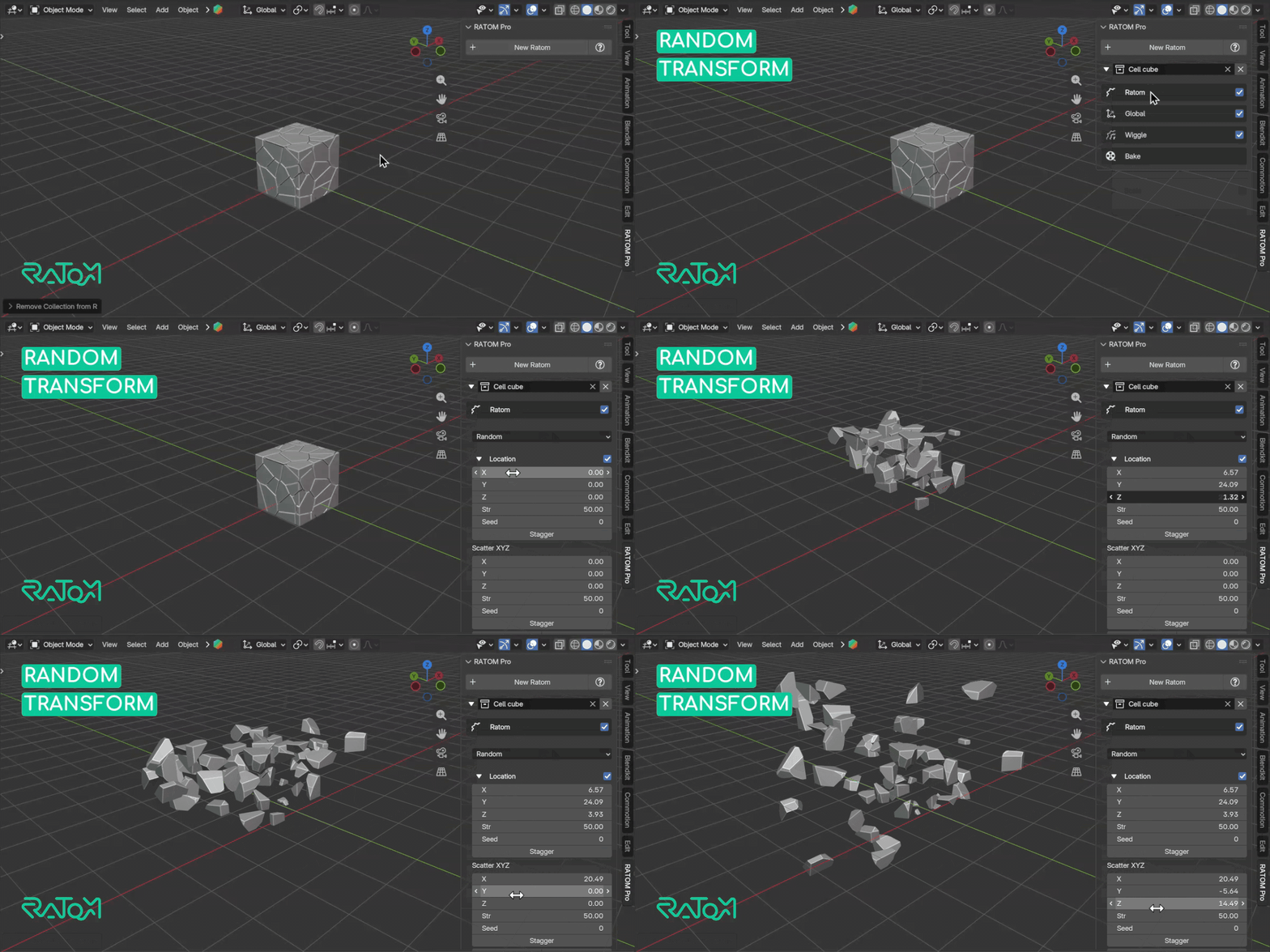
1. Random Transform Location
Scatter and offset object positions across XYZ axes without manual placement.
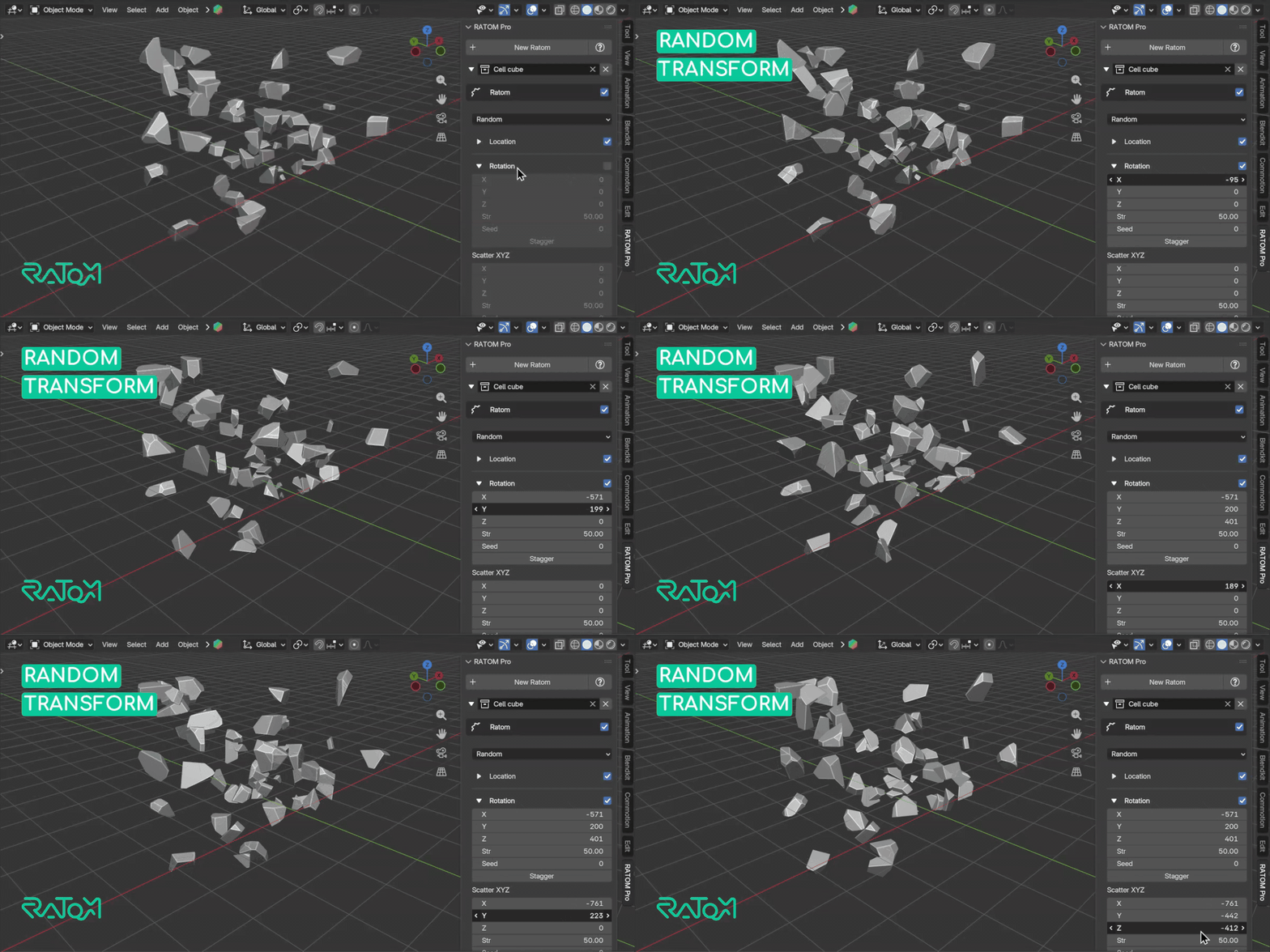
2. Random Transform Rotation
Add natural rotation and angle variation to individual objects in seconds.
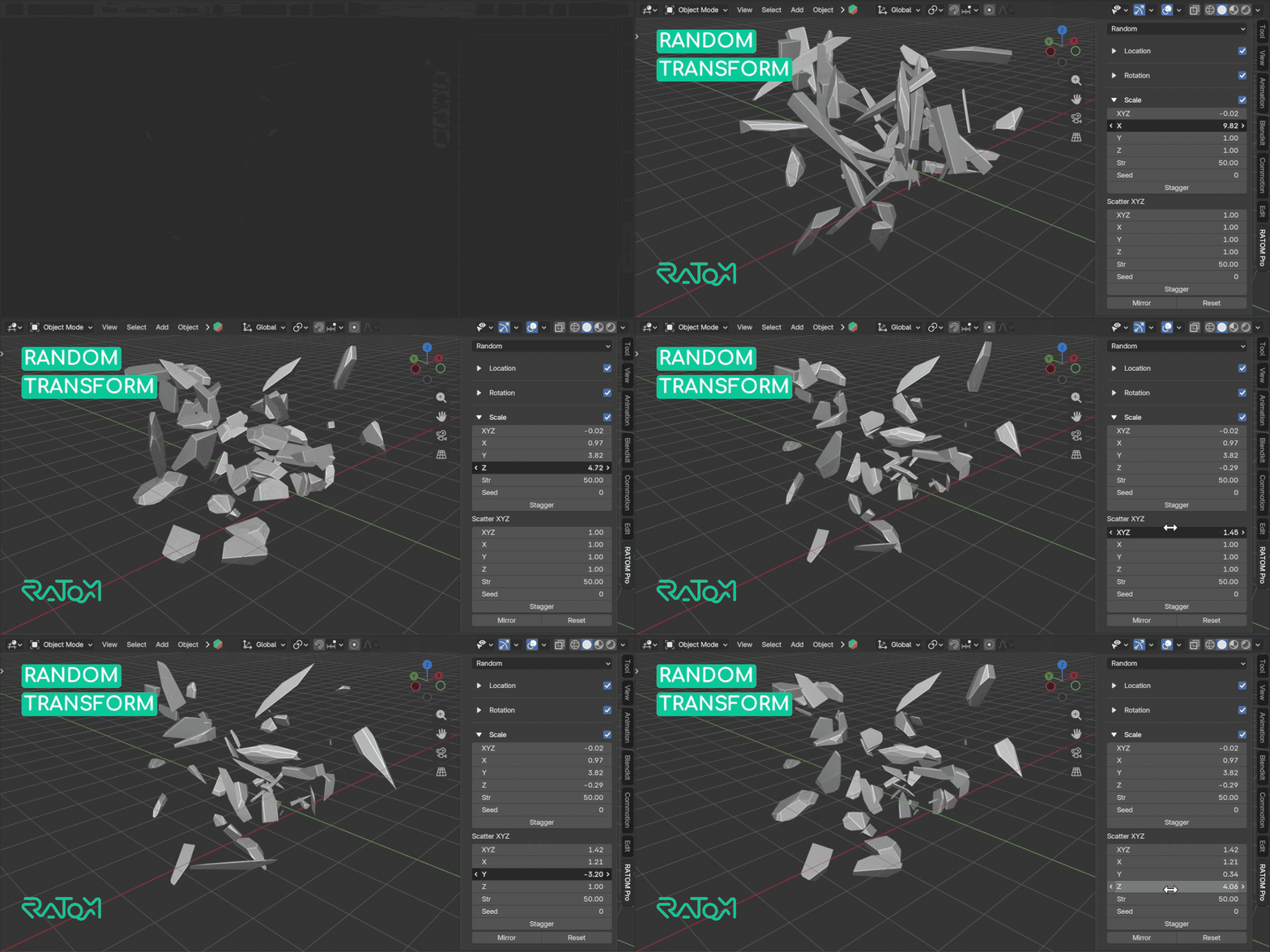
3. Random Transform Scale
Create size variation uniformly or per axis, proportional to each object’s own size.
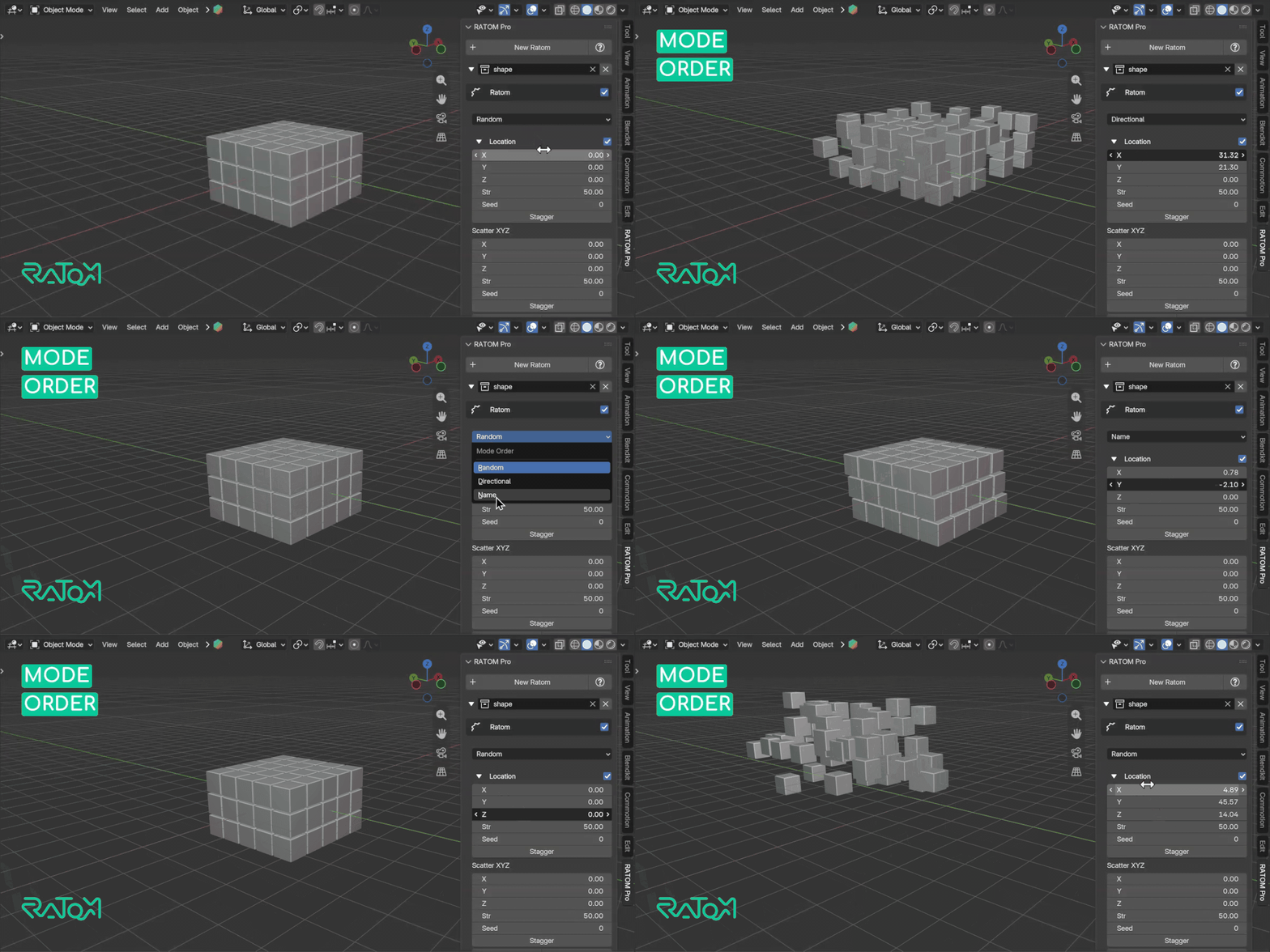
4. Mode Order
Choose how Random Location is shared across objects. Random gives each object its own amount, Directional grows the offset toward the slider’s direction so objects move apart without passing through each other, and Name follows alphabetical order.
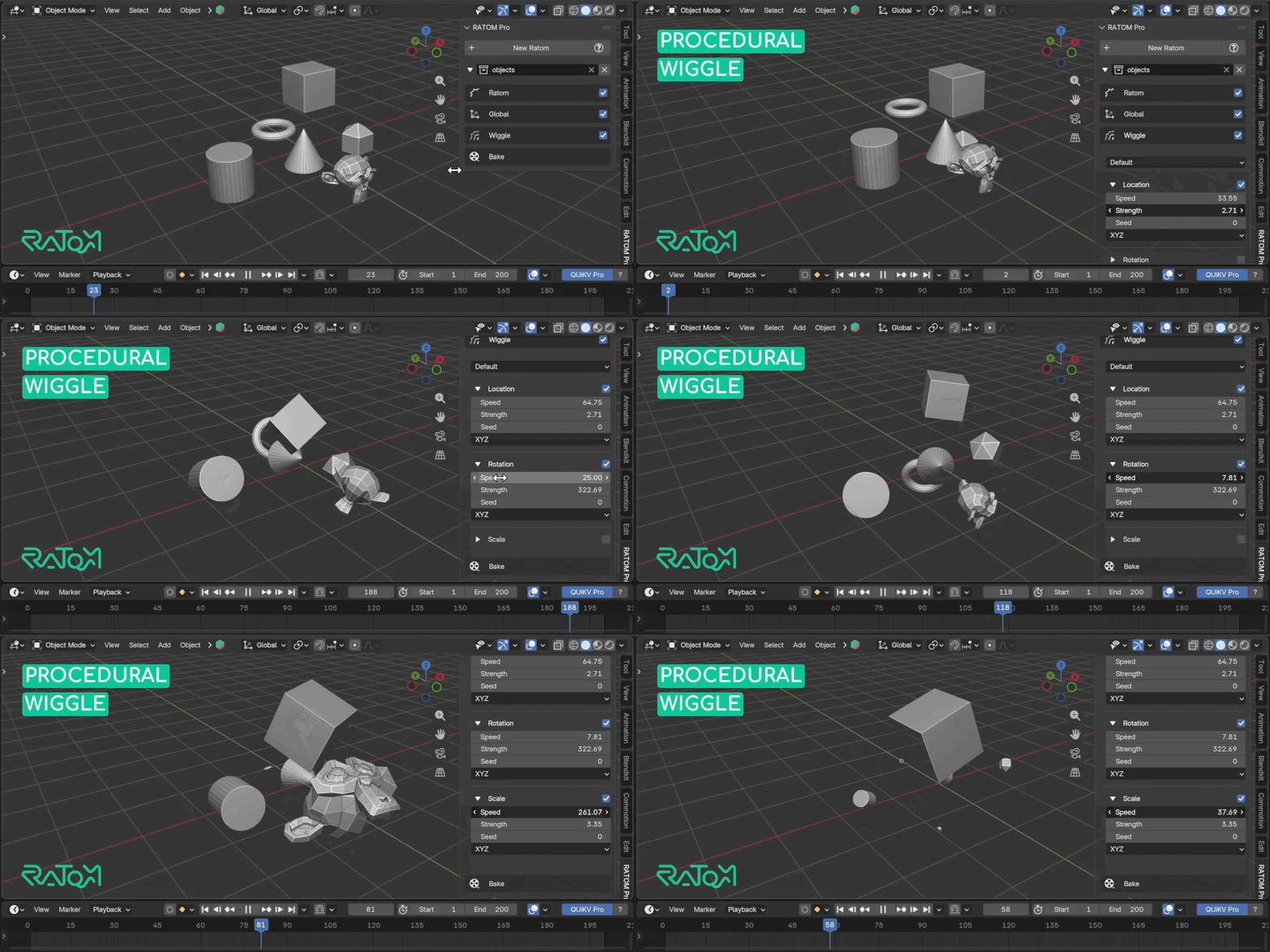
5. Procedural Wiggle
Generate continuous floating, drifting, and jitter motion live without keyframes, Add smooth procedural wobbling, swaying, and tilting motion across any axis, Animate subtle pulsing and rhythmic breathing scale effects automatically over time.
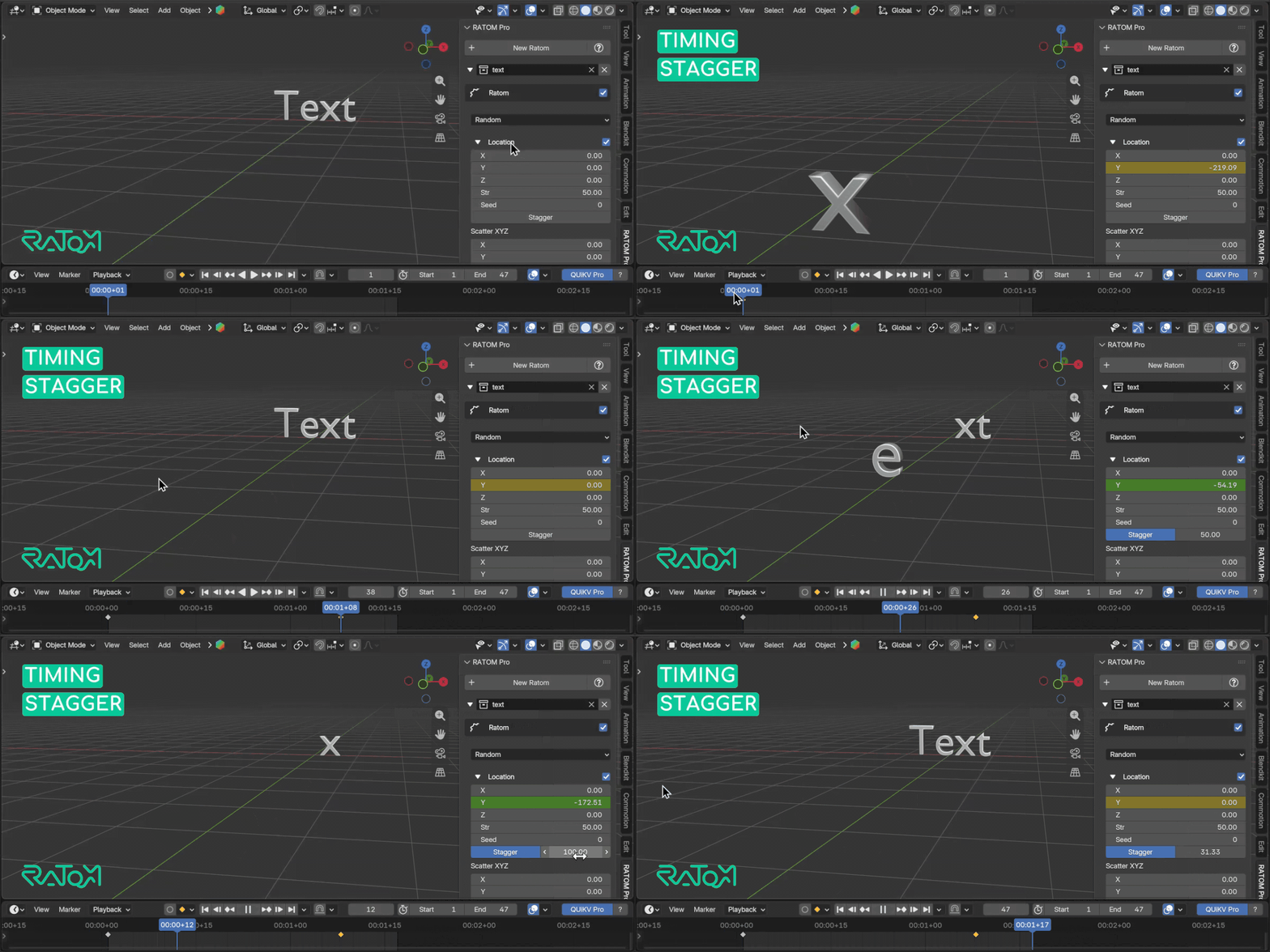
8. Timing & Stagger
Offset start times across objects for domino and wave motion. Each channel has its own Stagger amount, each axis follows its own keyframes, and every object still lands on each keyframe on time.
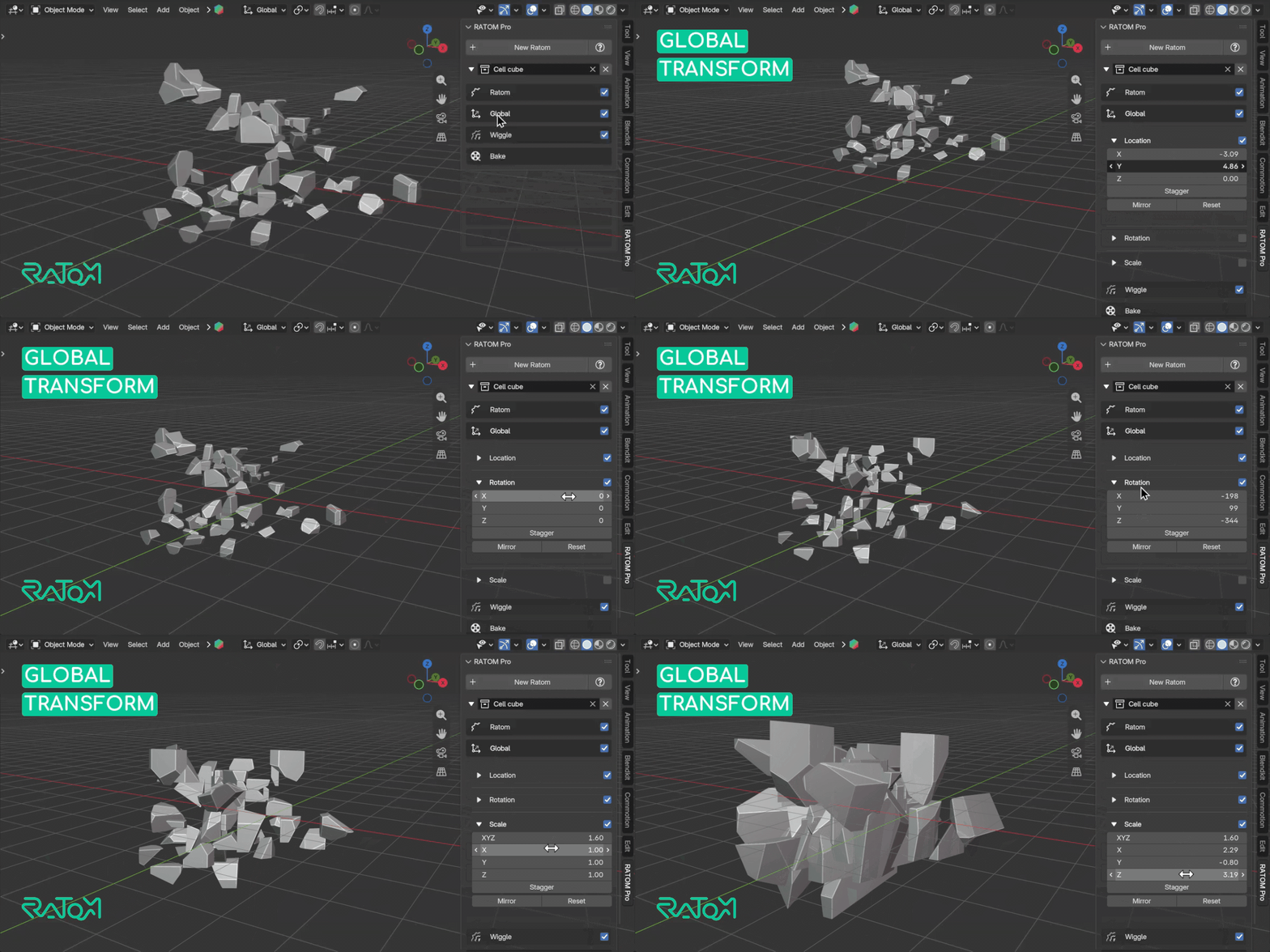
9. Global Offset
Move, rotate or scale the whole collection together, with its own Stagger.
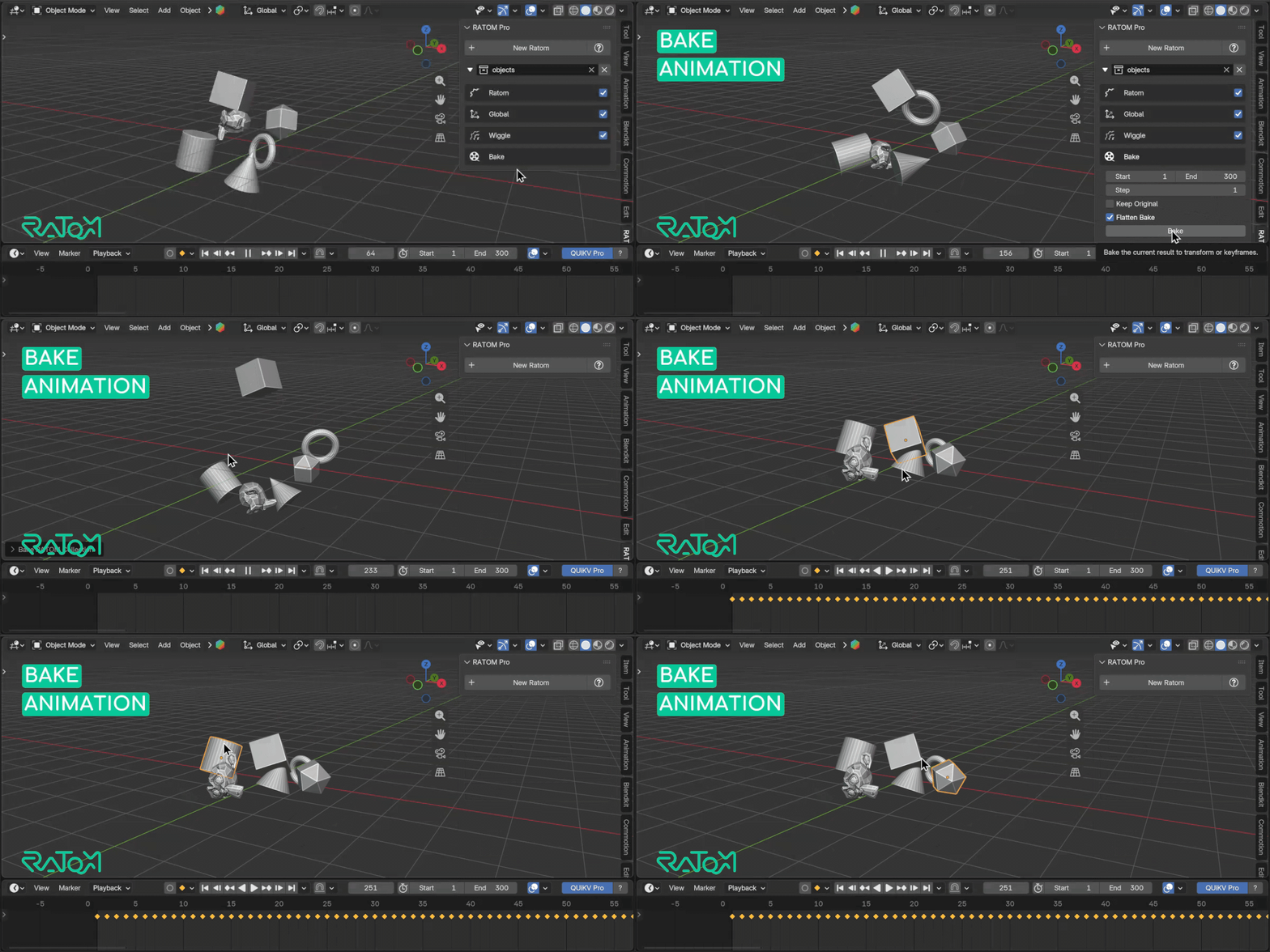
10. Bake Animation
Convert live procedural motion into standard Blender keyframes.
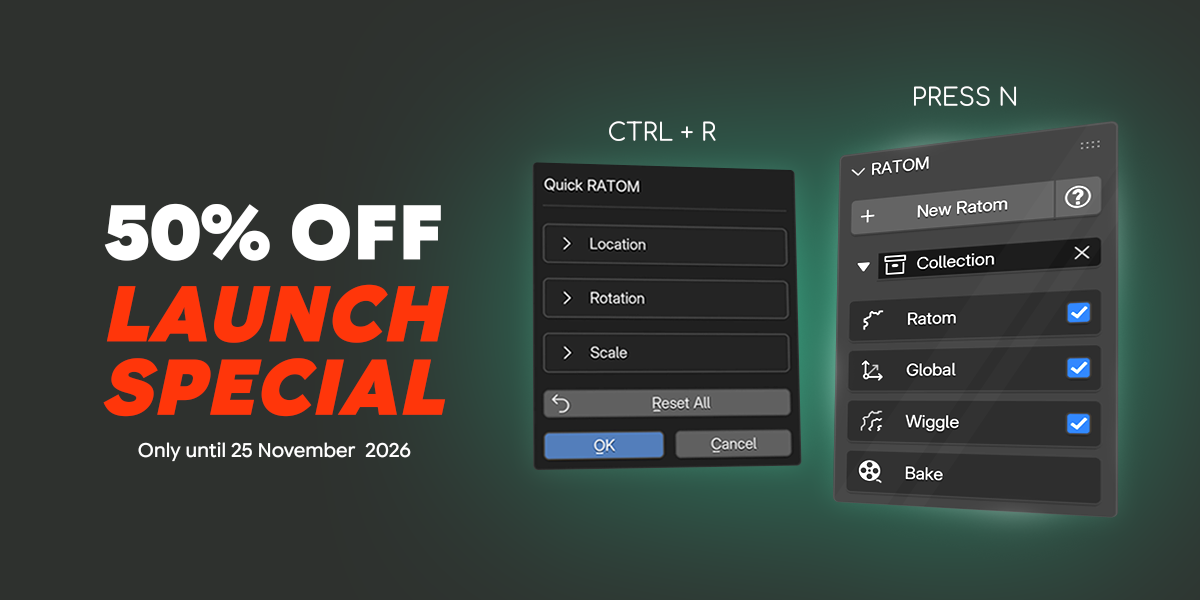
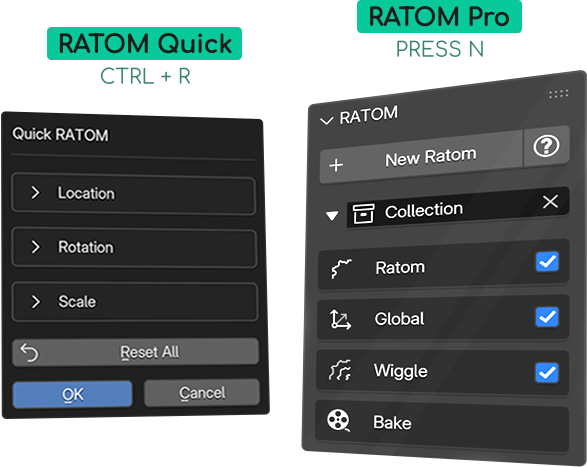
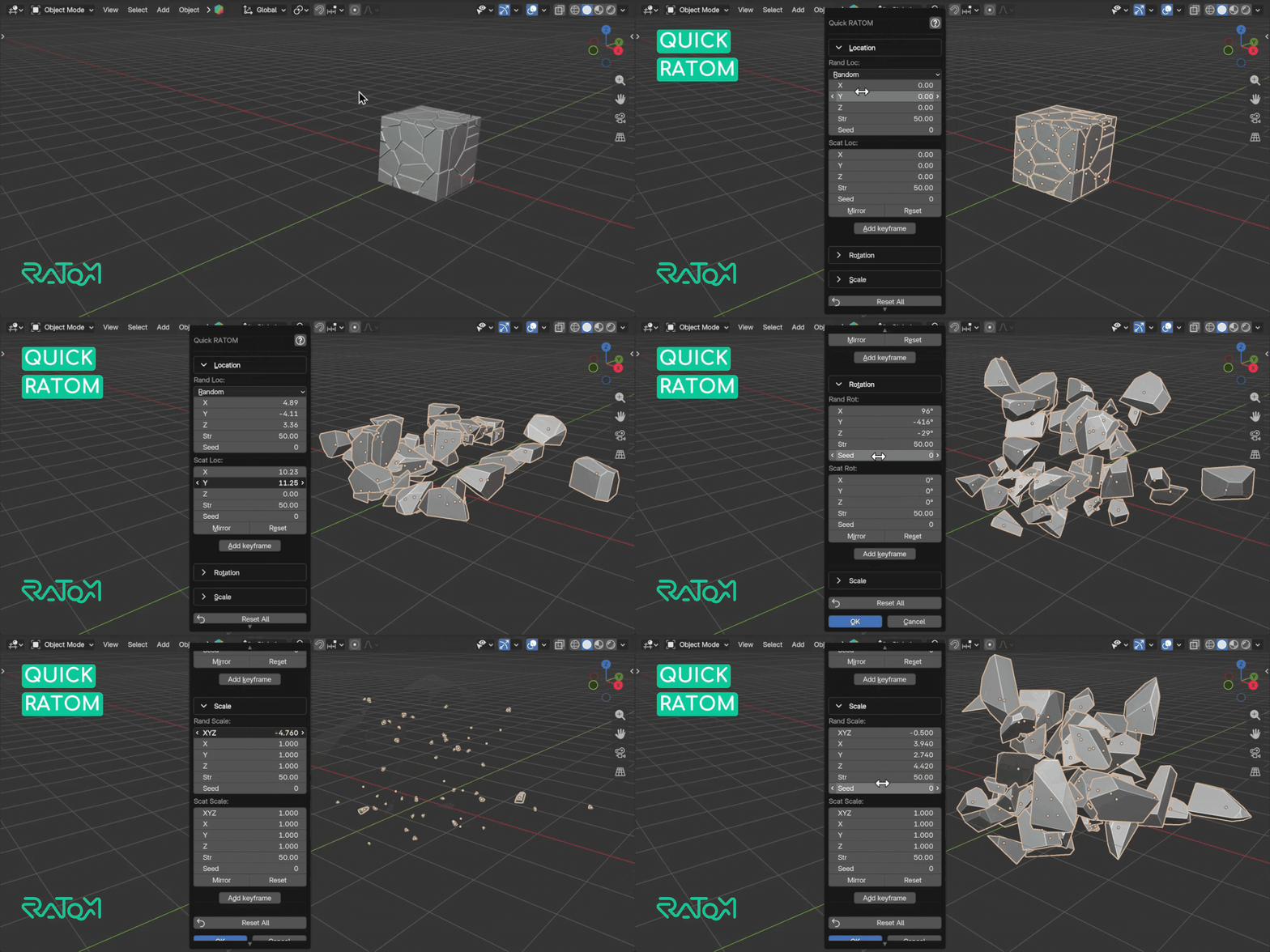
11. Quick RATOM (Ctrl + R)
Randomize selected objects in a small popup at your mouse cursor, including Mode Order, without opening the sidebar.
RATOM Quick vs RATOM Pro
TROUBLESHOOTING
Addon missing. Clear Add-ons filters, find and enable RATOM Pro. Install the complete ZIP, not __init__.py alone.
Sidebar missing. Point into the 3D Viewport and press N > RATOM Pro; this is separate from the Properties editor.
Grey controls/no effect. Assign a collection containing roots; enable section AND channel. Use nonzero Location/Rotation/Str or Scale different from 1.
Children move together. Control roots for independent variation. Use test objects instead of unparenting an existing rig just for an example.
Scatter creates nothing. Create and arrange objects first; Scatter only transforms them.
Reset leaves effects. Check Global, Wiggle, other categories and keys. Disable sections to isolate the cause; animation may restore values.
Wiggle still. Enable section/channel, check Speed/Strength/axis, then play or scrub. A seed change alone is not playback.
Pattern changed settings. Choose the pattern before customizing channels, Speed and Strength.
Stagger inactive. Add two differing keys to the relevant RATOM controls. Enable channel/Stagger, use an amount above 0 and scrub multiple targets. Object Transform keys alone are insufficient. In Directional mode, and for Global outside Name mode, objects at the same position along the slider direction start together unless all of them are level; use Name for a one-by-one sequence.
Ctrl+R fails or starts Loop Cut. Use Object Mode, a selected root and pointer in the viewport. Alternative: right-click the selected object > Quick RATOM.
Pattern changed after rename. Each object’s random values follow its name and the Seed. Adding, removing or renaming objects can change the Stagger order, and in Directional or Name mode also the Location pattern. Finalize names before approving the result.
No objects baked. Check roots in the collection. Children whose root is outside it may have no direct target; read the full message.
Invalid bake range. End must be equal to or later than Start.
Bake cancelled for transforms. Inspect the reported object/frame. Uneven parent scale plus rotation can create shear. Try Flatten Bake OFF or correct parents in a copy; zero-scale/invalid hierarchies also need correction.
Doubled baked result. Inspect/render the intended output instead of overlapping it with kept originals.
Slot remains with Keep OFF. Read the message and check shared collections/scenes or linked data. Protecting originals can require separate output.
Between-frame mismatch. Try Step 1 and inspect fast motion. Fractional frames remain a linear approximation.
Manual opens the website. Keep manual.pdf beside the addon files and install a PDF viewer. Open it directly if needed; reload the addon after updating.
Other issues. Check KNOWN LIMITATIONS. Report exact RATOM/Blender versions, OS, installer filename, steps/settings, expected/actual result, full error and a small shareable .blend.
Another RATOM installation is active. Only one of RATOM Pro or RATOM Quick can be enabled. Disable the other one, then enable this one.
Collection missing from the slot list. A collection already used by another slot is hidden. Use one slot per collection.
No ? button in the Quick RATOM popup. The popup shows it in Blender 4.1 and later. In older versions, use the ? button beside New Ratom.
No Stagger while editing. Editing a value shows the result without Stagger until the frame changes. Play or scrub to see the timing; Bake uses Stagger.
KNOWN LIMITATIONS
• Blender 3.2.0 can crash in native nested NLA Meta workflows even without RATOM Pro. Use tested Blender 3.2.2 for these workflows.• Blender 4.0 was checked with 4.0.0 only. Official 4.0.1 and 4.0.2 cannot start on the author’s Windows test machine.
• Bake sampling approximates motion between sampled frames. Inspect fast and fractional‐frame motion before delivery.
• macOS, Linux, and patch releases not listed in COMPATIBILITY.txt remain unverified.
PERFORMANCE NOTES
Native NLA and driver sampling uses temporary Blender data to protect source simulations. In Blender 4.5 and later, one temporary copy is reused while you play, scrub or bake. In automated tests with 300 objects, a frame update took about 0.01 seconds without viewport drawing. Larger scenes and the viewport take longer.
Test a small collection first. Disable effect sections you do not need; collapsing controls leaves them enabled. For baking, start with Step 1 and inspect the result.
COMPATIBILITY
Minimum Blender version: 3.0.0. RATOM Pro passed automated checks on 17 Windows Blender builds from 3.0.1 to 5.3.0; the exact builds appear in COMPATIBILITY.txt. Blender 3.2.0 native NLA Meta editing is unstable (use 3.2.2). Blender 4.0 was checked with 4.0.0 only.
SUPPORT & FEEDBACK
MORE ADD-ONS | QUiKV
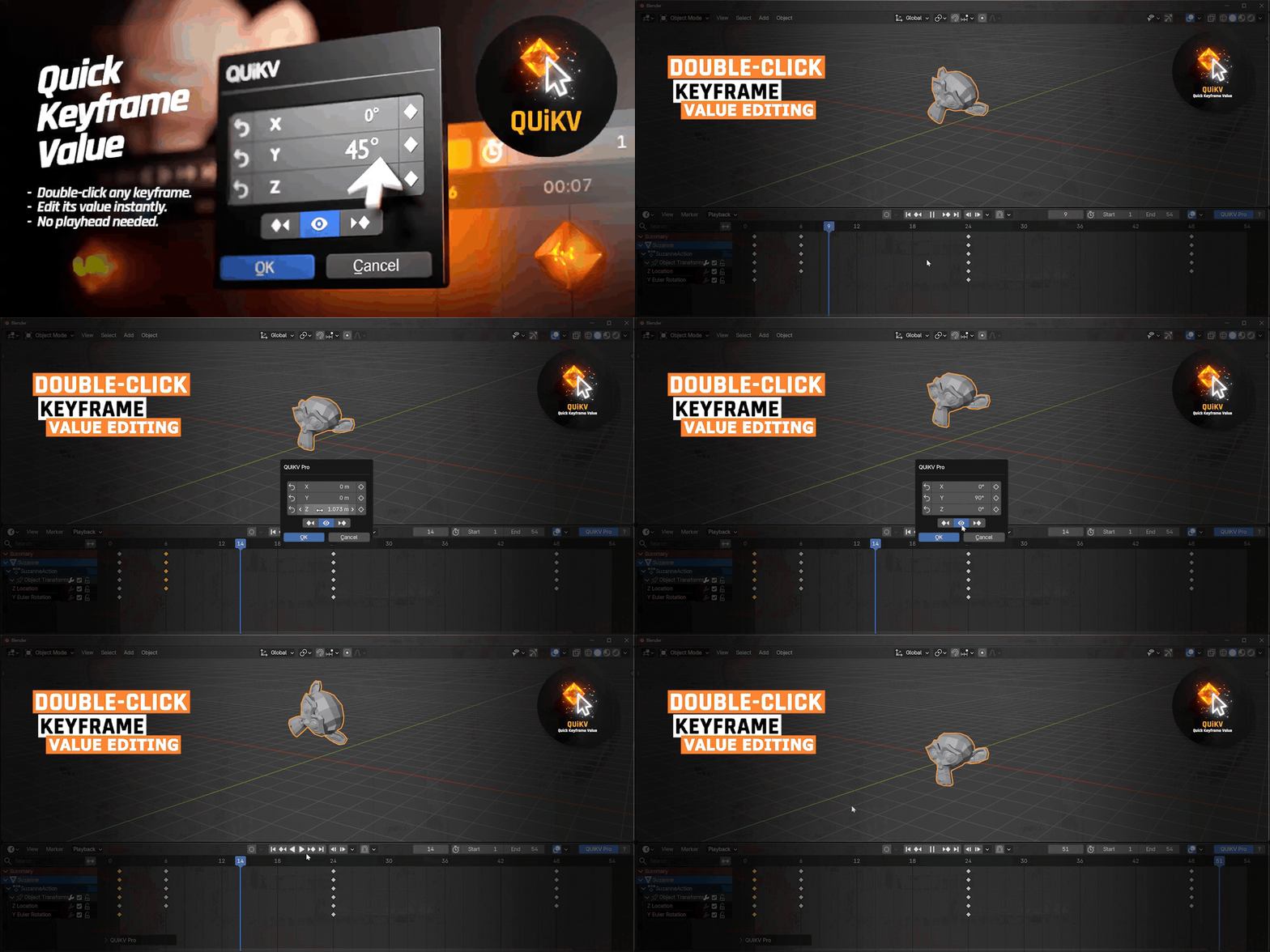
Speed up your animation workflow even further with QUiKV (Quick Keyframe Value): double-click any keyframe in the Graph Editor or Dopesheet to edit its value instantly without moving the playhead.