 Dennis Hafemann


Raycast Scanner (Addon) v1.0 | Dynamically Raycast scan your objects with ease
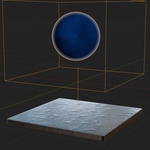
Raycast Scanner is designed as an addon and provides an easy and fast way, with a few clicks, to make use of Blender's raycast functionality from it's geometry nodes system.
"Raycasting" is a technique that "shoots" virtual rays from one point torwards a direction in 3D space. That means, you can determine if one objects mesh is nearby or in sight of another object depending on a specific direction.
Raycast Scanner is an easy way to make use of this raycast technique without bother around with geometry nodes and raycasting itself. ... Select objects -> Click -> Ready to go.
I'm fine ... Why ... What do I need Raycast Scanner for ?
|
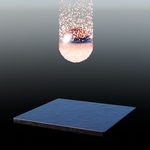
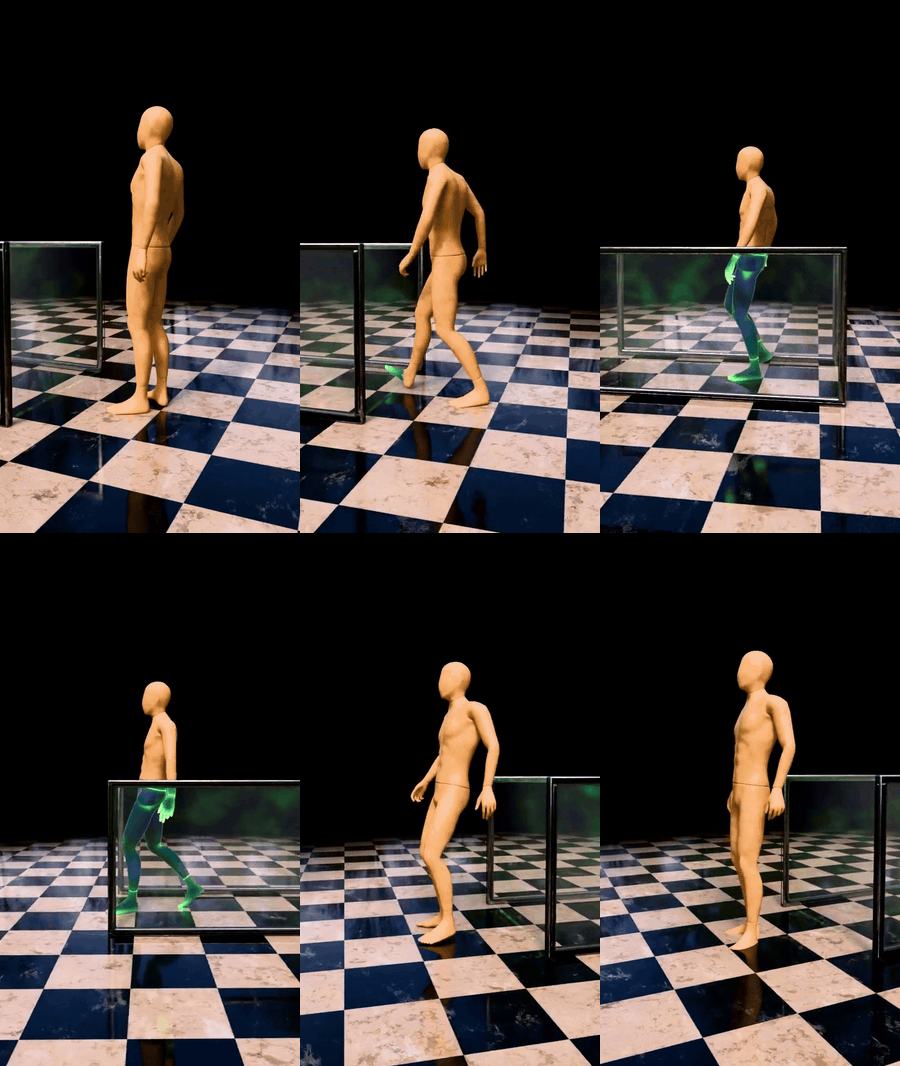
Think about having a drone, e.g., scanning an area, with different objects, different materials ... Or a character walking through an airport x-ray-scanner ... an object flying through a barrier ... only your imagination is the limit. Take a look at the video for some ideas and demonstrations. Raycasting, using this Raycast Scanner addon, can be used for several use cases, e.g. for creating a walk-through-scanner for airport or scenes with high security. |
How to use
|
Feel free to adjust the modifier for your own needs with min/max distance range, min/max normal angle, rim blur, manual rotation, visual helpers and sparkles. |

|
For a quick and easy use of Raycast Scanner, you can use the included node group "Raycast Scanner Material Mixer", which is located in the material environment. Just click "Add shader mixer node" and you can add and use it in the Shader Editor, e.g. combining two Principal BSDF. The node makes use of several prodived attributes/variables and combine them in a proper way, including inside/outside, the rim and the main blend-factor. |

Further you can use several output attributes/variables, provided by Raycast Scanner's geometry nodes modifier, to achieve awesome materials. Also make use of them in the geometry nodes to create stunning ideas and simulations. Take a look at the documentation for further information.
Including preset examples and materials
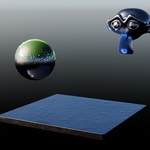
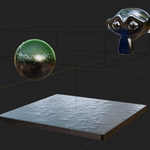
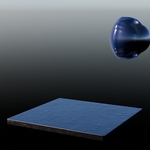
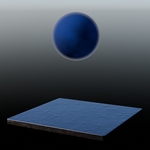
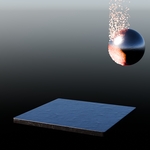
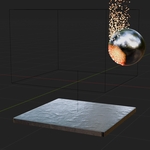
Raycast Scanner comes with several presets to show how to use modifier and the attributes/variables in the shader and the geometry nodes editor.
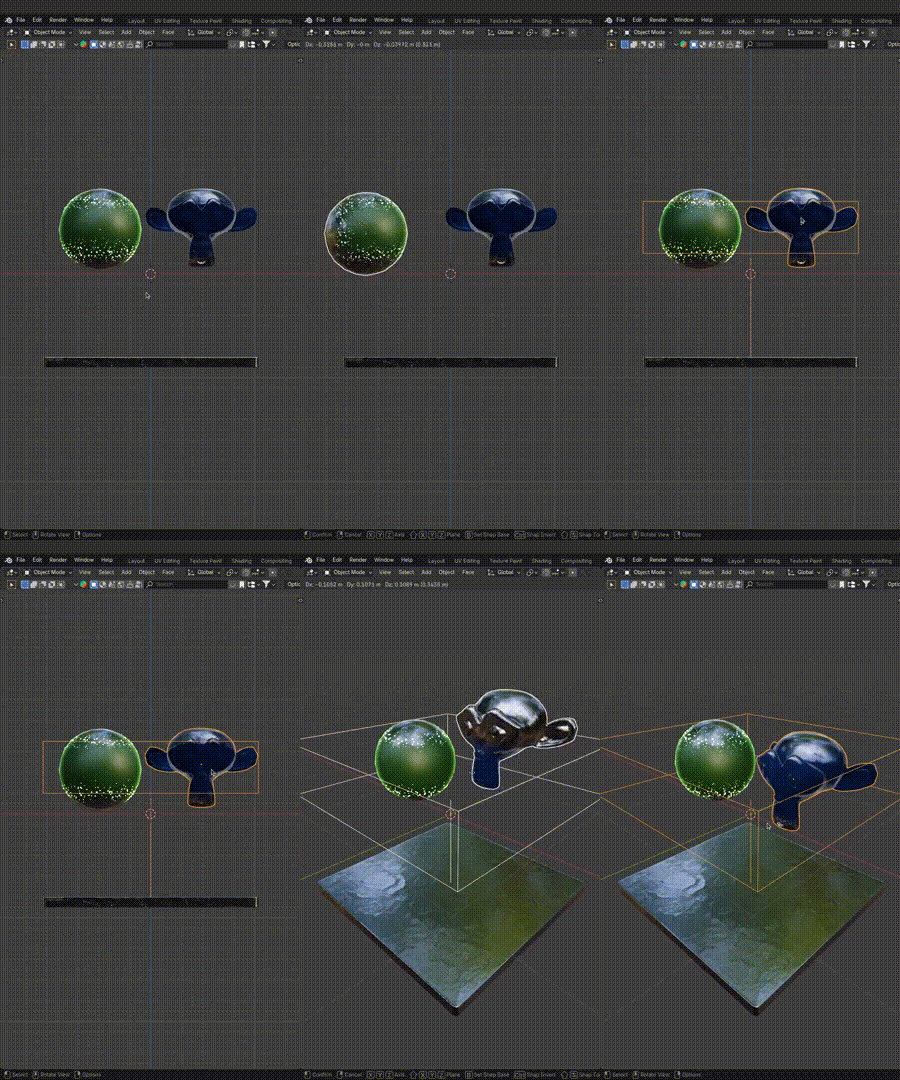
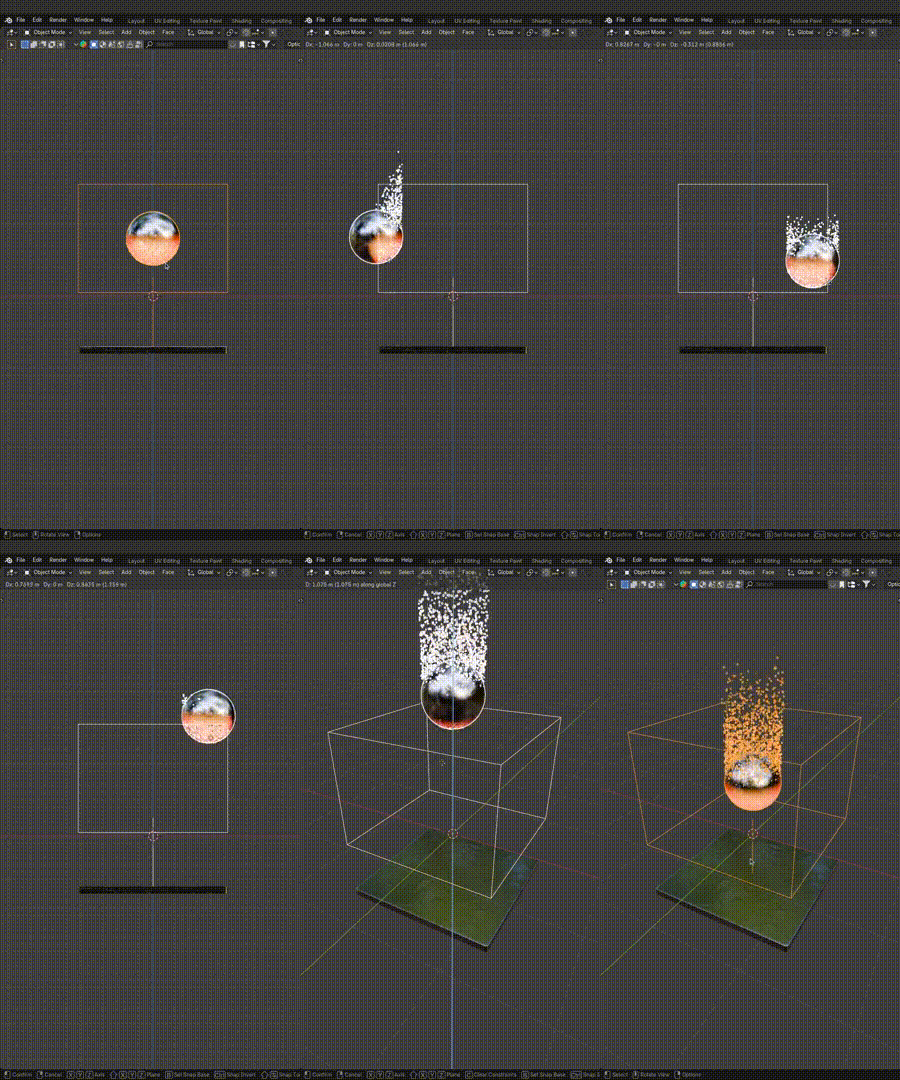
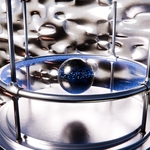
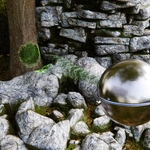
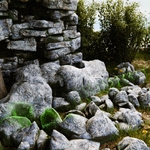
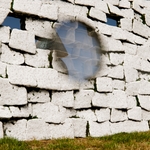
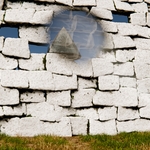
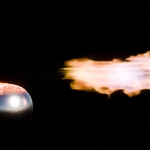
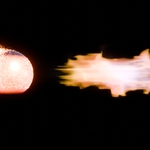
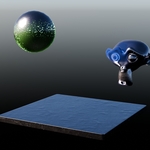
| Sphere Scan And Monkey Hologram | Sphere Hologram Size Wobble | Sphere Hot Metalball |
|
|
|