Raycast Scanner (Addon) V1.0 | Dynamically Raycast Scan Your Objects With Ease
 Dennis Hafemann







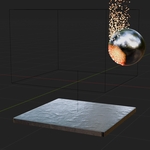
Modifier explanation
|
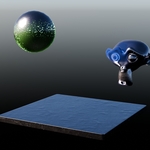
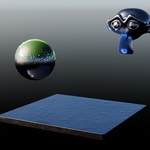
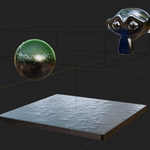
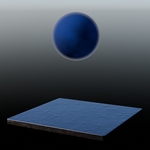
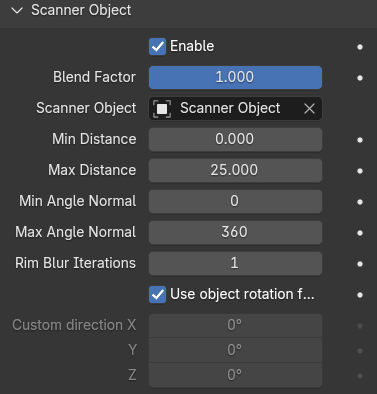
Several options to adjust the actual scanning process, like on/off, main fading (Blend Factor), distance, normal angle (regarding to the scanner object), rim blur and rotation. |
|
|
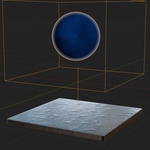
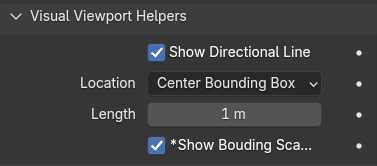
You can enable/disable helpers in the viewport for a better visualization fo the scanning process, like a directional line, which points towards the scanning area, and a (experimental) bounding box* for the scanning area. * The Bounding Scanner Box is roughly a cuboid which tries to visualize the scanned area, but might not work properly in some cases, e.g. if the scanner object is not a cubiod or the scanned object has a not applied scaling. |
|
|
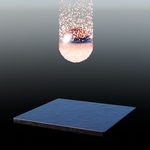
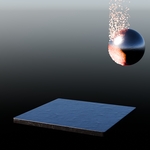
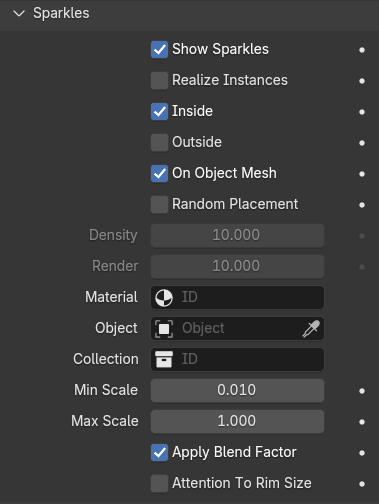
You can make use of the integrated object distribution. Position default sphere or custom objects on the scanned area of the objects with several adjustments. |
Output Attributes / Variables
| rs_distance | rs_distance is stored on the geometry and holds a float from 0.0 to 1.0 depending on the min/max distance. "Min Distance" is 0.0, "Max Distance" is 1.0. |
| rs_sparkle_object_size | rs_sparkle_object_size is stored on the distributed "sparkles" instances and holds the size generated size/scale of the instance. |
| rs_rim | rs_rim is stored on the geometry and holds a float from 0.0 to 1.0 depending on the "Rim Blur Iterations". A boolean math with rs_inside and rs_outside is also the exact rim, but the blur iterations. |
| rs_inside | rs_inside is stored on the geometry and holds a boolean 0/1 if the point is inside the scanning area. |
| rs_outside | rs_outside is stored on the geometry and holds a boolean 0/1 if the point is outside the scanning area. |
| rs_blend_factor | rs_blend_factor is stored on the geometry and holds exactly the "Blend Factor" value from the modifer, which allows you to create some kind of fading, e.g. in adnimations. |
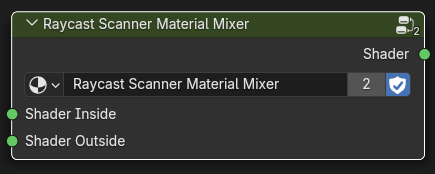
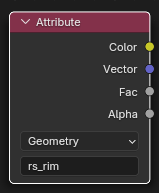
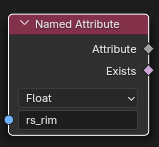
| Use in materials ... | Use in materials ... | Use in geometry nodes ... |
|
|
|
Versions Changelog
v1.0.2
- Fixes for Blender version 5.2
v1.0.1
- Bug fix: rs_distance was not calculated correctly in some cases
v1.0
- First, initial release, including the addon with apply scanning process and examples for materials and preset objects.
$5
 Included
Includes 12 months of
- Support from Dennis Hafemann
- Product updates
Extend this product’s Support Period +12 months: 50% of product price
Have questions before purchasing?
Login to message
| Blender Extension Compatible | Yes |
| Sales | 10+ |
| Dev Fund Contributor | |
| Published | over 1 year ago |
| Blender Version | 4.1 - 5.2 |
| Extension Type | Add-on |
| Render Engine Used | Cycles, Eevee |
| License | GPL |