 brave rabbit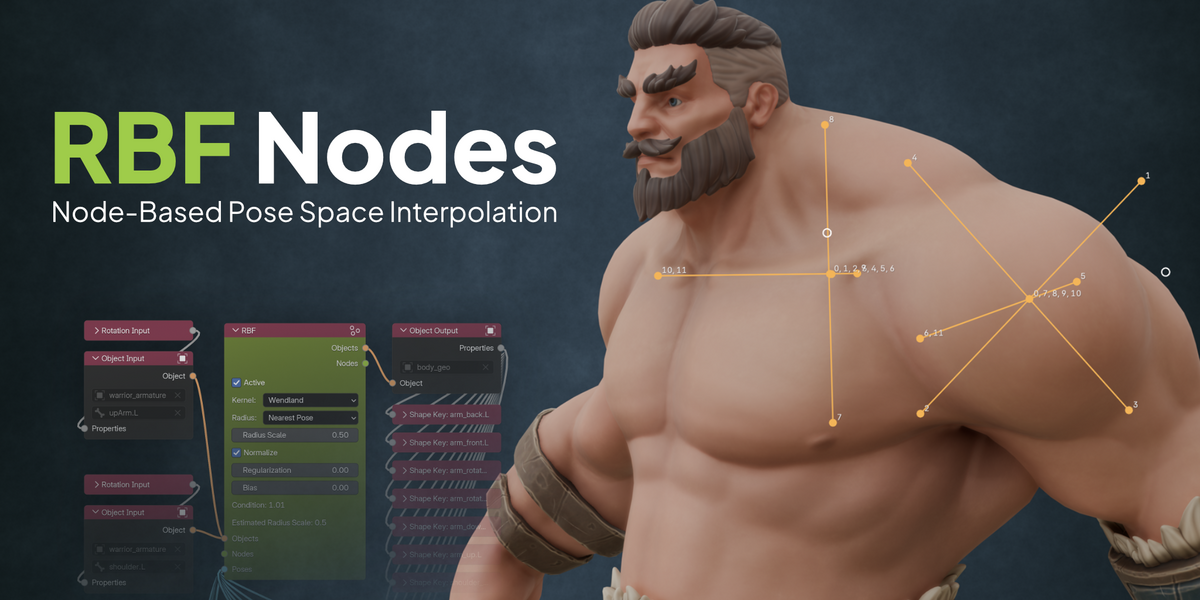
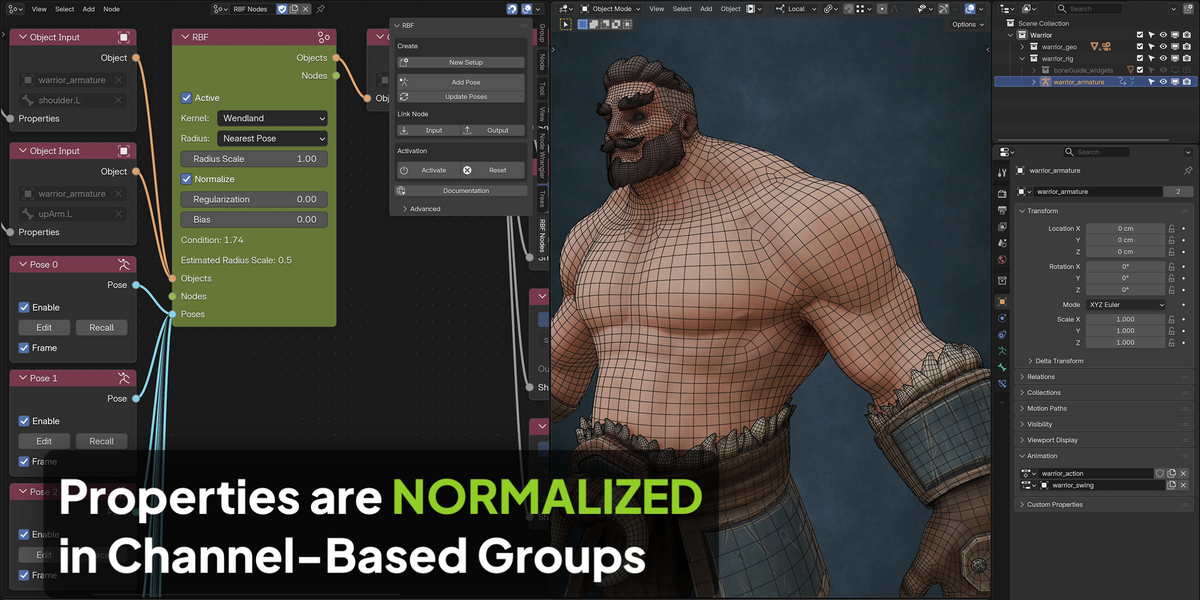
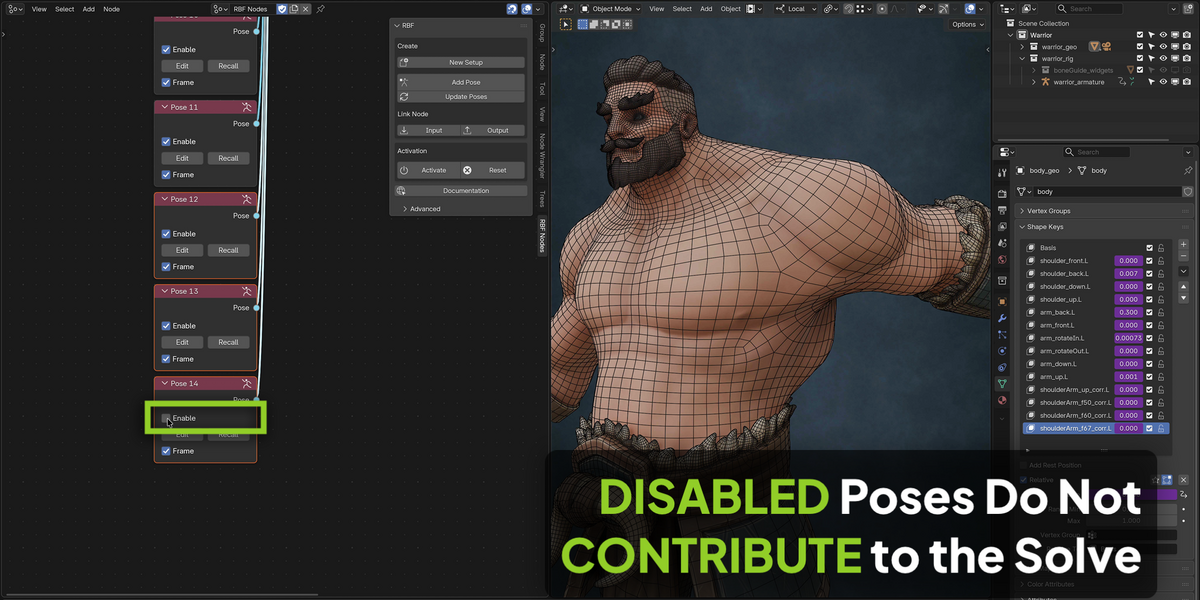
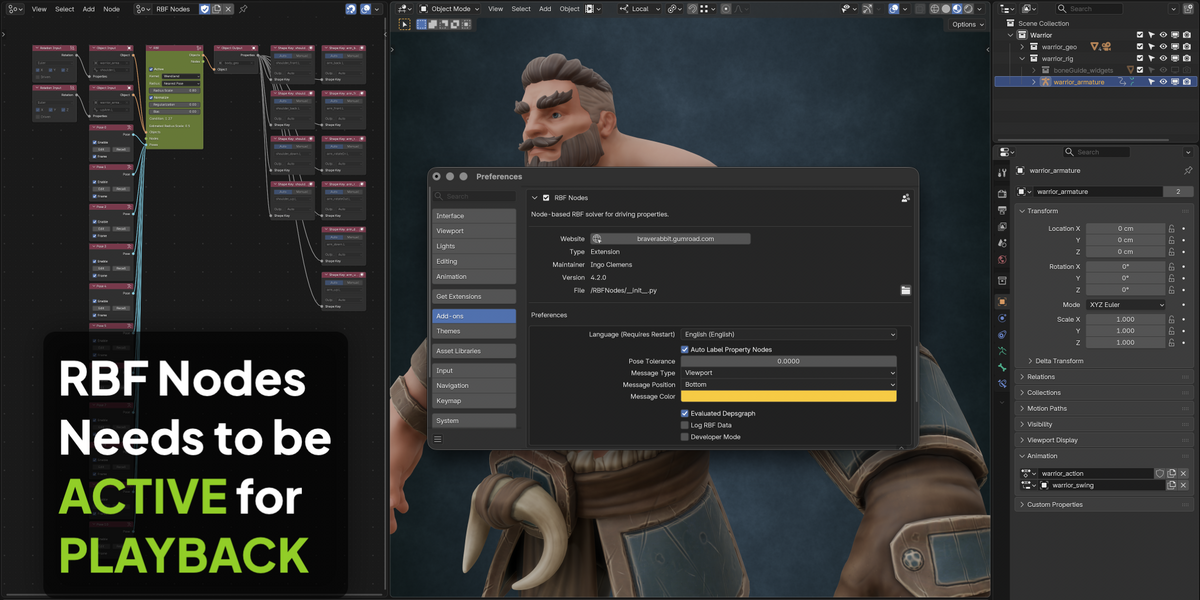
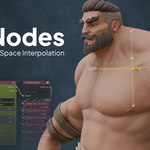
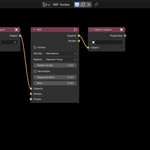
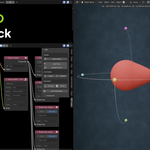
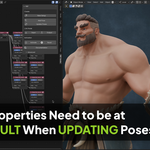
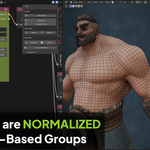
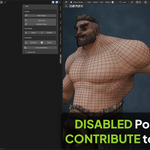
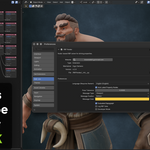
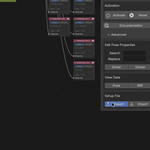
Drive multiple properties with multiple input values.
Blender’s drivers are great for one-to-one relationships. But as soon as several inputs have to drive several outputs, like a ball joint with its corrective shapes or bones, they reach their limit. Radial Basis Functions (RBF) are built for exactly this, and have long played an important role for in-house character rigging at studios.
RBF Nodes brings this important technique to Blender in the form of a node-based solver. Define your inputs, define your outputs, set a few poses, and the solver takes care of the smooth interpolation between them.
Watch the Tutorial Video to get started (or use the video chapters to save time)
The video doubles as an introduction to RBF solvers in general. It explains why they’re needed and how they work, before covering the most important features of the add-on in practice. It doesn’t show every detail, but the documentation covers the rest. Whether you’re new to RBFs or just want to get going quickly, it gives you both the “why” and the “how”.
What you can do with it
- Drive correctives for shoulders, hips and other complex bones from their rotation
- Build facial rigs where controller positions blend multiple shapes
- Blend shader or Geometry Nodes parameters based on transforms or custom values
- Create rig behaviour which would otherwise need helper bones, long expressions or scripts
Key features
- Many inputs, many outputs. Any number of input values can drive any number of output values in a single solver.
- Wide property support. Location, rotation, scale, custom properties, shape keys, modifiers, shader nodes and Geometry Nodes. Works with objects and armature bones.
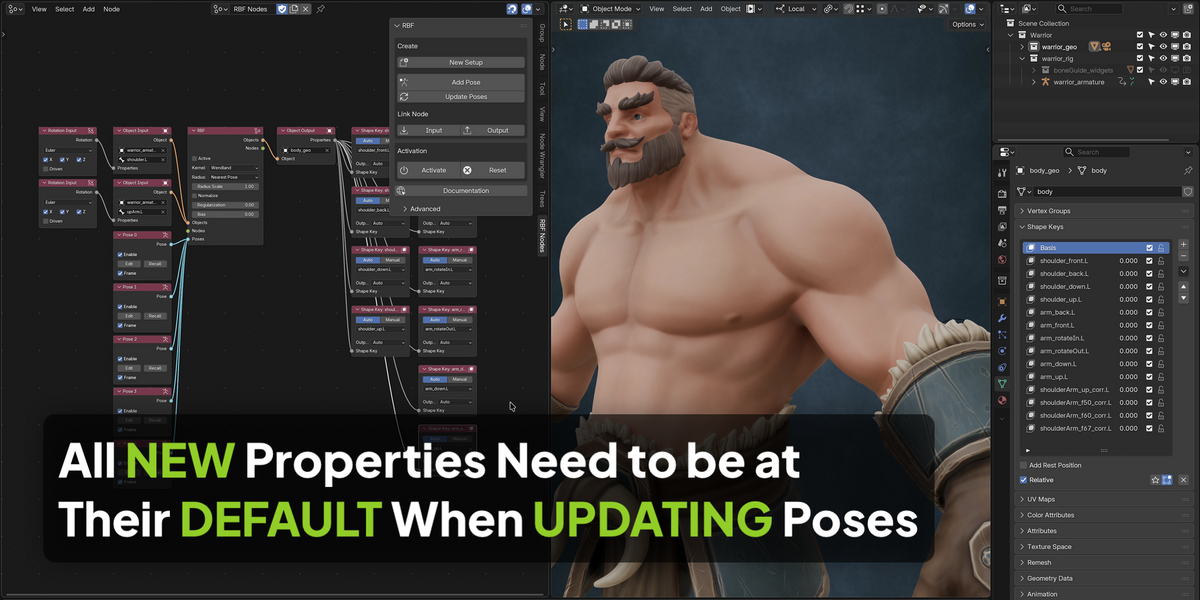
- Pose-based workflow. Record poses as the training data of the solver. Recall, edit, disable or update them at any time, and add new inputs and outputs to existing poses.
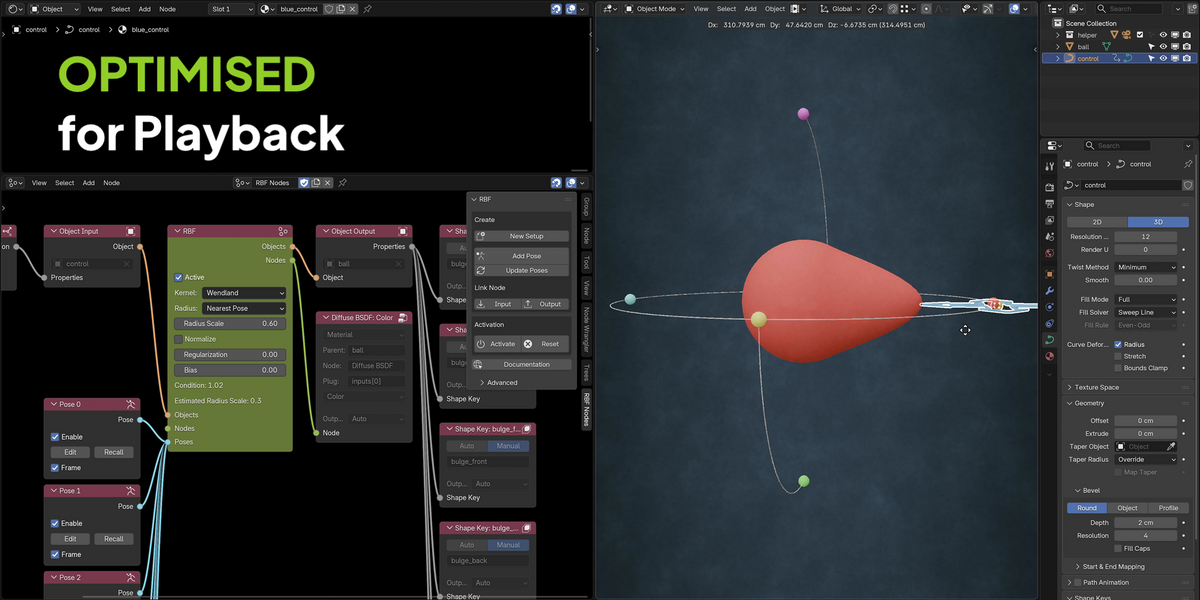
- Fast playback. The expensive part of the solve happens on activation. During animation only light calculations remain, and the result is driven by standard drivers.
- Rebuilt solver in version 4. Improved stability, a clear condition number read-out for troubleshooting, and an Estimated Radius Scale as a starting point for blending.
- Wendland kernel as the new default, with a radius which behaves the same for every kernel.
- Output Range per output. Keep shape keys within their bounds while locations and rotations can continue beyond their poses.
- Correct rotation handling. Rotations are compared and blended along the shortest turn.
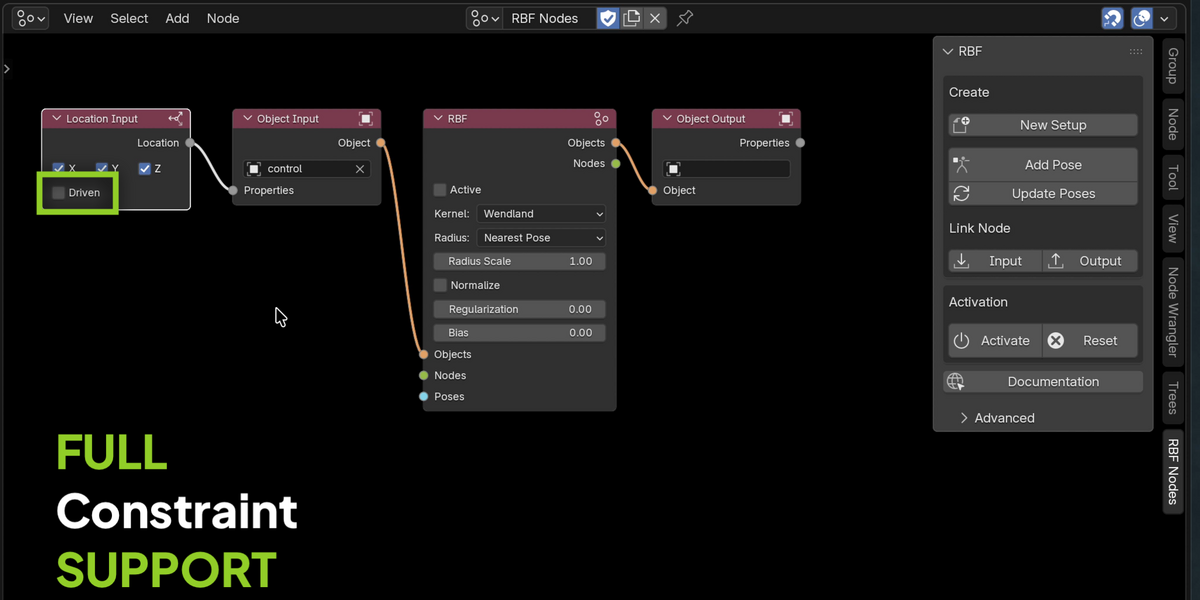
- Constraint and driver support. Use transforms which are the result of constraints or drivers.
- Rotation smoothing to filter jitter in quaternion or constraint-driven rotations.
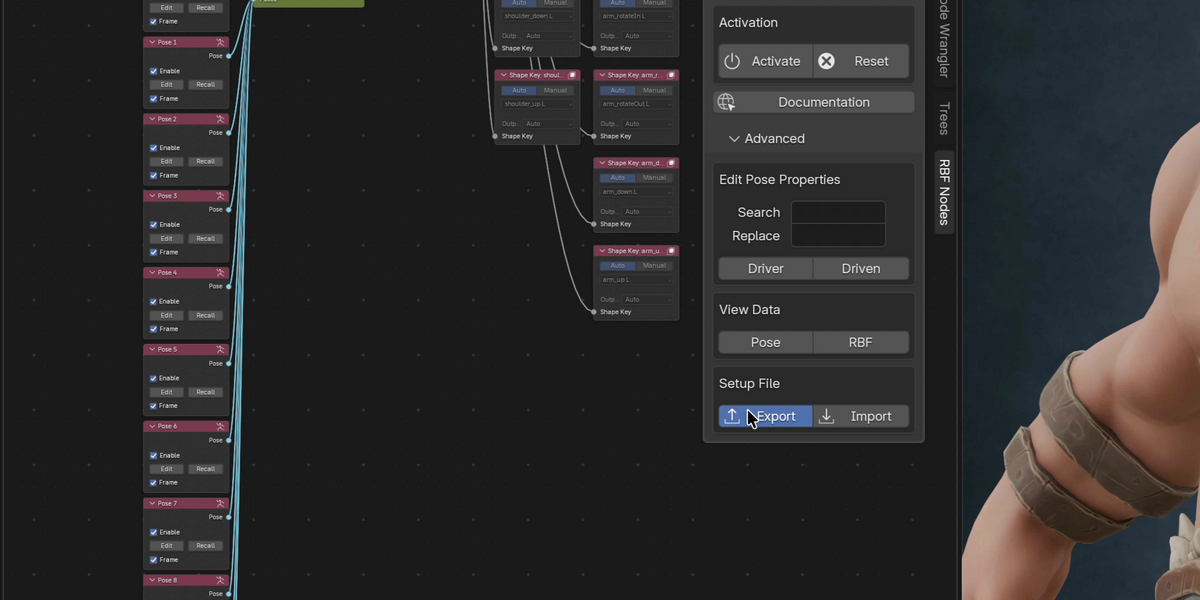
- Export and Import of complete setups as JSON for editing, correcting pose data or comparing versions.
- Scene linking. Link rigs into other scenes and use them through library overrides.
- Free runtime version. See the section below.
- Extensive documentation.
- Eight interface languages.
The free runtime version
RBF Nodes is not a built-in part of Blender. A rig with RBF setups only works if the add-on is installed. That would make every rig you build dependent on a licence for everyone who uses it. The runtime version solves this problem.
The runtime version has no authoring features. You can’t create or edit setups with it. It only evaluates existing setups, for playback and rendering, and that’s all a rig needs once it’s built. It is free, which means:
- Hand your rigs to animators and clients. Distribute the runtime along with any rig built with RBF Nodes, or pass it on to a client. Nobody needs to buy a licence just to animate or review your work.
- Install it on a render farm. The farm only has to evaluate the rig, so there is no need for any authoring features or a licensed copy on every node.
- Download it separately. The runtime is included in this full version and is also available as a free download for anyone who only needs to play back a rig.
When to use RBF solvers in general
RBF solvers are powerful, but they should be used when needed. For simple one-to-one relationships, like an elbow corrective, a regular driver is faster and easier to control. RBF Nodes is for the cases where regular drivers fail.
Perfect with SHAPES
RBF Nodes works hand in hand with SHAPES, the shape key editor by brave rabbit. SHAPES can create and edit shape keys in pose, also on a deformed mesh in the context of an active RBF solver.
SHAPES will be available soon. Follow this link to the Pre-Release page.
Requirements
- Blender 4.2 or later
- Anyone who opens a rig with RBF setups needs RBF Nodes or the free runtime version installed. The runtime is free to distribute with your rigs, to give to clients and to install on a render farm.
Important: Upgrading from earlier versions
Version 4 is a major update with a rebuilt solver. Setups created with previous versions are not compatible and need to be rebuilt. The Export and Import functions make it easy to rebuild setups from now on.
What’s included
- RBF Nodes for Blender (RBFNodes.zip)
- Runtime version for playback (RBFNodes_runtime.zip)
- Full HTML Documentation
