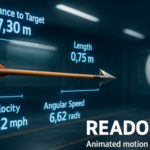
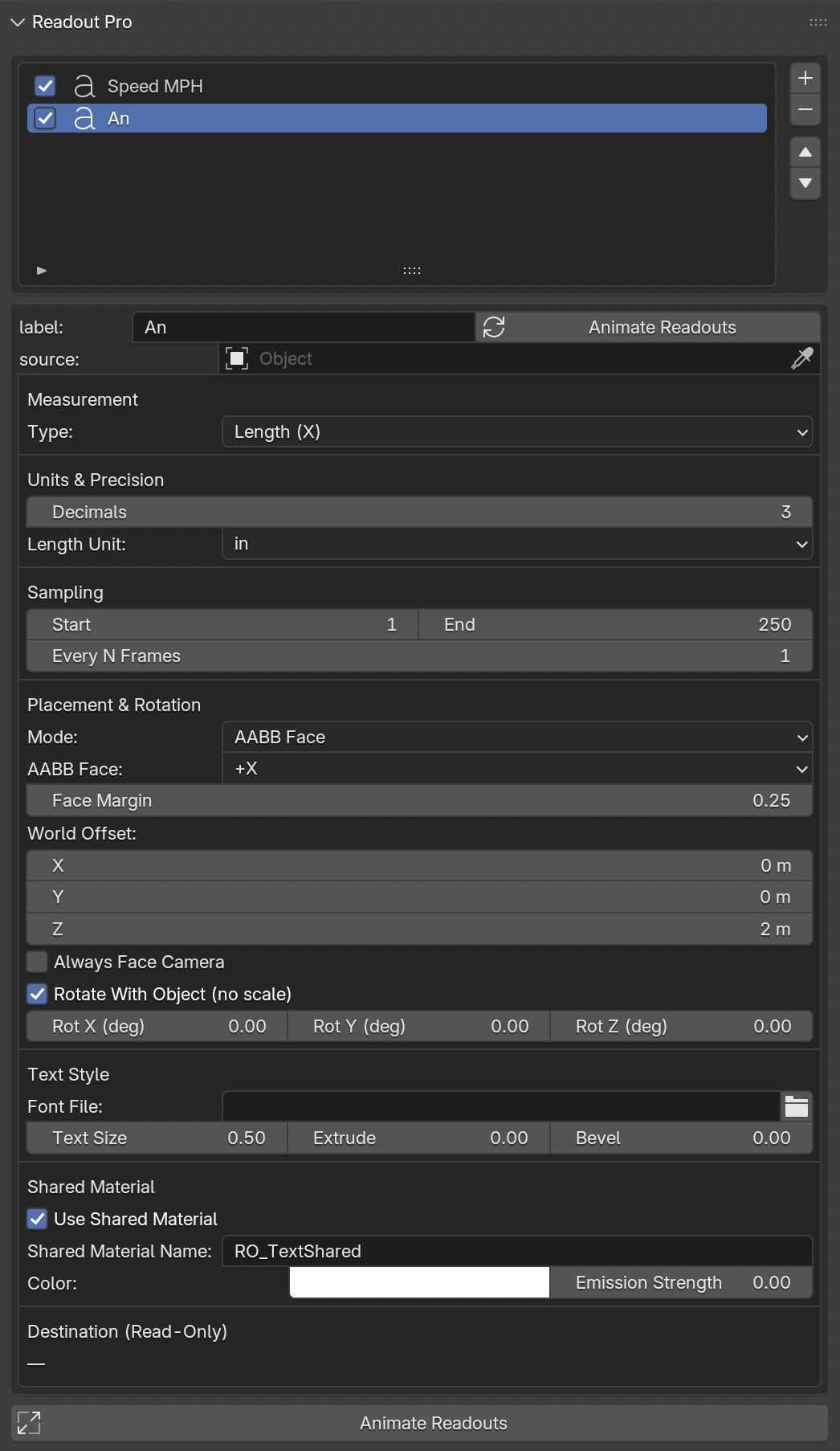
Readout Pro animates accurate 3D labels that track measurements, motion, and kinetic data in real time—then bakes them to clean meshes, one per sampled frame, with perfect keyed visibility.
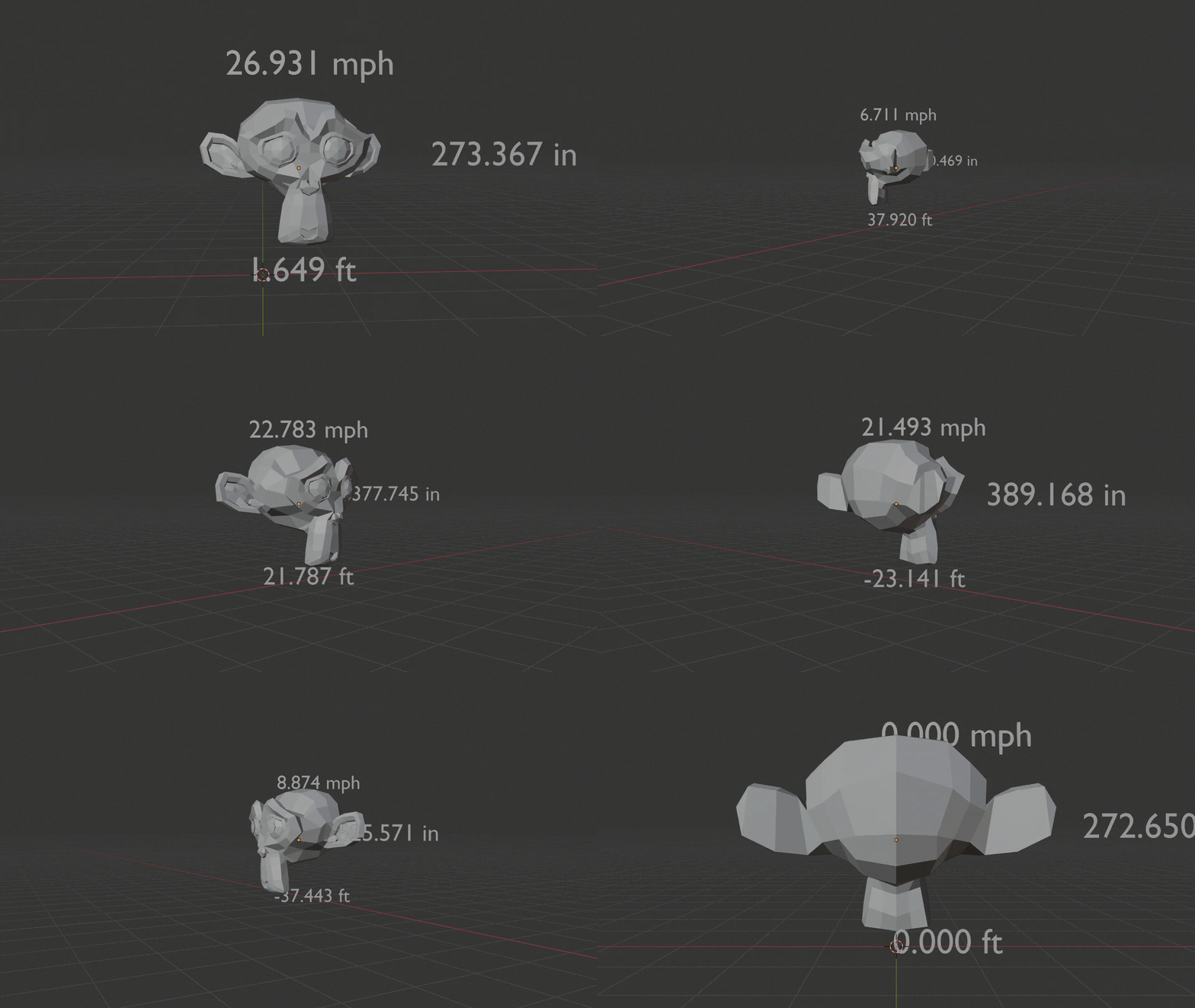
Example showing Velocity in MPH, Acceleration along X Axis, and Distance to Target (Camera selected as target):
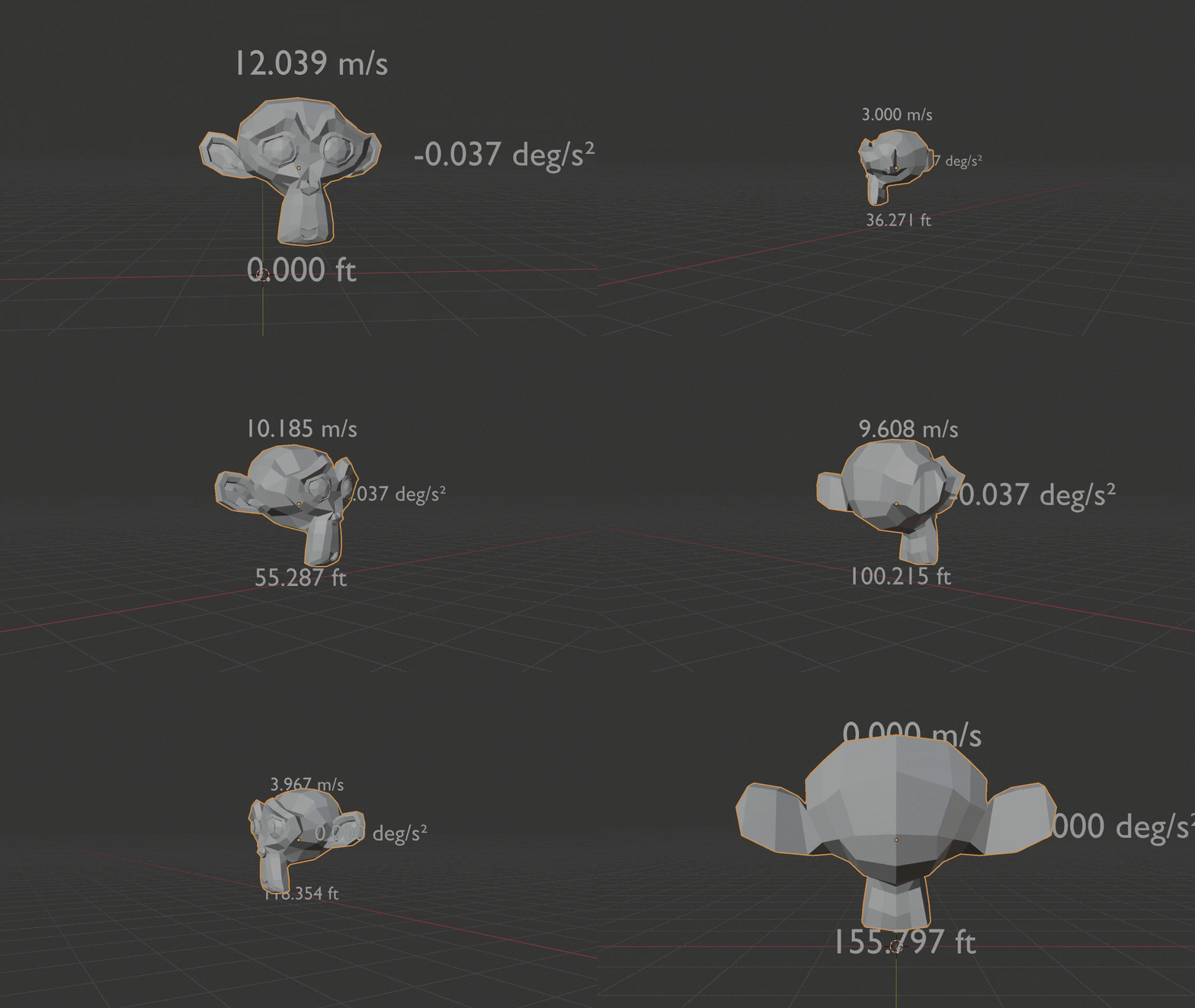
Example showing Velocity in m/s, Radial Acceleration, and Cumulative Distance Traveled:
⚙️ Core Features
Multi-Set Power
Add unlimited sets. Each set is its own configuration: source object, measurement kind, units, precision, sampling, placement, rotation, and style—all fully independent.
Trusted Math
All calculations use evaluated transforms and meshes from Blender’s depsgraph, meaning modifiers, constraints, and animations are respected.
What you see is what you measure.
Live, Safe Preview
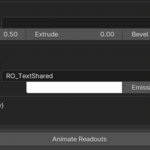
Instant, non-destructive previews update live as you tweak. Just click Animate Readouts to add the frame range when ready.
Per-Frame, Keyed Meshes
On bake, each sampled frame produces one clean mesh, automatically keyed so only the correct frame’s label appears during playback and rendering.
Frame-Step Control
Tune your “Every N Frames” setting to balance fidelity and performance:
Step 1 → buttery-smooth motion updated every single frame
Step 2–5 → perfect balance for most scenes
Step ≥10 → ultra-light setups for previews or long shots
Your frame step defines the density of data—and the efficiency of your timeline.
Placement Freedom
Choose how and where your labels appear:
World Offset — absolute placement in world space
Local Offset — follows the object’s transform
AABB Face / Corner — auto-align to a bounding-box face or corner
Always Face Camera — billboard toward active view
Rotate With Object — inherits rotation but ignores scale, preventing text warping
Fine-tune placement using margins, offsets, and rotation angles (X/Y/Z).
Typography + True 3D
Use any font, control size, and add extrusion and bevel to create 3D text that matches your art direction or technical aesthetic.
Design data that feels intentional, not overlaid.
Unified Look
Keep it consistent with a shared material system—color, emission, and naming unified across all readouts.
Update one material, and every label updates instantly.
Undo-Safe & Pipeline-Ready
Every bake creates clean collections with stable naming conventions, visible progress feedback, and full undo support for safe iteration.
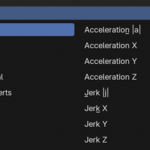
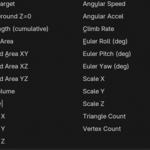
📚 Measurements & Units (Complete Catalog)
Below are all measurable types available in Readout Pro, grouped by category.
Preview Live – see instant, safe readouts in your scene, preview the location for where the animation will be added relative to the object
Animate Readouts – bake all enabled sets to the scene
Render-Ready Output – automatically named collections and per-frame visibility keys.
Undo Anytime – fully reversible workflow for fast iteration.
🧱 Built for Real Production
Works with evaluated meshes, constraints, and modifiers
Two-Vertex capture operator for exact edge distances
Organized output:
Collections → __-
Objects → CK___
Separate preview collections (_CK_Preview)
Replace-on-rebake behavior keeps everything clean and version-safe
🎯 Perfect For
Engineering & Product Visualization — display true motion data, tolerances, and part distances with real-world precision.
Robotics & Simulation — monitor path length, climb rate, angular velocity, and performance metrics in real time.
Education & Research — teach motion, force, and geometry through clear animated visuals.
Forensic & Legal Animation — recreate real-world events or accident scenes with frame-accurate, data-verified readouts.
Architecture & Construction — visualize clearances, kinetic systems, and structural motion with labeled dimensions.
Scientific Visualization — present experiments, trajectories, or spatial relationships with measured accuracy.
Industrial Design & Manufacturing — evaluate prototype motion, tolerances, and component fit with dynamic labels.
Technical Marketing — showcase performance metrics and motion data in polished, cinematic form.
Training & Simulation — reinforce real-world procedures with animated distance, angle, and timing readouts.
🧠 In Short
Readout Pro turns complex motion data into accurate and flexible animated 3D labels.
Every readout is live, safe, and tunable, giving you total control over precision, performance, and presentation.
 EnnJinn