 Sergei Zakharov





Real Caustics was developed with the assistance of AI coding tools. All technical decisions, node structures, interaction logic and tests were conceived, directed and validated by the author.
Your water scene looks great. But something is missing.
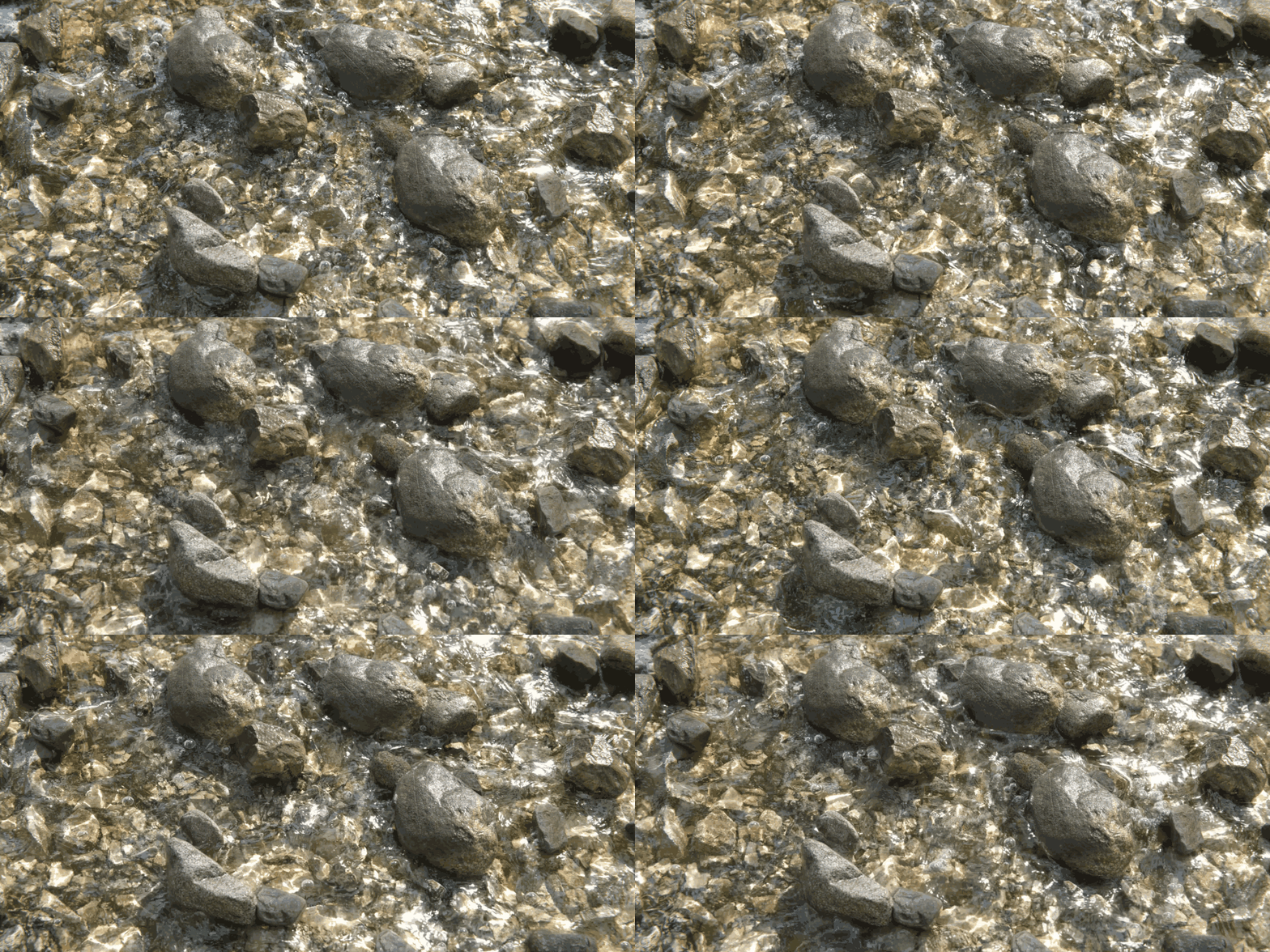
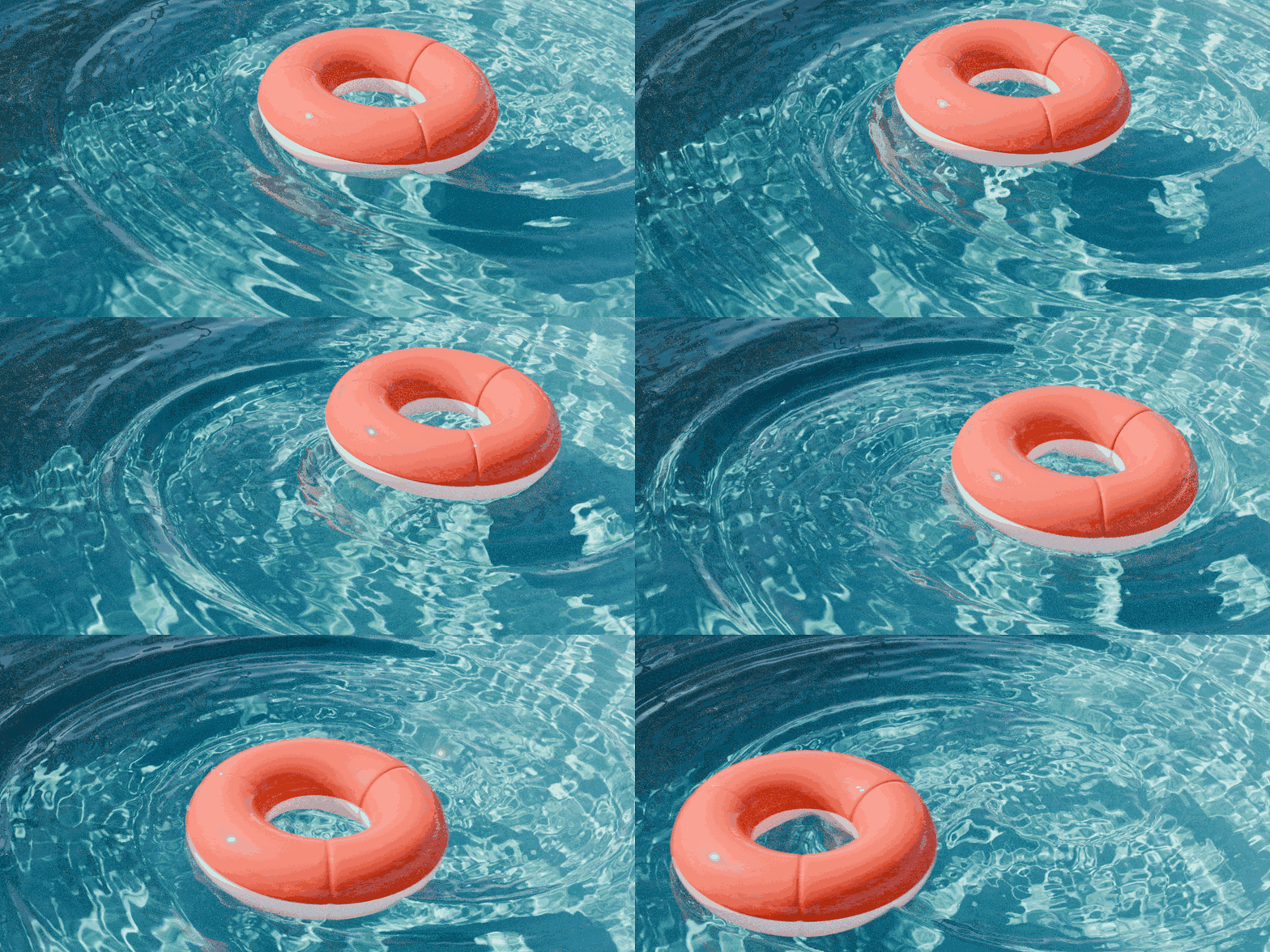
Caustics are the difference between water that looks real and water that looks rendered. Those shimmering, dancing light patterns on the floor of a pool, the bottom of a river, the rocks beneath an ocean wave. Blender artists have been skipping them for years - replacing them with a looping video texture or a noise pattern that never quite fits the scene.
Real Caustics fixes that.
Follows Every Wave. Every Frame.
Real Caustics is built for animated water. It works with fluid simulations, ocean modifiers, dynamic paint, and any mesh-based water surface. The caustic pattern moves with your water - tracking the surface shape, frame by frame, exactly as the light would in reality.

Generate Once. Render Forever.
Caustics in Real Caustics are baked to a texture. Once generated they add zero overhead to your render. Hit Generate Current Frame and the texture is written, reloaded and live in your viewport in seconds. When you are ready, generate the full sequence and render. No path tracing overhead. No noise. No waiting.Around 8 seconds per frame at 2048 resolution. Fast enough for production.

No Dense Geometry Required.
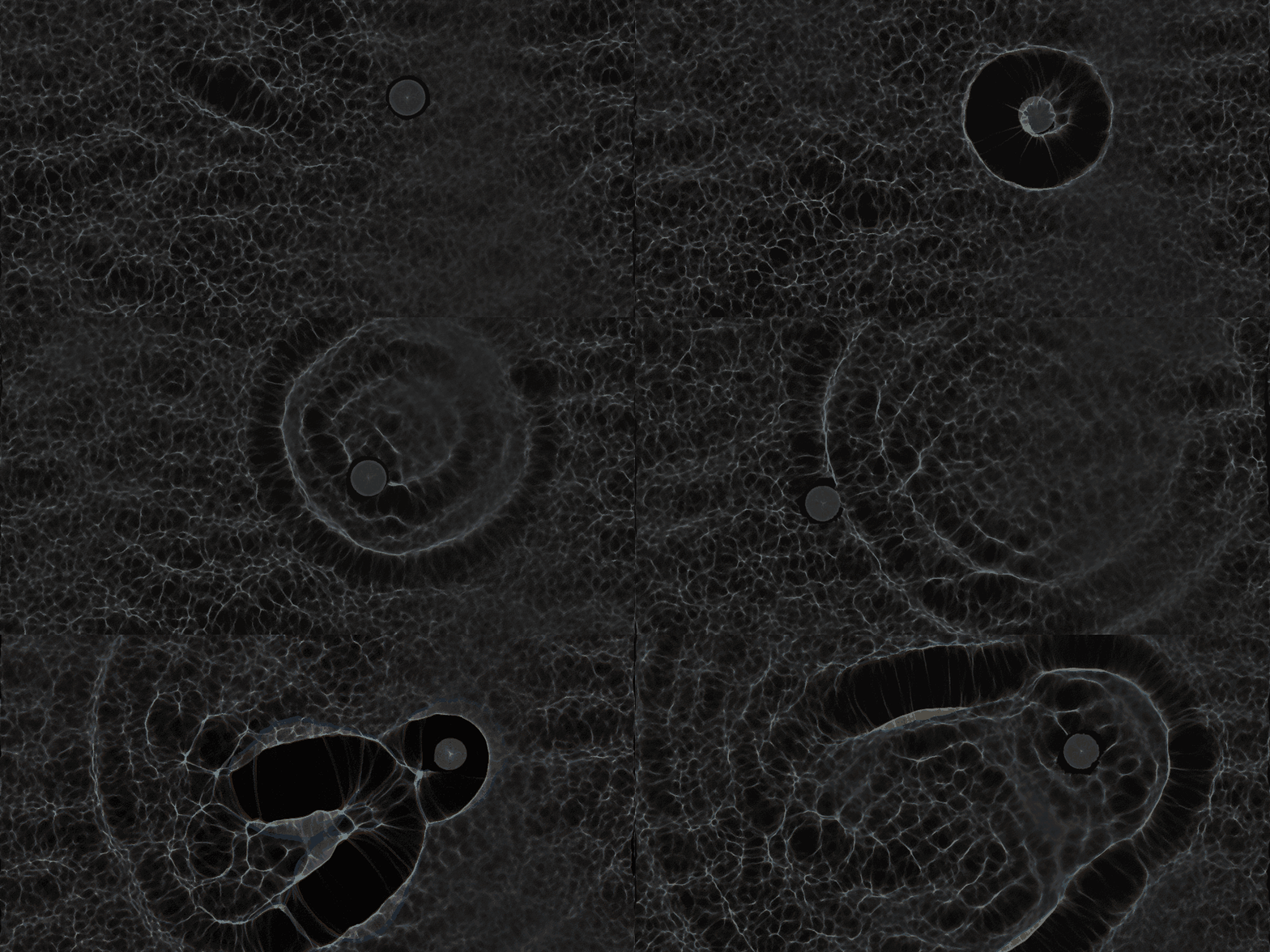
Real Caustics can read your shader Displacement/Bump maps directly during generation. The light traces the geometry normal, not the base mesh. Clean, accurate caustic results from simple geometry with no subdivision cost.
One Click Setup
From version 1.3, material setup is fully automated. Once you generate your first caustic texture, click Create Caustics Water Material and the complete node setup is built and assigned to your water objects instantly. Texture coordinates, projection, energy correction, volume absorption - everything in one click. An Update Material button keeps your settings in sync as you adjust resolution, scale or file format without rebuilding the material from scratch.

Your Caustics. Your Control.
Real Caustics gives you full control over the look of your caustics. Intensity, blur, dispersion, tiling, sampling - every parameter is adjustable. Full details are listed in the documentation.


- Sergei Zakharov
Already Got the Addon? Start Here.
Check out the full tutorial series and documentation to get the most out of Real Caustics - from first setup to advanced animation workflows.
Tutorial - Getting Started (Version 1.3.1): https://youtu.be/HFkf15Z5Qew?si=iDSpmHFzFaQ7-ScR
Tutorial - Getting Started (the OLD way): https://youtu.be/oSFc6D0uDpQ?si=e3pjAiqRAWWkwcJv
Tutorial - Generate your own Caustics: https://youtu.be/BiIAE6eXqeU?si=TiNk-u_8c5rOofMp
Tutorial - Cool EEVEE Ocean Material: https://youtu.be/UGGE5jcJeJc?si=kP1k631nL8pCIalQ
Full documentation: https://superhivemarket.com/products/real-caustics/docs
Have a question or ran into a bug? Join the Discord community: https://discord.gg/hApRNgZCxT
Included: Ready-Made Caustic Textures
A pack of seamless, looping caustic textures comes with the addon. Drop them straight into your scene - perfect for quick setups, static renders, or any project where speed matters. Tile them across large surfaces, loop them in animation, use them as a starting point. And when you want to go further - generate your own with the full toolset included.


Demo-Scene and Web-App available here
3rd Party assets used in the presentation:
Deed - Attribution 4.0 International - Creative Commons
Miguelangelo Rosario
