Real Environments

Wolf in Surfacing


Item Rating

This item has an average rating of 4 from 19 ratings by the community.

69%
6%
0%
11%
16%

Purchase this item to leave a review!

  • clinford
    over 6 years ago

    Dont forget to Ctrl A apply scale. Exp. Feat set.
    Great Addon things are clicks away. Great with 4K 8k 16K HDRIs.
    Waiting for your new addon whatever it may be.
    How about height map to mesh ?

  • Richard Osborn
    over 6 years ago

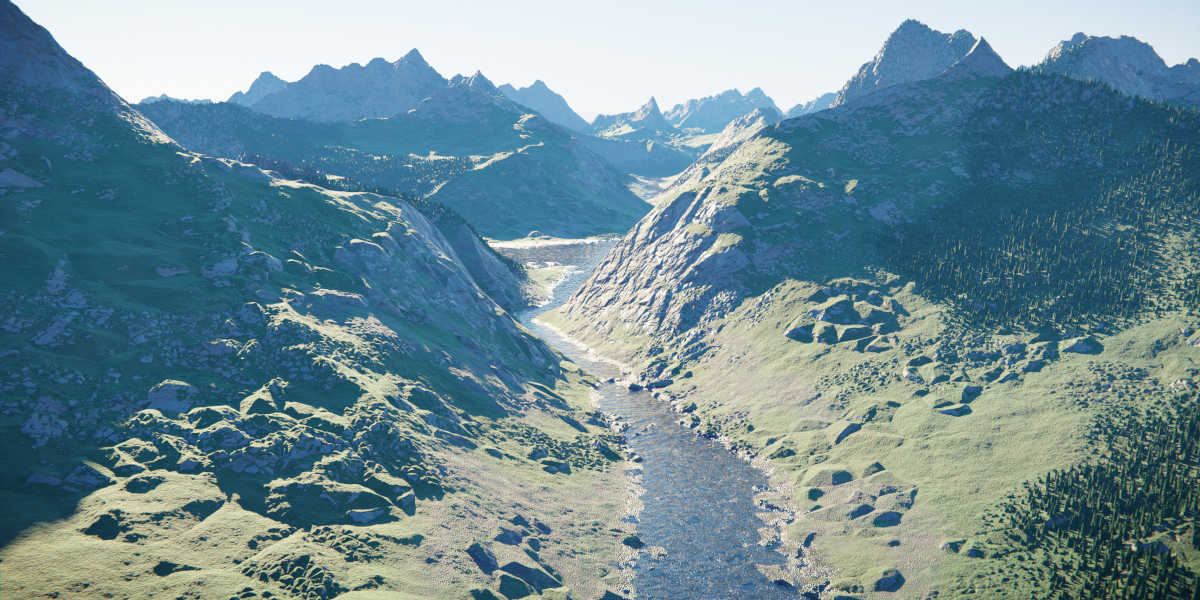
    This Addon / Shader Pack is amazing - beautifully detailed landscapes in the click of a button! I also have Wolf's Real Sky and the combination of these two look incredible. This is going to be my go-to Addon for adding backgrounds to my architectural renderings.

    Installation is a breeze (as are all Blender Addons!) and the options appear as a new tab to your 'N' side menu. Follow the instructions in the associated doc and and you'll be fine (don't forget to add sub-divisions - I did the first time and got nothing!)

    The results render pretty fast but don't switch to Eevee, I think it gets stuck trying to create the (impossible?) realtime shaders and hangs!

    The shaders don't come with water (which confused me initially) but as Wolf said in a reply to my query;
    "just add a plane and assign a Glass shader with a noise as bump connected to the Normal of Glass"

  • Starslinger
    over 6 years ago

    Amazing! Just what I was looking for. If you need a quick landscape and cant be bothered with tedious landscape map generation process while using multiple proprietary software to get something that looks half decent - then this is for you. Just a few clicks and it looks great, very easy on resources too it doesn't use much memory and renders are quick.

    • Wolf

      over 6 years ago

      Thank you for sharing your experience!
  • Michael Houghton
    over 6 years ago

    This Addon works very nicely as long as you follow the guide. The reason I don't give it a 5 star is that I wish there was a way to apply the displacement to the mesh, giving it actual topology. I still think this is awesome!

    • Wolf

      over 6 years ago

      Well, you can always bake the maps from the shaders. Thank you for sharing your experience.

  • freemovies9111
    almost 6 years ago

    It wasn't what I expected. Might as well use the A.N.T Landscape generator that comes free with blender

  • Brian Warner
    over 6 years ago

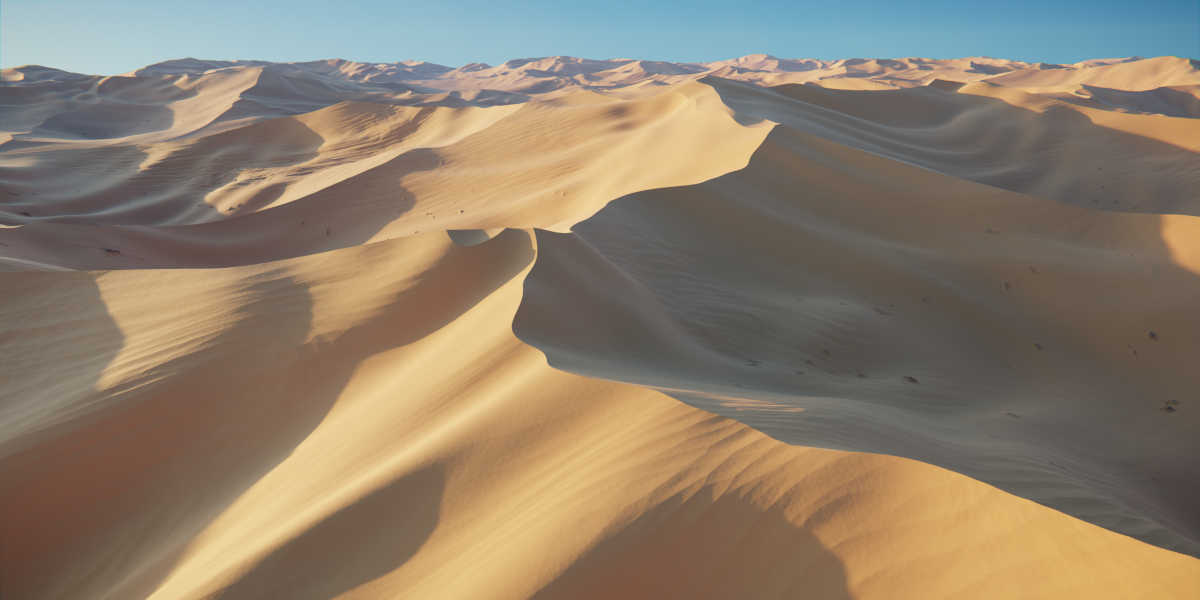
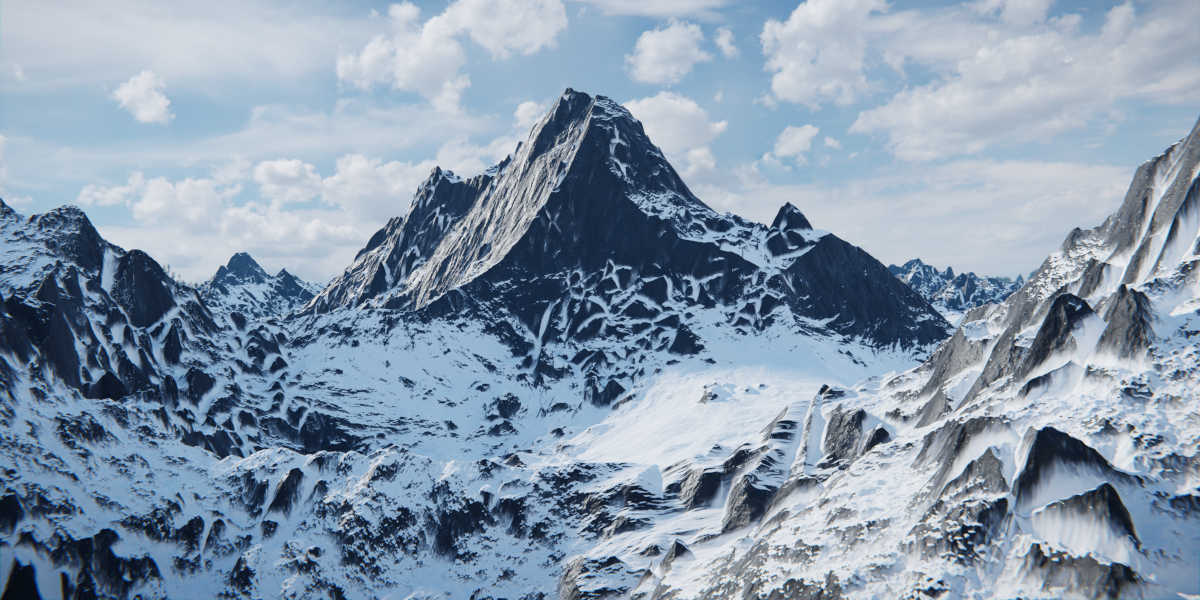
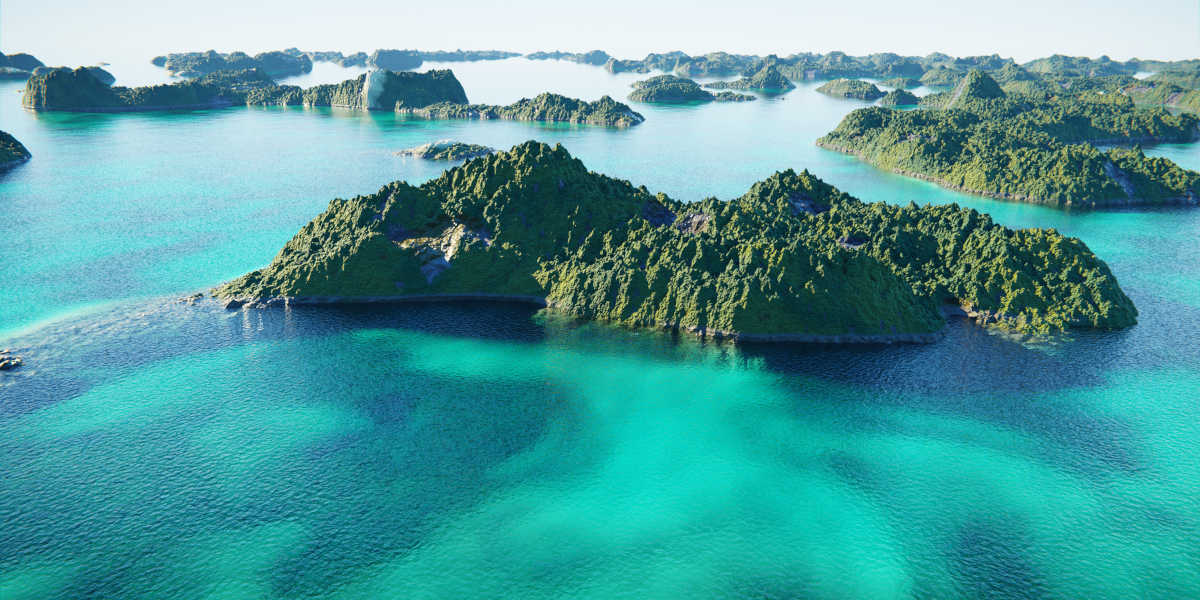
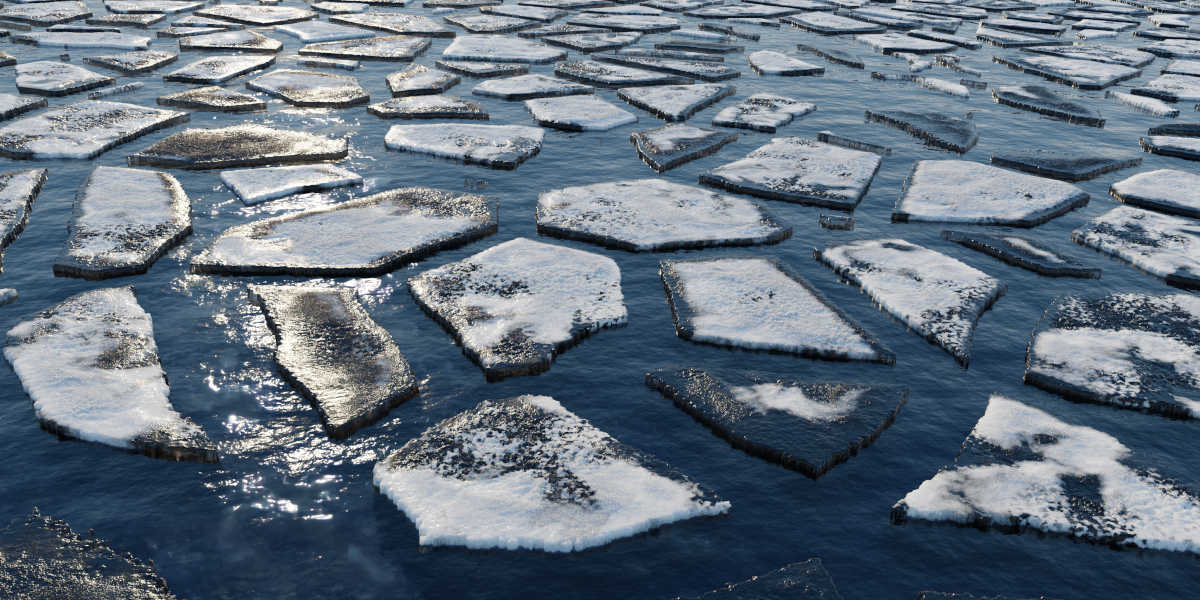
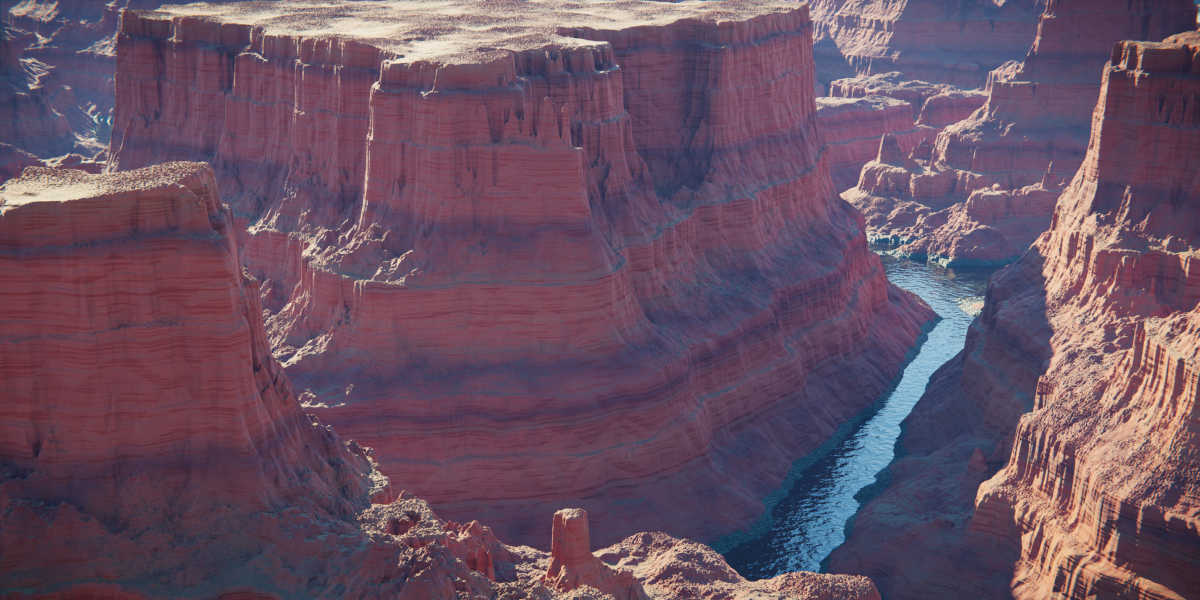
    I'm not a fan. Hate to say it, it just has so many hoops to jump through to get it to work. The guide is poorly written, but after awhile I got the flow down now. Now I can just sit down and do it without following all the crazy setup. However, the results vary. Sometimes it looks ok, other times the results are pretty bad (obvious triangles, etc.). Example, the snow mountains look kinda good, but the desert canyon is terrible. The islands are terrible. The Memory consumption is incredible. I've never got the results that is showcased by the author and I'm not alone. Just following the guide, you won't get a scene like showcased. IMO, if you just need a landscape generator (and don't require blender) there are better alternatives (flowsscape, or Terragen as examples). If you need to use blender for a workflow, you could use this, but the overhead in memory and cpu is terrible. I have regular crashes, probably due to the requirement for using "experimental" mode on the Cycles renderer - at least that's the advice I've read from the crashes I've reported. I think a person is better off doing one of the convoluted tutorials on making a landscape by scratch. This is the first product I regret buying off blender market.

  • patrick
    about 4 years ago

    1.Slow
    2.What you see in the Videos is not really what you get when you use this Addon
    3. There are Free Addons that can do it better.
    4. And there are cheaper Programs that can do better as this Addon+ the Free Blender.

  • Alain
    about 6 years ago

    Hello, Maybe I made mistake, but add-on doesn't work on my blender version 2.83 :-( I obtained every time something in low poly. very far from your realistic exemple that your video show. May be have you advice please ? thank you. Regards Alain

    • Wolf

      about 6 years ago

      Hey, please just ask me directly before doing a rating ;). So, basically probably you missed a step in the Guide, please follow it step by step and you should get it working. Notice that viewport has a Dicing Rate value of 8px by default, compared to the Render setting that is set to 1px (more subdivisions). Hope it helps, again though, contact me if you need help.

  • peter
    over 6 years ago

    This is not waorkin in 2.82 at all... :( I mad EVERYTHING exactly as in guide. Wasted money...

    • Wolf

      over 6 years ago

      Please contact me before leaving a rating, I'm 100% sure you missed a step in the Guide. If not the I can help you for sure

$10

Have questions about this product?
Login to message

Details
Sales 1300+
Rating
19 ratings
Published over 6 years ago
Blender Version 3.5
License Royalty Free