 Vikar Zhang


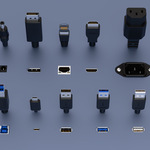
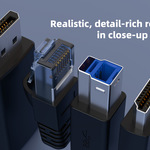
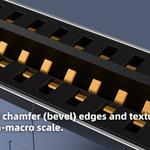
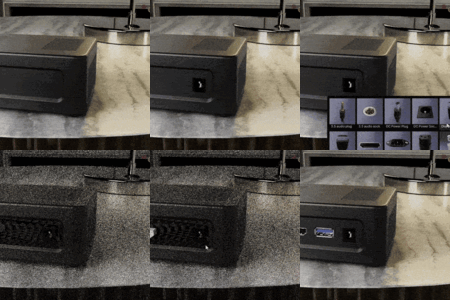
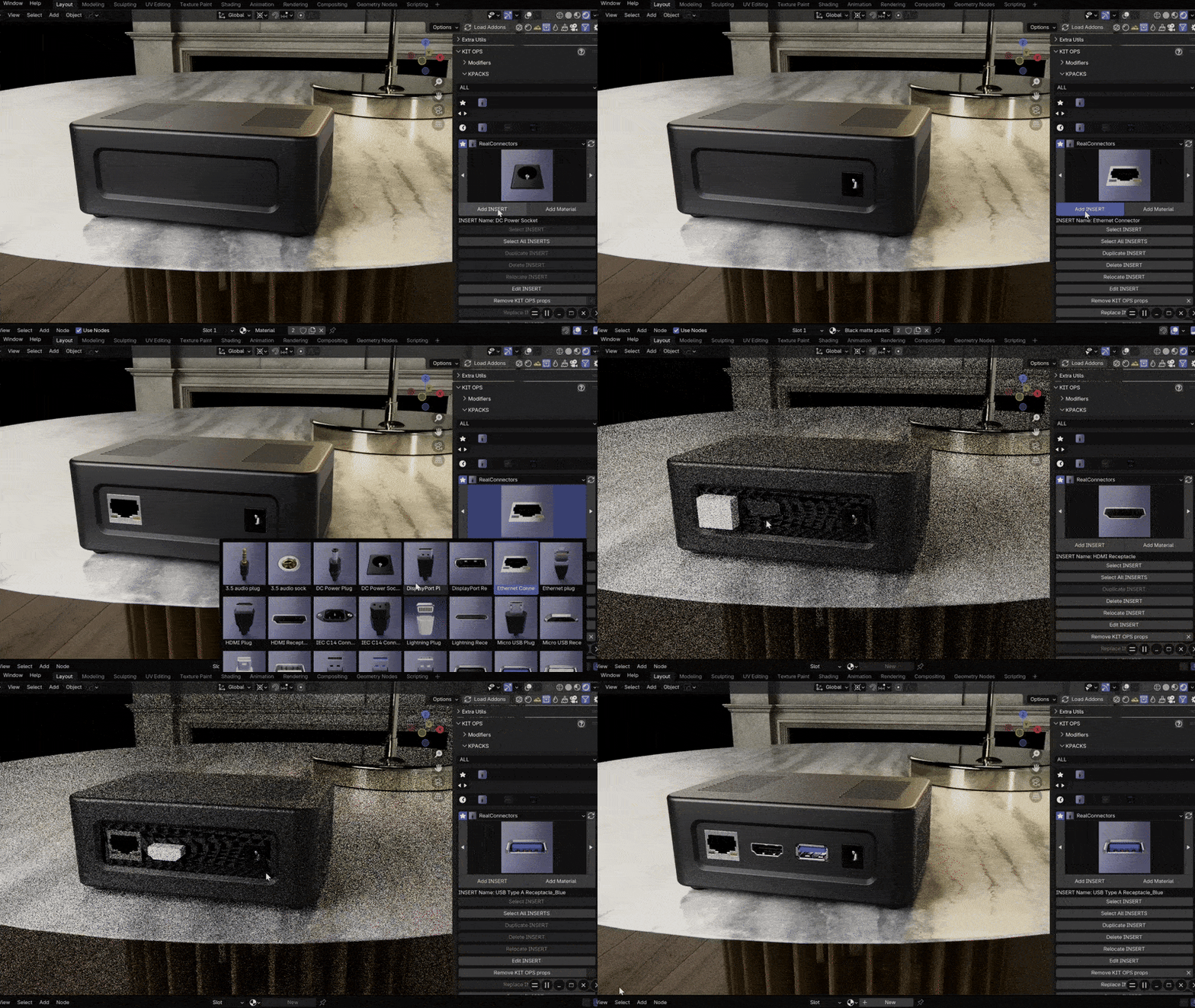
This library provides high‑poly, close‑up‑ready I/O ports and plugs as KitOps Inserts and Asset Browser assets. Models are built around common external/envelope dimensions with practical bevels for crisp highlights. Use KitOps’ quick‑boolean workflow to cut recesses/openings on product shells and place matching receptacles/plugs in seconds. These assets are for visualization only and do not replace engineering CAD, PCB footprints, or manufacturing drawings.
这套资源包含高面数、可微距观看的 I/O 插座与插头模型,同时提供 KitOps Inserts 与 Asset Browser 资产。模型遵循常见外形/包络尺寸,在可见边缘设置合理倒角以获得干净高光。结合 KitOps 快速布尔流程,可在外壳上迅速切出凹槽/开口并放置配套部件。本资源仅用于可视化展示,不可替代工程 CAD、PCB 尺寸库或制造图纸。
Key Features
Visualization‑focused: Built for concept and marketing renders (not engineering/DFM).
面向可视化:服务概念与宣传渲染(非工程/DFM)。True‑to‑scale envelope: Real‑world outer dimensions for reliable proportioning on product shells.
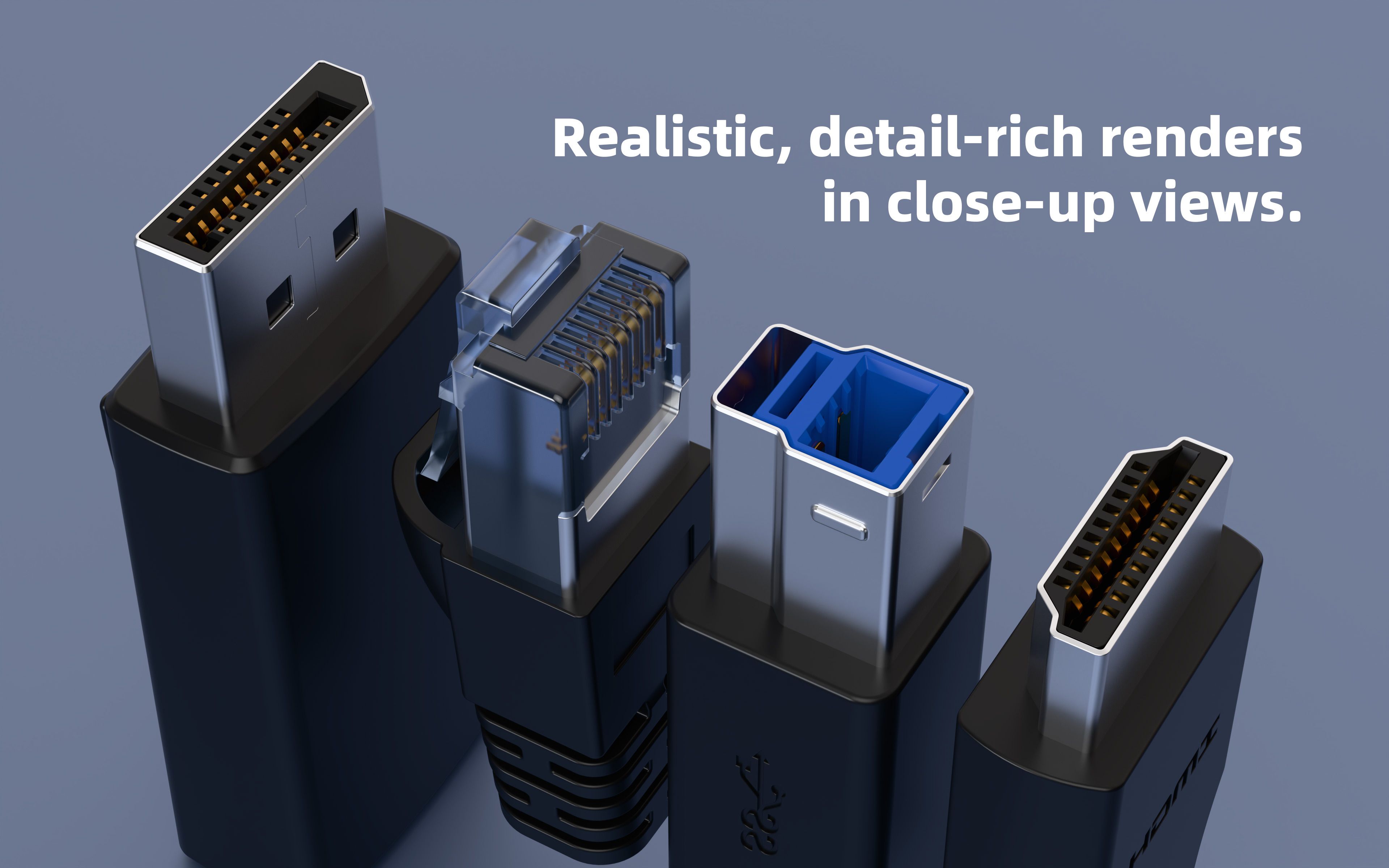
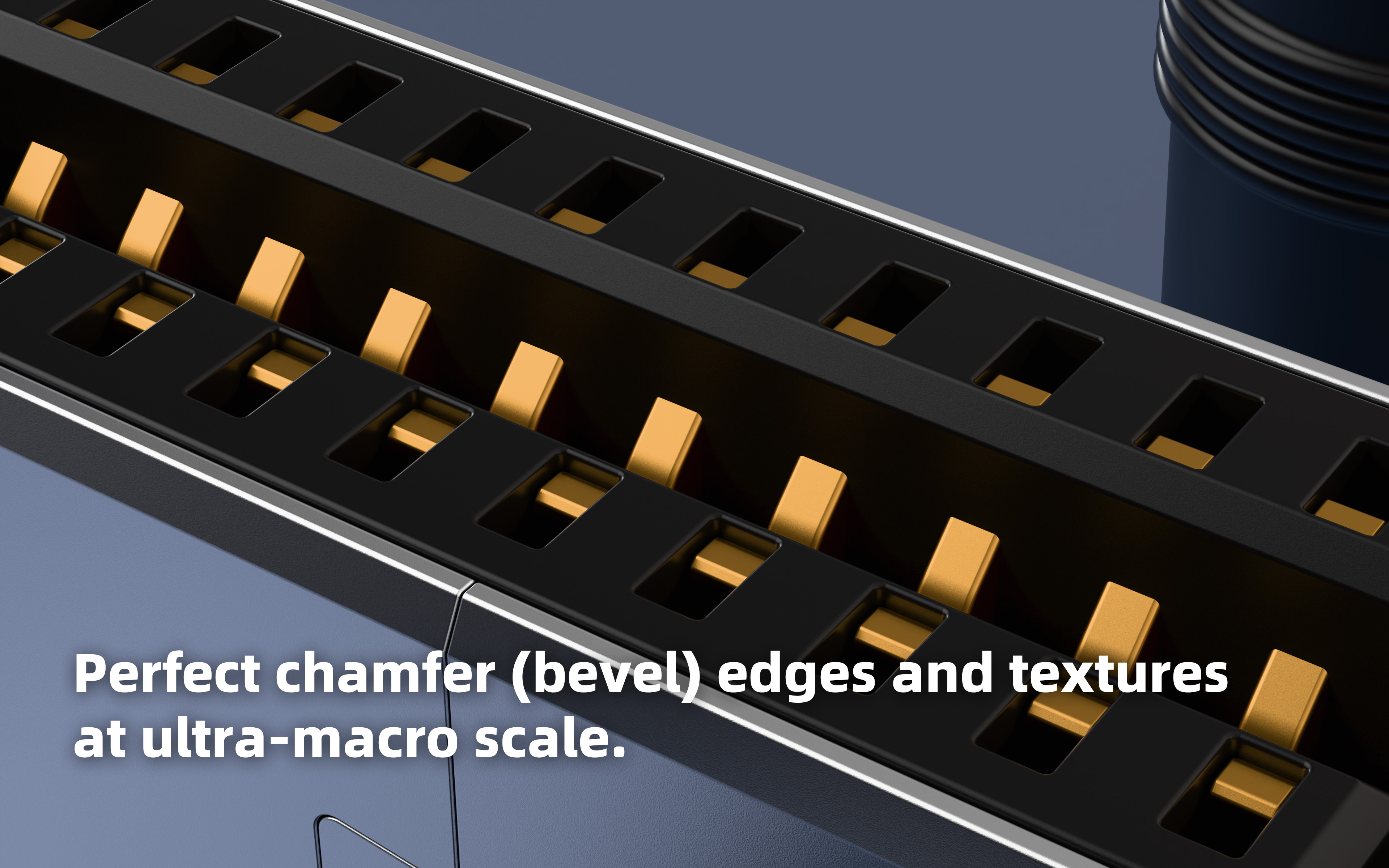
真实比例包络:依据常见外形尺寸建模,便于与外壳比例匹配。Close‑up ready: High‑poly detail with bevels for clean speculars.
微距友好:高面数细节与倒角,获得干净的高光反射。KitOps quick booleans: Cut recesses instantly, then place matching ports.
KitOps 快速布尔:快速切出凹槽并放置匹配接口。Asset Browser ready: Categorized assets with preview thumbnails for drag‑and‑drop.
资产库即用:分类清晰并带预览缩略图,拖拽即用。Clean topology: Non‑destructive friendly; tweak or remesh for variants as needed.
拓扑干净:适配非破坏式流程;可按需调整或重构。
Installation
As KitOps KPACK
If you haven’t installed KIT OPS yet, consider installing it first. For using this pack alone, the KIT OPS Free version is sufficient; if you also want to save your own components/materials and streamline organization, the KIT OPS Pro version is recommended.
如果你尚未安装 KIT OPS 的话,建议先安装。若仅使用本套资源,KIT OPS免费版已足够;若你还希望保存自定义组件/材质并提升整理效率,建议考虑 KIT OPS专业版(Pro)。
When you purchase this pack, you will receive a .zip that contains a top‑level folder RealKit, inside which there is RealConnectors, and inside that are the assets. The preferred method is to make RealKit your KPACK Masterfolder.
当你购买了本套资源,你将获得一个 .zip 文件,顶层为 RealKit 文件夹,内含 RealConnectors 文件夹,资源文件位于其中。推荐将 RealKit 作为 KPACK Masterfolder 安装。
Install steps (preferred, RealKit as KPACK Masterfolder):
安装步骤(推荐,用 RealKit 作为 KPACK Masterfolder):
Place the
RealKitfolder somewhere you keep assets.
将RealKit文件夹放到你习惯存放资产的位置。In Blender go to Edit → Preferences → Add‑ons and locate KIT OPS.
在 Blender 打开 Edit → Preferences → Add‑ons,找到 KIT OPS。Expand KIT OPS and open the File Paths tab.
展开 KIT OPS,切换到 File Paths 选项卡。Click “+” and select the
RealKitfolder (this sets it as a KPACK Masterfolder).
点击 “+”,选择RealKit文件夹(将其设为 KPACK Masterfolder)。Save Preferences.
保存设置。Open the N‑panel → KIT OPS, click Refresh, then expand KPACKs; you should see RealConnectors.
打开 N 面板 → KIT OPS,点击 Refresh 并展开 KPACKs;即可看到 RealConnectors。
Alternative (use your own existing Masterfolder):
可选方案(使用你已有的 Masterfolder):
If you already have a custom KPACK Masterfolder and prefer to keep everything there, simply copy RealKit/RealConnectors into your own Masterfolder, then refresh KIT OPS.
若你已定义了自己的 KPACK Masterfolder,只需把 RealKit/RealConnectors 复制到你的 Masterfolder 中,然后在 KIT OPS 中刷新即可。
Recommendation: We recommend keeping RealKit as the Masterfolder so future RealKit packs (e.g., switch/knob kits, common materials, icon/label decals) remain organized under one umbrella.
建议: 推荐保留 RealKit 作为 Masterfolder,以便未来的 RealKit 扩展包(如 开关旋钮组件、常用材质、图标/标识贴花 等)统一管理。
In Blender Asset Browser
Place the asset folder in your Asset Library path, add it under Edit > Preferences > File Paths > Asset Libraries, then drag from the Asset Browser.
将资源文件夹放入你的 Asset Library 路径,在 Edit > Preferences > File Paths > Asset Libraries 中添加,随后从 Asset Browser 直接拖入。
Limitations & Usage Notes (Important)
使用限制与注意事项(重要)
-
Topology & Deformation — Meshes are triangle‑heavy and were not retopologized for deformation. Not suitable for rigs, bending, lattice/Curve modifiers, or further Catmull‑Clark subdivision; treat these as static visualization geometry.
拓扑与变形 —— 网格 三角面较多,且未做用于变形的重拓扑;不适合骨骼/弯折/Lattice/Curve,也不适合继续 Catmull‑Clark 细分;定位为静态可视化几何体。 -
Using Without KitOps — Dragging from Asset Browser/Asset Manager for embedded ports requires a manual Boolean on your product shell. Add a Boolean modifier and ensure the modifier order is correct (Boolean before Bevel/Weighted Normal).
不使用 KitOps 的情况 —— 从 Asset Browser/Asset Manager 拖入嵌入型接口时,需要在外壳上手动添加 Boolean 修改器,并注意修改器顺序(通常 Boolean 在 Bevel/Weighted Normal 之前)。 -
Boolean Solver = Exact — For clean cuts and fewer artifacts, set Boolean solver to Exact in KitOps preferences; for manual Booleans, also choose Exact in the modifier.
布尔求解器选择“精确” —— 为获得更干净切口并减少伪影,请在 KitOps 设置中将布尔求解器设为 Exact;手动布尔同样在修改器中选择 Exact。 -
Keep Real‑World Scale — Do not enable auto‑scale on insert (e.g., “Auto Adjust Scale”). Models are built to real‑world envelope dimensions; auto‑scale breaks size accuracy.
保持真实比例 —— 插入时不要启用自动调整缩放(如 “Auto Adjust Scale”);本资源按真实外形尺寸建模,自动缩放会破坏精度。 -
Booleans on Curved Surfaces — Blender booleans are more reliable on planar faces. On curved surfaces spanning many small (especially triangular) faces, you may see shading artifacts along the cut seam due to mesh interpolation. After finalizing placement, consider adding a supporting edge loop (or control cuts) around the cut on the target mesh to stabilize normals and reduce artifacts.
曲面布尔提示 —— Blender 的布尔在平面上更稳定;当在跨越多个小面(尤其是三角面)的曲面上切割时,切口边缘可能出现伪影(与 Blender 的面插值机制相关)。在确定摆放位置后,建议沿切割轮廓一圈增加支撑边(或控制切线),有助于稳定法线并减少伪影。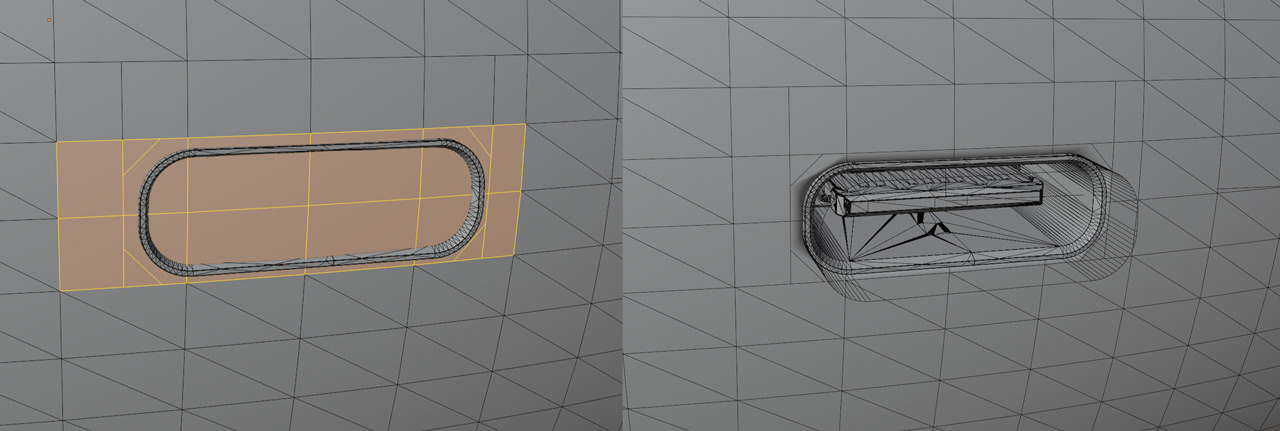
-
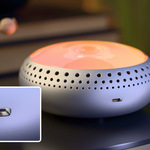
Lighting Deep Recesses — Many ports have deep cavities. Under ordinary environment lighting, inner walls may receive little light and appear very dark/near‑black (physically plausible). For clearer product visuals, place a very weak inward‑facing area light inside the port to reveal details; keep intensity extremely low to avoid burnout (e.g., Power ≈ 0.000001 as a starting point, then adjust to taste). Additionally, mind placement: keep the emitter and its boundary out of the camera’s view. Even if you toggle the light to be camera‑invisible, a hard transition band can appear between lit and unlit zones behind the emitter. Position the light so the emitter is not directly visible to the camera, and when needed increase distance or emitter size to soften falloff while keeping power very low to prevent local overexposure near the source.
深腔照明提示 —— 部分接口内腔较深,普通环境光难以照入,内部会呈现较暗甚至近黑(物理上合理)。如需呈现更丰富的细节,可在接口内部放置一盏朝外照射的弱面光;强度需极低以免过曝(例如可从 Power≈0.000001 起试,按画面微调)。另外请注意摆位:避免灯体与其边界进入镜头视野;即使设为对摄像机不可见,灯后方与受光区之间仍可能出现明显的割裂带。请将光源保持不在摄像机的直接可见范围内,必要时增加距离或光源面积以柔化衰减,并保持极低功率,避免灯口附近过曝导致画面失真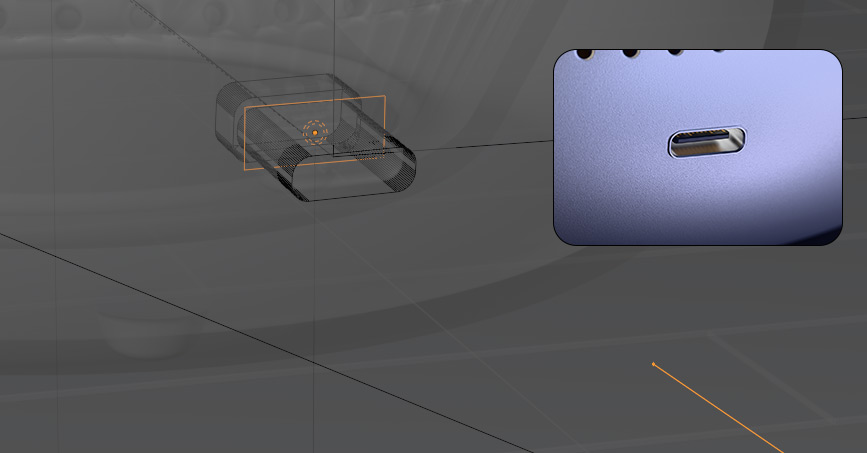
What’s Included (包含内容)
-
USB
USB Type‑A Plug — Black / Blue / White
USB Type‑A Receptacle — Black / Blue / White
USB Type‑B Plug / Receptacle
USB Type‑C Plug / Receptacle
Micro USB Plug / Receptacle -
Video / Display
HDMI Plug / Receptacle
DisplayPort Plug / Receptacle
Mini DisplayPort Plug / Receptacle -
Network
Ethernet Connector / Ethernet Plug -
Audio
3.5mm Audio Plug / 3.5mm Audio Socket -
Power
DC Power Plug / DC Power Socket (barrel jack)
IEC C14 Connector (Male) / IEC C14 Connector Plug -
Mobile
Apple Lightning Plug / Lightning Receptacle
FAQ
Q: Can I subdivide, rig, or deform these meshes?
A: No. They are triangle‑heavy visualization assets and are not retopologized for deformation.
问:这些网格能细分、绑定或做变形吗?
答:不行。它们为可视化而建,三角面较多,未做变形重拓扑。Q: My boolean cuts show errors/glitches/artifacts — how to fix?
A: Use the Exact Boolean solver in KIT OPS preferences; for manual Booleans, set the modifier to Exact and check modifier order. On the target (cut) object, add a Weighted Normal modifier at the bottom of the stack to fix most shading artifacts.
问:布尔切割有错误/穿帮/伪影怎么办?
答:在 KIT OPS 中选择 Exact 求解器;手动布尔也将修改器设为 Exact,并检查修改器顺序。在被切割的目标物体上,将 Weighted Normal 修改器放在修改器列表最底部,通常可修复大多数表面伪影问题。Q: Booleans on curved shells produce seam artifacts — any tips?
A: Curved surfaces made of many small (triangular) faces can show interpolation artifacts. After placement, add a supporting edge loop around the cut (or control cuts) on the target mesh to stabilize shading.
问:曲面上做布尔时,切口边缘出现伪影怎么办?
答:当曲面由许多小面(特别是三角面)组成时,易出现插值伪影。建议在确定位置后,在被切割物体上沿切口加一圈支撑边/控制切线**,以稳定明暗过渡。Q: The port interior renders too dark — how to show details?
A: Place a very weak inward‑facing area light inside the port to lift inner detail; start with Power ≈ 0.000001 and adjust carefully to avoid overexposure.
问:接口内部太暗,看不清细节怎么办?
答:在接口内部放一盏极弱的向外面光以提亮内部;可从 Power≈0.000001 起试,谨慎微调避免过曝。Q: Can I use these for engineering/DFM or manufacturing?
A: No. Visualization only; not a substitute for engineering CAD or PCB footprints.
问:能用于工程/DFM 或制造吗?
答:不能。仅用于可视化;不替代工程 CAD 或 PCB 尺寸库。
Requirements & Compatibility
Blender: Tested with 3.6 LTS and 4.5.
Blender:已在 3.6 LTS 与 4.5 版本测试。
KitOps: Tested with 2.25.13 and 3.0.23.
KitOps:已在 2.25.13 与 3.0.23 版本测试。