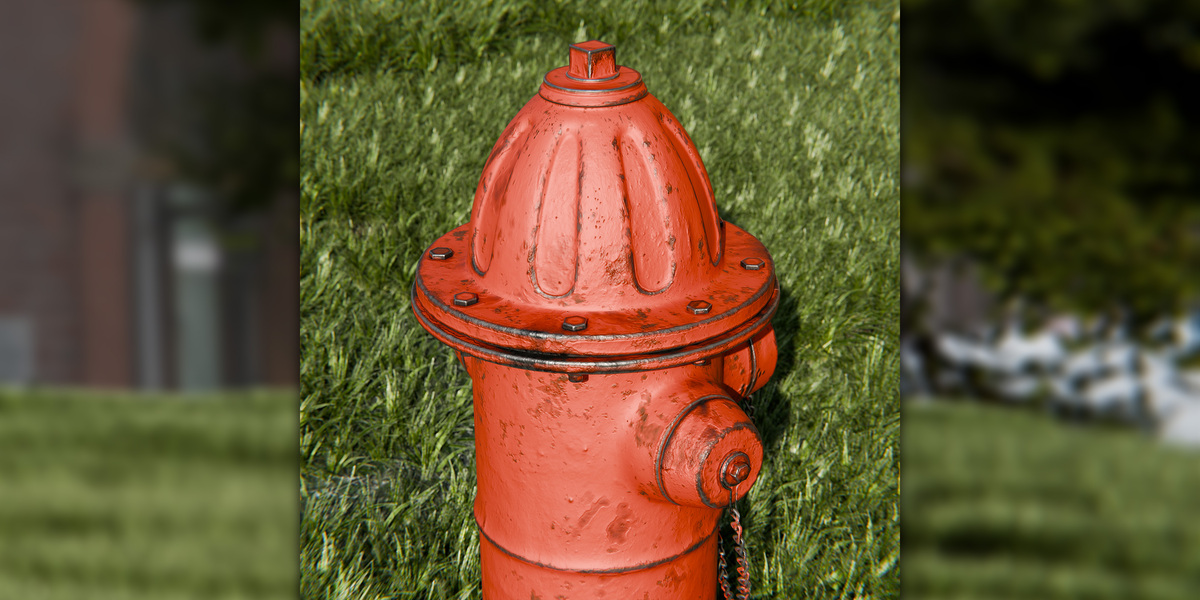
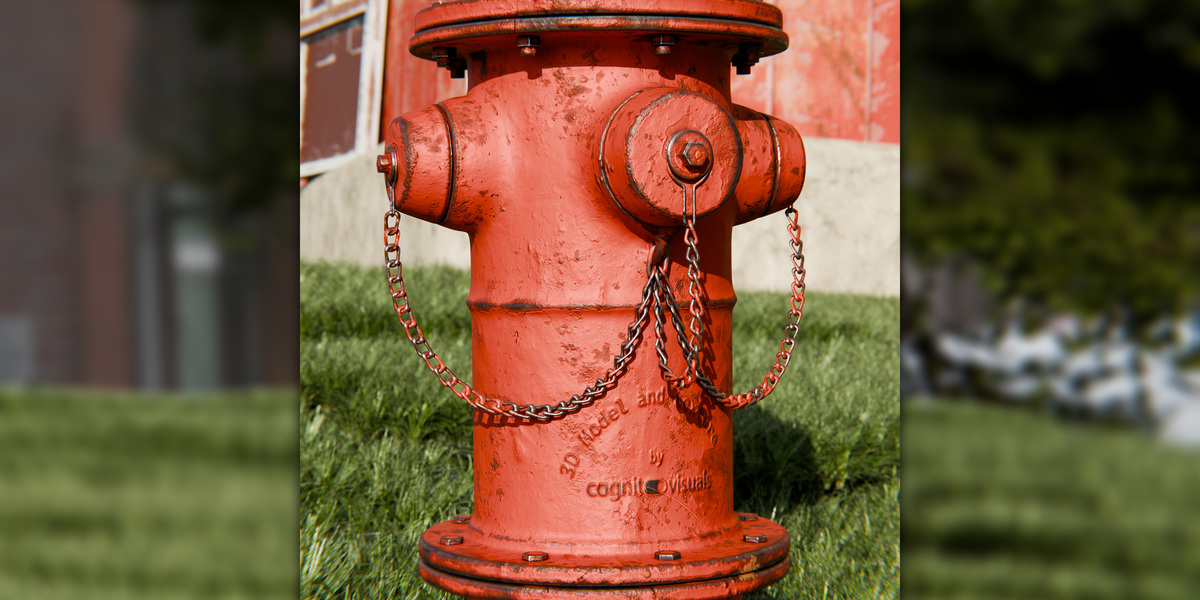
Realistic Fire Hydrant 3D Model | Pbr Urban Street Prop For Blender
 Cognito Visuals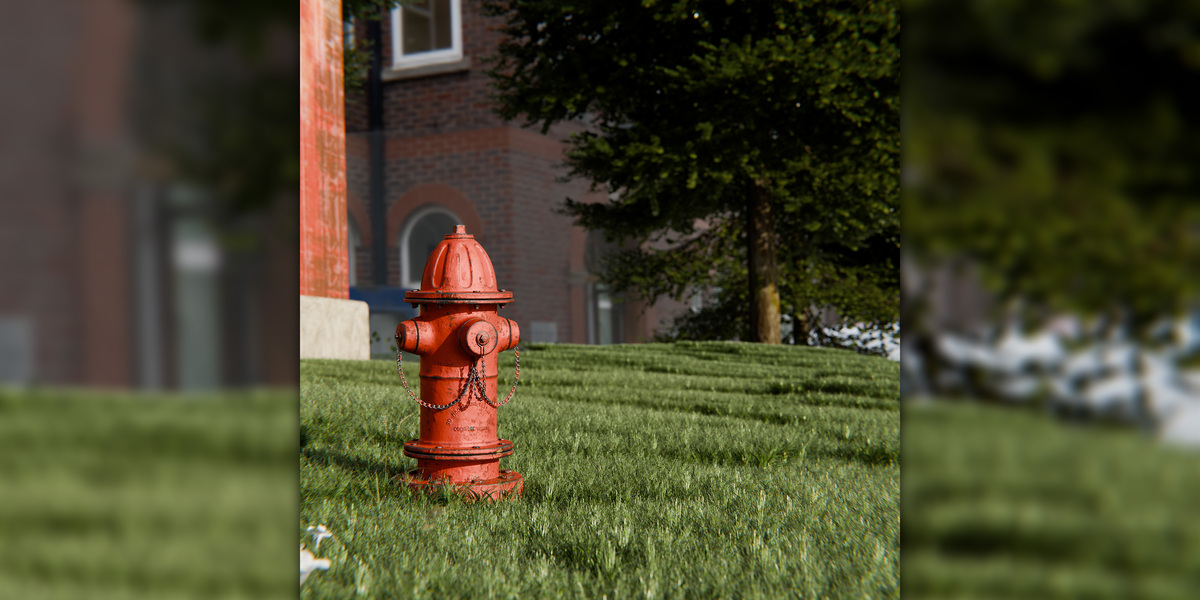
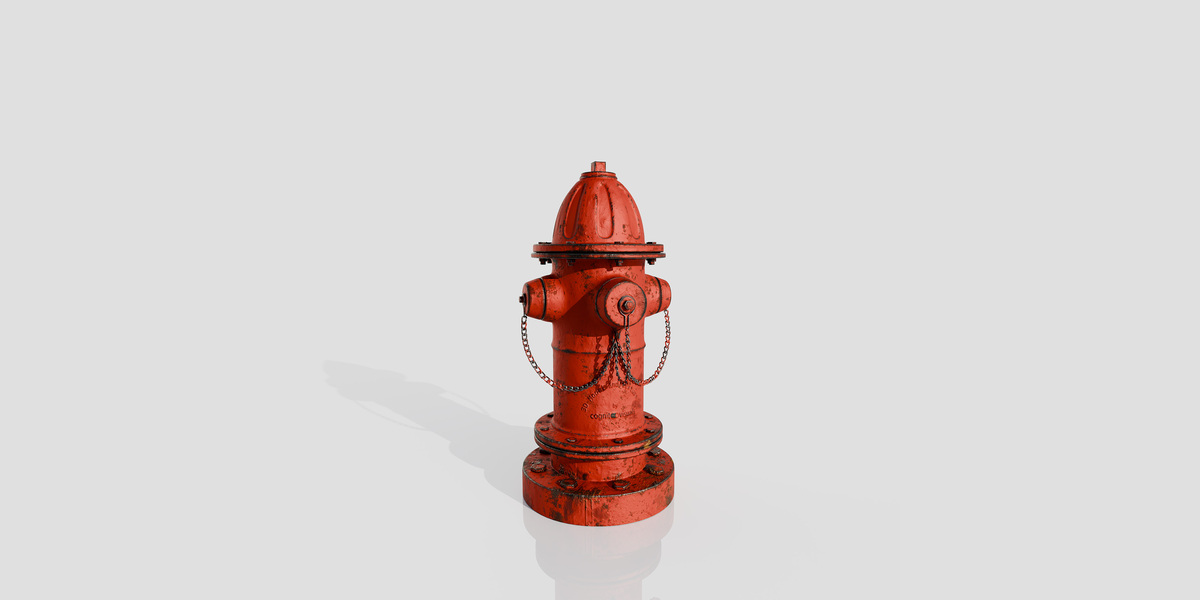
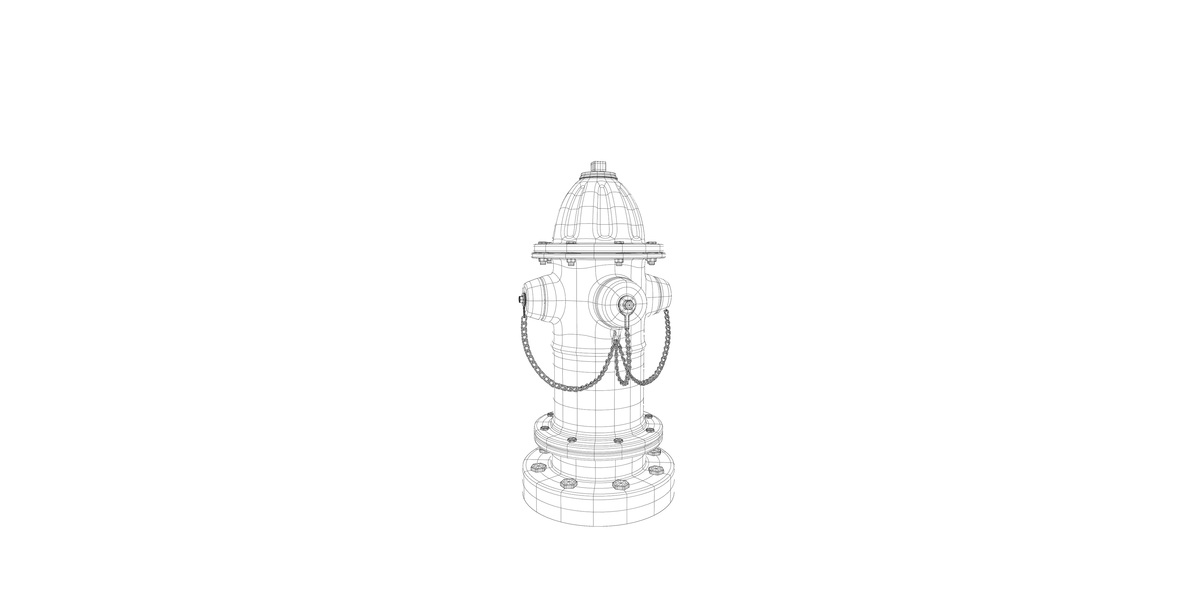
Realistic Fire Hydrant 3D Model — Documentation
Product Overview
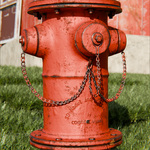
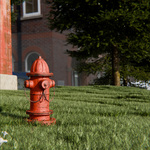
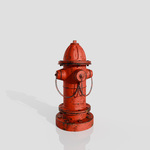
This Realistic Fire Hydrant 3D Model is a detailed environmental prop designed for urban, architectural and exterior visualization.
The asset includes:
- Detailed fire hydrant geometry
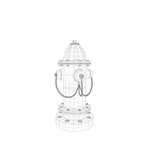
- Quad-based polygon mesh
- PBR materials
- Texture maps
- UV-mapped surfaces
- Non-overlapping unwrapped UVs
- Native Blender file
- FBX format
- GLB/GLTF
PBR Material Workflow
The PBR setup is intended to reproduce realistic surface behavior under different lighting conditions.
Typical PBR properties include:
- Base Color
- Roughness
- Metallic
- Normal information
When modifying the supplied material, make sure data textures such as Roughness, Metallic and Normal are interpreted as Non-Color data where applicable.
Base Color textures should normally use sRGB color space.
Recommended Color Space
| Texture Type | Color Space |
|---|---|
| Base Color | sRGB |
| Roughness | Non-Color |
| Metallic | Non-Color |
| Normal | Non-Color |
Using the FBX File
The FBX file can be used as an exchange format with compatible 3D software.
After importing into another application, check:
- Scale
- Material assignments
- Texture paths
- Normal-map interpretation
- Color management
Different applications can interpret materials differently, so some material adjustment may be required.
For the most direct Blender workflow, use the native .blend file.
Using the GLB File
The GLB format can be useful in compatible real-time, interactive and web-based workflows.
After importing, verify:
- Material appearance
- Texture assignments
- Scale
- Normal information
- Lighting
The appearance may differ slightly from the Blender scene because different applications use different PBR and color-management implementations.
Missing Textures
If Blender cannot locate texture files, try:
File → External Data → Find Missing Files
Select the folder containing the supplied texture maps.
After locating the files, save the Blender project again if necessary.
Recommended Workflow
Open .blend
↓
Check materials and textures
↓
Place the hydrant in your environment
↓
Customize material if required
↓
Set up exterior lighting
↓
Position camera
↓
Render
 Included
Includes 12 months of
- Support from Cognito Visuals
- Product updates
Extend this product’s Support Period +12 months: 50% of product price
Have questions before purchasing?
Login to message
| Published | 4 days ago |
| Blender Version | 4.0 - 5.2 |
| Render Engine Used | Blender-Internal, Cycles, Eevee, Octane, Vray |
| Misc Data | Uvs-Unwrapped, Low-High-Resolution, Normal-Mapped, Textured |
| License | Royalty Free |