 Leonid Altman
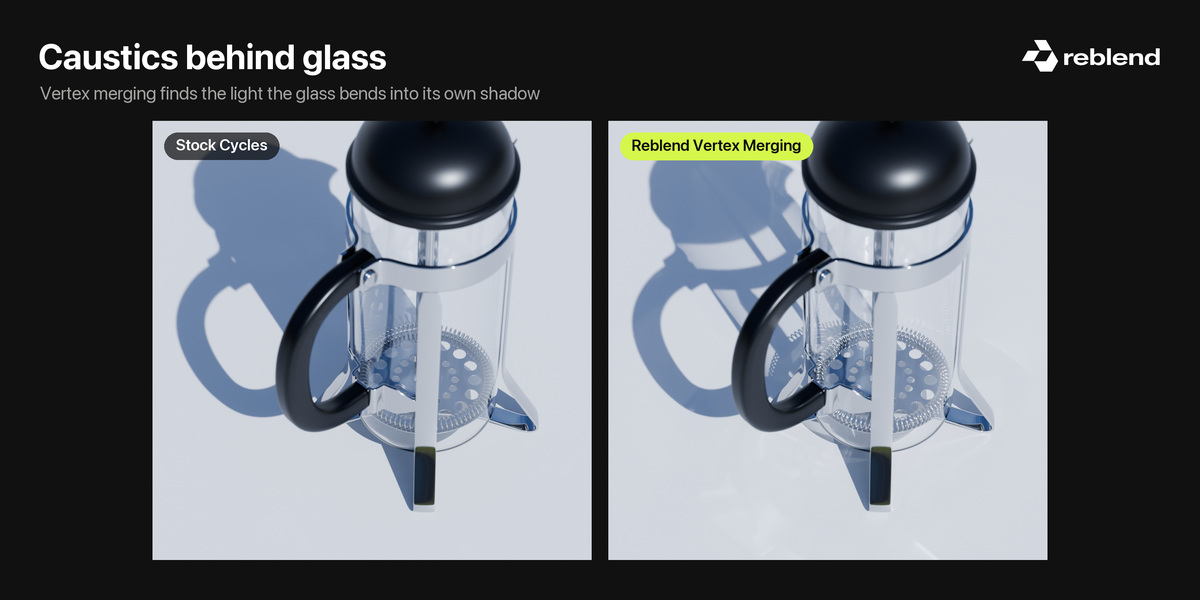
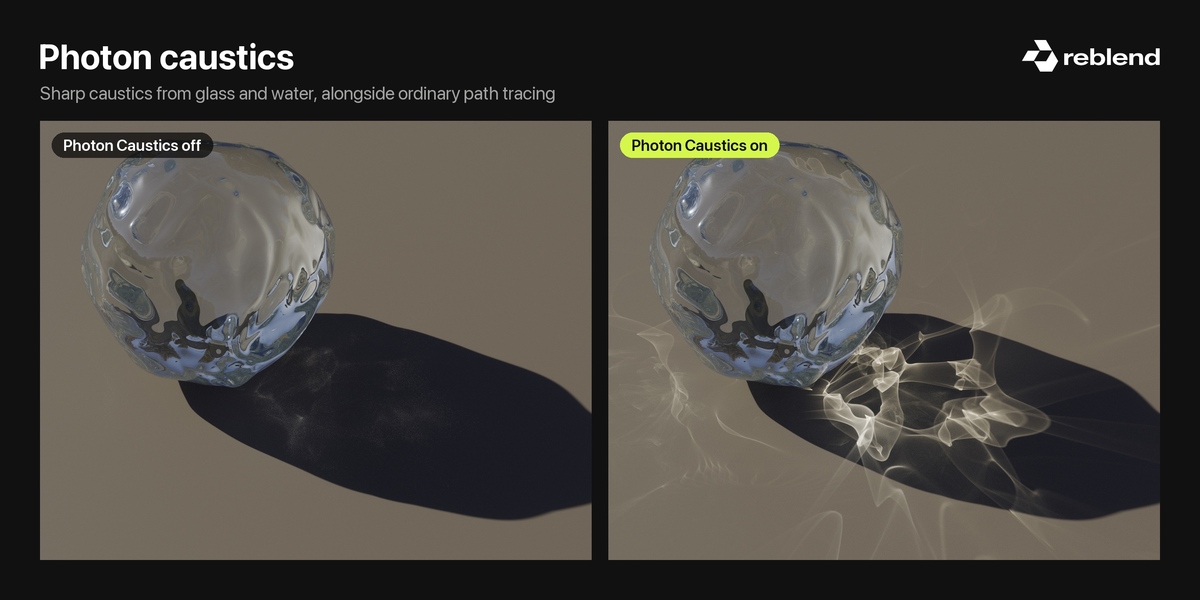
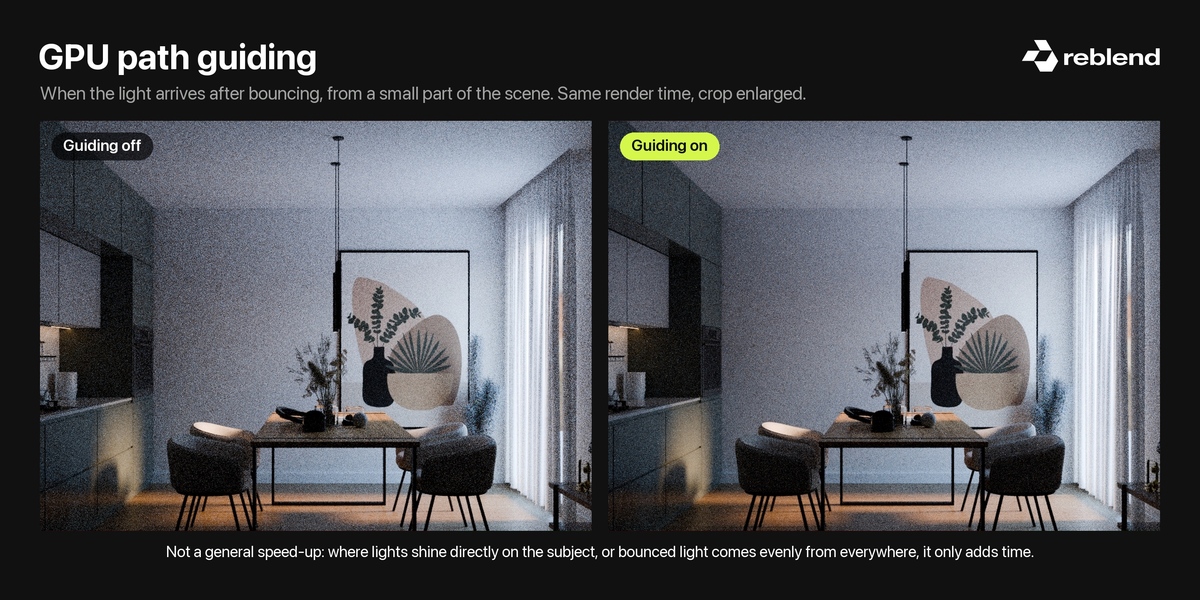
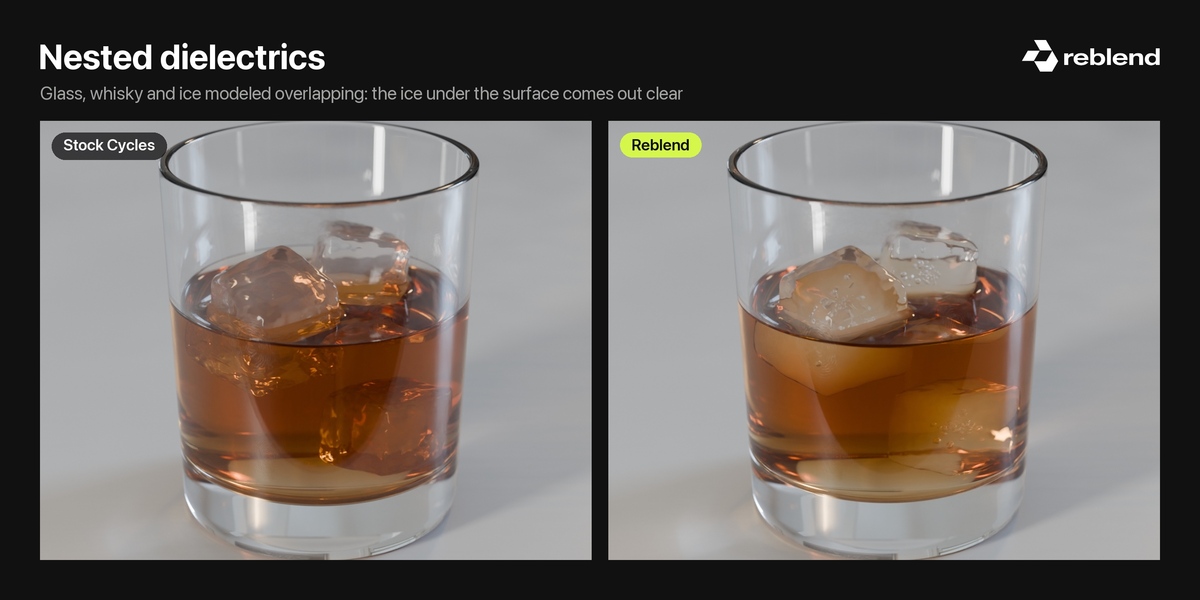

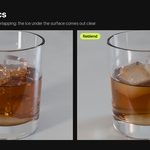
Reblend is Blender 5.2.2 with a rebuilt Cycles underneath. It renders the light stock Cycles struggles with: sharp caustics from glass, water and polished metal, light that arrives only after bouncing, and glass with a drink in it. Your add-ons, materials and .blend files work exactly as in Blender 5.2.2, in both directions.
What you get
-
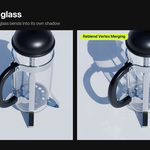
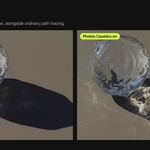
Caustics that render. The focused light that glass and water throw onto a table or floor comes out clean, instead of as noise you switch off.

The comparisons switch between off and on by themselves. To drag them yourself, see reblend.app.
-
Caustics seen through glass and water. The floor of a pool through its surface, light gathering inside a glass: scenes stock Cycles can't resolve.
-
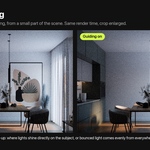
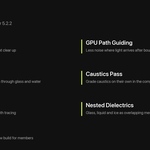

Path guiding on your GPU. When most of the light in a shot has bounced first and comes from a small part of the scene, such as a bright patch or a narrow opening, Cycles finds it by chance and the image stays noisy. Guiding learns during the render where that light comes from and sends more paths there. It is not a general speed-up: where lights shine directly on the subject, or bounced light comes evenly from everywhere, it has nothing to learn and only adds time. Off until you turn it on; compare at equal render time.
-

Glass, liquid and ice that overlap. Model them as they are, overlapping, and Reblend works out which one is the medium where they meet; set a priority by hand when you want the say. Light refracts between glass and liquid with the right ratio of their IORs, with no cut-apart meshes and no fake interfaces. New in 0.4, automatic since 0.4.1.
Measured metals. Pick a metal in the Metallic BSDF: 28 presets from measured optical data and published color standards, from 24K gold and the 18K jewelry golds to silver, platinum, copper, brasses, bronzes, stainless steels and more. New in 0.4.2.
Faster HDRI and textured lighting. Scenes lit by an HDRI, by lights with a texture in their color or strength, or by Principled BSDF emission render faster: 6 to 10% less render time in our tests on Apple M1 Pro and M5, with unchanged images. New in 0.4.2.
A Caustics pass, so you can grade caustics on their own in the compositor.
How it works
The changes live inside Cycles. The new methods switch on per scene: leave them off and your scenes render as in Blender 5.2.2, only faster with HDRI and textured lighting. Turn them on where a scene needs them.
Platforms
macOS on Apple silicon (GPU rendering needs macOS 15). Windows and Linux with CPU rendering, an NVIDIA GPU with CUDA or OptiX, or an AMD Radeon RX 6000, 7000 or 9000 series GPU with HIP. GPU rendering on Windows and Linux has been tested on NVIDIA cards; AMD support is new and confirmed working by a user on an AMD card. On OptiX, the first render after launch can pause for 5 to 30 minutes, once, while the GPU code compiles.
Membership
Reblend is a living experiment, and memberships keep it going. You get every new build as soon as it's ready, for as long as you're a member. Expect rough edges: your feedback and your scenes decide what gets fixed and built next.
Limitations
Path guiding: it helps only where the light arrives after bouncing, from a small part of the scene, and makes other scenes slower. Before relying on it, render your scene for the same time with it off and on, and compare the noise. Comparing at equal samples flatters guiding, because a guided sample costs more.
Mac: Apple silicon only; GPU rendering needs macOS 15. No Intel build.
Windows and Linux: GPU rendering on NVIDIA and on AMD Radeon RX 6000 and newer. Intel GPUs render on the CPU.

Methods: Bidirectional uses a single render device and falls back to Path Tracing with a shadow catcher, rolling shutter or motion blur. Photon Caustics and Path Guiding work with Path Tracing only.
Blender version: it's a Blender 5.2.2 build, so Blender's newer features arrive when Reblend moves to a newer Blender. Render farms run stock Blender, so Reblend renders happen on your own machines.
Experimental: settings and defaults can change between versions; check deadline work in stock Blender too.
Credits
The French press scene by Christopher3D.
