 Leonid Altman
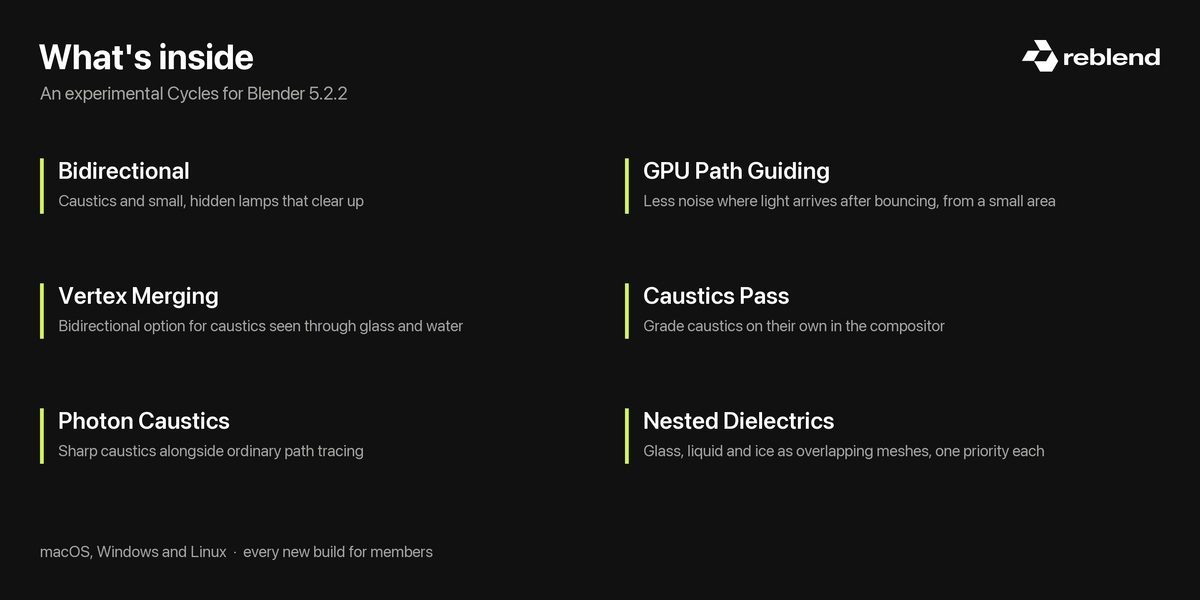
Reblend is a custom Blender build with additions to Cycles for caustics, difficult indirect lighting, and overlapping glass and liquids. It also includes material libraries and the Baryta view transform.
I'm Leonid Altman, and I develop Reblend as an independent project. Memberships fund continued development. Purchasing here gives you 12 months of new builds and support.
You can keep using the builds you've downloaded after your support period ends. Extend it when you want access to later updates and another year of support.
Reblend is a complete application, not an add-on. It uses ordinary .blend files and works with add-ons compatible with its Blender base.
What you can use today
Caustics from glass, water and metal
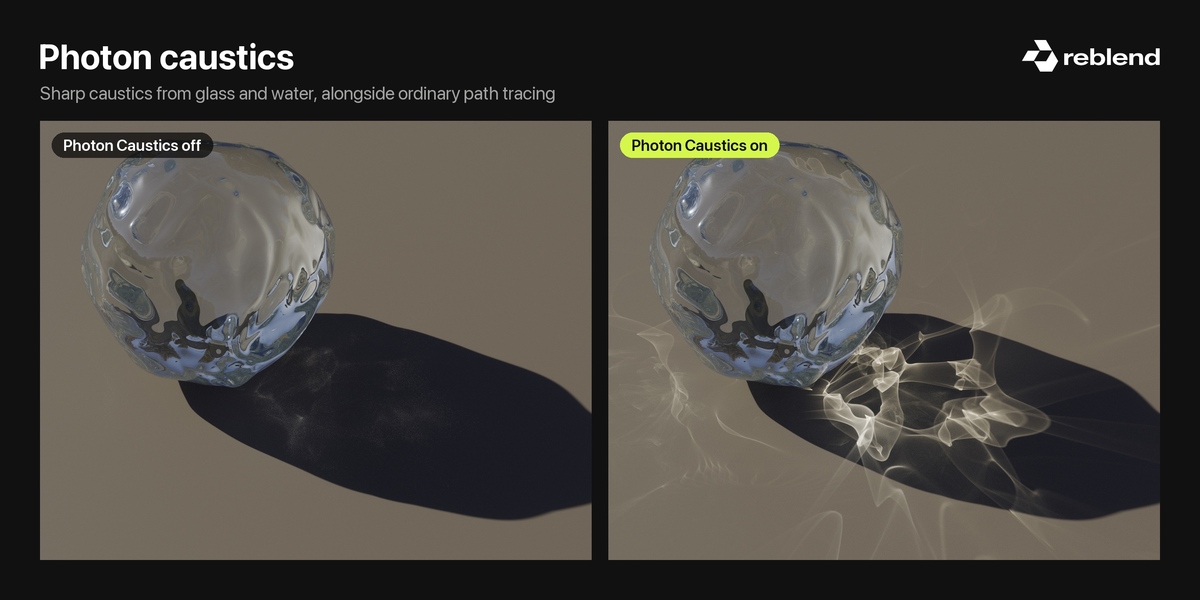
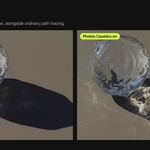
Render the focused light that glass, water and polished metal cast onto surrounding surfaces. Photon Caustics also supports caustic light in volumes, such as light shafts under water.
A separate Caustics pass lets you adjust that light in the compositor.

The comparisons alternate between off and on. For draggable comparisons, visit reblend.app.
Light seen through glass
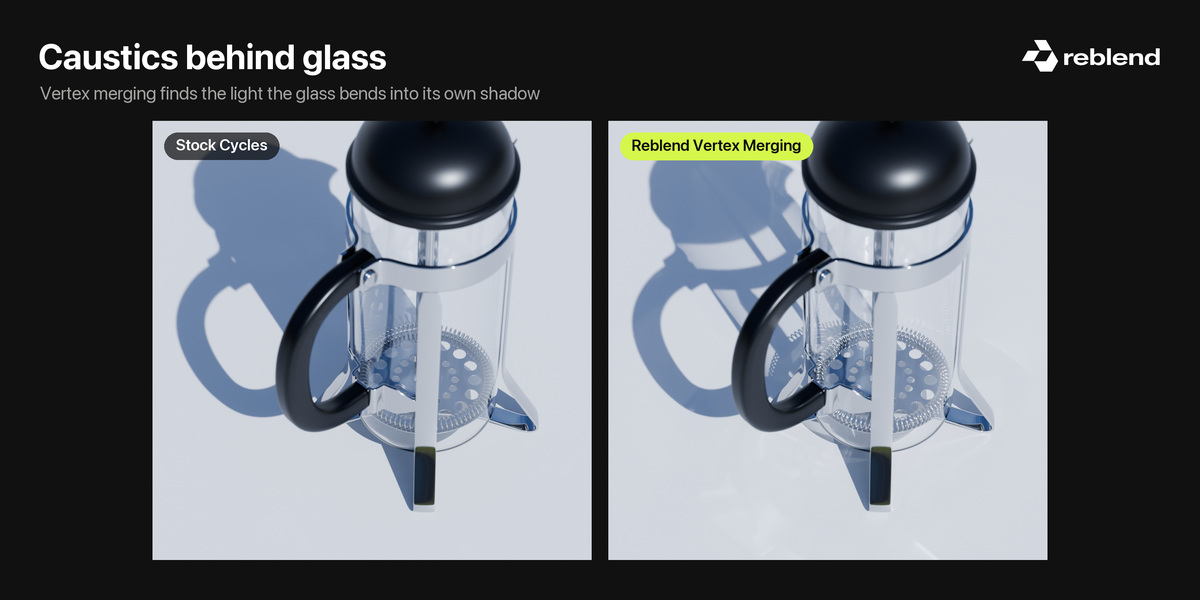
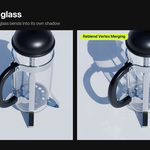
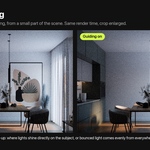
Render caustics visible through another surface: the floor of a pool through its water, or light gathering inside a glass. Reblend's bidirectional rendering options cover these scenes.

The French press scene is by Christopher3D.
Indirect lighting on your GPU
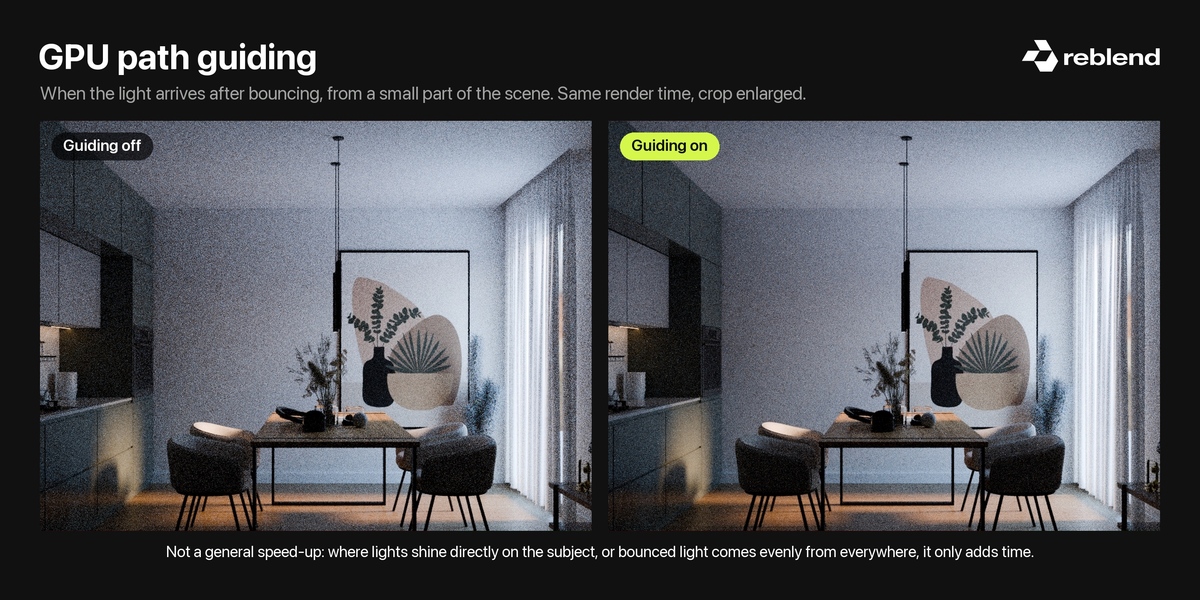
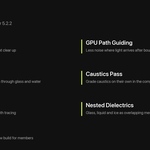
GPU path guiding can produce cleaner images when much of the light arrives after bouncing from a small part of the scene.
It isn't a general speed increase. It's off by default, and can make other scenes slower. Compare your scene with it off and on at equal render time.

Glass, liquid and ice together
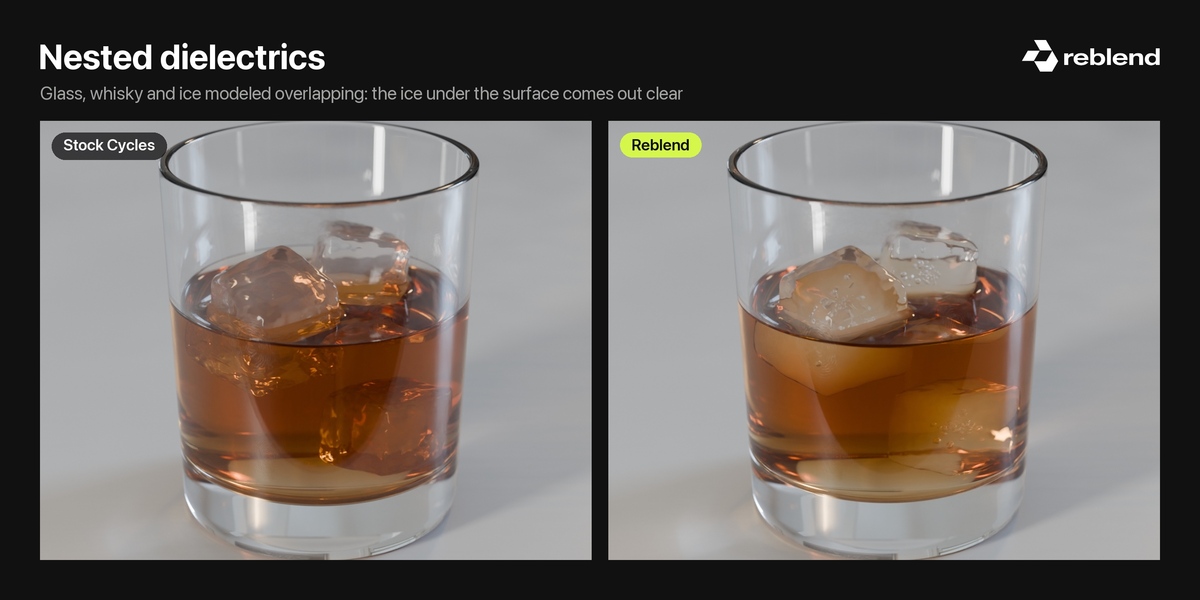
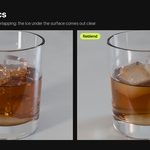
Model glass, liquid and ice as overlapping objects. Reblend supports the boundaries between them without requiring you to cut the meshes apart at each interface. Automatic priorities handle their ordering, with manual control when needed.

Materials included
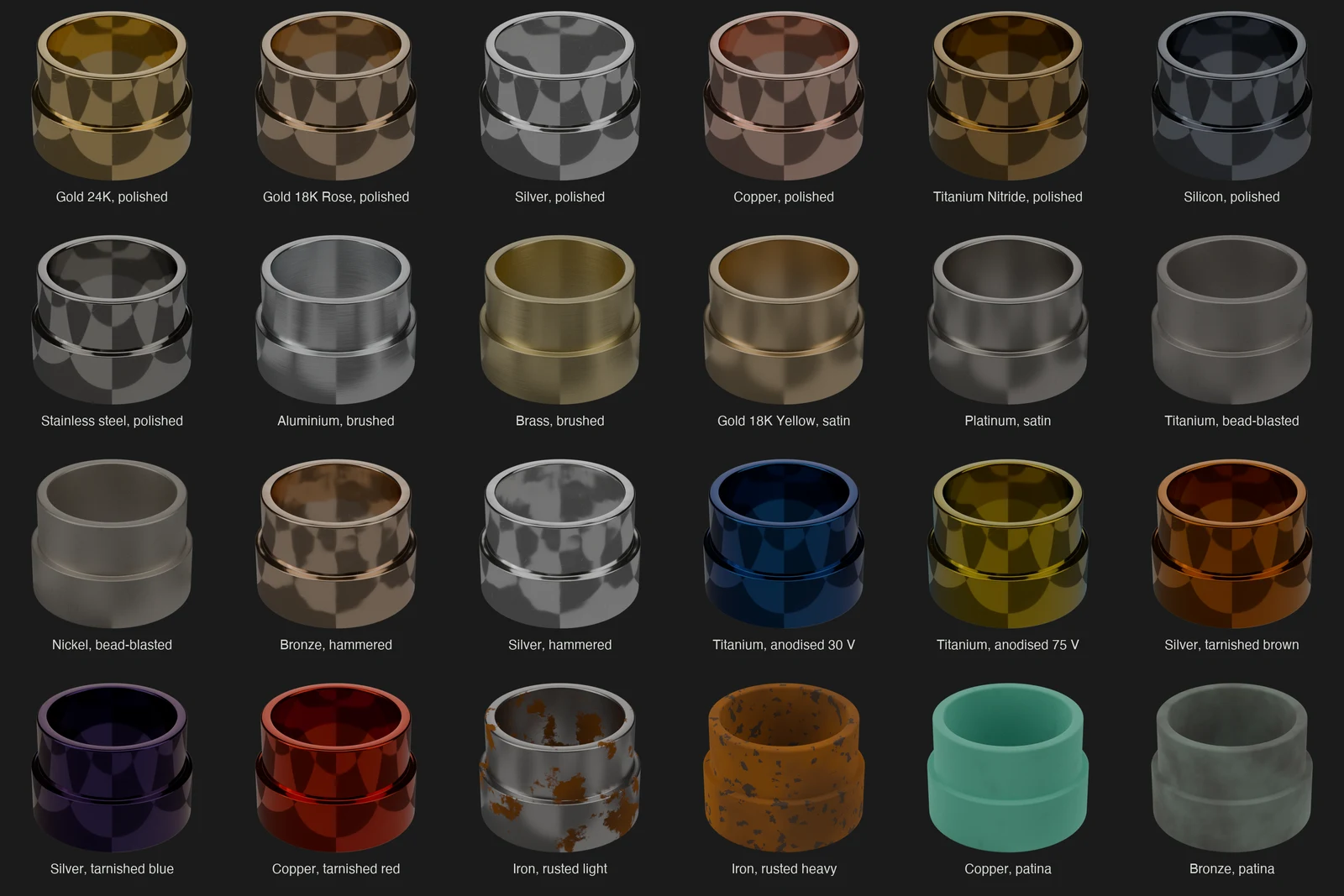
The Reblend Asset Browser library includes polished, brushed, satin, anodised and aged metals, alongside glass, liquids, ice and gemstones. Metal presets use measured optical data and published colour standards.
The metal materials include controls for surface details and edge wear. Baryta is also included as a view transform.
Christopher 3D explores Reblend
An ongoing project
Reblend is experimental. I release improvements as they're ready, and membership helps pay for the work.
If you use it, I'd like to hear what happens in your scenes. A problem report, a difficult lighting setup, or an example from your workflow can help me decide what to investigate next. You don't need to purchase Reblend to send feedback.
Membership gives you access to released builds and support during your paid period. It doesn't promise a particular future feature or release schedule.
Requirements and things to know
- macOS: Apple silicon. GPU rendering requires macOS 15 or later. There is no Intel Mac build.
- Windows: 64-bit Windows 10 or 11.
- Linux: x86-64, with glibc 2.28 or later.
- Windows and Linux GPU rendering: NVIDIA with CUDA or OptiX, or AMD Radeon RX 6000 and newer with HIP. CPU rendering is also available.
Reblend is currently based on Blender 5.2.2. Its additions are not available when rendering the same file in ordinary Blender.
Not every rendering method supports every scene feature. Bidirectional rendering has restrictions involving multiple render devices, shadow catchers and some camera settings. The guide explains the supported combinations.
Keep your normal Blender installation and test Reblend on copies of your scenes before relying on it for deadline work. Settings and defaults can change between releases.
Downloads, guide and support
Download your builds at reblend.app/download using your purchase email.
The guide and release notes are on reblend.app. For support and feedback, use the contact options on the website. When reporting a problem, include your Reblend version and, if possible, a scene that demonstrates it.
