Redlight Studio Kit
 Red Engine Animation Studios

Does it work in EEVEE?
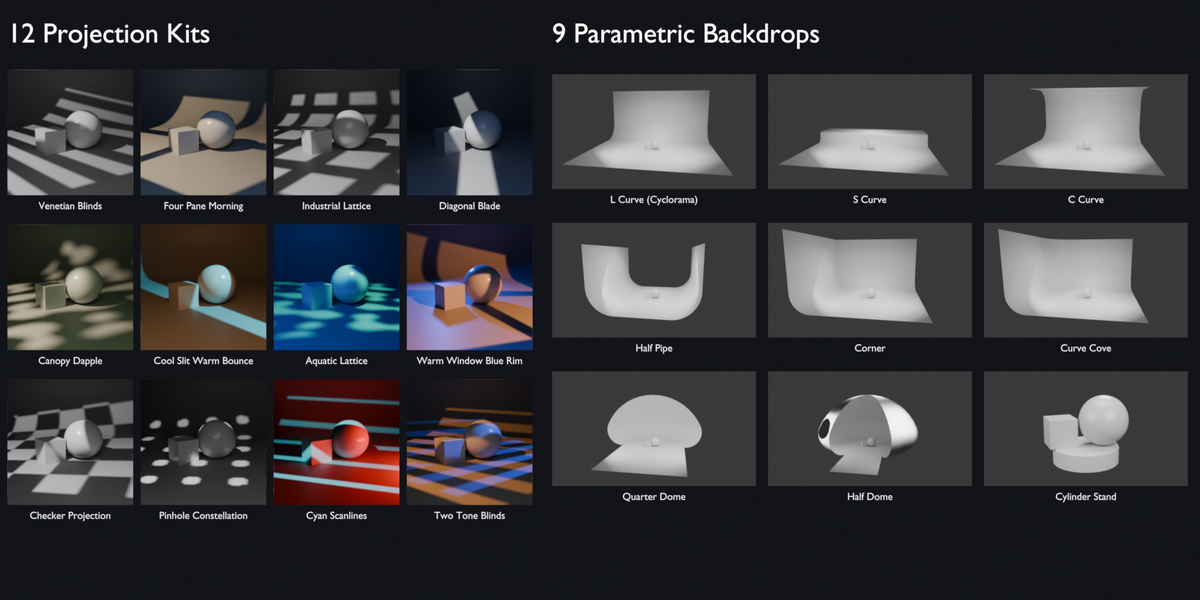
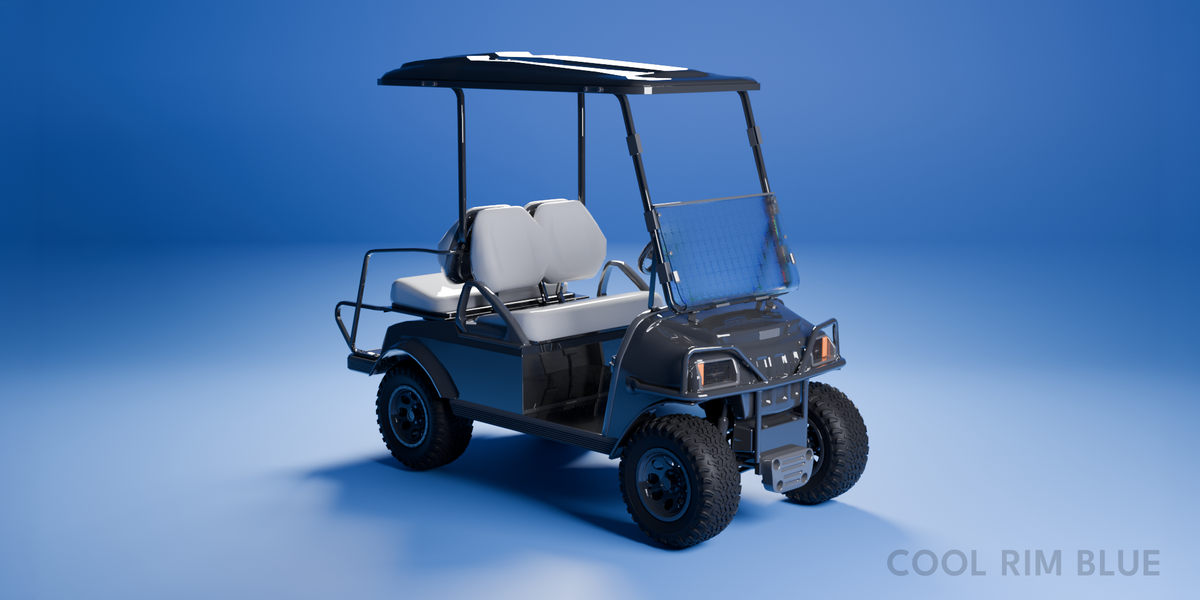
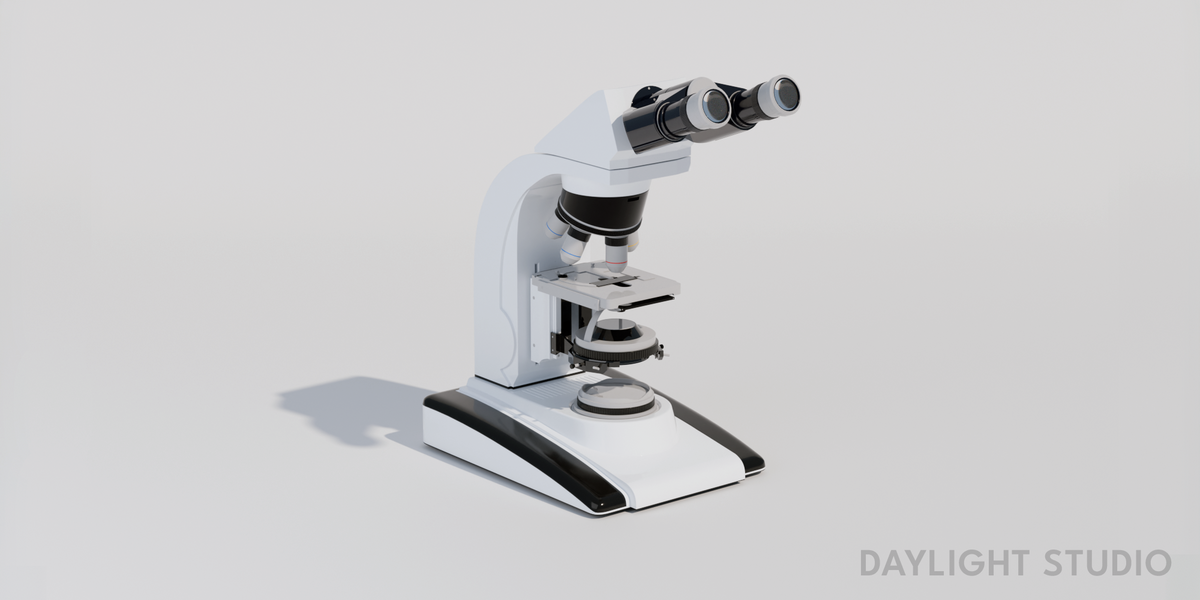
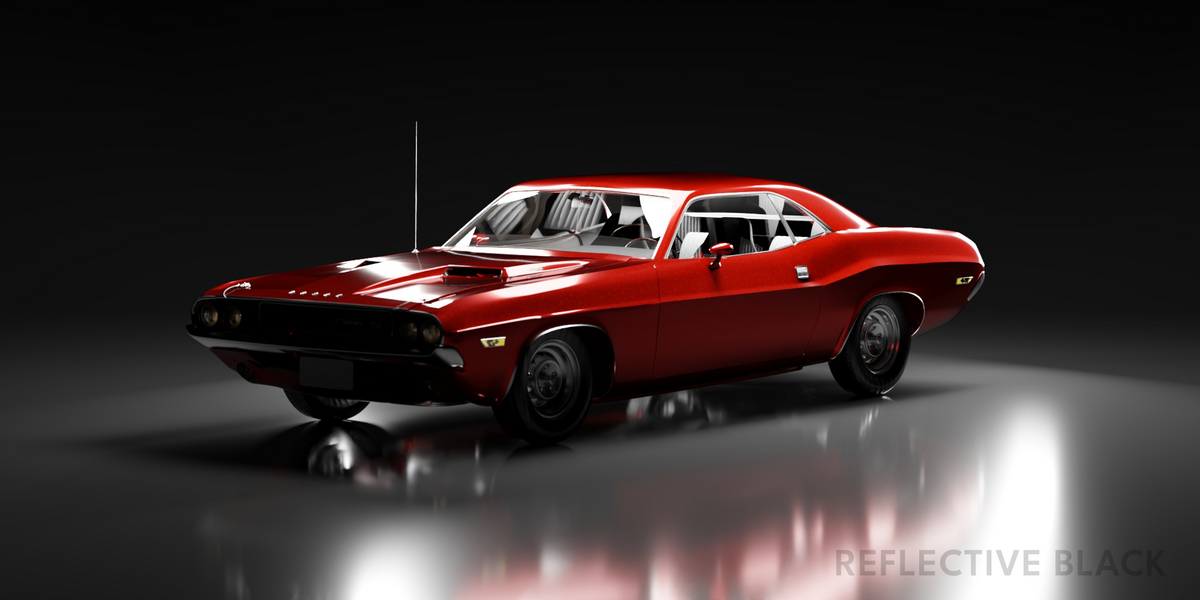
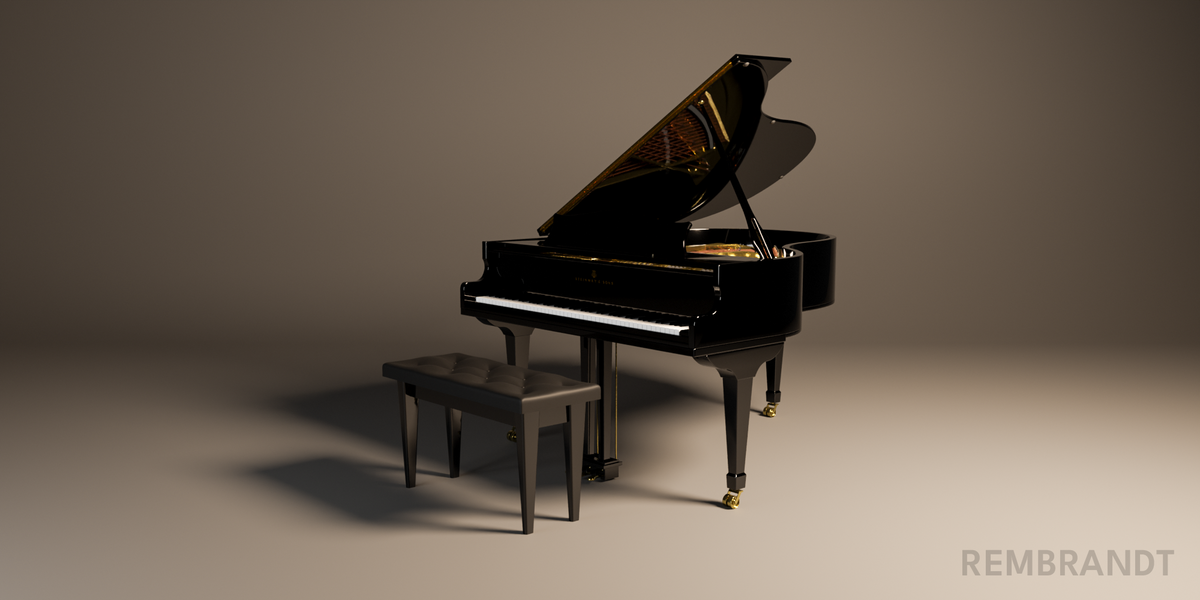
Yes. Every kit, including the projection patterns, renders in EEVEE and Cycles. Only IES profiles are Cycles-only, which is a Blender limitation.
Which Blender versions are supported?
Blender 4.5 and newer.
Will applying a kit delete my own lights?
No. Swapping kits only replaces the lights that came from a kit. Anything you added by hand stays.
My model is huge or tiny. Will the kits still work?
Yes. Fit Rig to Selection scales the studio to your model and adjusts light power so the look stays the same.
Some kits lose shadows in EEVEE. Why?
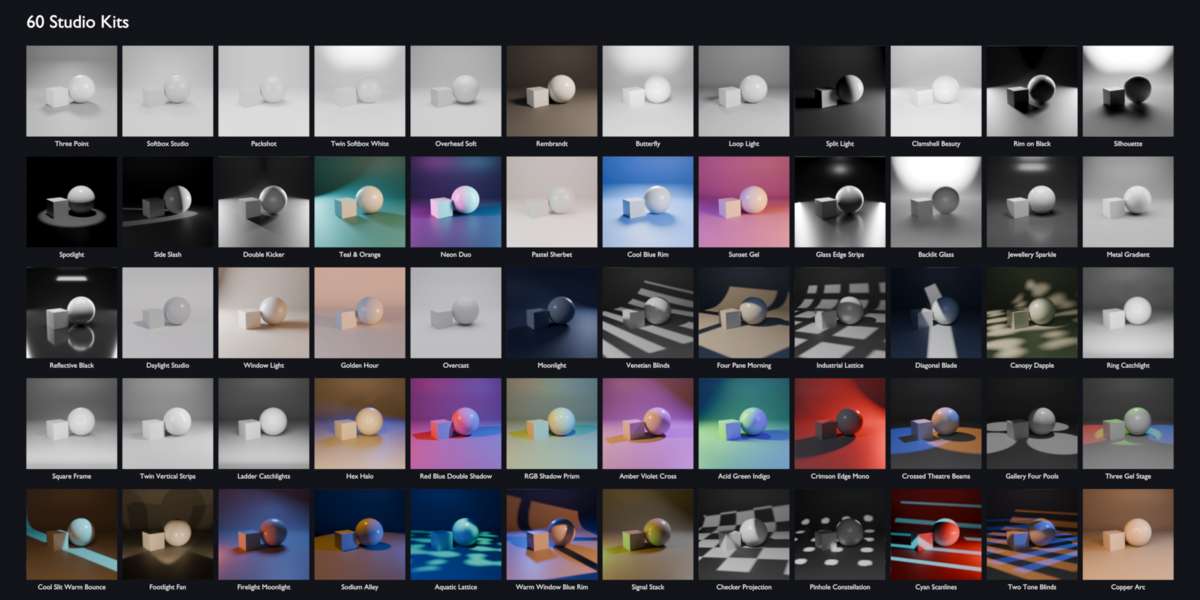
Kits with many lights, like Ring Catchlight, can fill EEVEE's default shadow memory. Raise Render Properties → Shadows → Pool Size to 1024 MB. Cycles is not affected.
Are HDRIs included?
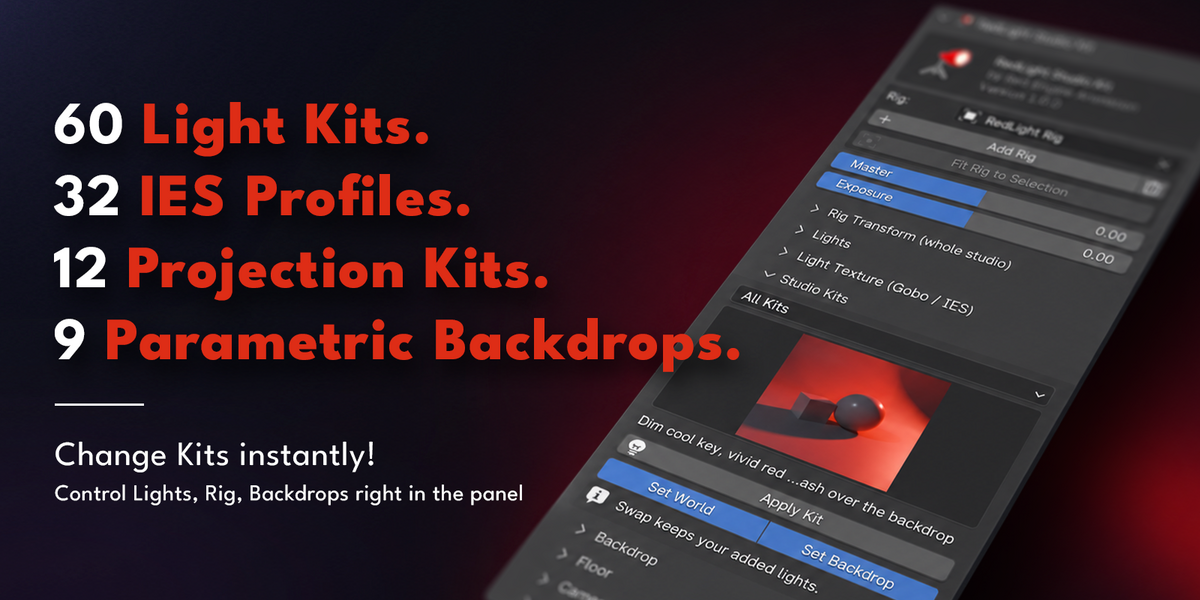
The HDRI browser works with your own HDRI folder. None are bundled in version 1.0. 32 IES light profiles are included.
What is the difference between the Single Seat and Studio tiers?
Every tier is the full add-on with the same features. Single Seat covers support for one artist. Studio tiers cover support for your team: up to 5 artists, or unlimited seats in one studio.
How do I install it?
Drag the zip onto the Blender window, or use Edit → Preferences → Add-ons → Install from Disk. Then press N in the 3D Viewport and open the RedLight tab. Full steps are in INSTALL.md inside the zip.
-
$29.99
Full add-on. Support for one artist.
-
$59.99
Full add-on. Support for a team of up to 5.
-
$119.99
Full add-on. Support for your whole studio.
Have questions about this product?
Login to message
| Published | about 15 hours ago |
| Blender Version | 4.5 - 5.2 |
| Render Engine Used | Cycles, Eevee |
| License | GPL |
Discover more products like this
backdrop gobo cyclorama IES Lighting presets eevvee Studio Lighting Cycles product rendering light rig hdri Lighting