 Sunshine


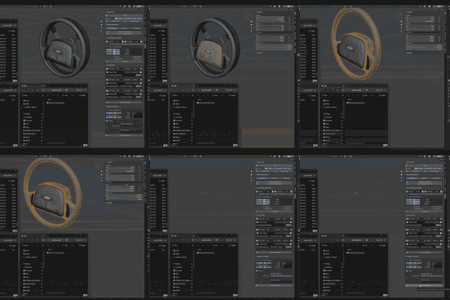
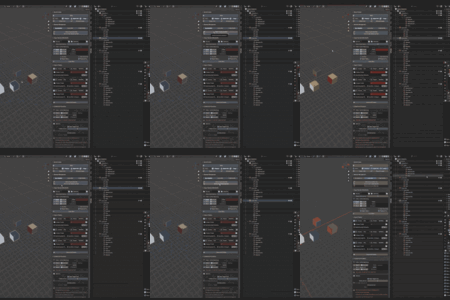
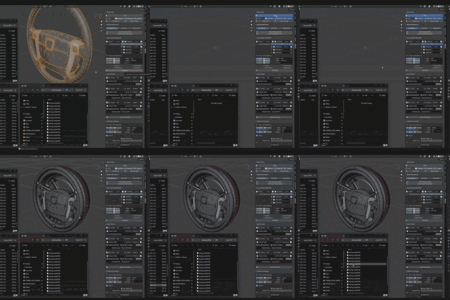
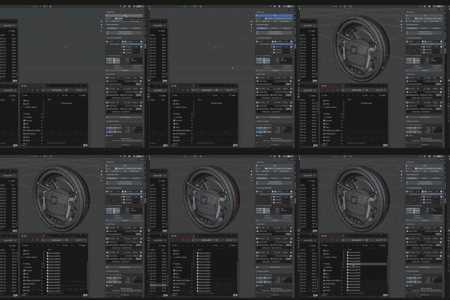
If you don't want to spend even 1$, here is a link to my Discord channel.
On it you can download ReDupli 1.3.0.28 for free.
It's old version, but you can check the concept and how it works.
- Discord to check it out for free: https://discord.com/invite/6NKQtxDTGQ
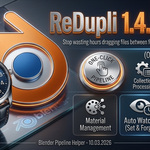
ReDupli: The Ultimate Asset Pipeline Automation Tool
Stop wasting hours dragging files between folders and re-exporting models. ReDupli automates the repetitive parts of your game dev workflow, reclaiming up to 2 hours per model for the average professional artist.
❌ The Workflow Drain
You aren't just modeling; you're managing a chaotic cycle:
- Re-Export: 5 mins × (1 + 20+ loopbacks) for baking in Marmoset or tweaking in Substance.
- Engine Quality Check: 2 mins × drag into Unity/Unreal, check shading.
- File Management: 2 mins × Copying for QA, Final folder, and Customer delivery.
- Materials: 30–60s × Cleaning duplicate .001 slots and unused datablocks.
Total Estimated Time: ~2 Hours per Model just for the export/verify/cleanup cycle.
With ReDupli: Seconds.
ReDupli turns this into one-click actions:
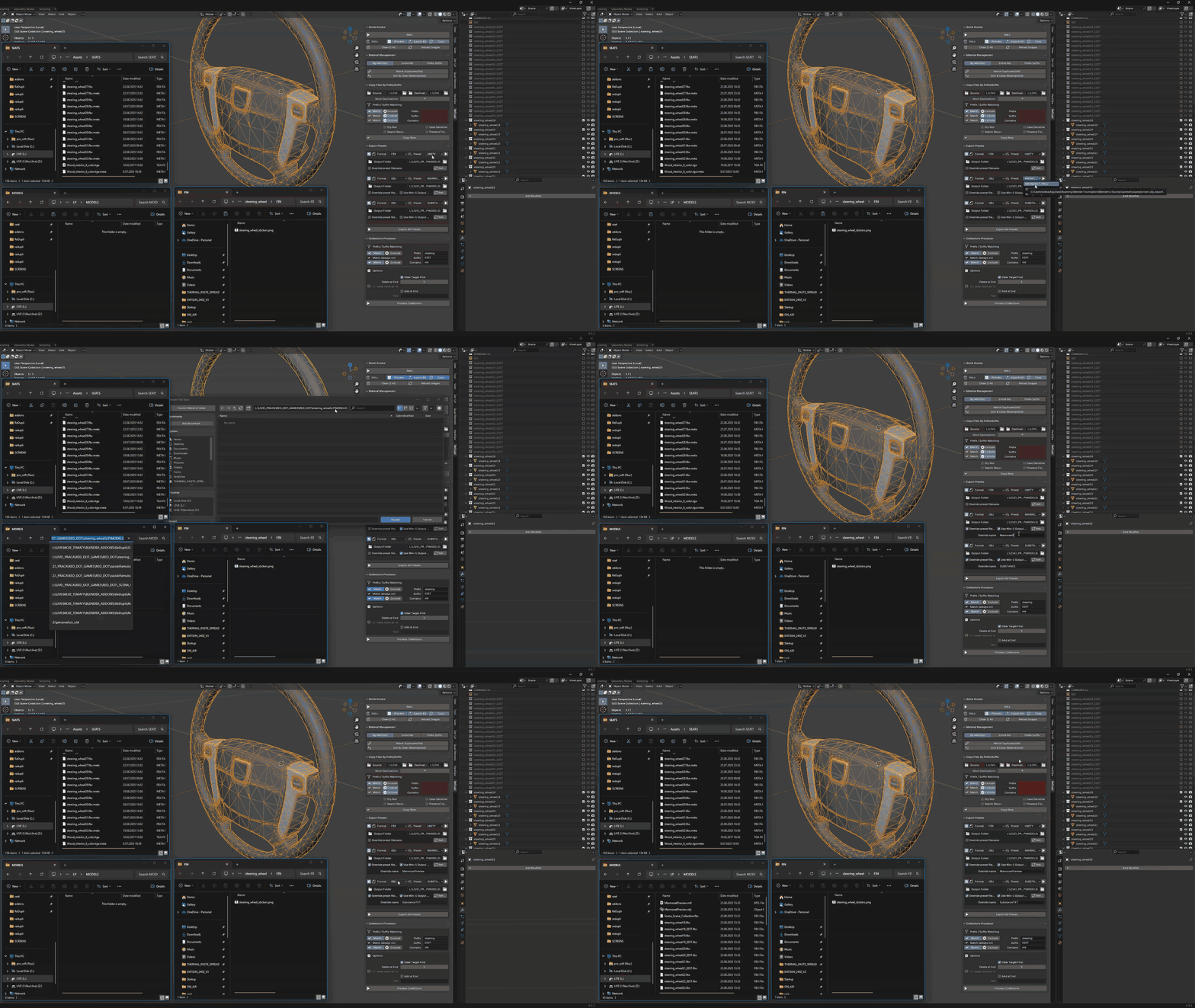
- 🚀 ReEx (One-Click Pipeline): Chains Collection Processing → Export All → Copy Files in one single button press. No more switching tabs.
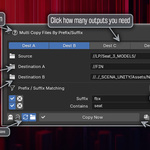
- 📂 Auto Watcher (Set & Forget): Enable Auto-Watcher in the Copy Files panel. Leave for lunch. When your textures or models update on disk, ReDupli automatically copies them to your Engine/Final folder. No manual dragging.
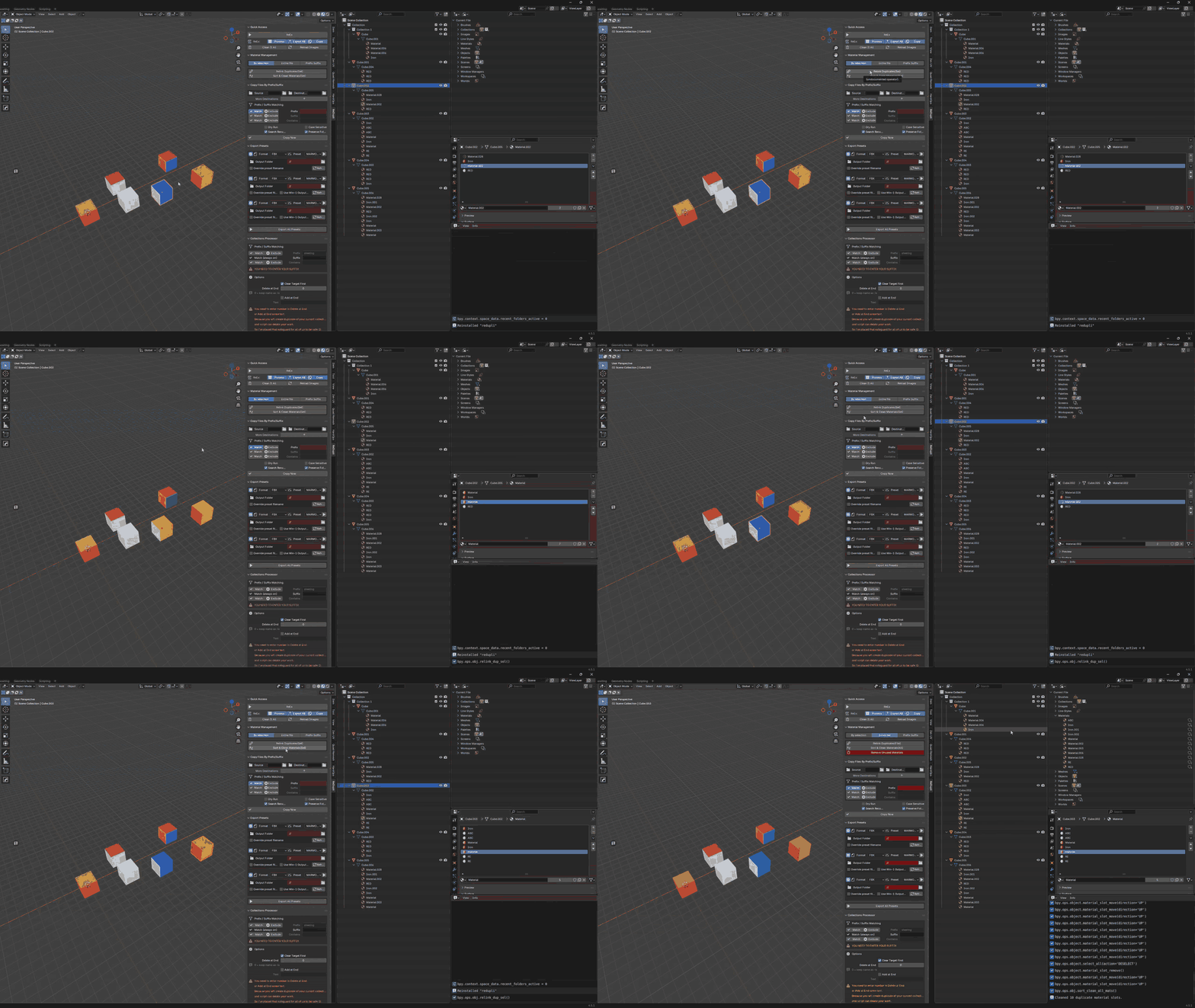
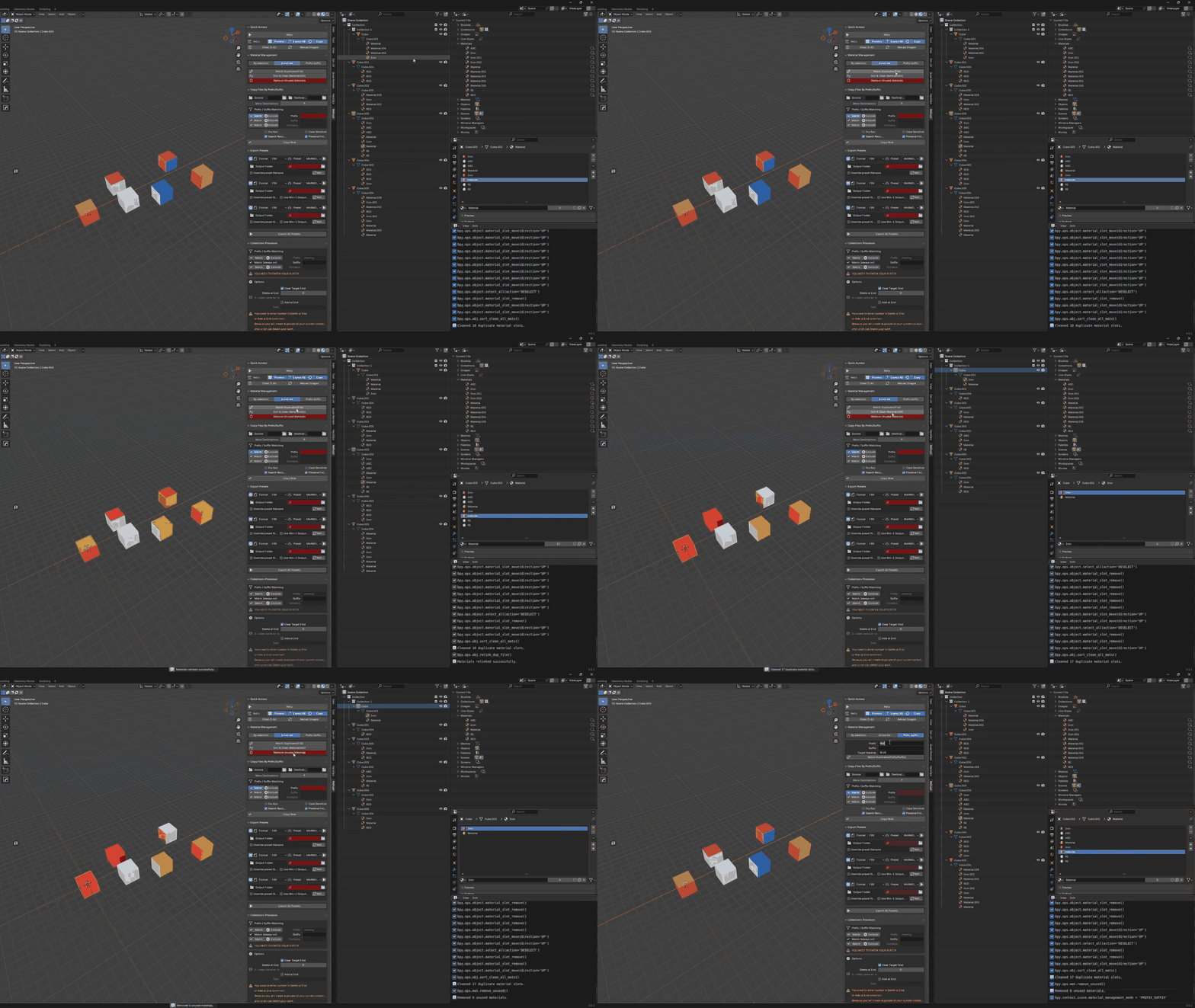
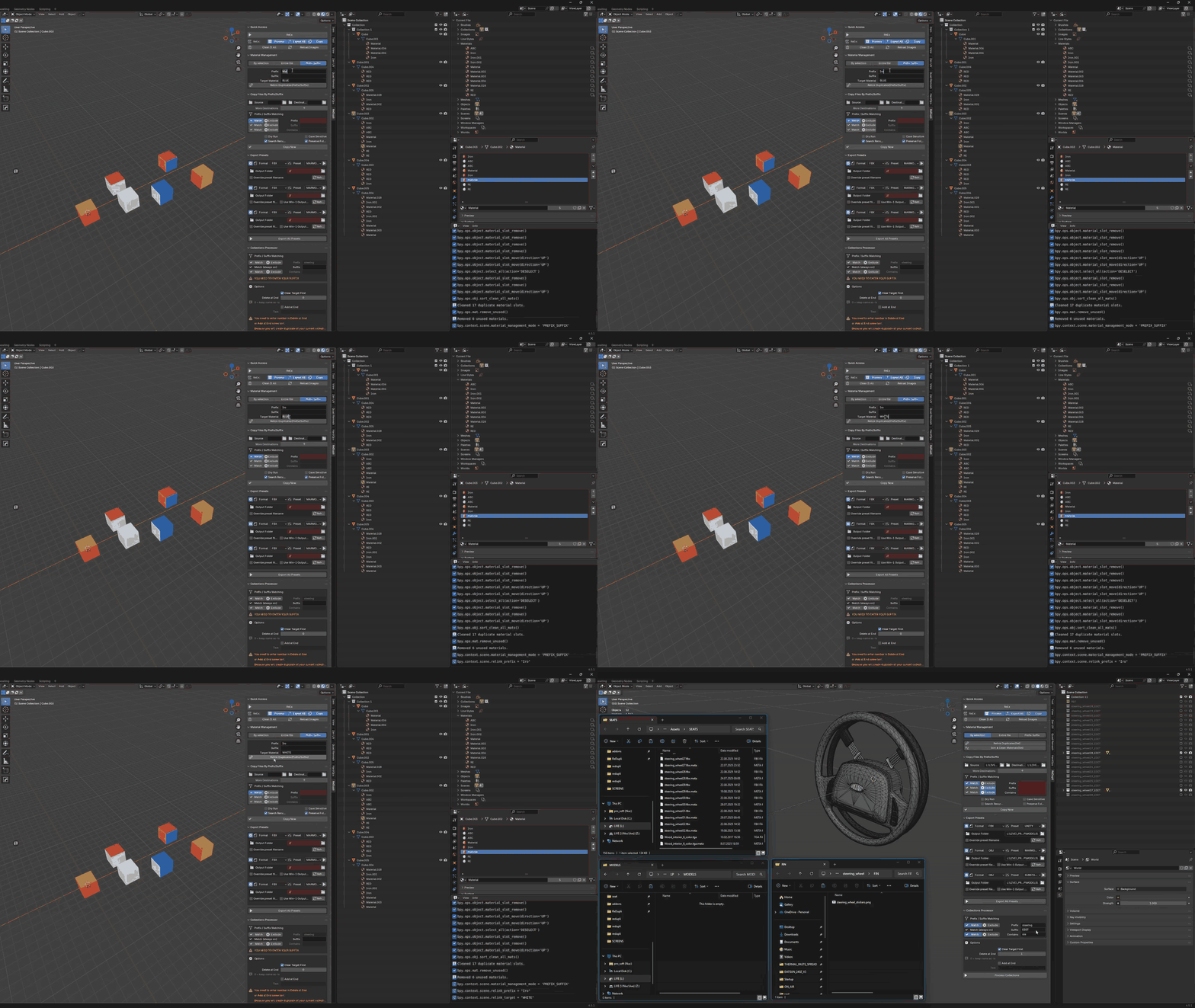
- 🧹 Material Management: Automatically relink duplicate slots (.001/.002), sort clean, and remove unused materials. Save 30–60 seconds per object cleanup.
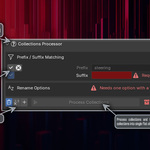
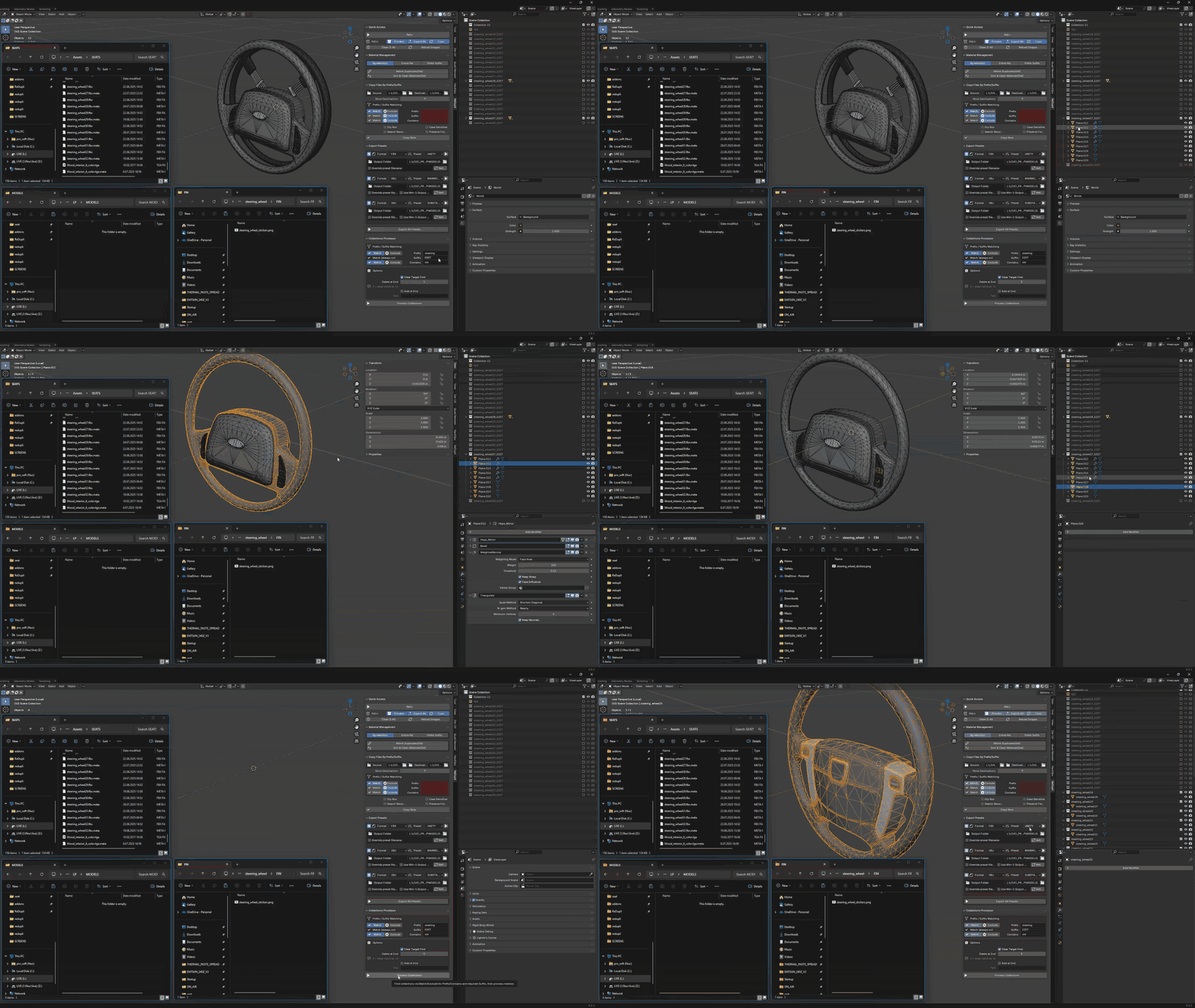
- 🛠️ Smart Collections Processor: Flatten LP models with trims & modifiers. Apply materials, convert to mesh, join, and rename in one go. Perfect for Unity/Unreal ready packages.
🛠️ Included Tools
- Collections Processor: Process entire object hierarchies, apply modifiers, and flatten meshes for export.
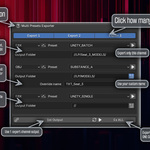
- Multi-Presets Exporter (ReEx): Export up to 3 formats (FBX, OBJ, GLTF) simultaneously using different presets.
- File Copy with Watcher: Auto-sync files to Unity/Unreal directories instantly when timestamp changes.
- Material Manager: Detect/Remove duplicates and clean orphaned datablocks.
- UDIM Tools:
- Generator: Detect UDIM tiles and assign materials (_part1, _part2).
- Renamer: Rename UDIM textures (Box_diff.1001.png → Box_part1_diff.png) for standard engines.
⏱️ By The Numbers: Your Savings for ONE LOOP
| Task | Manual Workflow | With ReDupli |
|---|---|---|
| Re-Exporting (HP/LP) | ~5 min | One-Click |
| Copy to Engine/QA | ~2 min | Auto Watcher |
| Copy to Final Folder | ~2 min | Auto Watcher |
| Clean Materials | ~1 min per material | One-Click |
| TOTAL per Model | ~10 min | One-Click/Auto |
(Estimates based on a standard blender>marmoset>substance>game-engine>final-folder re-do loop. Savings scale with complexity.)
👋 Perfect For You If:
- ✅ You bake textures in Marmoset / Keyshot and need multiple export versions.
- ✅ You use Game Engines (Unity/Unreal) for QA and need to sync folders automatically.
- ✅ You work with LP models with Trims & Modifiers (Auto-join logic works best here).
- ✅ You find yourself constantly re-exporting due to shading issues.
- ✅ You are tired of dragging hundreds of files to final delivery folders.
Don't let manual file management slow down your pipeline. Upgrade your workflow with ReDupli today.
ReDupli – All-in-One Duplicate, Export & UDIM Tool
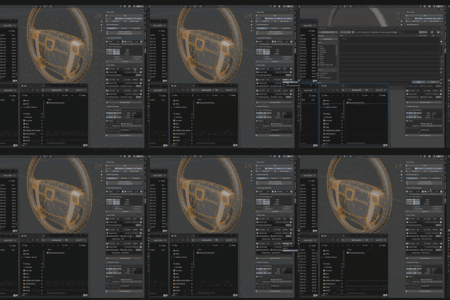
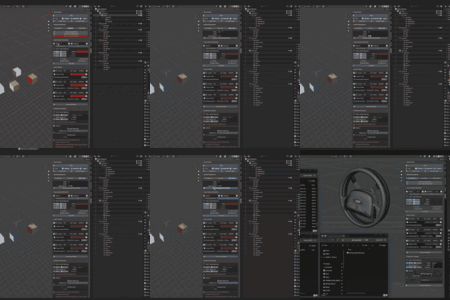
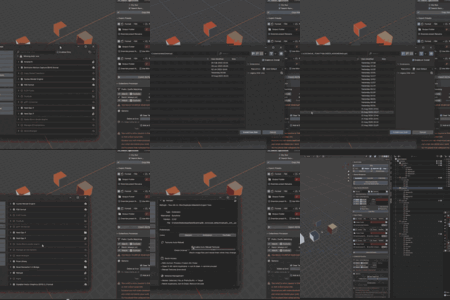
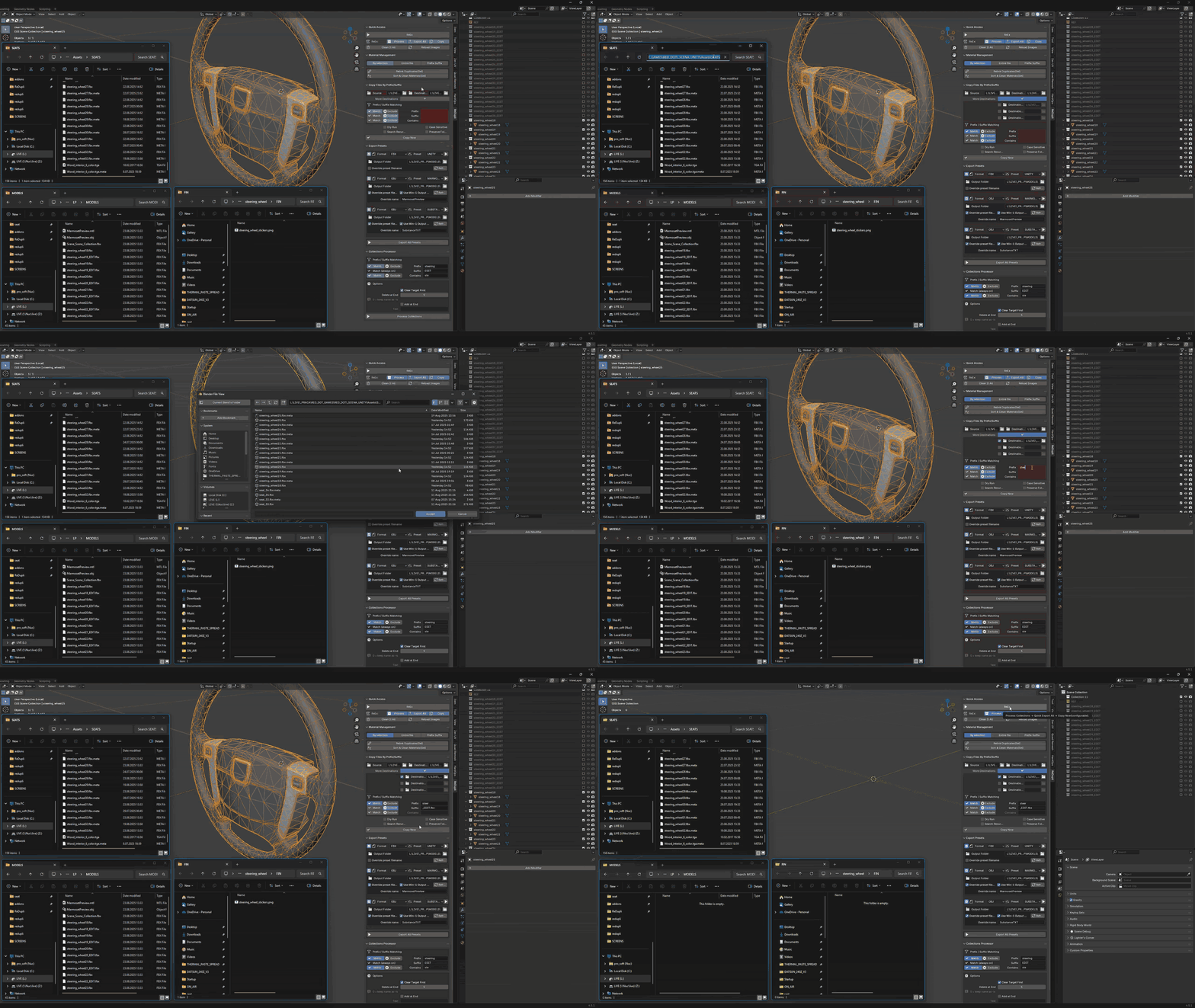
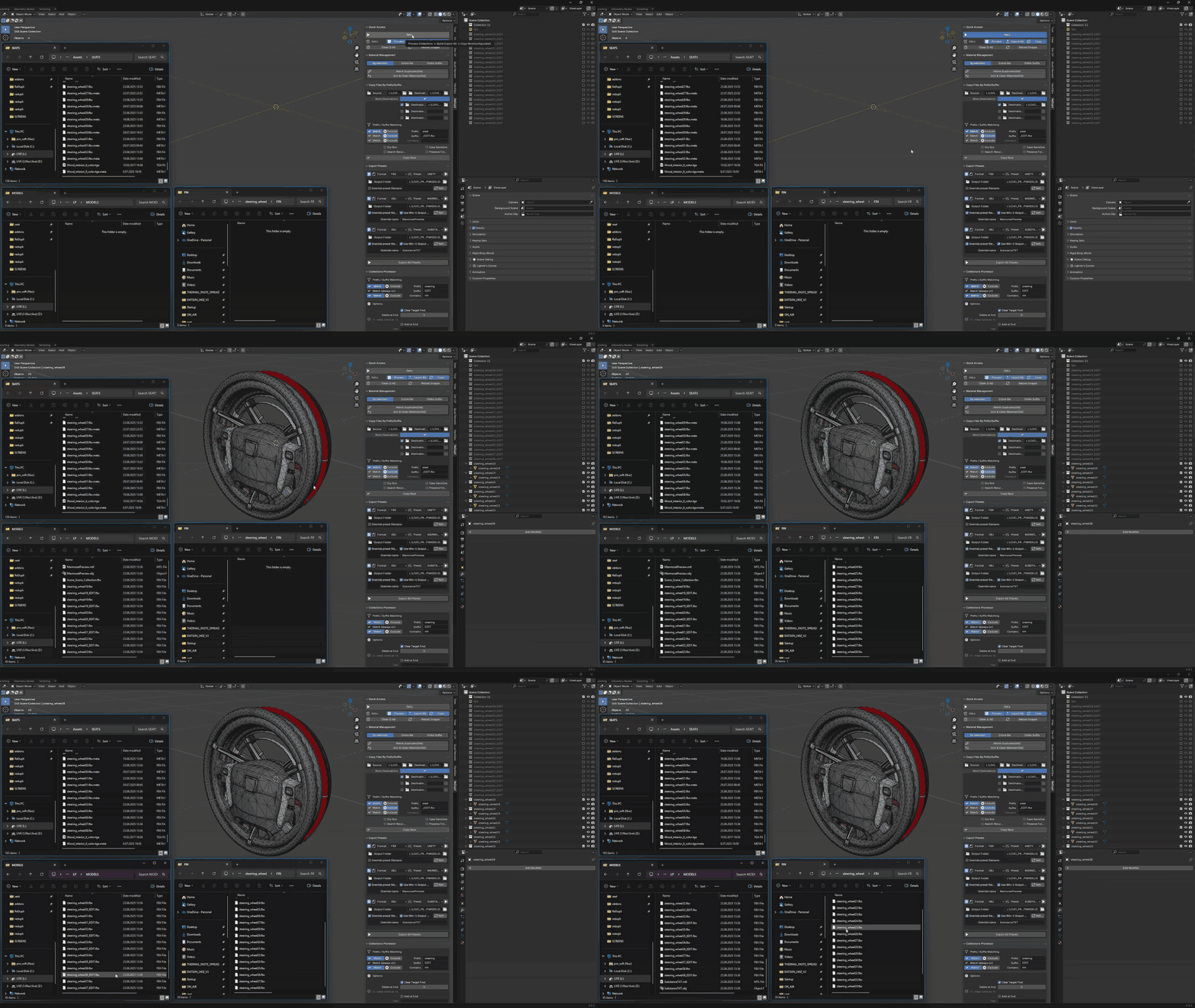
Old showcase GIF's for addon from OLD 1.3.0.28 version, they will be updated with in-depth youtube video that will explain everything.
-
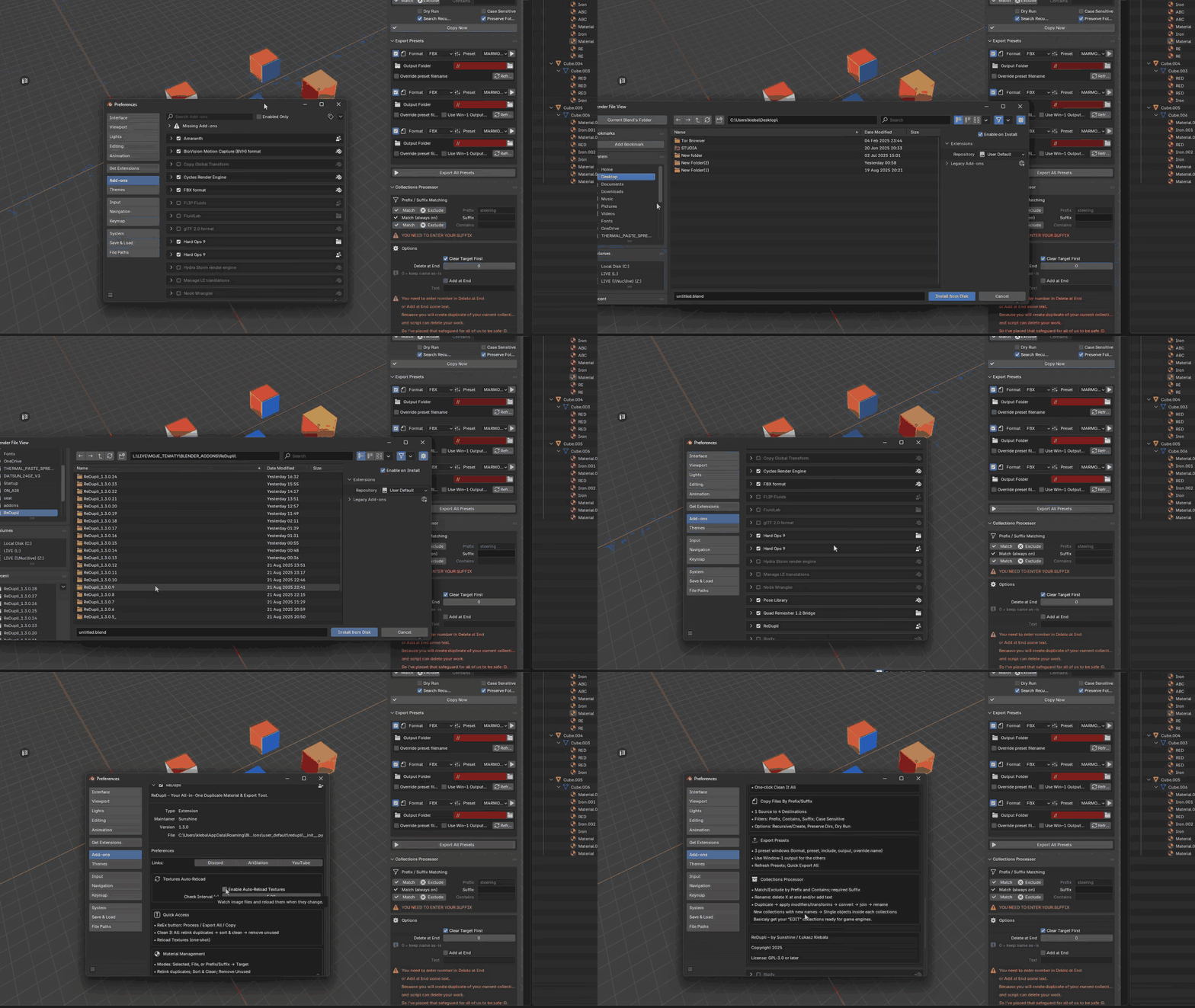
INSTALL-
Download the zip.
-
Blender: Edit > Preferences > Add-ons > Install…
-
Select the zip and enable ReDupli.
-
Open View3D > N-panel > ReDupli.
SUPPORT
Discord: https://discord.com/invite/6NKQtxDTGQ
ArtStation: https://www.artstation.com/lukasz_kiebala -