 Bevel Graphics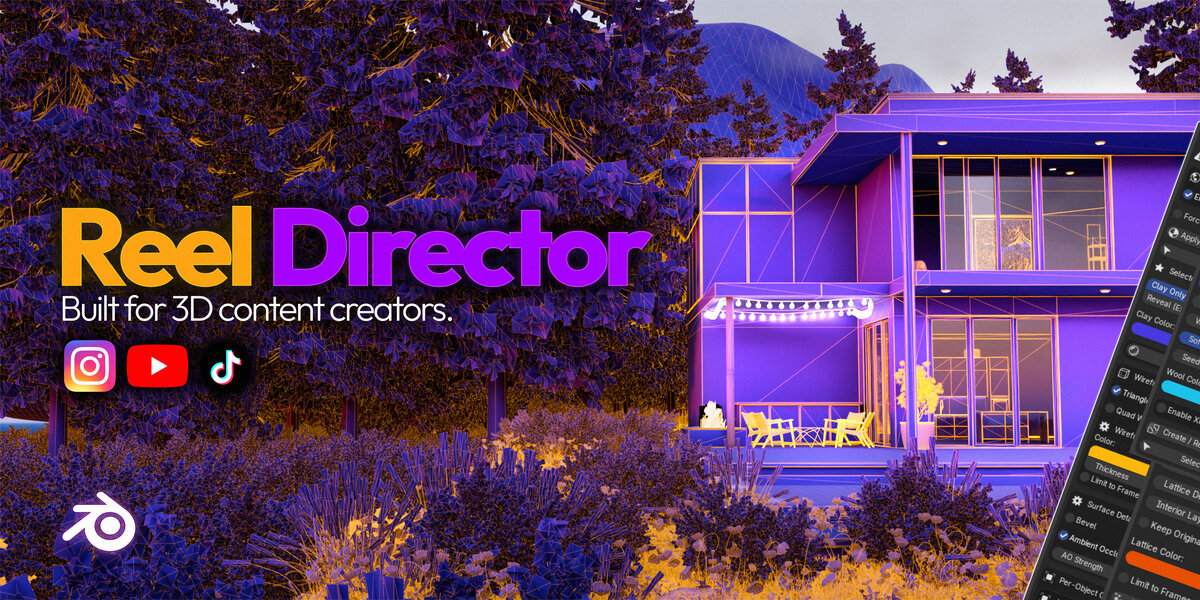




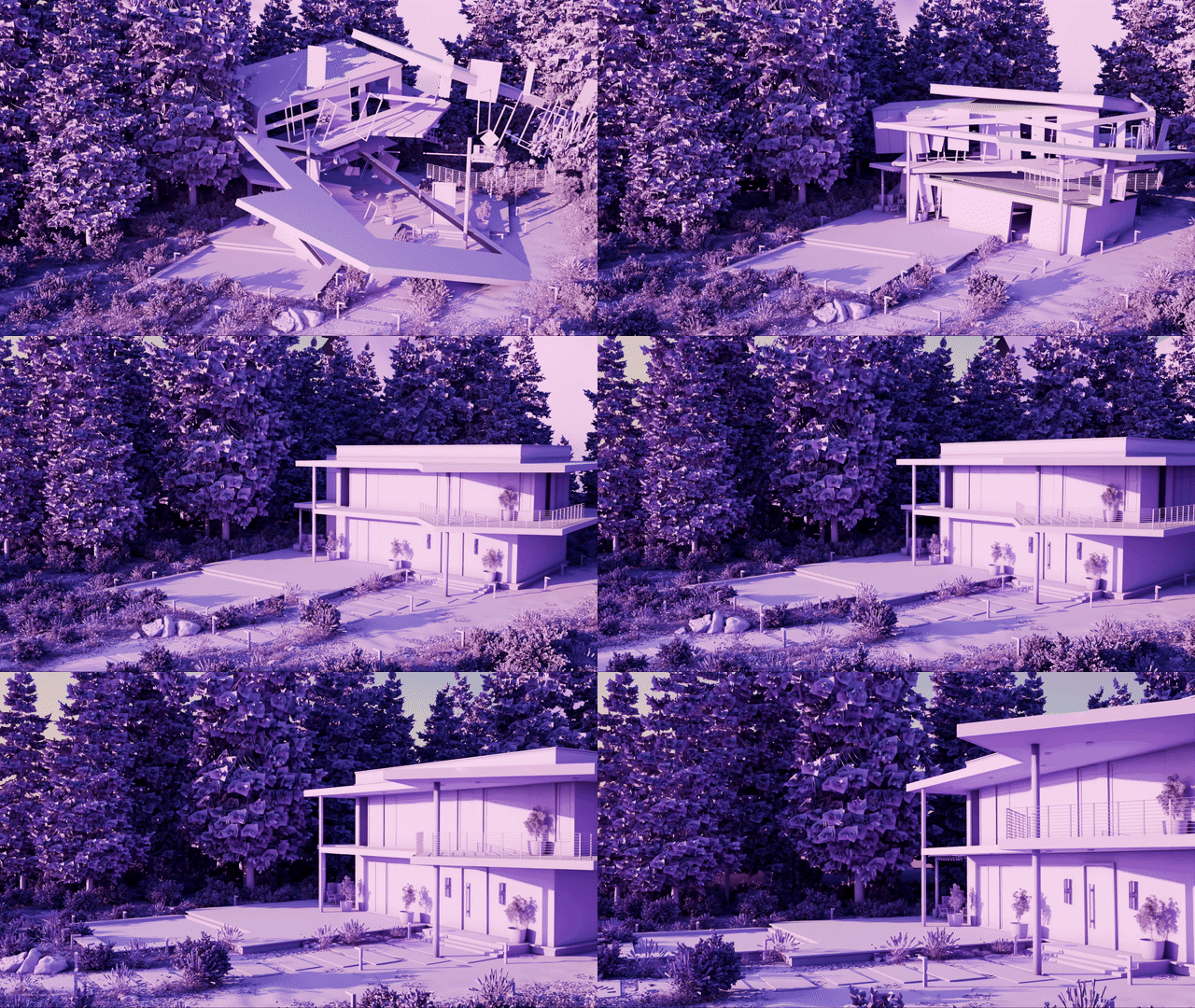
| 32 / 36Base / Pro camera moves | 17Object animations | Full RGBClay colors | 20+Viewport styles |
Choose your edition
| Reel DirectorThe complete creator workflow: formats, 32 camera moves, object animation, clay breakdowns, viewport styles, optimization, output, and cleanup. | Reel Director ProEverything in Reel Director, plus premium camera moves, per-object Clay Studio, built-in clay presets, custom preset saving, camera filters, Native Wool Style, Lattice Surface, and compositor presets. |
|
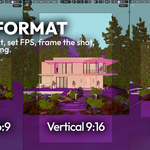
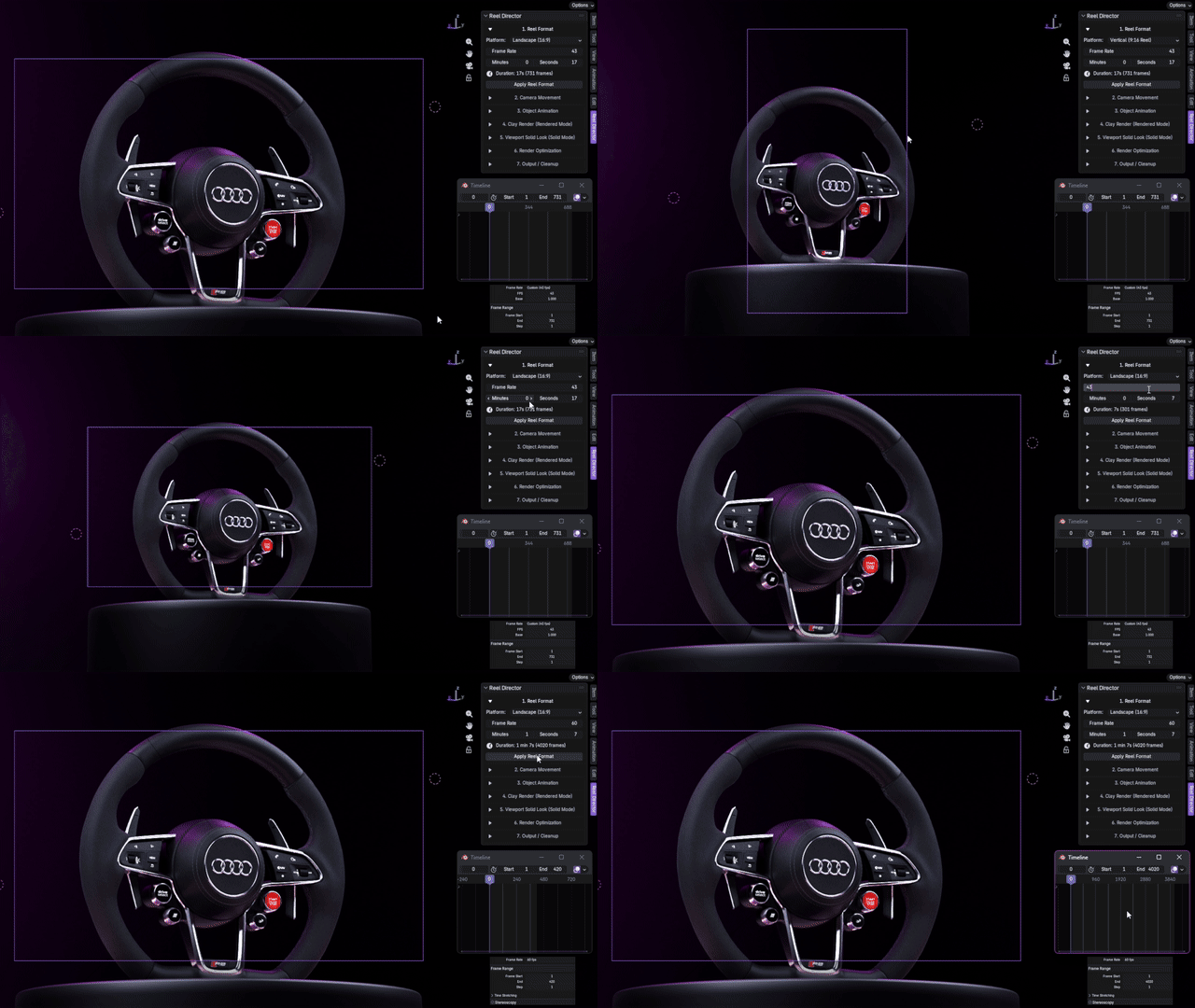
01 / Reel Format Start with the format.Set vertical 9:16, Instagram 3:4 or 4:5, square 1:1, or landscape 16:9 output before building the shot. Choose HD, FHD, 4K, or 8K, adjust frame rate and duration, then apply the format in one step. |
|

02 / Camera Movement Camera moves made for content.32 curated Base moves for hero shots, reveals, orbits, architecture, products, and commercial showcases. Tune root rotation, speed, reverse, focal length, aim, and supported seed variations. |
| Seeded familiesMeaningful variations. | Root and aimCorrect the shot safely. | Camera FXDOF, rack focus, handheld. | Creator pacingSpeed and smooth stop. |
|
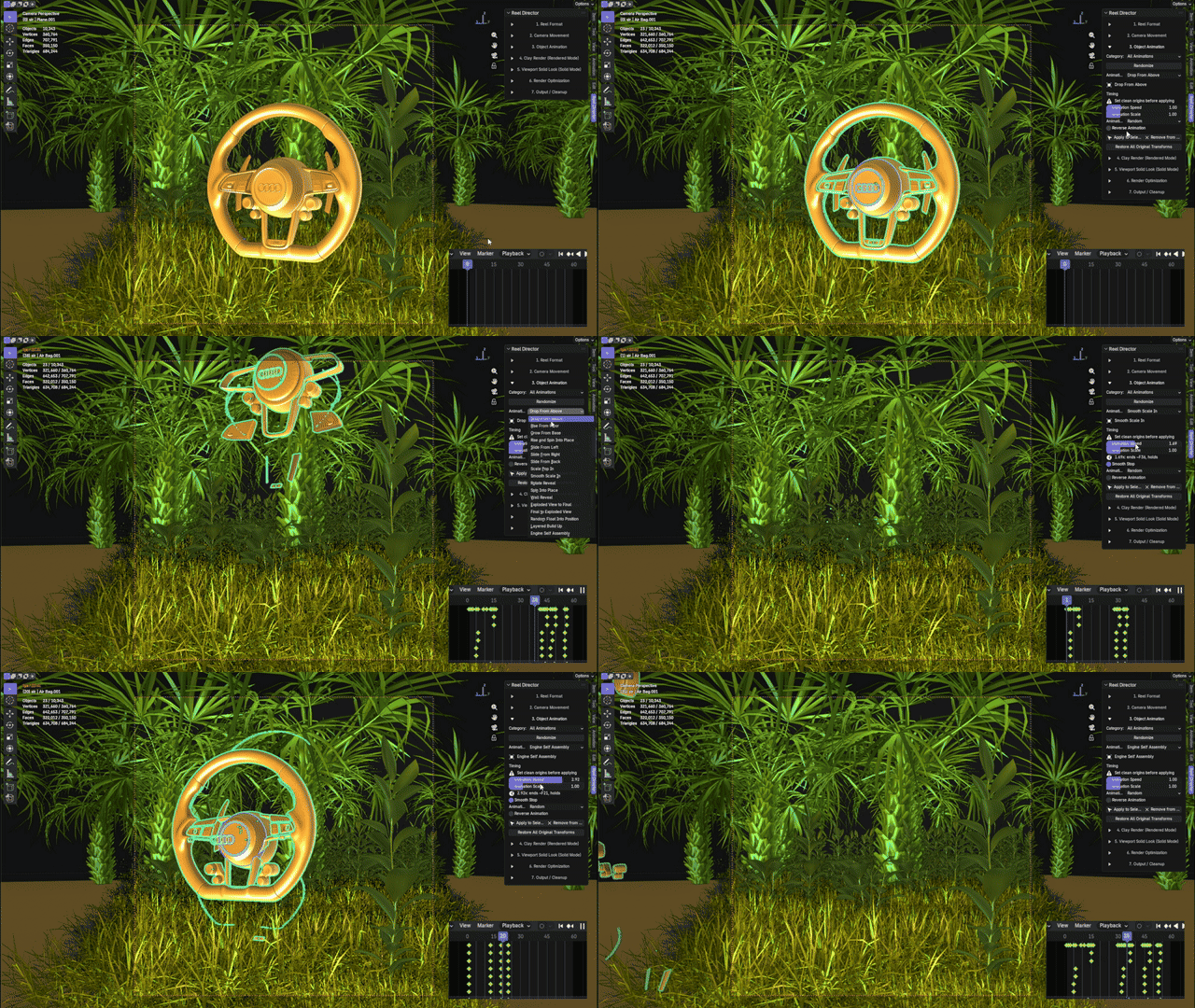
03 / Object Animation Animate selected objects fast.Use 17 build, reveal, assemble, explode, slide, scale, and float-style animations. Choose staggered, sequential, random, or all-together timing, then restore transforms whenever needed. |
|
04 / Clay Render Clay breakdowns that sell the process.Clay Only and experimental clay-to-final reveal, plus color, triangle wire, quad wire, glass, bevel, ambient occlusion, emissive preservation, and exact restoration tools. |

Select an object to load and edit its own saved clay properties. Each styled object can keep an independent look without changing the others. Start from curated dropdown presets or generate repeatable combinations from a seed.
| Independent clay and wire colors | Per-object glass and textures | Wire thickness per object |
| Built-in Clay + Wire preset dropdown | Seeded clay, wire, thickness, and AO combinations | Built-in and seeded Glass looks |
Glass seeds combine tint, transparency, roughness, AO, and optional wire treatment. Save favorite results as custom presets inside the .blend and reuse the same seed whenever you want the exact combination again.
Pro / Surface Studio
Push the surface beyond materials.
Reel Director Pro adds selected-object surface tools that remain compatible with Clay Render, MatCaps, object animation, and camera animation.
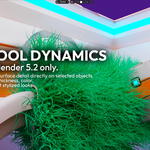

PRO FEATURENative Wool StyleBlender 5.2+ wool-style surfaces using native hair tools with optional XPBD dynamics, wool count, viewport percentage, length, thickness, irregularity, frizz, seed, and color controls. |
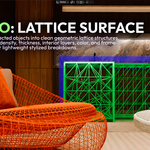
PRO FEATURELattice SurfaceGenerate geometric surface treatments on selected mesh objects. Use triangle or quad topology, adjustable density and strut thickness, nested interior layers, interior spacing, color, frame limits, optional original shell preservation, and strict scene-safe limits. |

| PROAuto-updating surface controlsSelected Pro surfaces update from the panel, so the user can tune density, color, thickness, length, and frame limits without rebuilding the whole scene by hand. | PROLattice safety controlsSelected visible meshes only, hidden-object skipping, face-count protection, estimated-strut budget, automatic placement before subdivision modifiers, and fast color updates. |
|
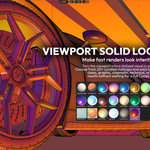

05 / Viewport Solid Look Make the viewport part of the content.More than 20 stylized viewport looks with MatCaps, cavity, shadows, outline, X-ray, Solid image/video output, and Material Preview output. |
 |
 |
 |
 |
 |
 |
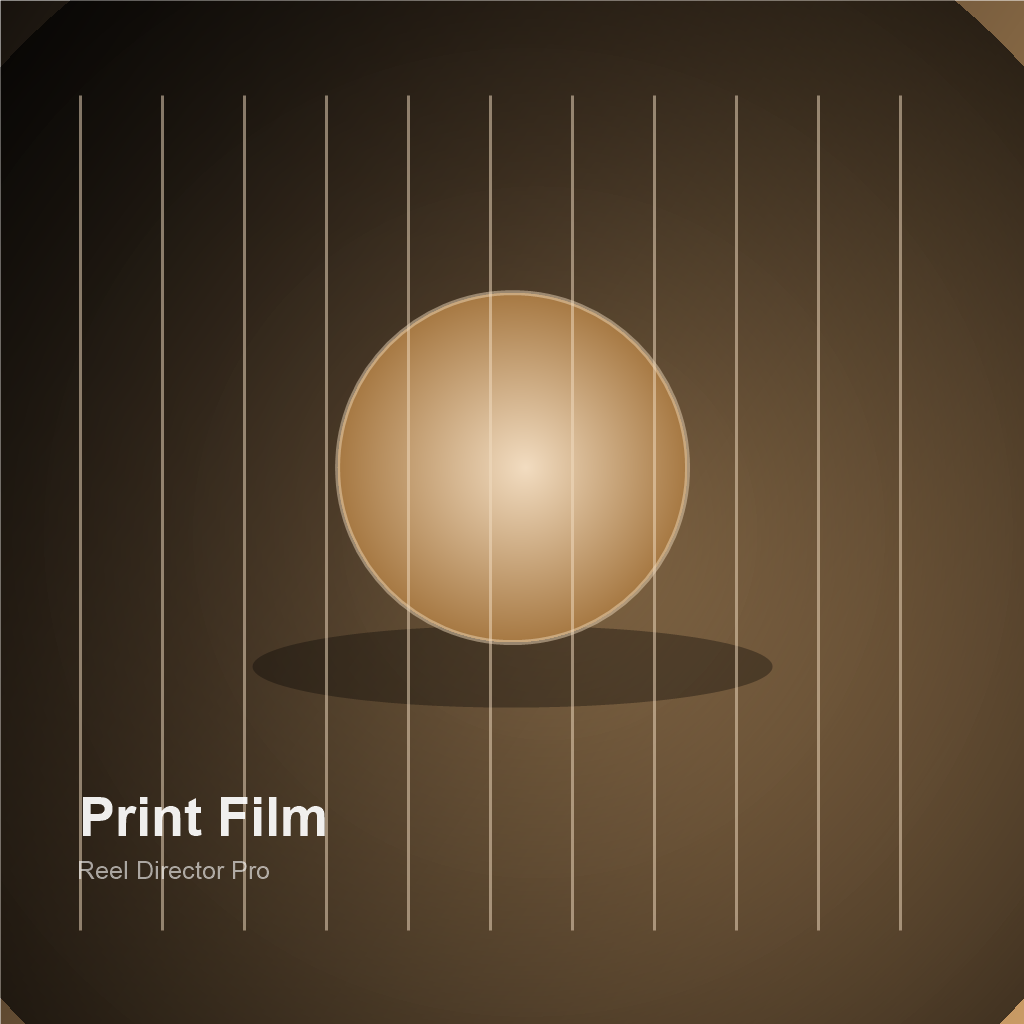
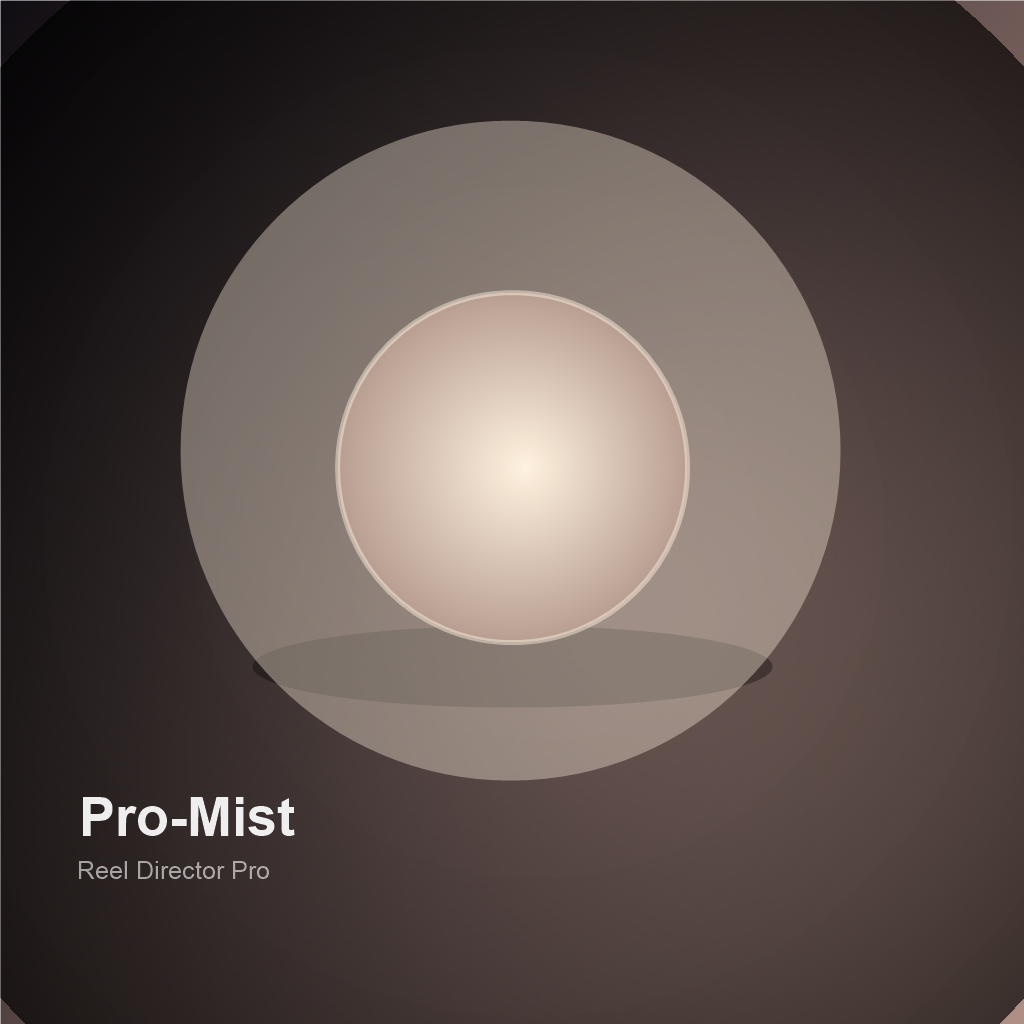
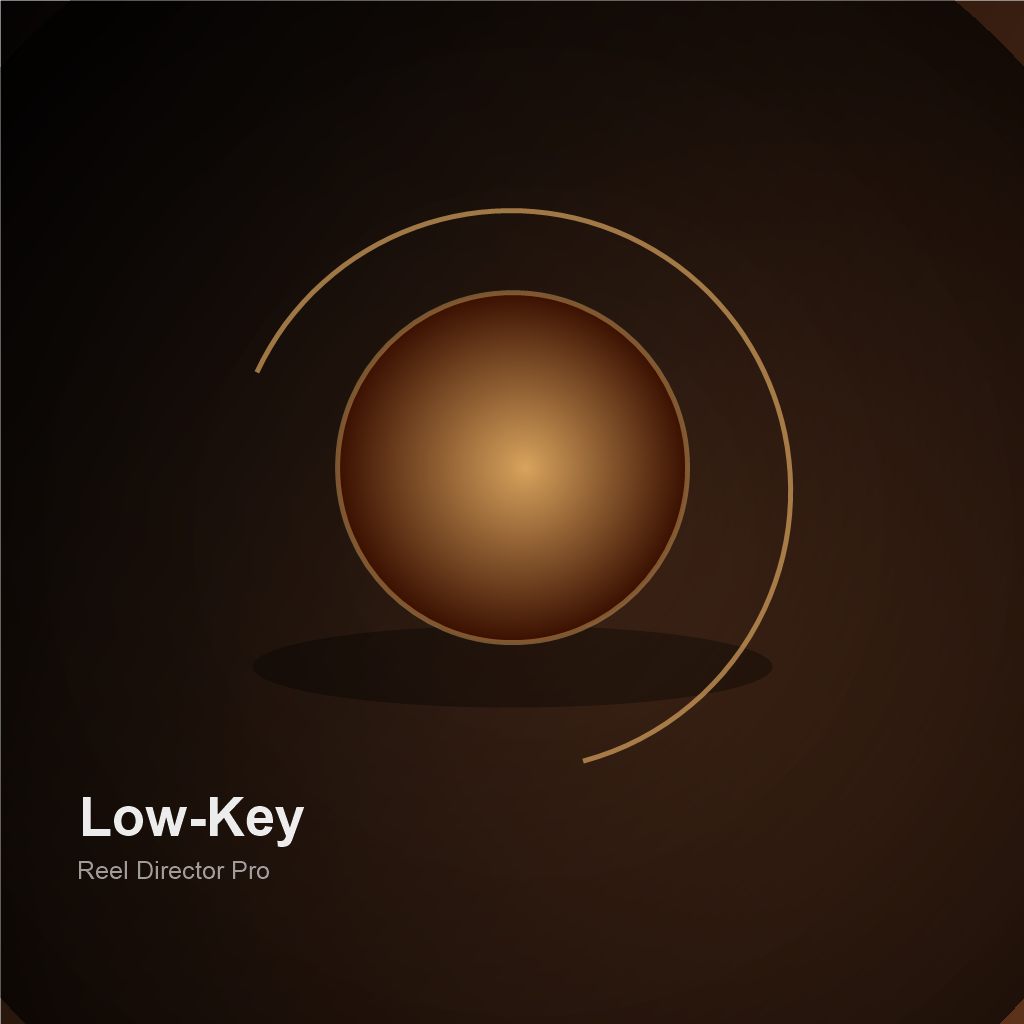
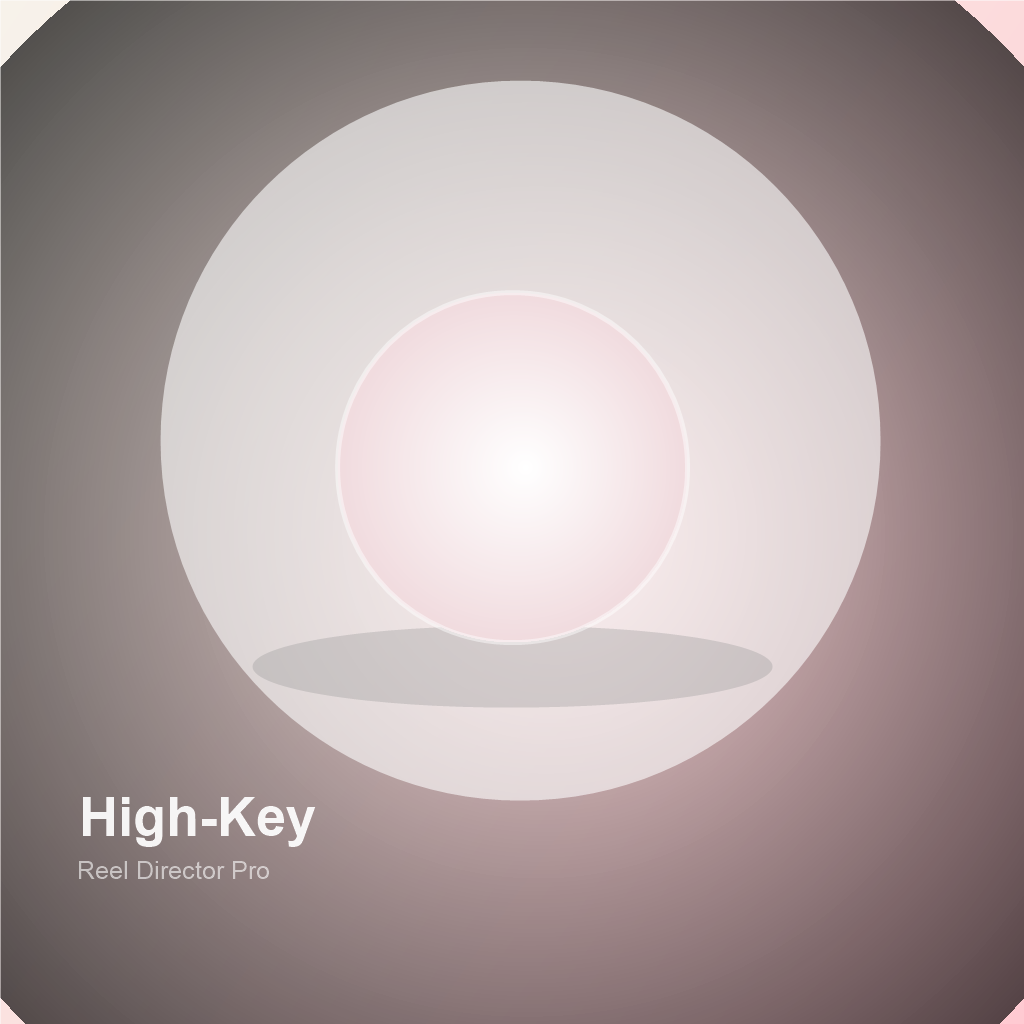
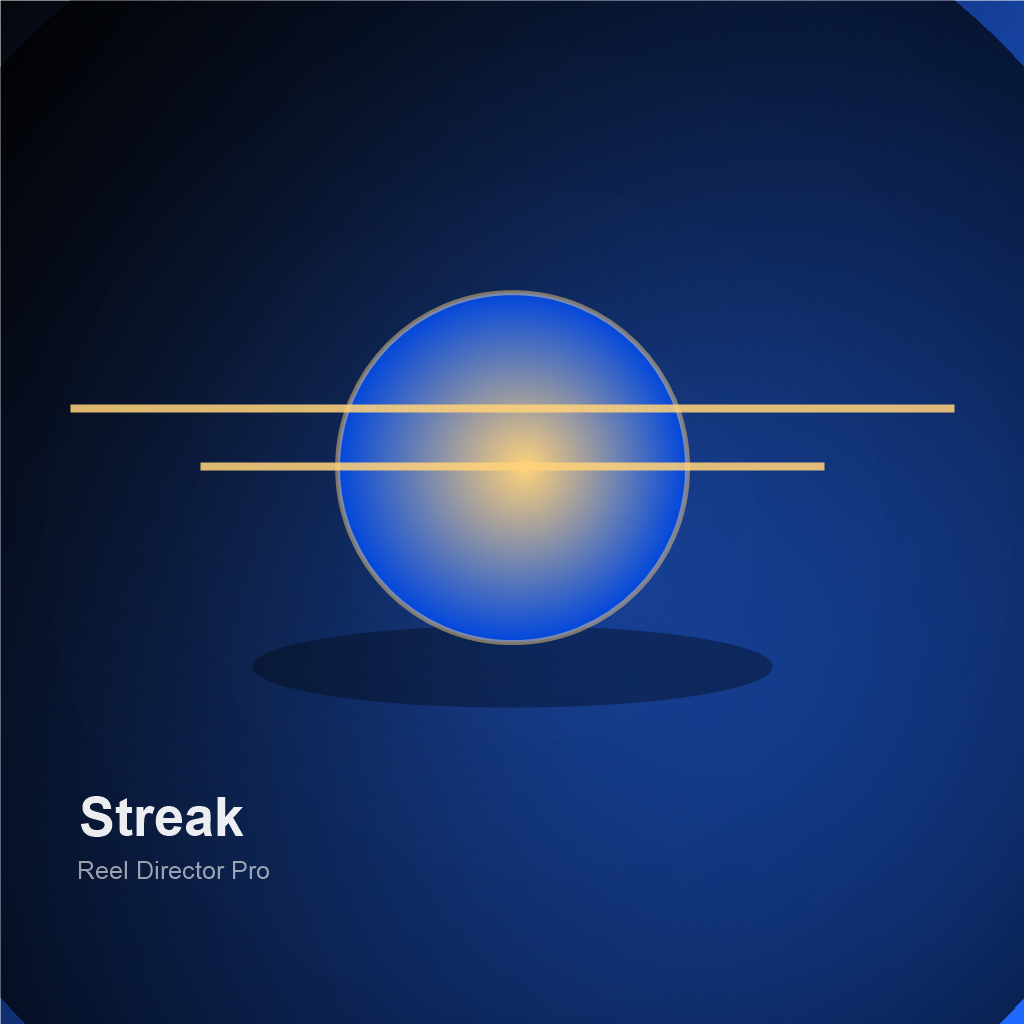
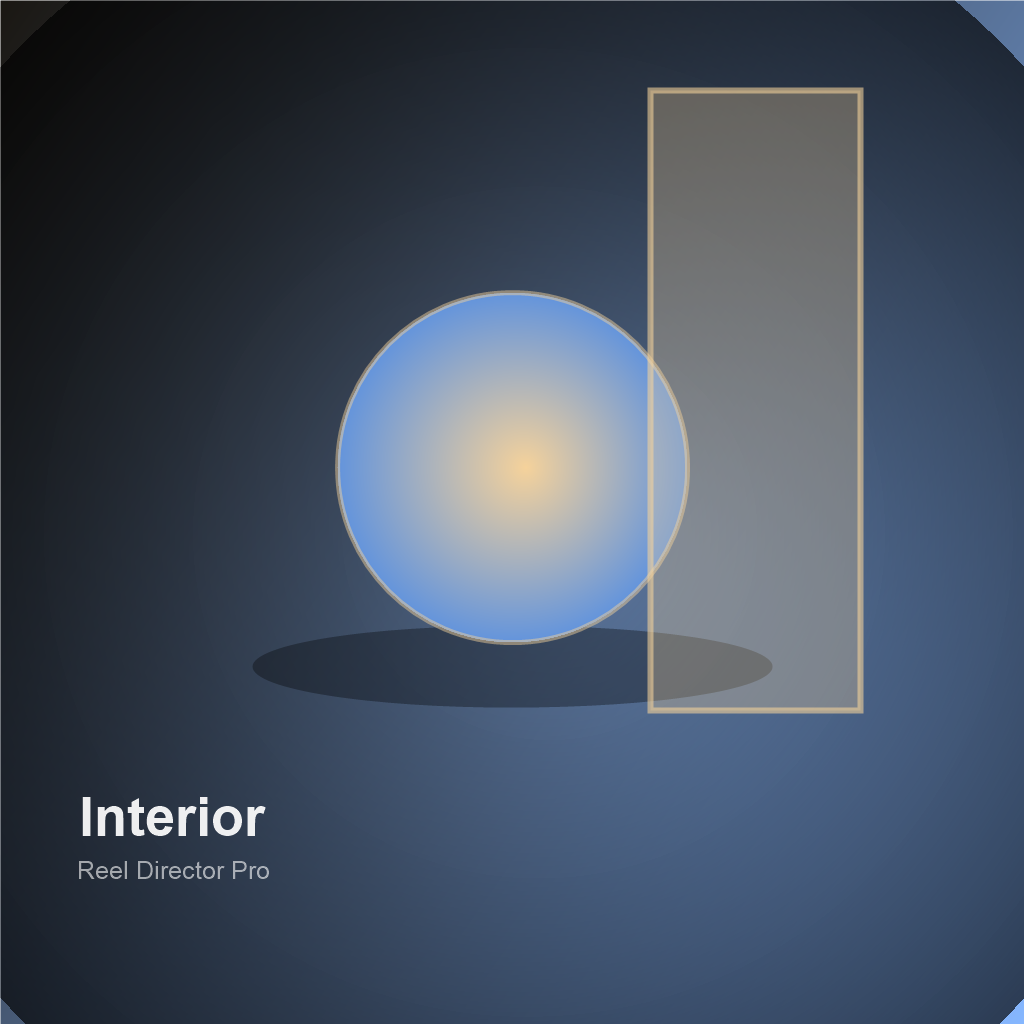
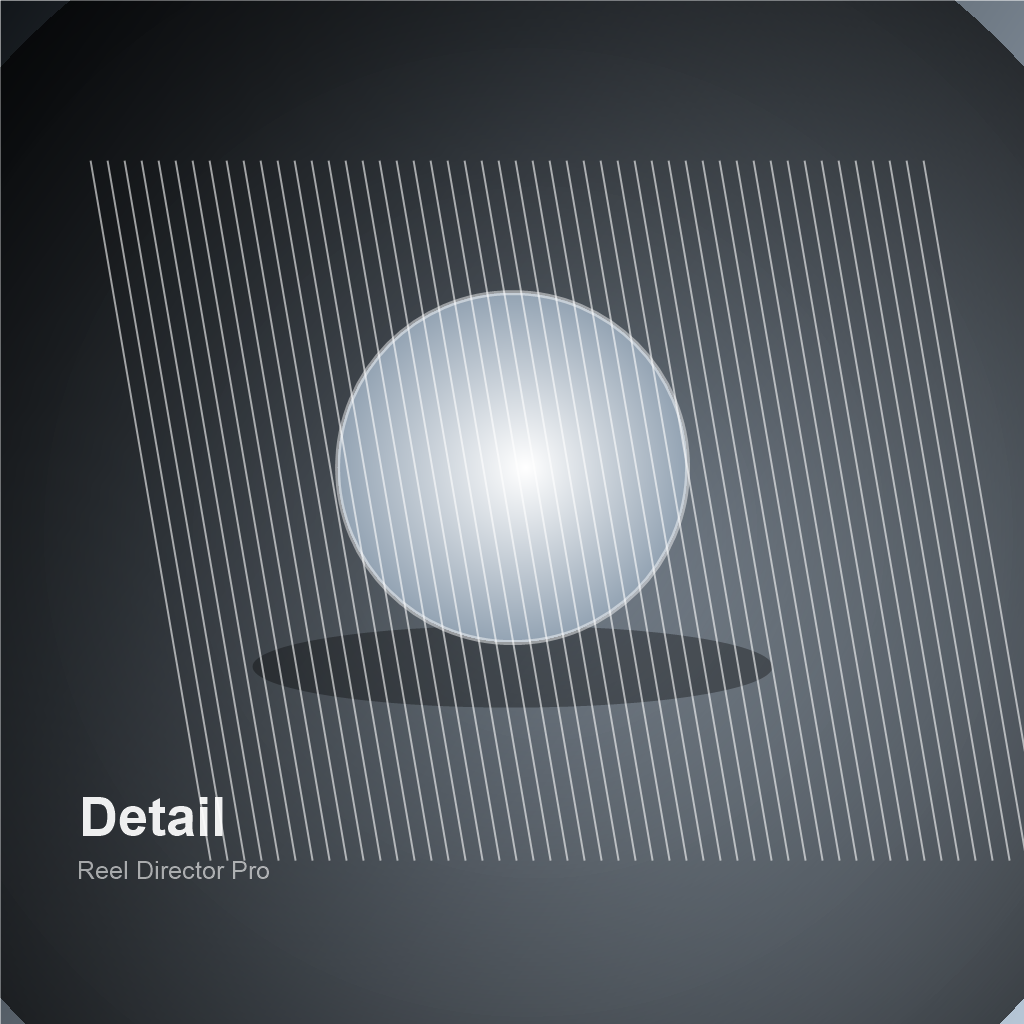
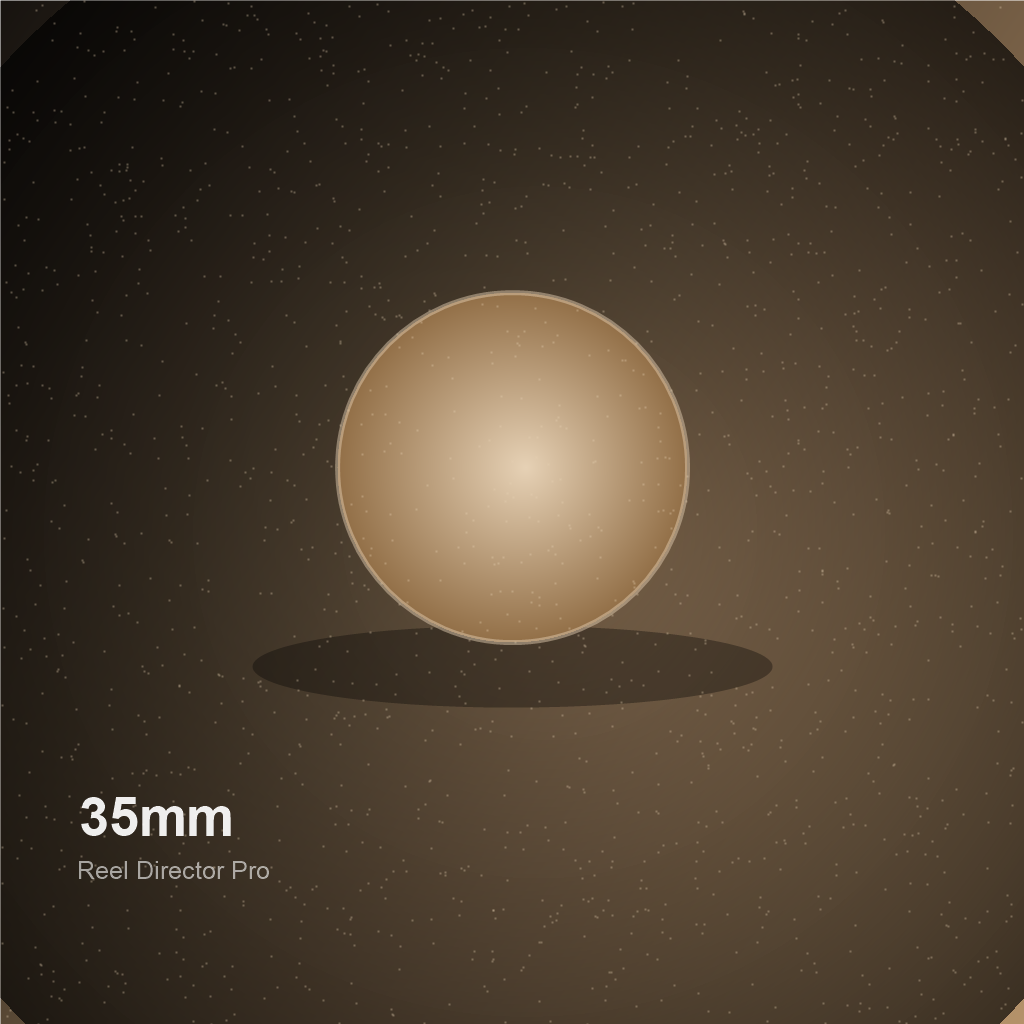
06 / Render Optimization
Pick the render mode for the moment.

Four presets move from immediate social previews to cleaner finals. Reel Director enables persistent data and spatial splits where Blender supports them.
|
Fast Social Preview |
Safe Speed-Up |
Low Noise Balanced |
Final Clean |
 |
 |
 |
 |
 |
 |
 |
 |
|
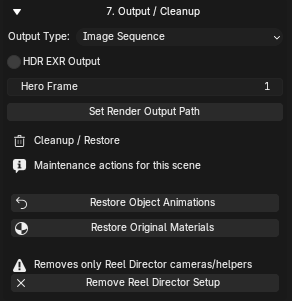
07 / Output + Cleanup Export, restore, and move on.Render image sequences, MP4 where Blender supports it, HDR EXR, hero frames, and output paths. Restore original transforms and materials, or remove the generated setup. |
One workflow. Two editions.
Build more 3D content from the scenes you already have.
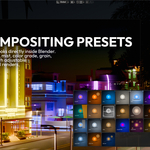
Choose Reel Director for the complete social-content workflow, or Reel Director Pro for deeper per-object styling, premium camera tools, filters, Native Wool Style, Lattice Surface, and modern compositor presets.
Get Reel Director Explore Reel Director Pro