 Mr. Steve 3D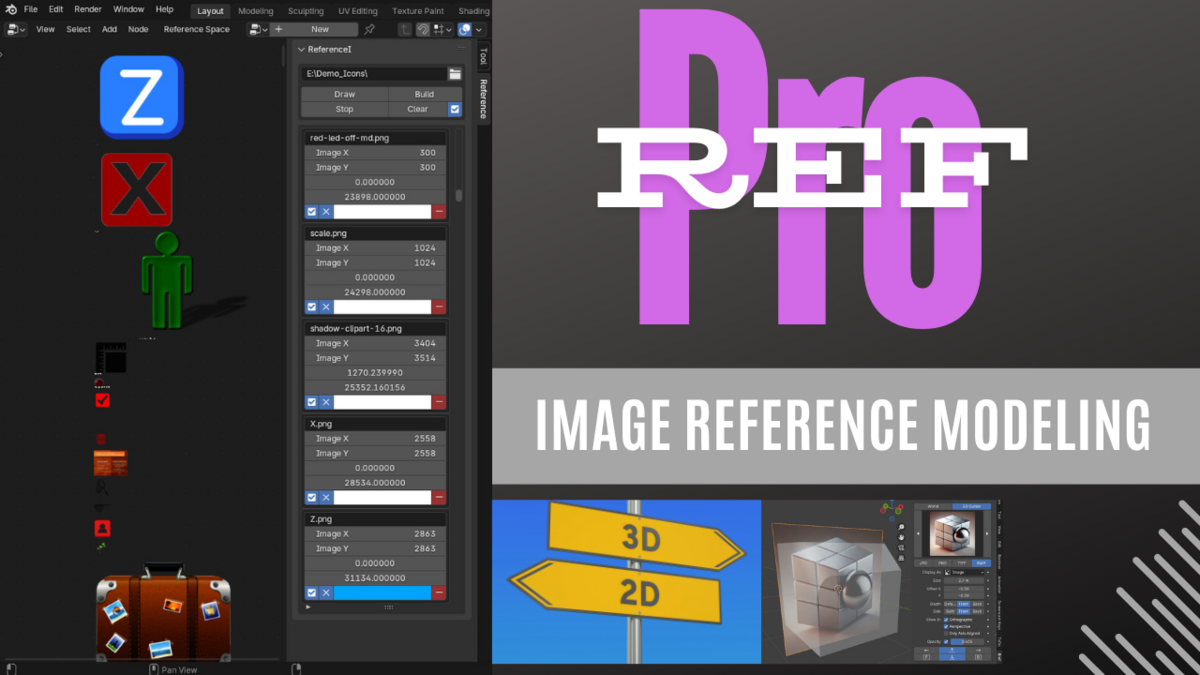
RefPro
Version 1.1.6 • Blender 3.3 – 4.4
Platforms: Windows • macOS • Linux
Platforms: Windows • macOS • Linux
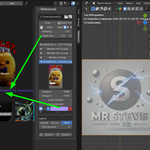
Drop, align, and manage references directly in your 3D view.
INSTALLATION
Go to Edit → Preferences → Extensions → Install from Zip.
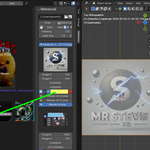
RefPro will appear in the N-panel.
Much more than a reference image importer
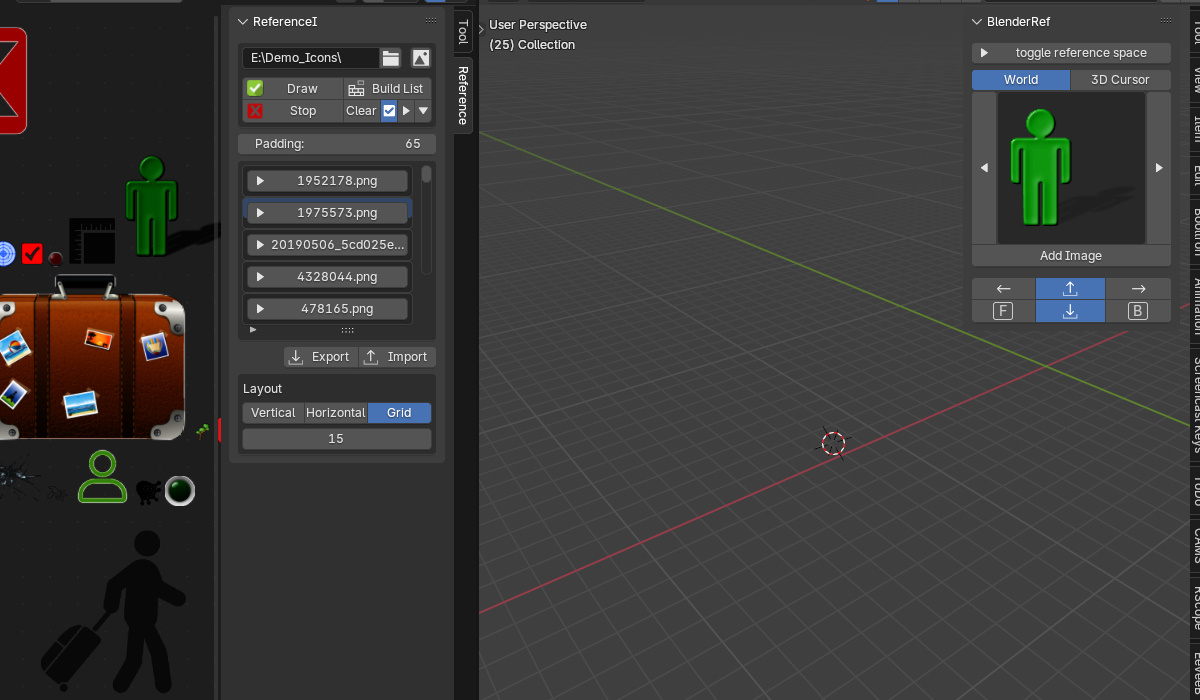
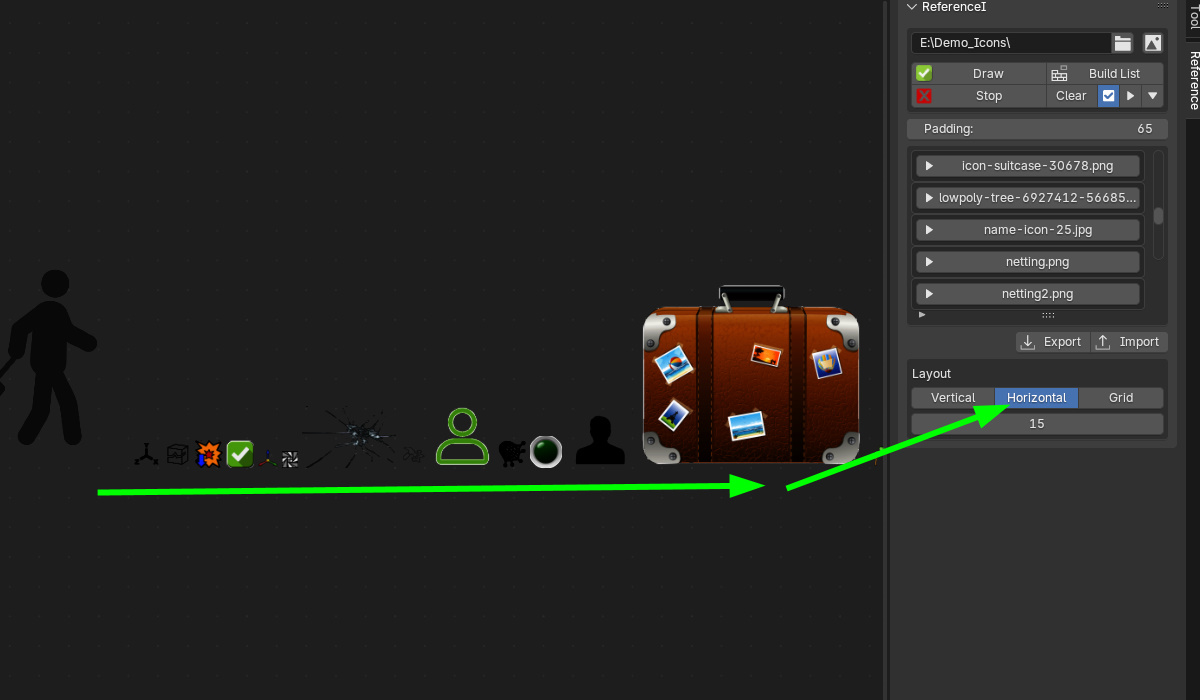
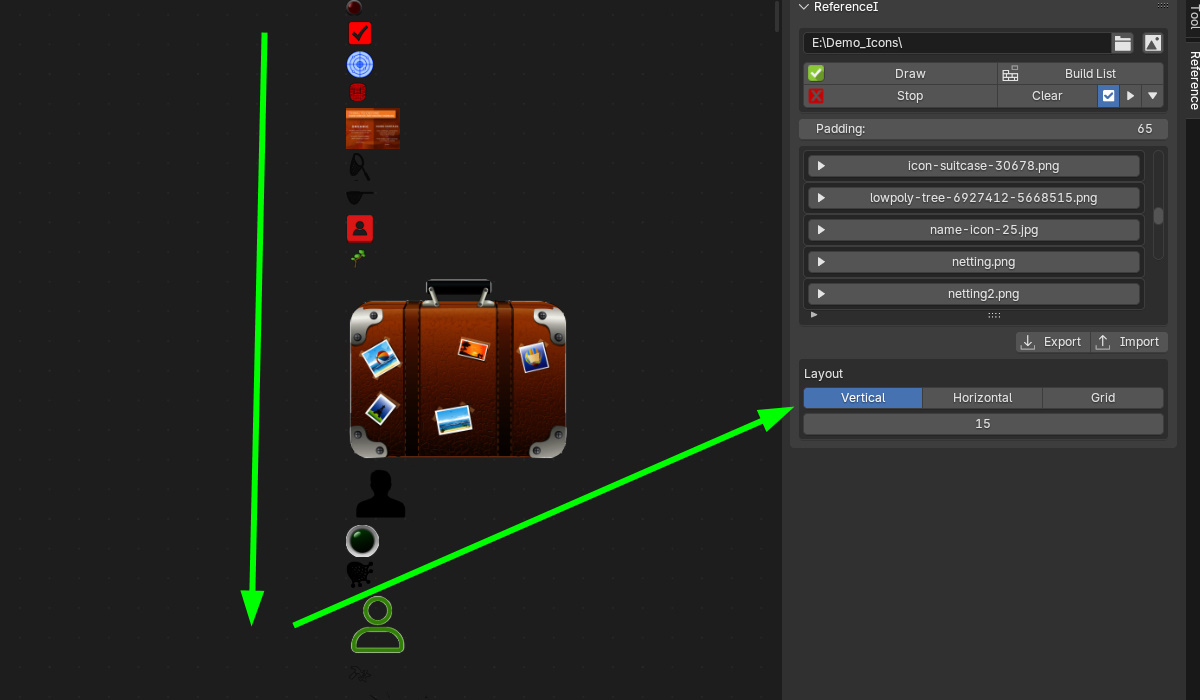
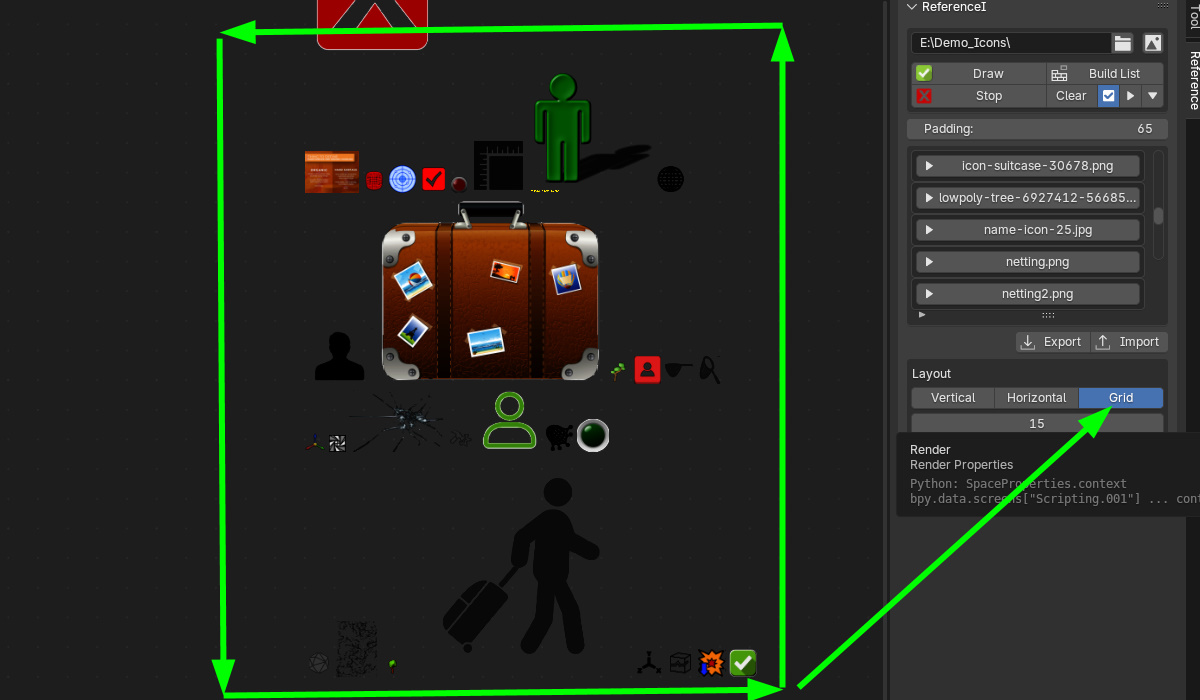
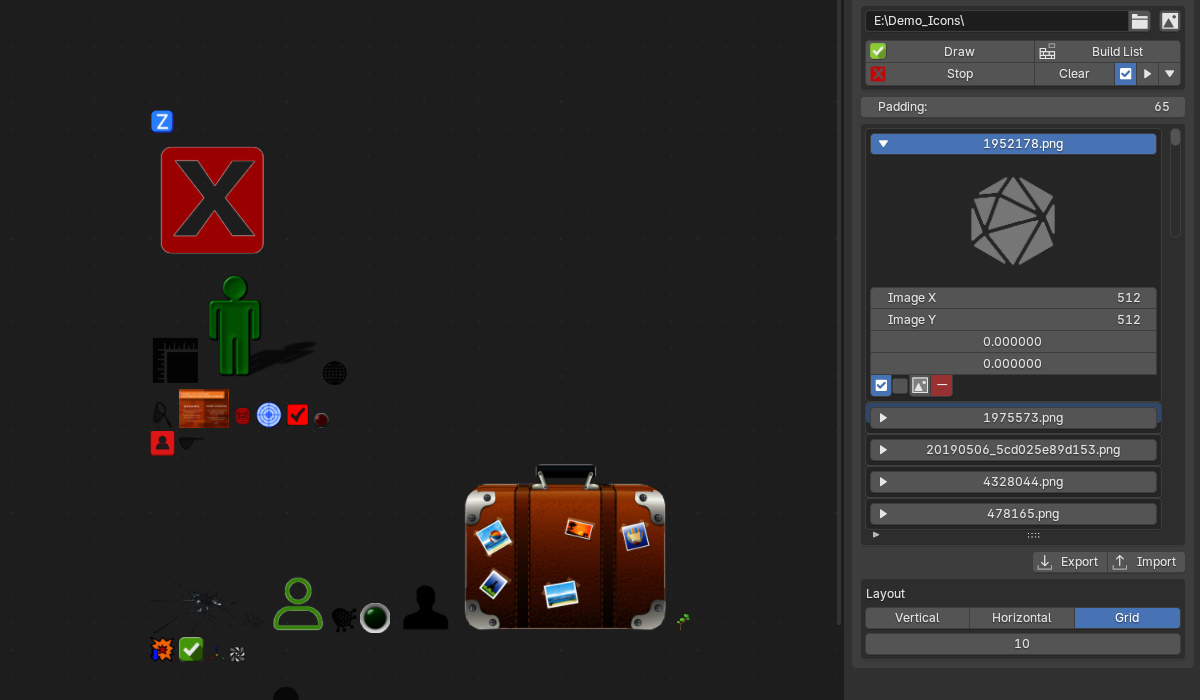
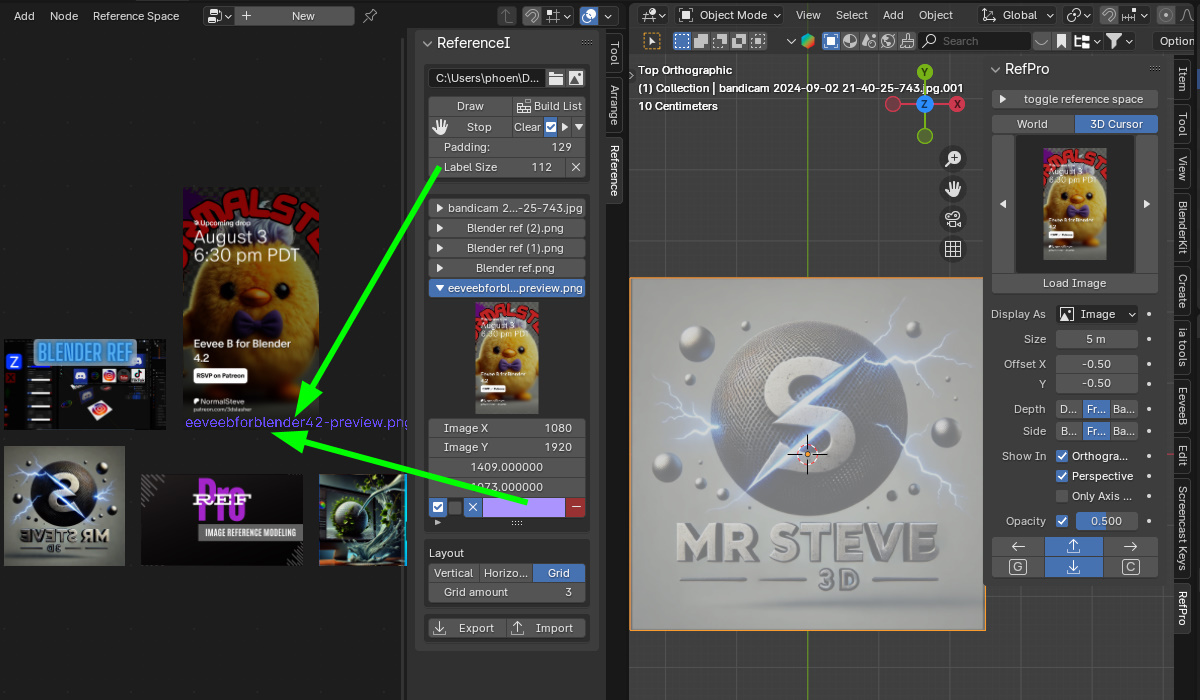
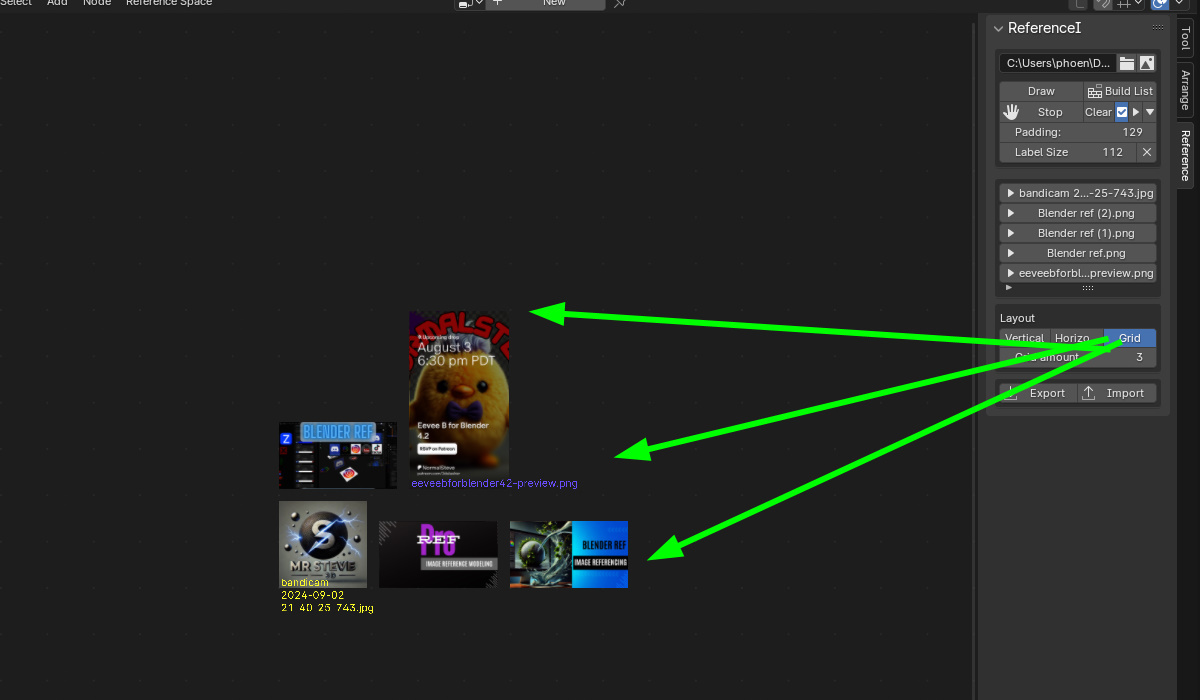
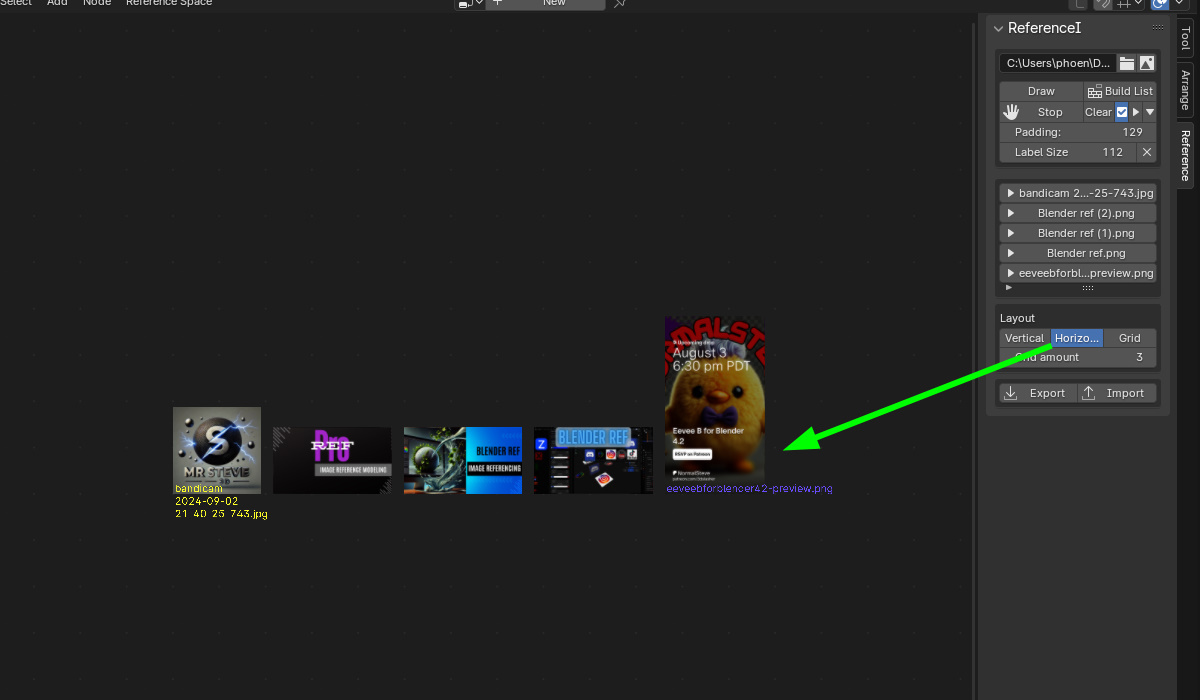
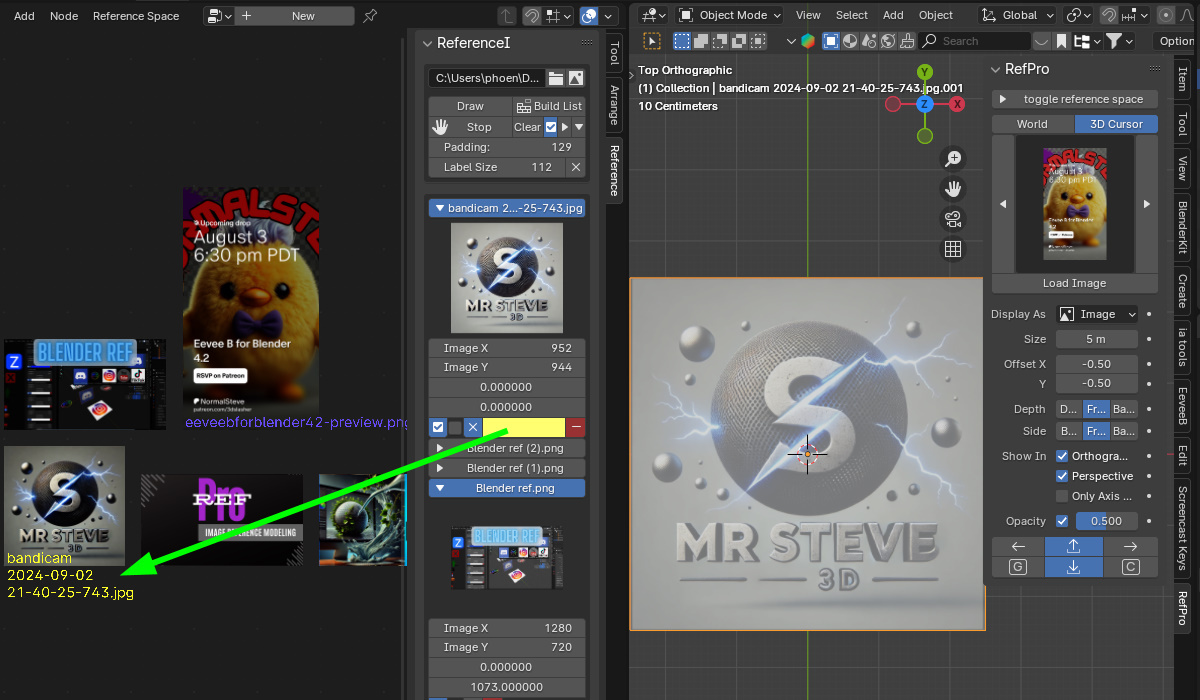
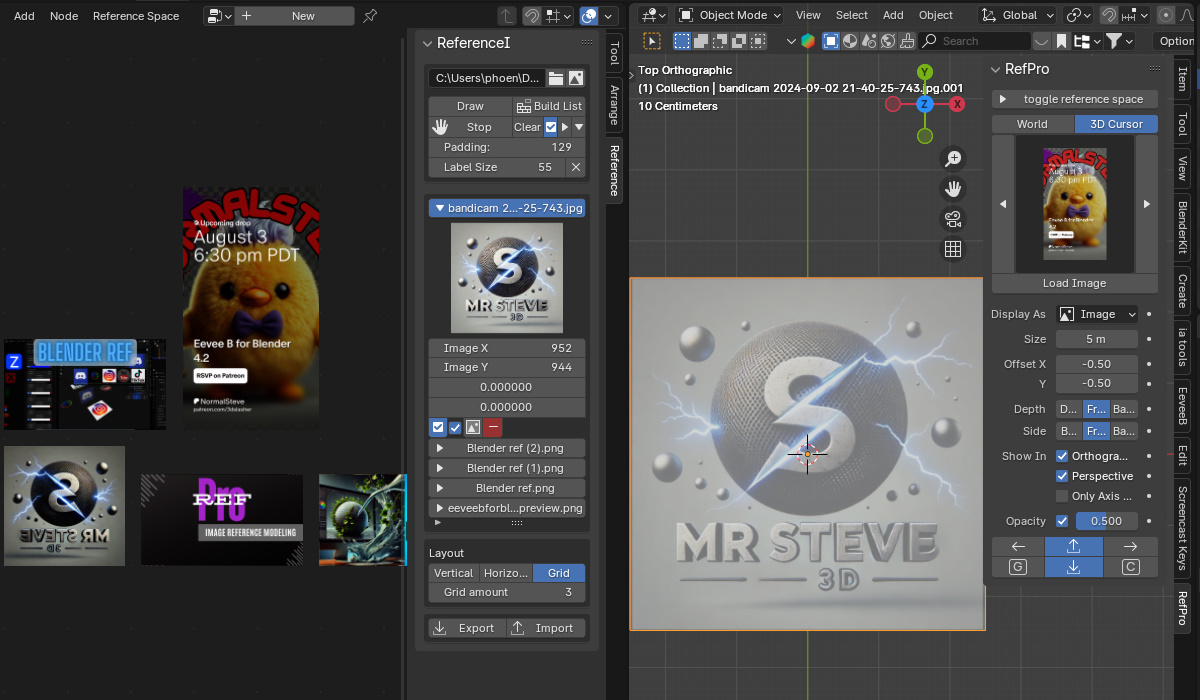
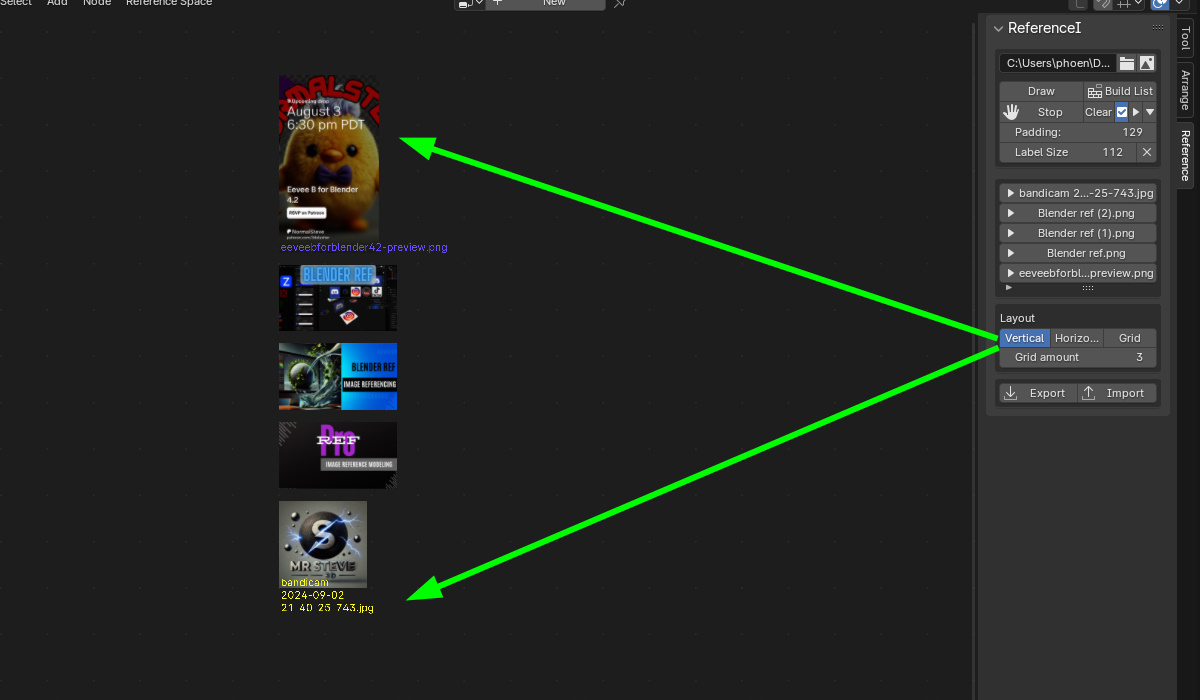
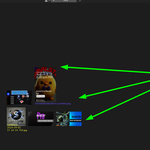
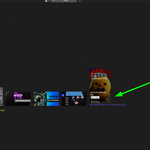
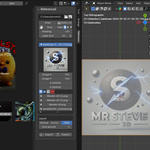
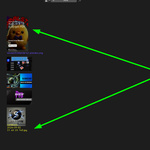
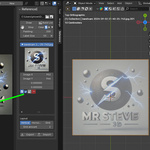
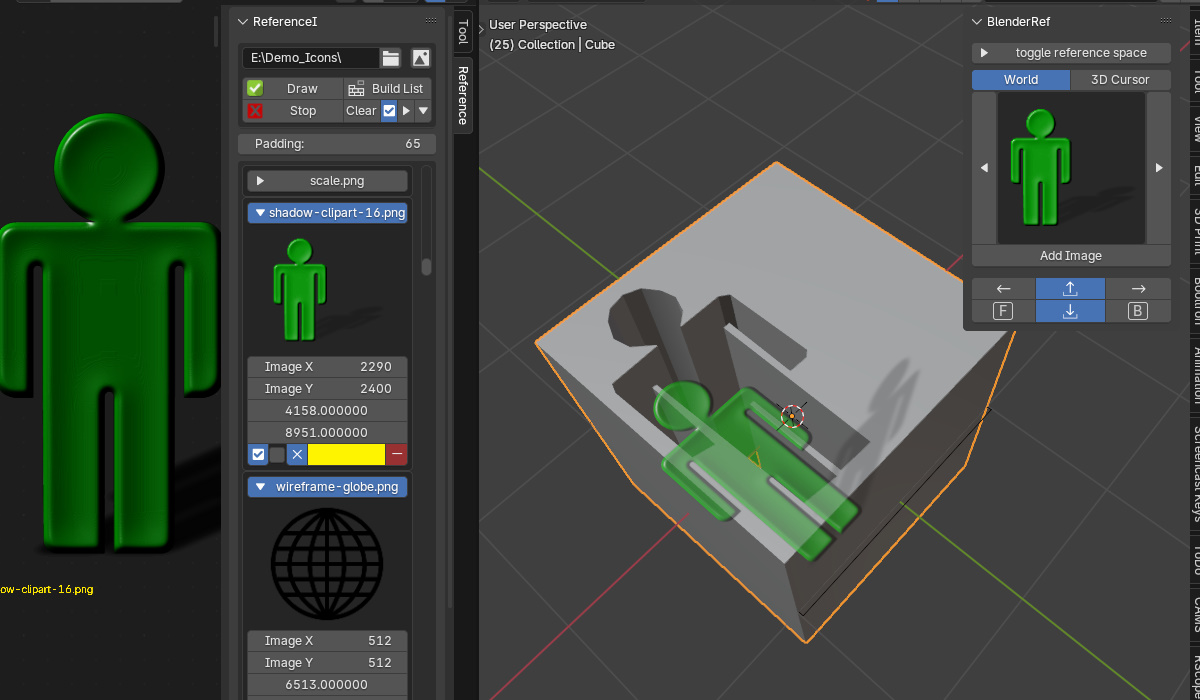
RefPro creates a focused workspace for 2D/3D reference modeling, lets you import entire folders or hand-picked images, and organizes them into vertical, horizontal, or grid layouts—with padding, flipping, and quick toggles that make modeling from reference feel effortless.
Key Features
- Custom Reference Workspace: Purpose-built space for 2D & 3D reference modeling.
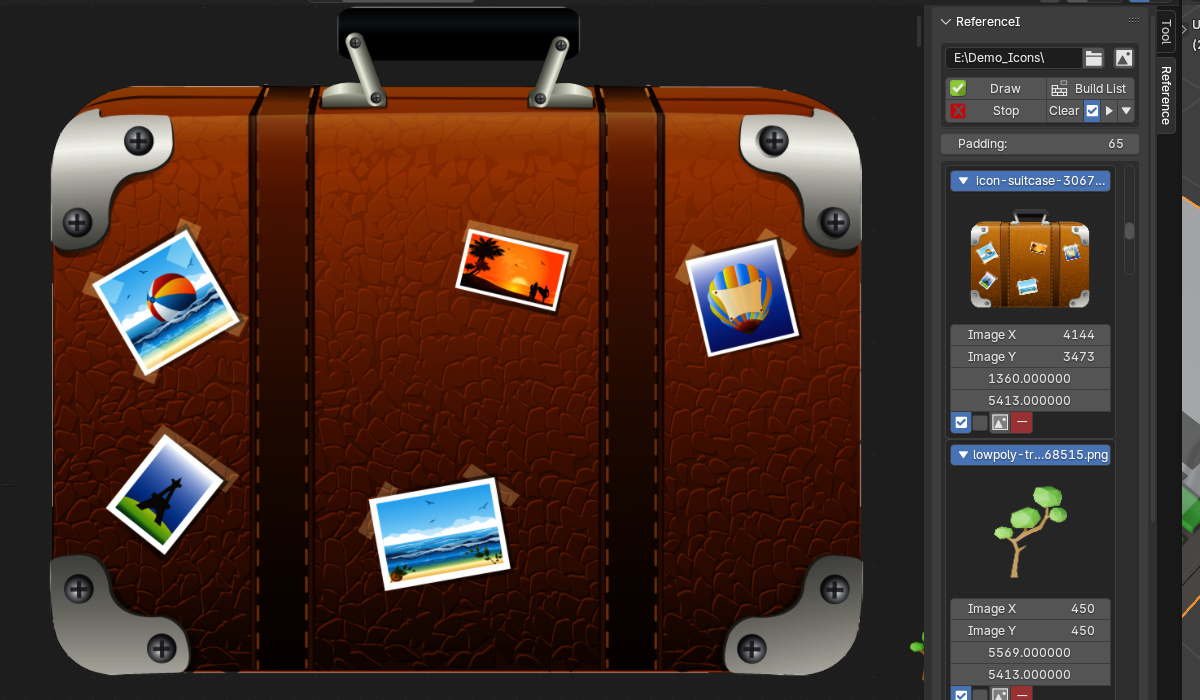
- Flexible Import: Load folders, multiple selections, or a single image.
- Layout Options: Vertical, Horizontal, or Grid with adjustable Padding.
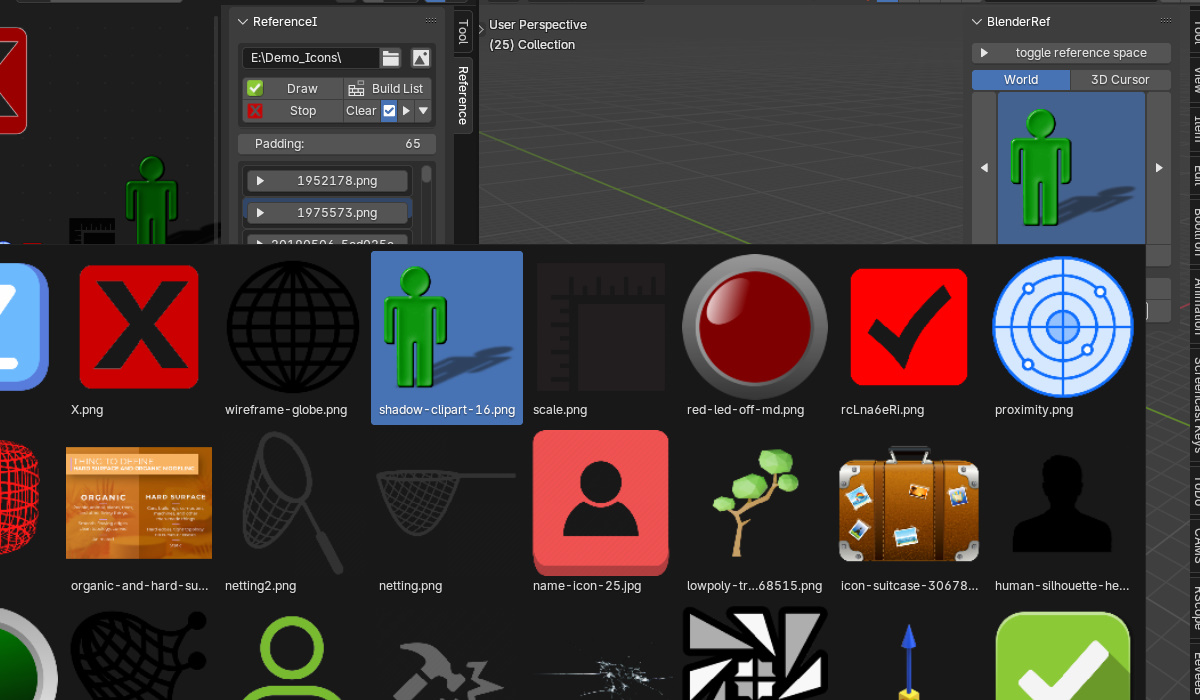
- One-Toggle Reference Space: Turn the workspace on/off instantly while you work.
- Clean, Intuitive UI: Streamlined controls for fast organization.
- Easy Management: Remove single images from the queue or clear the entire list.
- N-Panel Integration: Reference space images also show in the 3D Viewport’s RefPro panel.
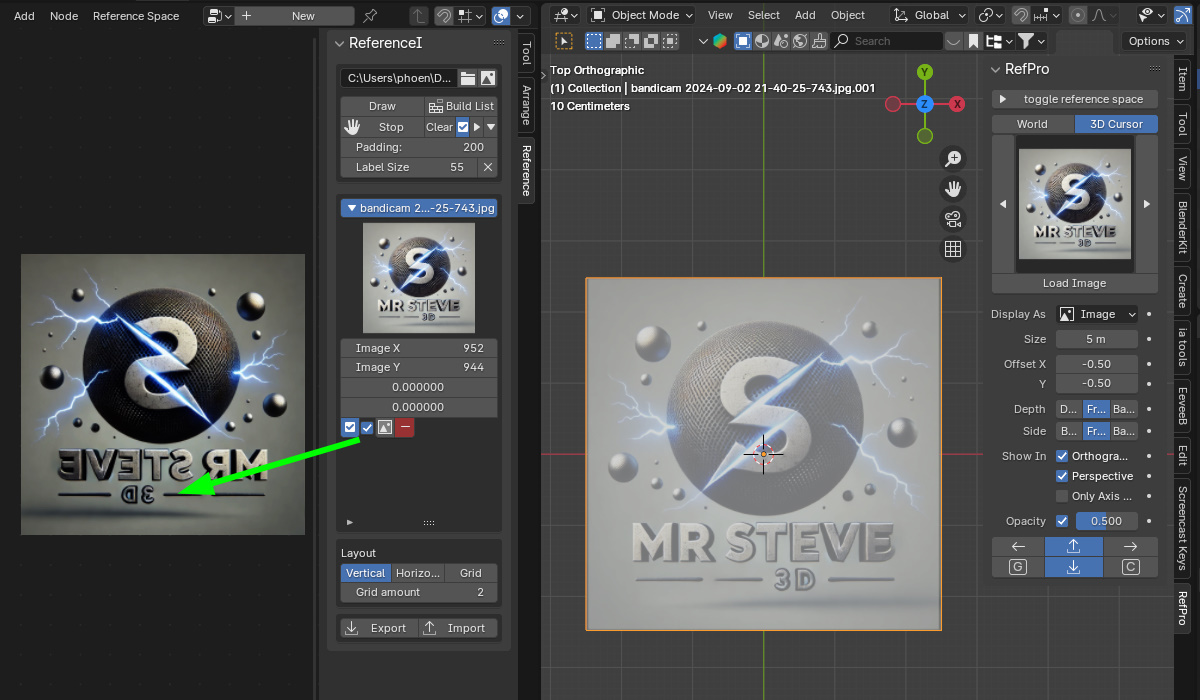
- Flip & Align: Quickly mirror images to match your modeling orientation.
- Import/Export Sets: Save reference boards for future projects.
Import Demo
Reverse Image Demo
Boolean Block-Out Demo
Check out my other Blender add-ons
Purpose-built tools for speed, control, and stability
Bevel Joints
Join meshes cleanly + bevel presets
OCP “1-Click Proxy”
Clone exact meshes as render-safe proxies
Render Switcher
Quickly swap render engines & presets
Cracks Damage
Procedural cell-fracture & damage tools
RenderScope Pro
Shot, camera & render state hub
Tip: Add thumbnail images to this product’s gallery and reference them here for image cards that always load.