 TastyVoxels
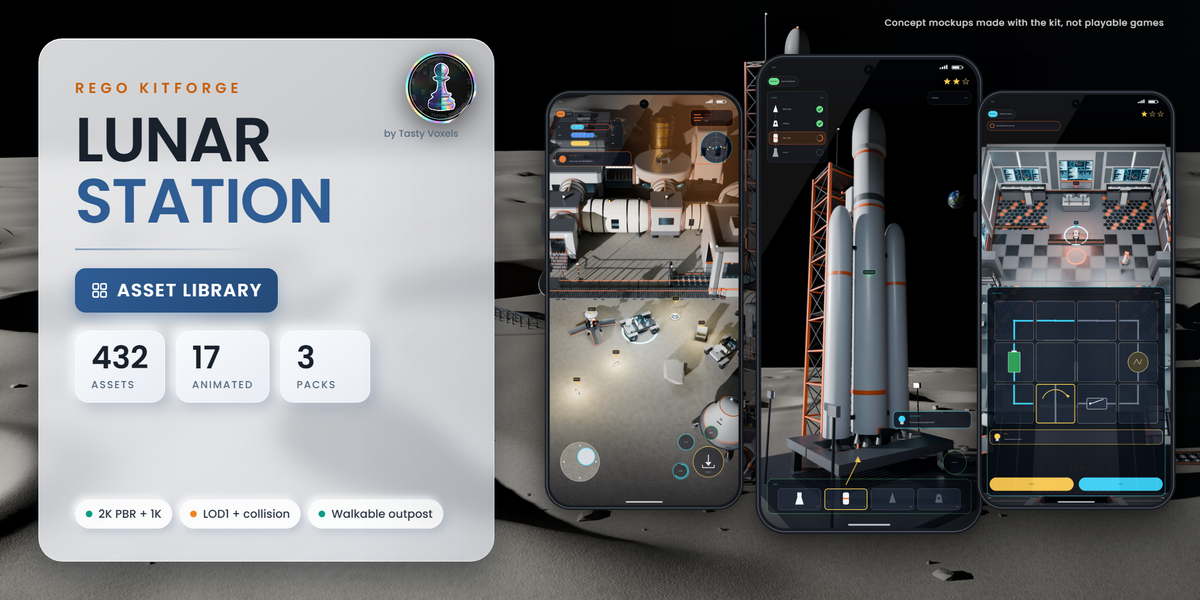
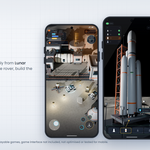
In short: 432 sci-fi assets to build a lunar base, inside and out. Which version? Interiors for the station inside, Outpost Exteriors for the base outside with trams and rockets, or the Bundle for everything. Each one comes as assets only, or with the Kitforge plugin that builds bases, rooms and tram lines in one click. Not sure yet? Download the Free Test Room (10 assets, personal use) and try it in Blender first.
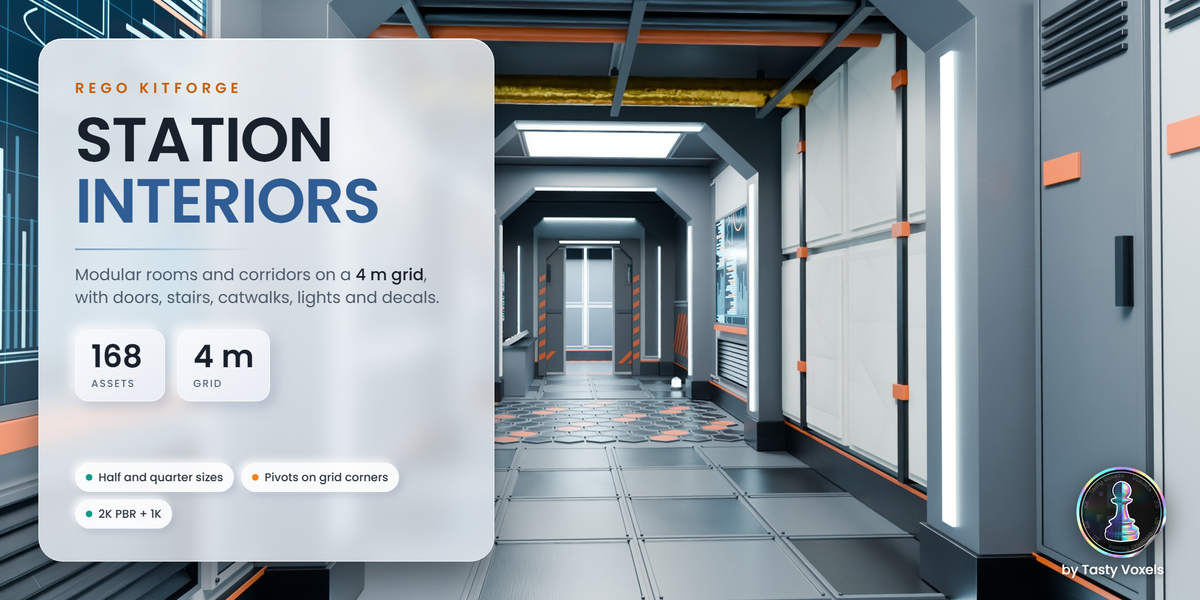
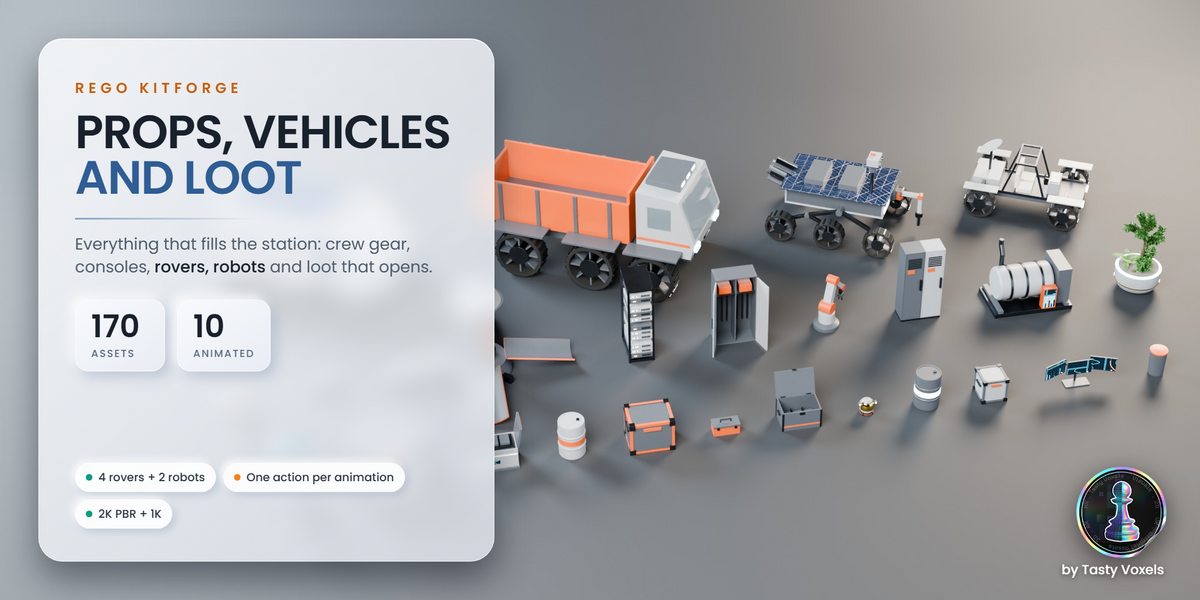
A whole lunar base for Blender, inside and out. Rego Kitforge Lunar Station is a modular sci-fi asset kit: 432 assets in three libraries, 17 of them animated. Each library is a ready to use Blender asset library sorted into catalogs: add the folder as an asset library and drag the pieces into your scene. All three libraries share one PBR material set and no asset is in two libraries, so you can mix them freely when you build a level, a game environment or a render.
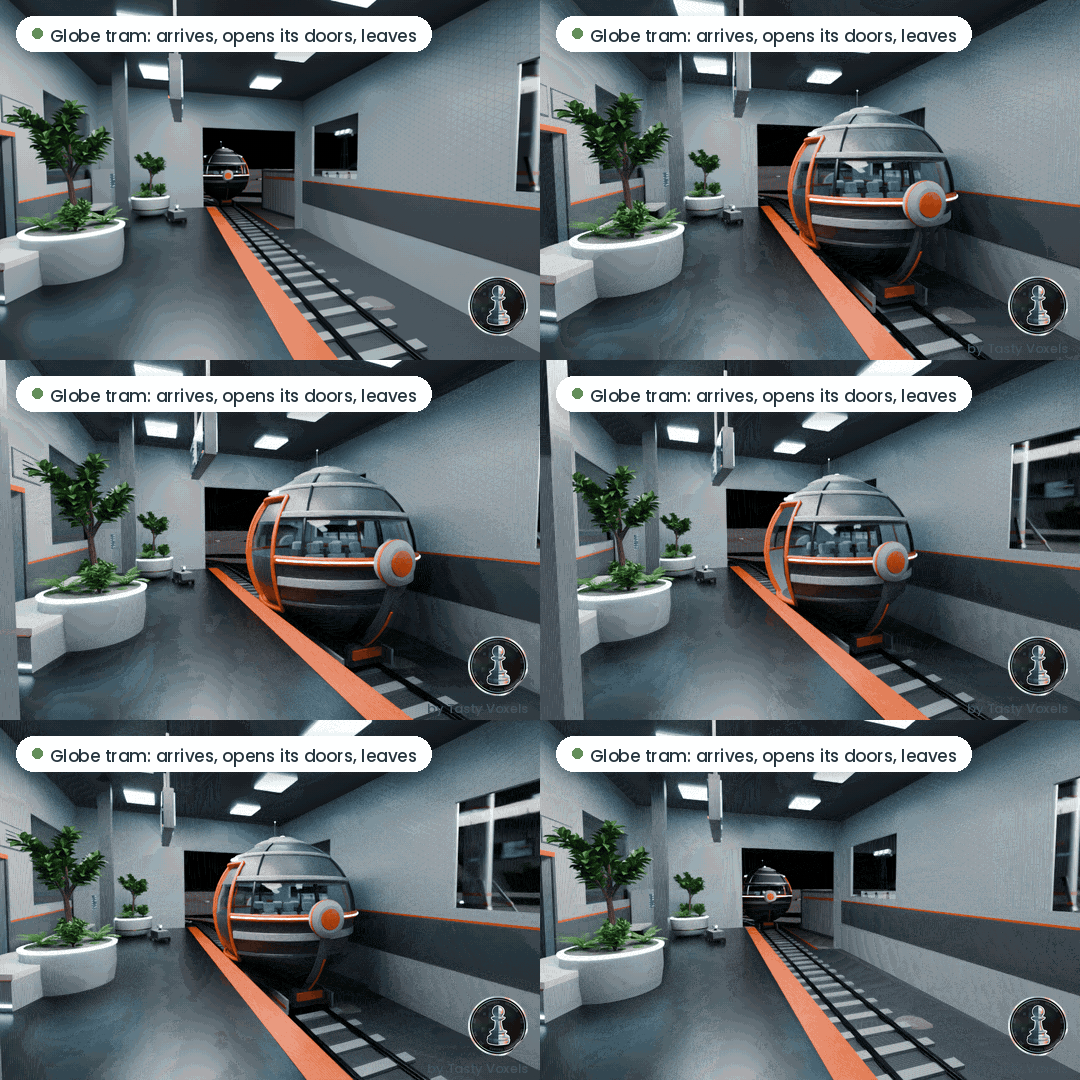
Scene made with the Bundle. The tram, the rails and the station are in Outpost Exteriors too; the planters and the furniture are interior props.
Why this kit
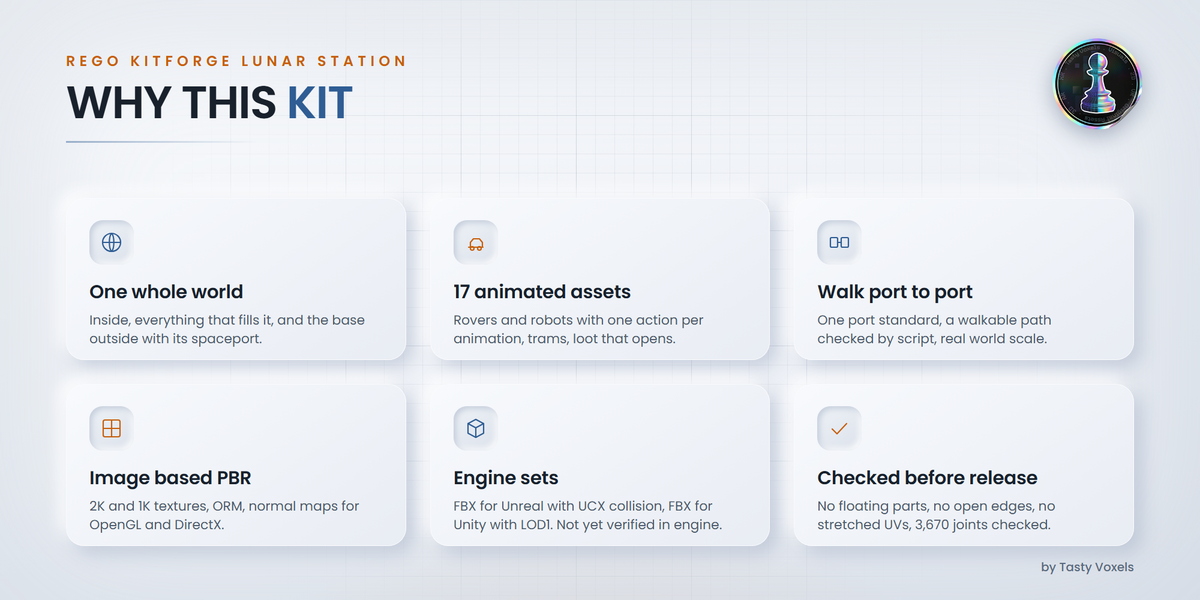
- One whole world, not a corridor set. The station inside, everything that fills it, and the base seen from outside with its spaceport, all made to fit together.
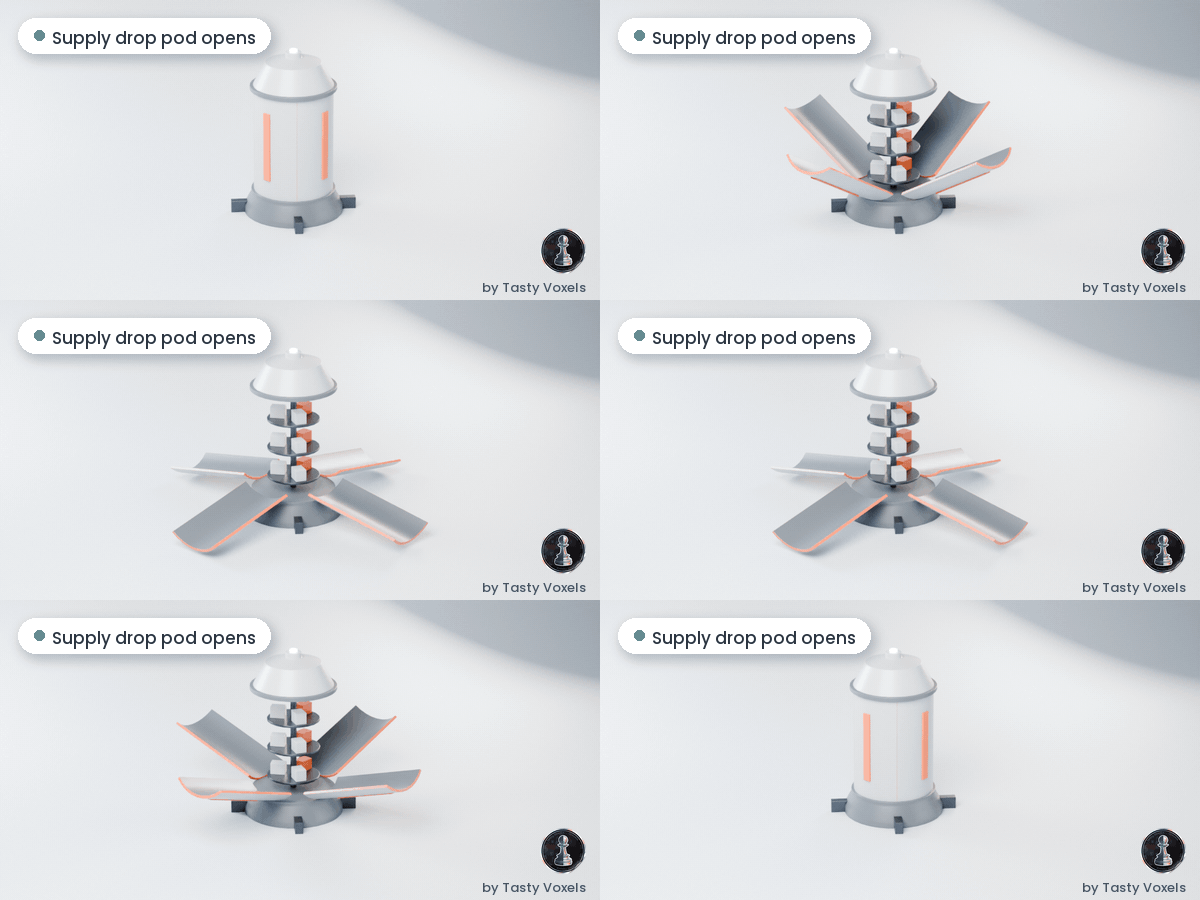
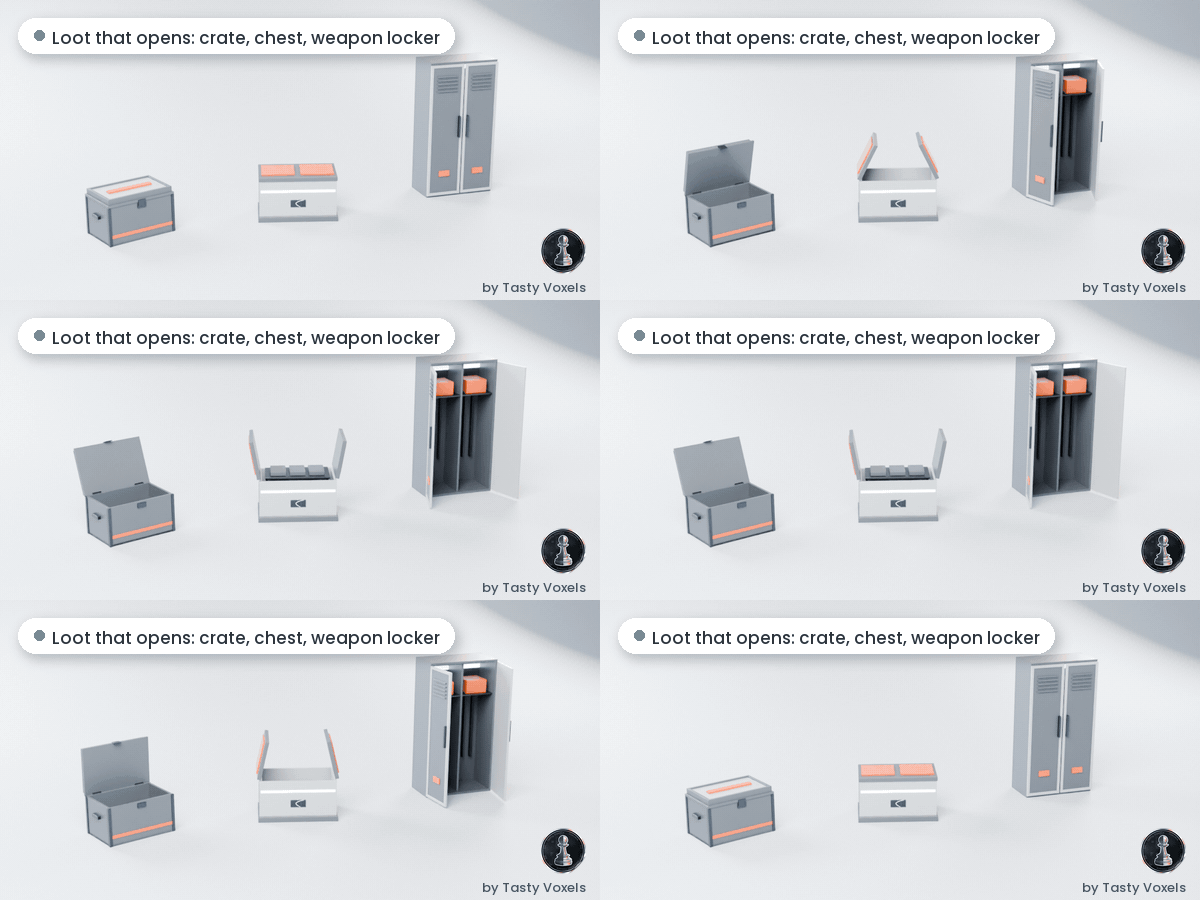
- Things move. 17 animated assets: rovers and robots with one animation per action, globe trams, loot containers that open.
- You can walk it. Outpost modules share one port standard, and every module was checked by script for a walkable path from port to port, at real world scale for first person and VR (not yet tested on a headset).
- The surfaces travel with the export. Every material is image based PBR at 2K, with a 1K set: base colour, ORM, and OpenGL normal maps (for DirectX, flip the green channel in your engine texture settings). The look does not live only in Blender shader nodes.
- Prepared for game engines. One FBX set for Unreal Engine with UCX collision, one for Unity with LOD1 on every static asset, lightmap UVs on a second channel. Import is not yet verified in engine.
- Checked before release. Every asset passed an automated release check: no floating parts, no open edges, no stretched UVs, and 3,670 structural joints checked at the corners.
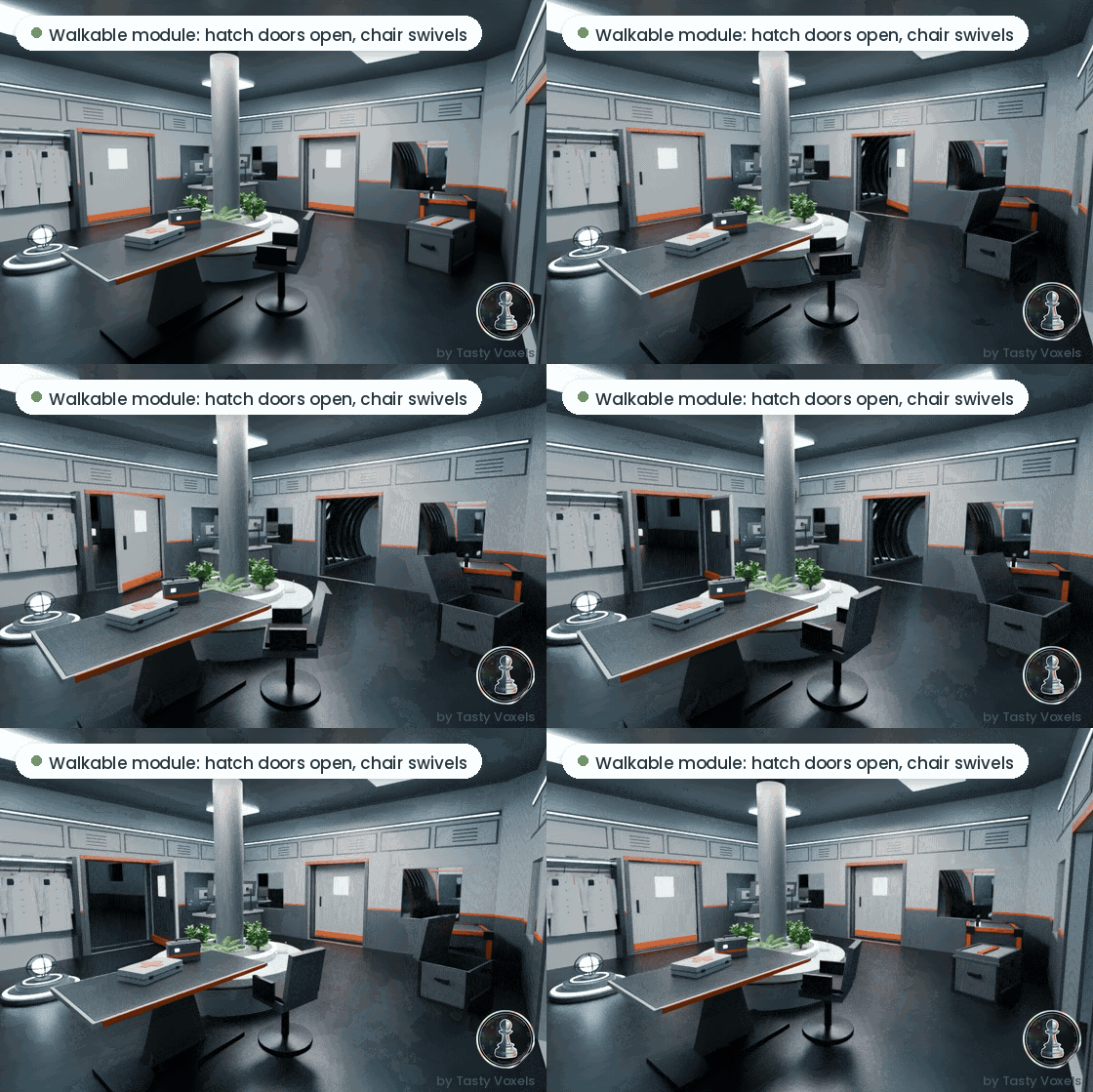
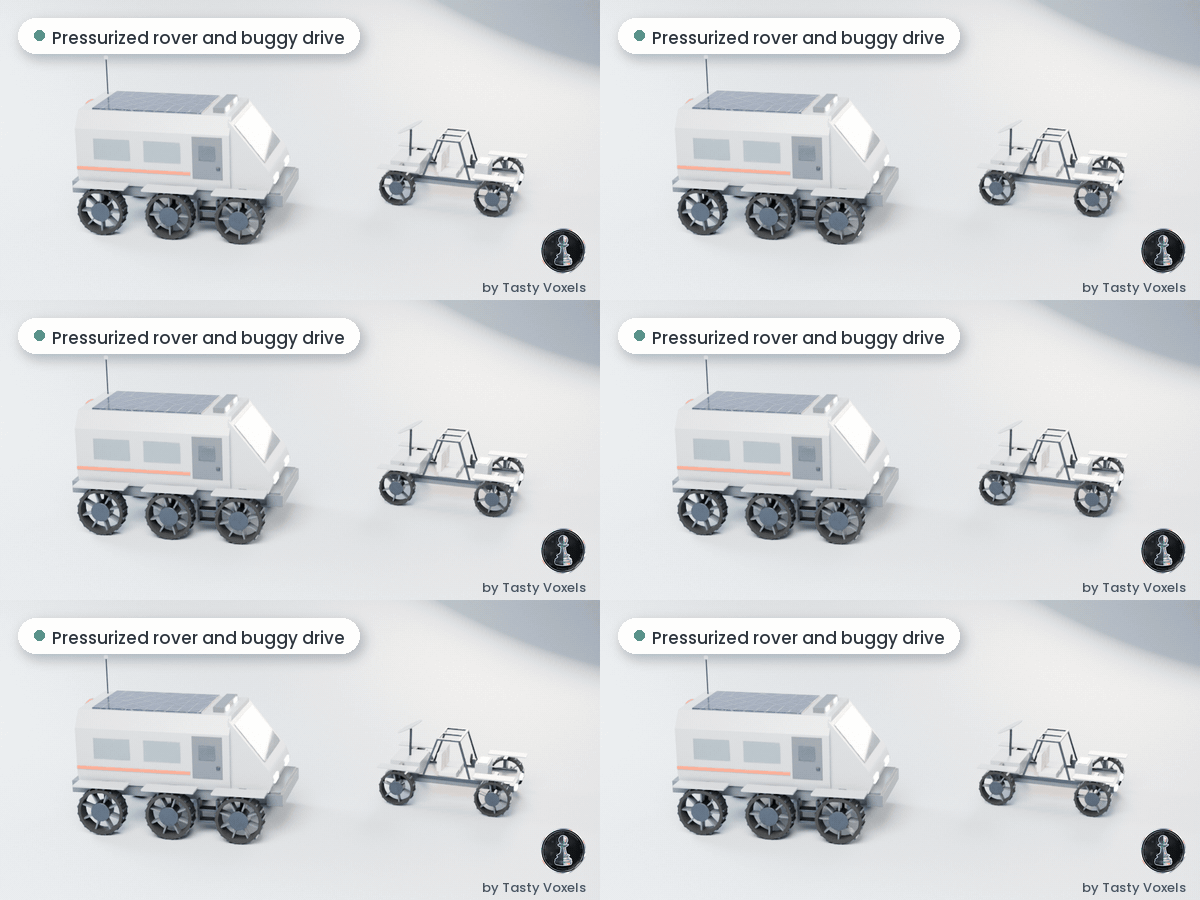
Where to find what you see in the images
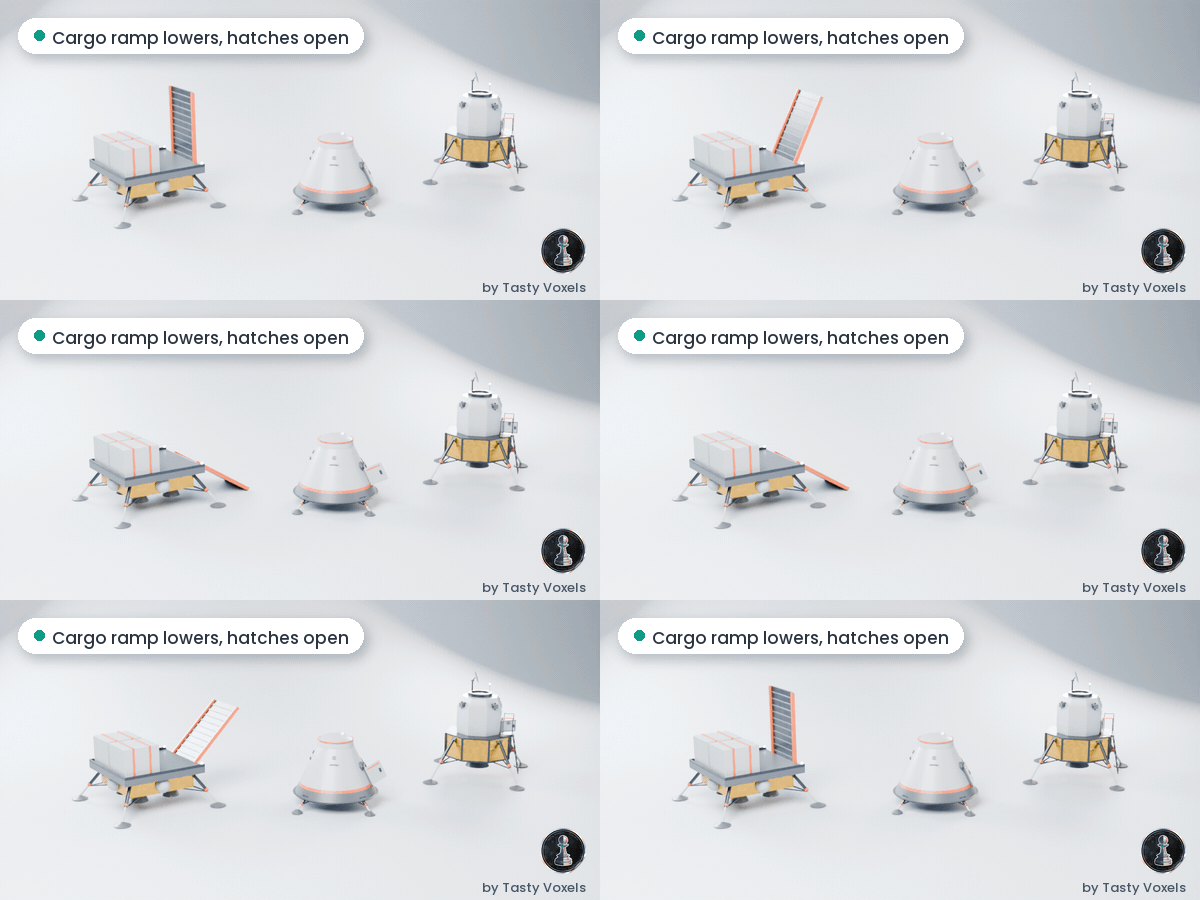
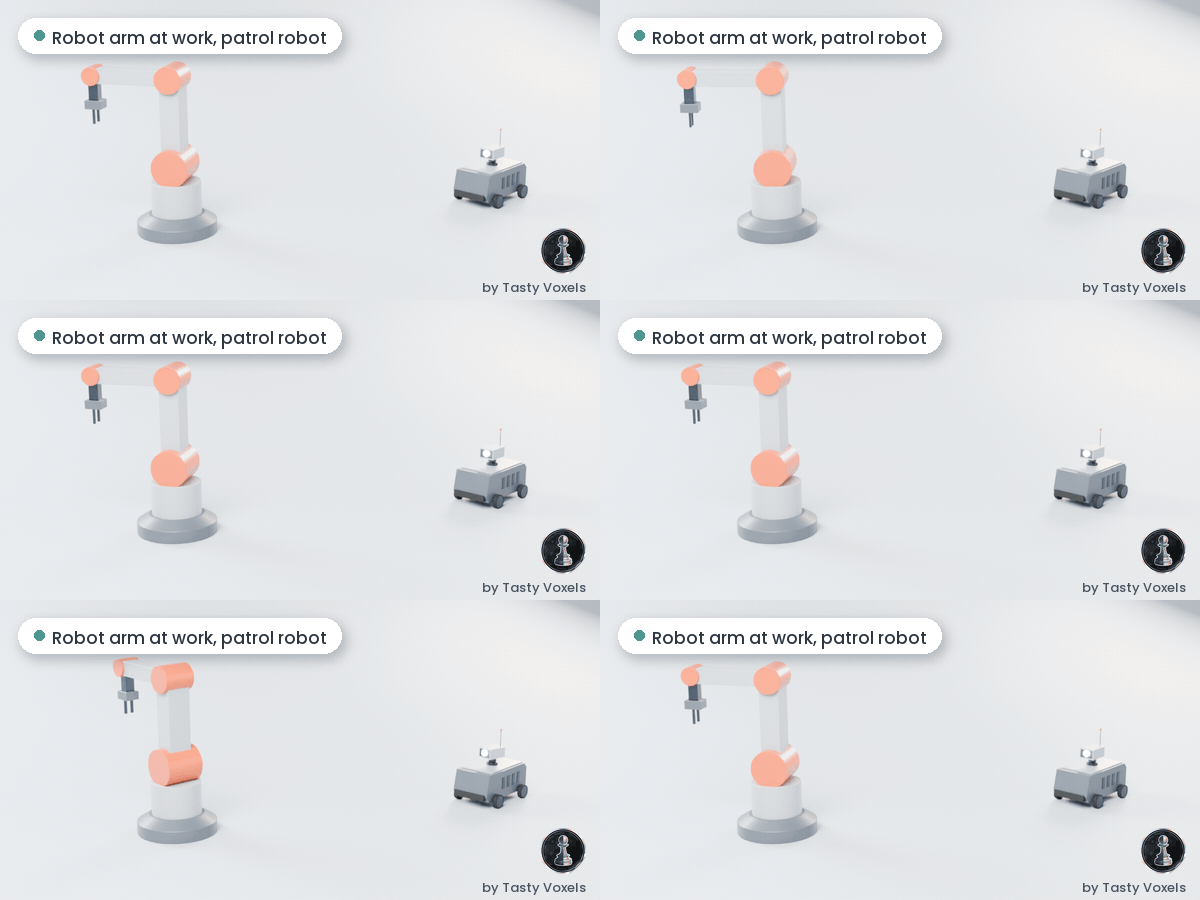
Everything shown in the gallery, the animations and the mockups is a real asset of the kit. This is the version that contains it (the Bundle always contains all of it):
- Globe trams (4 cabins with opening doors), rails, curves, bumper ends, tram stops and tram stations: Outpost Exteriors, Bundle.
- Tram Line Builder (rails that follow a curve): both Bundle versions.
- Tram Line generator (a whole line in one click): Bundle + Kitforge Plugin.
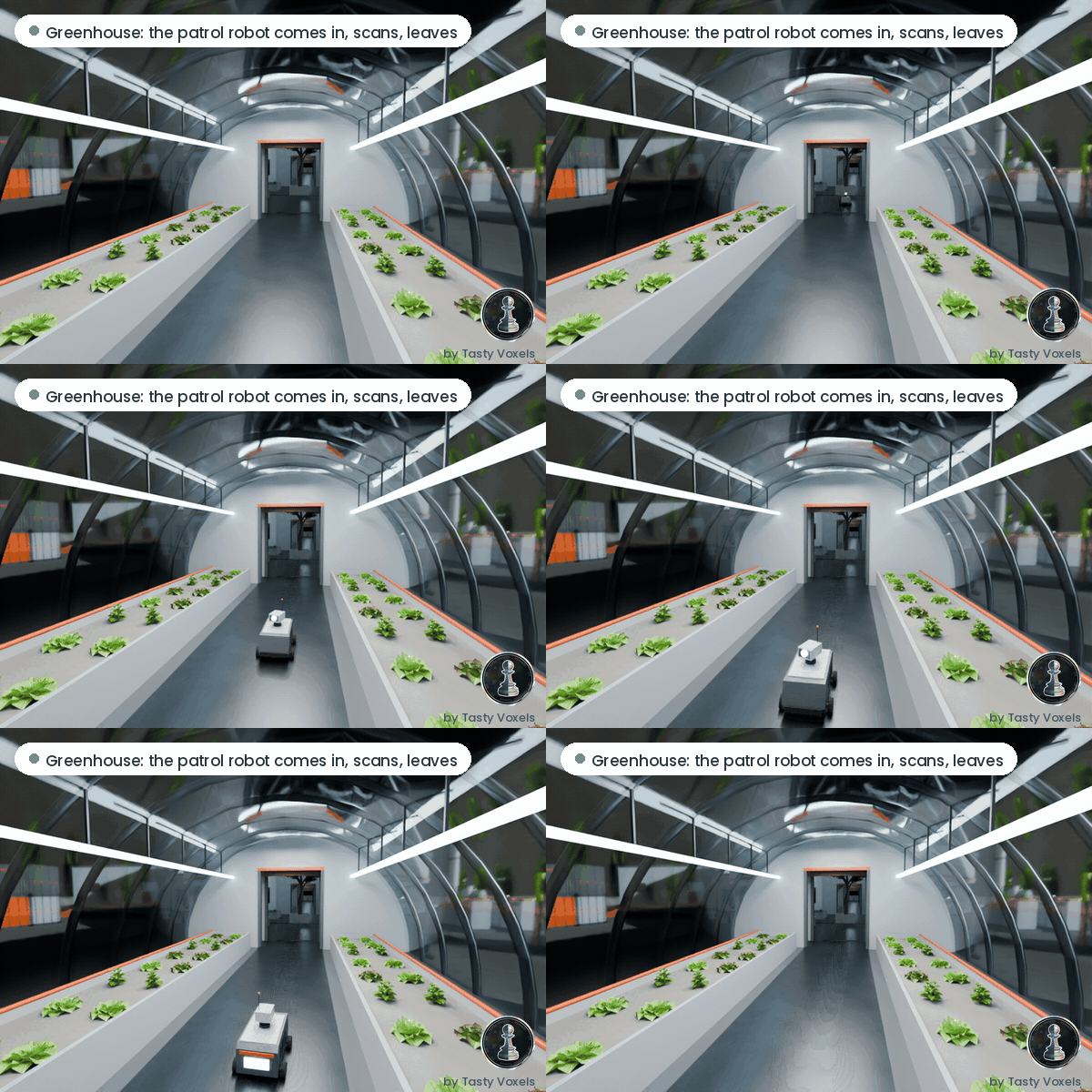
- Greenhouses (8 m, dome, gable) with hydroponic racks and trays: Outpost Exteriors, Bundle.
- Rockets: small launcher, heavy booster, launch pad tower, landing pads: Outpost Exteriors, Bundle.
- Rocket parts for the build the rocket mission (nose cone, capsule, tanks, engines, fins, assembly stand, parts rack): Outpost Exteriors, Bundle.
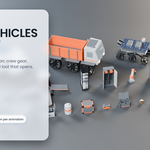
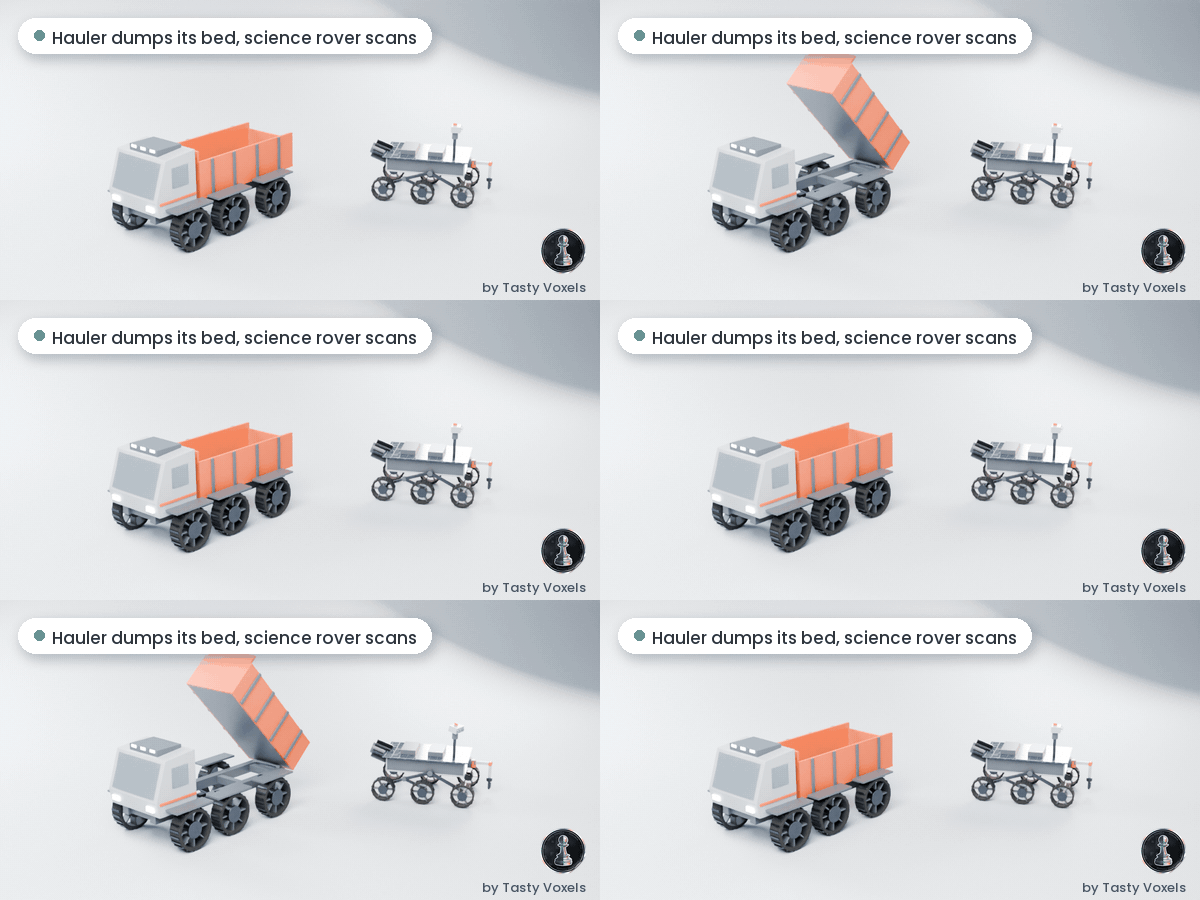
- Rovers (pressurized, buggy, science 6W, hauler), cargo containers, shelter pod, beacon, oxygen canisters: Outpost Exteriors, Bundle.
- Outpost modules, towers, airlocks, solar panels, light towers, regolith rocks: Outpost Exteriors, Bundle.
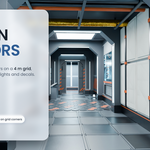
- Ribbed tunnels with hatches, corridors, rooms, walkable modules, doors, stairs, catwalks, pillars, lights: Interiors, Bundle.
- Desks, chairs, consoles, monitors, lockers, suits and suit racks, lab coats, planters and green walls: Interiors, Bundle.
- Circuit puzzle tiles and boards, robot arm, food, water and oxygen racks: Interiors, Bundle.
- Patrol robot, supply drop pod, crates, barrels, loot that opens, hard surface details: all paid versions.
- Scene Setups: the moon terrain with craters and rocks, the sky with stars, the Earth behind the horizon and the sun lighting of the renders, plus a Mars variant: both Bundle versions.
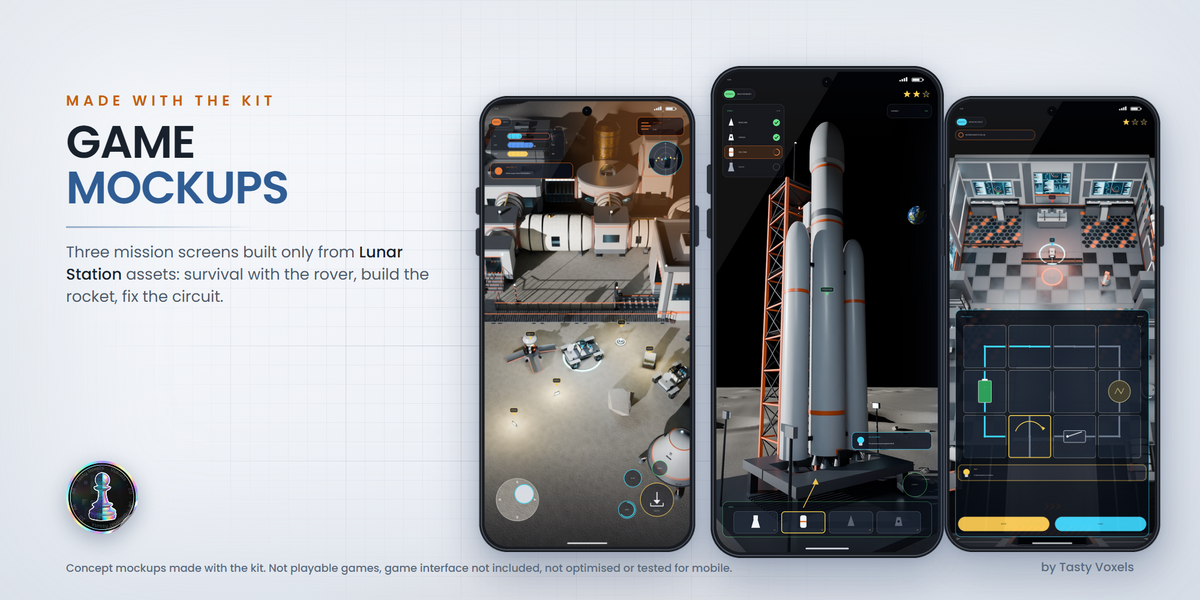
The phone, tablet and game screens are concept mockups made with the kit: the game interfaces are not included. Fully indoor tram lines (tunnels and tubes) are not in the kit yet: see What's next.
Tram Line Builder (Bundle exclusive)
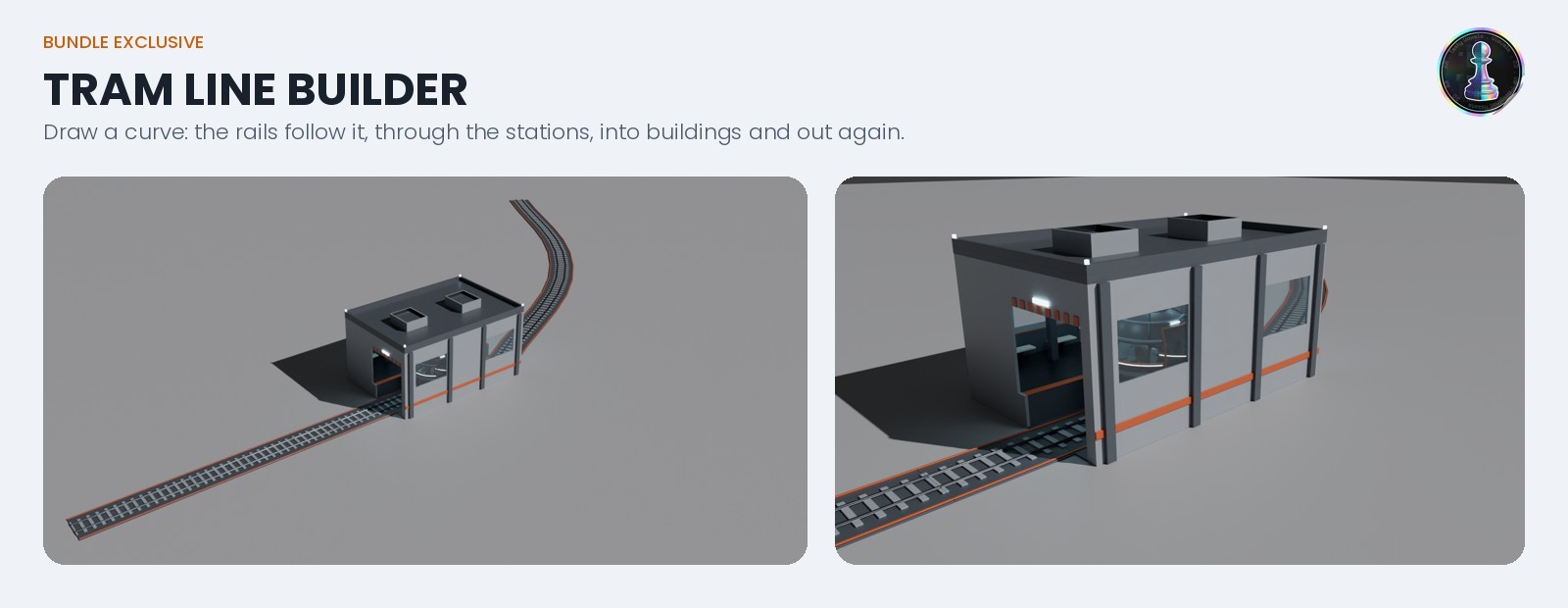
Only in the two Bundle versions. Draw a curve and the rails of the kit follow it: through tram stations, into buildings and out again, up and down slopes. It is a geometry nodes tool in its own small file (no plugin needed): pick Rail_Straight_4m or Rail_Straight_8m of the library, edit the curve, apply it when you want plain meshes. Add stations, stops, bumper ends and the globe trams from the library along the line.
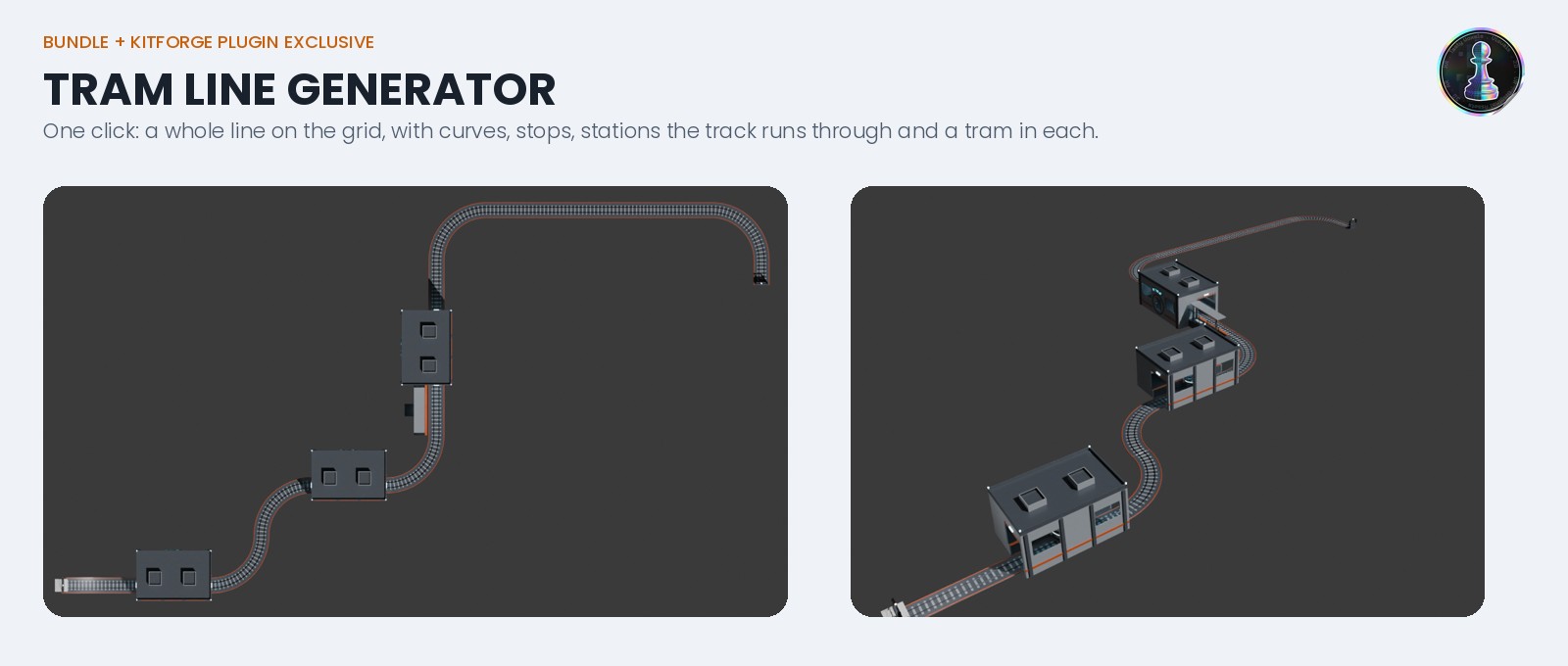
Tram Line generator in the plugin (Bundle + Kitforge Plugin only). In the Kitforge panel pick Tram Line, set the number of track pieces and stations, choose a seed and click Generate: a whole line on the grid in one click, with curves, stops, stations the track runs through and a globe tram in each station. Every piece is a real library asset you can move, swap or delete. New in plugin 1.1.4: set Buildings per Station and every station gets its building, joined to the station door by a tube: corridors, habitat modules, labs, greenhouses and domes. People walk from the building to the platform without going outside, and every free tube mouth is closed with a port cap.
What's next
- In progress: fully indoor tram lines. Stations joined to the outpost buildings are out (plugin 1.1.4). Next: tram lines that run fully indoors, through tunnels and tubes, for bases with no ground outside, with stops that are part of the interior rooms. Ideas and feedback are very welcome: write to us from the product page.
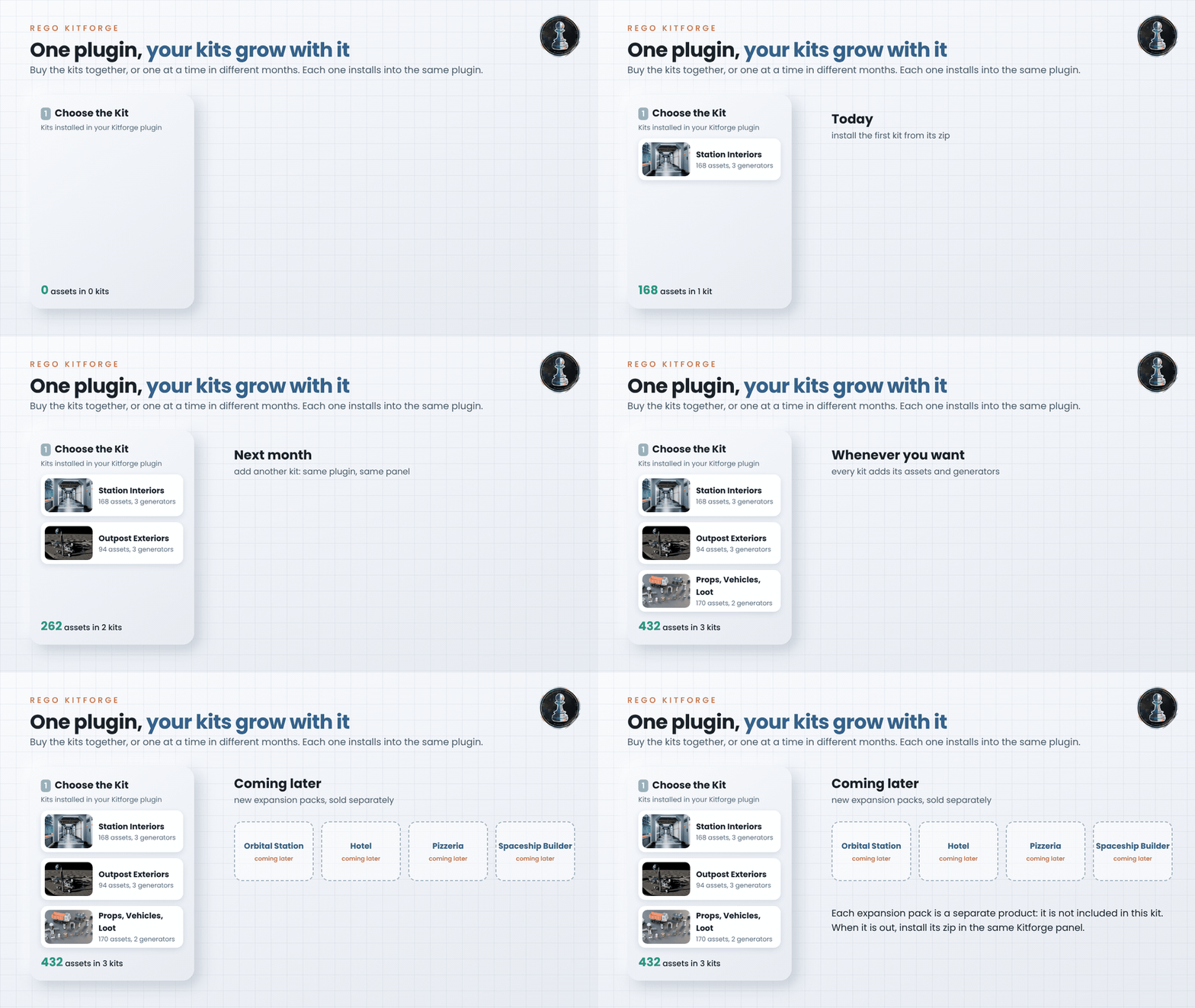
- Later: expansion packs, sold separately. New themes will come as separate products that you can buy on their own: an orbital space station, hotels, pizzerias, a spaceship builder and more. They are not part of any version on this page, and buying this kit does not include them.
Versions
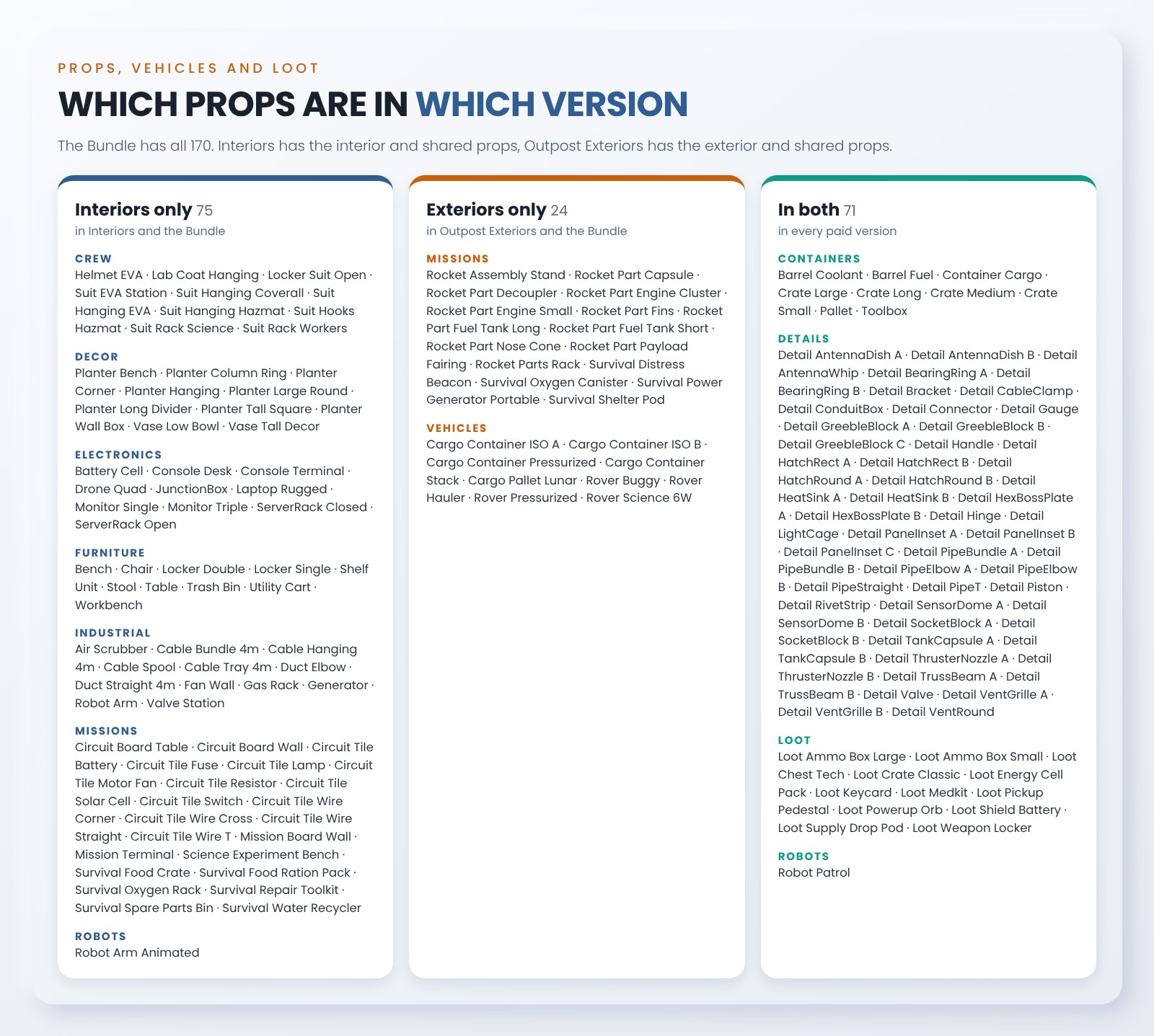
Three versions, each sold as Assets only (to build by hand) or with the Kitforge plugin (generators and plugin tools). Each version has the props that belong to it: interior props go with Interiors, rovers and outdoor props go with Outpost Exteriors, crates, details and loot are in both. The Bundle has everything. Prices are in the version list of this page.
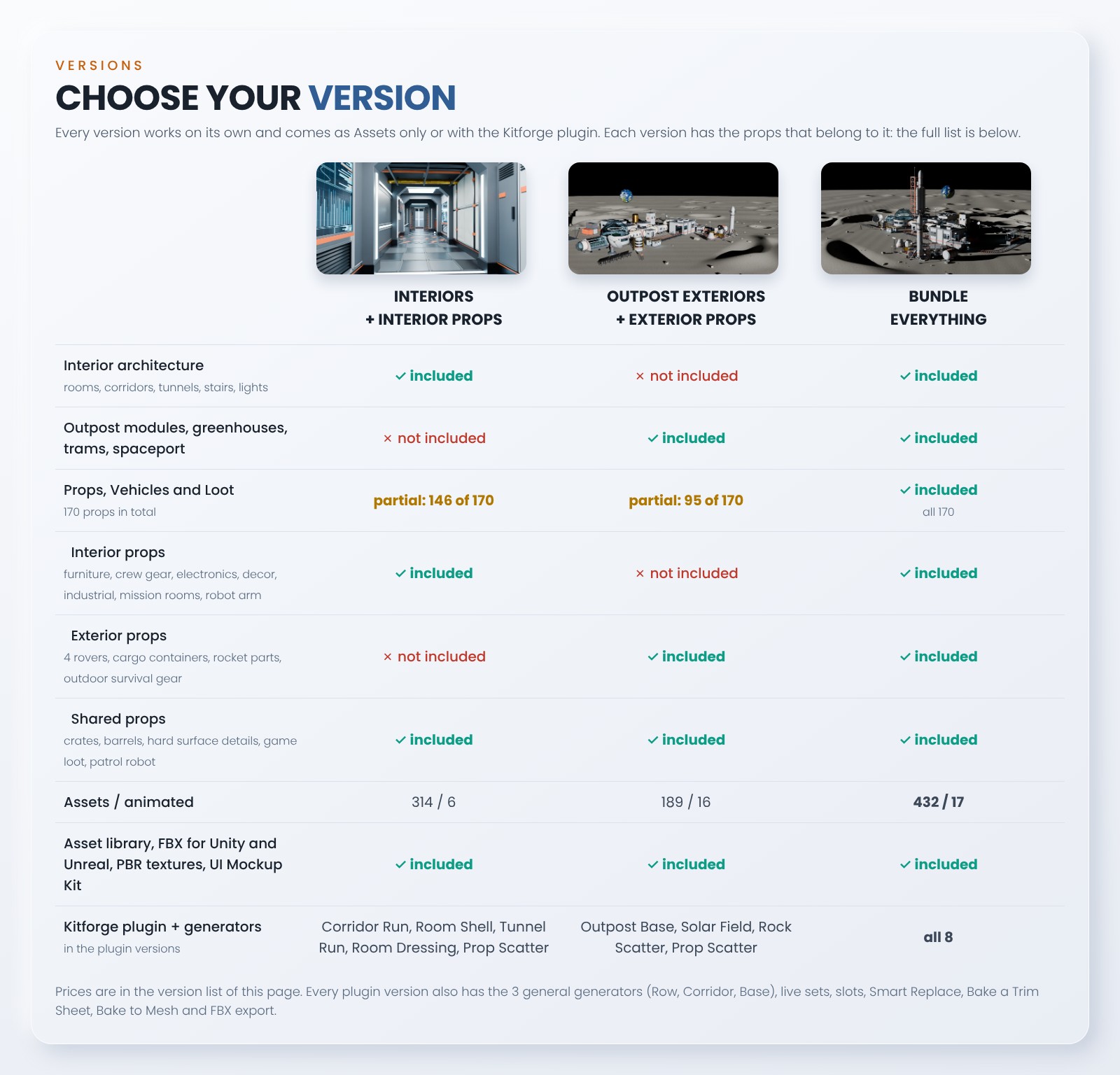
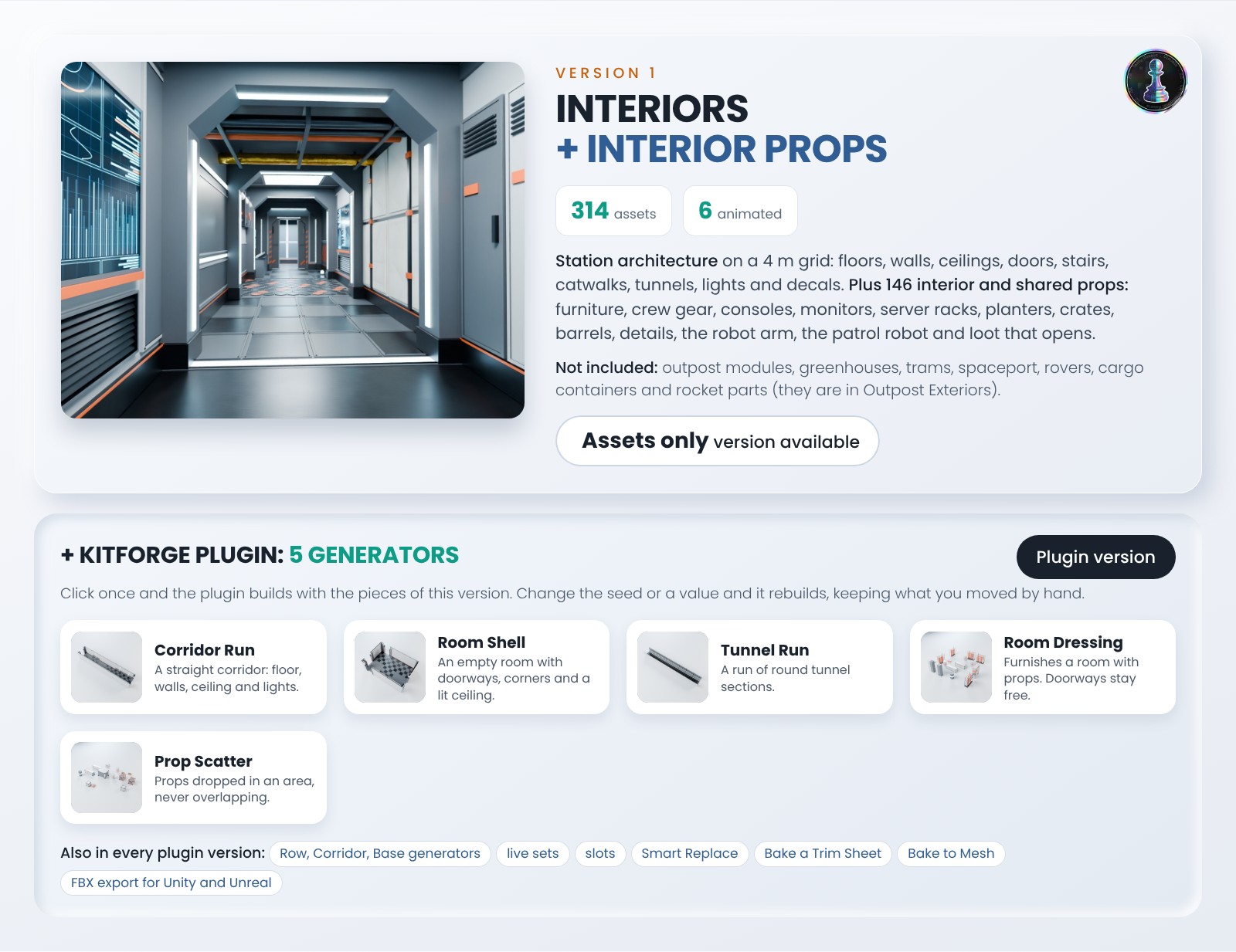
Interiors + interior props. 314 assets, 6 animated: the station architecture and the props that fill it (furniture, crew gear, electronics, decor, industrial, crates, details, loot, robot arm, patrol robot). Not included: outpost modules, greenhouses, trams, spaceport, rovers, cargo containers and rocket parts. Plugin version: Corridor Run, Room Shell and Tunnel Run build the rooms, Room Dressing furnishes them, Prop Scatter spreads props.
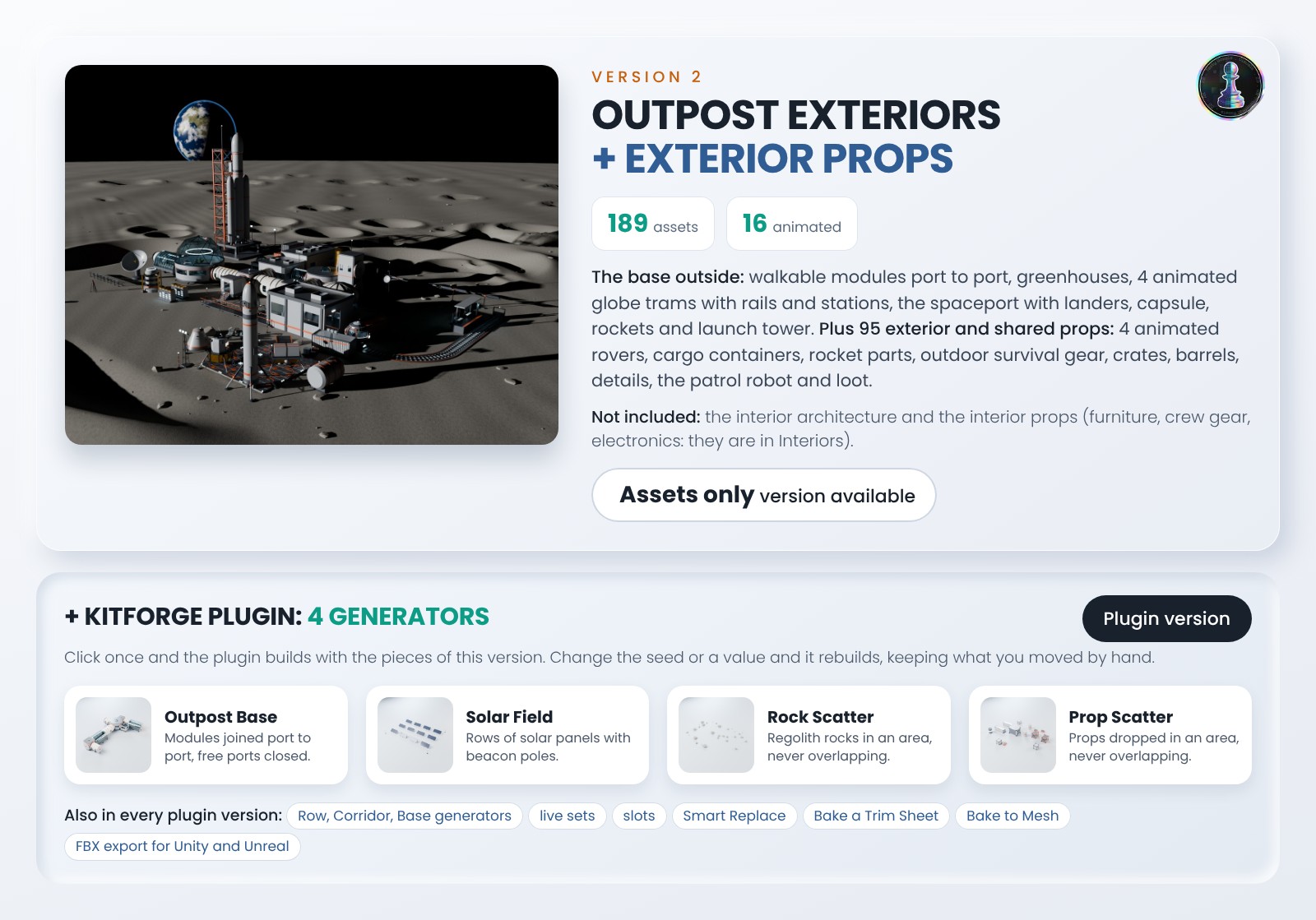
Outpost Exteriors + exterior props. 189 assets, 16 animated: the walkable base outside, greenhouses, globe trams, spaceport, 4 rovers, cargo containers, rocket parts, outdoor survival gear, crates, details, loot and the patrol robot. Not included: the interior architecture and the interior props. Plugin version: Outpost Base, Solar Field, Rock Scatter and Prop Scatter.
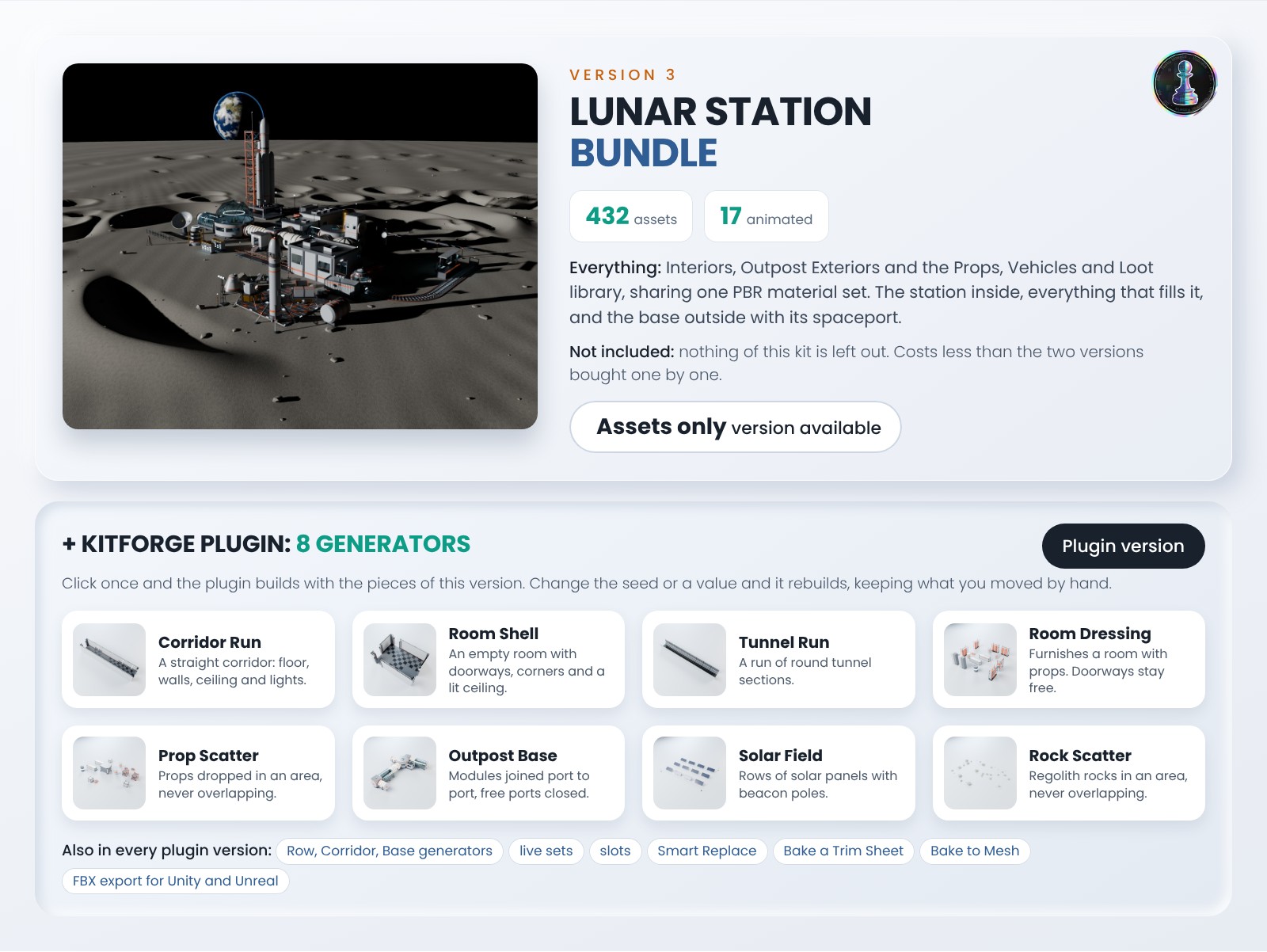
Lunar Station Bundle. Everything, 432 assets, 17 animated, for less than the two versions bought one by one. Plugin version: all 8 generators.
Every plugin version also has the general Row, Corridor and Base generators, live sets, slots, Smart Replace, Bake a Trim Sheet, Bake to Mesh and FBX export for Unity and Unreal.
The Kitforge plugin (variants with the plugin)
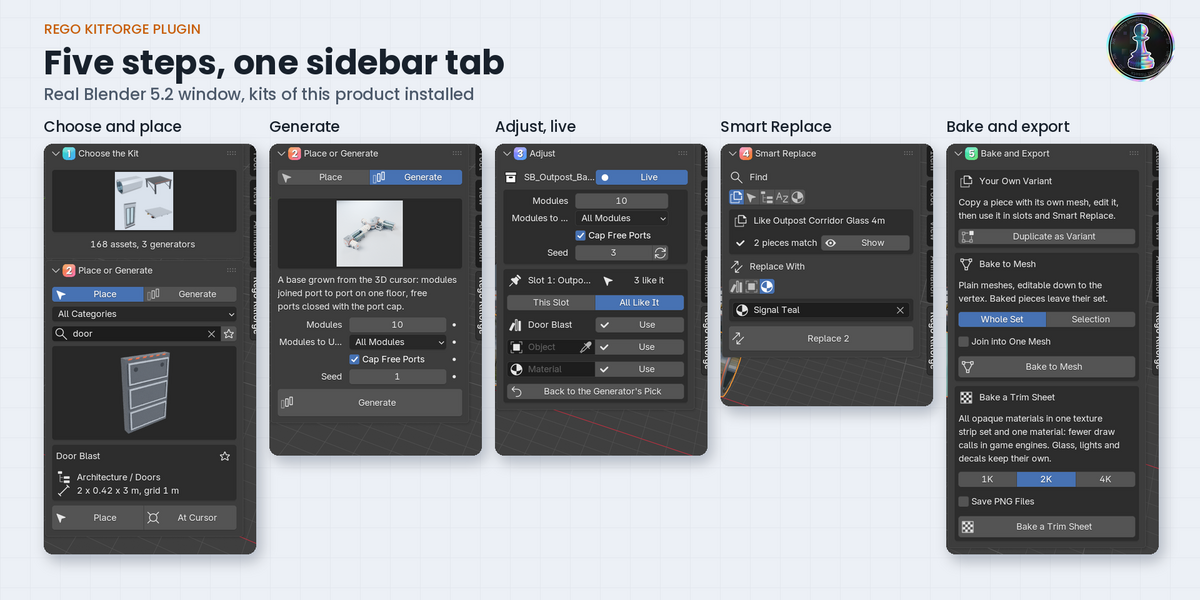
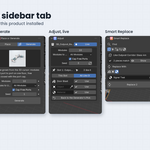
One tab in the 3D view sidebar, five numbered steps, and on screen only what the step needs.
- 1 Choose the Kit: picture cards for every installed pack. Packs install from their zip, nothing is downloaded online.
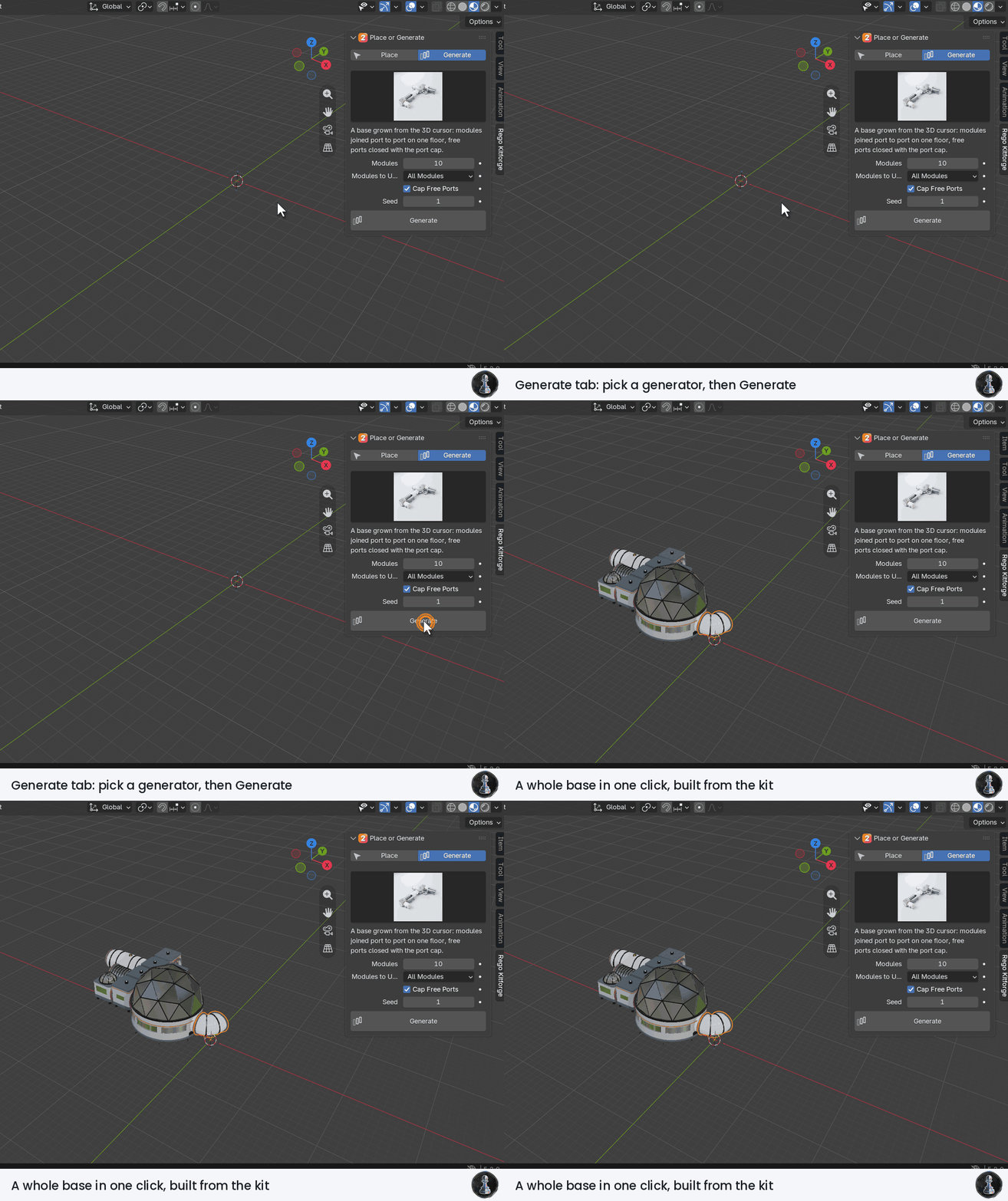
- 2 Place or Generate: place a piece on the grid and door to door, or build a whole room, corridor, base or dressed room in one click.
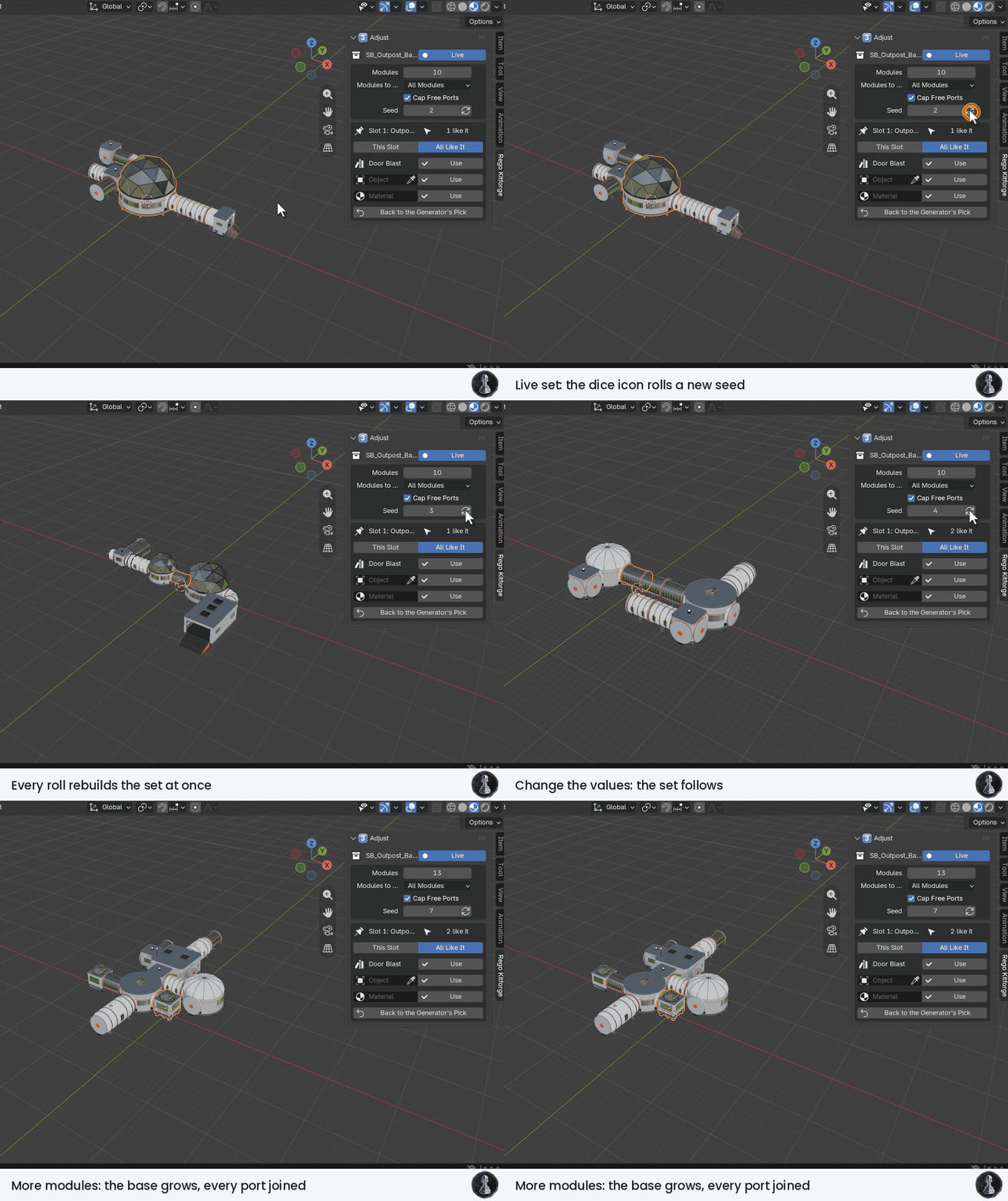
- 3 Adjust, live: a generated set remembers its values. Change the seed or a value and it rebuilds at once, keeping what you moved, deleted or changed by hand. Every spawn point is a slot: give it another asset, any object of your scene or a material.
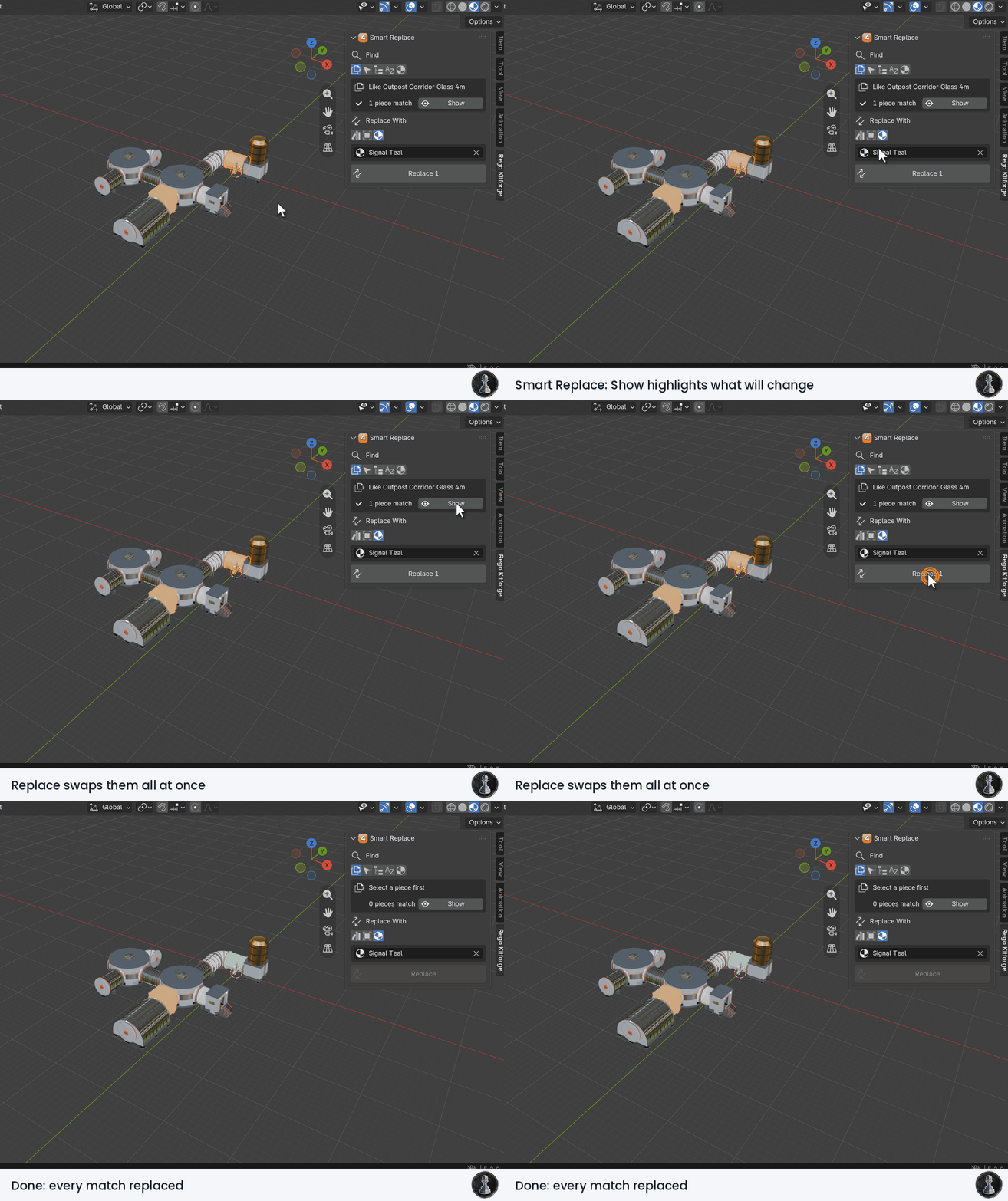
- 4 Smart Replace: find pieces by asset, selection, category, name or material, see them highlighted, then swap them all at once.
- 5 Bake and Export: duplicate a piece as your own variant, bake to plain meshes, bake a trim sheet and export FBX for Unity or Unreal.
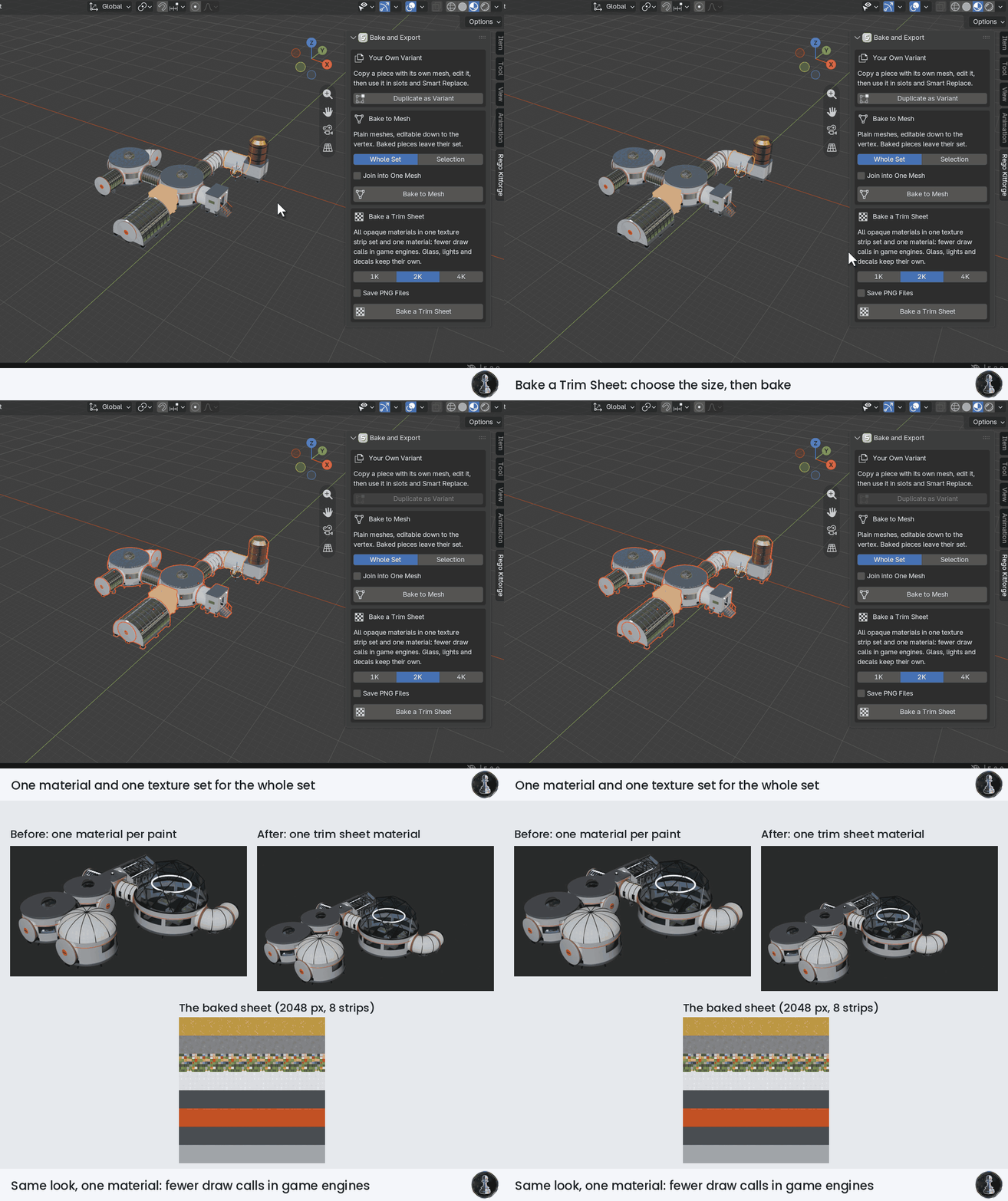
Bake a Trim Sheet: the opaque materials of a set become one material and one texture set (base colour, ORM, normal). Textured materials get a strip each, flat colours share small palette cells, and copies of the same material share one strip. Glass, lights and transparent decals keep their own material. On the outpost base of the kit: 8 strips in one 2048 px sheet. Since version 1.1.5, materials with fine detail get bigger strips: plants do it on their own, and you can choose Big Strip (2x or 4x the pixels) or Keep Apart for any material in the panel.
Plugin version 1.1 for Blender 5.2 or newer, tested by script and in a Blender window on Windows. More step by step GIFs are in the Documentation tab.
Included or only a preview?
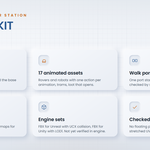
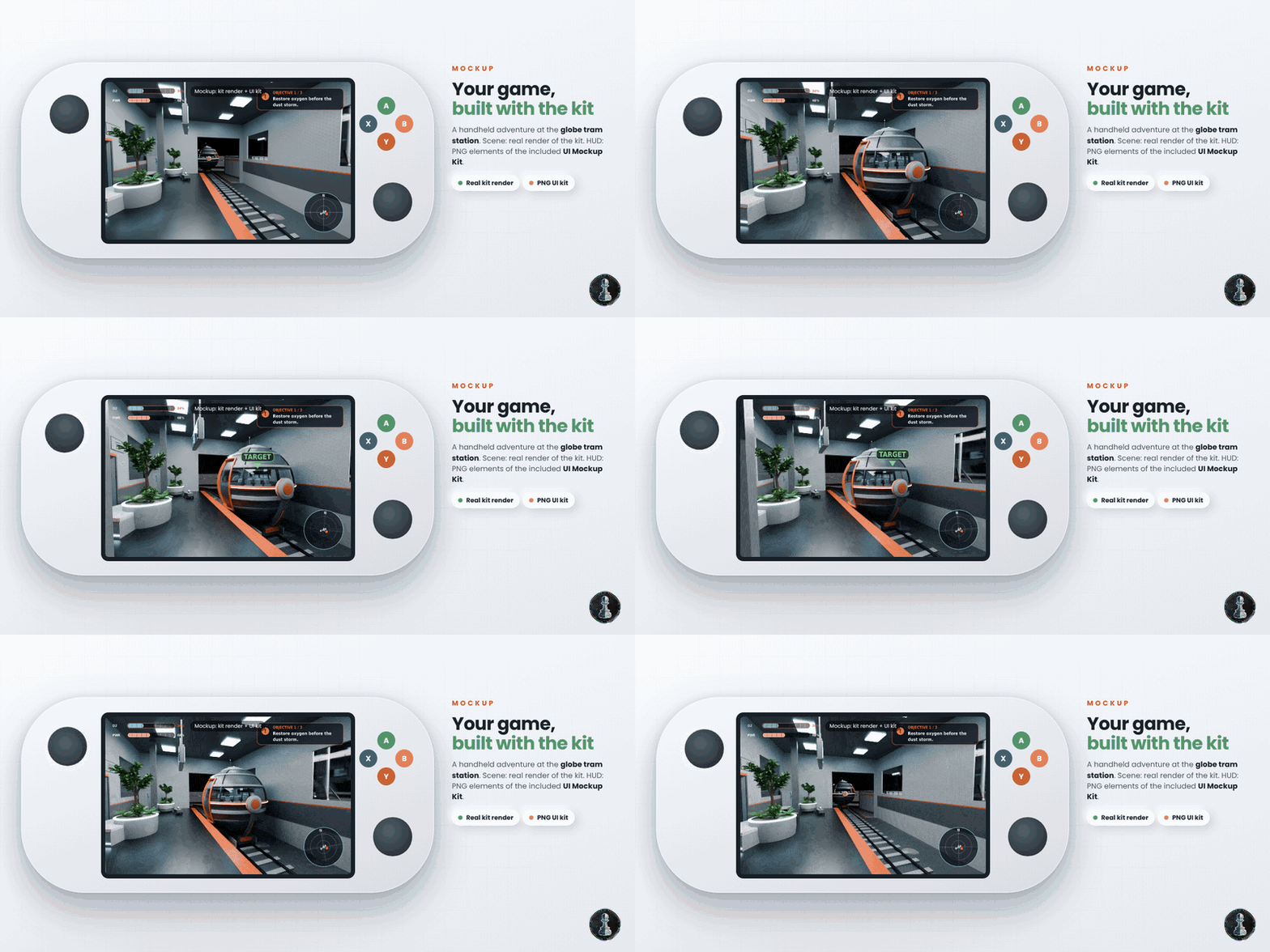
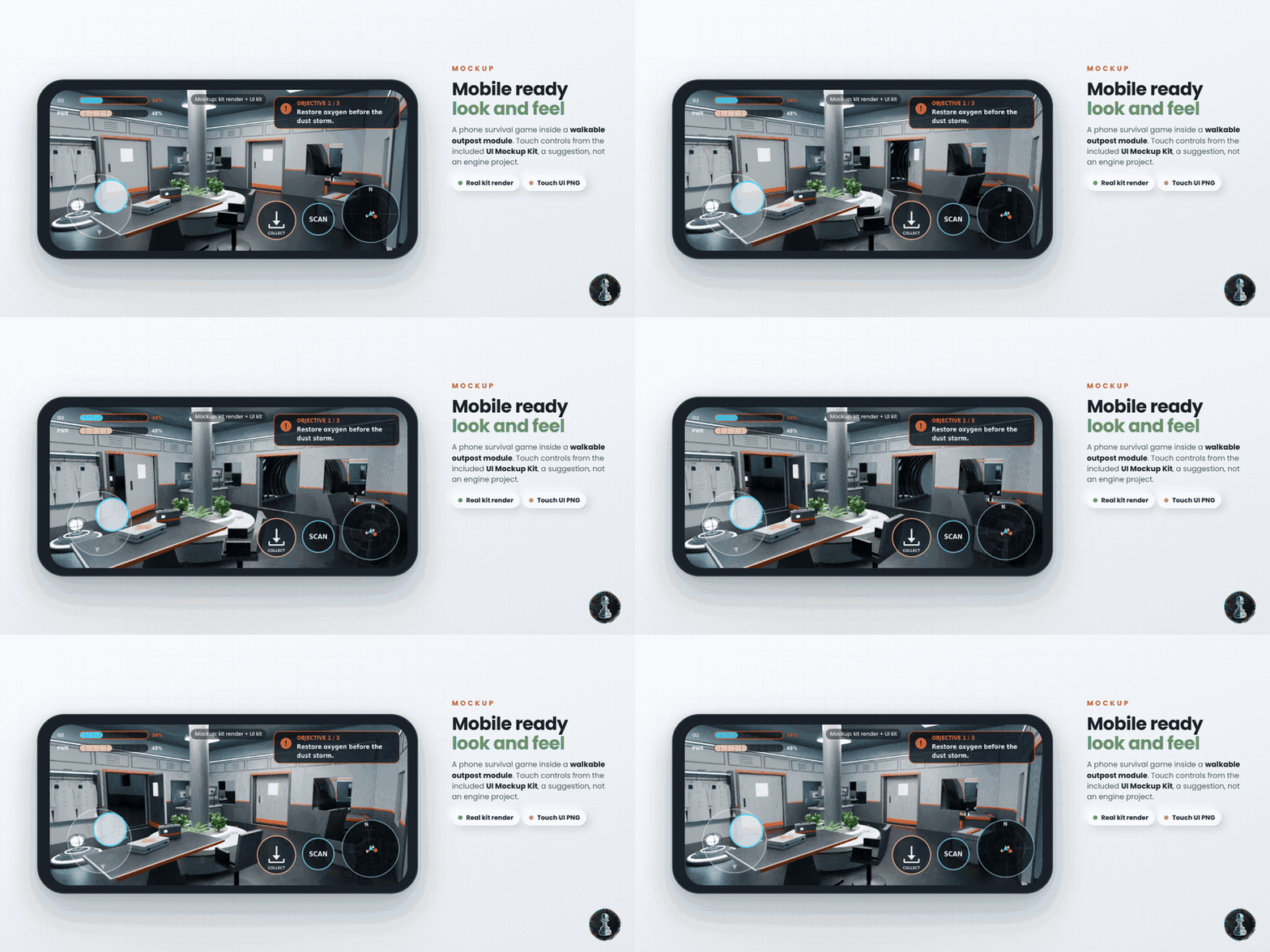
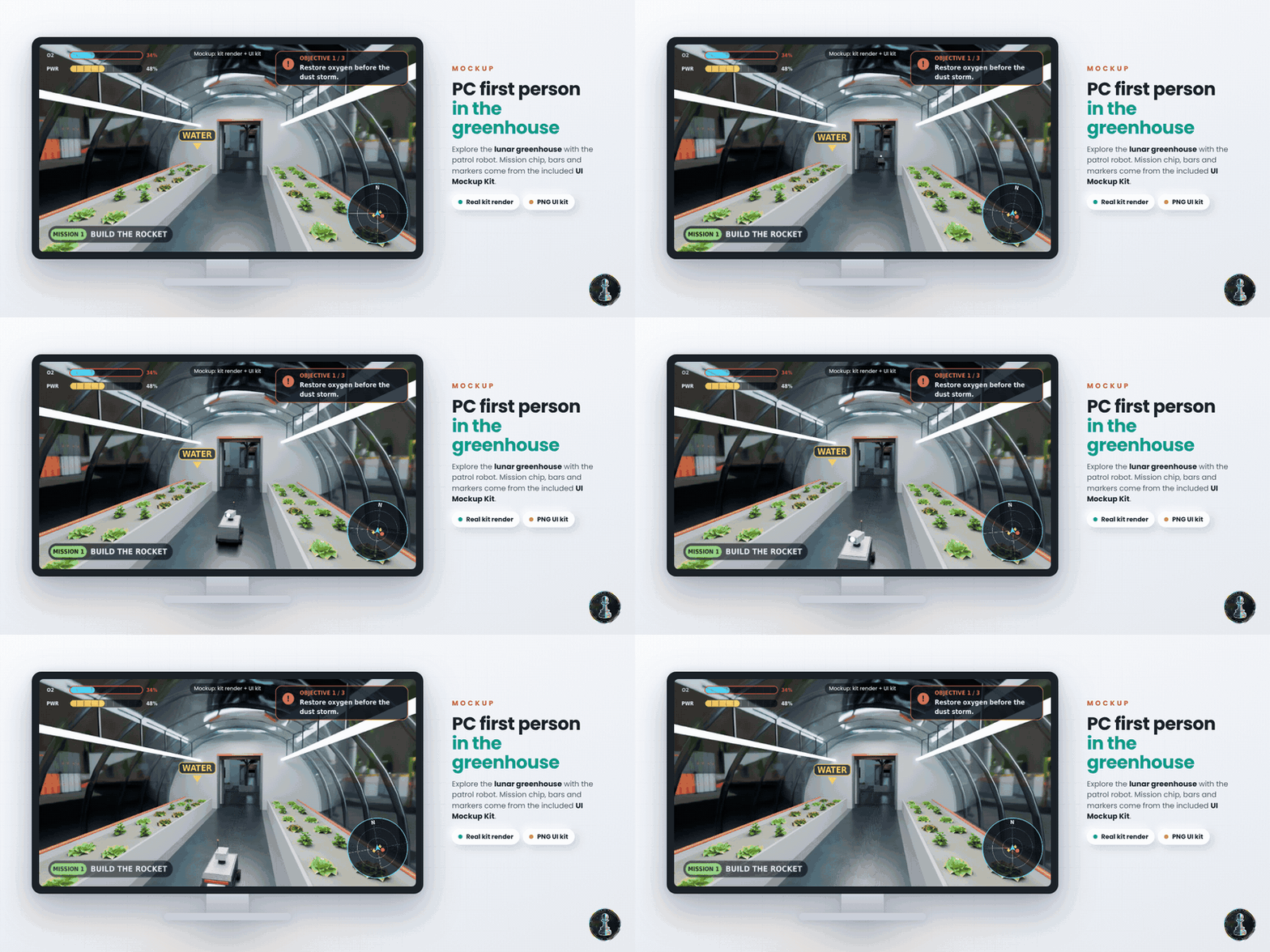
- Included in every paid variant: the assets of that variant (Blender asset library, FBX sets, textures, CONTENTS.md) and the UI Mockup Kit (PNG): transparent images of the bars, buttons, minimap, joystick, markers and cards seen in the game mockups.
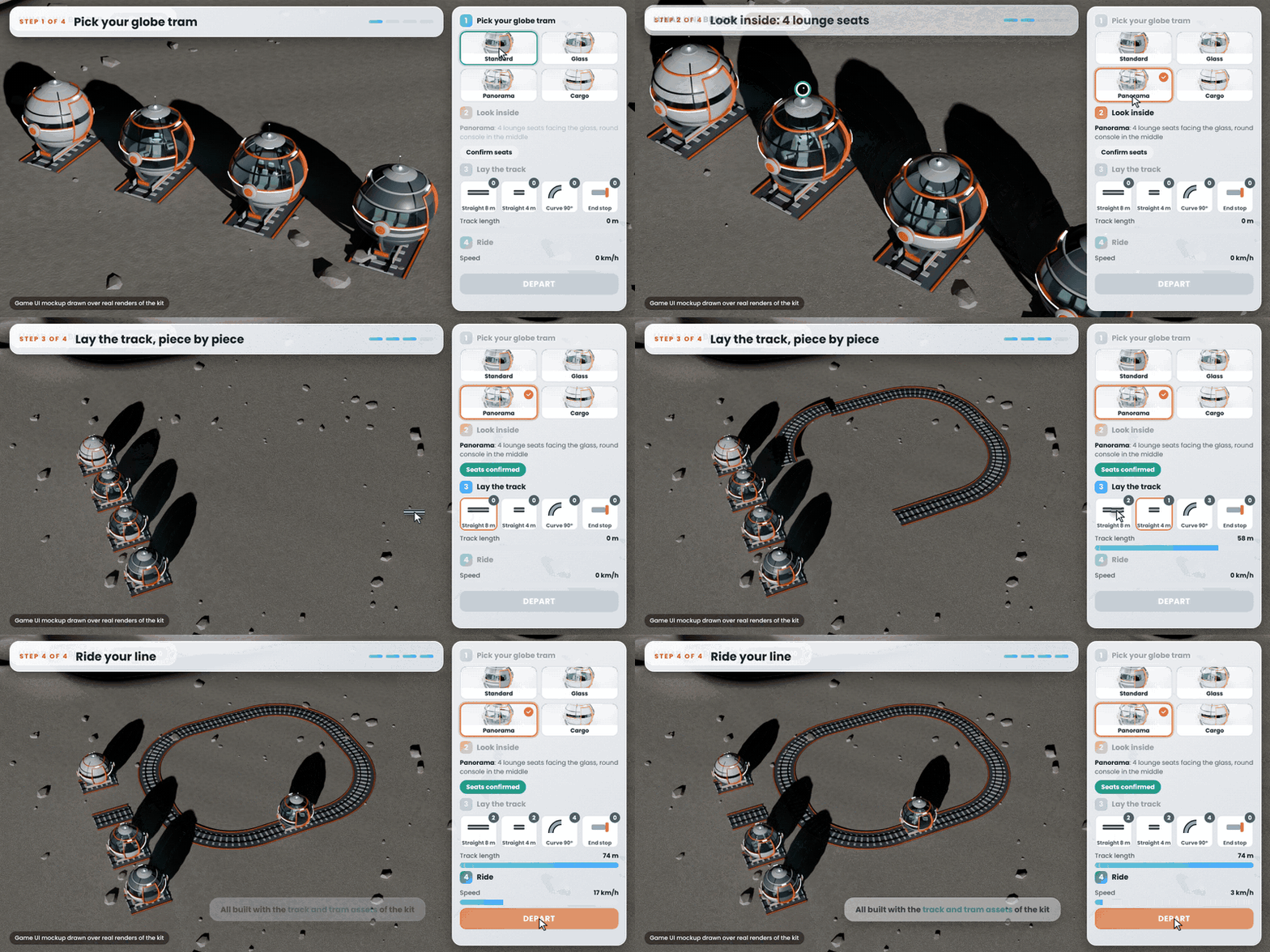
- Only a preview, not included: the game mockups as playable games; any game logic, code or engine project.
- The UI Mockup Kit is a design suggestion, made of flat PNG images. It is not an interactive interface and not a game engine project: you build the real interface yourself in your engine.
Your game, built with the kit
Four game mockups on real renders of the kit. The first three use the PNG images of the UI Mockup Kit, which is included. The last one, a track builder, uses an interface drawn for this page only: that interface is not included. They suggest a look and feel, they are not playable games.
What is in every download
- A Blender asset library (.blend) with catalogs and previews
- FBX files per asset in two sets: one prepared for Unreal Engine, one prepared for Unity
- Tileable 2K PBR textures, with a 1K set next to them
- CONTENTS.md, the list of every asset with its size and triangle count, plus README and licence
- UI Mockup Kit (PNG), 27 transparent interface images, as a separate small download (paid variants)
Technical
- Interiors on a 4 m grid, pivots on grid corners
- Outpost port standard: port axis 2.2 m above ground, interior floor 1.2 m above ground, door opening 1.6 x 2.1 m, ports at the centre of each 4 m cell edge
- Real world scale in metres
- UV0 in real world scale for tileable textures, UV1 non overlapping lightmap UVs
- PBR metallic roughness textures at 2048 px, ORM packed (R AO, G Roughness, B Metallic)
- Animated assets: one mesh, one armature, rigid skinning, in place animations
- 3,414,170 triangles at LOD0 for the whole kit
- Plants are thin closed leaf meshes with no alpha cards
Requirements
Blender 5.2 or newer. The library files are saved with Blender 5.2 and do not open in older versions. The Kitforge plugin needs Blender 5.2 or newer and installs as an extension from its zip; the kits install from their own zips inside the plugin.
Tested and not yet tested
- Tested: every asset built, reopened and checked by script in Blender 5.2 (floating parts, open edges, UVs, corner joints, textures, LOD1, collision).
- Not yet tested: import in Unreal Engine and Unity, use on mobile, VR or AR devices. The kit is prepared for these uses at real world scale, but it is not optimised or verified for them: try a few pieces first.
- Game mockups in the gallery are concept images made with the kit: they are not playable games. Their interface images are included only as the flat PNG UI Mockup Kit.
What is not included
- Generators and the plugin come only with the variants with the Kitforge plugin. The asset only variants are for building by hand.
- Game engine project files and gameplay code. Door leaves and tram doors are separate meshes or bones, ready for your own logic.
Updates
Updates of the packs you bought are included: buy once and every future version of this product is yours.
Licence
Royalty free, no credit needed. Use the assets in your own projects, commercial ones included: games, archviz, renders, animation, videos and client work. You may create and sell new original assets made with them. You may not resell or redistribute the assets themselves, alone or in any form that lets others reuse them.
About the process
This kit is procedural: every asset is built by Python scripts in Blender, not by AI image or 3D model generators. AI tools helped write parts of the scripts and translate this page.
Support
Questions and feedback through the messages of this store.