Rego Kitforge Lunar Station - Modular Sci-Fi Asset Kit for Blender
 TastyVoxels
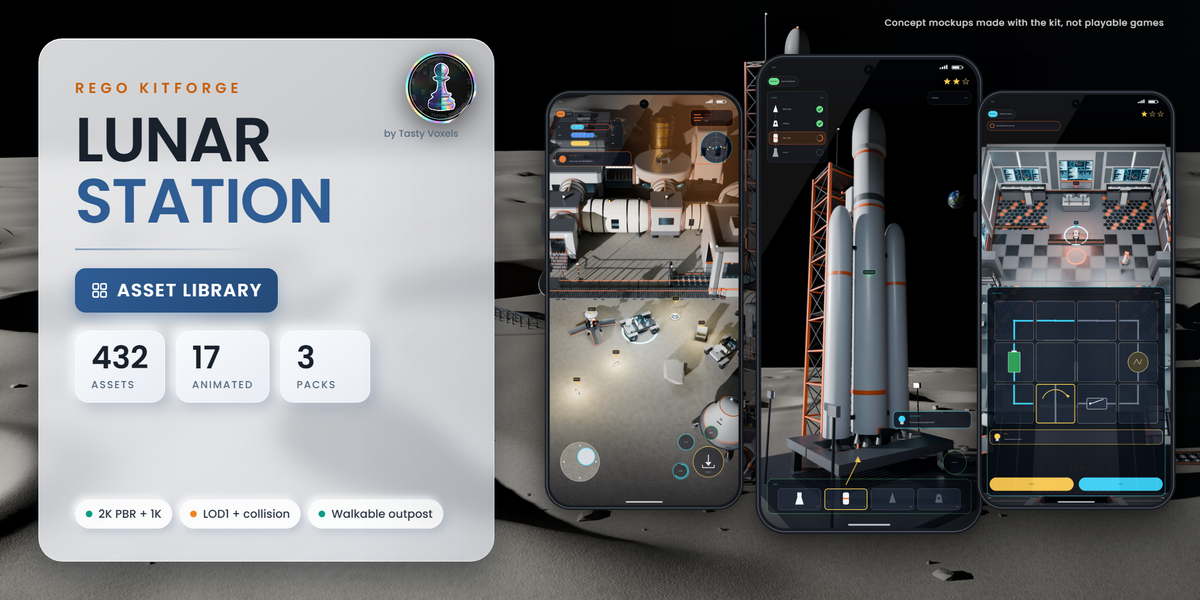
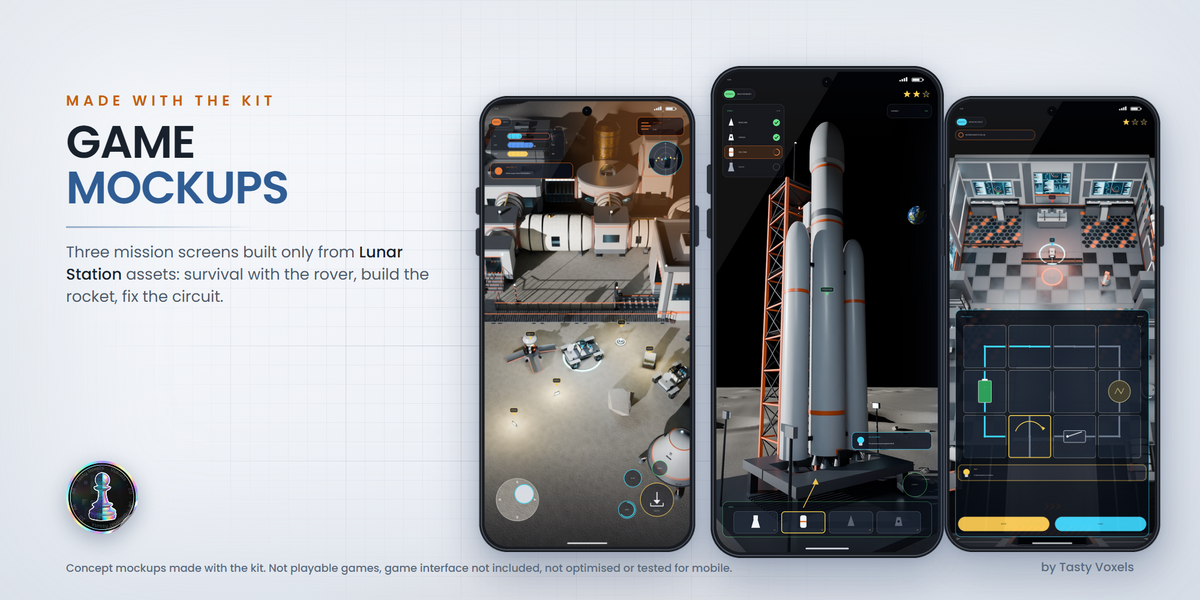
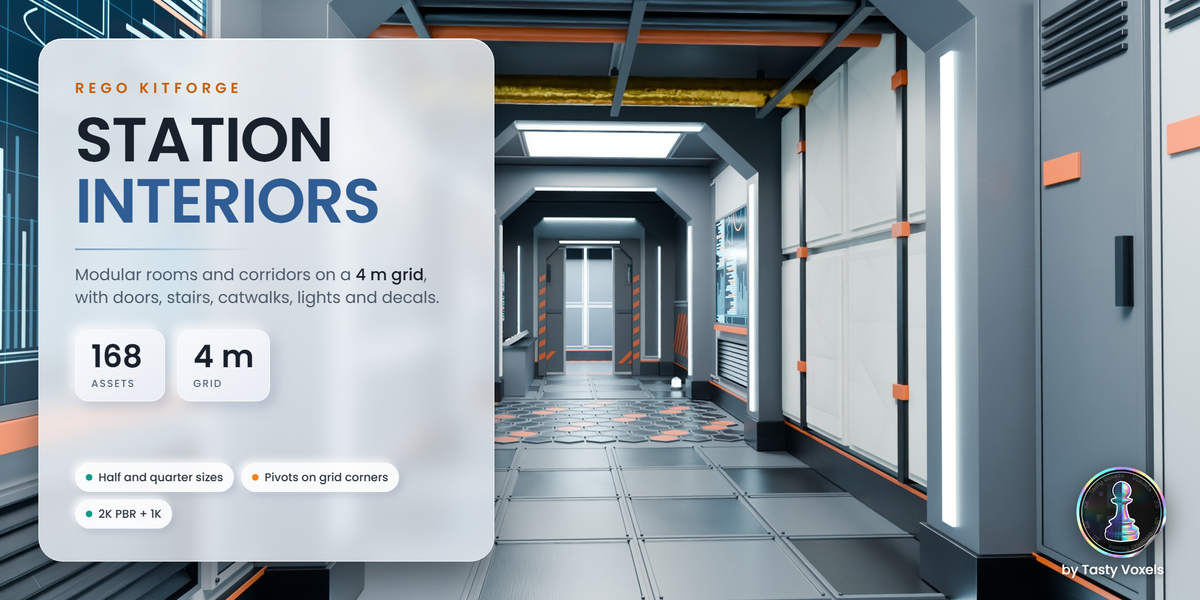
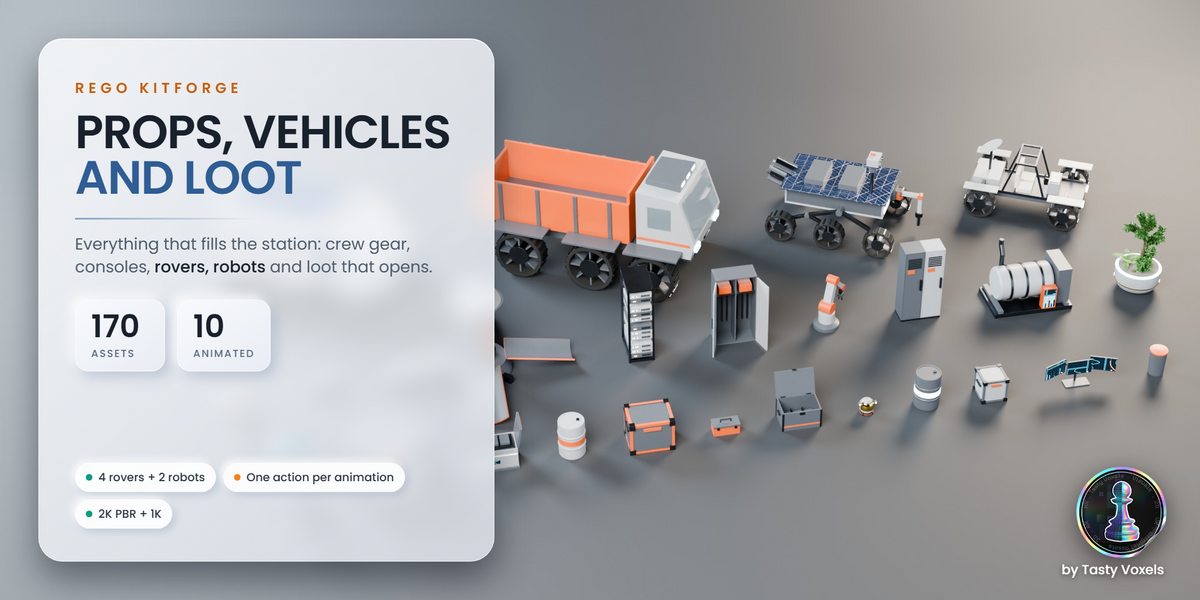
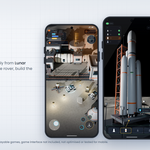
Install. Unzip the pack. In Blender 5.2 or newer open Edit, Preferences, File Paths, Asset Libraries, click the plus button and choose the unzipped folder. Open the Asset Browser, pick the library and drag the pieces into your scene.
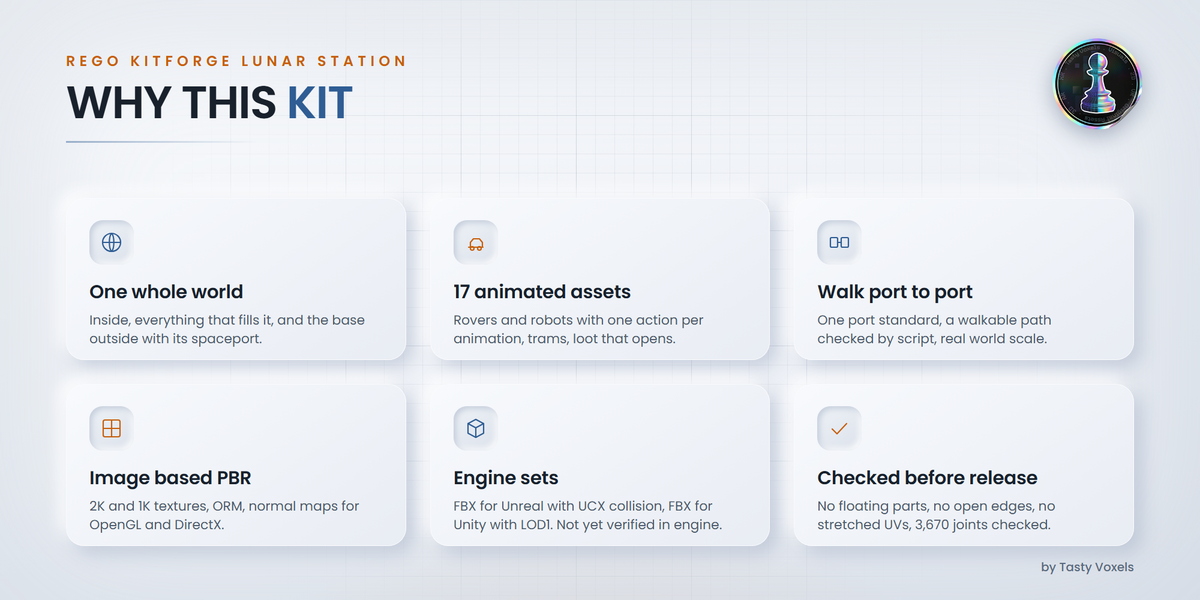
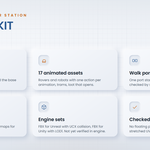
What is in the zip. The .blend asset library with catalogs and previews, Textures (2K) and Textures_1K, FBX_Unreal (with UCX collision), FBX_Unity (with LOD1), CONTENTS.md with every asset, its size and triangle count, README.txt and LICENSE.txt.
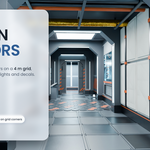
Grid and ports. Interiors snap on a 4 m grid with half and quarter sizes, pivots on grid corners: set snapping to increment 4 m (or 2 m, 1 m). Outpost modules join port to port: port axis 2.2 m above ground, floor 1.2 m above ground, ports at the centre of each 4 m cell edge.
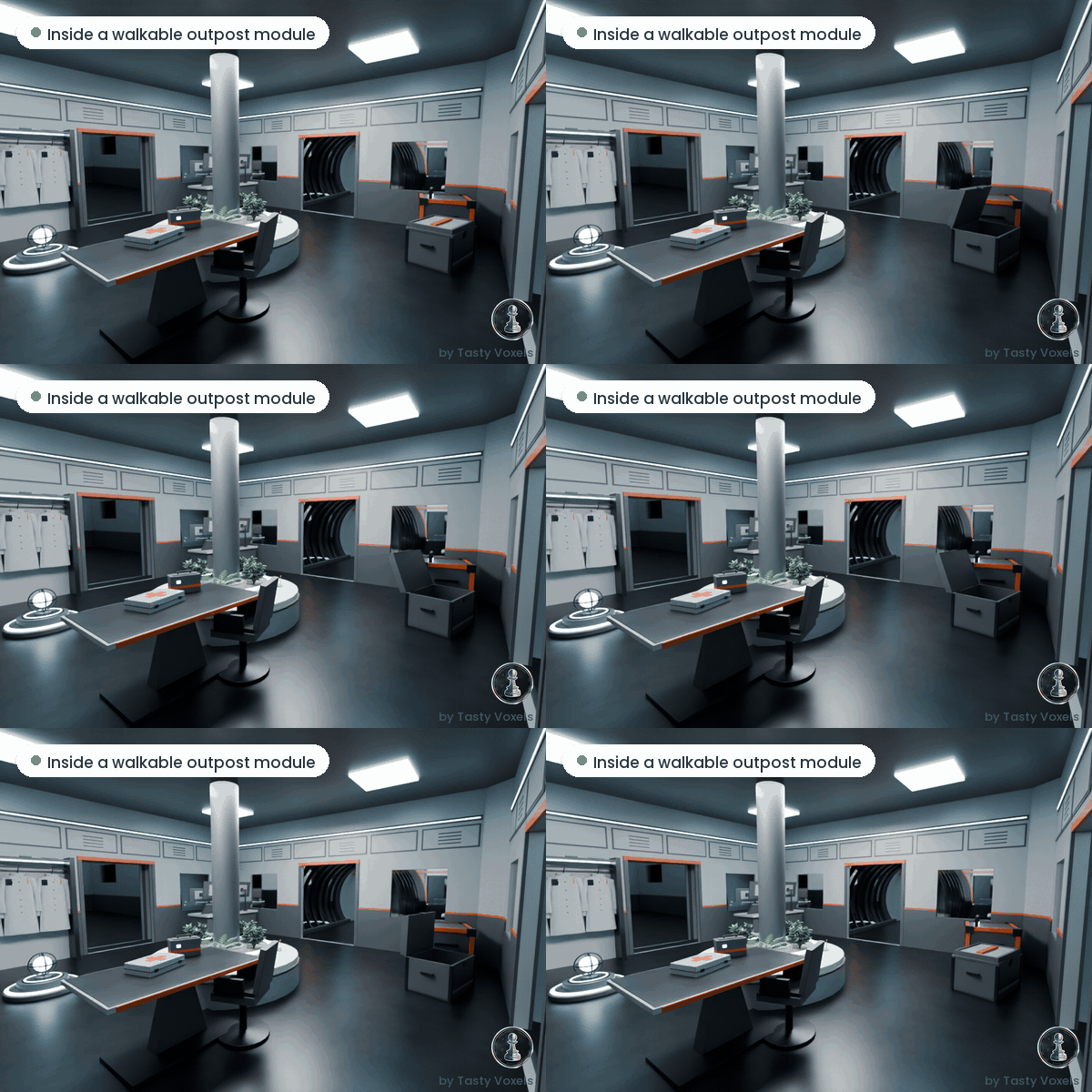
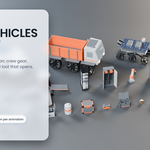
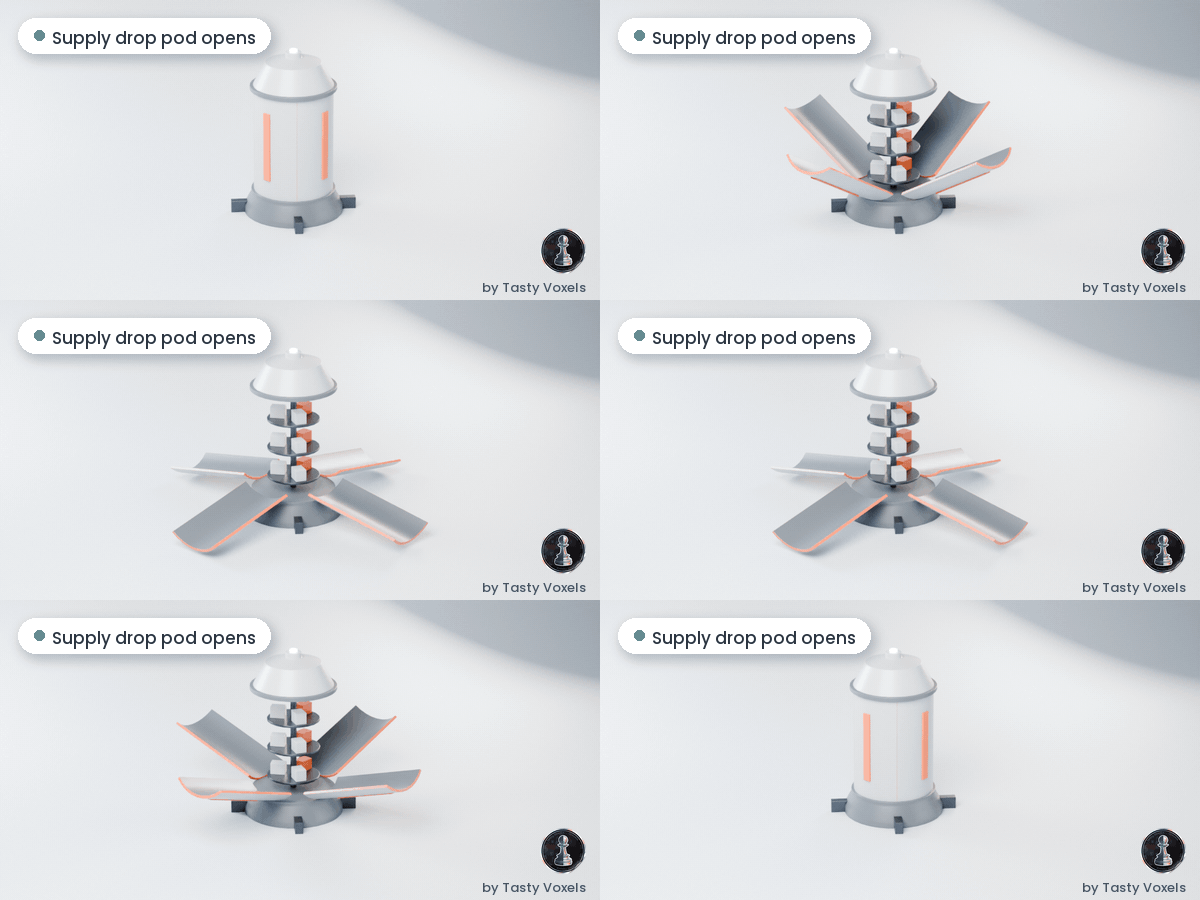
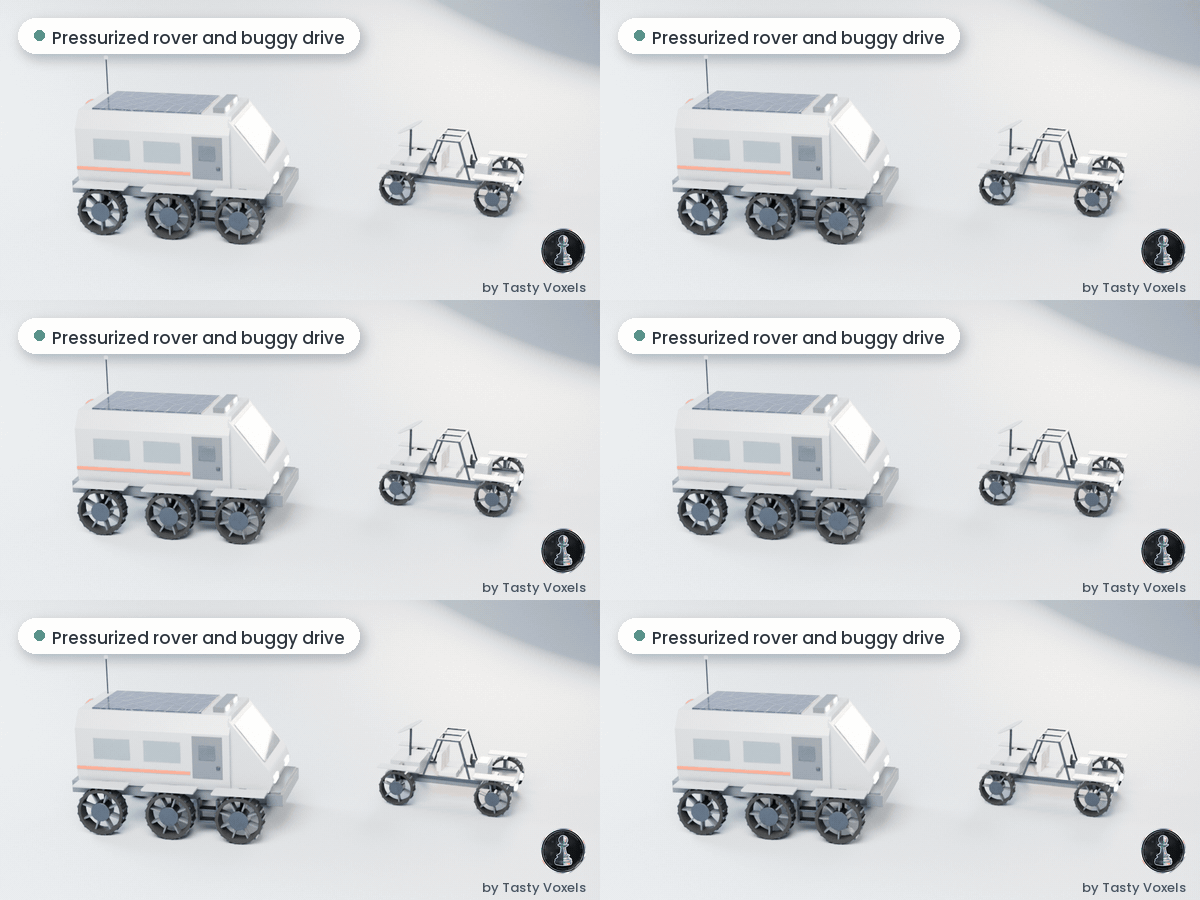
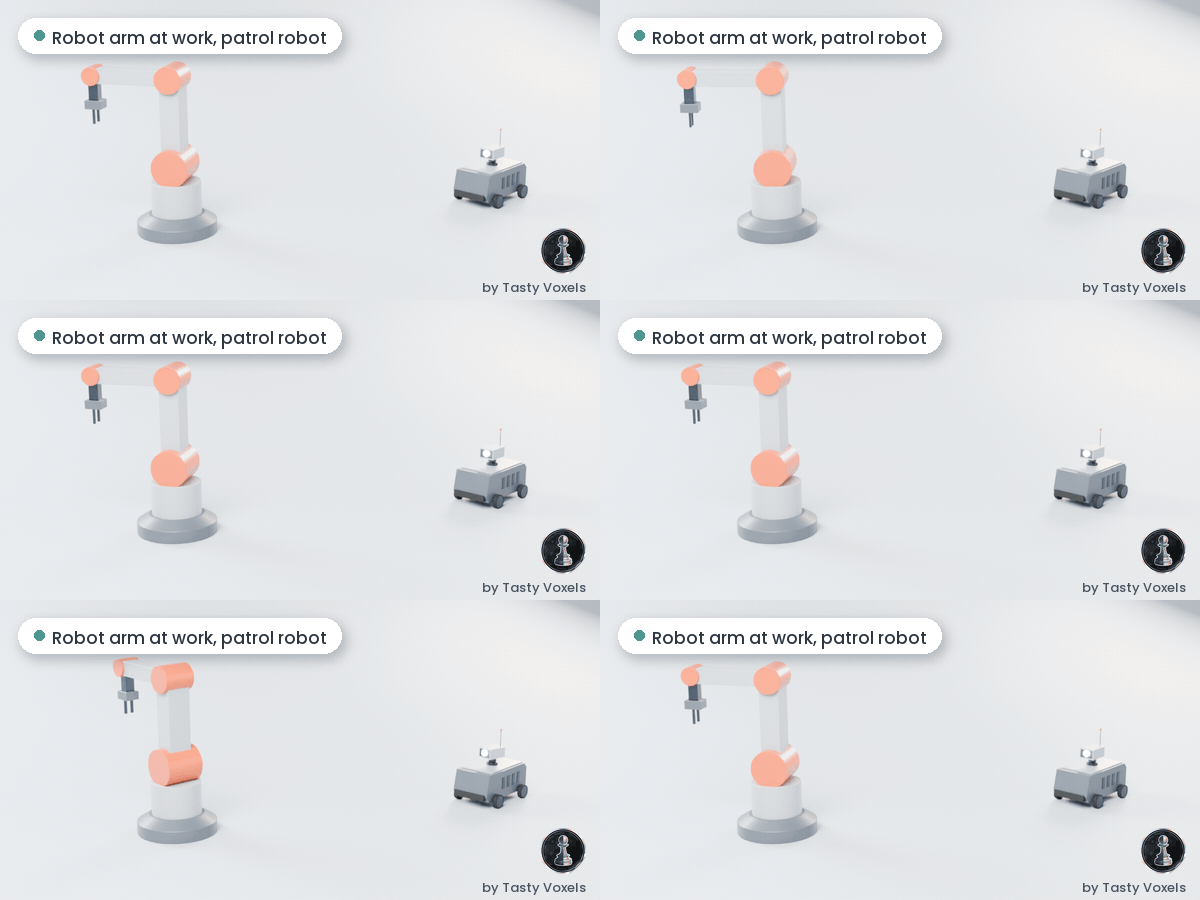
Animated assets. One mesh, one armature, rigid skinning, one action per animation, in place.
The Kitforge plugin (variants with the plugin)
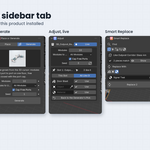
Install the plugin. In Blender 5.2 or newer open Edit, Preferences, Get Extensions, open the menu at the top right, choose Install from Disk and pick rego_kitforge-1.1.0.zip. The Rego Kitforge tab appears in the 3D view sidebar (press N).
Install the kits. In step 1, open Manage Kits, click Install a Kit and pick the kit zip of your download (rego_kitforge_kit_..._v1.0.0.zip). Repeat for each kit. Nothing is downloaded online.
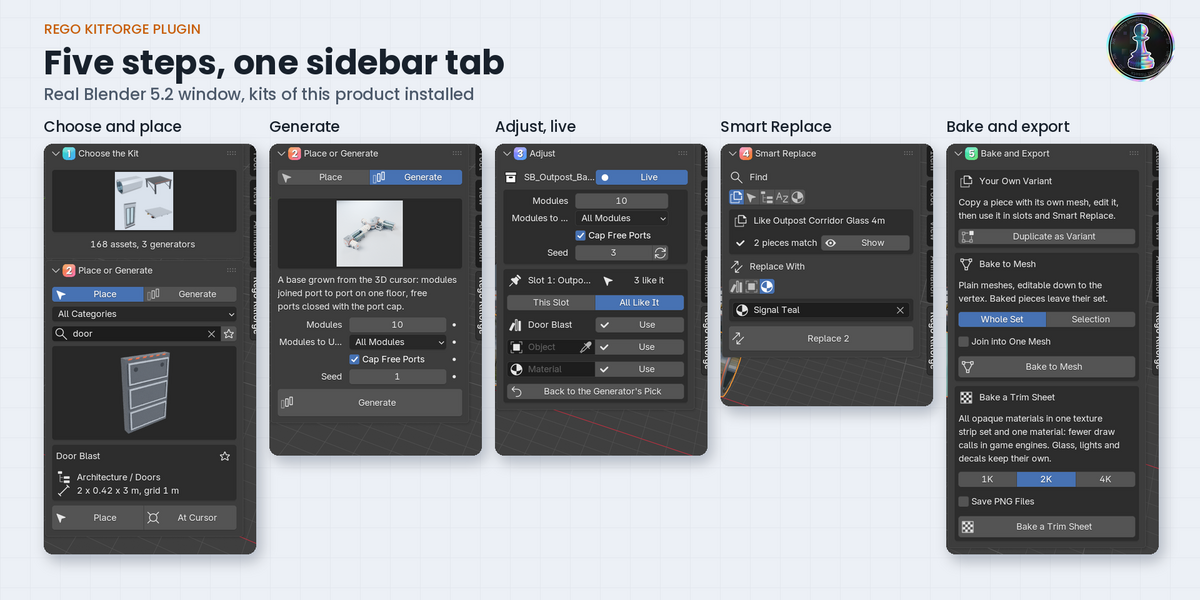
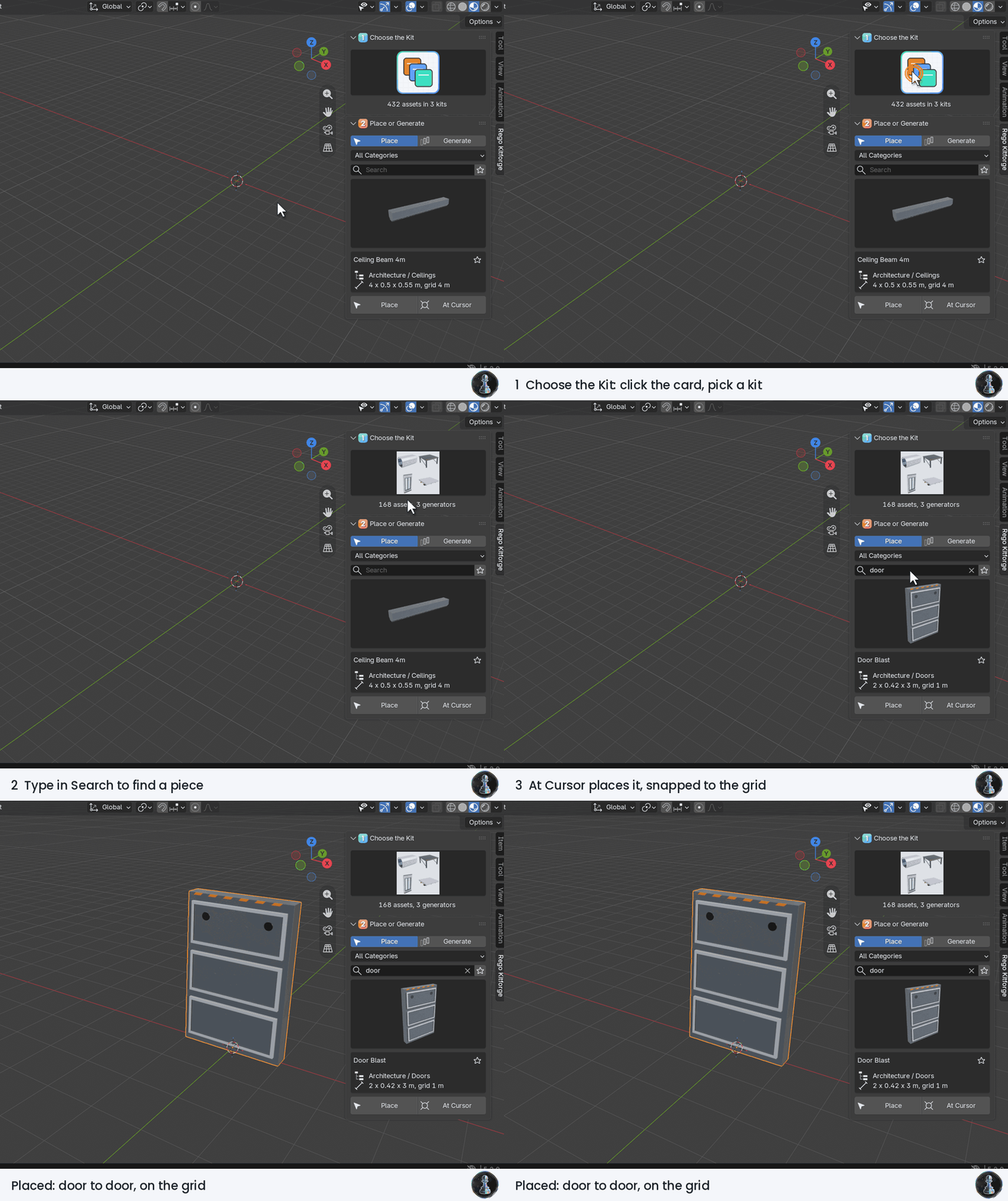
1 Choose the Kit and place a piece. Click the card to pick a kit, search, then place at the 3D cursor: pieces snap to the grid and door to door.
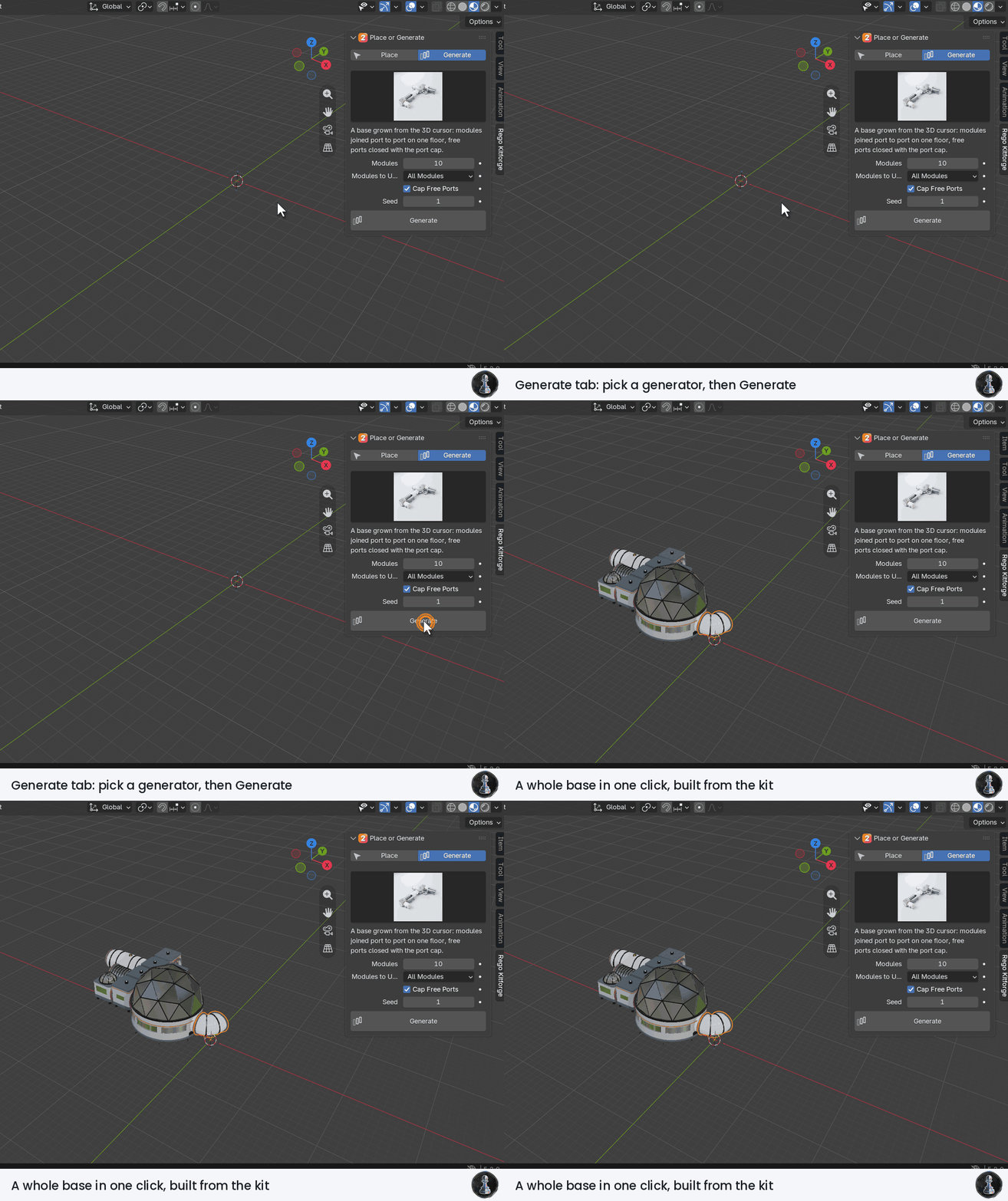
2 Generate. In the Generate tab pick a generator card, set its values, click Generate.
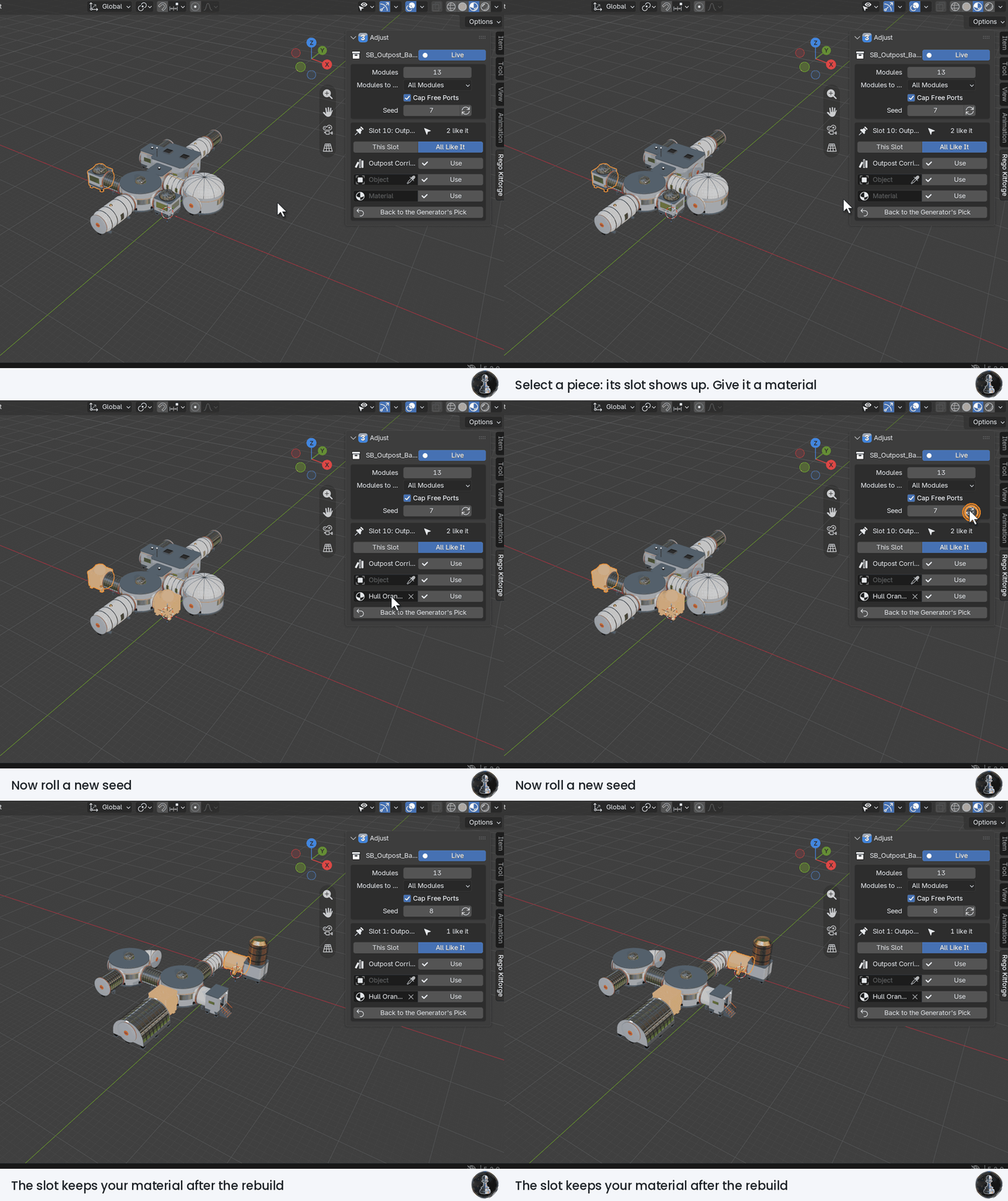
3 Adjust, live. With Live on, the dice icon rolls a new seed and every value rebuilds the set at once. Moved, deleted and changed pieces keep your hand changes.
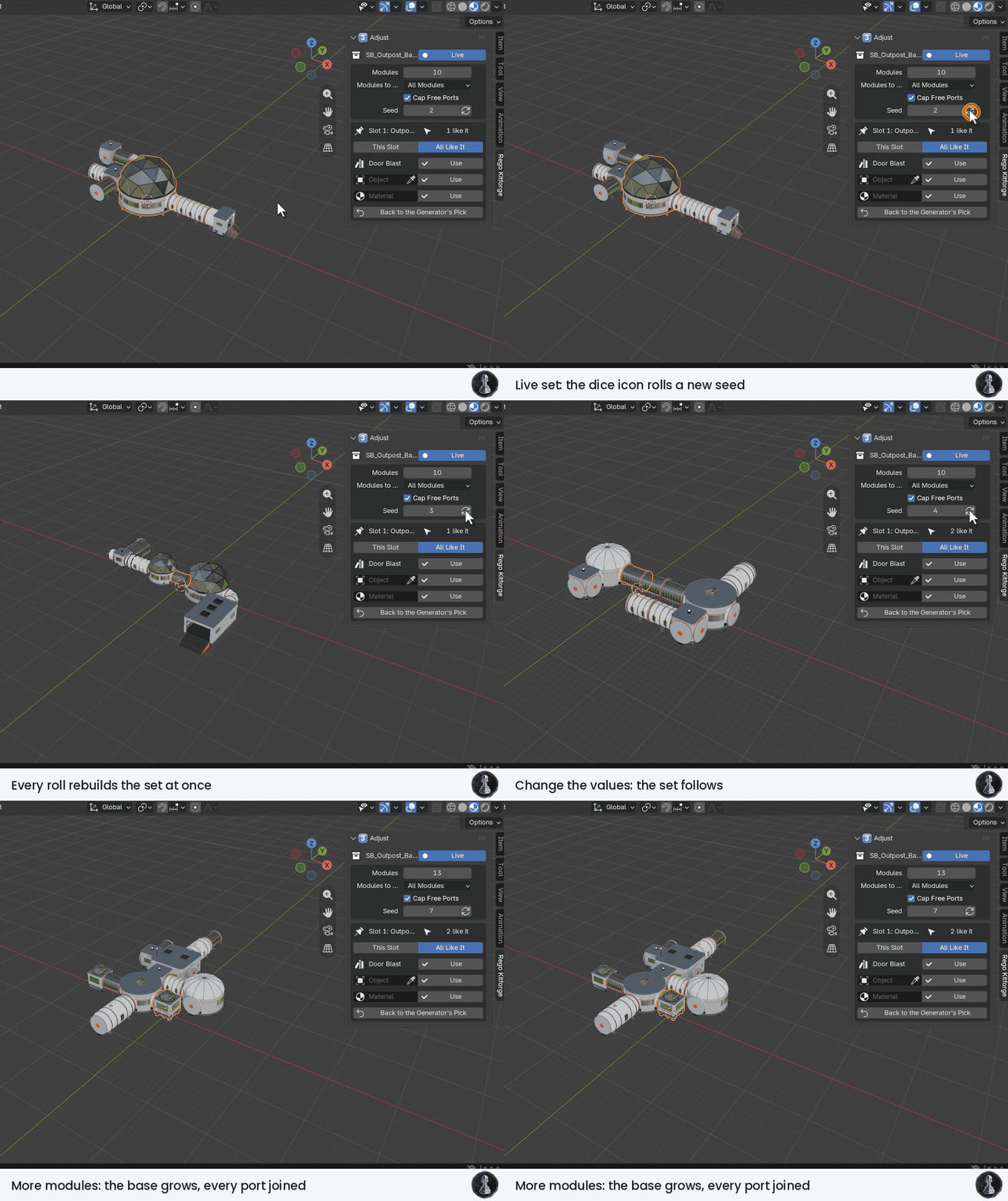
Slots. Select a piece of a generated set: its slot shows up. Give it another asset, an object of your scene or a material, for this slot or for all slots like it. It stays after every rebuild.
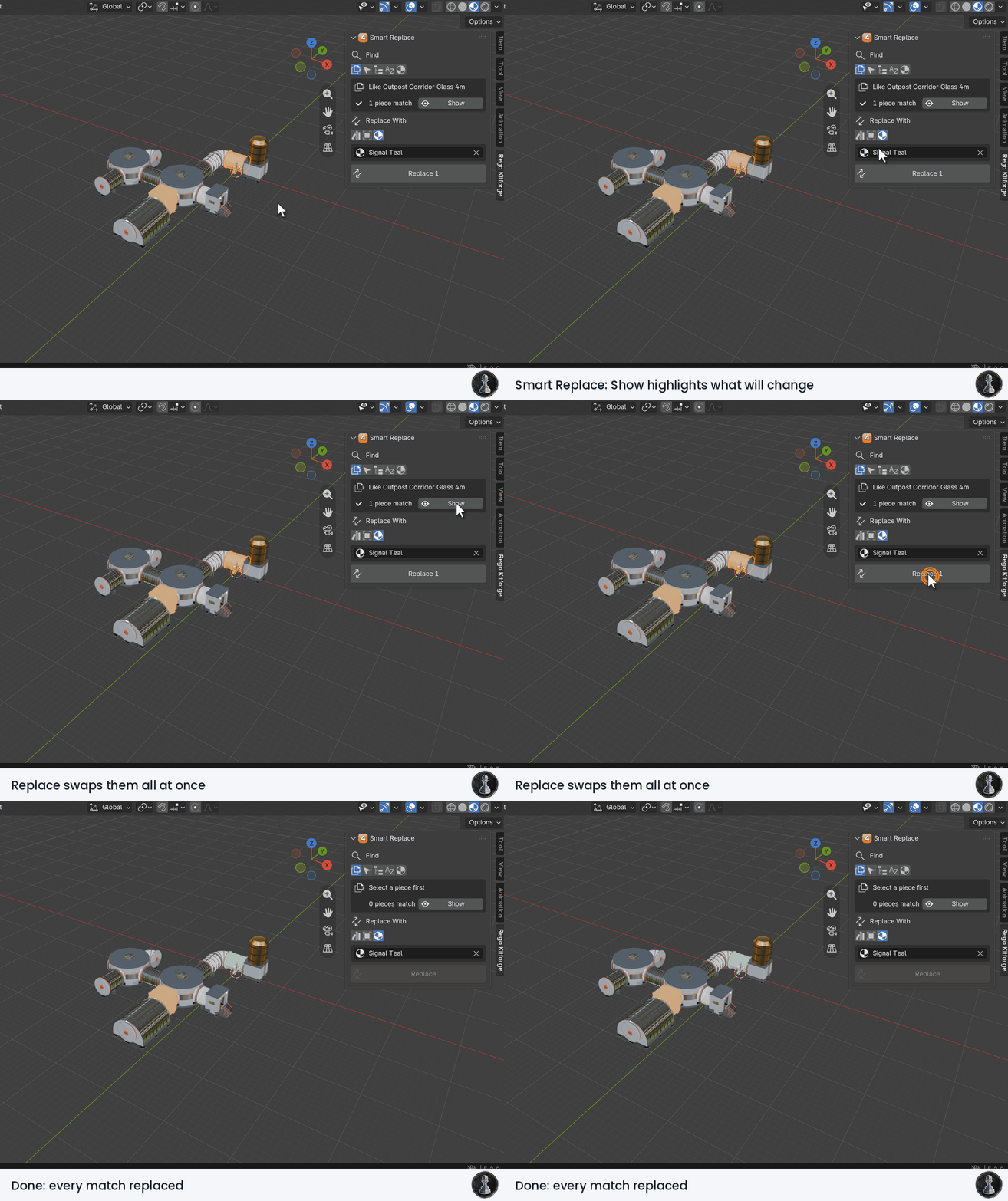
4 Smart Replace. Find pieces by asset, selection, category, name or material, click Show to see them highlighted, then Replace.
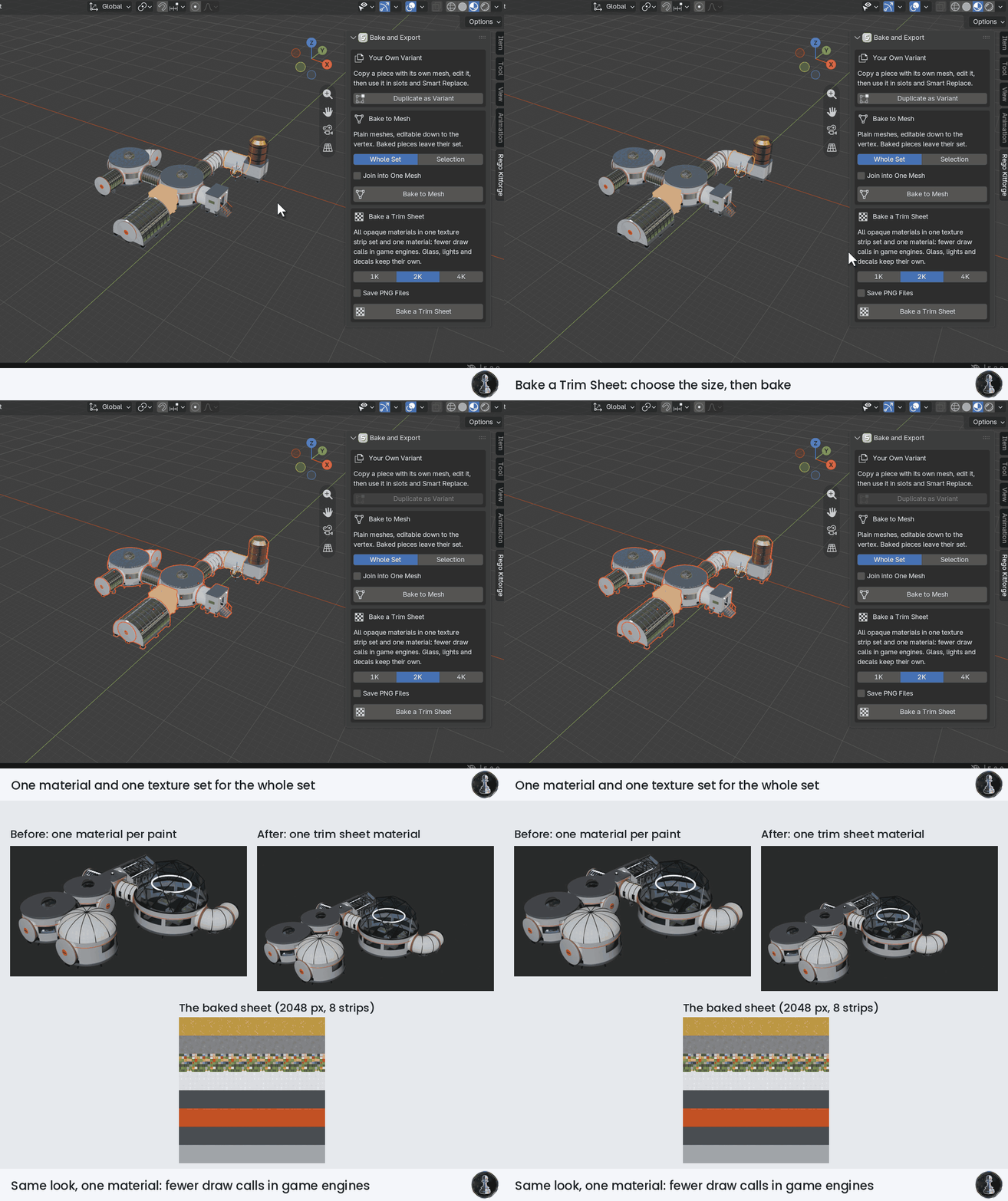
5 Bake a Trim Sheet. Choose 1K, 2K or 4K and bake: the opaque materials of the set become one material with one texture set. Turn on Save PNG Files to write the sheet next to your saved .blend file. Glass, lights and transparent decals keep their own material.
Have questions about this product?
Login to message
| Dev Fund Contributor | |
| Published | about 7 hours ago |
| Blender Version | 5.2 |
| Render Engine Used | Cycles, Eevee |
| Misc Data | Uvs-Unwrapped, Rigged, Animated, Normal-Mapped, Textured |
| License | Royalty Free |
Discover more products like this
Lunar kitbash outpost sci fi Level Design moon base space station Rover asset library modular spaceport animated