 Raghav Gupta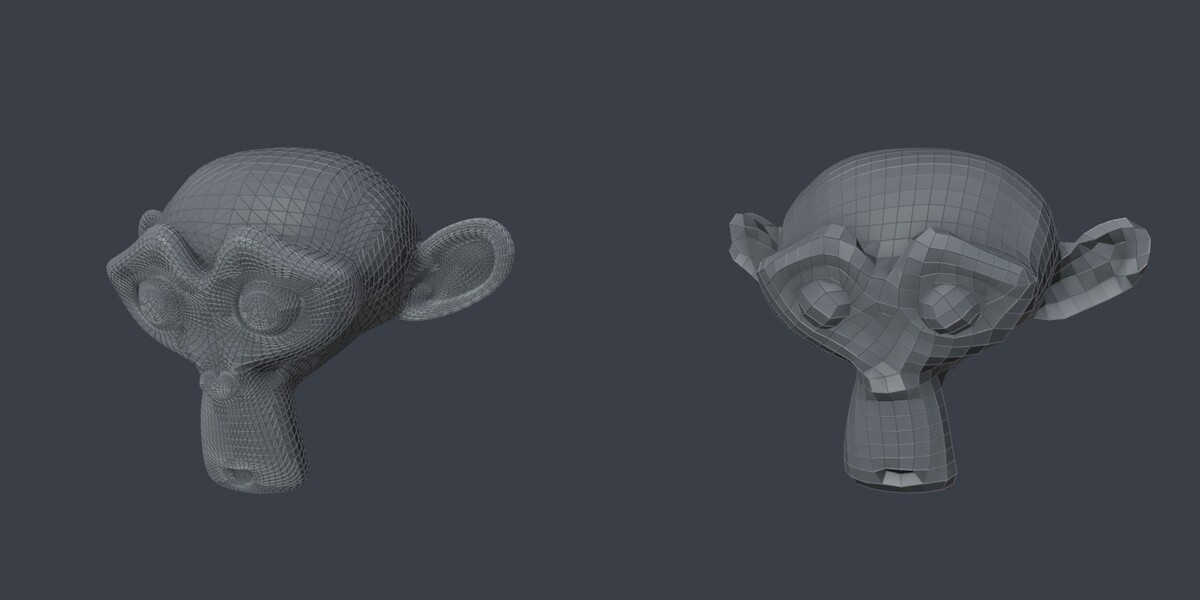
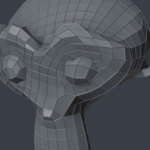
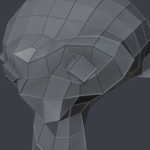
Know why QuadriFlow refuses your mesh
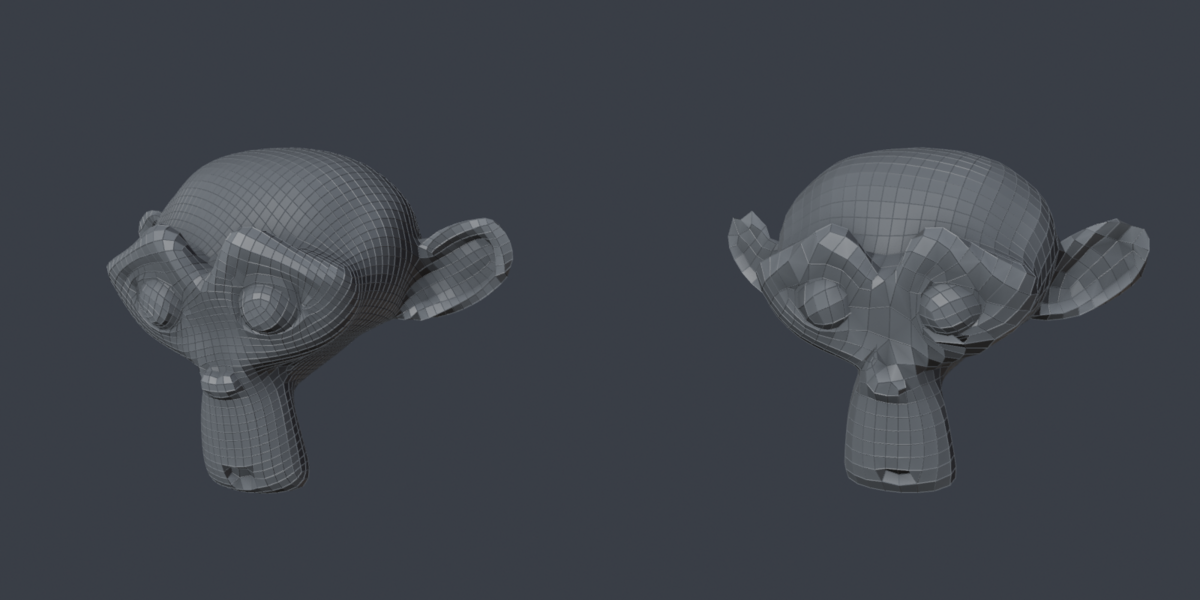
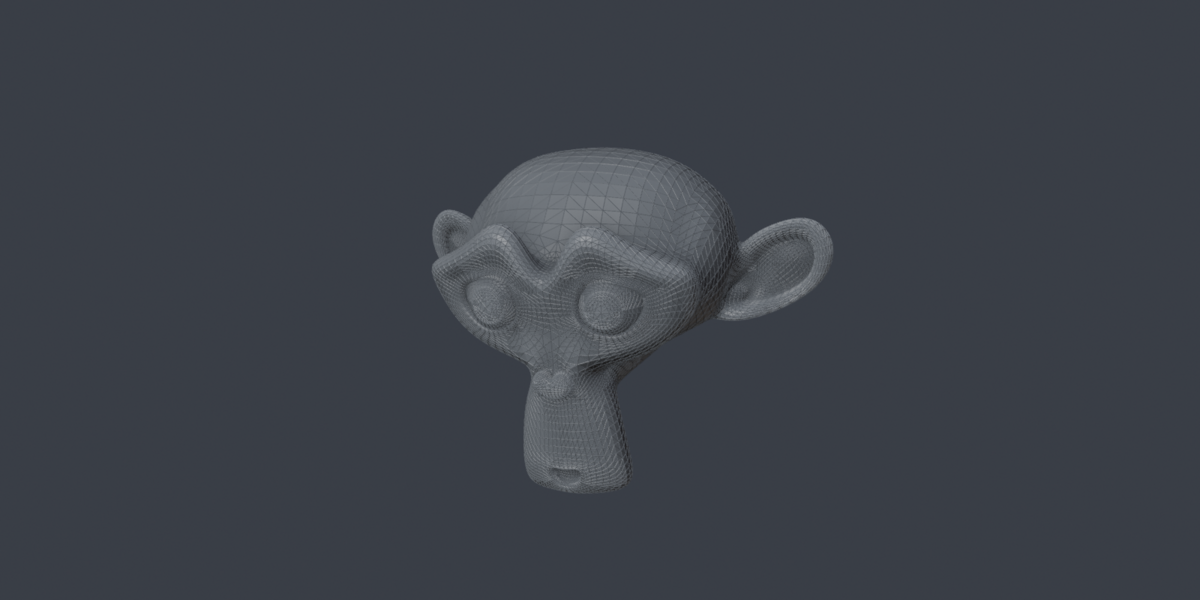
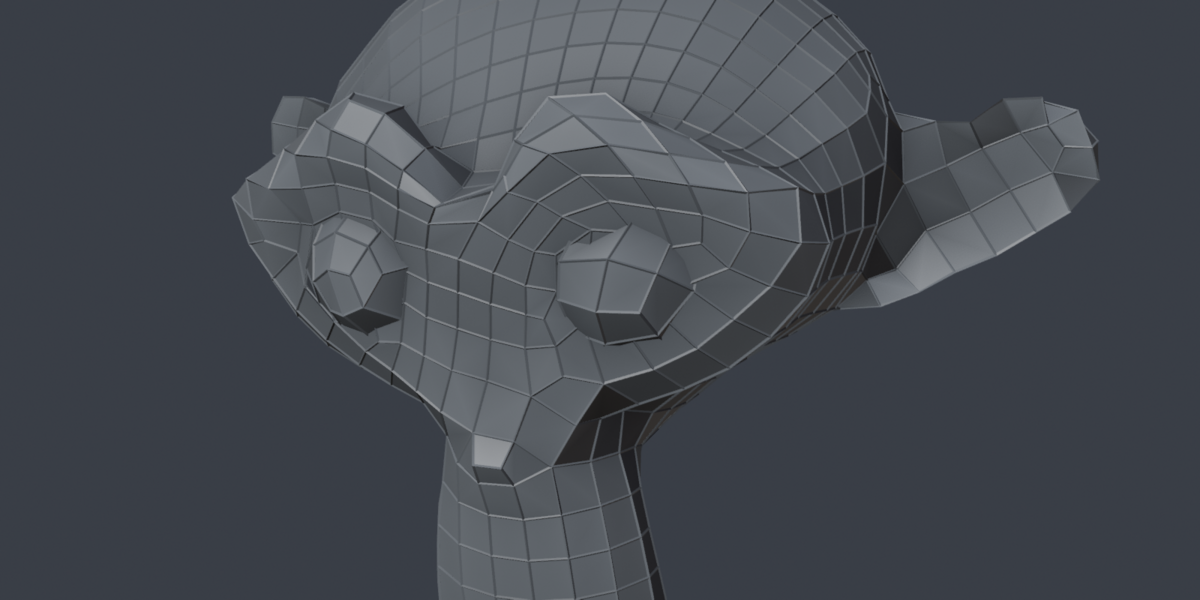
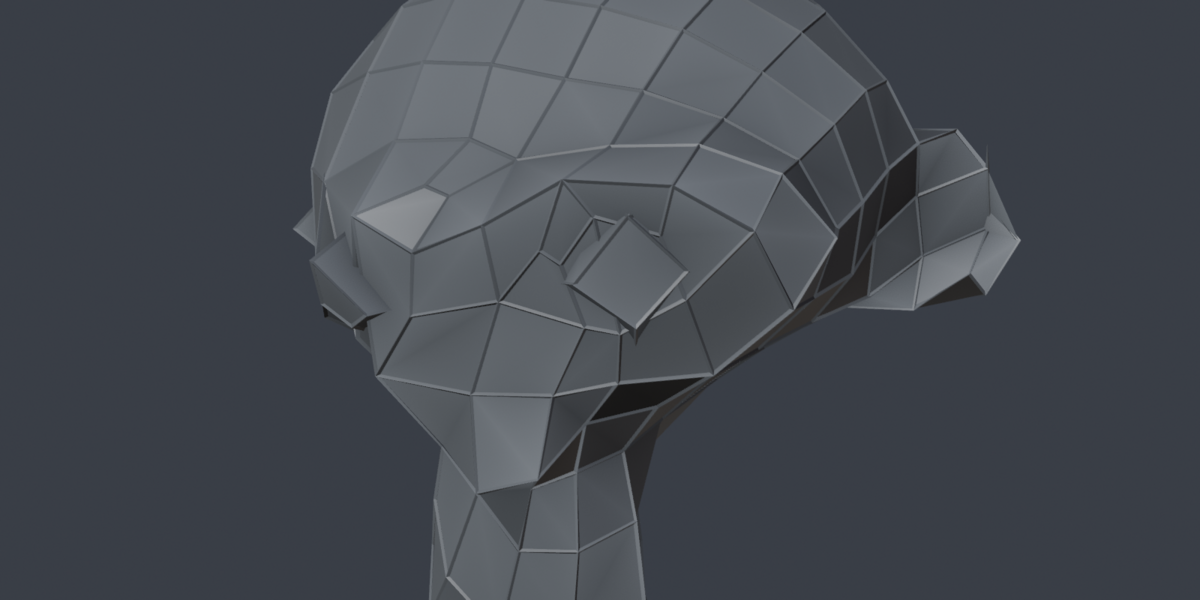
Remesh Preflight diagnoses common mesh defects, offers targeted repairs, and runs Blender’s built-in QuadriFlow on a copy so you can keep the source.
Find and repair common blockers
See counts for edges shared by three or more faces, wire edges, very short edges, and inconsistent face winding. Select issue elements in Edit Mode and repair individual issue types or all blocking issues. Advisory results include disconnected components, open boundaries, zero-area faces, triangles and n-gons.
Remesh a copy
Safe QuadRemesh duplicates the active mesh and can repair that copy before remeshing. The source remains available and is hidden by default. Choose an approximate face target or a ratio; the result message shows the actual count and difference from your request.
Control manual repair scope
Selection Only scopes diagnosis and manual repair to selected faces and selected loose edges in Edit Mode. Welding skips vertices shared with unselected geometry. Manual repair changes the active mesh directly; use Safe QuadRemesh with Auto-Repair Copy for an untouched source. Safe QuadRemesh processes the whole object in Object Mode.
Requirements and contents
Supported: Blender 5.1, tested with 5.1.2 on Windows. Pure Python extension with full source, GPL-3.0-or-later license, installation instructions and written documentation. No external executable or service is required. Other platforms and older Blender versions are not verified for this release.
Limits to know before buying
This uses built-in QuadriFlow, not a new remeshing algorithm. Exact face counts and sharp-edge preservation are not guaranteed. It does not detect or repair self-intersections or close holes. Repairing over-connected edges deletes surplus faces. Remeshing replaces topology; retain your source for original data. A clean diagnosis does not guarantee a successful solve for every mesh.
