Remesh Preflight
 Raghav Gupta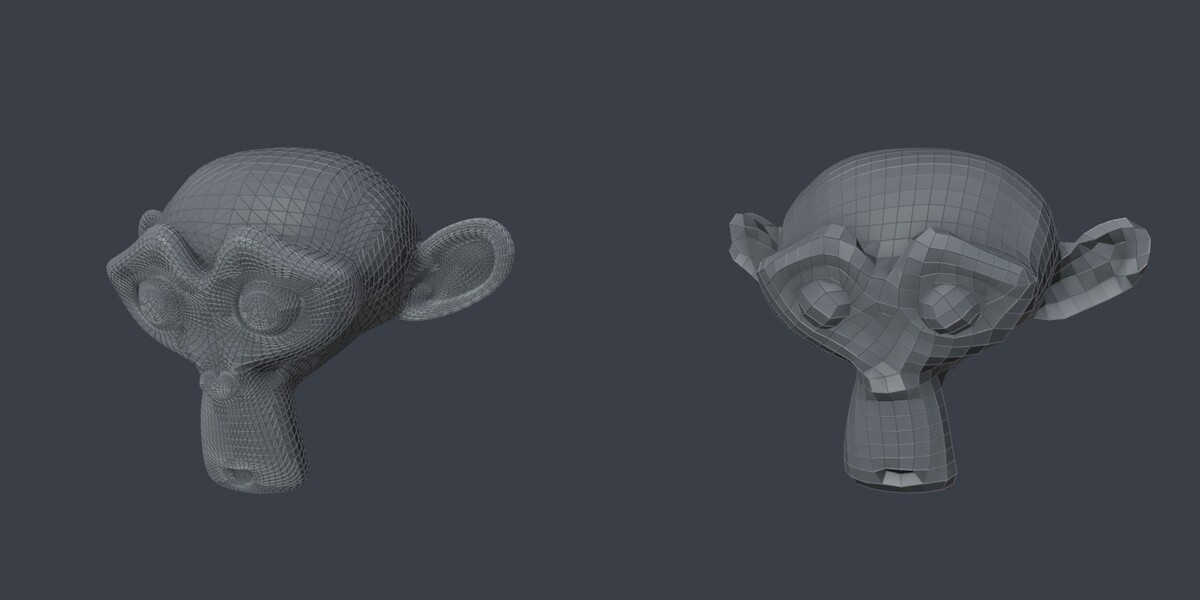
Installation
Use Blender 5.1 (tested on 5.1.2 Windows). Download remesh_preflight-1.0.2.zip without extracting it. Open Edit > Preferences > Get Extensions > menu > Install from Disk, select the ZIP, and enable the extension. In the 3D Viewport press N and open the Preflight tab.
Recommended workflow
1. Select a mesh and click Diagnose.
2. Inspect issue counts. Select isolates elements in Edit Mode; per-issue Repair and Repair Blocking Issues edit the active mesh directly. Duplicate the mesh first if you need to preserve its state before manual repair.
3. Return to Object Mode and enable Auto-Repair Copy.
4. Set Target Faces, or enable Use Ratio and enter a fraction such as 0.1 for 10%.
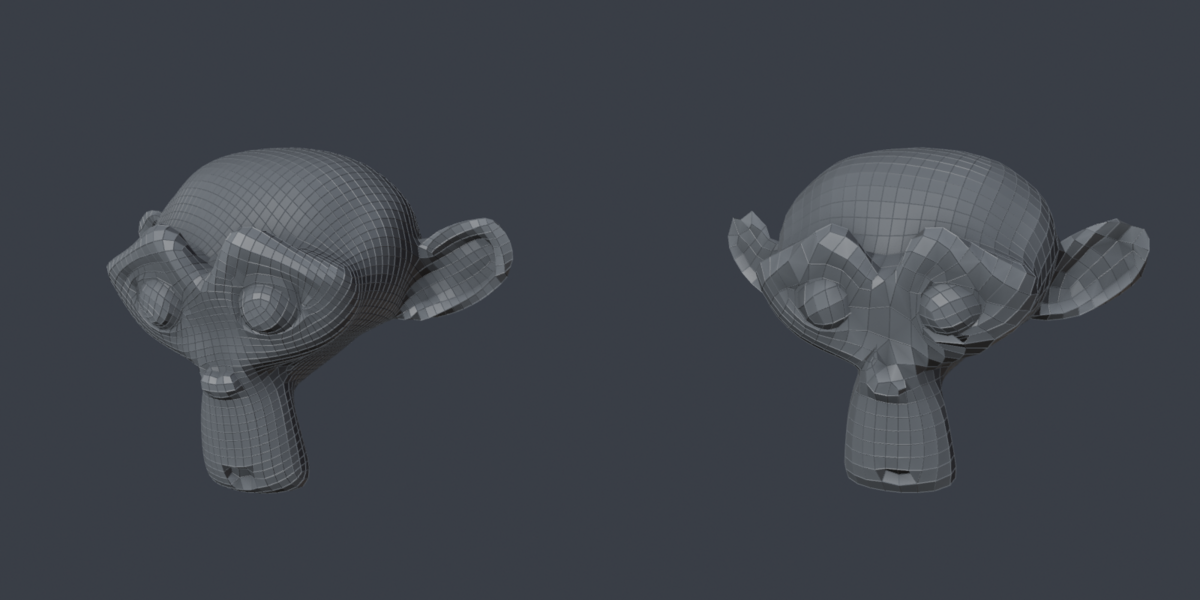
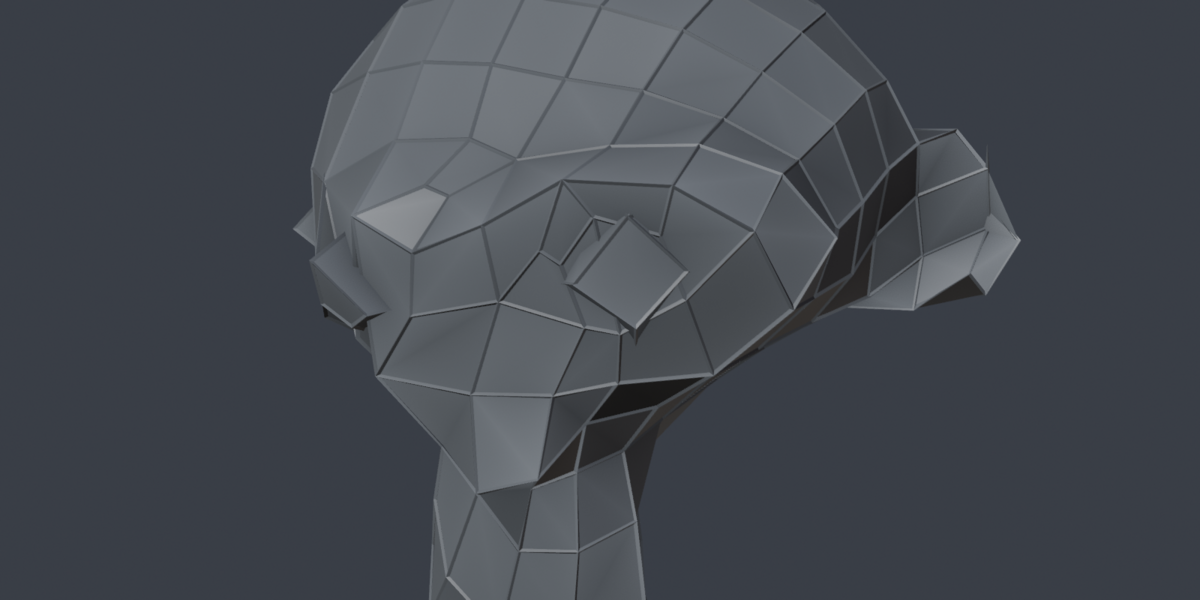
5. Click Safe QuadRemesh. It duplicates the whole mesh, optionally repairs the duplicate, and remeshes it using built-in QuadriFlow.
6. The source remains and is hidden if Hide Original is enabled. Unhide Originals restores visibility for sources with a matching name_remesh object. If you rename the result, unhide the source manually in the Outliner.
Diagnosis and repair
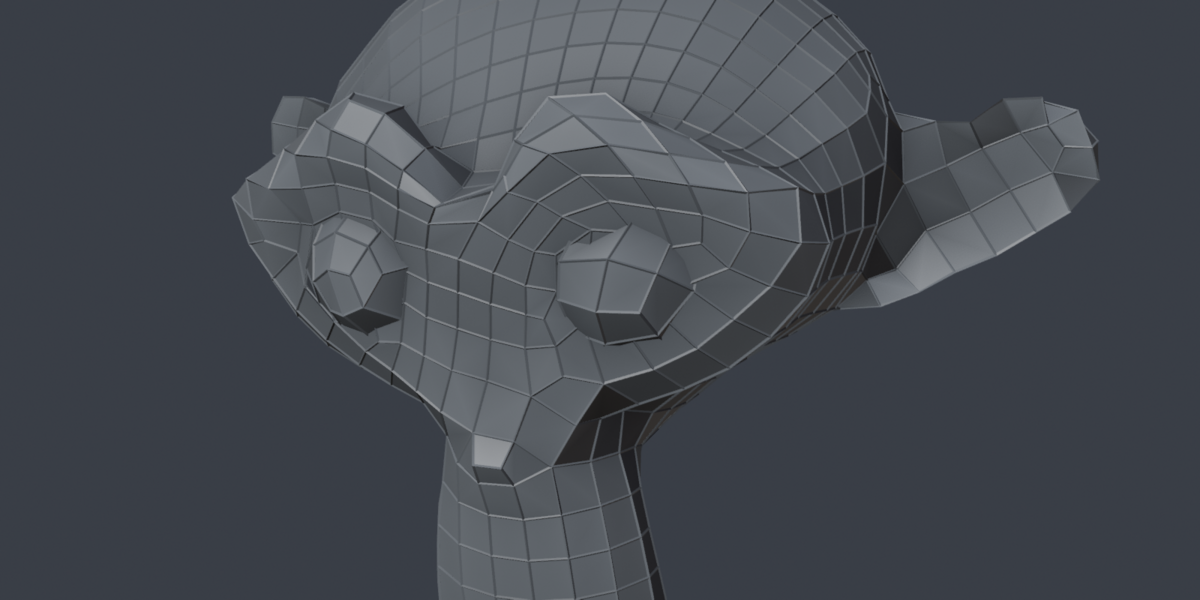
Blocking results cover over-connected edges (three or more faces), wire edges, edges shorter than 0.0001, and inconsistent winding. Repairs weld eligible near-duplicate vertices, remove wire edges, delete surplus faces on over-connected edges, and recalculate face normals. Advisory results cover disconnected components, open boundary edges, zero-area faces, triangles and n-gons. Disconnected components are represented by one face per extra component. Self-intersections are not detected.
Selection Only
In Edit Mode, this scopes diagnosis and manual repair to selected faces and selected loose edges. Welding skips shared boundary vertices to protect unselected geometry, so some defects can remain. Select issue buttons use the current selection scope. Safe QuadRemesh always processes the whole object in Object Mode.
Remeshing controls
Target Faces requests an approximate count. Use Ratio computes the request from the original face count. The result message reports the actual count and difference. Auto-Repair Copy repairs the duplicate; Hide Original controls source visibility. Preserve Sharp, Preserve Boundary, Mesh Symmetry, Preserve Attributes, Smooth Normals and Seed pass the corresponding settings to QuadriFlow. They do not guarantee exact topology or complete data preservation.
Troubleshooting and limits
If Safe QuadRemesh is disabled, select a mesh and return to Object Mode. If a solve fails, inspect remaining defects and source geometry. A clean report is not a guarantee every mesh will solve. Exact face counts, sharp edges, and data retention are not guaranteed. Remeshing replaces topology: keep your source for original UVs and other data. This is not a new remeshing algorithm; it does not repair self-intersections or close holes. Manual repair can delete faces and changes the active mesh.
Compatibility, licensing and support
Supported release: Blender 5.1, tested with 5.1.2 on Windows. Other platforms and older versions are not verified for this release. The ZIP includes Python source, written instructions and the full GPL-3.0-or-later license. No external executable or online service is required. For help, contact the creator through Superhive support/Inbox with your Blender version, reproduction steps, error message and a small example if possible.
New in 1.0.2: support reports and practice files
Create Support Report writes fresh issue counts, diagnosis scope and solver settings into Blender’s Text Editor. Reports omit object names, paths and mesh coordinates, and nothing is sent automatically. Review the report before sharing it with support.
The separate remesh-preflight-examples.zip download contains four practice meshes and REPAIR_GUIDE.md. Extract this archive to use the examples; do not install it as an extension. The guide explains which repair to try, what can change, and how to keep the source.
Independent mesh checks
Version 1.0.2 was tested in Blender 5.1.2 on Windows using Poly Haven’s CC0 ceramic vase, cross-pein hammer and coastal rock scan. Actual results were 4,704 to 876 faces, 1,062 to 285 faces, and 679,936 to 1,591 faces. The requested counts were 1,176, 265 and 2,000. Original geometry remained unchanged. The rock result retained 206 open boundary edges; this tool does not close holes. These three checks are examples, not a success-rate or performance guarantee.
Have questions about this product?
Login to message
| Blender Extension Compatible | Yes |
| Published | 8 days ago |
| Blender Version | 5.1 |
| Render Engine Used | Cycles |
| License | GPL |
