 Diego Gangl

Render more.
Babysit less.
Render+ is a Blender addon for turning repetitive rendering into an actual workflow. Set up your jobs, hit render, and let Render+ do the boring part.
Take the work out of rendering
Setting up each render, keeping track of different settings, and making sure everything finishes correctly is time you could be spending on the actual work.
Render+ gives you a straightforward way to build batches, automate render jobs, run external commands, collect statistics and handle all the little things that normally end up as scripts, checklists and "don't forget to change that setting" notes.

Think of it as a render queue with a Blender interface — except it doesn't stop being useful when your setup gets complicated.
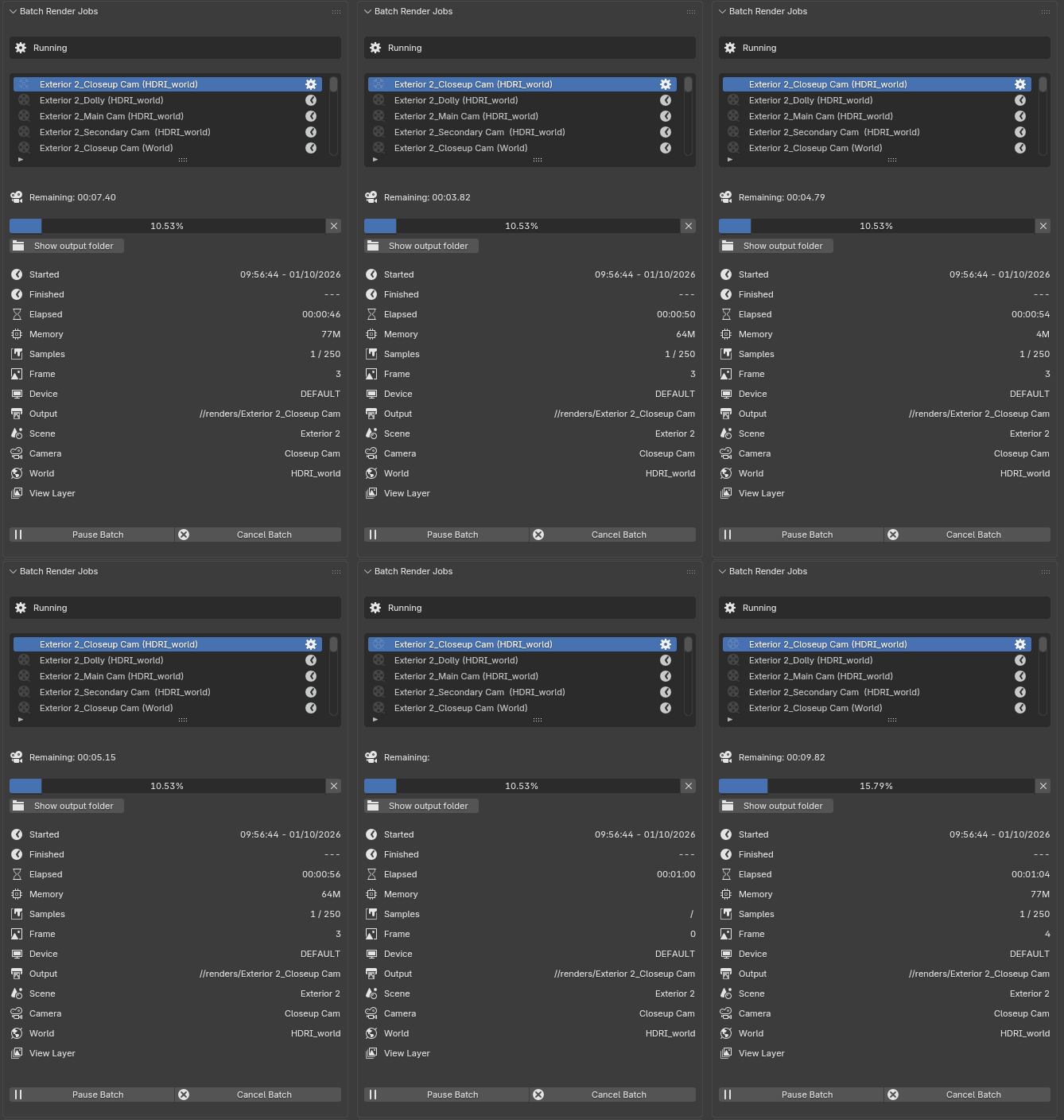
Build render jobs instead of babysitting them
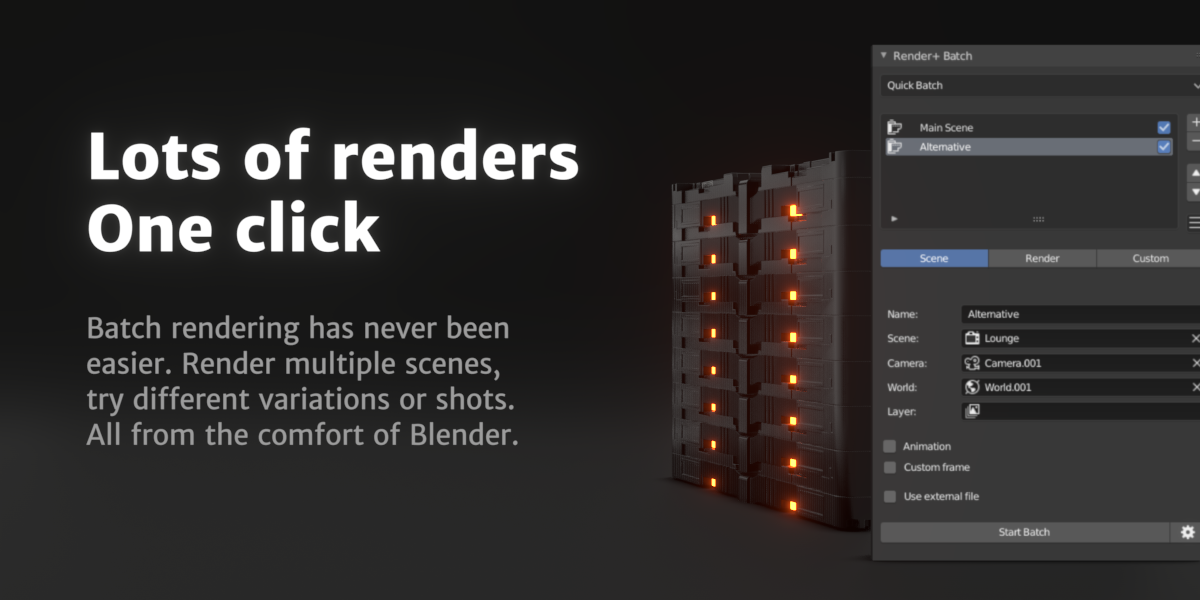
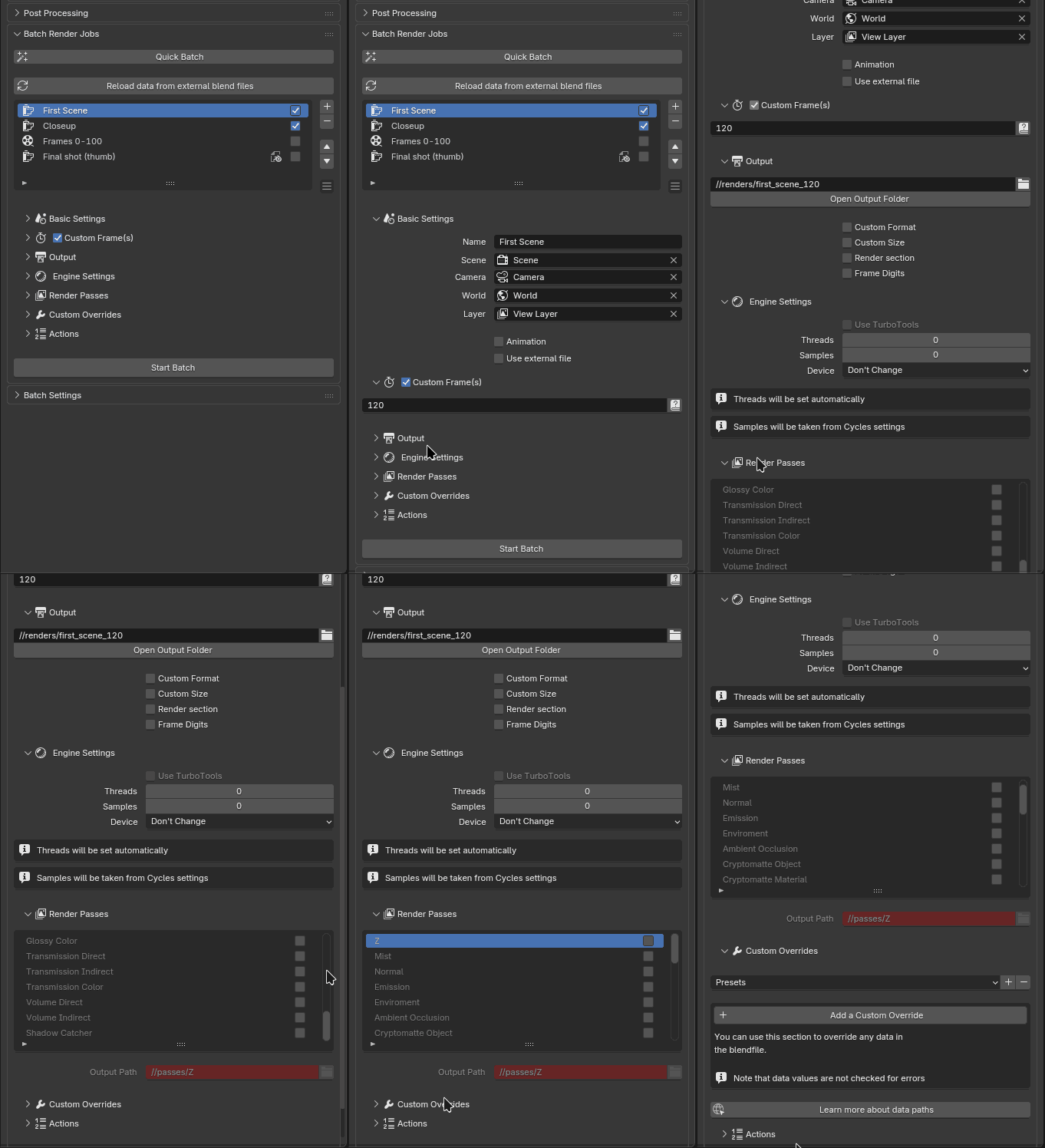
Create as many render jobs as you need and give each one its own configuration.
Advanced batch rendering
Render animations or stills at specific frames and ranges, switch scenes, cameras, worlds and view layers, change output sizes and more.
- Custom frames, ranges and animation renders
- Per-job scenes, cameras, worlds and view layers
- Per-job resolution and output settings
- From any blend files, including bulk importing
- CPU, GPU or specific device selection
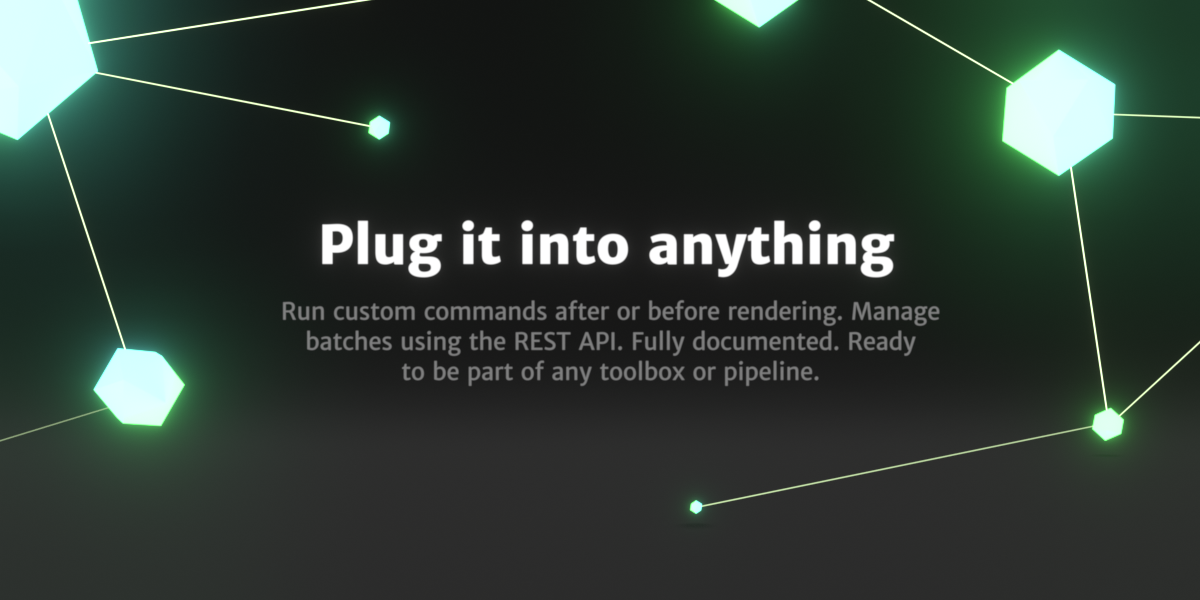
- Run shell or Python scripts before and after individual render jobs
- Run shell or Python scripts before and after the entire batch
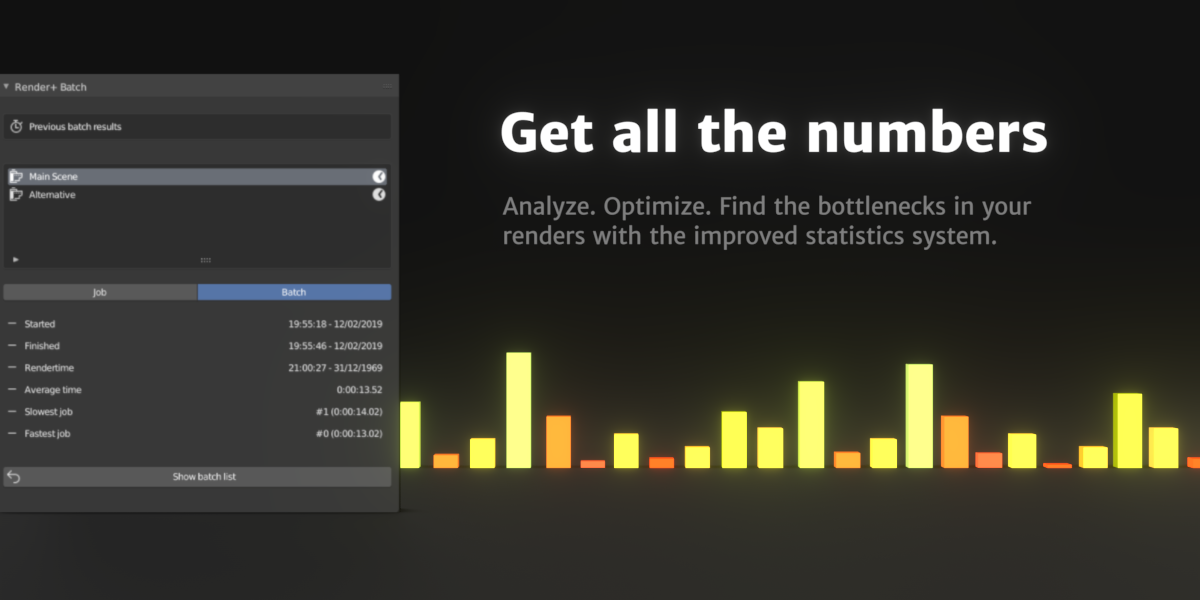
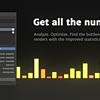
- Render statistics with total, average, fastest and slowest frame times
- CSV export for render statistics and batch analysis
You can also generate ready-to-run Bash scripts and Windows BAT files from your batches, making it easy to launch predefined render jobs from a terminal, another tool, a scheduler or your own pipeline.
Go beyond the UI
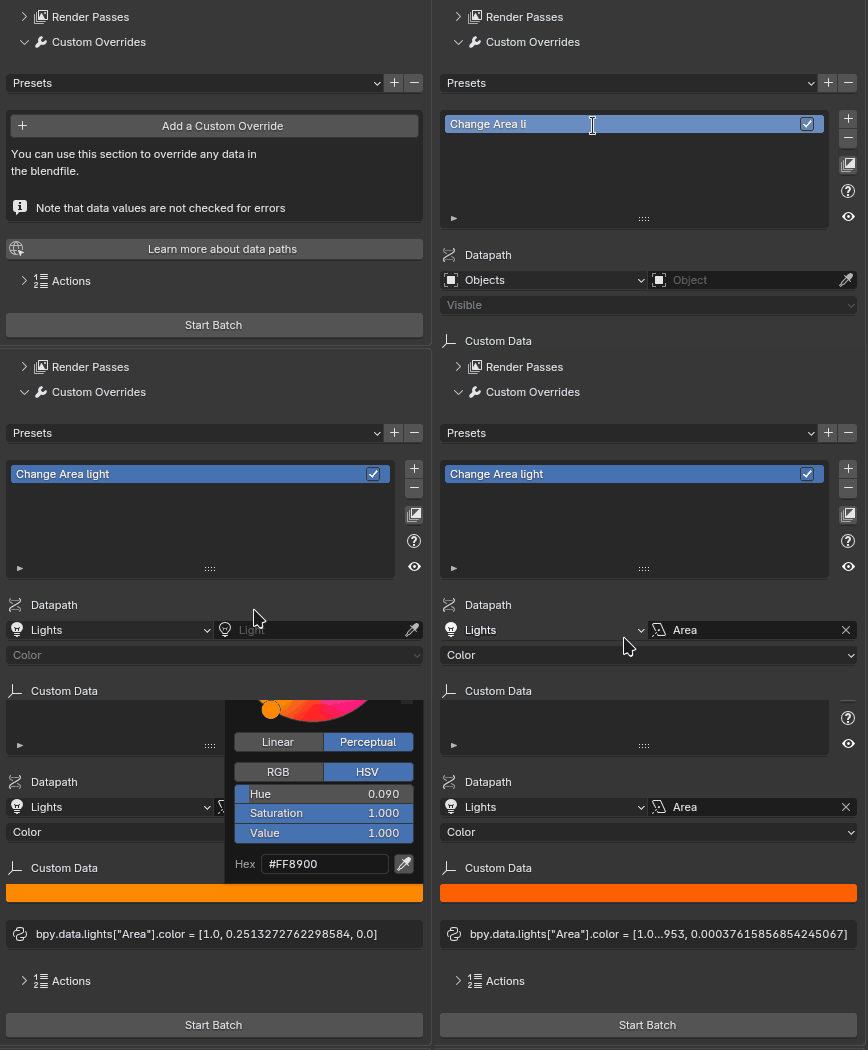
Not every render setup can fit neatly into a checkbox. The Custom Overrides system lets you change properties in the blend file on a per-job basis, without having to build a separate script for every variation.
Your pipeline, your rules
Use the built-in options for common settings, then reach deeper into Blender when you need more control. Render+ is designed to give you a simple interface without putting a ceiling on what you can automate.
Let the batch build itself
Creating dozens of nearly identical render jobs manually isn't exactly a productive use of your time.
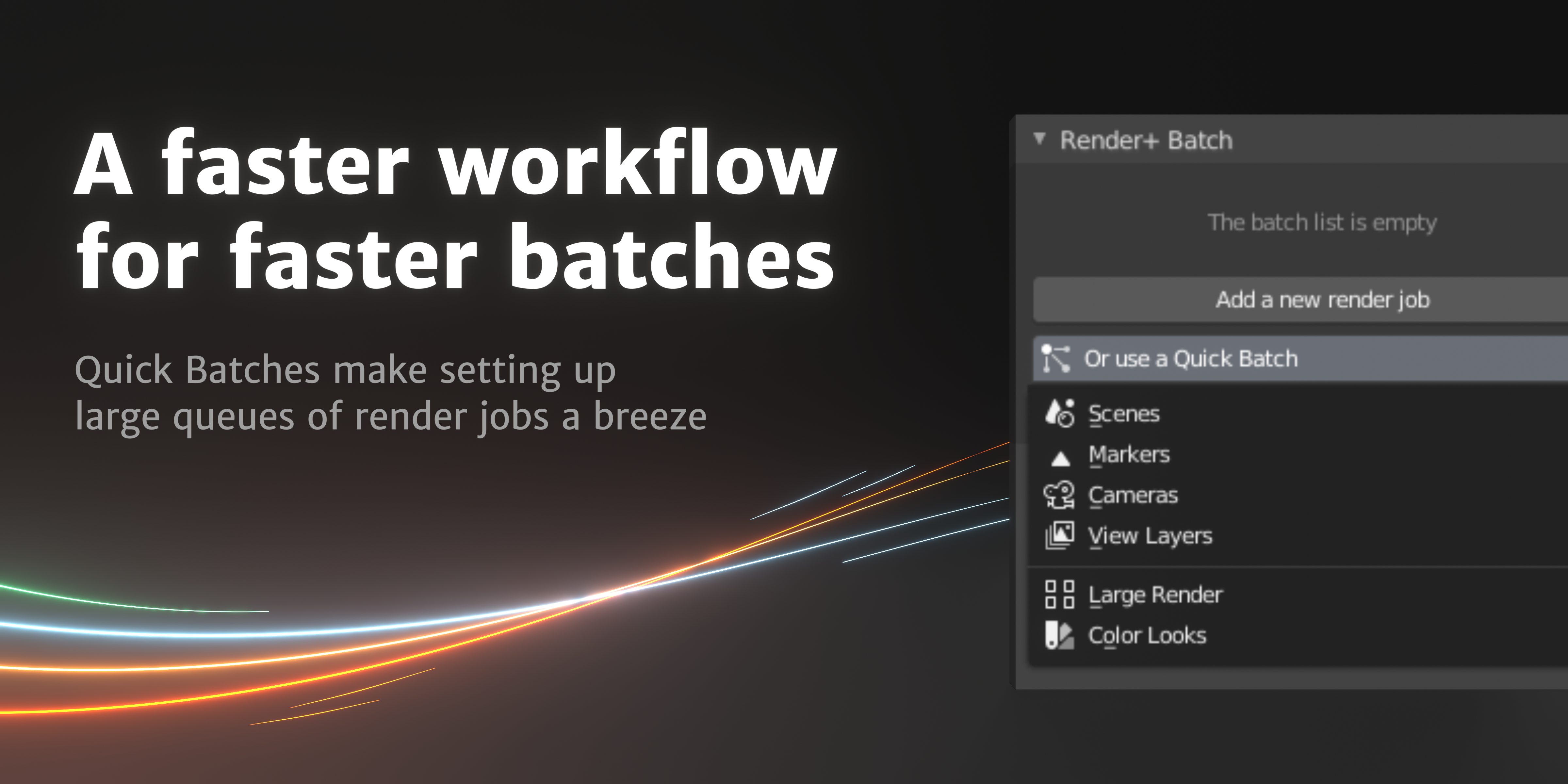
Quick Batches
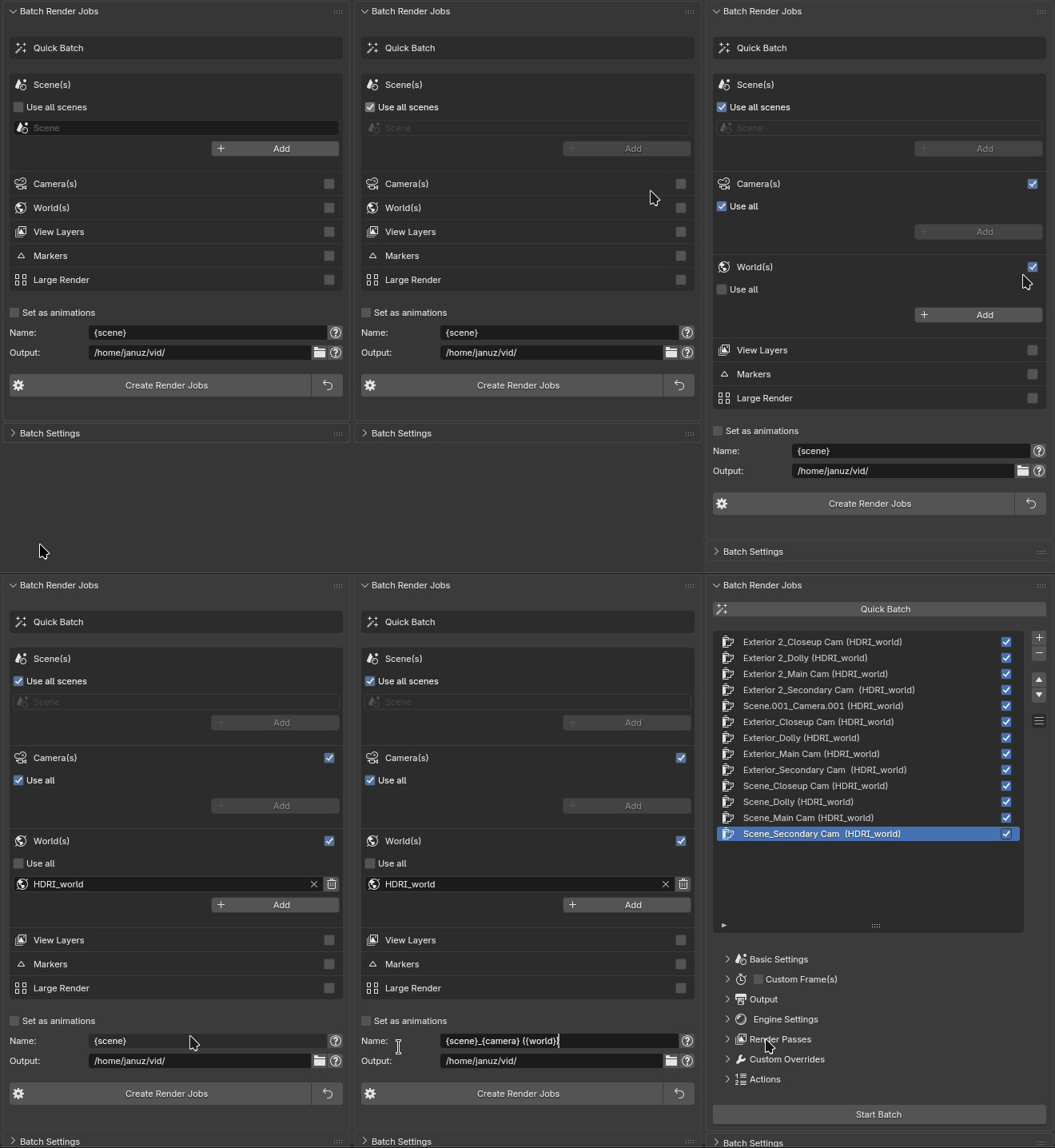
Generate render jobs automatically from scenes, cameras, markers and view layers. You can also split large renders into smaller jobs that are easier to distribute and process.
↓
split into smaller jobs
↓
64 × 1080p renders
↓
organized automatically
Split up huge renders into manageable chunks in one click. Autogenerate render jobs for every camera, marker, scene, viewlayer, world. Or for every combination of them.
Bulk output management
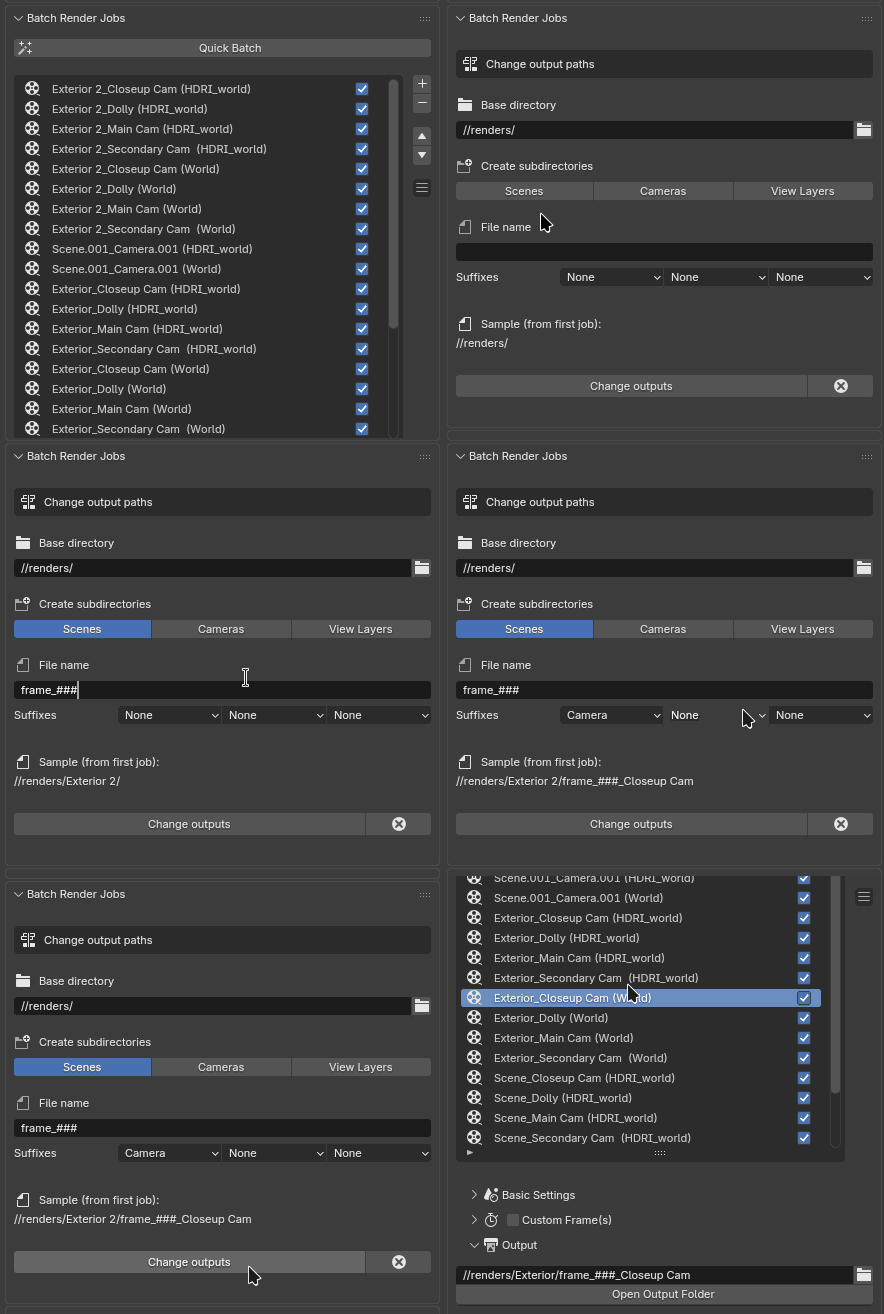
After the render jobs have been created you can still change output paths and render job names in bulk. Use placeholders to automatically include information such as the scene, camera or other job-specific data, and keep naming and folder structures consistent across an entire batch.
Choose your hardware
Render+ can distribute jobs across different rendering devices, including CPU, GPU and specific GPUs.
Network rendering
Render jobs can also be sent to a Render+ server, making it possible to use other machines when your workstation has better things to do.
Because sleep is important
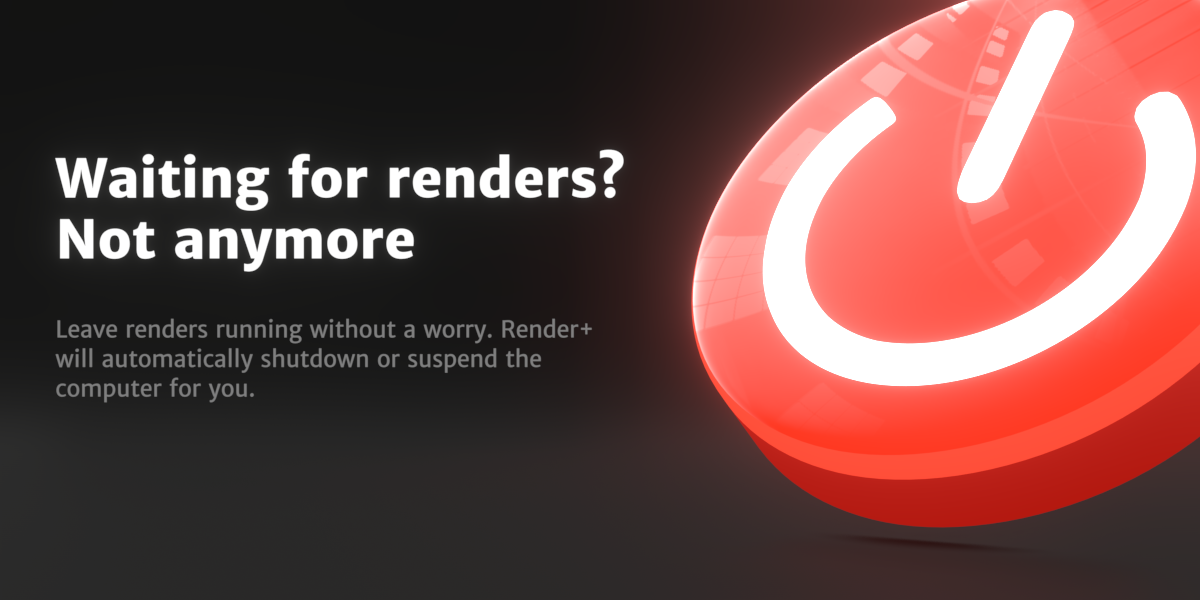
Render+ can notify you when your renders finish using desktop, email and sound notifications. And when everything is done, it can put your computer to sleep or shut it down.
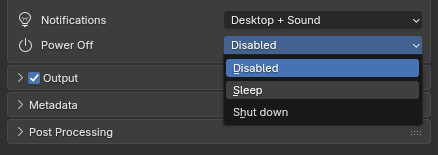

Start the render. Walk away. Come back to finished images.
It also makes individual renders smarter
Render+ isn't only useful when you have a hundred jobs in the queue. Many of its automation features work with regular F12 renders too.
- Desktop, email and sound notifications
- Automatic sleep or shutdown
- Shell commands before and after rendering
- Python scripts before and after rendering
- Detailed render statistics with CSV export
- Automatic image saving after F12 renders
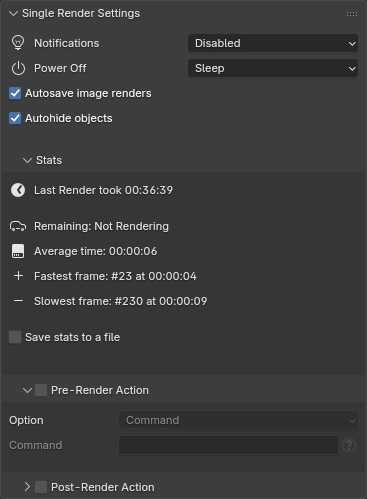
And one particularly useful little fix
Render+ can detect objects that are hidden in the viewport but still enabled for rendering, and hide them automatically.
Because discovering a random object in your final image after a three-hour render is a surprisingly effective way to ruin an evening.
Powerful when you need it. Simple when you don't
Render+ is built around a fairly simple idea: give artists control without making them configure a small software project just to render something.
The common stuff is available through the interface. The advanced stuff is there when you need it. And if you need to go further, Python and custom overrides are there too.
Whether you're rendering a few variations or running a large automated pipeline, Render+ is designed to stay out of the way and let Blender get on with the actual rendering.
Need Help?
Render+ has been around for a long time, and there's a good chance someone has already run into the same problem you're having.
If you get stuck, the documentation covers the details, and you can always get in touch if you need help with something specific.
FAQ
Does Render+ replace Blender's rendering system?
No. Render+ doesn't replace Cycles, Eevee, Workbench, or any other Blender render engine. It works on top of Blender's existing rendering system to manage, automate and monitor render jobs.
Can I use different Blender versions?
Yes. A batch can run using different Blender installations and versions available on your computer.
Can I close Blender while a batch is rendering?
Yes. Render+ launches each render job in a separate Blender process. Once a batch has been started, Render+ manages those processes independently, so you can close the Blender window you used to set up the batch without stopping the renders.
Can I render different cameras or scenes automatically?
Yes. Quick Batches can generate render jobs from cameras, markers, view layers and scenes, so you don't have to create every job manually.
Can I customize individual render jobs?
Yes. Render+ provides custom overrides for individual jobs, and you can also use Python when you need more control.
Can I use my own scripts?
Yes. You can run custom Python or shell commands before and after batches and individual render jobs, making it possible to integrate Render+ into an existing workflow.
Can Render+ shut down my computer when rendering is finished?
Yes. You can configure Render+ to shut down or suspend the computer when a batch or regular render finishes.
What if I run into a problem?
Get in touch. If something isn't working as expected, I'll help you figure it out. And if Render+ still isn't suitable for your setup, you can get 100% of your money back.
