 CitrusDigitalStore
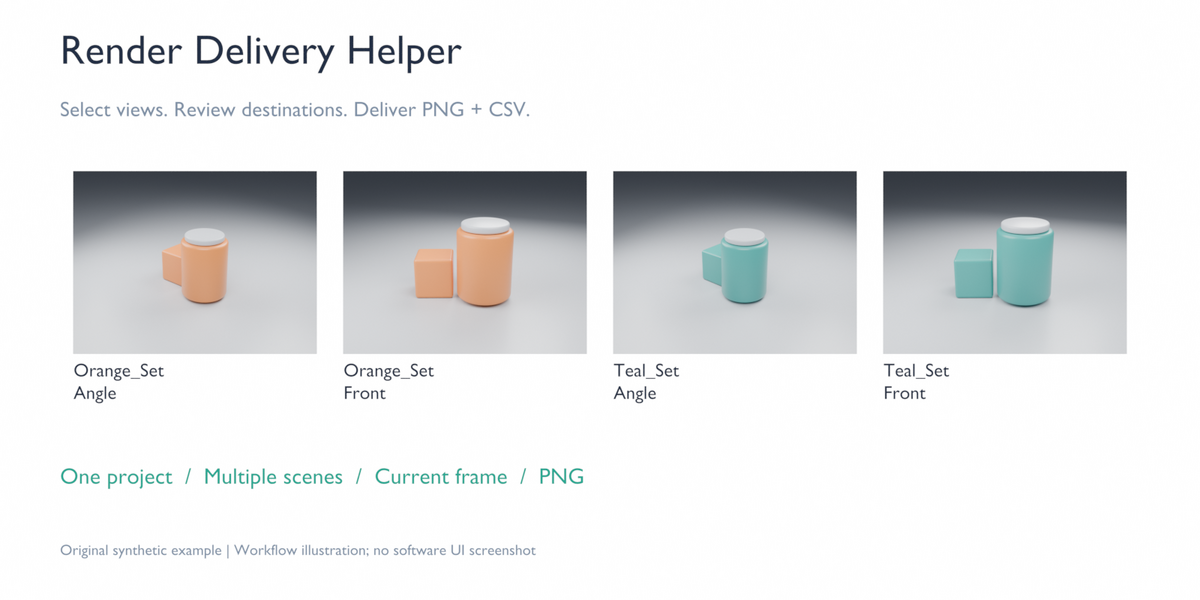
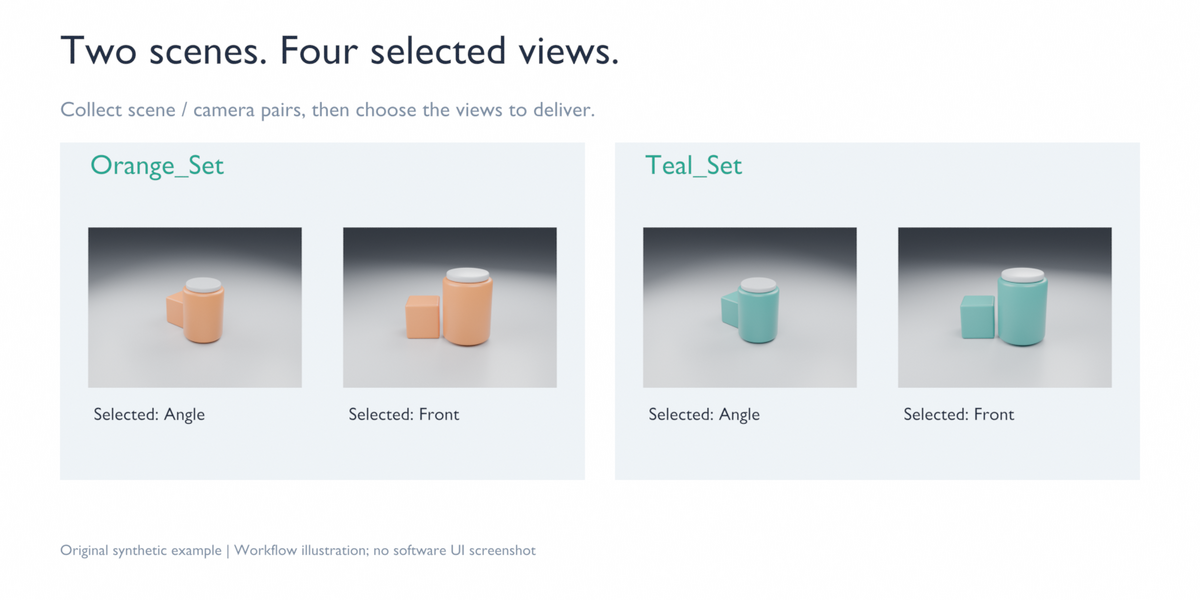
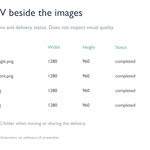
Choose scene and camera pairs from one Blender project, review their destination filenames, and deliver the selected views with a CSV beside the images.
For artists preparing a small set of product views across several scenes, Render Delivery Helper keeps selection, output review and the delivery inventory in one workflow.
WHAT YOU GET
Select explicit scene/camera pairs from the current project.
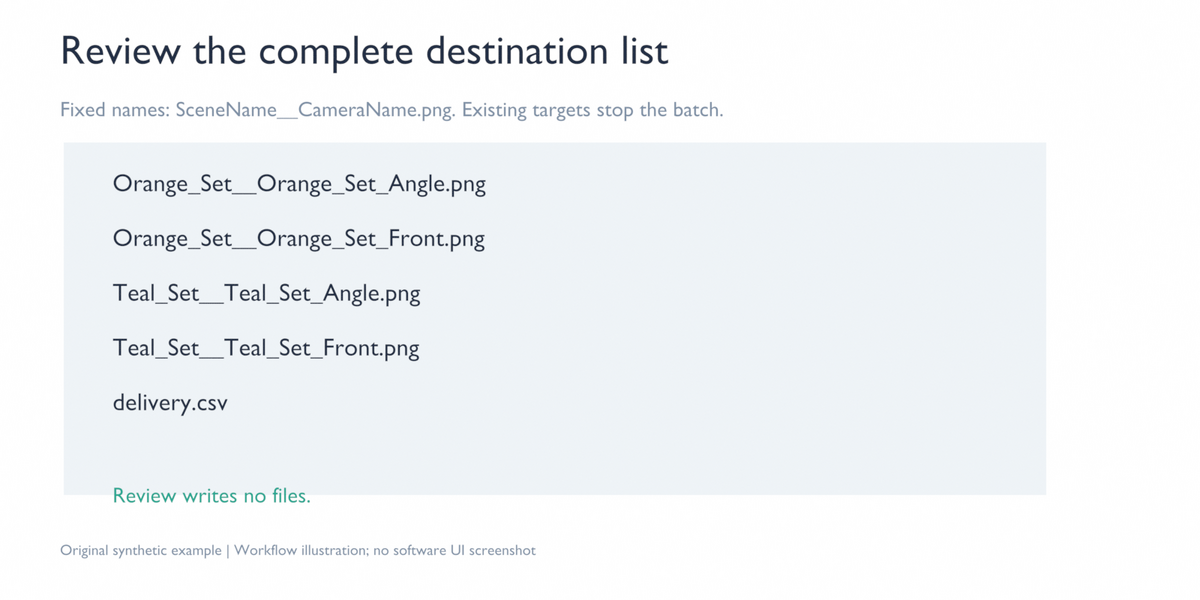
Review the complete PNG destination list before starting; the review writes no files.
Render each selected pair at its scene's current frame and resolution.
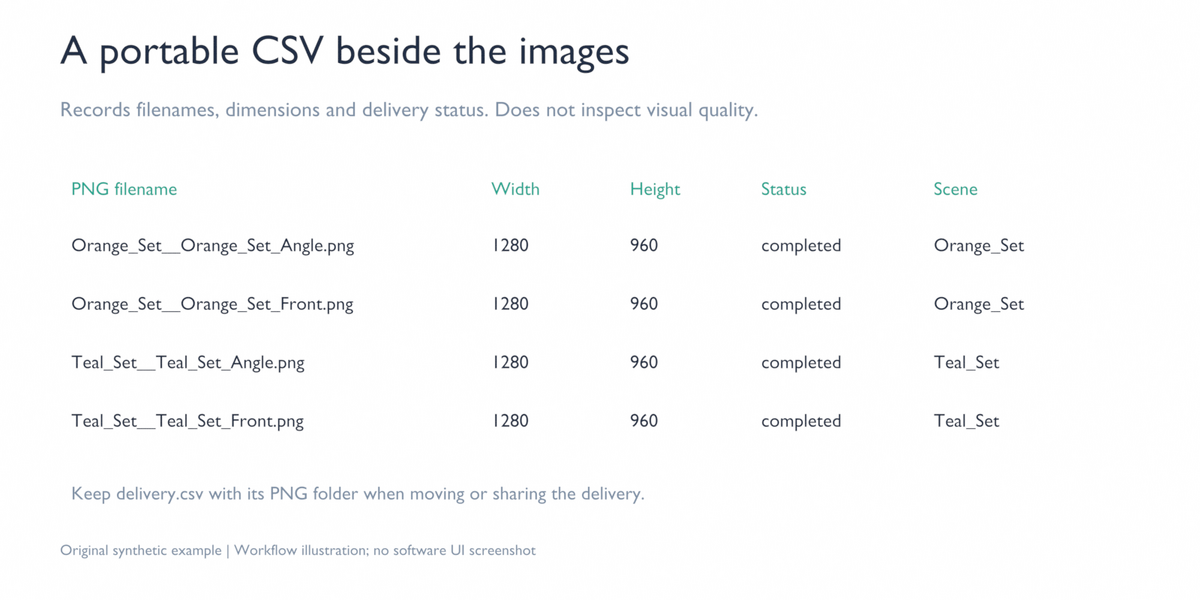
Deliver PNG RGBA 8-bit files and delivery.csv, recording scene, camera, relative filename, dimensions and delivery status.
Keep the CSV with its image folder so the delivery inventory can travel with the images.
Restore the original scene/camera and render settings after each view.
Names are fixed: SceneName__CameraName.png, with filename-safe normalization. This is not a custom filename-template tool. If two normalized names collide, the batch is rejected.
REQUIREMENTS
Windows x64 and exact Blender 4.5.14 LTS or 5.2.2 LTS. Check your exact version before buying. Use extension 0.2.0 for 4.5.14 or 0.2.1 for 5.2.2. Other Blender releases, macOS and Linux are not supported. Local CPU rendering was tested on original short examples; GPU and customer production projects have not been tested.
One project, current-frame still images and an existing output folder. Scenes and cameras must already be configured. No cloud service or subscription is required to run the extension.
INSTALL
Download the standalone extension ZIP matching your exact Blender version, or extract it from render-delivery-helper-windows.zip. The complete bundle also contains the Quick Start guide and original example. In Blender, open Edit > Preferences > Get Extensions. Use Install from Disk, select that extension ZIP, and enable it. Do not select the complete download bundle or a Blender program ZIP. In the 3D View, press N and open Delivery.
USE
Open your project or the included original example.
Click Collect Scene / Camera Pairs and choose the views to deliver.
Choose an existing empty output folder.
Click Review Destinations, review the names, and confirm.
Click Render Selected Views. Keep the resulting PNG files and delivery.csv together.
Rendering one view is synchronous: Blender is busy during that view. Stop requests and Esc are handled between views, not as an instant interruption of an image being rendered. Completed images remain available if a later view fails or the batch is stopped.
For completed rows, dimensions are read from the rendered PNG. Other rows may contain the planned scene resolution; their status does not confirm an image was delivered.
FILE PROTECTION AND SCOPE
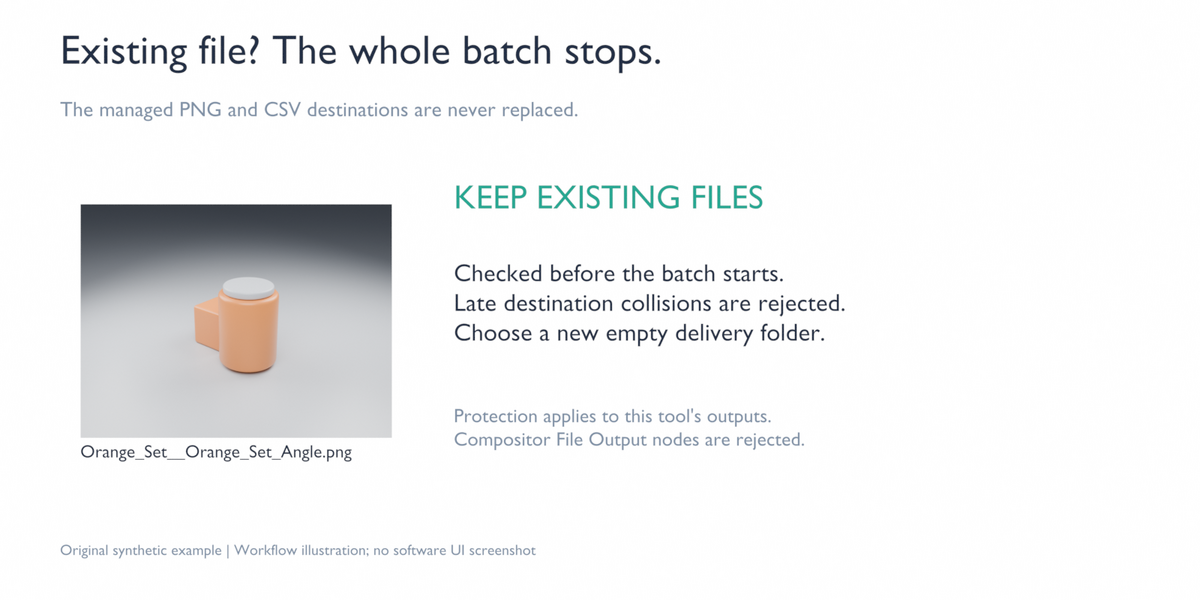
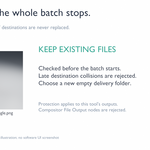
An existing managed PNG or CSV causes the batch to stop before it begins. A destination file that appears later is rejected by the exclusive copy step. Choose a new empty folder for a repeat delivery.
Compositor File Output nodes are unsupported, including nodes inside groups, because they can write outside this delivery. Protection applies to this extension's managed PNG and CSV destinations. The extension does not sandbox project scripts, drivers or third-party handlers.
The CSV is a delivery record. It does not inspect the visual accuracy of geometry, materials or colours, approve a client's product, detect changes/deletions after delivery, or verify an external client's list of required views.
INCLUDED EXAMPLE
An original synthetic product scene set with two scenes and two cameras per scene. The four-view example illustrates the output, fixed naming and CSV. It is not a customer project or a measured time-saving claim.
NOT INCLUDED
Filename templates, automatic SKU/variant/material generation, JPG/EXR exports, animations, baking, render farms, Drive or shop publishing, visual quality control, instant cancellation, crash recovery, or a promise of compatibility with future versions.
LICENCE AND SUPPORT
GPL-3.0-or-later, with source and licence included. Support covers installation and reproducible extension issues on the exact Blender versions and operating system listed for your package. Our target is an initial response within 72 hours, not a guaranteed resolution time. Support does not include creating customer scenes, art direction, custom development, render farms or unlisted-version compatibility. No perpetual-update or future-version promise is made. Refund requests follow the marketplace's applicable rules. Please use the marketplace support channel with versions, reproduction steps and error text, excluding confidential client material.
