Render Delivery Helper — Multi-Scene PNG Delivery
 CitrusDigitalStore
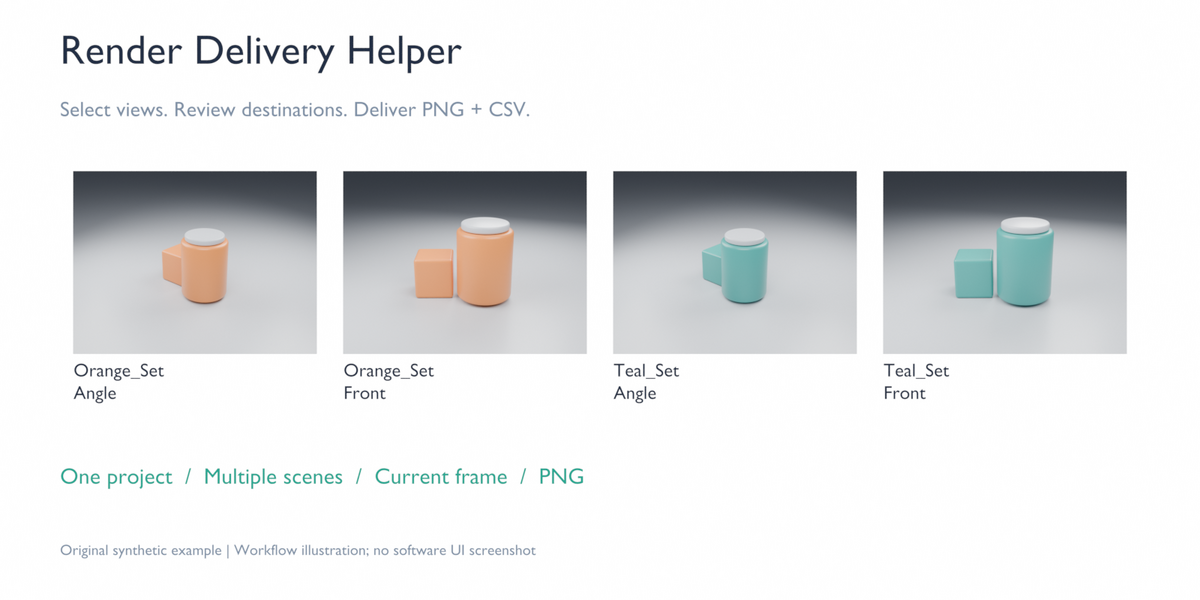
BEFORE YOU BUY
Use Windows x64 with exact Blender 4.5.14 LTS or 5.2.2 LTS. The two releases use separate extension ZIPs. Other versions, macOS and Linux are not supported. Original local CPU examples were tested; GPU and customer production projects have not been tested.
INSTALL THE MATCHING EXTENSION
Download the matching standalone extension ZIP or extract it from render-delivery-helper-windows.zip. The complete bundle includes the Quick Start and original example. Select extension 0.2.0 for Blender 4.5.14 or 0.2.1 for Blender 5.2.2. In Blender, open Edit > Preferences > Get Extensions > Install from Disk. Select the matching extension ZIP and enable it. Do not install the outer bundle or a Blender program ZIP. In the 3D View, press N and open Delivery.
PREPARE A DELIVERY
Open your configured project or the included original example. Scenes and cameras must exist. Each view uses its scene's current frame, resolution and camera settings. Choose an existing empty folder. Compositor File Output nodes, including nodes in groups, are unsupported.
REVIEW AND RENDER
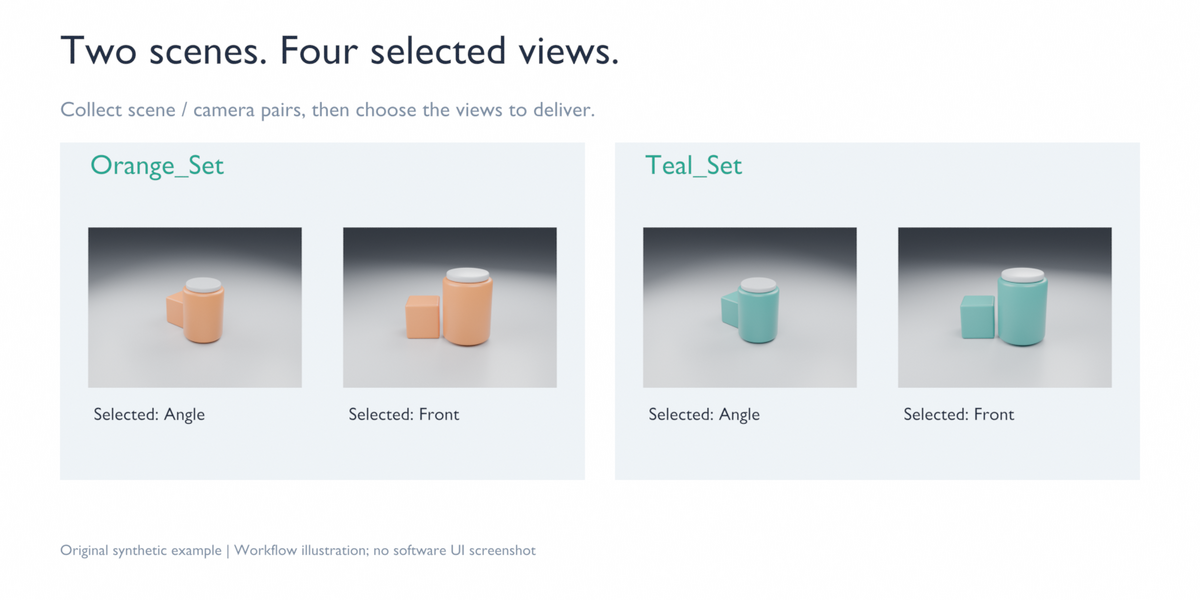
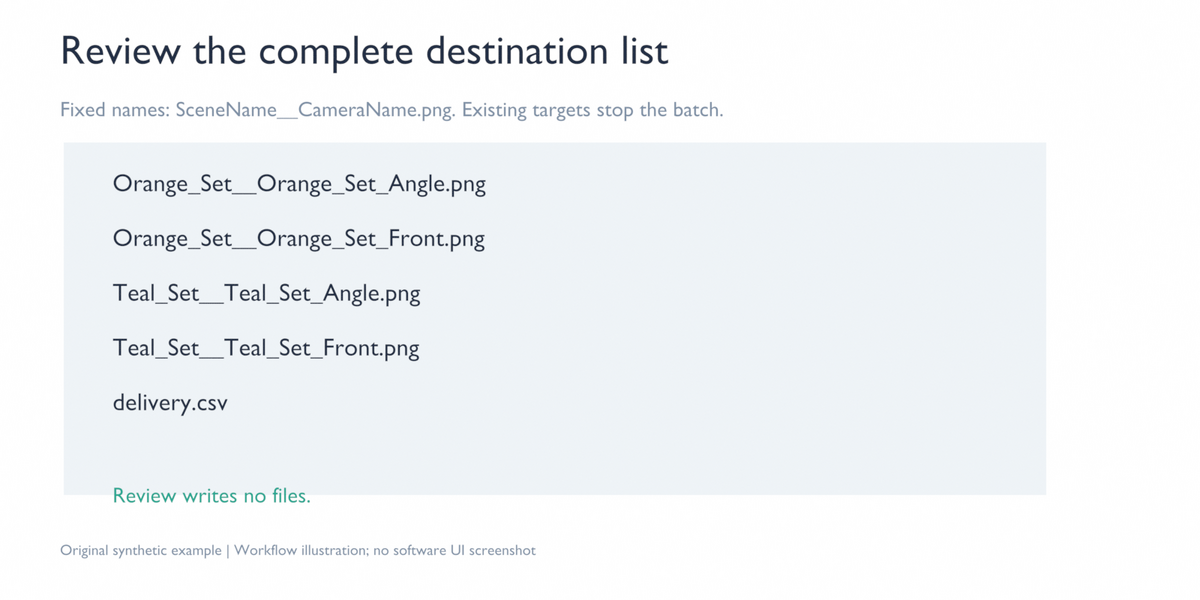
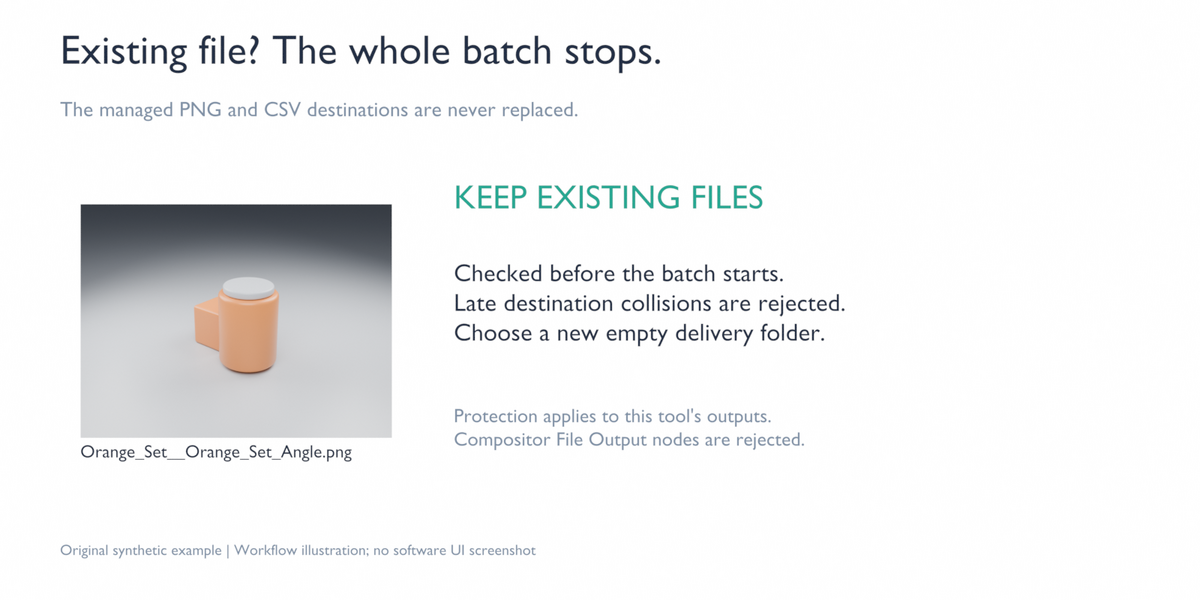
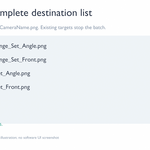
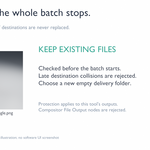
Click Collect Scene / Camera Pairs and choose explicit pairs. Click Review Destinations and confirm the complete destination list. Names are fixed as SceneName__CameraName.png after filename-safe normalization. Duplicate normalized names and existing managed PNG/CSV destinations block the batch. Choose a new empty folder for every repeat delivery.
Click Render Selected Views. Each image renders synchronously, so Blender is busy during that image. Stop and Esc act between views, not instantly during an image. If a later view fails or you stop the batch, completed images remain.
READ THE DELIVERY
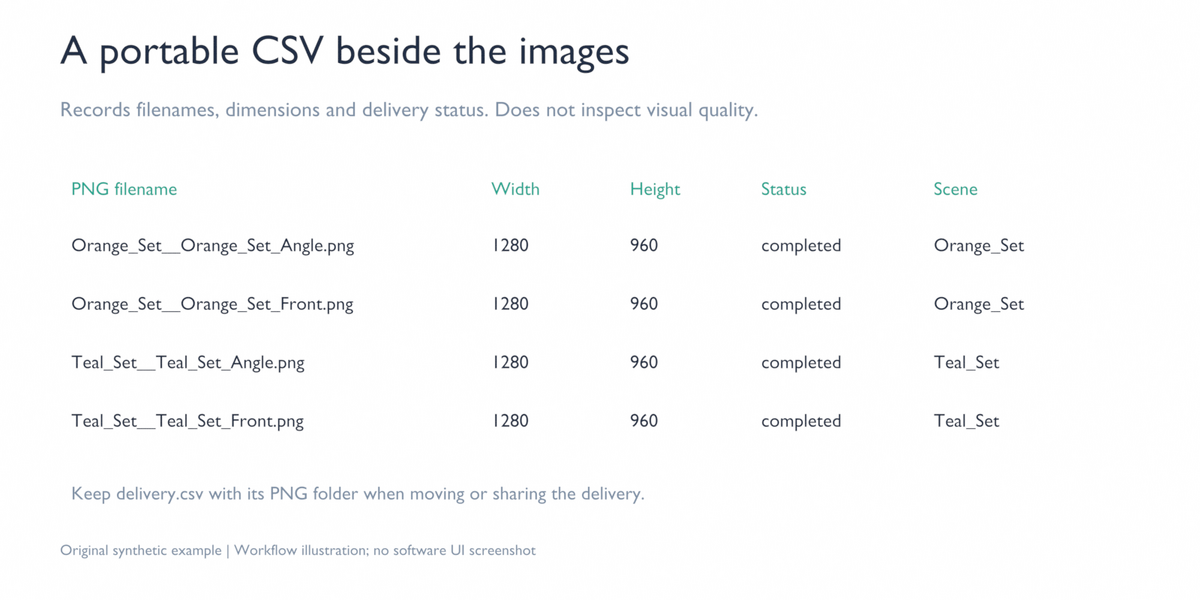
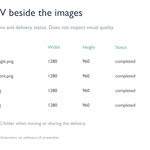
Keep delivery.csv with the PNG files. The CSV uses relative filenames and records the scene, camera, dimensions and status. Completed rows contain dimensions read from the rendered PNG. Other statuses do not establish that an image was delivered and may show the planned scene resolution.
The CSV does not assess visual quality, compare against an external customer's required view list, or detect later file changes/deletions. File protection covers the extension's managed PNG/CSV destinations; it does not sandbox project scripts, drivers or third-party handlers.
TROUBLESHOOTING
If installation fails, confirm the exact Blender version and choose its extension ZIP instead of the outer bundle. If a delivery is blocked, check for existing destinations, normalized name collisions and compositor File Output nodes. Use a fresh empty folder rather than deleting existing work automatically. For an issue, provide the version, steps and error text through marketplace support without confidential client content.
LICENCE AND SCOPE
GPL-3.0-or-later; source and licence are included. No filename templates, JPG/EXR export, animations, baking, farms, cloud/shop publishing, instant cancellation, crash recovery or future-version compatibility are included.
Have questions about this product?
Login to message
| Blender Extension Compatible | Yes |
| Published | 11 days ago |
| Blender Version | 5.2 |
| Extension Type | Add-on |
| Render Engine Used | Cycles |
| License | GPL |

Discover more products like this
product-visualization delivery csv render delivery batch render png export camera views