 ZEG
ZEG


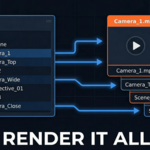
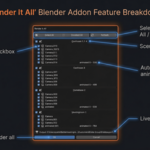
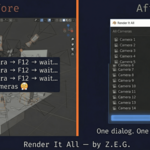
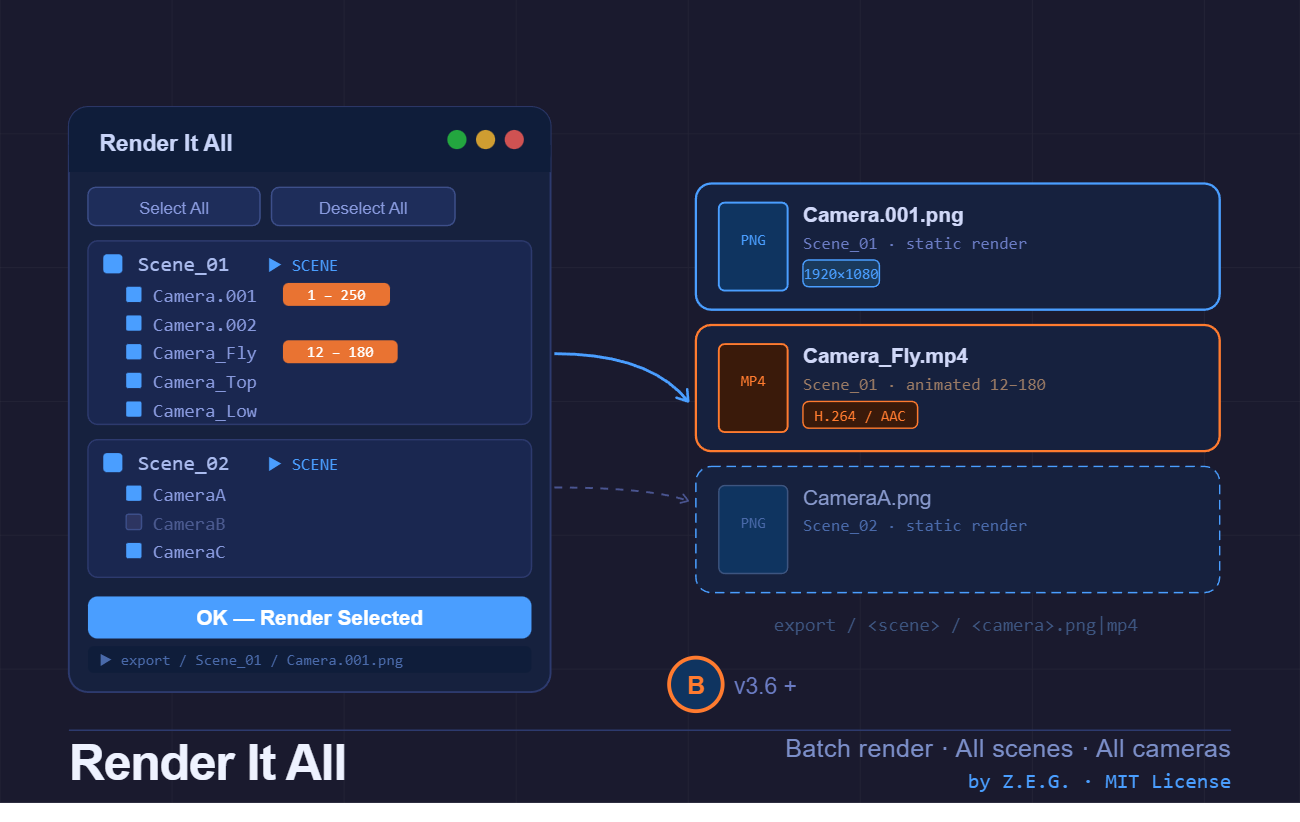
Render It All is the missing batch-render tool for Blender. Instead of manually switching cameras and hitting render one by one, this addon gives you a polished dialog listing every camera across every scene — check what you want, click OK, and walk away.
What it does
- One dialog, everything visible — A hierarchical tree shows Scene → Cameras. Tick or untick anything in seconds.
-
Animated cameras detected automatically — Keyframe ranges are scanned on open. Animated cameras render as
.mp4(H.264 / AAC); static cameras render as.png. -
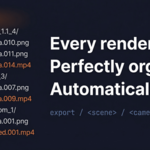
Organized output — Files land in
export//.png|mp4right next to your.blendfile. No manual folder setup required. - Non-destructive — All original scene settings (camera, frame range, output path, codec) are fully restored after each render.
- Scene-level toggle — Click a scene name to enable/disable all its cameras at once.
- Refresh on demand — Added a new camera mid-session? Hit Refresh to rescan without closing the dialog.
How to use
- Save your
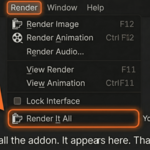
.blendfile - Go to Render menu → Render It All
- Check/uncheck scenes and cameras in the dialog
- Click OK
That's it. Output files appear in the export/ folder next to your .blend.
Requirements
- Blender 4 or newer
- FFmpeg codec support (included in all official Blender builds)
