


Render Manager Addon Renderset

polygoniq in Addons


Summer of updates information banner

Why renderset?

Effortlessly create and manage scene variations. Instantly switch your scene setup using renderset contexts. No more duplicating collections and objects.
Different Scene Variations Demonstration
Batch Rendering
Store Almost Any Blender Property Demonstration

How renderset works?

Your settings and information about the scene are stored in renderset contexts. These are saved in your .blend file, and you can easily switch between them through the renderset UI.
How renderset works demonstration

Different scene contexts

Save shots from different views with various settings for cameras, HDRIs, render settings, visibility options or any other custom properties.
Scene Context Demonstration

Batch rendering

Render all contexts at once, renderset will take care of naming all files based on its comprehensive output system.
Batch Rendering Demonstration

renderset features

Store Anything

Right click almost any property and store it in renderset, including custom properties for objects, meshes, ...
Renderset Feature Store Anything

Comprehensive Output Naming

Set up your render outputs to be organized and named exactly how you want. Use variables to include properties of the scene in names.
Renderset Output Naming

Multiedit

Edit multiple contexts at once, showing a preview of the changes before applying them.
Multiedit

Render Previews

Render a quick preview of your scene using workbench or resolution and samples multipliers without affecting the scene settings.
Render Previews

Save & Pack

Save your scene with all packed external files including IES textures, ready to be sent without missing files.
Save And Pack

Compositor File Outputs

Take advantage of compositing to the fullest. Renderset handles all file output nodes for you across different contexts.
Compositor File Output
Turbo Tools Support

Turbo Tools Support

With one click renderset allows you to switch to Turbo Tools rendering operators.

Available Licenses

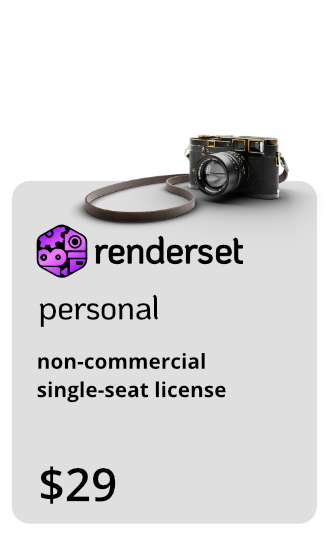
License: Personal
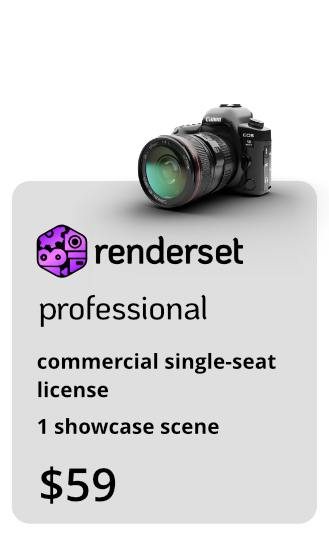
License: Professional
License: Studio

Start Learning

All our products are well documented
and it is the best starting point to learn.

About Us

We are polygoniq,
our mission is to provide high quality, affordable and easy-to-use products for Blender users.

We are a small team of artists and developers who are passionate about creating tools that help artists bring their visions to life.

We offer visualisation services, create optimized asset packs and develop custom solutions and pipelines tailored to your needs. Interested in working with us?

We Care!

We donated more than $50K to the Blender Foundation over the years.
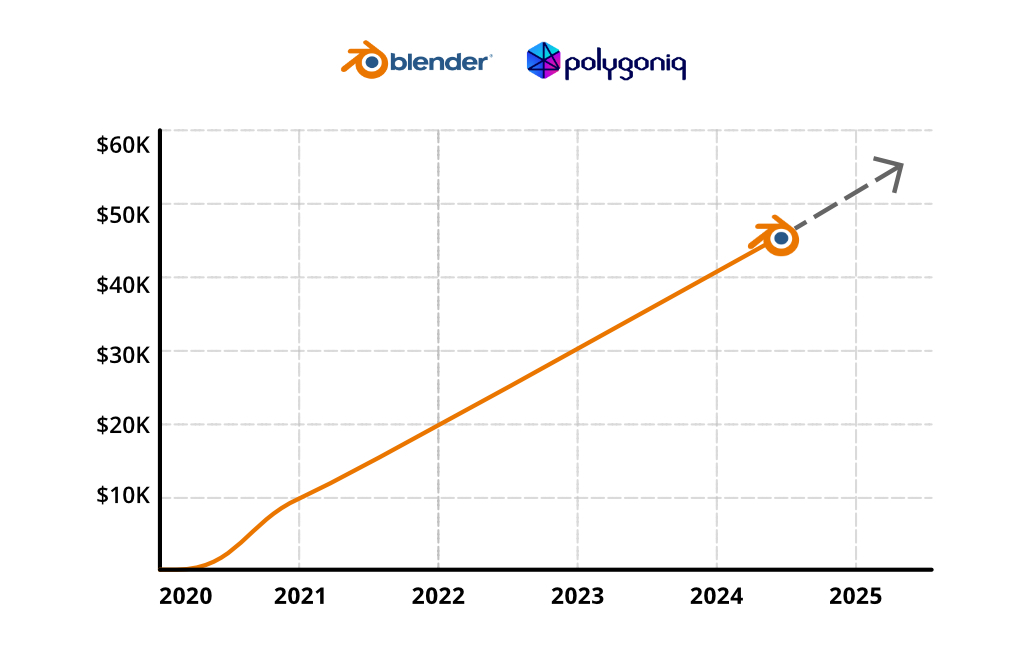
blender stonks

Frequent Updates

renderset already got 18 updates.

2026/04/23: renderset 2.3.0

Changelog

Added option to store Compositor node trees across render contexts in Blender 5.0+. Added several Output Path Variables related to render resolution and Camera Render Region. Added UI controls for Camera Render Region properties to renderset panel (visible if Camera Render Region is enabled). Improved Save & Pack functionality, simplified naming of packed IES textures.

Fixes

Datablocks stored in inactive render contexts won't be purged as orphan data. Setting a stored datablock value to None (e.g. emptying a material slot) won't affect the stored values in other contexts. Fixed broken stored properties after reverting a blend file. Fixed possible invalid Render Pass values in post-render actions. Fixed Save & Pack crashes.

2025/12/17: renderset 2.2.1

Fixes

All render passes are correctly exported when using Turbo Tools X. Context rendering is canceled when using Turbo Tools X and it's operator fails.

2025/12/05: renderset 2.2.0

Changelog

Everything should be Blender 5.0 compatible (EEVEE identifier, compositor related changes, media type changes, ...). Contexts created in 4.X are correctly migrated to Blender 5.0. Added missing render passes (Position, Grease Pencil, Shadow Catcher). New: Added buttons in preferences for saving renderset options into Startup file or copying them into another scene. Fixed a renderset UI error when an additional scene is created.

And more...

Thank you!

Our addons have been our undisputed core business and it wouldn't be possible without your support and feedback!

polygoniq would not exist without our users and we'd just like to say we're very grateful.

Truly.

www.polygoniq.com
Polská 22, Prague 2, 120 00 Czechia
Icons by Icons8

  • non-commercial single-seat license

    $22.22
  • commercial single seat license

    $44.44
  • commercial multi seat license

    $89.99
$22.22

Support Period Included

Includes 12 months of

Extend this product’s Support Period +12 months: 50% of product price

Have questions before purchasing?
Login to message

Details
Blender Extension Compatible Yes
Sales 2400+
Rating
41 ratings
Dev Fund Contributor
Published about 6 years ago
Blender Version 3.6 - 5.2
Extension Type Add-on
Render Engine Used Cycles, Eevee, Luxrender, Octane
License GPL