 Orange Turbine




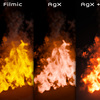
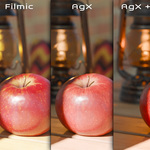
COLOR GRADING & CAMERA EFFECTS FOR BLENDER
Render better colors
Are your renders too dull, washed out, or not the right hue? Need more contrast or to accentuate the details? This seems like it should be easy in Blender, an app specifically for art and design, but it is very much not. The topic of color is surprisingly complex and trips even the best artists up.
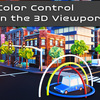
I made Render Raw so you and I could have full, instant, and intuitive control over the final colors in your images and animations, right within Blender.
★★★★★
The addon can only be described as life changing. I cannot go back from this workflow. Having this level of granular color correction in the viewport is now an essential part of my workflow!
Samuel Lemmon
★★★★★
Absolute game changer for professional work. Vibrant, accurate colours, unobtrusive execution, huge amount of options should you want them. A massive time saver from processing in Photoshop. [...] Can't believe it took me so long to find! Worth every penny.
Adam Burke
★★★★★
One of the best add-ons, I use it in every scene. Couple clicks and beautiful renders. Thanks for this. I turn it off and wow, vanilla blender in the face!
vorocity
★★★★★
How could I even work without this plugin?
Marc
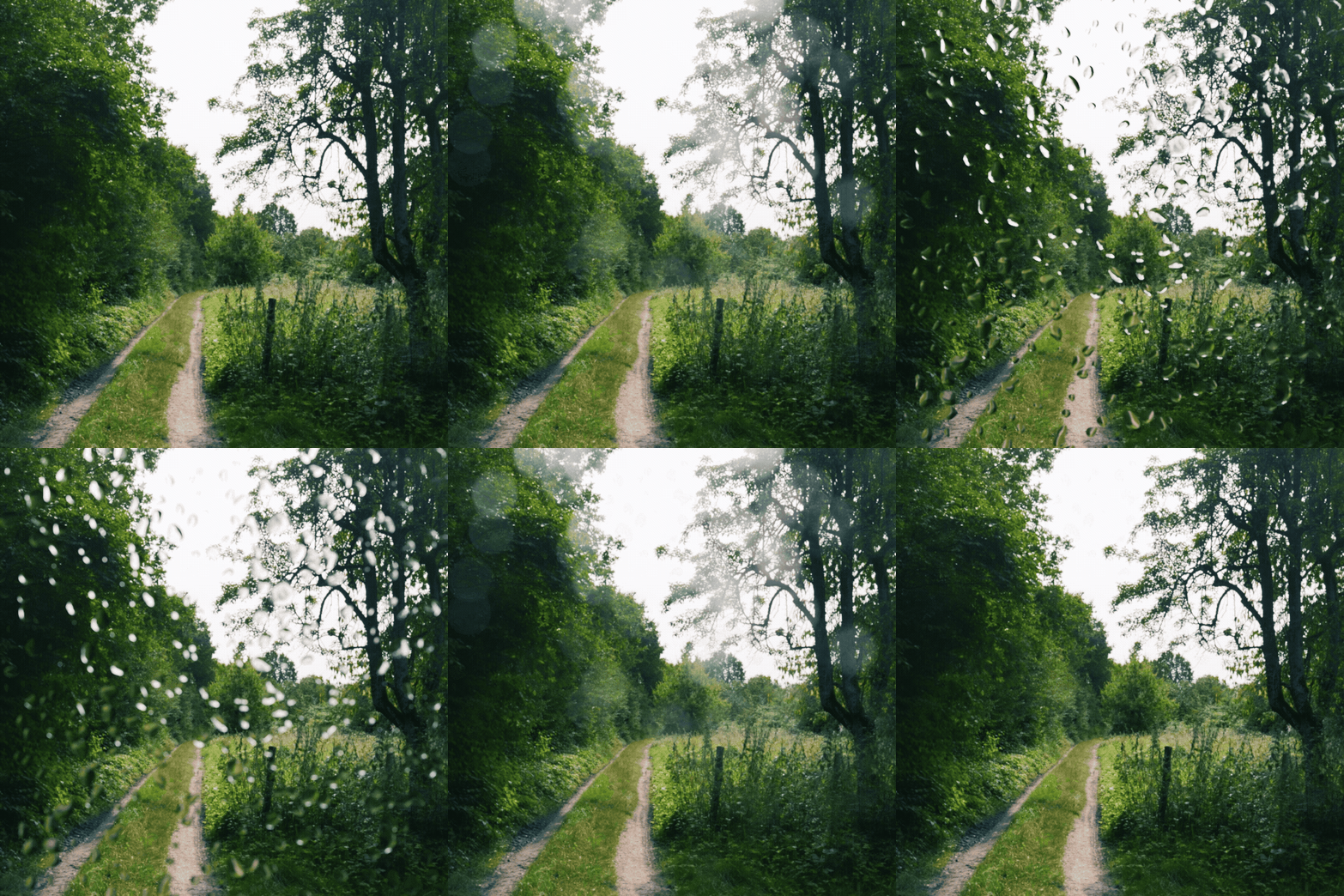
(Besides all the color stuff, we also have sick camera effects)
Render Raw is Blender’s first fully featured professional color pipeline. You can enable it in one click, and it solves three key problems:
1. Exporting is destroying image quality and wasting your time
When most artists export an image to adjust it in another app, they severely limit how far adjustments can be pushed without breaking the image.
Since Render Raw works directly in Blender, all color adjustments run on the render’s full uncompressed, 32 bit raw image. This level of control simply isn’t possible in even the best image or video editors without a lot of technical setup… if at all.
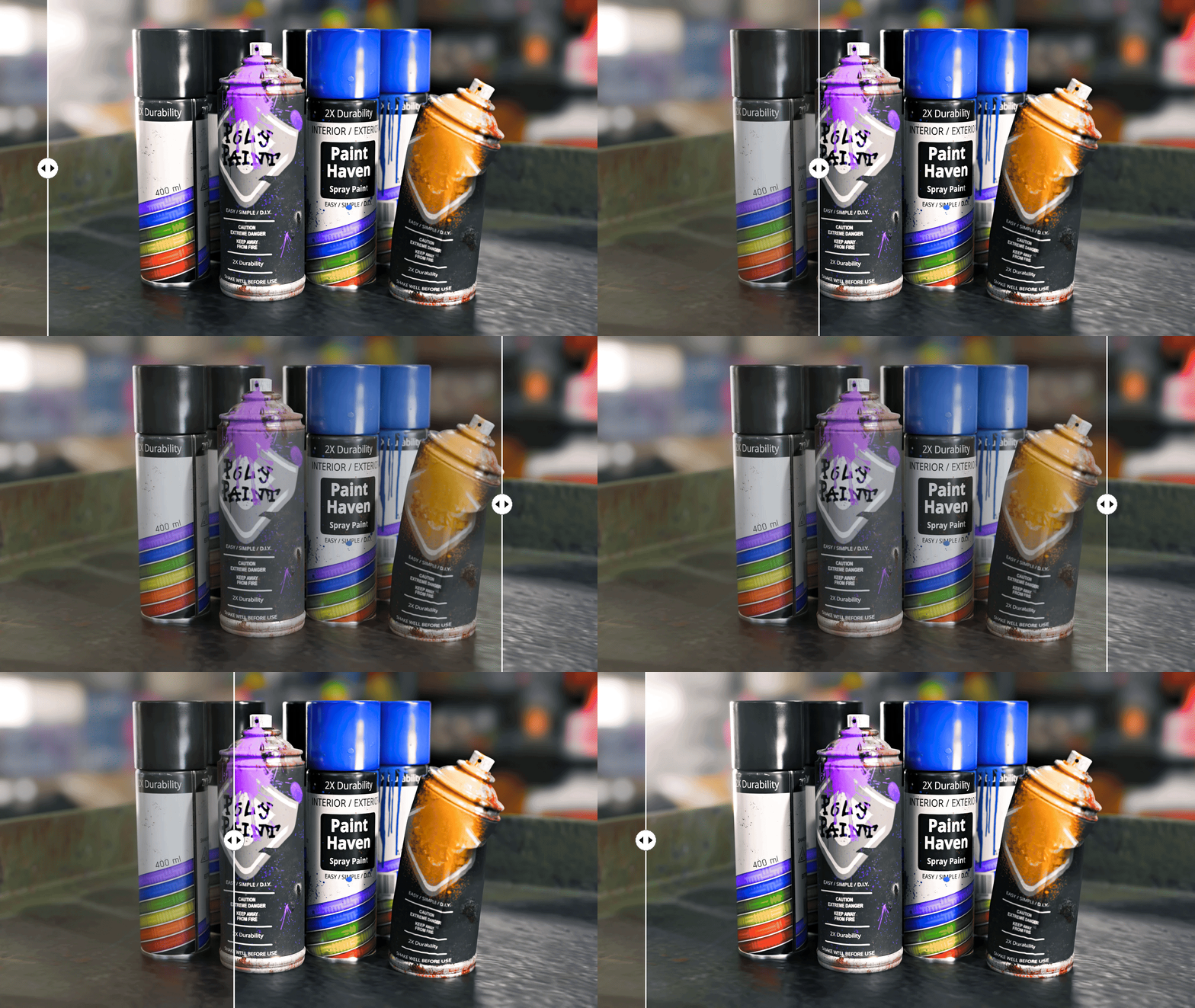
Plus, you’ll be able to make your adjustments live in the viewport before rendering, saving you from hours of re-rendering.
★★★★★
Wow. Lightroom directly in Blender. That is a huge timesaver, because it saves the process of editing the image after every re-render. It just comes out of the box. :) One of the most useful addons I have bought so far.
Torsten Wagner
★★★★★
Who boy! I've been waiting for something like this. Coming from a photo background, I have been struggling with color management, exposure, etc in Blender. Yes, you can do a lot with compositing nodes. Yes, you can bring it into Photoshop (or other post editor), but there are always a lot of steps and trial and error. Render Raw treats the render like I would a raw camera file. Easy to use, fun to play with. And, awesome results!
Matt McKee
2. Most color effects are broken
Having a poorly implemented color effect, or even a great effect at the wrong place in the pipeline, is about as useful as not having one at all. In Blender, you have to build your own from scratch, often using lots of math nodes, and carefully consider which color space it is being used in, how transparency is handled, what order it is placed in with the other effects, how to handle extreme values, and so much more. Not with Render Raw.
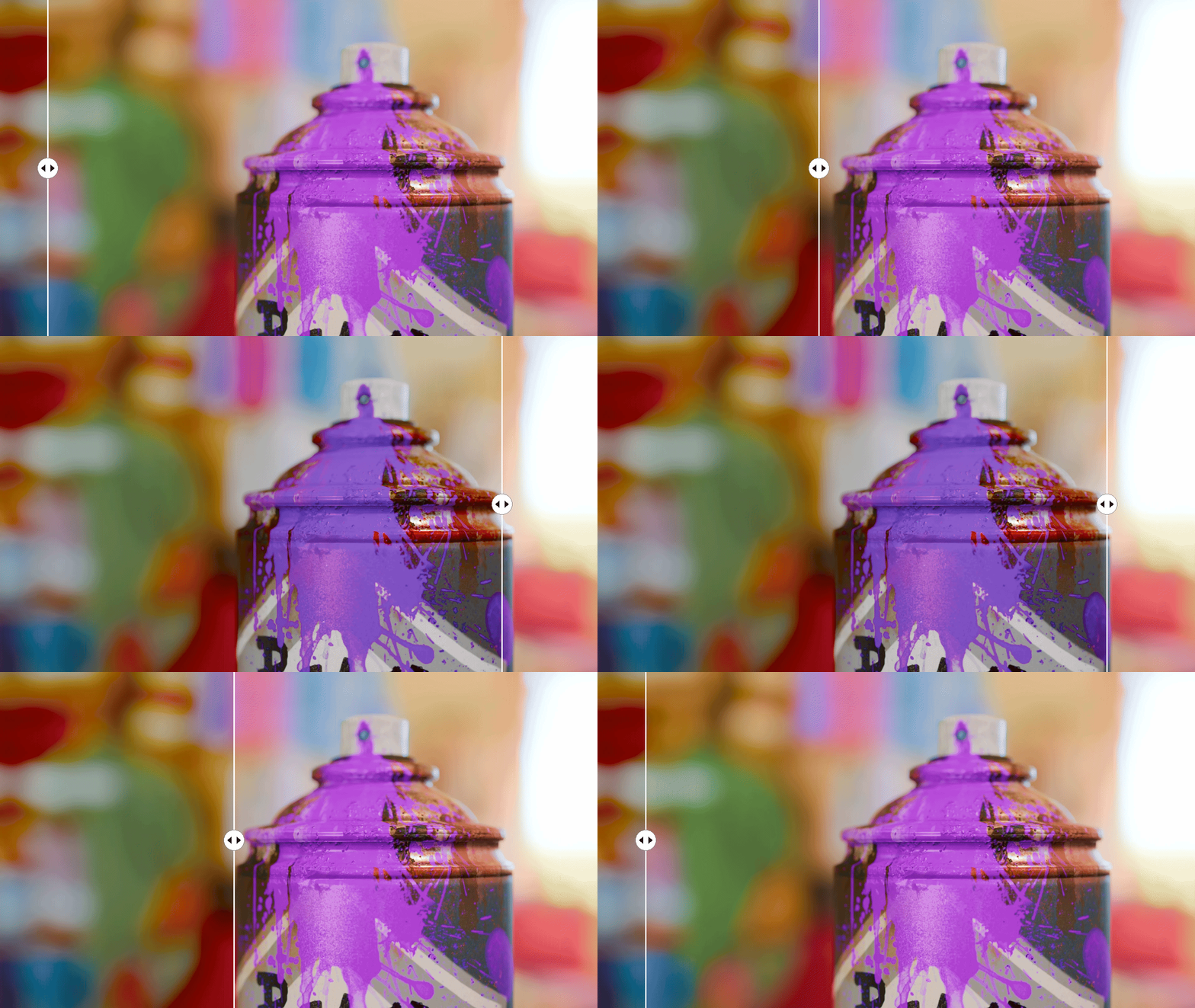
Pretty much all of the other tools and assets you see for Blender are made for use in linear space, which severely limits what they can do. Render Raw creates the whole pipeline for you under the hood, and its effects are applied in whichever space is most appropriate - linear, log, or display.
With Render Raw, you don’t have to worry about color spaces and can simply play with sliders, focusing on achieving your creative vision. It works exactly like you expect and aligns with the pipelines of Nuke and Resolve, giving you the top industry standard results in an extremely easy to use interface.
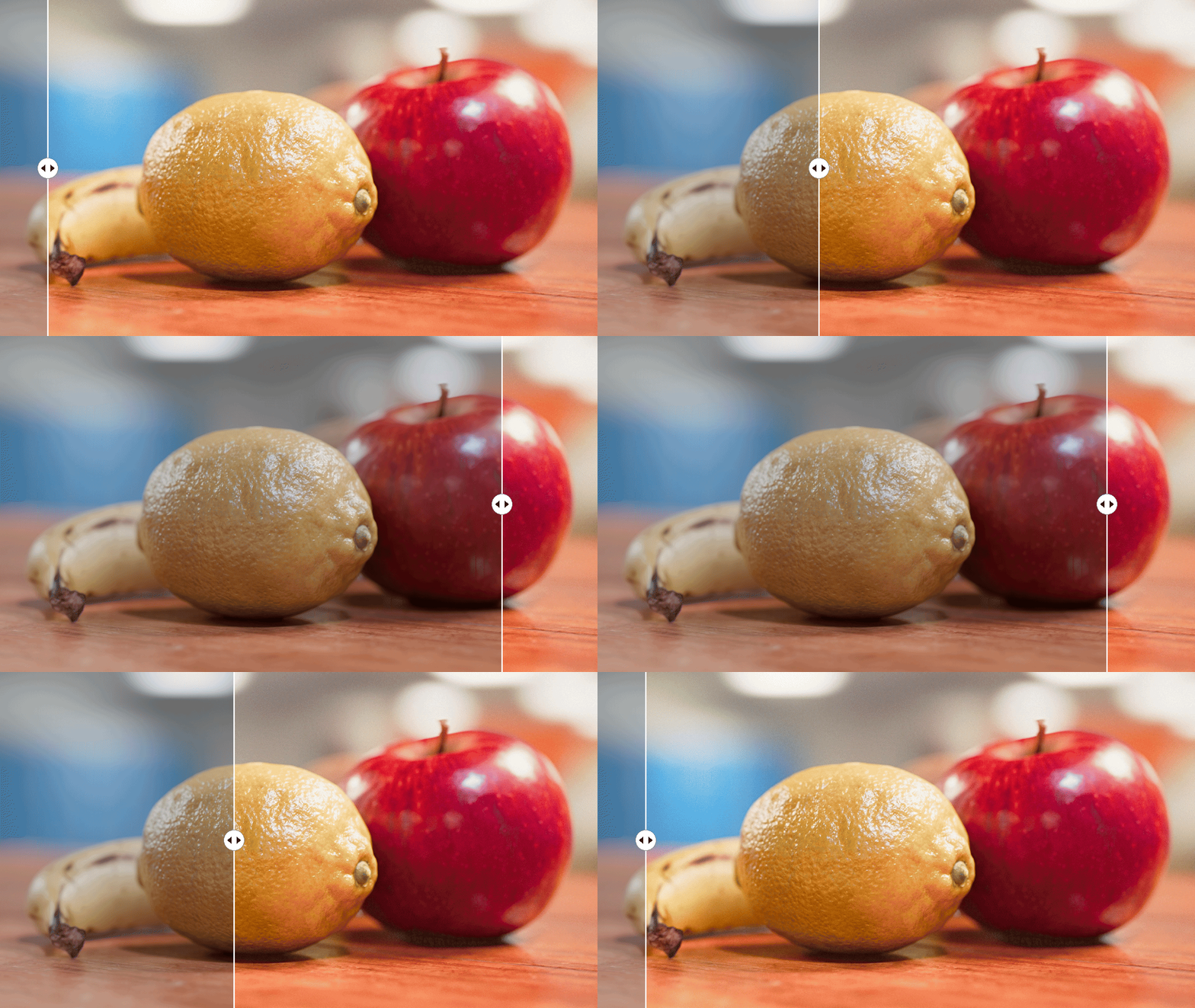
Render Raw’s color controls take inspiration from and are modeled after traditional film development, making beautiful filmic renders easy to achieve. But unlike basic film emulation, Render Raw lets you go beyond what’s physically possible and gives you complete artistic control over your final output.
★★★★★
I always knew something was missing from my life, and this was it. Finally, I can make the colors pop, and basing it off of Davinci Resolve was brilliant — a must-have for Blender users.
Richard DeFilippo
3. The default workflow is too slow
Despite the clear benefits, a lot of artists don’t adjust their colors in Blender because it’s a hassle to set up. All of Render Raw’s color tools are placed right in the 3D View sidebar, the Properties editor, and the Compositor - wherever you like to work. Using an effect is as simple as adjusting a slider, and any effect not used has zero impact on render times. You never have to open the node editor unless you really want to.
★★★★★
I have been using Render Raw for a few months now, on a professional setting, and couldn't recommend it enough!! Very few add-ons never get disabled for me (I enable on a per-need basis) and this is 100% one of them.
Nathalia Tappan
Here's what you’ll find in Render Raw
Great values
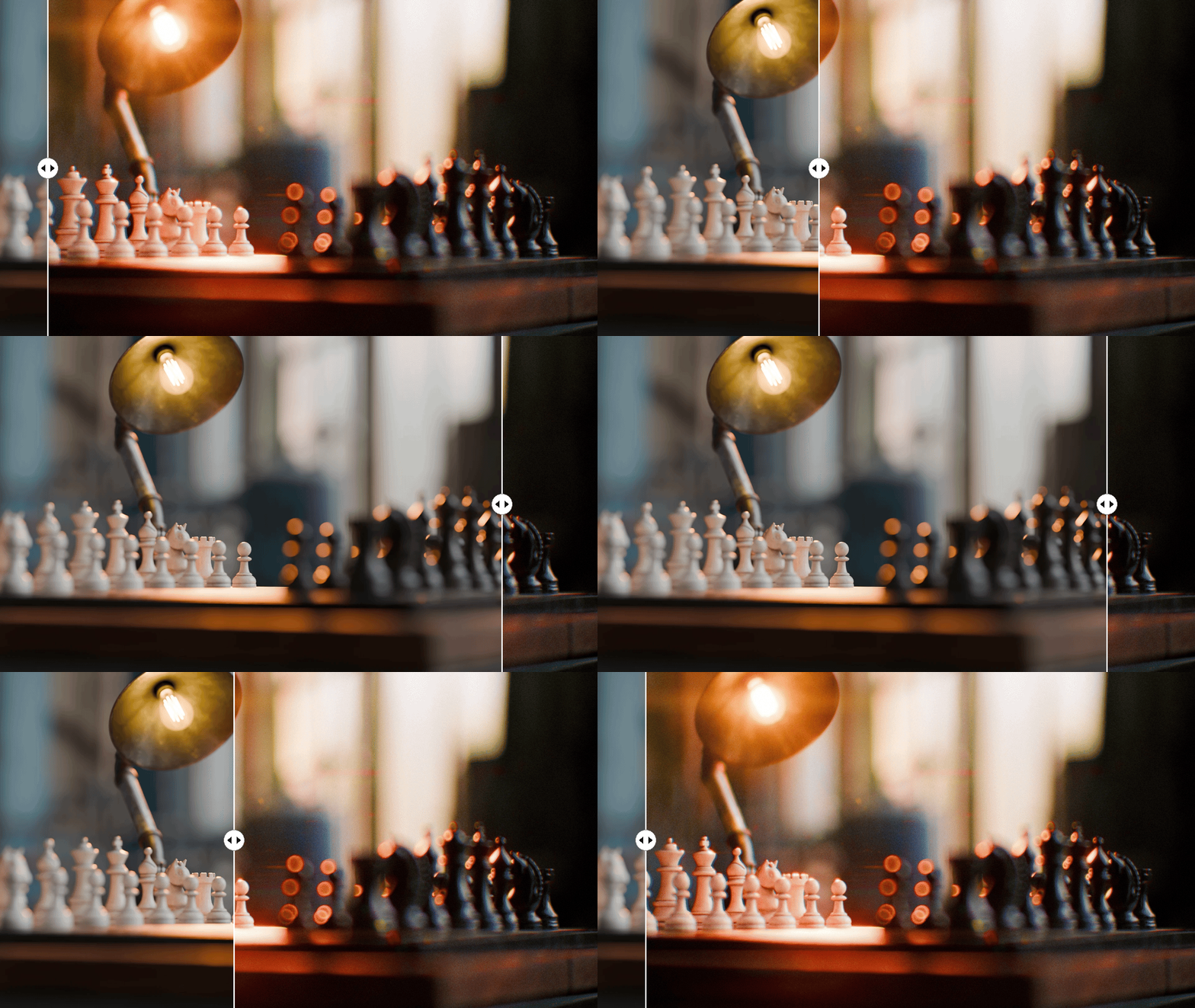
The value controls help you dial in how bright or dark each part of your scene is. The Contrast adjustment is incredibly flexible and can easily deliver advanced results with our additional midpoint, skip bleach, shadows, and highlights options.
You can make details pop or melt with customizable Sharpness, Texture, Clarity, and Bleed effects.
The Levels and Curves controls allow you to take full control of your values. Curves behave familiarly like any photo editing app and are in sRGB by default, while advanced users can switch over to linear or log for less destructive edits.
If you ever want to check if you're pushing things too far, Render Raw includes a clipping overlay and an EEVEE viewport histogram.
★★★★★
This addon works perfectly and has significantly improved both my speed and final output quality. A fantastic and reliable tool. Highly recommended!
Predrag
Color them impressed
Render Raw’s advanced Saturation and Color Boost sliders allow you to make your scenes as vibrant as you’d like without breaking the image or causing clipping. The default is a natural, subtractive style saturation modeled after film printing, with the option to instead preserve perceptual brightness (using OKlab) if that’s more your style.
Render Raw also comes with the full suite of color tools, from the classics like Lift, Gamma, Gain and Offset, Power, Slope, to targeted Hue, Saturation, and Value adjustments that give you more control than any other app.
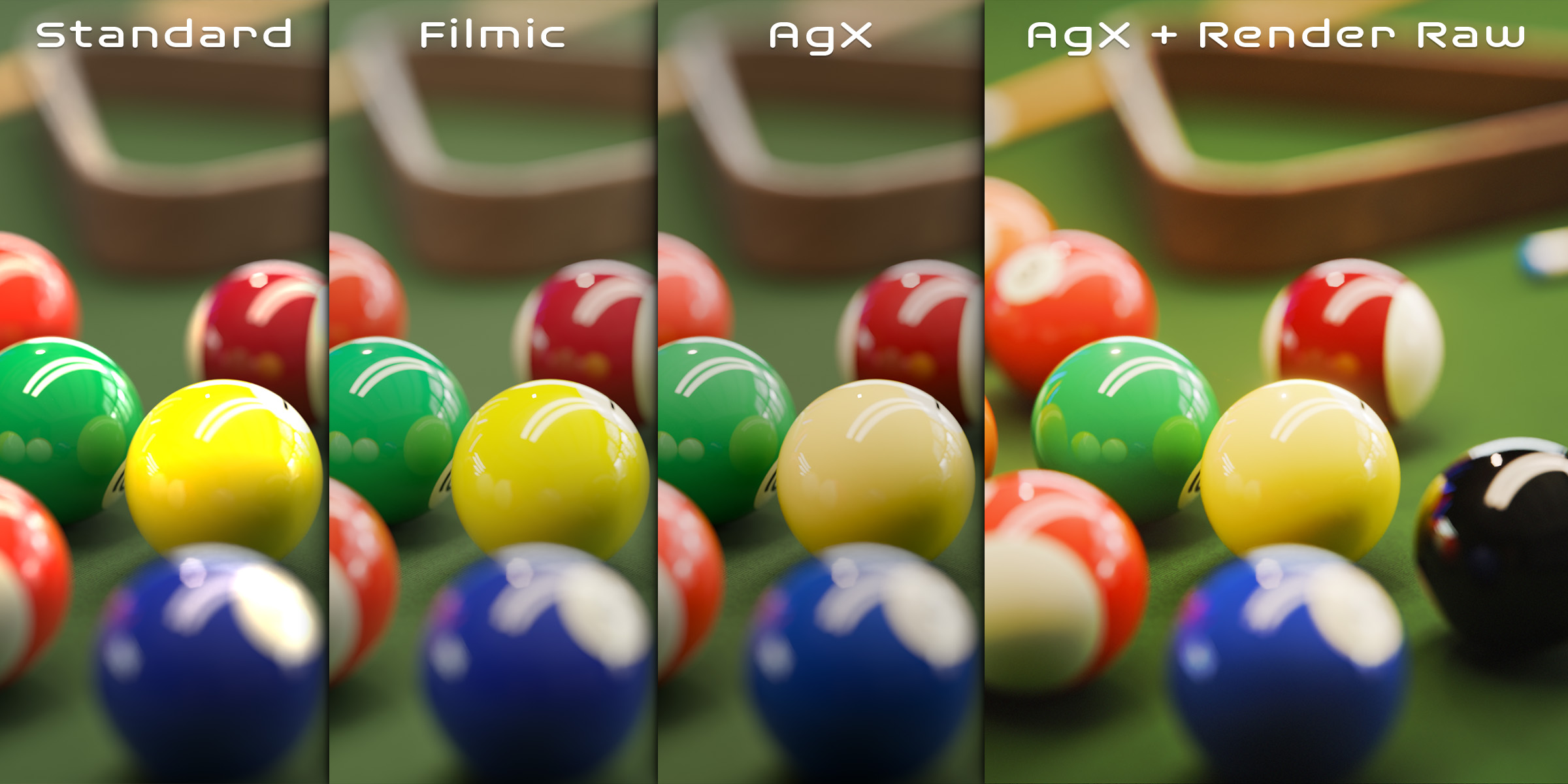
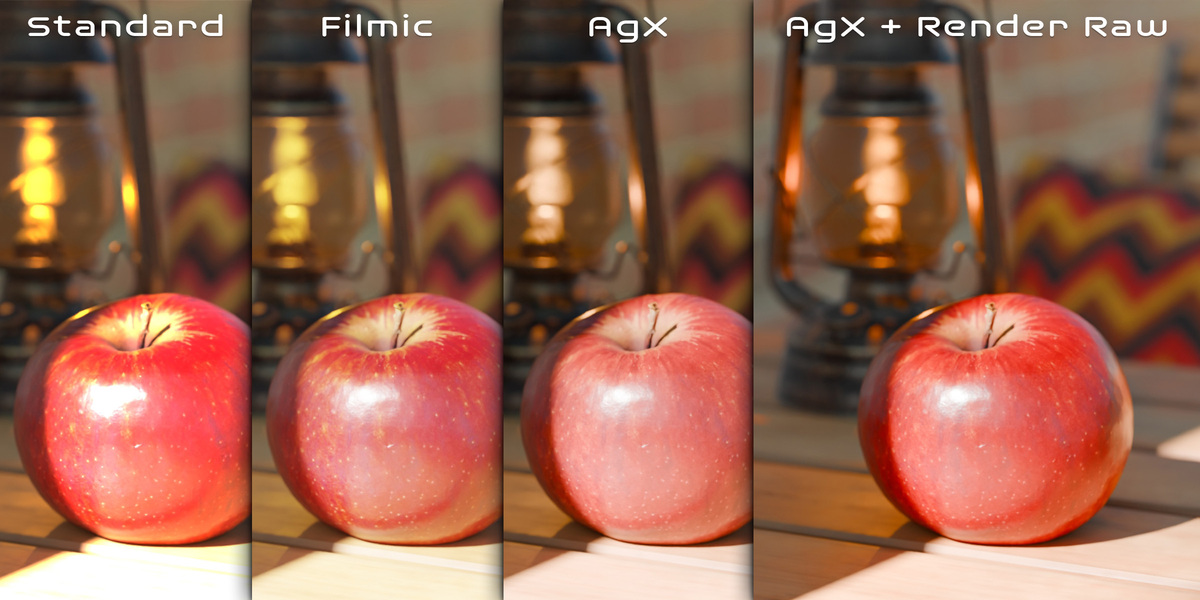
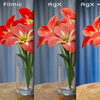
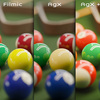
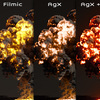
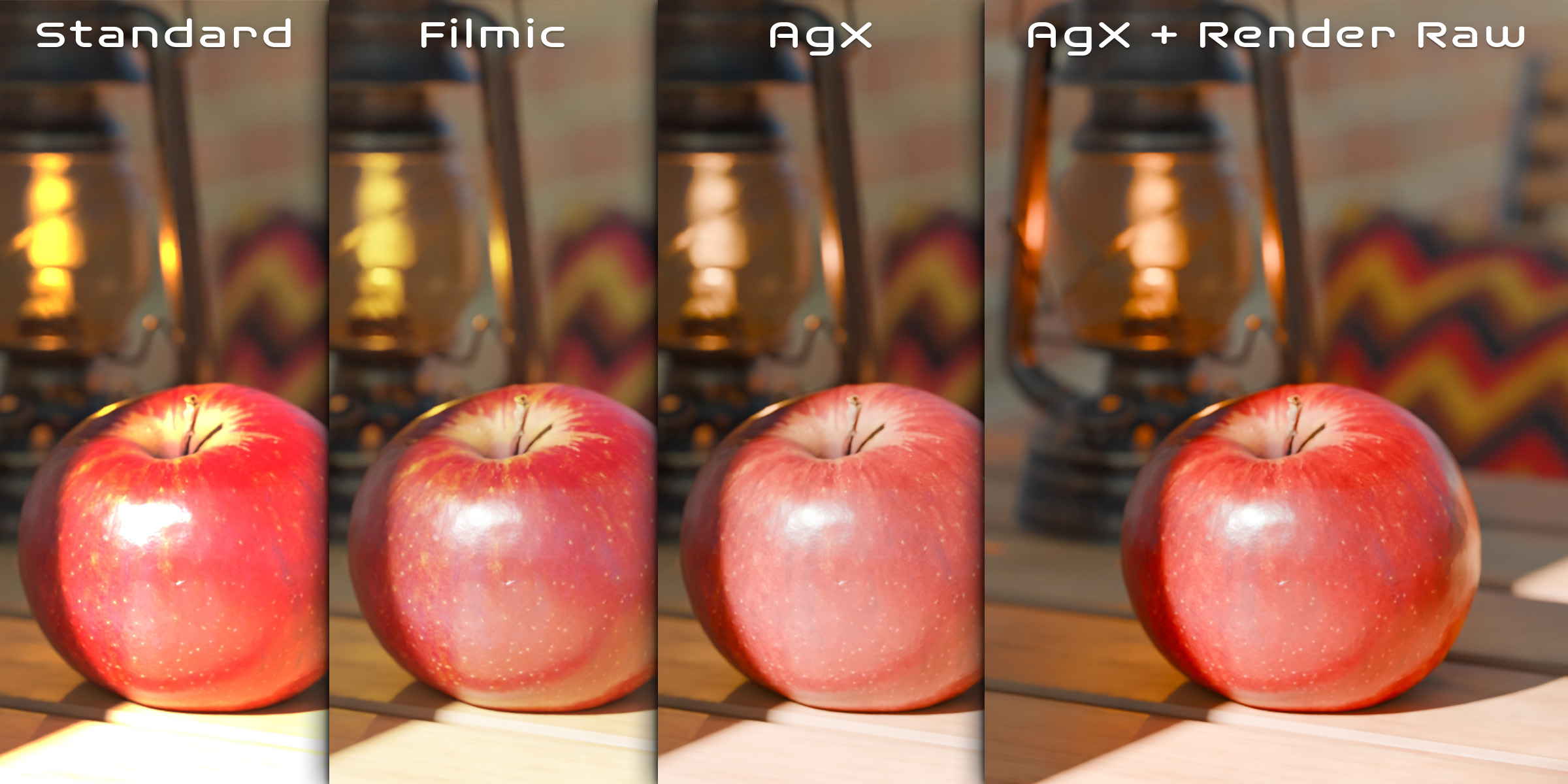
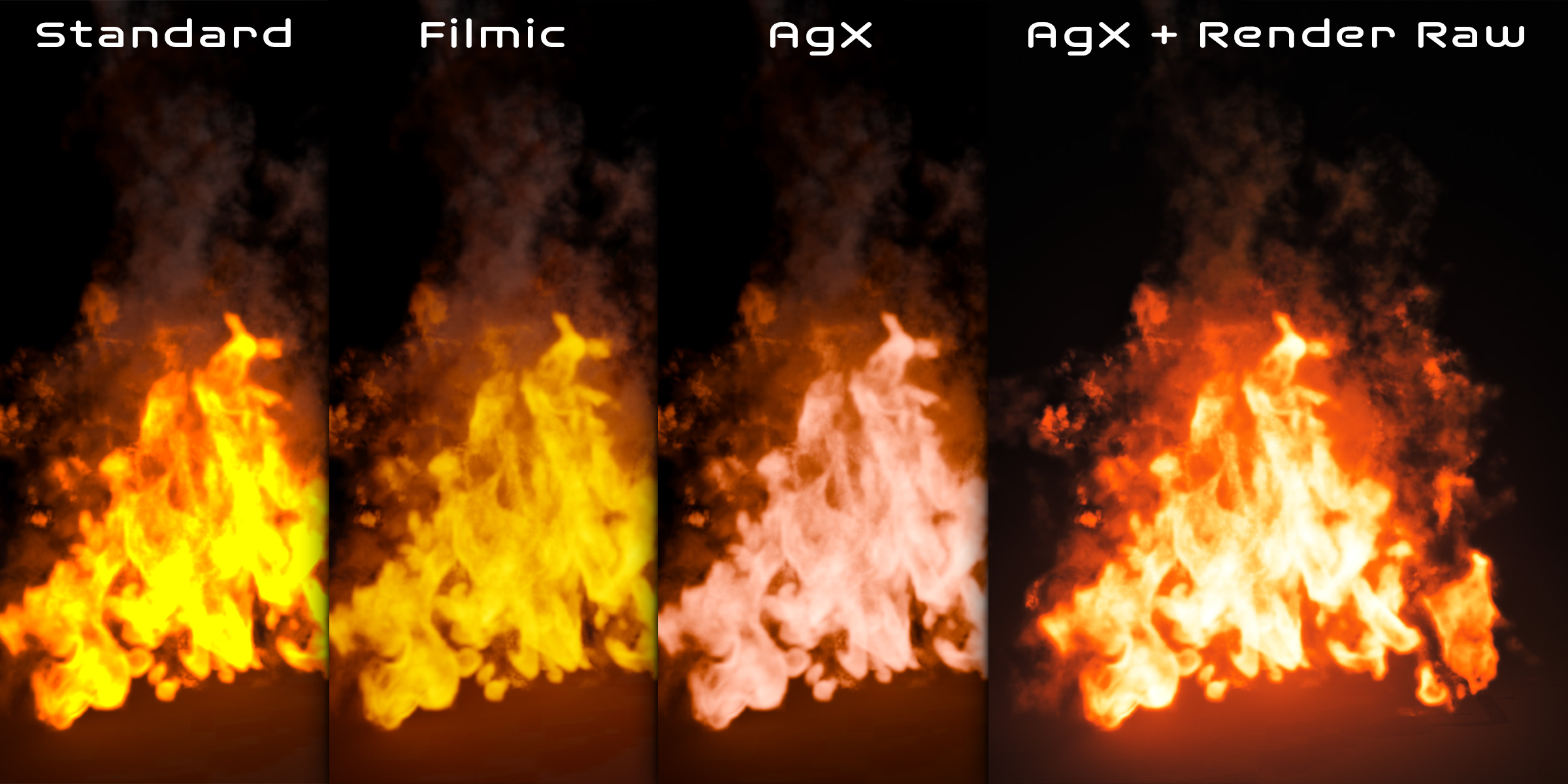
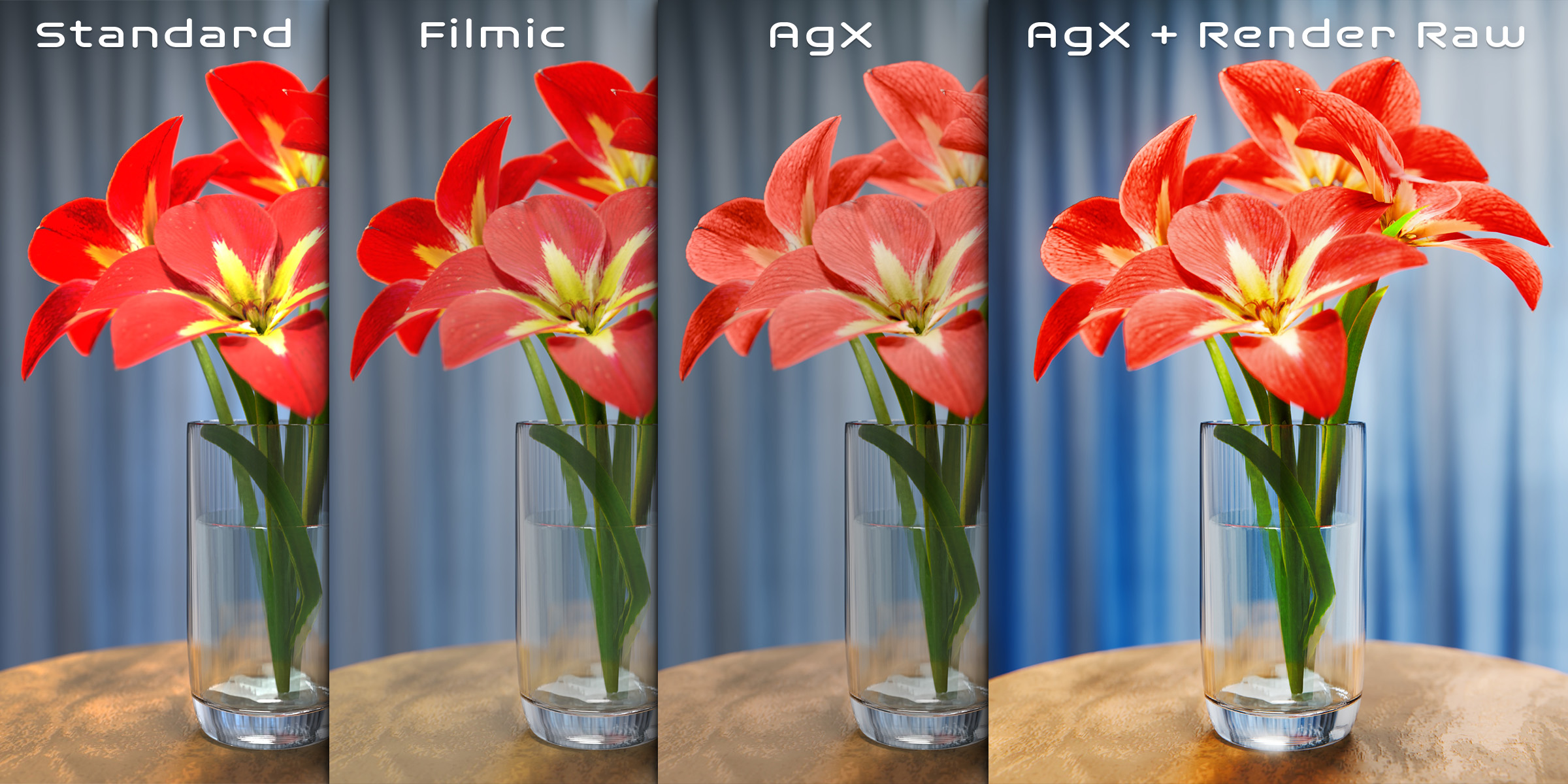
One fully unique feature in Render Raw is the ability to mix and match view transforms. Need Standard for exact texture colors in the shadows and midtones but have AgX softly roll off the highlights? There are no rules here, go nuts.
★★★★★
I've been using this plugin for over a year, and it's honestly one of the best tools for achieving professional color grading directly inside Blender. It saves me from having to jump into DaVinci Resolve or any other software. Everything I need for a professional color workflow is right there in Blender. Highly recommended!
Jonathan Montoya
Top tier effects
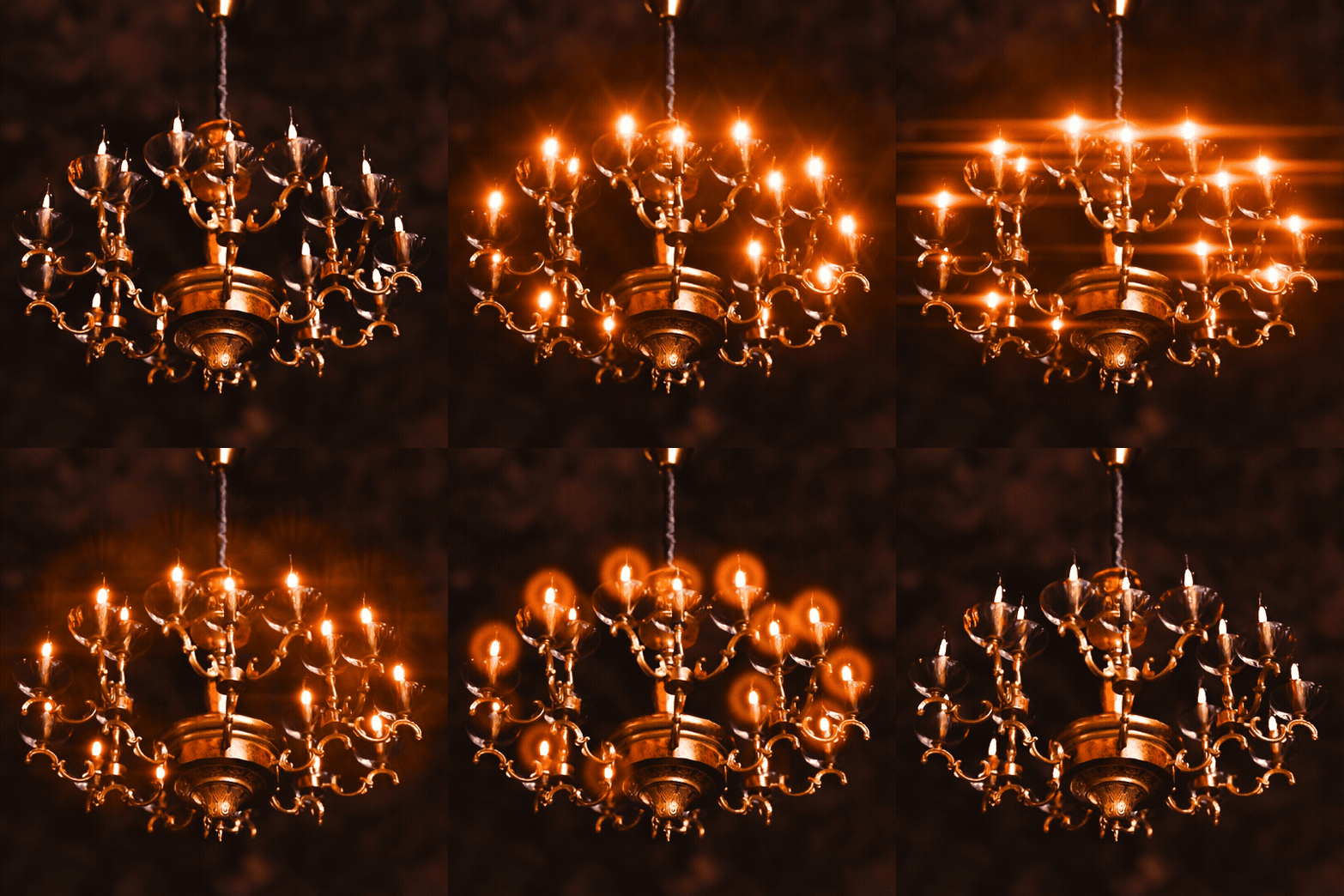
Render Raw ships with built-in, meticulously crafted, easy to use sliders for everyday camera effects. Of course it has lens distortion, chromatic aberration, and advanced vignetting, but that’s just the start.
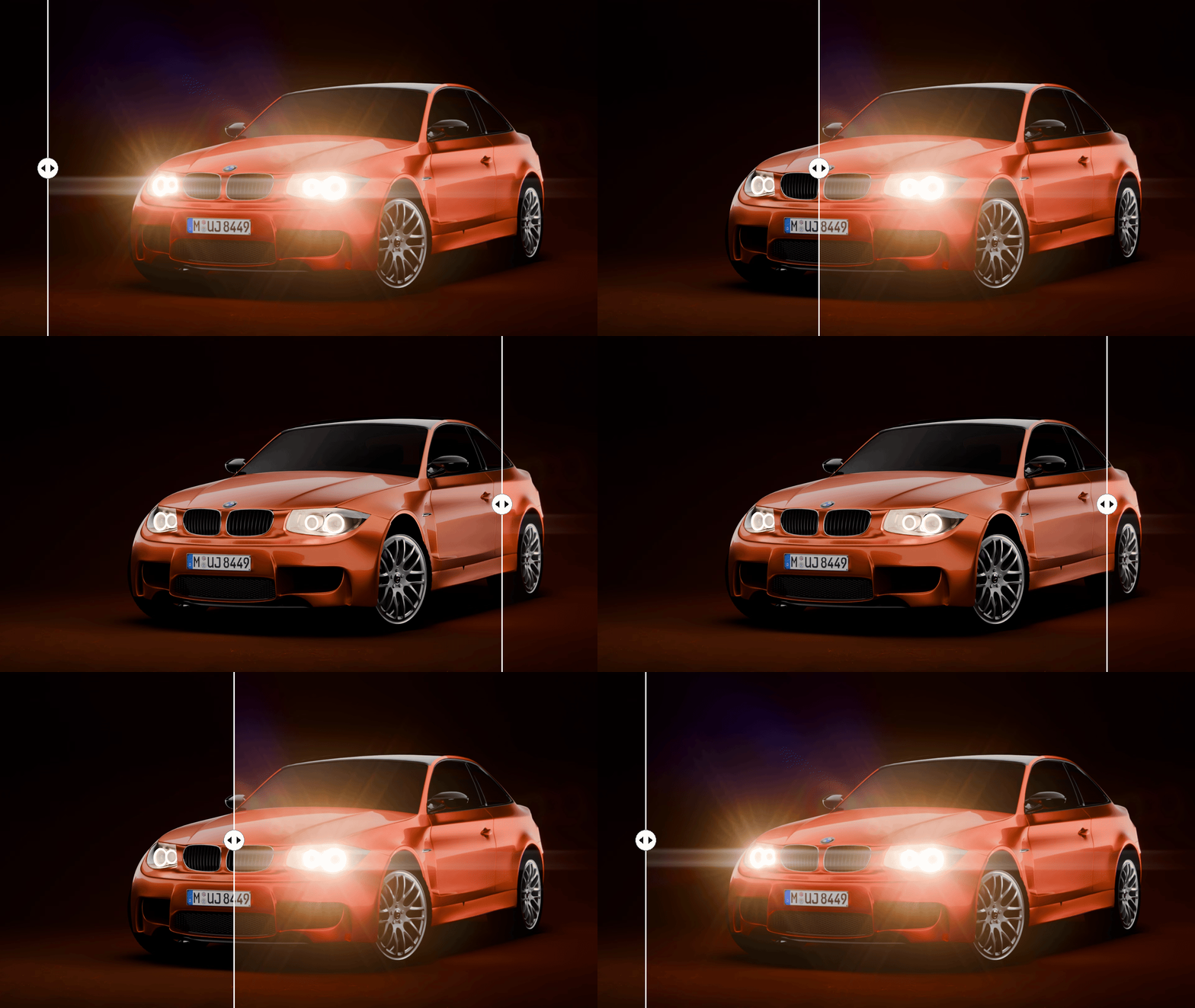
Glare gives you instant access to Blender’s glare but also gorgeous custom glare types that model scotopic flares in human vision, several camera lens flares, and physically accurate film halation.
Film Grain is modeled after real film. And unlike most grain effects that are just a simple overlay, ours actually fits the image to the grain pattern and displaces edges like you would see in a real photo.
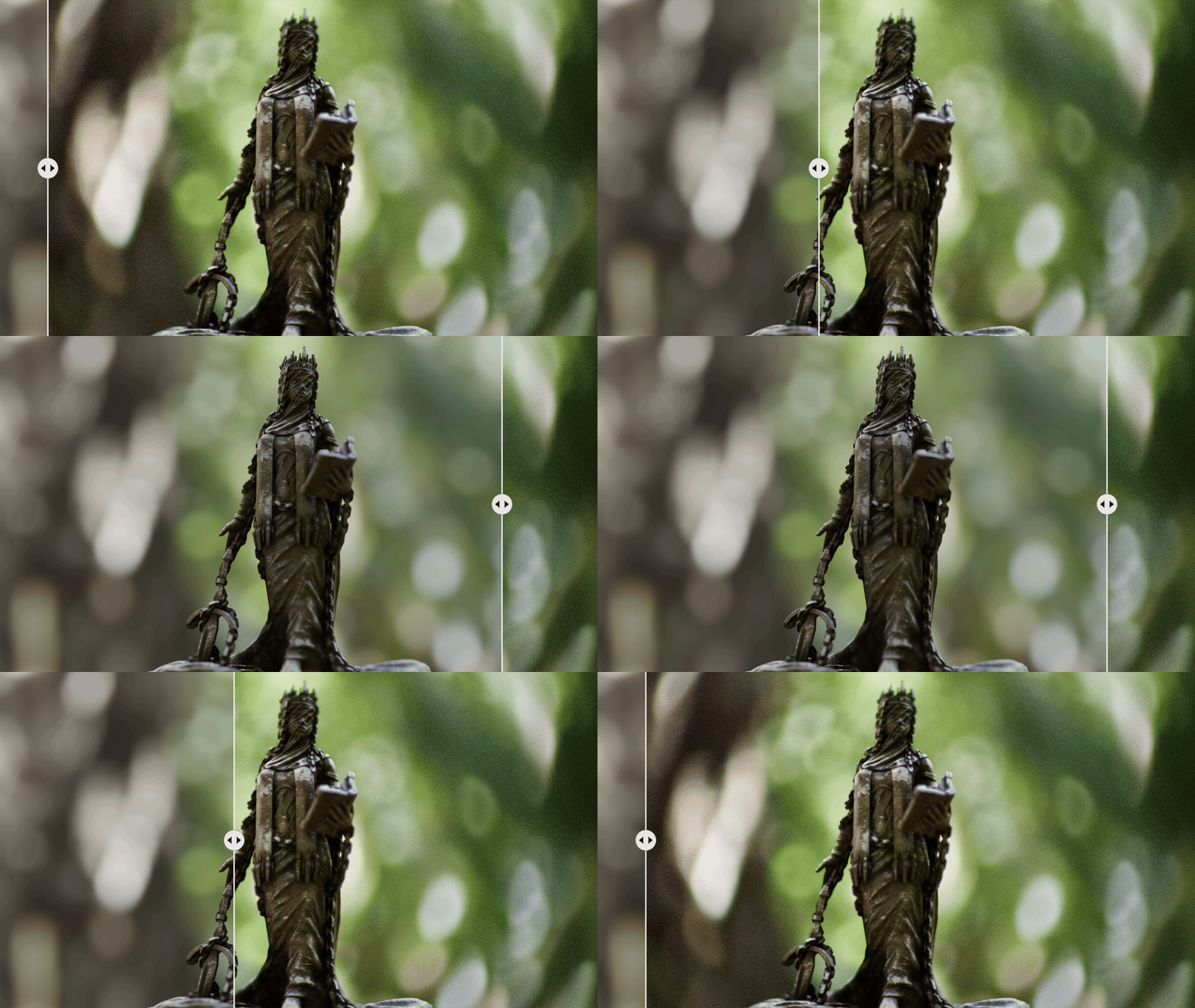
Grunge adds dust, dirt, smudges, or water droplets on top of your camera lens, all with beautifully rendered bokeh.
Glitch (coming soon!) simulates broken digital video, worn analog tape, and damaged film.
We even have a custom Cycles camera that can be used for properly raytraced chromatic aberration, glare, and grunge, as well as incredible depth of field effects like swirl and custom bokeh shapes.
★★★★★
This add on is amazing. The effects are the best I was able to find so far, best glare, best grain effect period. The color grading tools are amazing and you can see how much effort has been put into them by the creator. Fantastic add on, I highly recommend it.
Oliver Beck
★★★★★
As a compositor, both in Blender and Nuke, this is amazing. Great effects for glare, grain and lens effects. Highly recommend to beginning artists wanting to step up their renders.
Spencer Magnusson
Layer based editing
Like an ogre, Render Raw has layers. Layers can be assigned to cameras. Coming soon, each layer will be able to be masked to any area, object, material, render pass, or anything else you can think of.
Save your presets
Render Raw comes with a full preset system (and some great defaults) that lets you save your favorite adjustments and apply them to any scene in one click.

Our friend Gleb Alexandrov has a great crash course on color correction in Blender, and he uses Render Raw to demonstrate all the concepts. The course is free and well worth watching!
By artists, for artists
★★★★★
Quite possibly my favourite blender addon, the functionality this provided to my workflow is incredible and game changing. I would recommend this to anyone that wants to take their renders to the next level!
Lewis Thorpe
★★★★★
Awesome add-on! Great customer support from the creator! A must for working with AGX in blender. Tons of color adjustments and effects to get just the look you want. Working with blender's AGX profile in DaVinci is a nightmare so if you want to save loads of time color correcting in Blender you need this!
Andrew McIntosh
★★★★★
This addon packs a massive punch, [...] definitely a must have in my opinion!
neill
★★★★★
I have gotten this recently and have used it on every single project. As a photographer it makes me happy.
Aaron
More from Orange Turbine
 Retopoflow 4Sketch-based retopology tools that make clean, even topology the default.
 UV FlowFast and surprisingly fun UV unwrapping.
 Extra Lights60 photometric light presets based on real world data.
 ScattershotSeamless, non-repeating scattering for any image texture.
