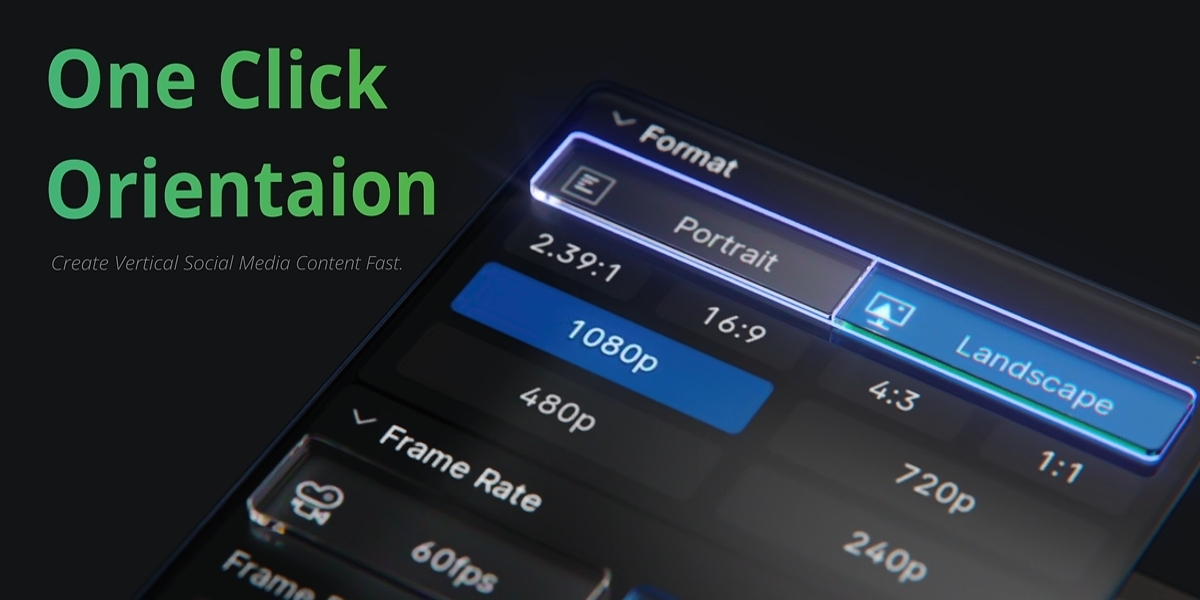
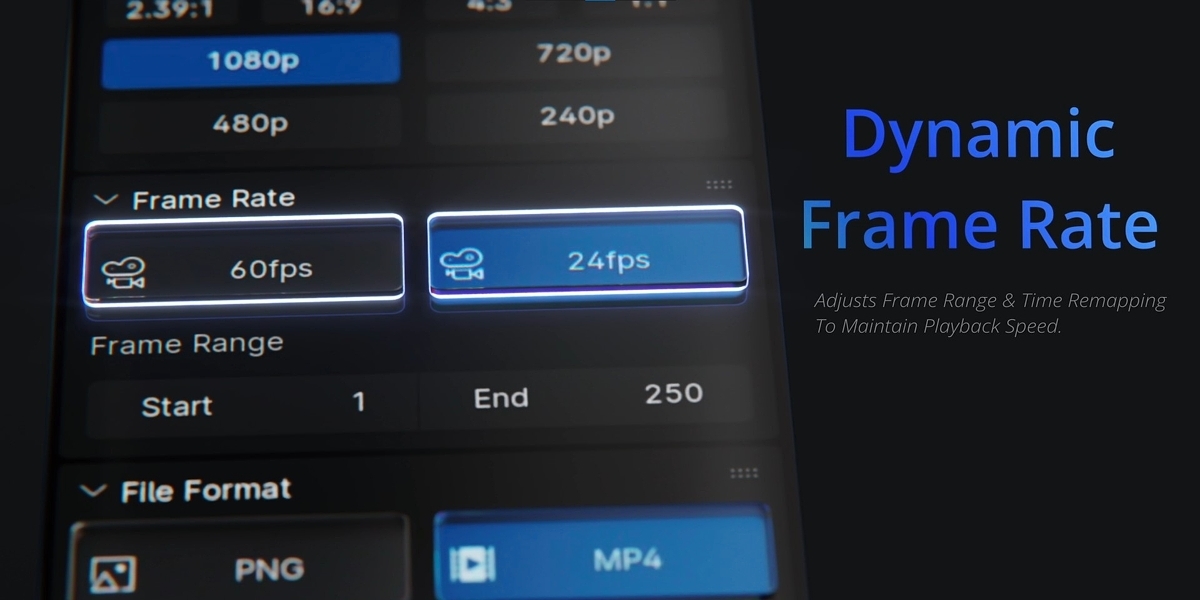
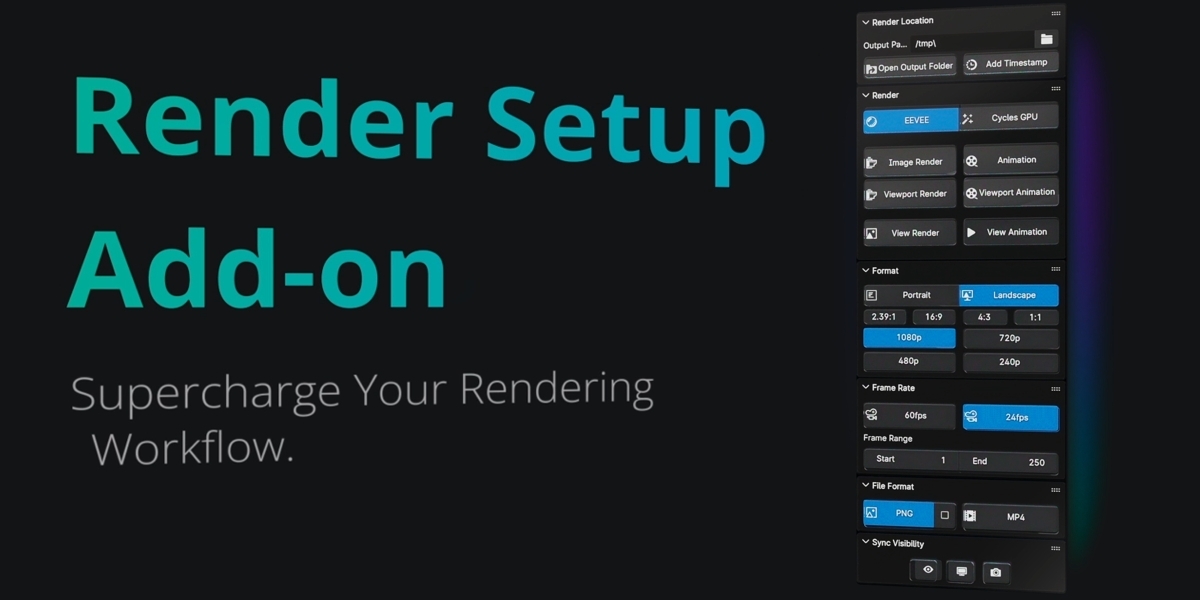
One Click Render & Save
 Bnadem PaNormal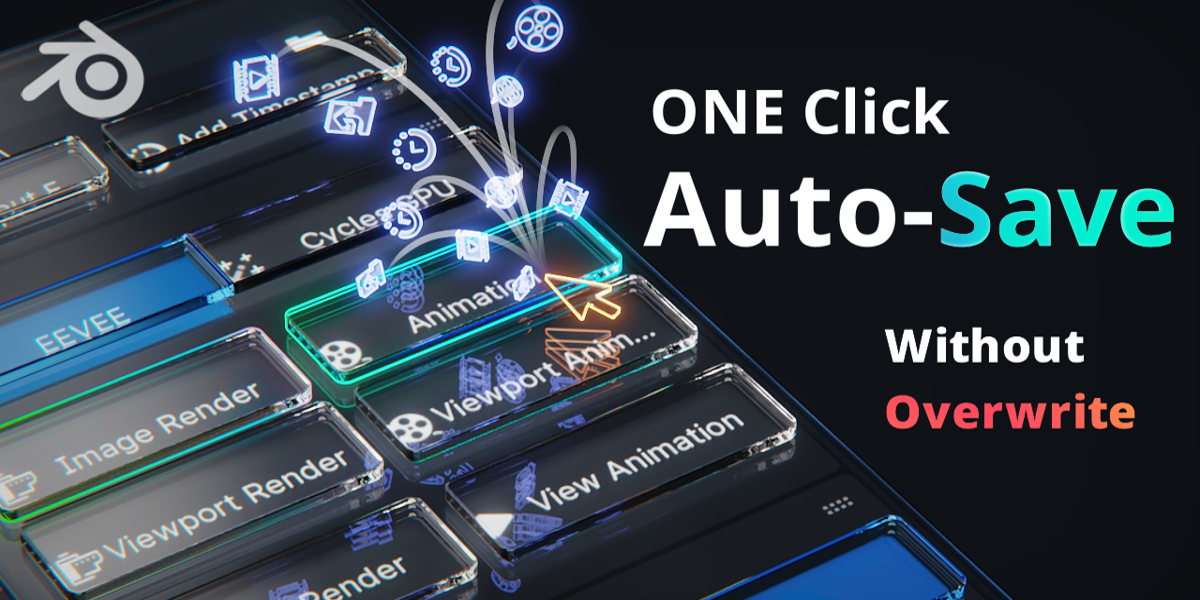





How do I install?
Download the file.
Go to Edit>Preferences>Add-ons>Install>
Find the file you downloaded and you're done!
If you're on 4.1 or up go to Edit>Preferences>Add-ons>Install from Disc (found on the top right corner)
What do I need to do get started?
Nothing! the Add-on works straight out of the box.
$5
Have questions about this product?
Login to message
| Published | about 2 years ago |
| Blender Version | 3.0 - 4.5 |
| Extension Type | N/A |
| License | GPL |
Discover more products like this
Time-Saving Rendering aspect ratio time stamp autosave fix orientation 60fps auto-save frame rate easy interface auto naming Toggle Visibility orientaion render autosave timestamp image autosave