 Soyoyo


What is Render Stats
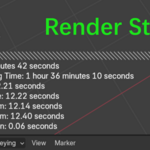
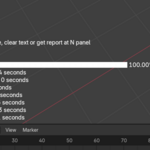
Render Stats is a Blender addon that shows rendering statistics right in the 3D Viewport. It provides you with more information about the animation rendering status. With it, you can clearly know the progress of the entire animation, the time spent, and the estimated remaining time, and so on. After rendering, you can export the summary stats or the detailed stats if you want.
Easy to Use

After installing and enabling, this addon is ready. When you render an image or animation, this addon will show the rendering statistics in the 3D Viewport.
Render a few frames to estimate the total time
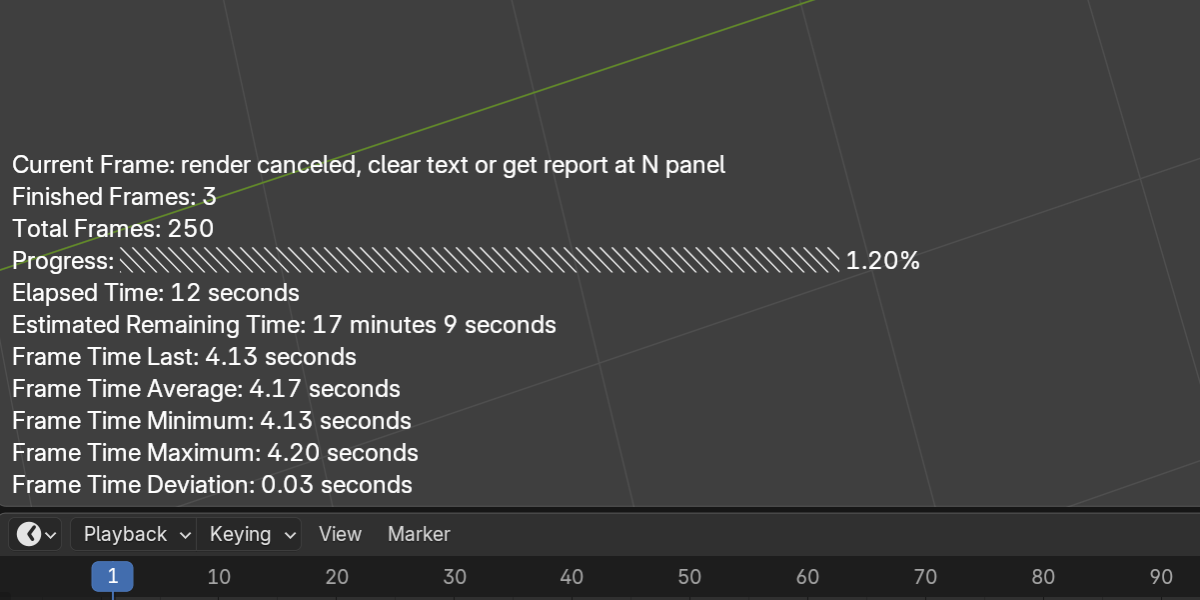
If you need to know the total time required for rendering the entire animation, you can evaluate it by rendering an image. If a more accurate evaluation is needed, you can render the animation and cancel it after rendering 3 to 5 frames. Elapsed Time + Estimated Remaining Time = Estimated Total Time
Change the display format
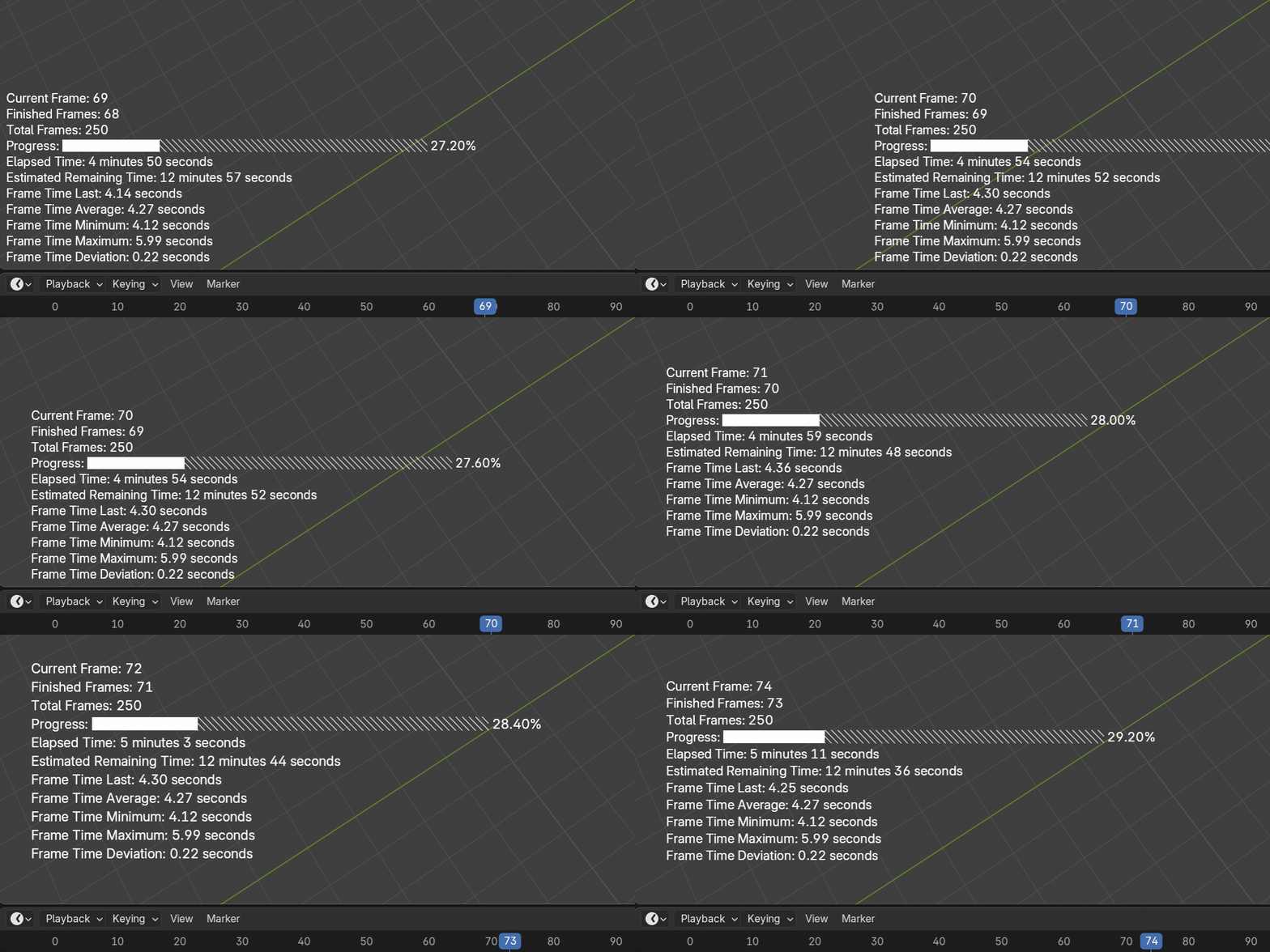
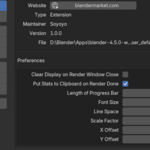
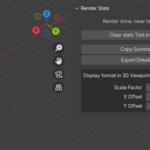
In the addon preferences, you can change the display position, line spacing, font size, etc of the render stats. Adjust the layout to your liking. Some of the same settings are also displayed in the N Panel tap RStats.
Get the render stats report
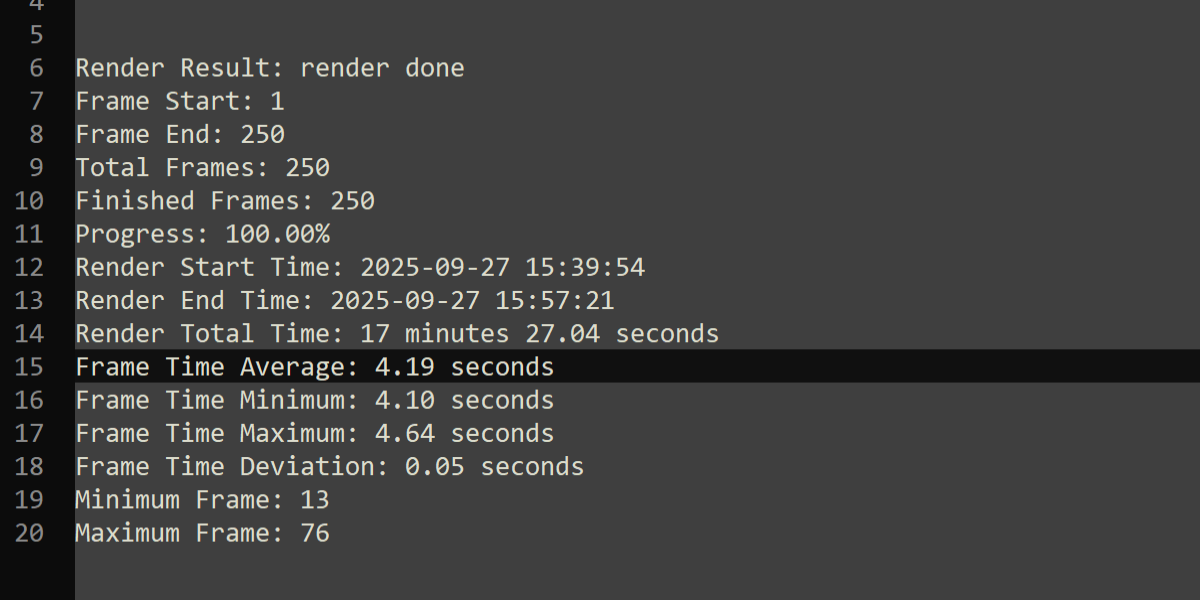
When the rendering done or canceled, this addon will put the summary stats into the clipboard (there is an option for it, you can cancel it if you don't need it). Then you can put the summary stats in any text editor.
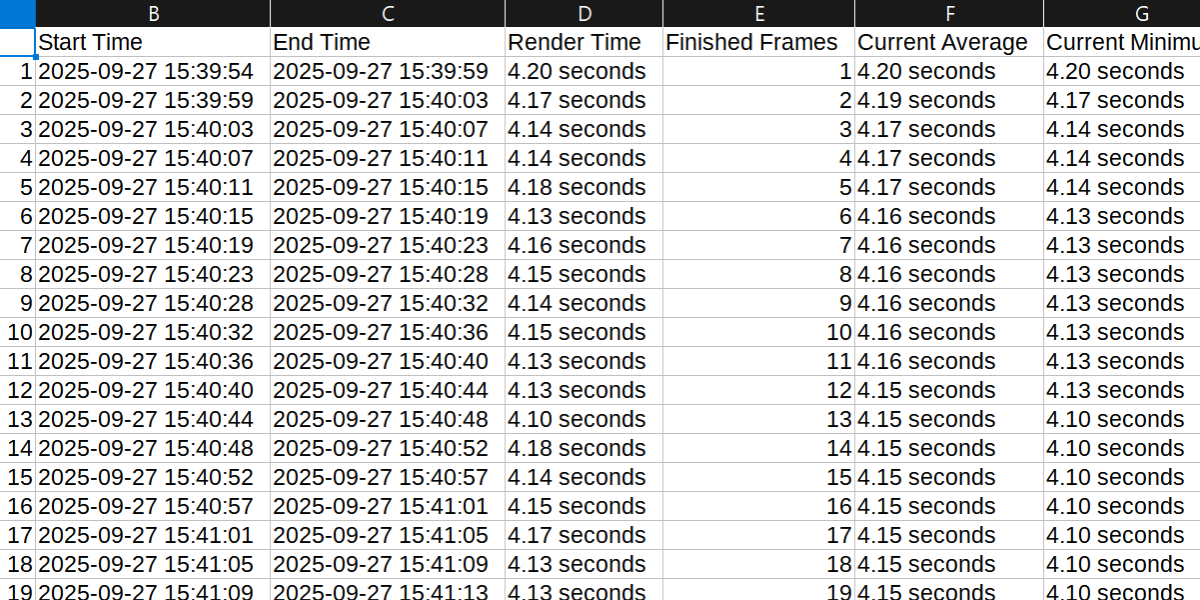
If you need the detailed stats, you can export the csv file in the N Panel. To better display CSV files, you may need to use a table display application. Using a regular text editor to display CSV files will make it difficult to read.
Notice
- Rendering statistics are not truly real-time, they are calculated after completing each frame. So the rendering statistics will refresh after each frame is completed.
- The display effect of the progress bar is slightly different between Blender 3. x and 4. x.
- The accuracy of estimating remaining time mainly depends on your frame time deviation, and the smaller the frame time deviation, the more accurate the estimated remaining time is. The frame time deviation mainly depends on the frame variation and complexity of your scene, and your computer environment (for example, the computer is stable or not, is doing other job when rendering or not. doing other heavy job when rendering could affect the rendering a lot). For a stable rendering process, you may not need to change your scene, but you can keep your computer from doing other busy tasks such as playing other videos, just leave it alone. In one word, the accuracy of the Estimated Remaining Time depends on your scene and computer environment.
Contact
If you have any feedback or questions, feel free to contact us via the BlenderMarket's 'Contact the creator' button. Thanks, Enjoy it!