 Achat
Achat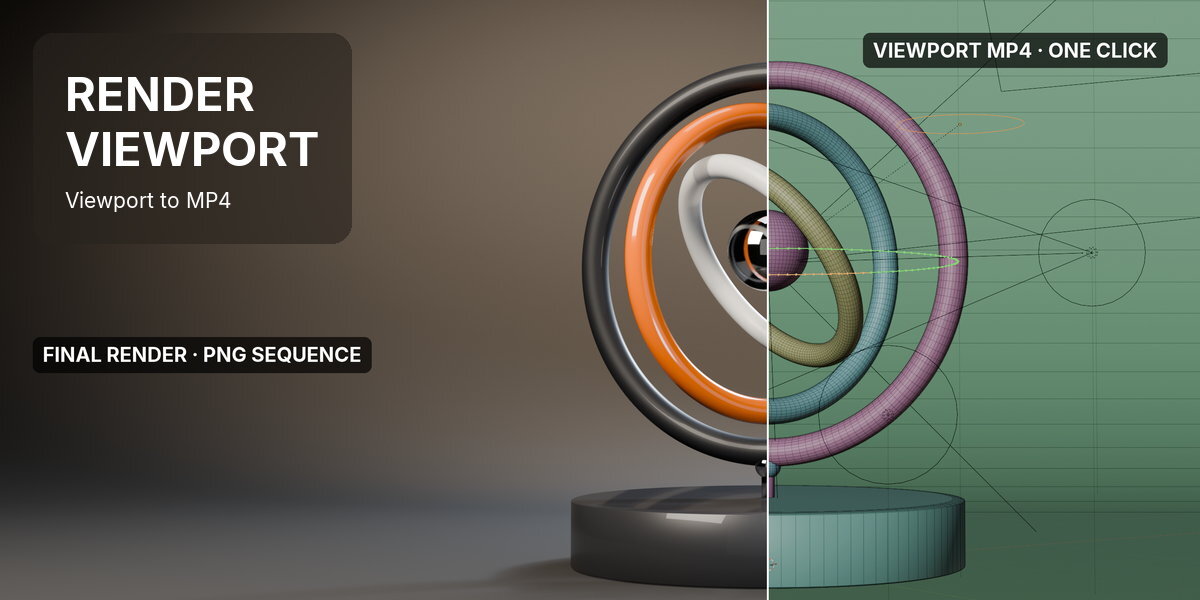



Render Viewport makes a quick MP4 preview of your animation. One click exports the viewport as you work in it, overlays and all, and your PNG render settings stay exactly as they were.
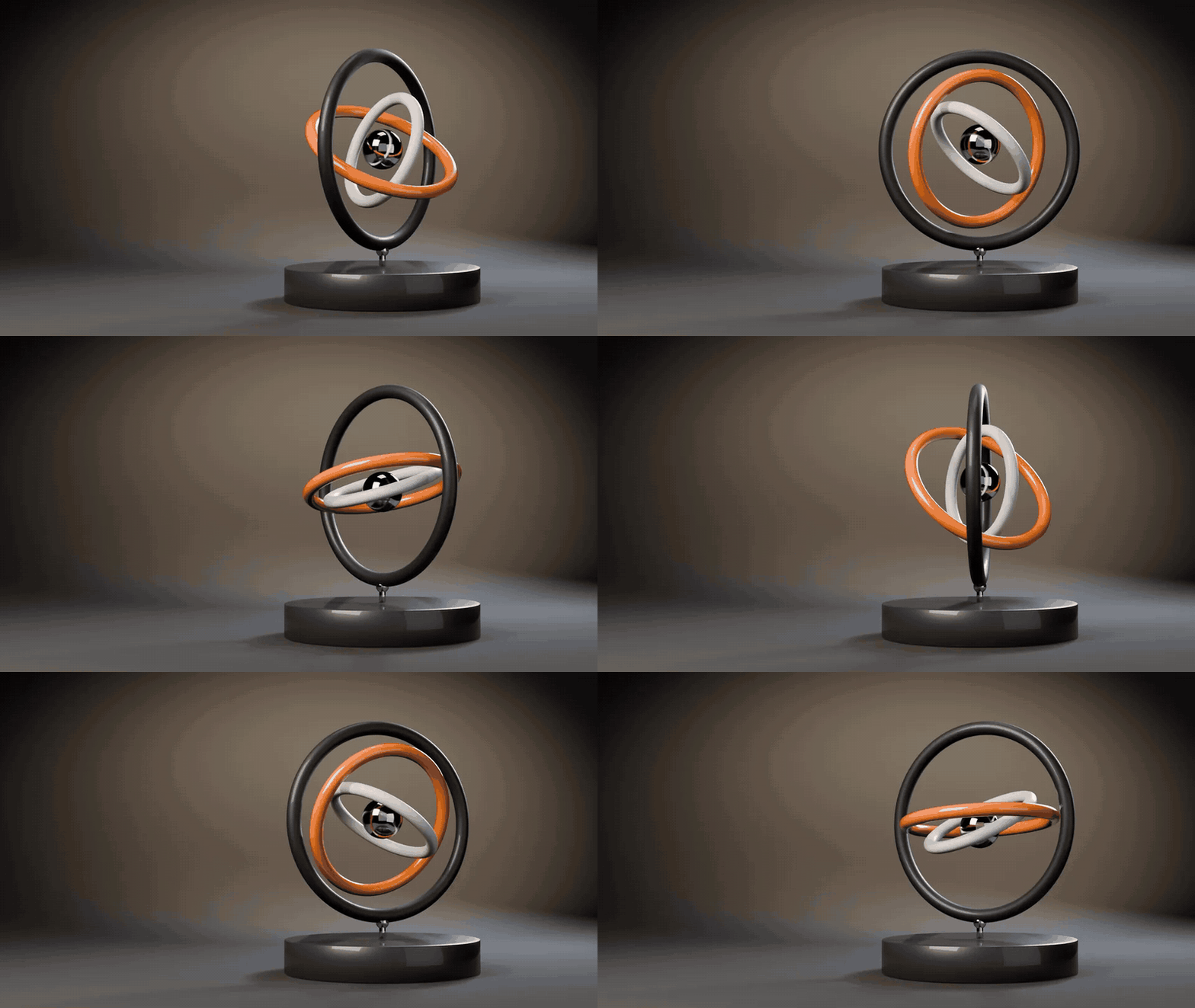
One click·Low, Medium, High and Custom·Exports the camera from any view·Your output settings put back·MP4 (H.264)·Blender 4.2 and newer
How it works
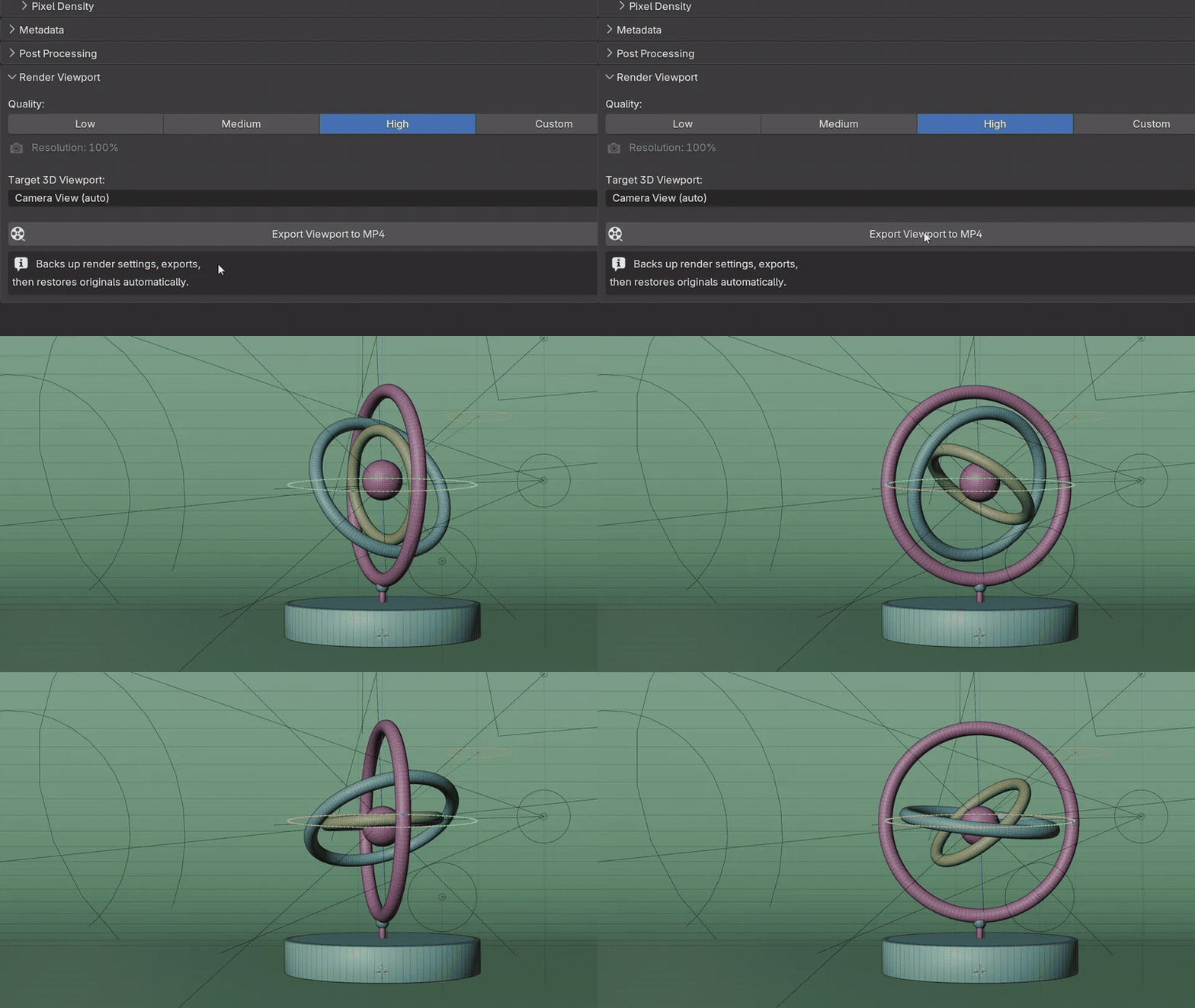
Three steps in Output Properties, or from the Render menu.
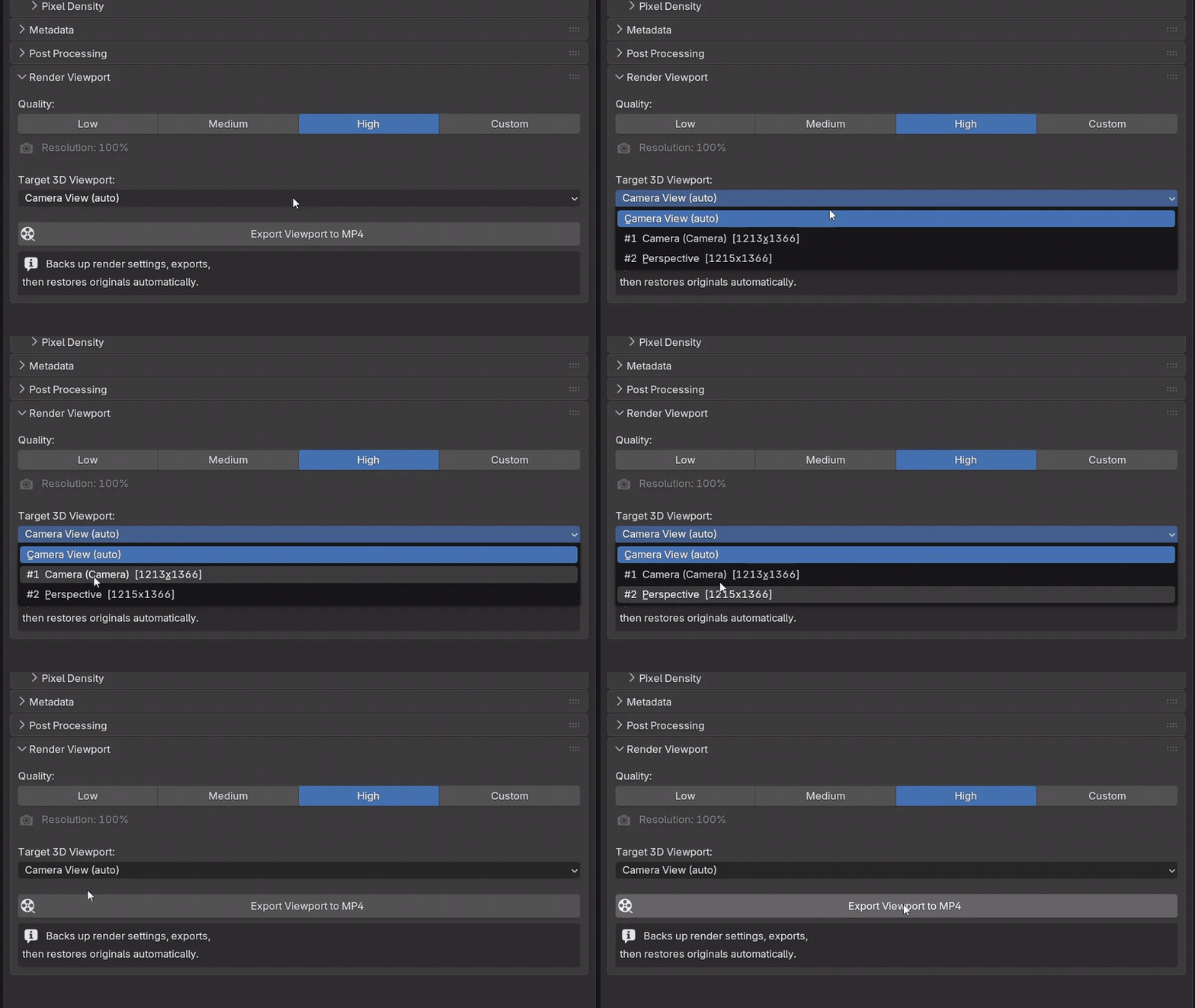 |


Step 1 Pick a quality and the viewChoose Low, Medium, High or Custom. Camera View (auto) finds the camera view in any open viewport, or pick any viewport by name. |
 |
Step 2 Click Export Viewport to MP4Confirm the file name and the viewport renders across your frame range into an MP4, named exactly as you asked. |
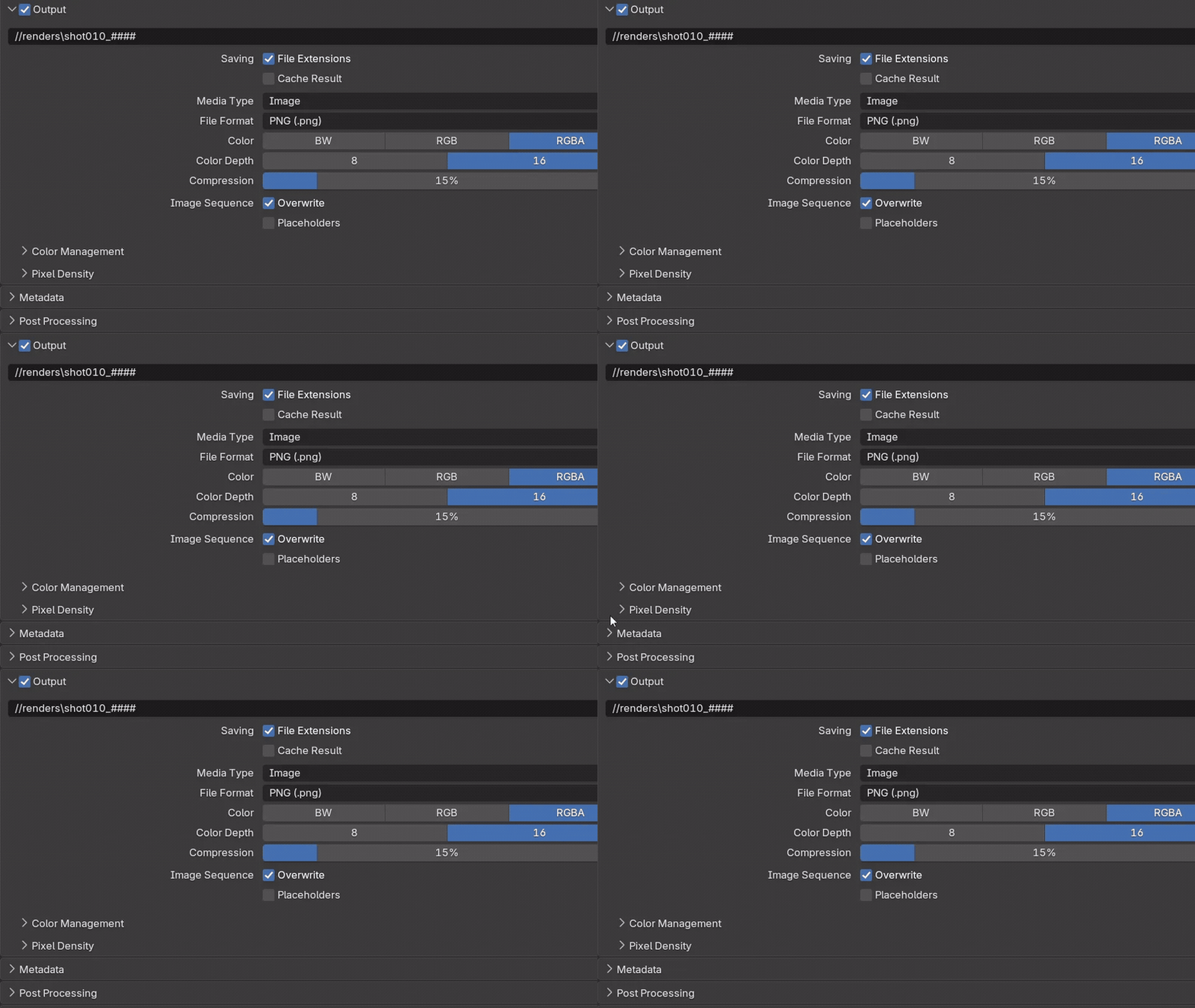 |

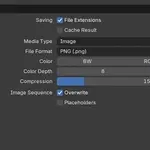
Step 3 Your PNG settings stayFile format, colour mode, bit depth, path and resolution scale are put back afterwards, so tonight's render still comes out as RGBA 16-bit PNGs. |
What it does
Blender can already render the viewport. Render Viewport does it without touching your real output.
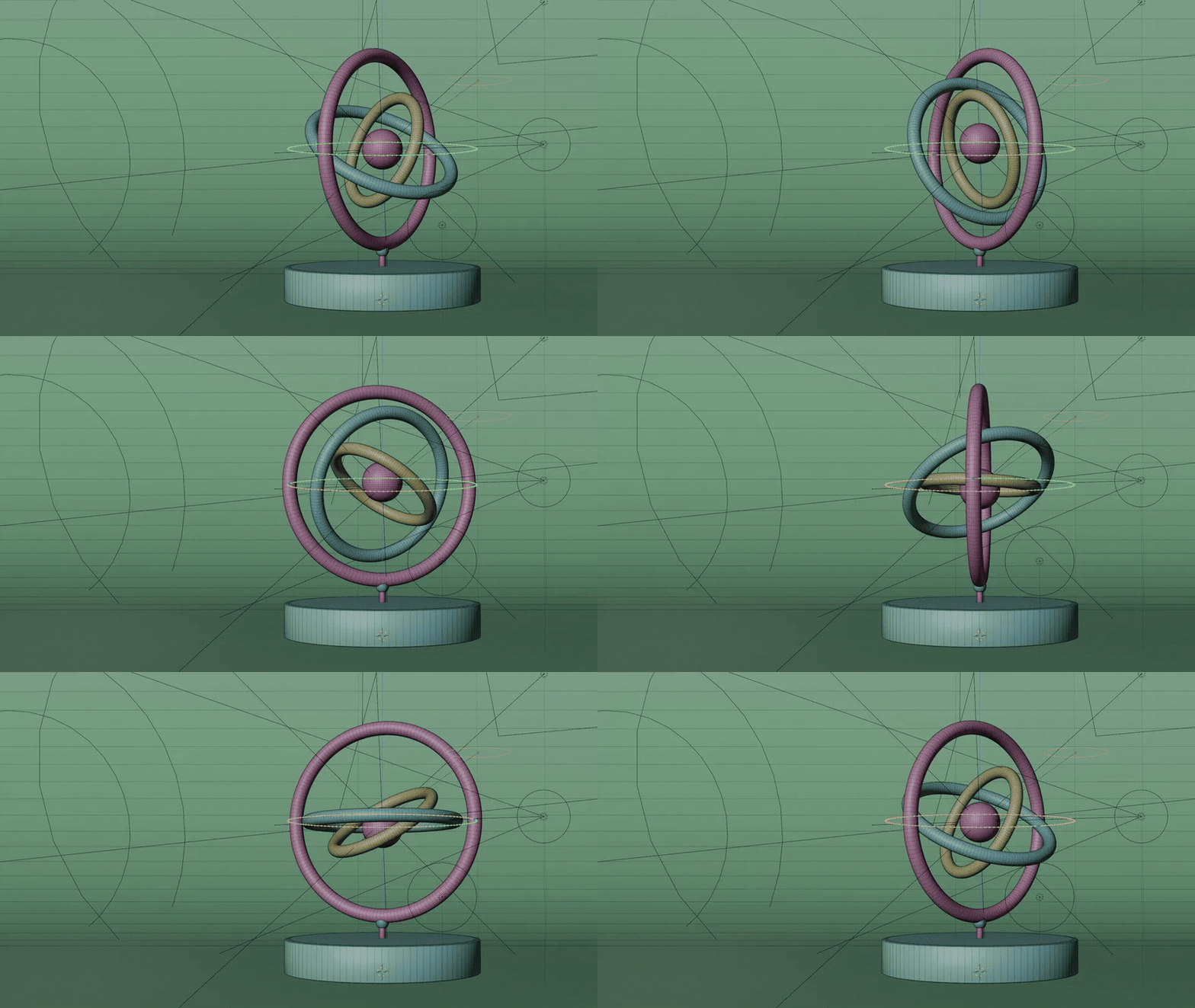 |


Exactly what your viewport showsSolid with your overlays and motion paths on for a timing check, or Material Preview for a client. What is on screen is what is recorded.
|

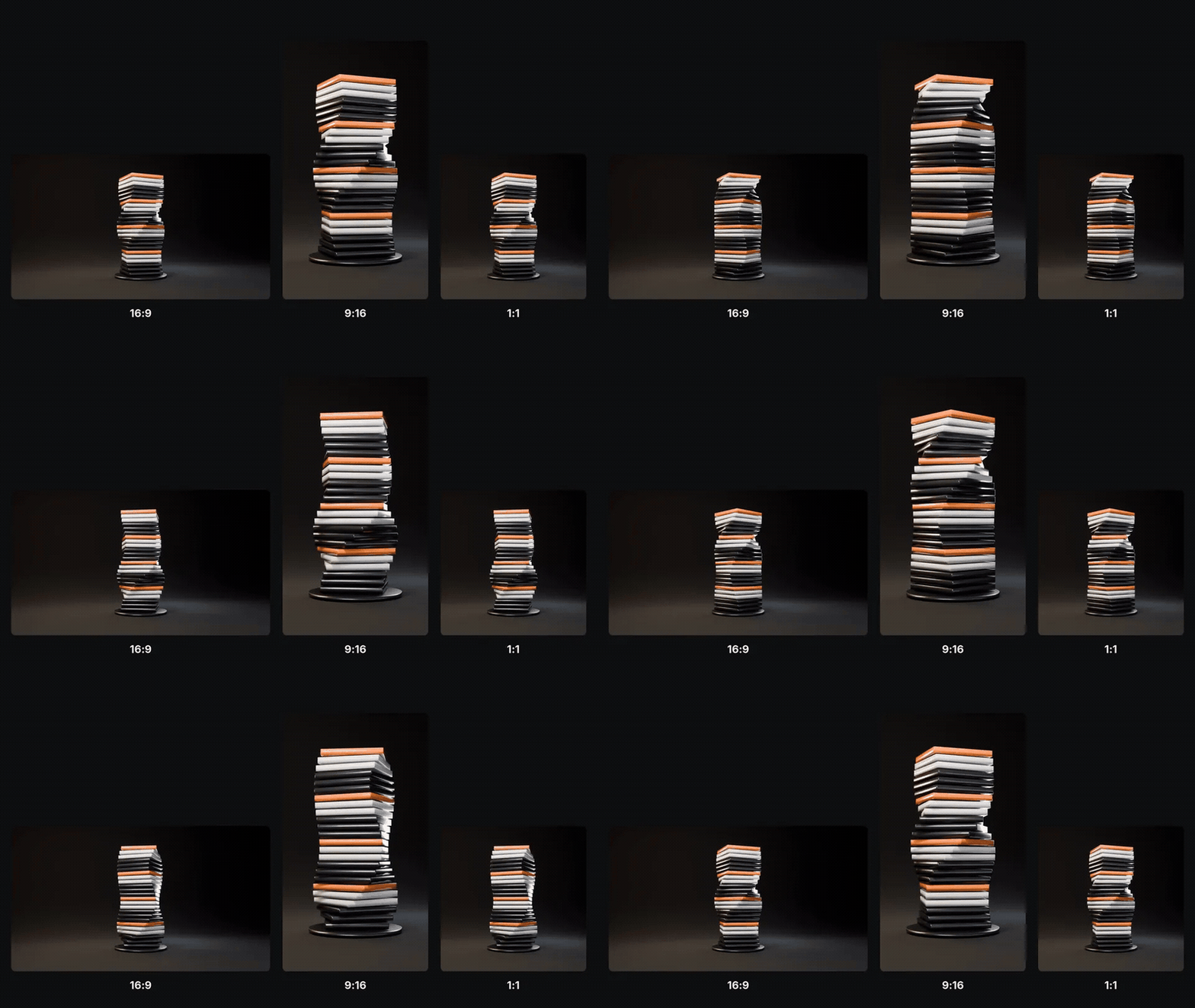
Any shape, any rangeIt follows your render resolution and frame range, so a 9:16 reel or a square post comes out at the right shape.
|
 |
Ready for production
Keeps alpha and 16-bitSwitching to video by hand drops your PNG's RGBA and 16-bit. Render Viewport puts them back every time. |
Half-size draftsThe Low preset renders at 50 % and leaves your own Resolution % alone. |
In the Render menuExport from Output Properties, the Render menu or Quick Favorites. |
Render Viewport or stock Blender
Blender can already render the viewport. Render Viewport is for doing it without touching your output.
| Task | Stock Blender | With Render Viewport |
|---|---|---|
| A quick MP4 while your output is a PNG sequence | Switch media type, container, codec, quality, speed and path, render, switch every one back | One click |
| Keep RGBA and 16-bit on your PNG output | Switching to video drops them, switching back leaves them | Put back as they were |
| A half-size draft | Lower Resolution %, then remember to raise it again | The Low preset |
| Render the camera while you work in another view | Viewport Render uses the view you are in | Camera View (auto) |
Details
| Blender | 4.2 and newer, tested on 5.1 and 5.2 |
| Viewports | EEVEE and Workbench; in Cycles scenes use Material Preview or Solid |
| Output | MP4 (H.264) |
| Systems | Windows, macOS, Linux |
| Install | Drag the .zip into Blender (extension) |
| Updates | Every update is free |
| Licence | GPL, source included |
| Support | [email protected] |
Changelog
| 1.3.2 | Support contact is now [email protected]. |
| 1.3.1 | Puts back the colour mode and bit depth that Blender drops when switching to video. Odd pixel sizes are rounded to even instead of stopping the export. |
| 1.3.0 (2026-07-09) | Renamed from Render Playblast. Quality presets (Low, Medium, High, Custom) and resolution scale. |
