RenderBuddy
 Apetown Art




1. What does Render Buddy actually do?
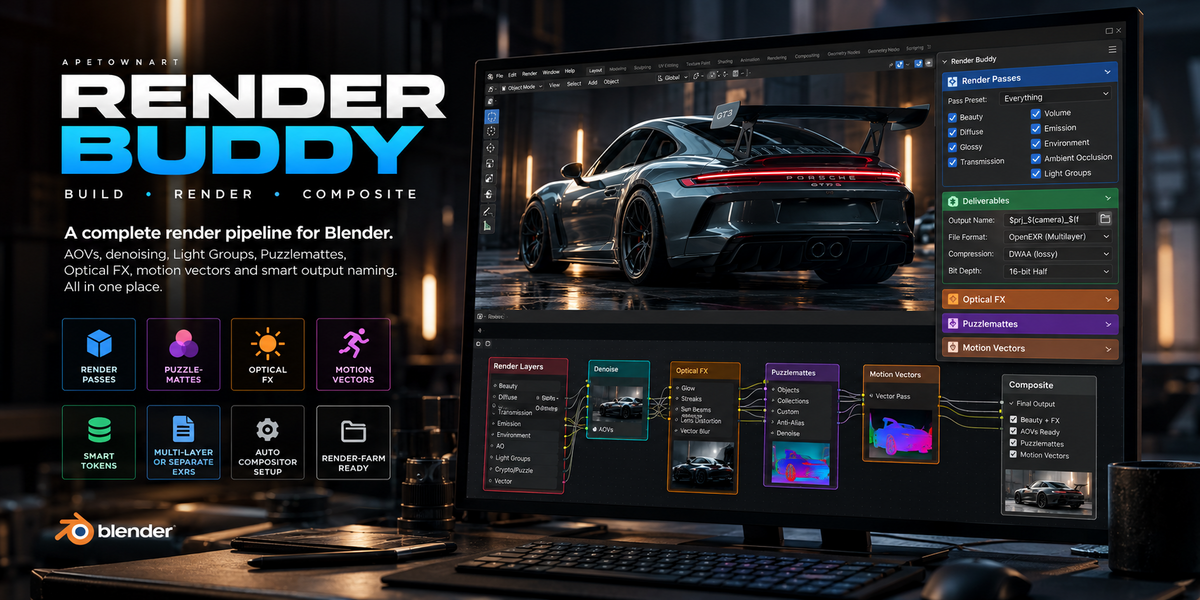
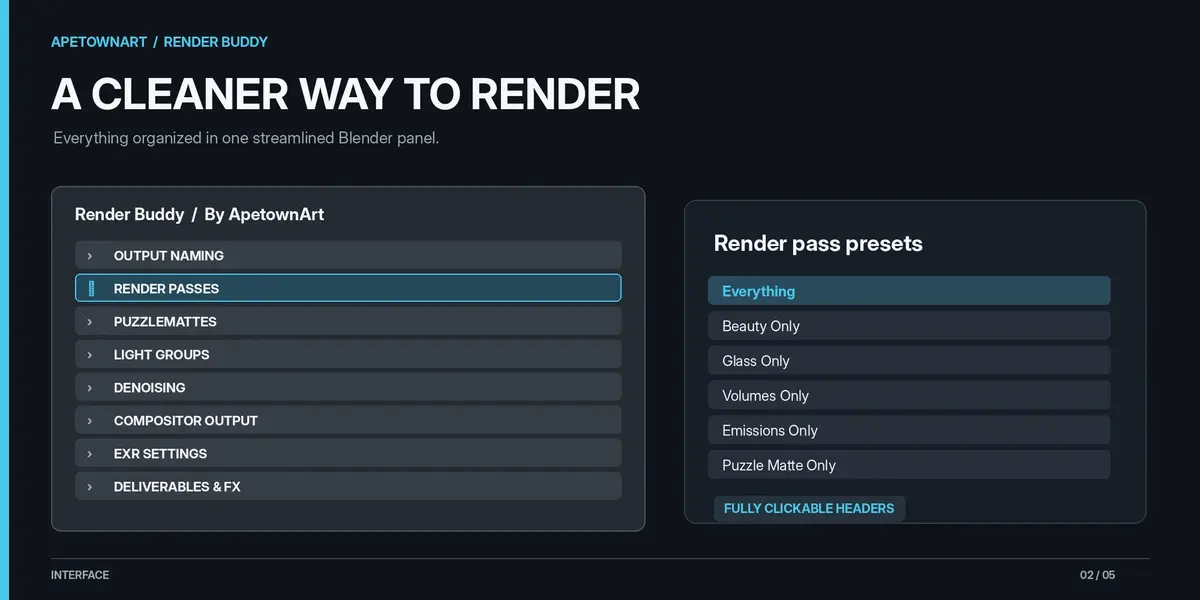
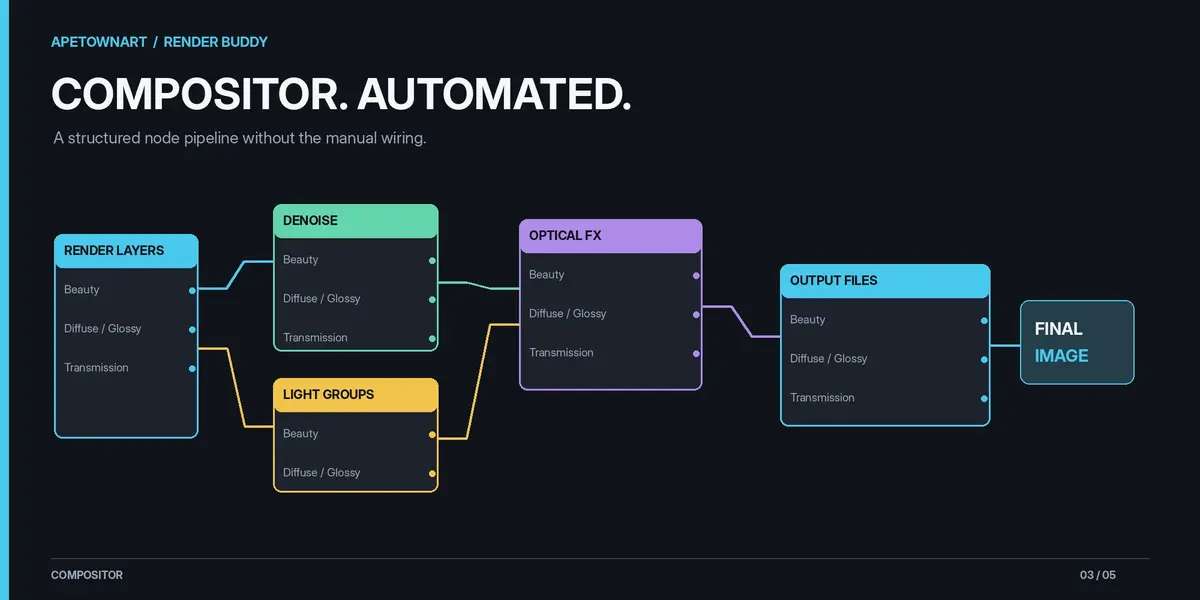
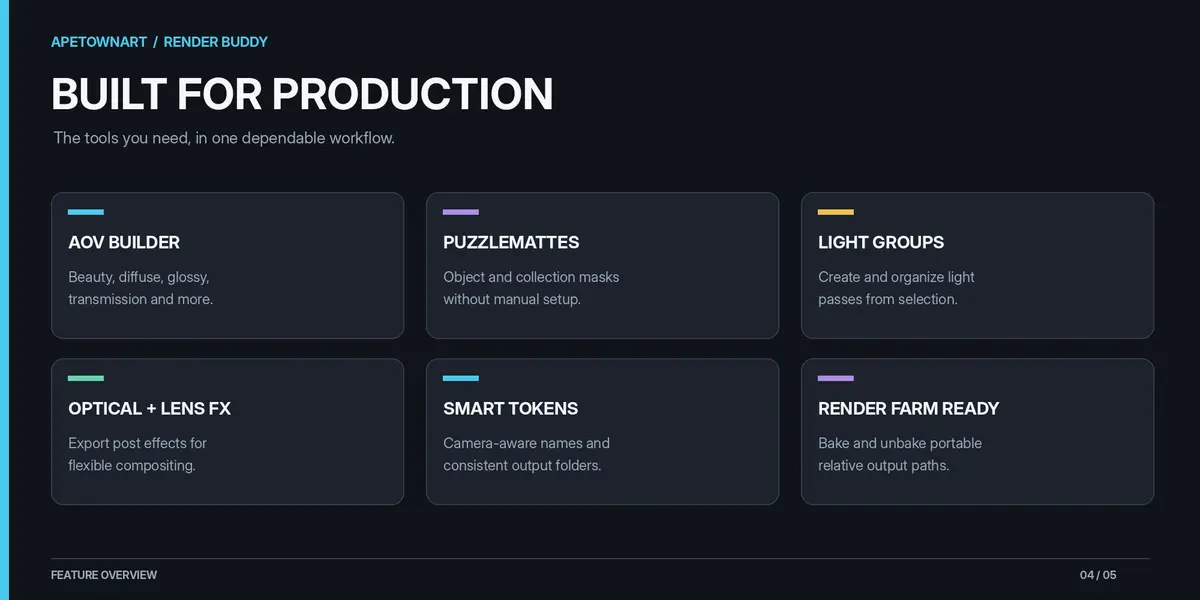
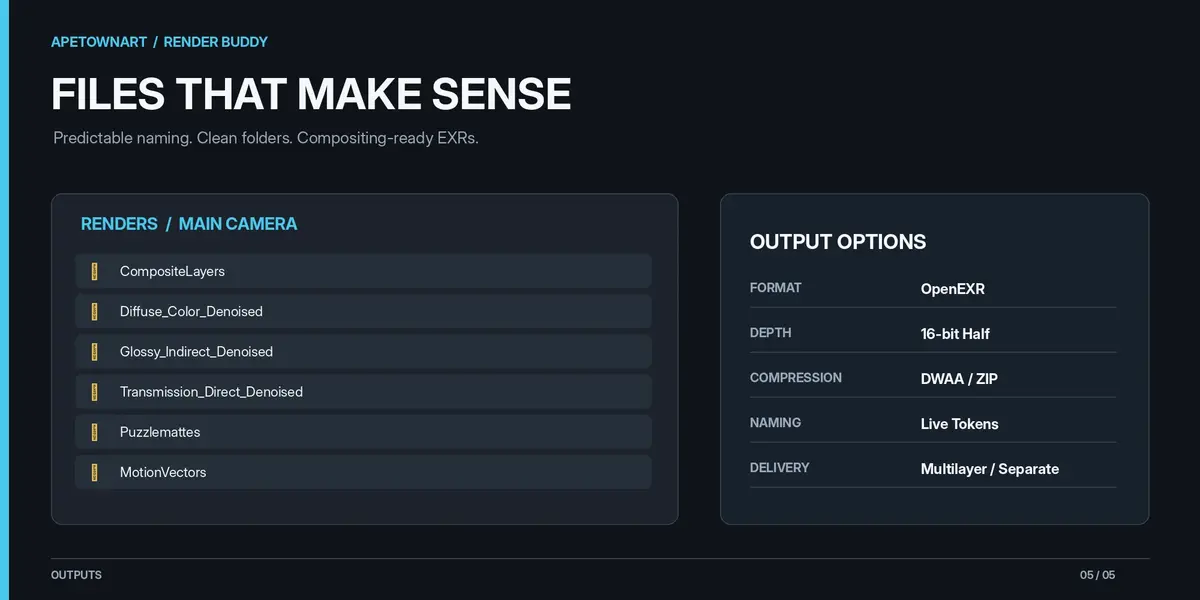
Render Buddy automates Blender's render and compositing setup. With one click, it builds an organized compositor pipeline for AOVs, denoising, Light Groups, Puzzlemattes, Optical FX, motion vectors and more. Less time wiring nodes, more time creating.
2. Can I use Render Buddy with After Effects, Nuke or Fusion?
Absolutely! Render Buddy exports industry-standard OpenEXR files, including Multilayer and Separate EXRs, making it easy to bring your render passes into After Effects, Nuke, Fusion or other compositing software. Documentation includes AOV reconstruction guides for ACES and non-ACES workflows.
3. Will Render Buddy overwrite my existing compositor setup?
Nope! Render Buddy is designed to be non-destructive. It only rebuilds nodes it created, leaving your existing compositor nodes untouched. You can change settings, switch output formats and rebuild your pipeline without starting from scratch.
4. Can I use Render Buddy with render farms?
Yes! Render Buddy includes a Bake Token Paths feature that converts dynamic output paths into portable Blender-relative paths. This allows render farms or other machines to render your project without needing Render Buddy installed. You can also unbake the paths when you return to your working scene.
5. Do I need to understand compositing to use Render Buddy?
Not at all! Render Buddy handles the technical setup so beginners can start exporting professional render passes immediately. For artists looking to learn more, the included documentation explains AOVs, blend modes, color management and how to reconstruct renders in After Effects, Nuke and Fusion.
Have questions about this product?
Login to message
| Blender Extension Compatible | Yes |
| Published | about 7 hours ago |
| Blender Version | 5.0 - 5.2 |
| Extension Type | Add-on |
| Render Engine Used | Cycles |
| License | GPL |
Discover more products like this
render_automation aov multilayer_exr aces puzzlemattes denoising Blender_Addon light_groups Blender_Compositing render_passes motion_vectors render_pipeline