 JB FX


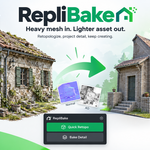
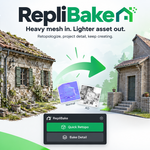
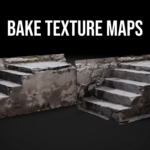
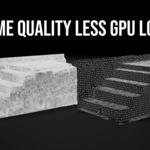
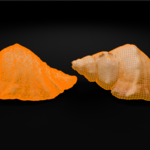
Heavy mesh in.
Lighter asset out.
RepliBake turns the awkward high-to-low workflow into one focused path: retopologize, project the detail, and keep creating.
THE WHOLE WORKFLOW
From dense to bake-ready—without the scavenger hunt.
No bouncing between remesh settings, UV setup, shader nodes and bake panels. RepliBake brings the essential workflow into one clear N-panel.
ONE CLEAN PATH
Three steps. Far less friction.
Reduce
Choose a target ratio and create a separate QuadriFlow result with visible checks and controlled face budgeting.
Project
Use automatic UV preparation and projection controls to transfer source detail onto the lighter target.
Finish
Bake diffuse, roughness and normal maps with useful image handling and shader connections already prepared.
BEFORE ↔ AFTER
Lose the weight.
Keep the impression.
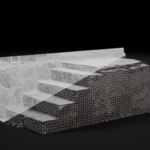
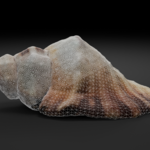
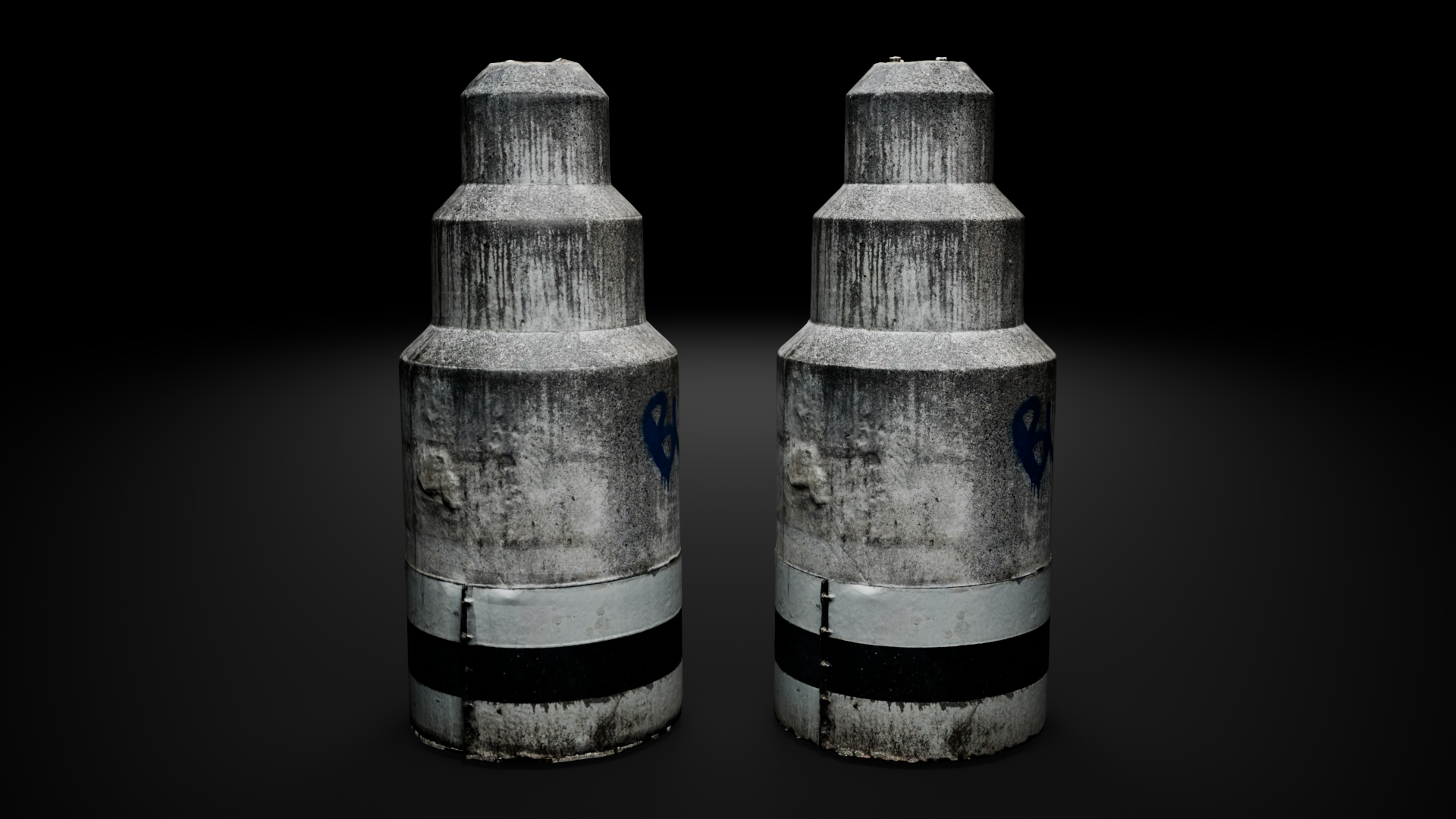
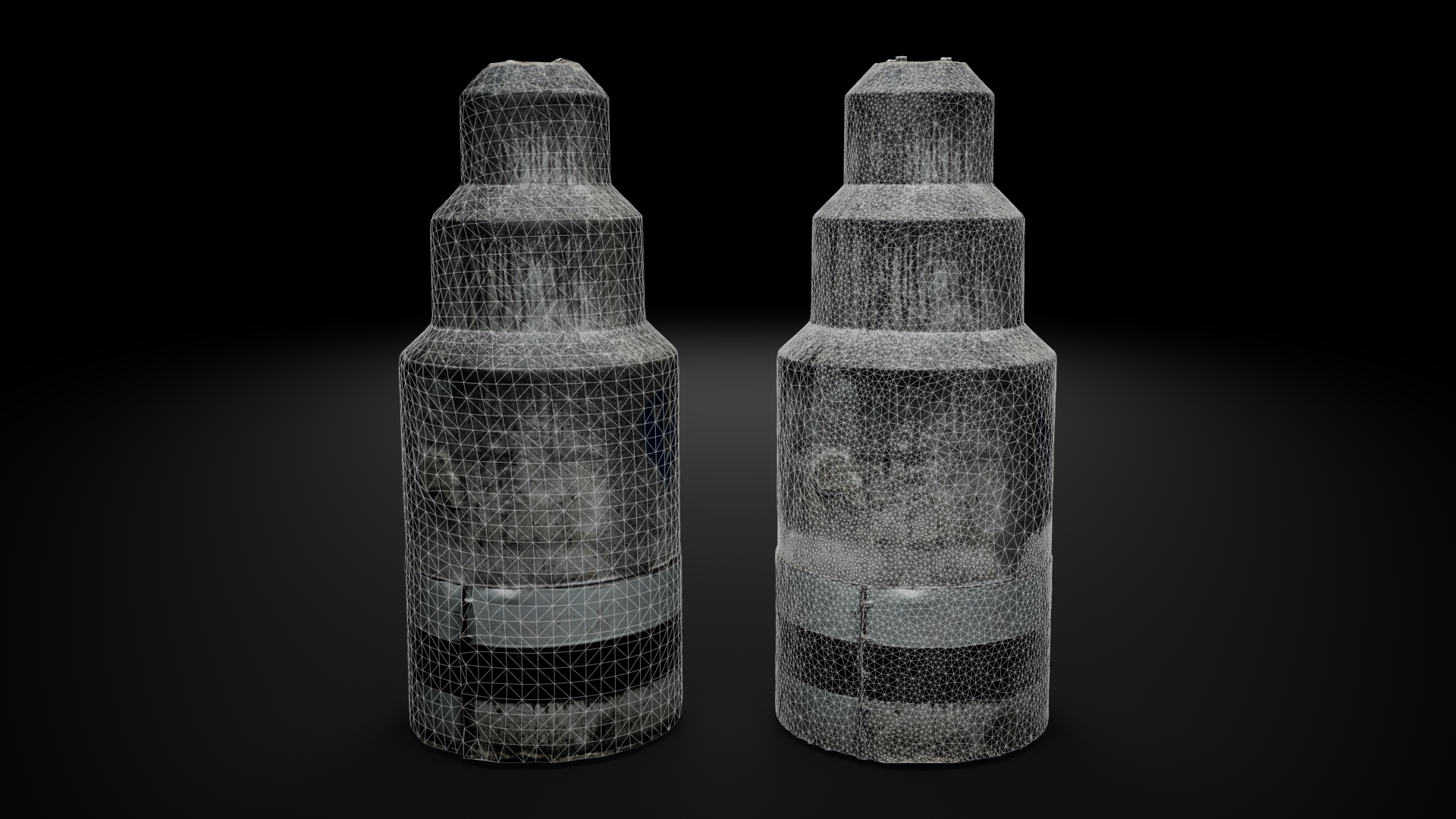
Use matching wireframe or rendered views. Place the dense source above and the retopologized, baked result directly below it for an instant, dependable comparison.
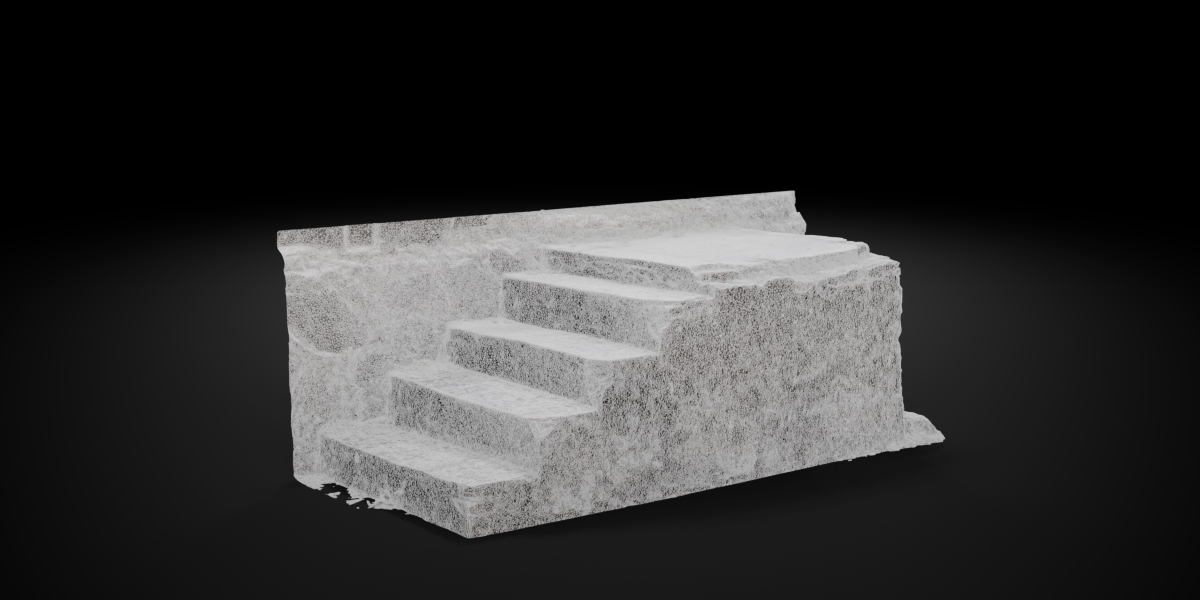
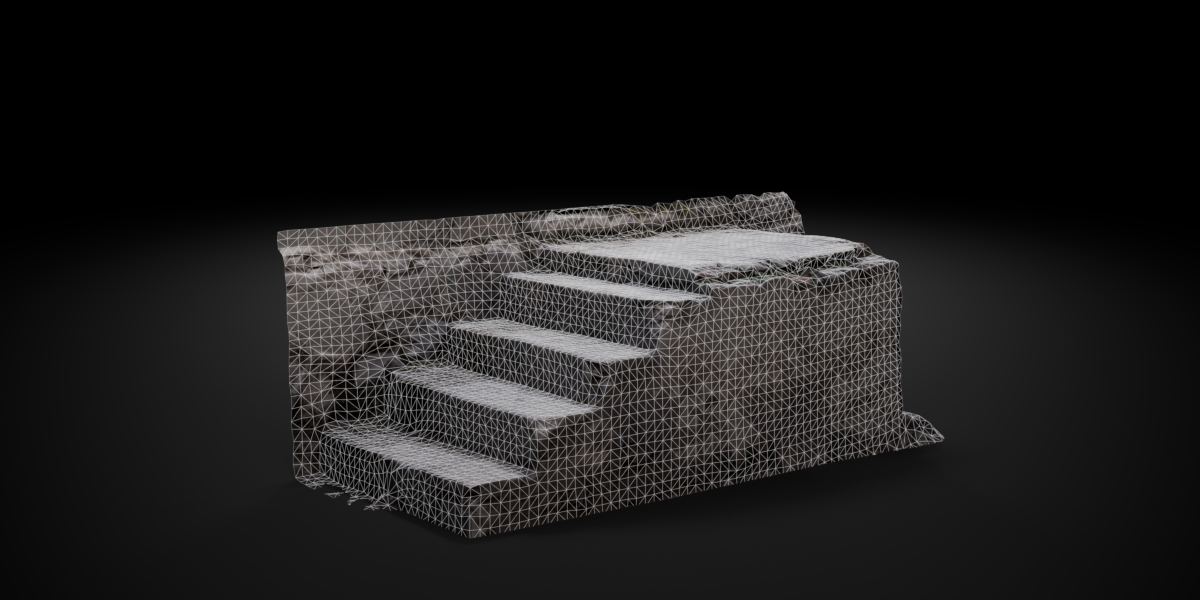
BEFORE / AFTER SET 02
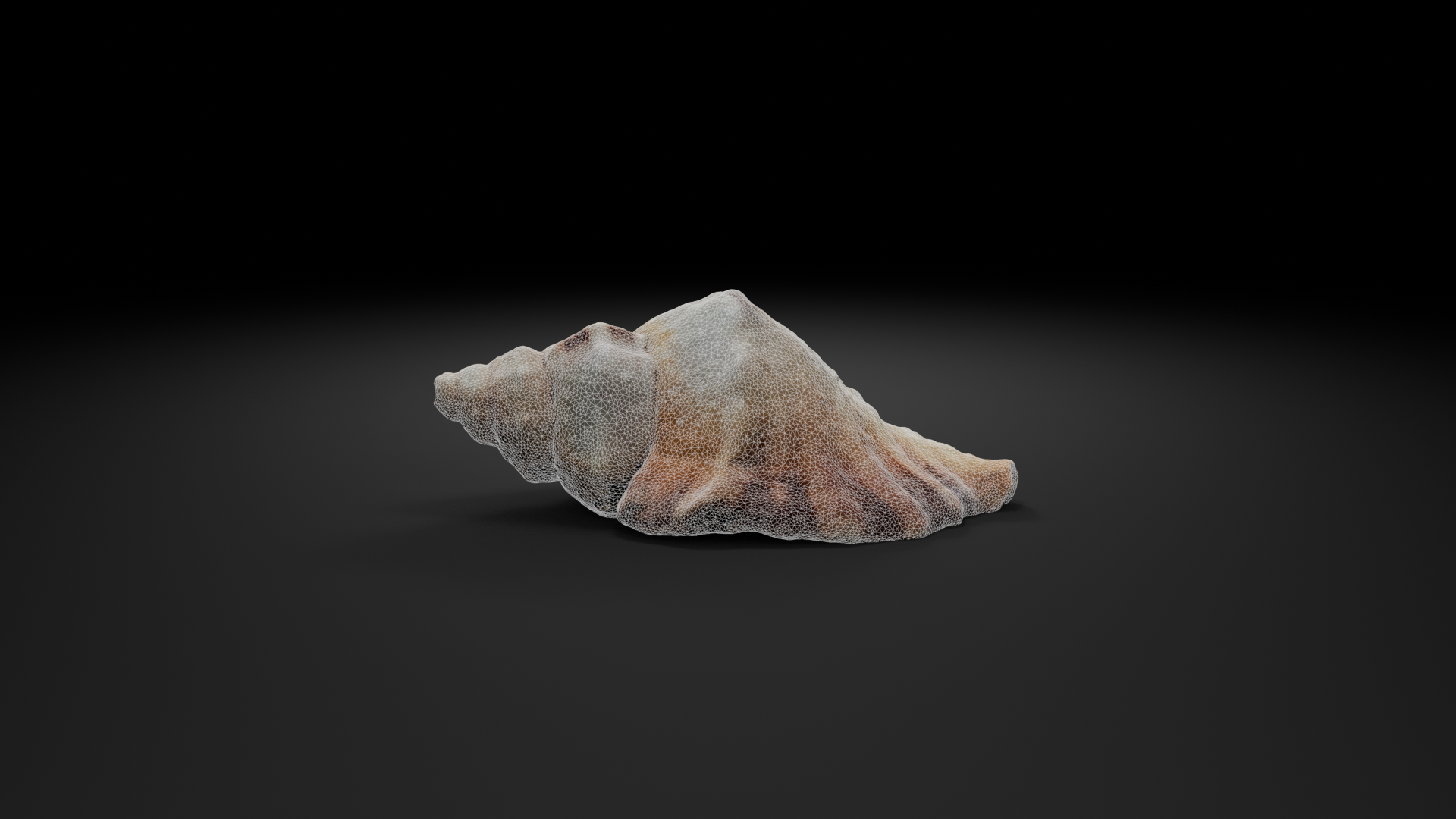
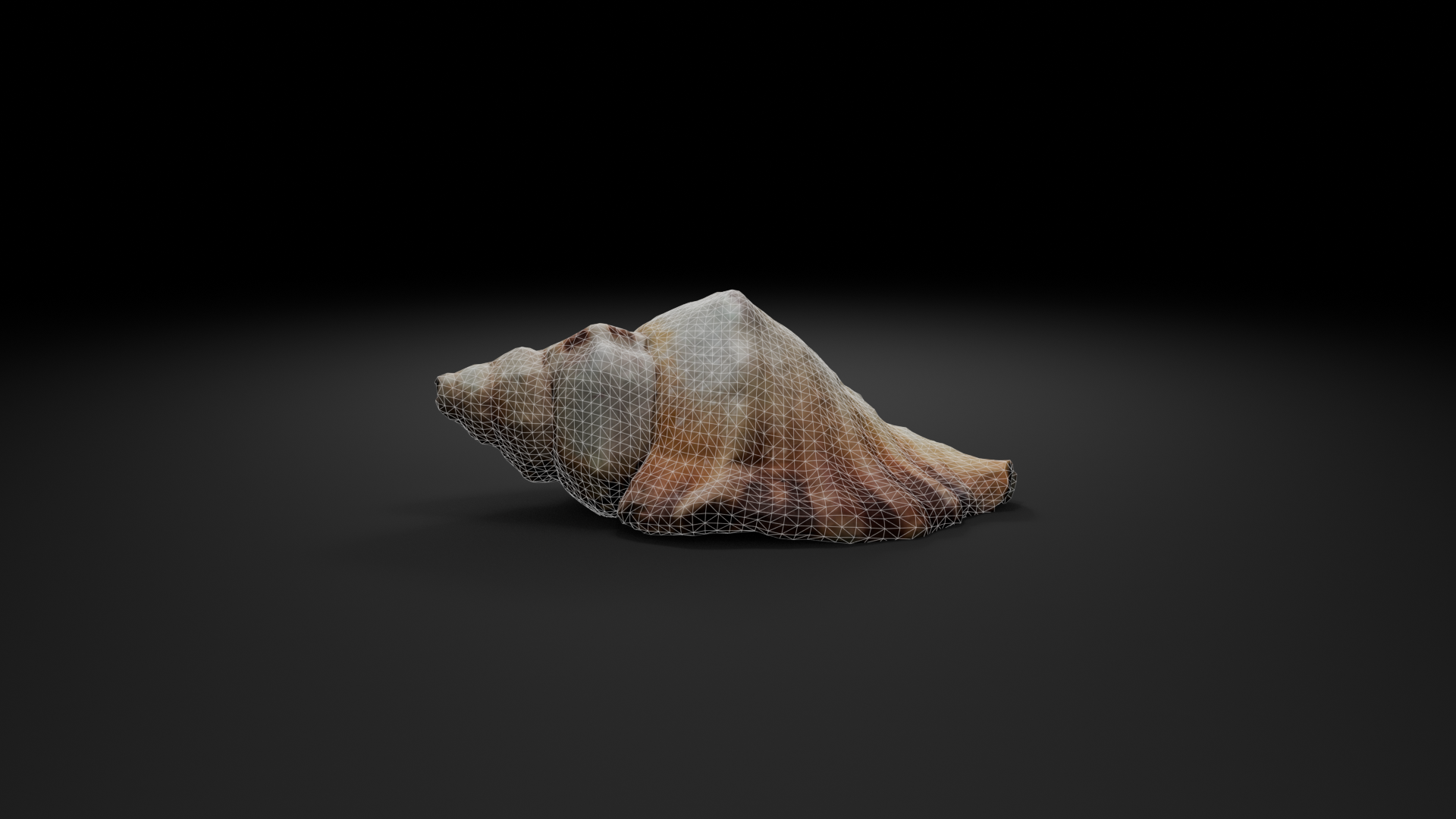
Model comparison
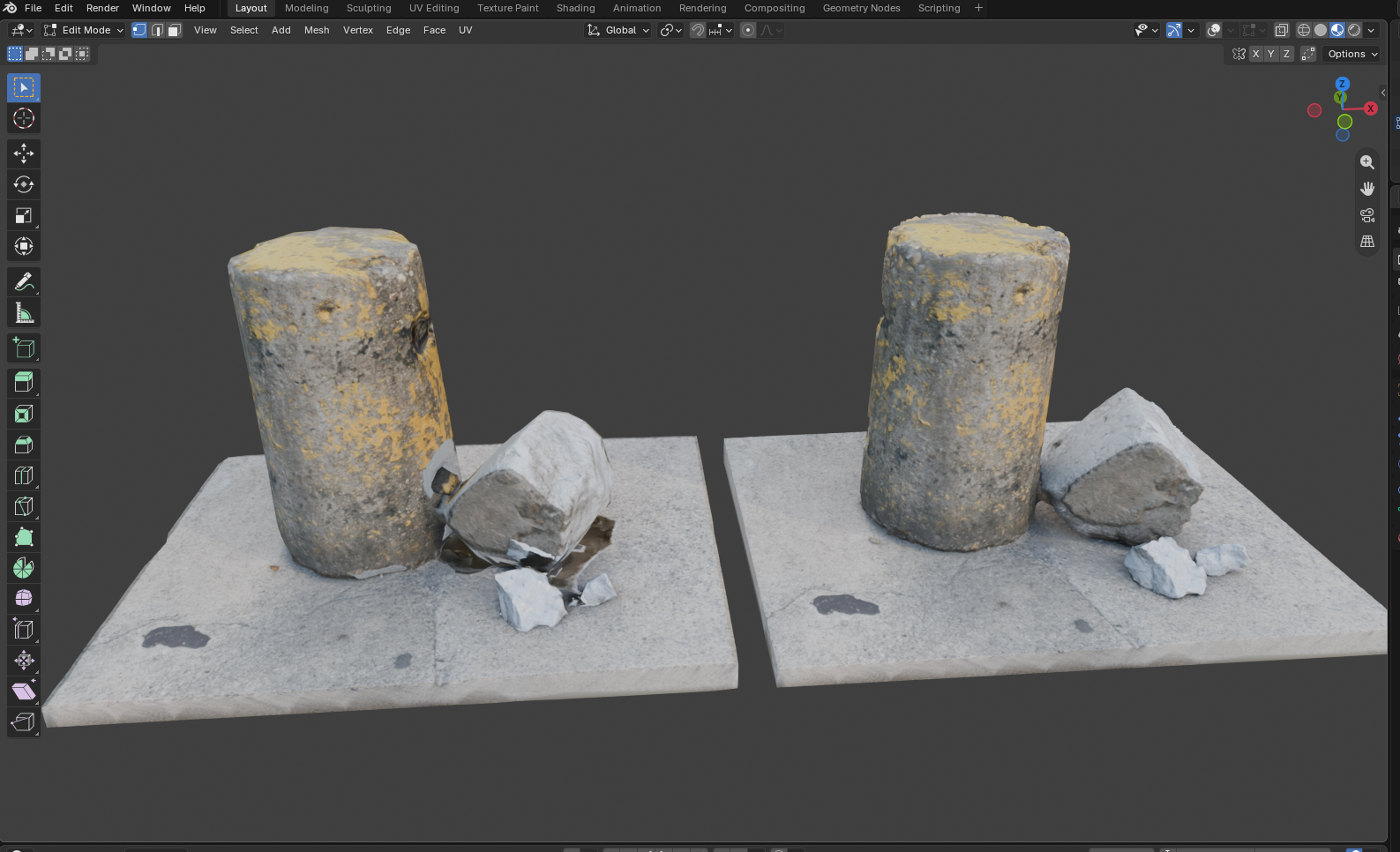
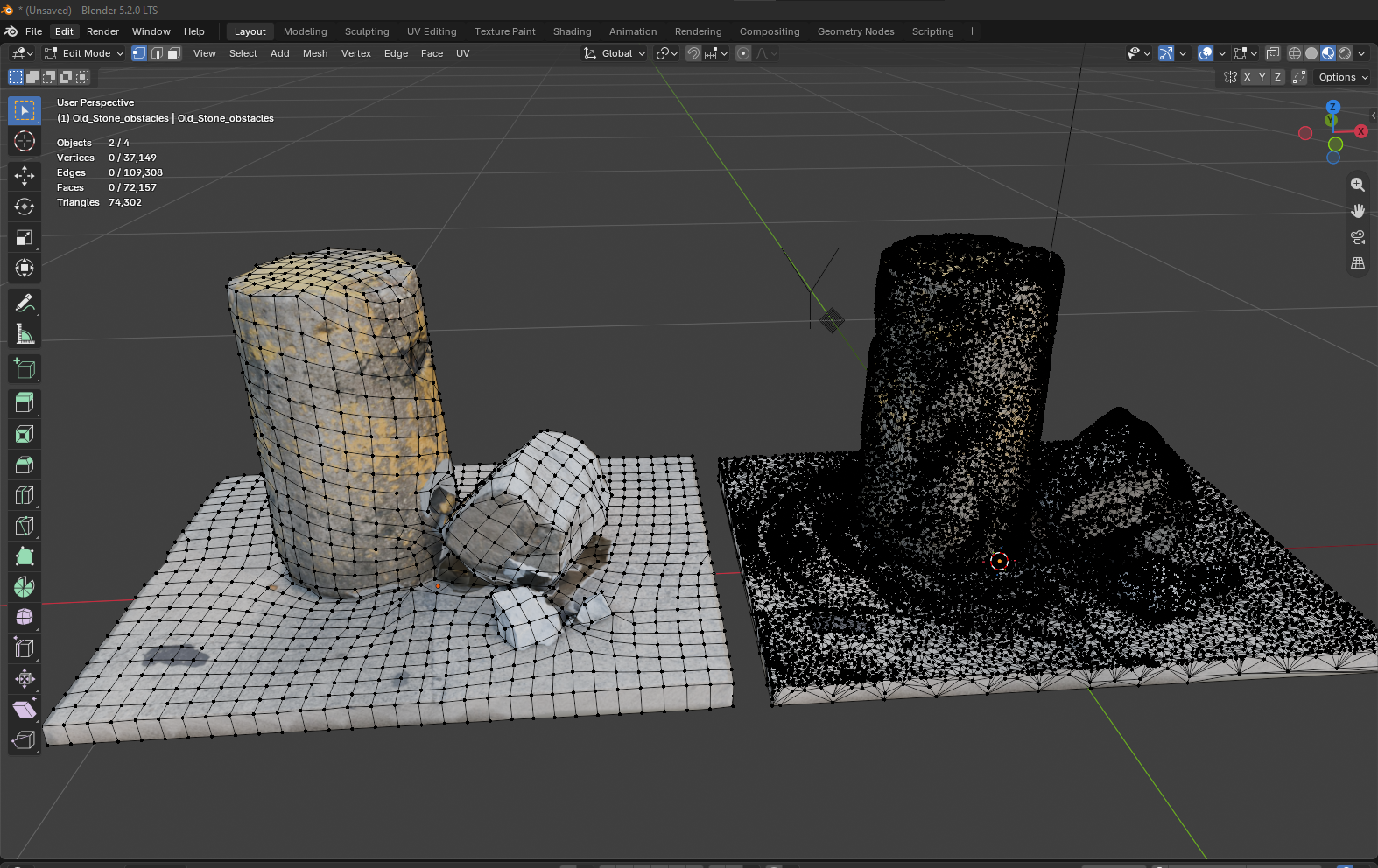
Model comparison
SHOW EVERY USEFUL CLICK
Fast demos. Clear value.
Keep each GIF short and focused. Let buyers understand one benefit before the loop begins again.
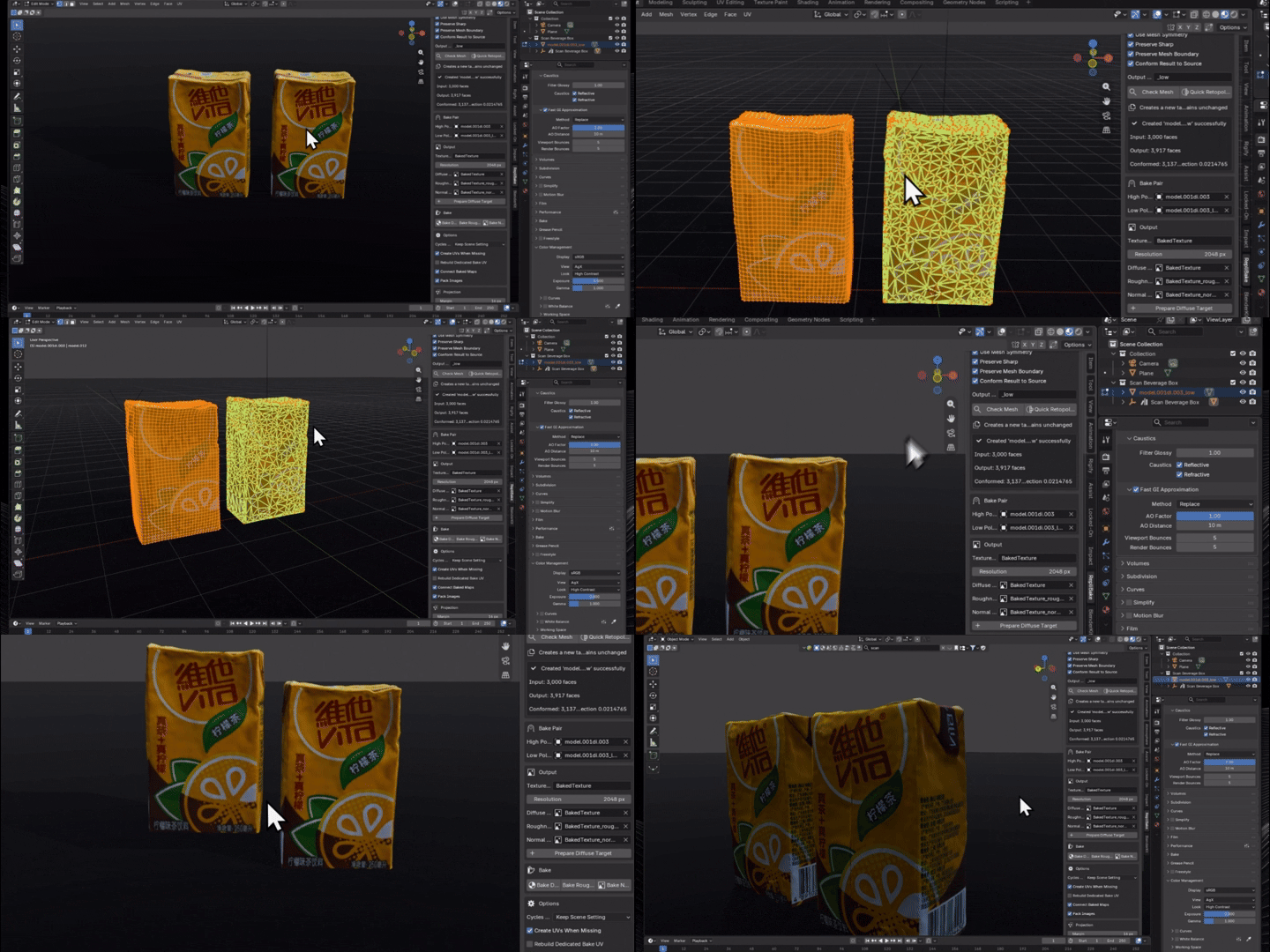
Quick Retopology
✦ Target the density
Choose a ratio, preserve useful features and create a separate lighter target.
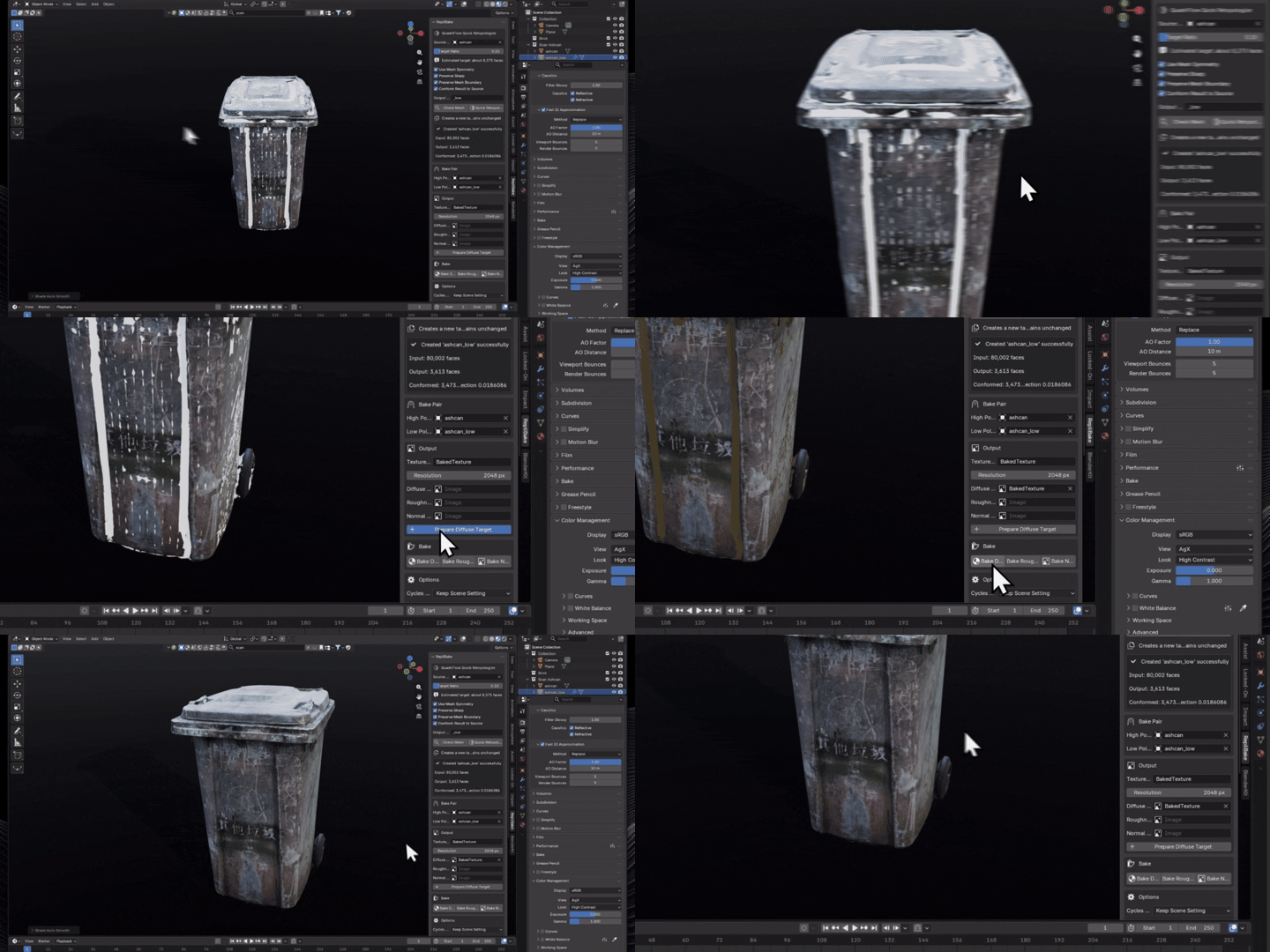
◉ Move the color
Transfer source color without rebuilding the target material setup by hand.
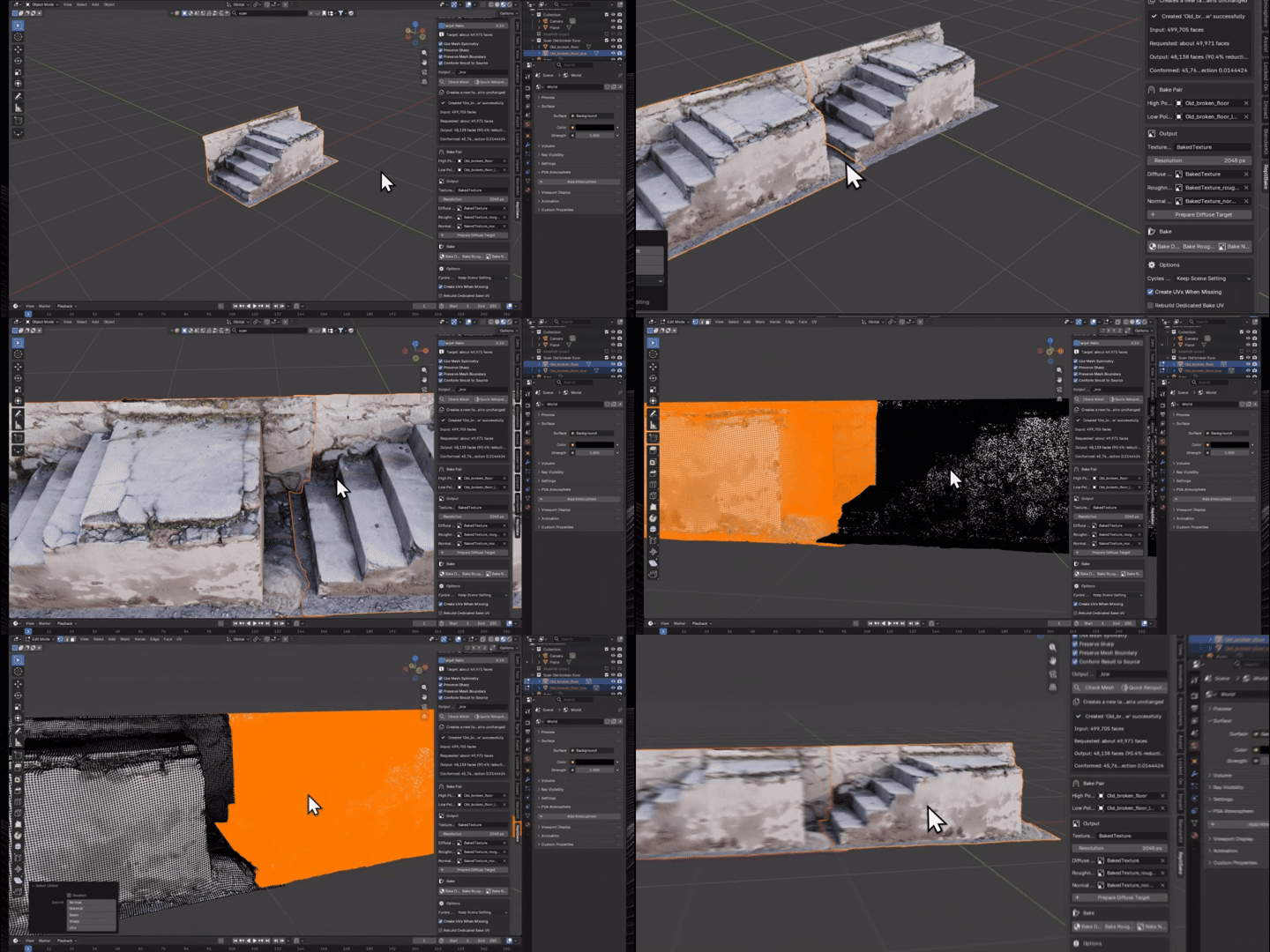
↗ Keep the surface story
Capture high-poly detail with adjustable projection and intersection coverage.
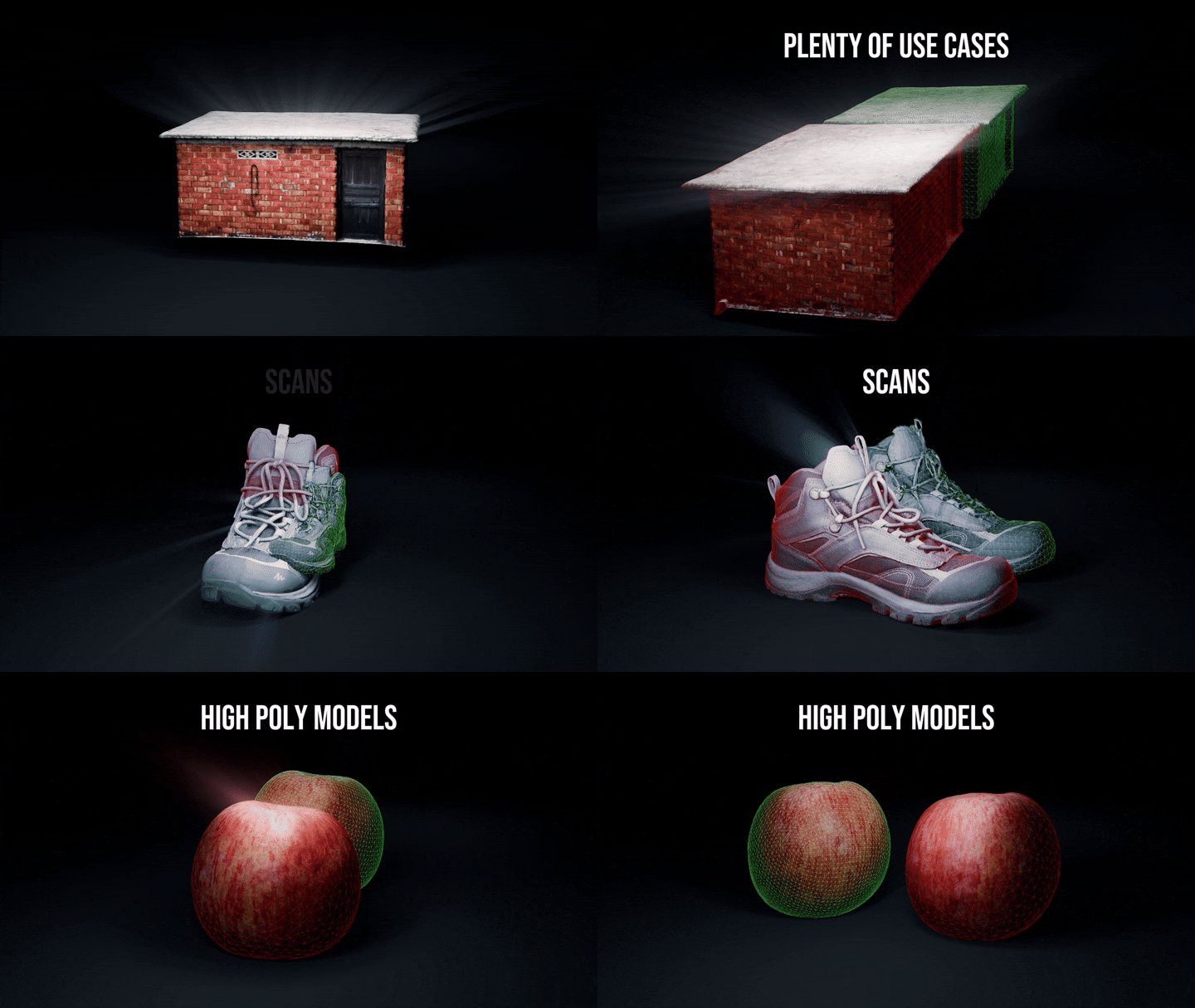
◐ Many Uses
Use it on different High density models with great results.
TARGET DENSITY THAT MAKES SENSE
Ask for less. Actually get less.
RepliBake converts your ratio into an evaluated face budget, checks the real output and performs one lightweight correction only when QuadriFlow clearly overshoots.
BUILT FOR THE MESSY MIDDLE
The safeguards artists usually discover too late.
Retopology happens on a separate evaluated copy.
Shared target data is isolated before bake nodes are added.
Improve coverage without permanently scaling the target.
Temporarily expand normal-bake coverage, then restore the exact transform.
Create missing UVs or preserve existing maps with a dedicated RepliBake UV.
Keep potential QuadriFlow risks and recovery guidance on screen.
Normal and roughness maps use Non-Color data with useful node connections.
Reuse managed images and nodes instead of creating accidental duplicates.
MADE FOR
Dense assets with somewhere lighter to be.
GOOD TO KNOW
Quick answers.
No. Quick Retopology creates a separate evaluated copy, and the baking workflow protects source materials.
Diffuse color, roughness and tangent-space normal maps.
Yes. It can create UVs when needed or build a dedicated RepliBakeUV while preserving other UV maps.
No. Passing Check Mesh does not guarantee a native QuadriFlow result. RepliBake 1.8.1 can clean minor defects and process ordinary islands sequentially, but severe intersections, internal shells, thin layers, extreme density and fragment-heavy scans may need manual preparation. Broader adaptive Voxel recovery is still a work in progress.
Automatic retopology is best treated as fast asset preparation. Hero characters may still need manually planned joint and facial loops.
Blender with Cycles baking available. RepliBake declares compatibility with Blender 3.0 and newer.
Less setup.
More finished assets.
Keep retopology and high-to-low texture baking in one focused, artist-friendly workflow—so technical setup stops stealing the creative momentum.
MESH COMPATIBILITY
Strong automation. Honest limits.
RepliBake 1.8.1 fixes common preparation problems on a temporary copy. More aggressive recovery for difficult scans is still a work in progress.
Clean meshes, ordinary separated parts, and moderate loose, duplicate or degenerate geometry. Fix Issues and Separate Islands work without changing the source.
Severe self-intersections, internal shells, very thin layers, extreme density, complex borders, and hundreds of meaningful fragments can still defeat QuadriFlow.
Adaptive Voxel Recovery is being explored but is not included in 1.8.1 because it may close holes, erase thin parts, or merge nearby surfaces.
BEFORE YOU BEGIN
Issues that may still need an artist.
RepliBake automates the workflow, but some geometry and shading decisions cannot be solved safely without manual input.
| Issue | Why RepliBake may not solve it | Recommended action |
|---|---|---|
| Animation-ready edge flow | Automatic quads do not guarantee facial or joint loops. | Manually refine deformation-critical topology. |
| Severe self-intersections | The intended outer surface can be ambiguous. | Repair the mesh or create a clean Voxel Remesh proxy. |
| Internal or overlapping shells | Conformity and bake rays may select the wrong surface. | Remove internal geometry or process shells separately. |
| Thin, closely layered surfaces | Opposite layers may merge, snap or bleed. | Separate clothing, leaves and similar layers before processing. |
| Complex mixed shaders | There may be no single unambiguous roughness source. | Prepare a dedicated bake material or channel. |
| UDIM output | The current workflow manages standard single images. | Use a dedicated UDIM baking workflow. |
| Perfect exact face counts | Quad layouts require normal face-budget rounding. | Accept a small variance or edit the result afterward. |
| Native Blender or hardware failures | QuadriFlow, Cycles and memory limits remain controlled by Blender and the system. | Reduce the workload, update Blender or drivers, or use a lighter proxy. |
| Guaranteed recovery for every scan | Automatic tools cannot always infer the intended surface through severe damage, shells or intersections. | Repair manually or create a Voxel Remesh proxy. Adaptive Voxel Recovery remains work in progress. |

