 Shahzaib A.


ReRain
Realistic Rain & Wet Ground Generator for Blender
Stop building rain from scratch with particle systems and shader nodes. With ReRain you pick the weather and the rain falls.
From a gentle drizzle to an intense thunderstorm, control rainfall, wind, droplets, splashes and wet surfaces from one sidebar panel, without leaving the 3D Viewport.
Weather, the faster way
|
The usual way Set up a particle system, tune the physics, build a streak material, fake the splashes, then hand-make a wet ground shader. |
With ReRain Click Add Rain Emitter, choose a preset and adjust. Rain, ripples, splashes and wet ground are all generated for you. |
6 ready-to-use rain presets
Create different weather conditions instantly, then customize any preset to match your scene:
| Drizzle | Light Rain | Moderate Rain |
| Heavy Rain | Downpour | Storm |
Customizable rain & wind
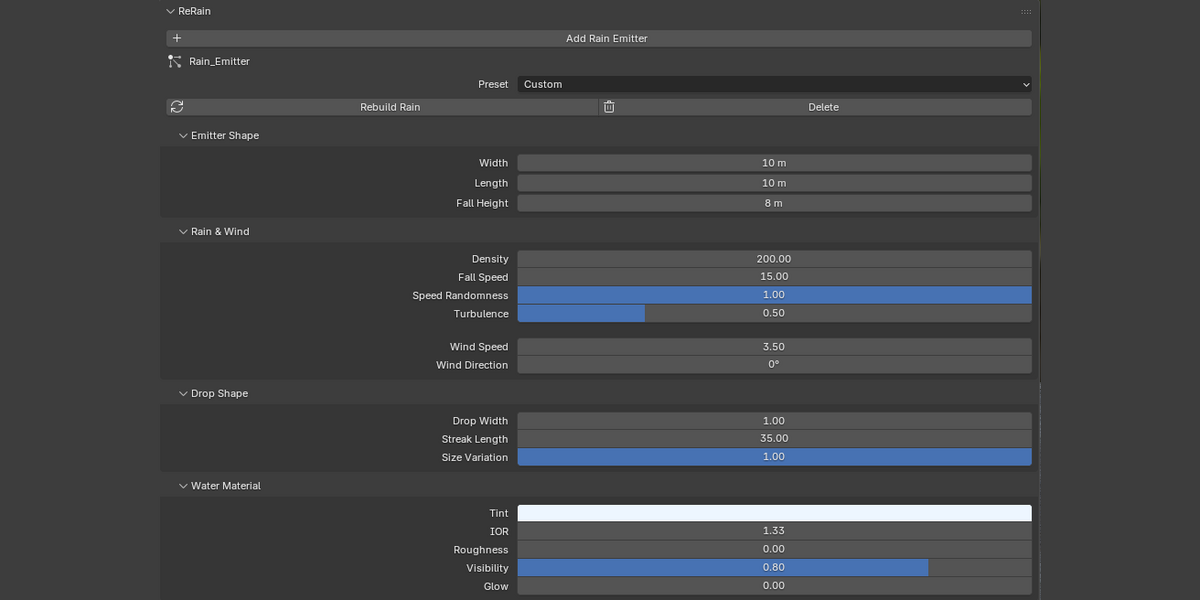
Shape the look and movement of your rainfall, from subtle atmospheric rain to dense, wind-driven storms:
|
Rainfall Adjust rain density and fall speed. |
|
Wind & Turbulence Set wind speed and direction, then add turbulence and randomness for natural movement. |
|
Emitter Size Control the rain emitter's width, length and height to cover exactly the area you need. |
|
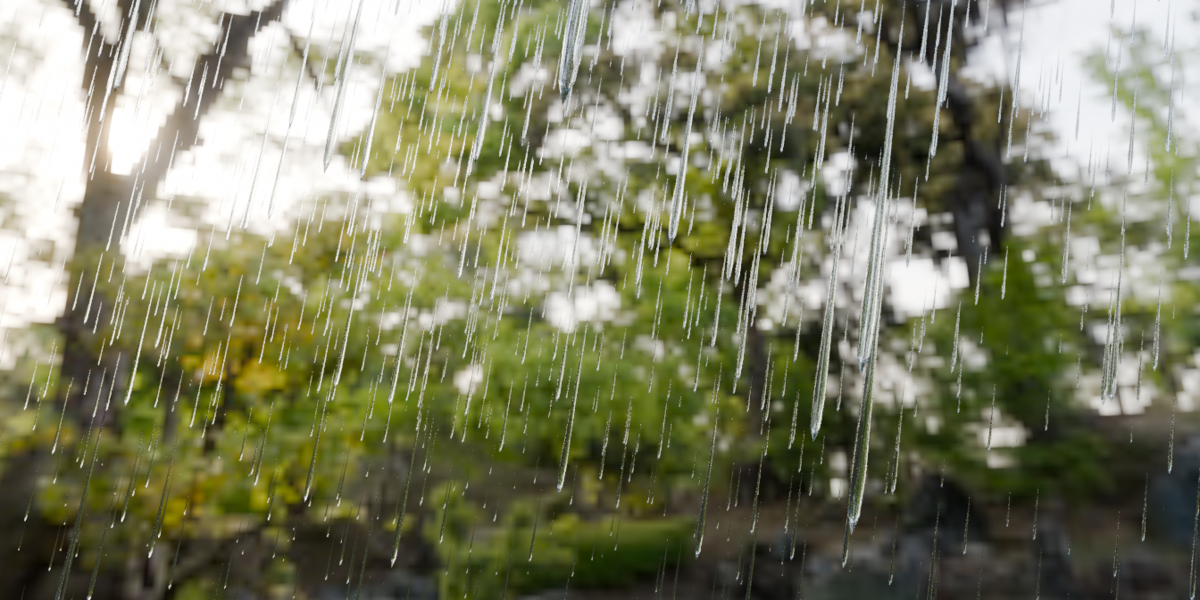
Droplets Tune droplet thickness, streak length and size variation. |
Ground ripples & splash effects
Add detail to your rainy environments. Enable or disable either effect independently.
|
Ground Ripples Customize ripple size, density, duration, ring width and strength. |
Splash Droplets Droplets bounce up from the ground, with adjustable height, size, amount and spread. |
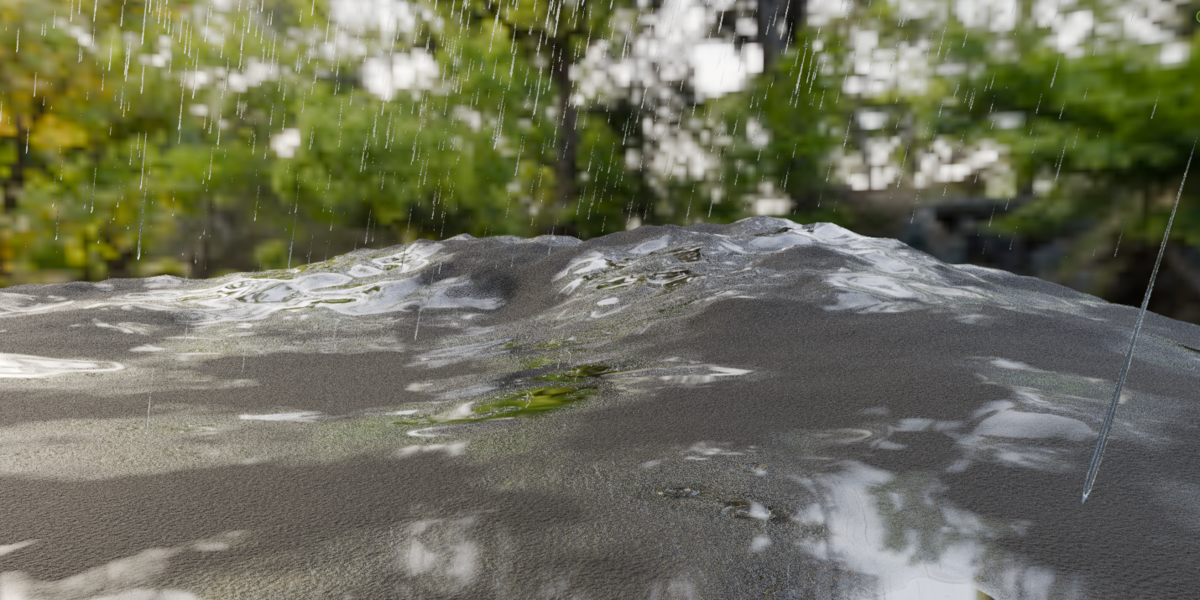
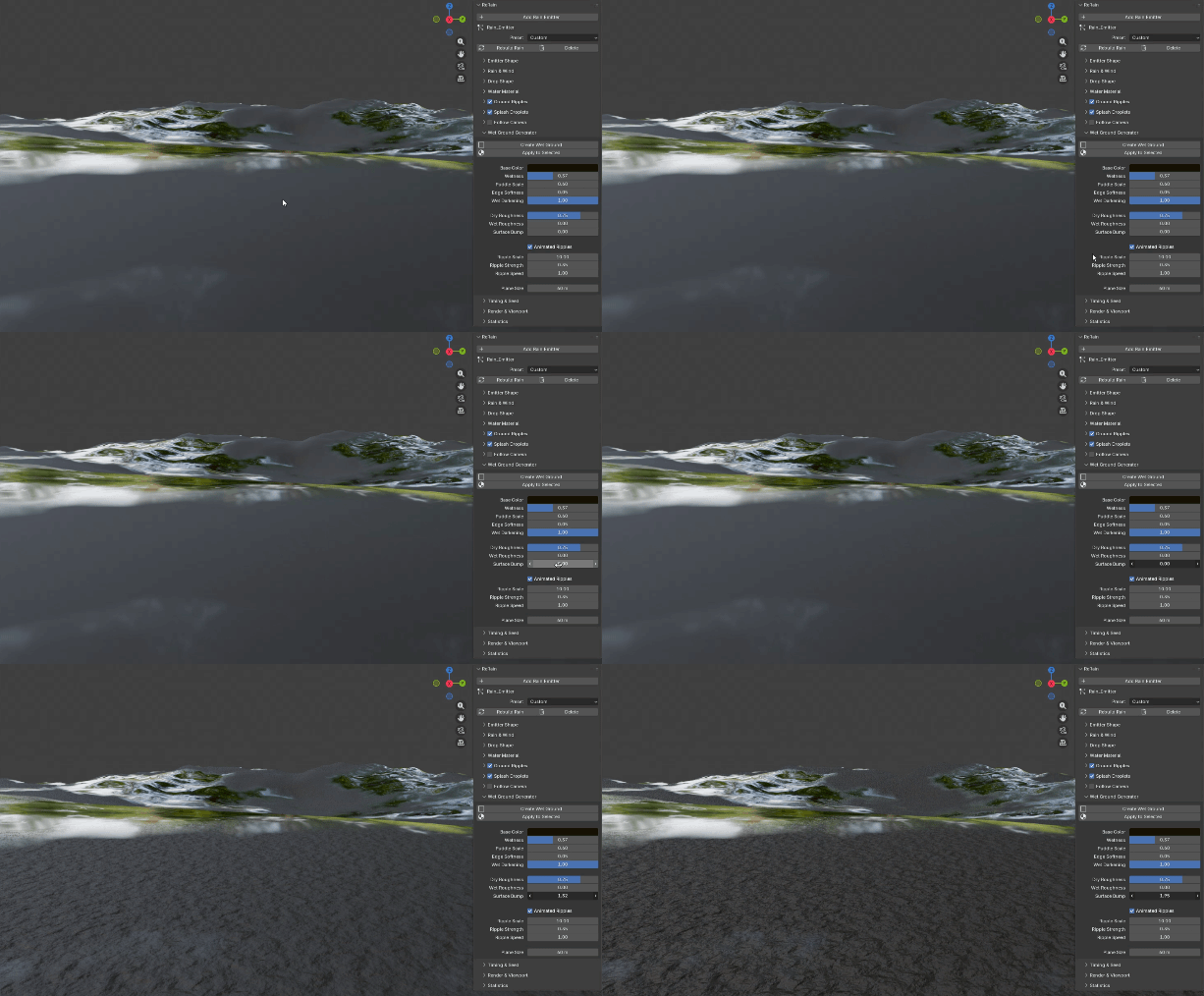
Procedural wet ground material
|
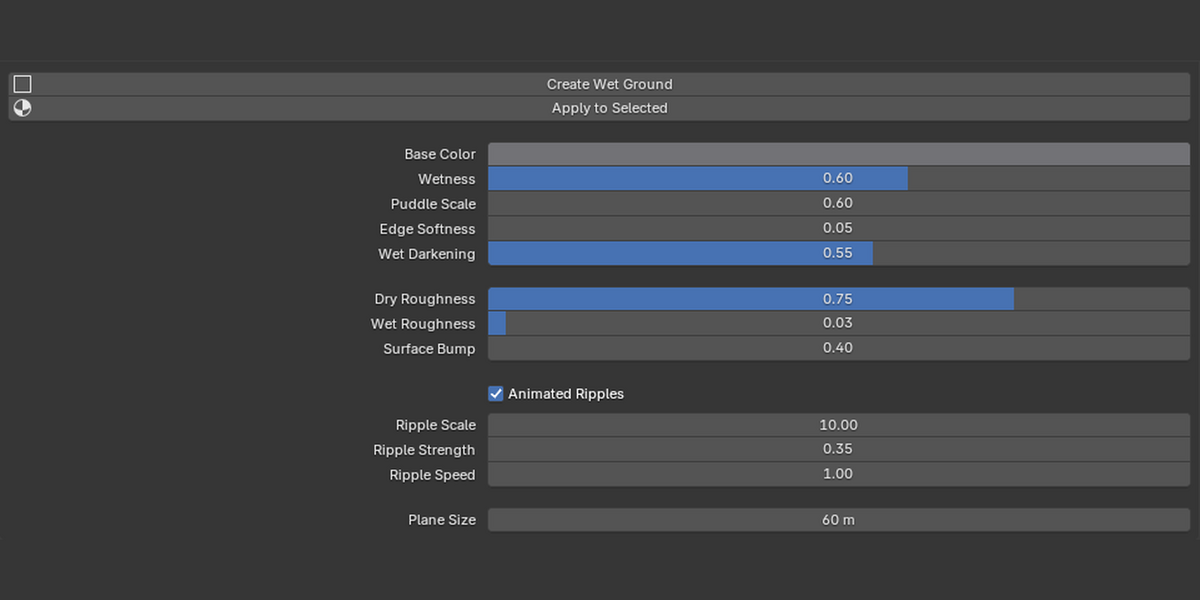
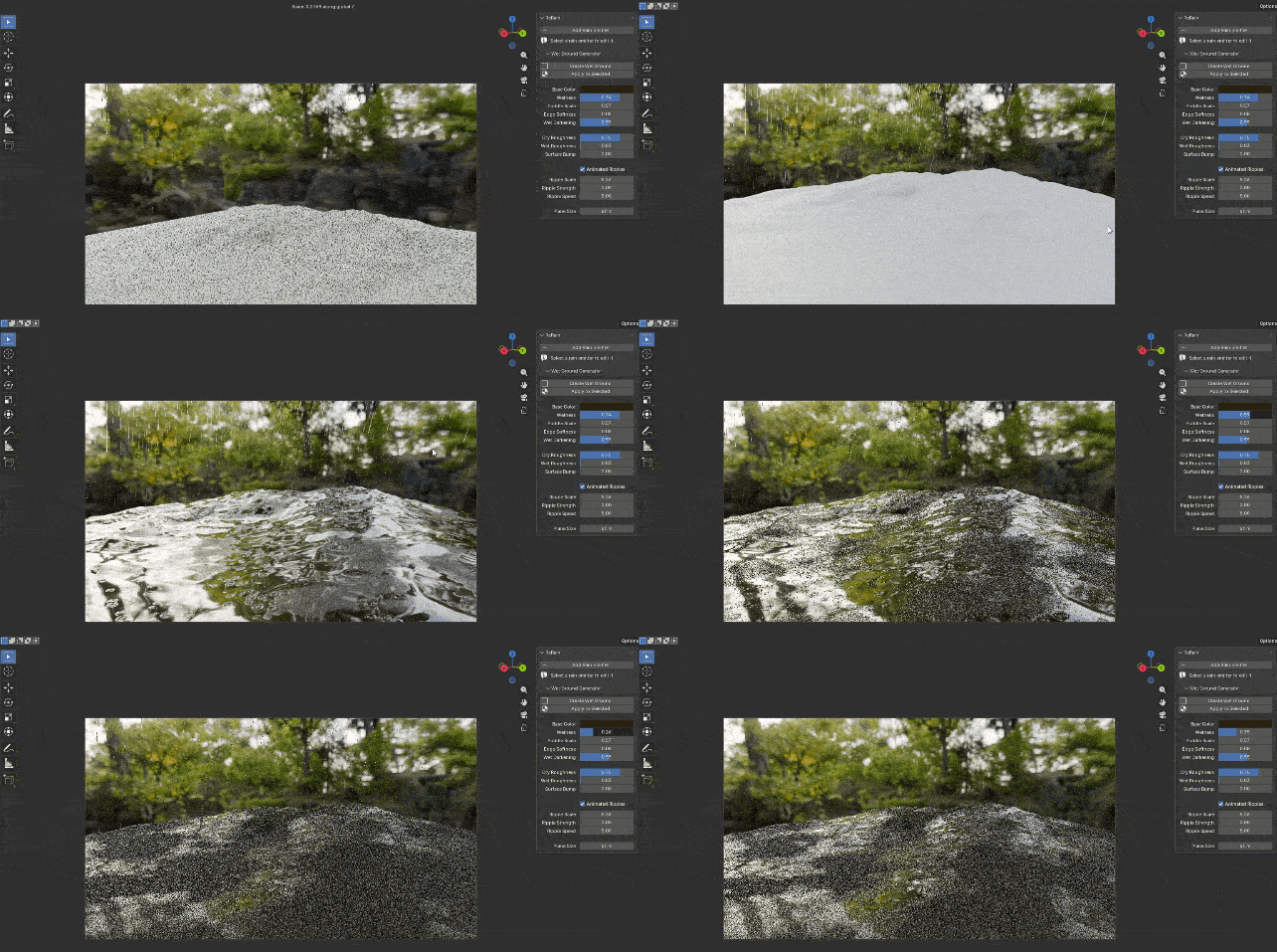
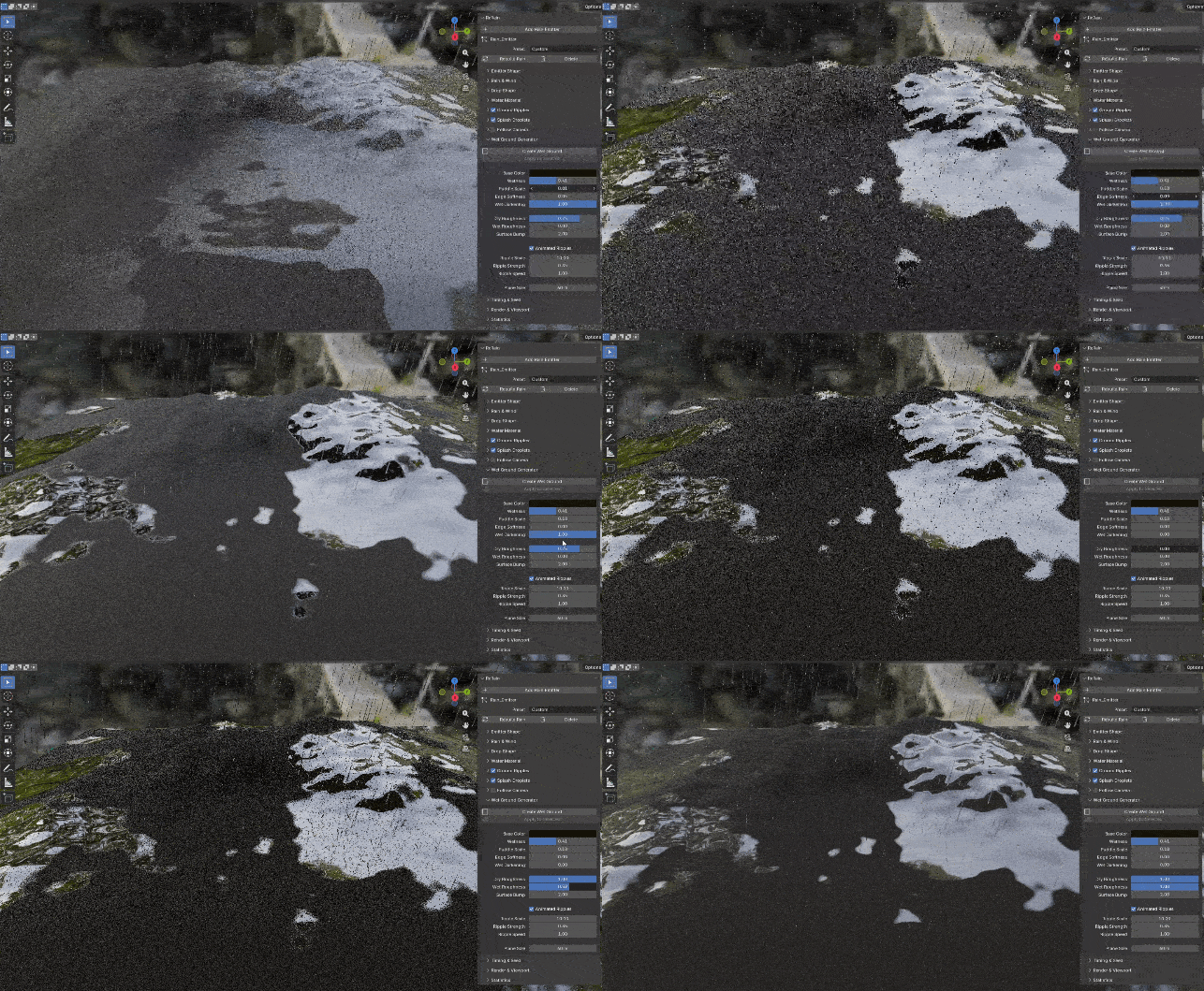
Convincing rainy surfaces ▸ Procedural puddle patterns with adjustable surface wetness. ▸ Wet surface darkening, with separate dry and wet roughness controls. ▸ Surface bump detail for believable texture. ▸ Animated puddle ripples with adjustable scale, strength and speed. |
|
Your ground, your choice Create a new wet-ground plane, or apply the generated material to selected mesh objects. |
Stay in control of every shot
|
Follow Camera Keep rainfall positioned around your camera or a selected object. Ideal for moving camera shots, cinematic sequences and large environments where you want rain concentrated around the visible area. |
|
Customizable Water Appearance Fine-tune tint, transparency, roughness, refraction and glow. Make streaks more visible in dark environments or match your artistic style. |
|
Viewport & Performance ▸ Adjustable viewport particle percentage and a maximum particle limit. ▸ Streak or dot viewport display, plus particle statistics. ▸ Random seed control, animation start and end frames. ▸ Pre-roll, so rain is already falling on the first frame. |
Built for every kind of scene
|
Cinematic animations Pre-roll and Follow Camera keep the rain right where the shot needs it. |
Rainy city streets Wet ground, puddles and ripples for believable night scenes. |
|
Architectural visualization Add atmosphere to exteriors with soft rain or a dramatic storm. |
Motion graphics & outdoor scenes Wind-driven streaks and splashes for dynamic, atmospheric renders. |
Everything at a glance
Requirements
|
Before you buy ▸ Blender 5.0 or newer |
Where to find it
▸ 3D Viewport → Sidebar (N) → ReRain
▸ Add Rain Emitter, choose a preset, then adjust
▸ Enable ripples and splashes, generate wet ground, and fine-tune until it fits your scene
Whether you need soft rainfall or a dramatic storm, ReRain gives you the creative control to build detailed rain effects directly inside Blender. Bring the rain to your renders.