 SkdSam


EARLY BIRD SPECIAL 🦜
Price increase after 30 purchased to 14.99
9.99 First 30 customers only
Latest Version
v1.0.0
Blender
3.6 – 5.1
Platforms
Windows • macOS • Linux
Type
Add-on / Extension
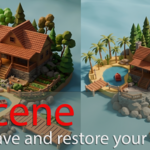
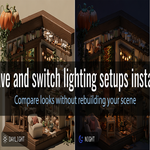
Rescene helps you save, switch, and restore Blender scene states in seconds
Stop rebuilding layouts, re-tweaking lights, resetting cameras, or chasing the exact version you had five minutes ago. Rescene captures the important parts of your scene so you can move between creative directions quickly, stay organized, and iterate with confidence.
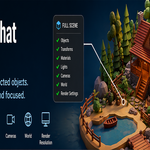
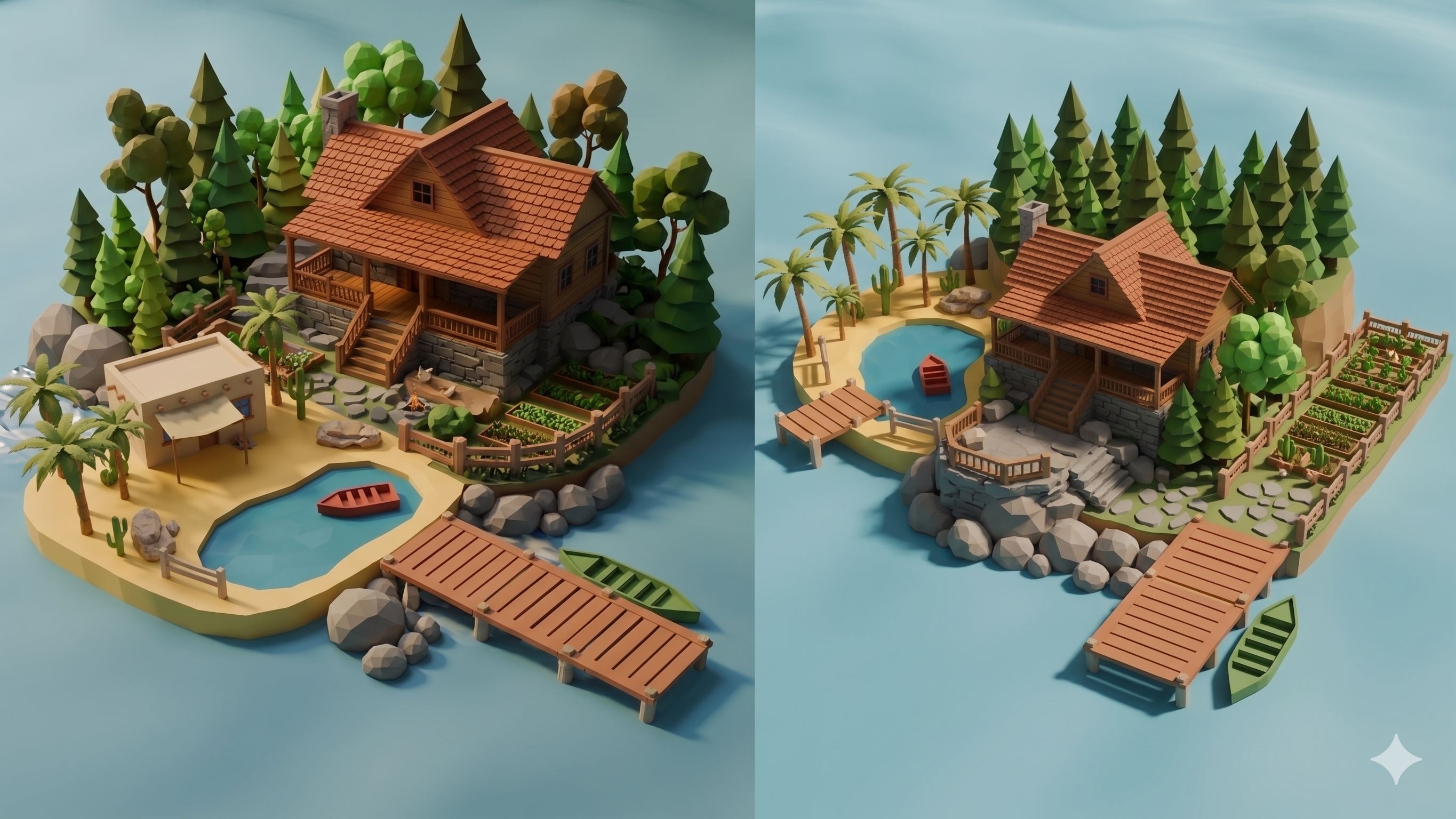
Whether you're exploring lighting options, testing camera setups, comparing look-dev passes, or managing multiple scene variations, Rescene keeps everything within reach. Save full-scene states or selected objects only, then instantly restore transforms, visibility, materials, lights, cameras, world settings, and render resolution when you need them.
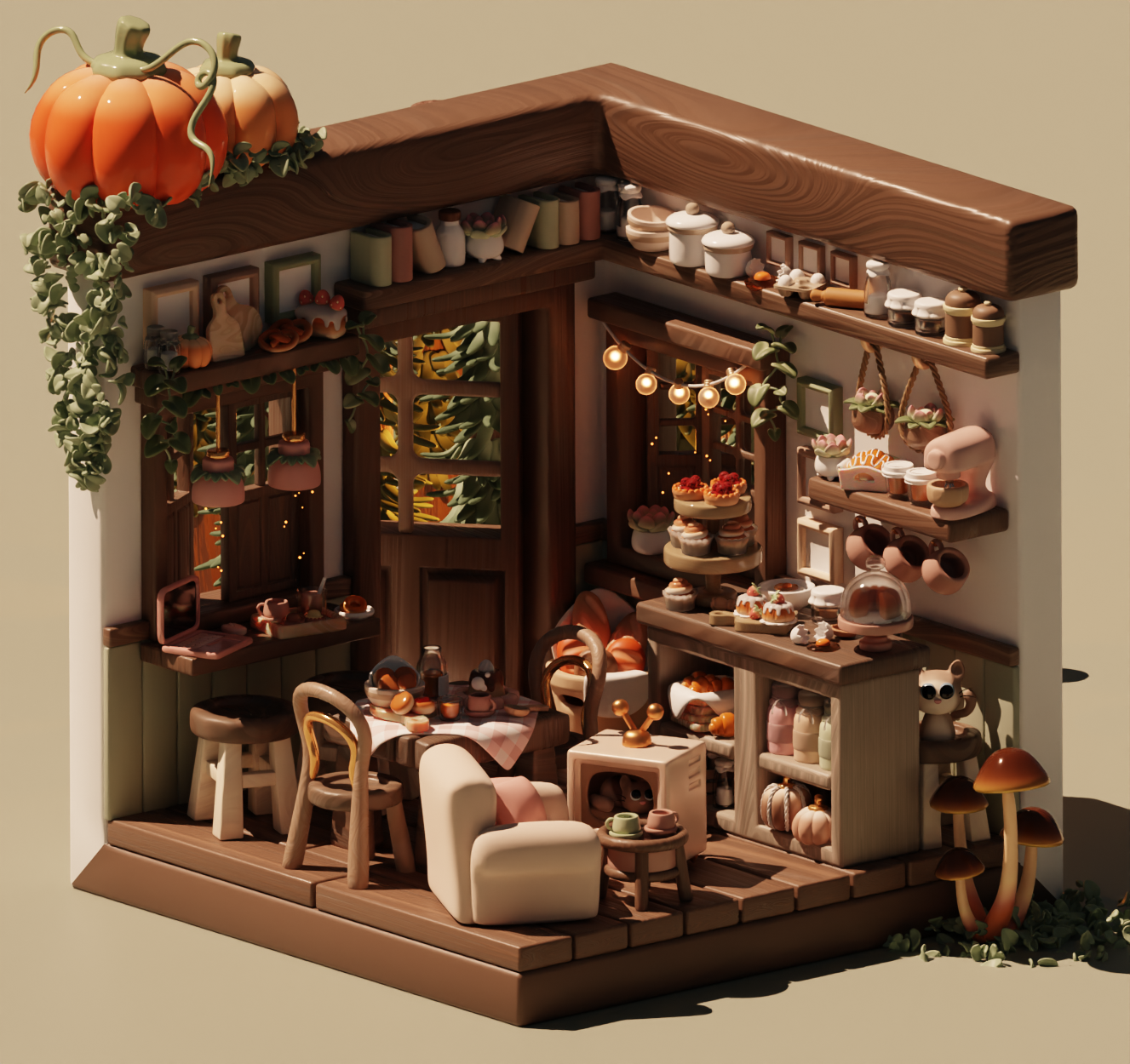
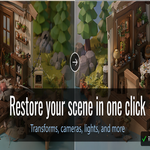
1-Click Recall
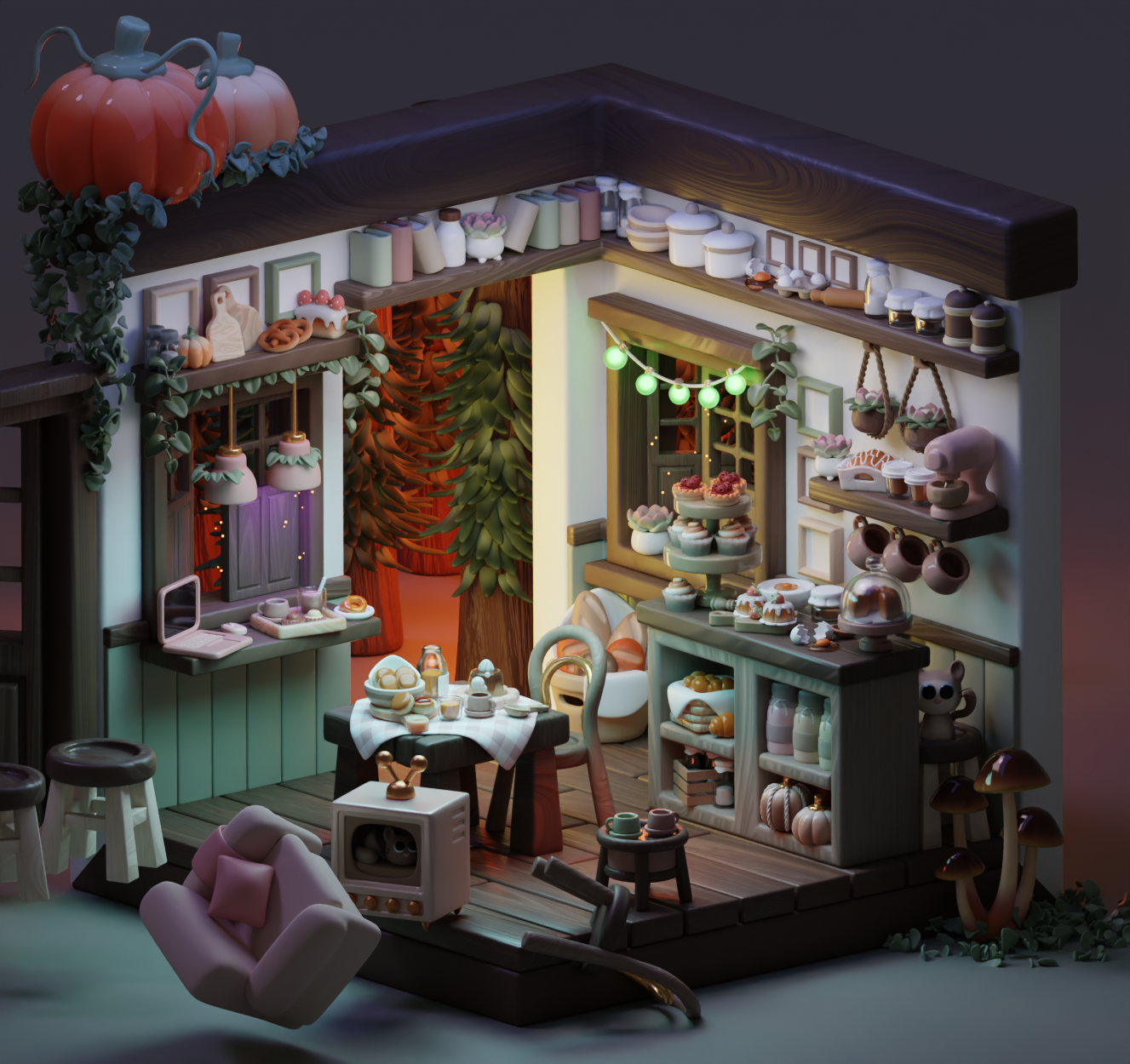
1-Click Recall
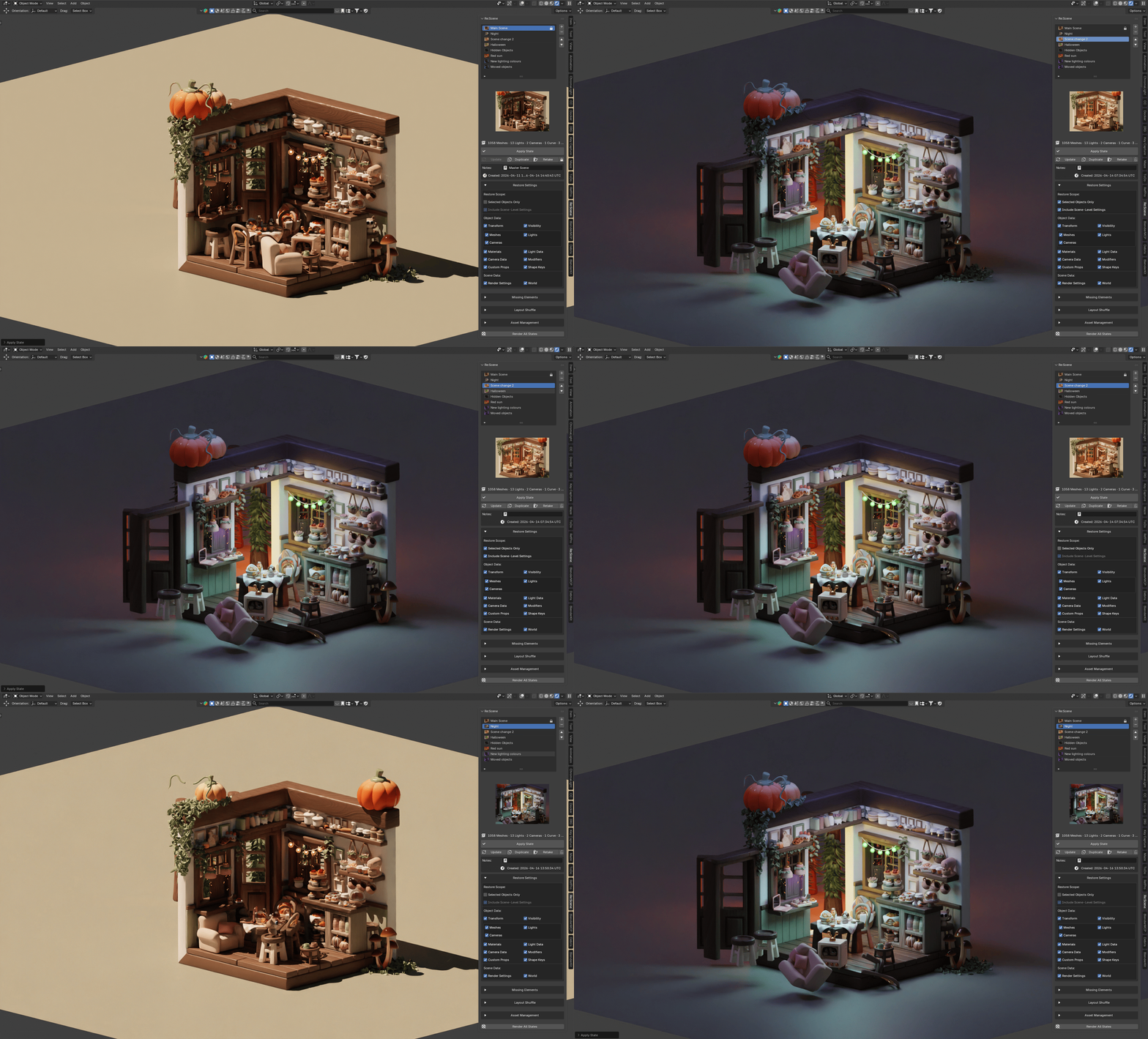
Scene saved data type, The current save types are listed below
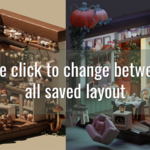
✔Save named scene states with notes, timestamps, lock status, and thumbnail previews.
✔Restore object transforms, rotation modes, visibility, and collection membership inside the current scene.
✔Reapply material slot assignments, modifier visibility states.
✔Recall light setups including light type, colour, intensity, shadow settings, area/spot controls, and other common built-in light properties.
✔Recall camera setups including camera type, lens, clip range, sensor size, framing shift, depth of field, focus target, and active camera assignment.
✔Restore world setup including the active world, node mute states, HDRI or image references, and unlinked node input values.
✔Restore collection visibility, render visibility, and per-view-layer hide/exclude states.
✔Apply states selectively with per-state restore toggles and a Selected Objects Only workflow.
Feature Checklist
1
Save Scenes
Done
Recall and store new scene layouts with an image reference (Requires camara active to save rendered image)
2
Restore Settings
Done
Use various combinations to restore the full scene settings or just select certain objects (See list above)
3
Replace Missing Elements
Done
Lists missing objects and materials from a selected scene and then replace them with a new object/material if required