 Jeslin3d
Resolution Preset - Blender Add-on
Introduction
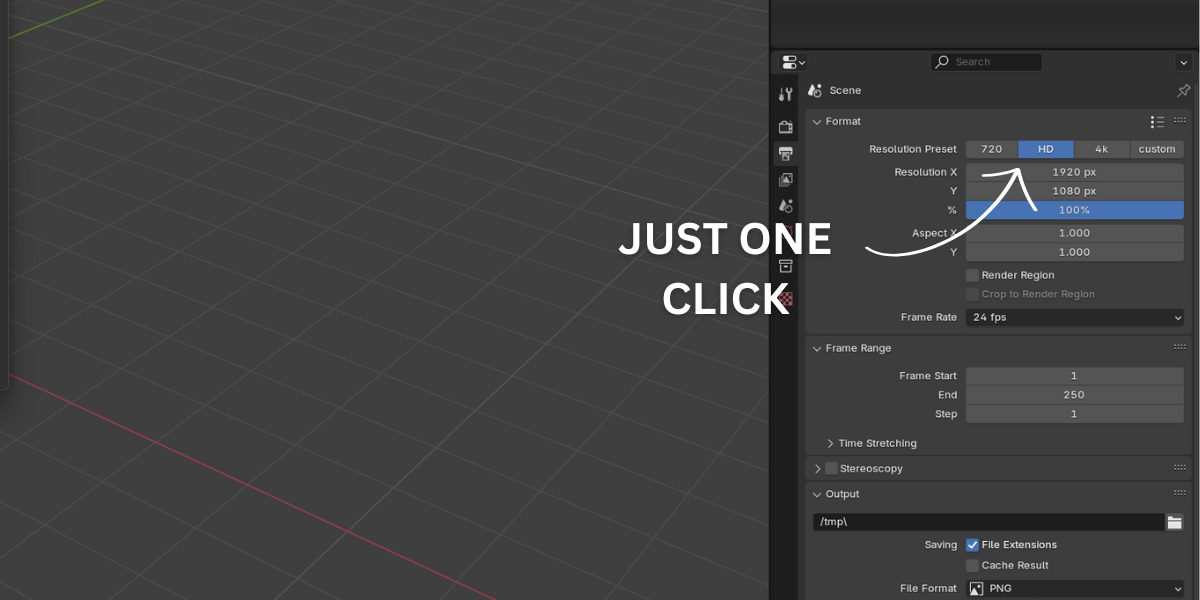
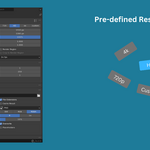
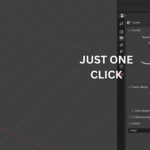
The Resolution Preset add-on makes it easy to switch between common render resolutions in Blender. With a single click, you can set your render resolution to 720p, 1080p, 4K, and more—saving time and effort.
Features
✅ One-click resolution change (720p, 1080p, 4K, etc.)
✅ No need to manually type resolution values
✅ Simple and easy to use
Installation Guide
- Open Blender.
- Go to Edit → Preferences.
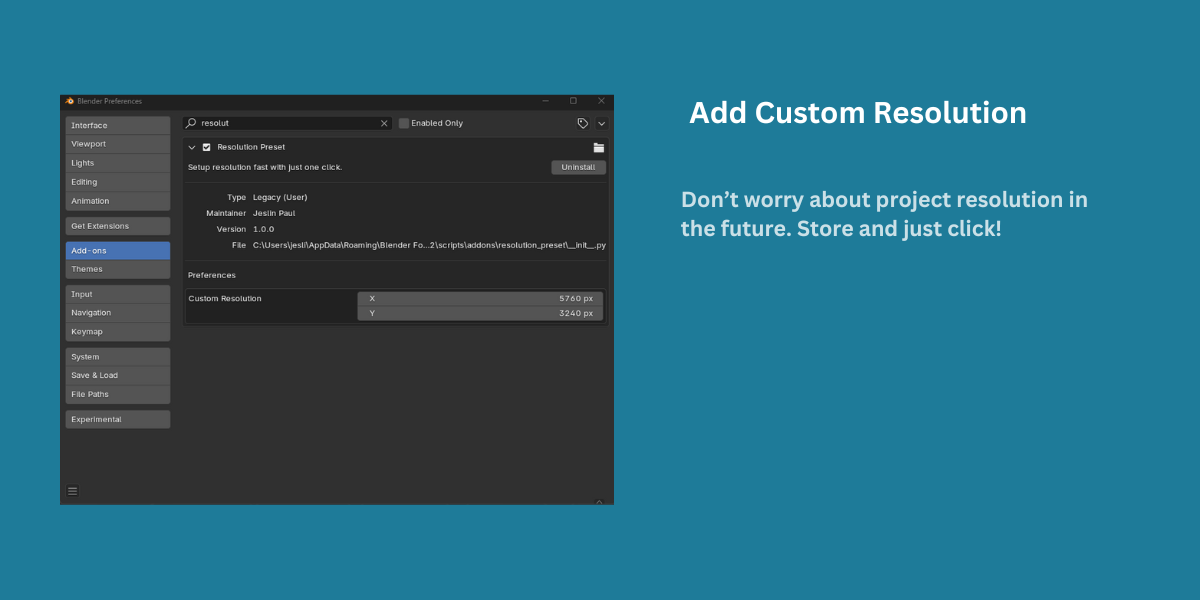
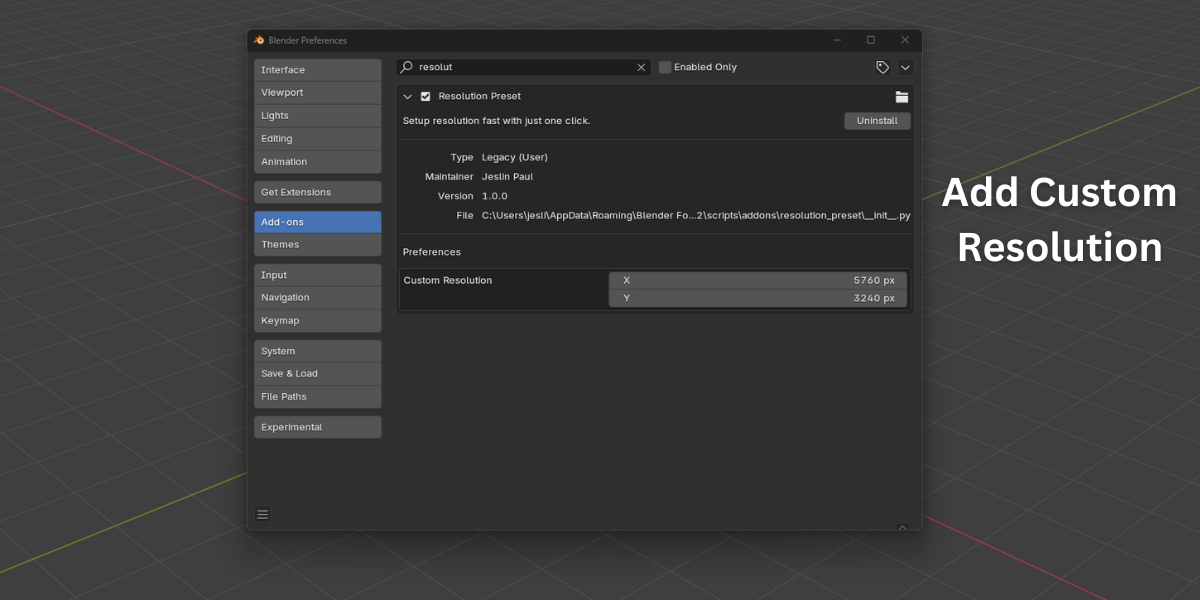
- Select Add-ons and click Install.
- Choose the
.zipfile of the Resolution Preset add-on and click Install Add-on. - Enable the add-on by checking the box.
How to Use
- Go to Render Properties in Blender.
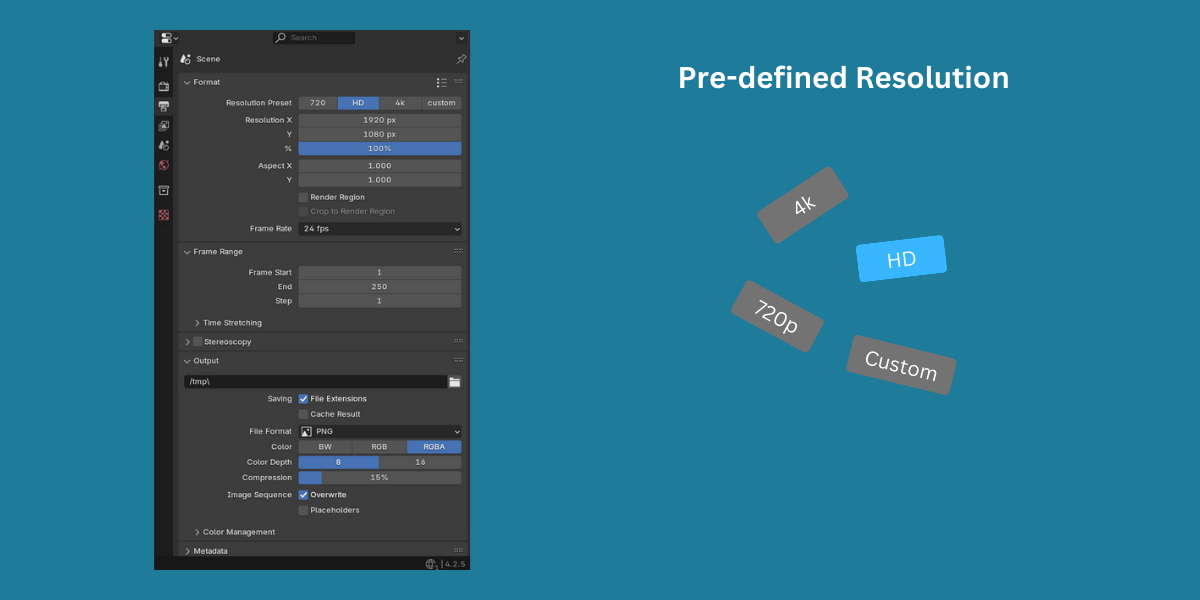
- Find the Resolution Preset panel.
- Click on any resolution button (720p, 1080p, 4K, etc.), and the render resolution will update instantly.
Support
If you have any issues or suggestions, feel free to contact me through Blender Market.
Enjoy fast and hassle-free resolution switching! 🚀
$2.25
Have questions about this product?
Login to message
| Published | over 1 year ago |
| Blender Version | 4.3, 4.2, 4.1, 4.0, 3.6, 3.5, 3.4, 3.3, 3.2, 3.1, 3.0 |
| Extension Type | N/A |
| License | Creative Commons |
Discover more products like this
preset realistic resolution rendering preference Resolution presets