 netkingZ

RETOPOLOGY ADD-ON · BLENDER 4.5+
Sketch the flow.
Retopia does the rest.
Draw your topology straight onto the sculpt. NKZ Retopia places every vertex on the surface, builds clean quad grids, keeps spacing even and handles symmetry — while every loop stays your decision.
15 TOOLS SMART SYMMETRY STANDARD BLENDER MESH RUNS OFFLINE
◆ BUILD THE TOPOLOGY. YOUR WAY.
Sketch whole regions, place single quads, or extend with rigid strips — pick the tool that fits the area.
BUILD
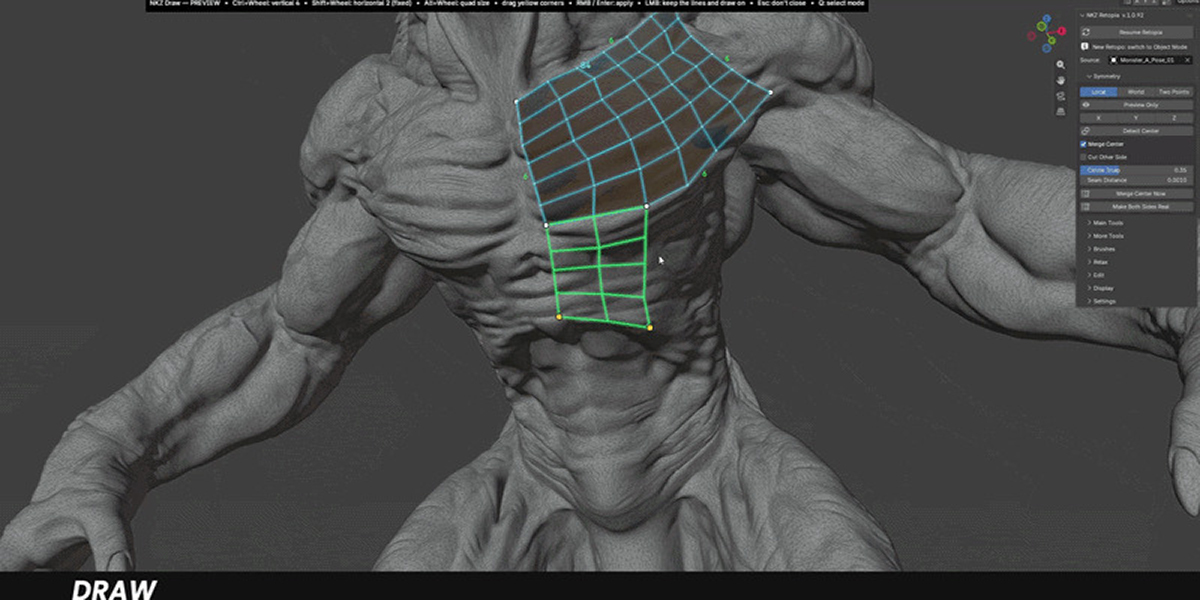
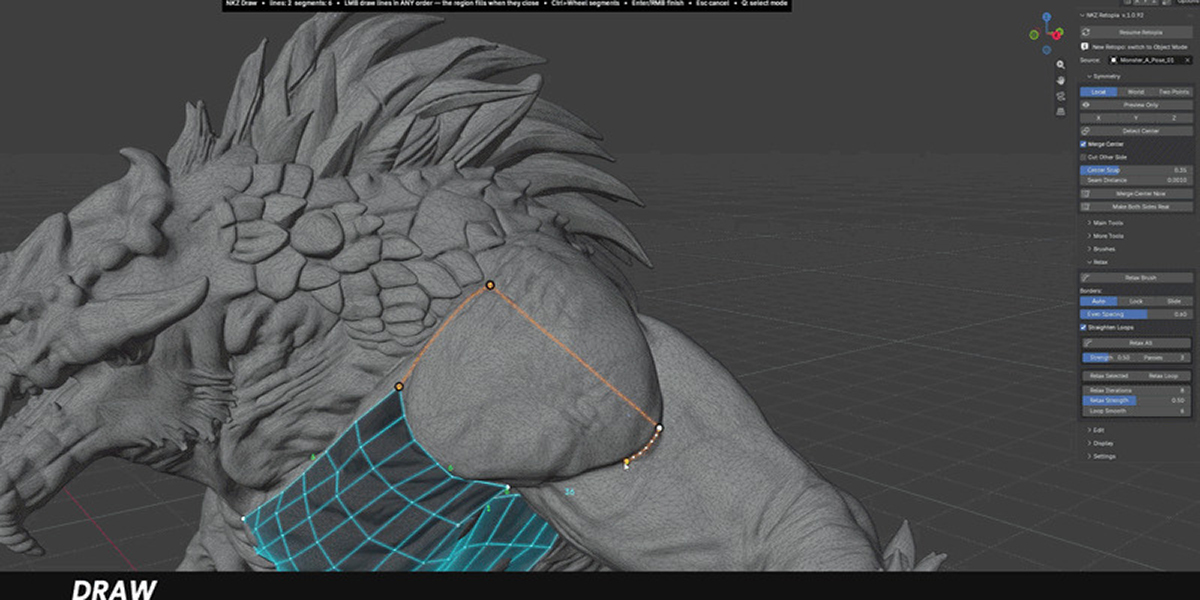
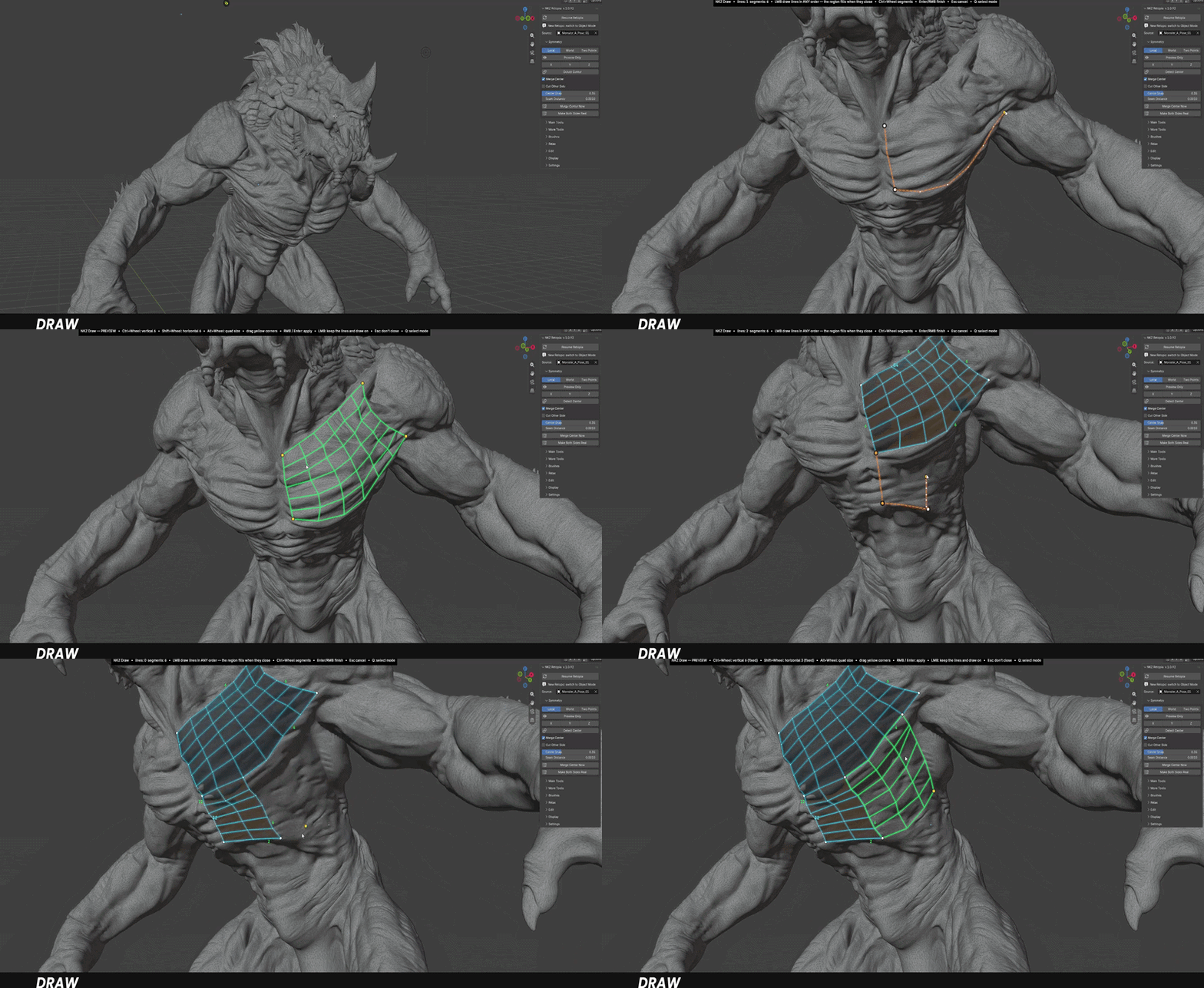
Draw
Sketch the sides of a region in any order: Retopia recognises the shape and fills it with an ordered quad grid. Preview it, drag the corners, adjust the density, then apply.
BUILD
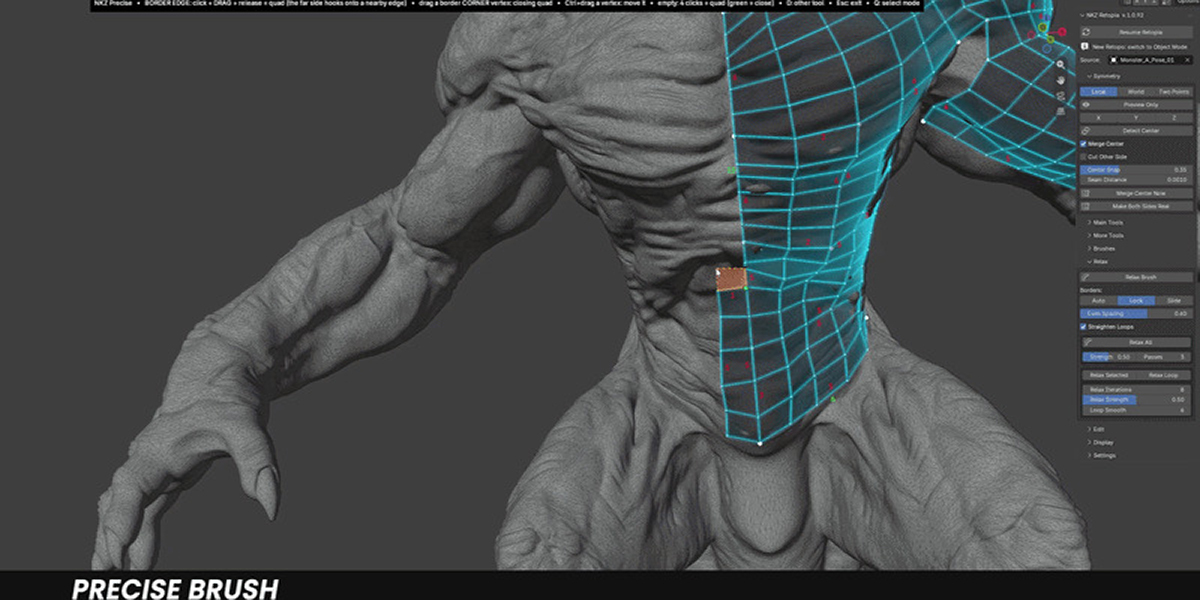
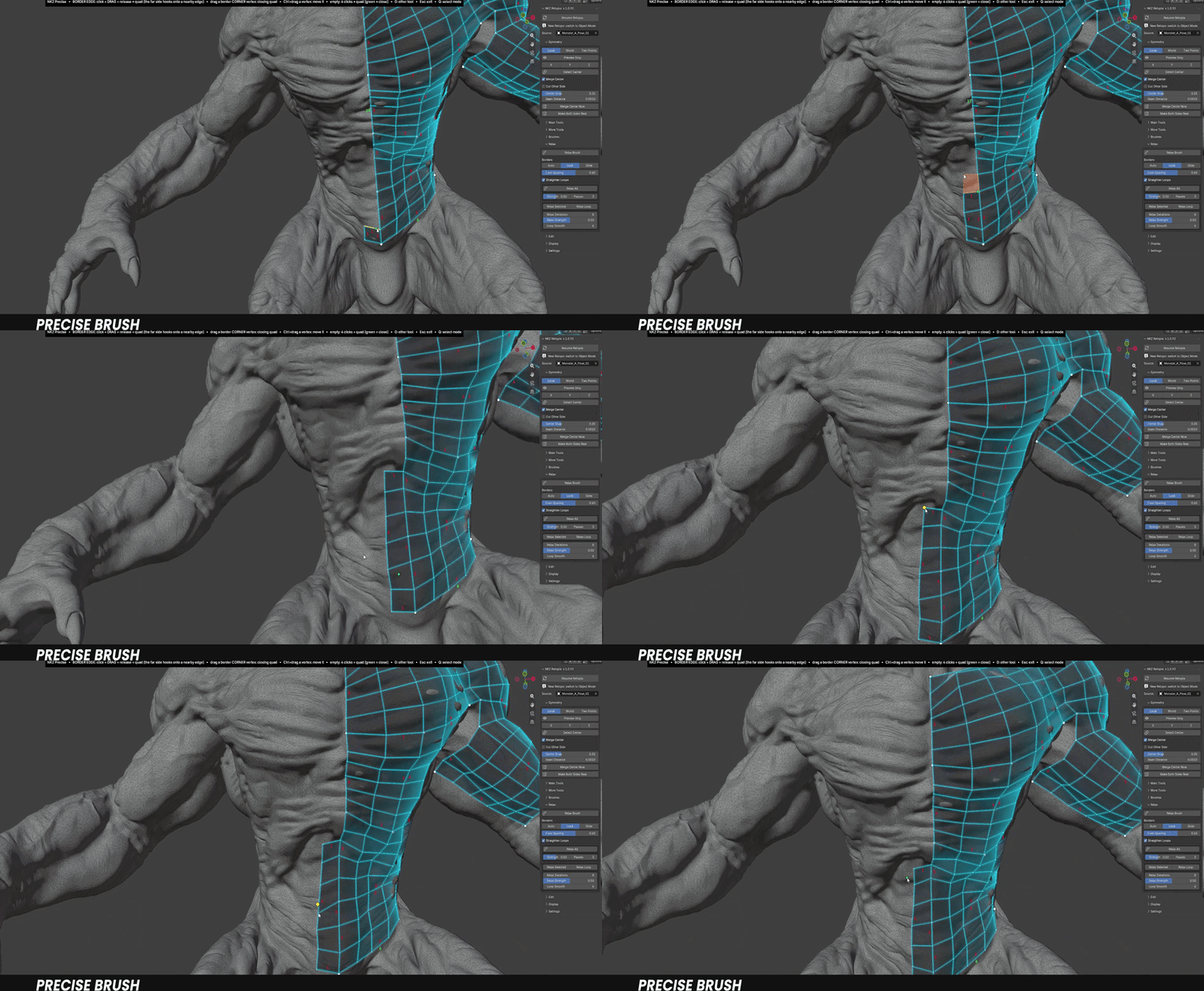
Precise Draw
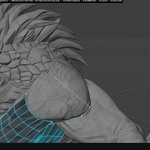
Click, drag, release: extrude quads from any edge or corner, and snap them onto nearby geometry to close structures in one move.
BUILD
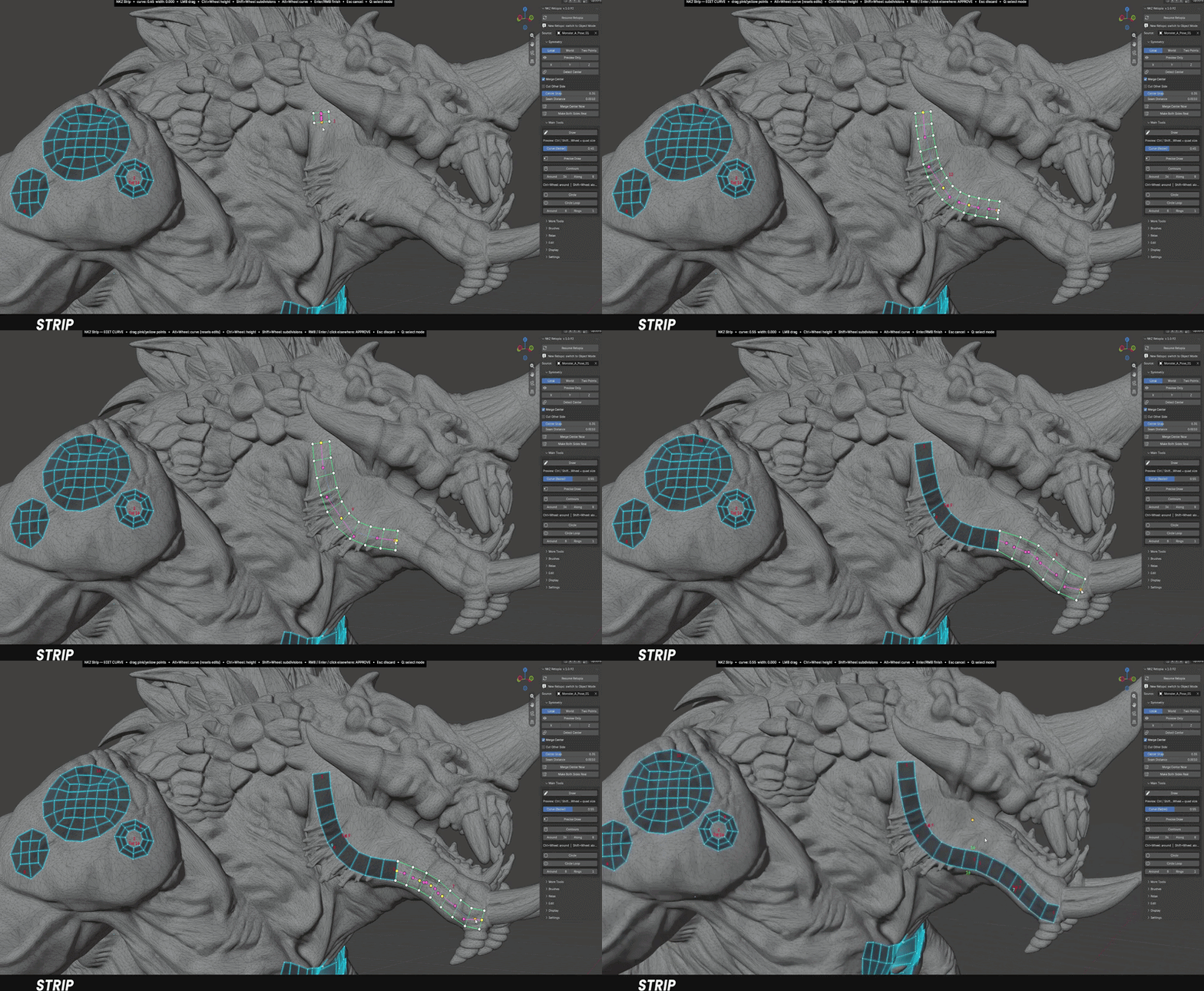
Strip
Draw a stroke and get a rigid band of square quads. Change height and subdivisions on the fly with the mouse wheel.
◆ WRAP THE FORM. CLOSE THE GAPS.
Loops that hug limbs, eyes and mouths — built in seconds.
SHAPE
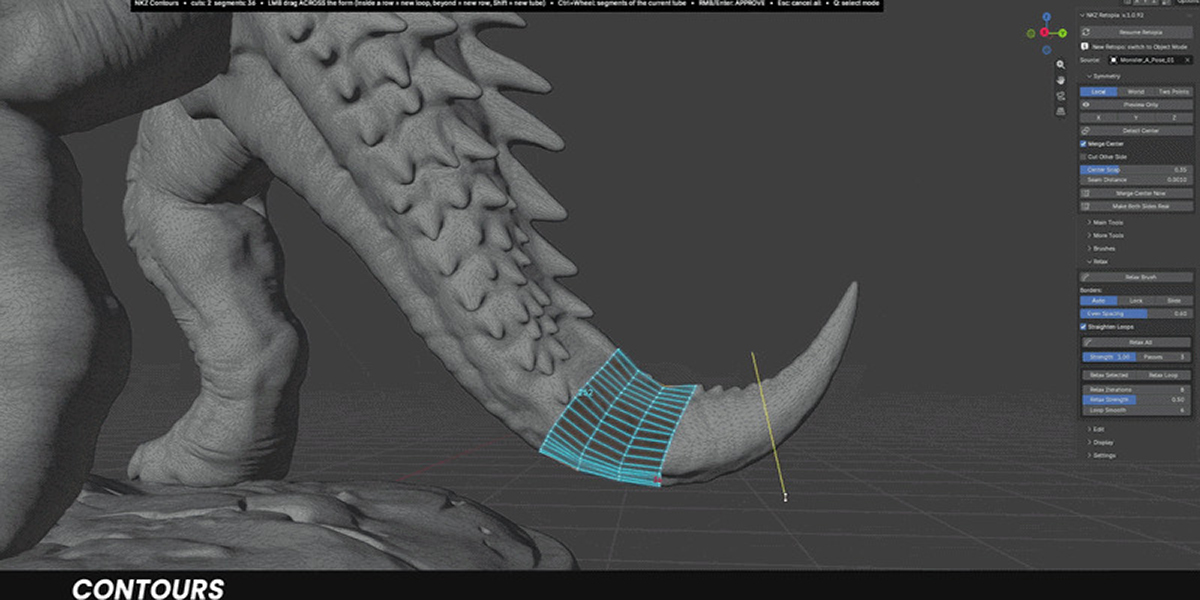
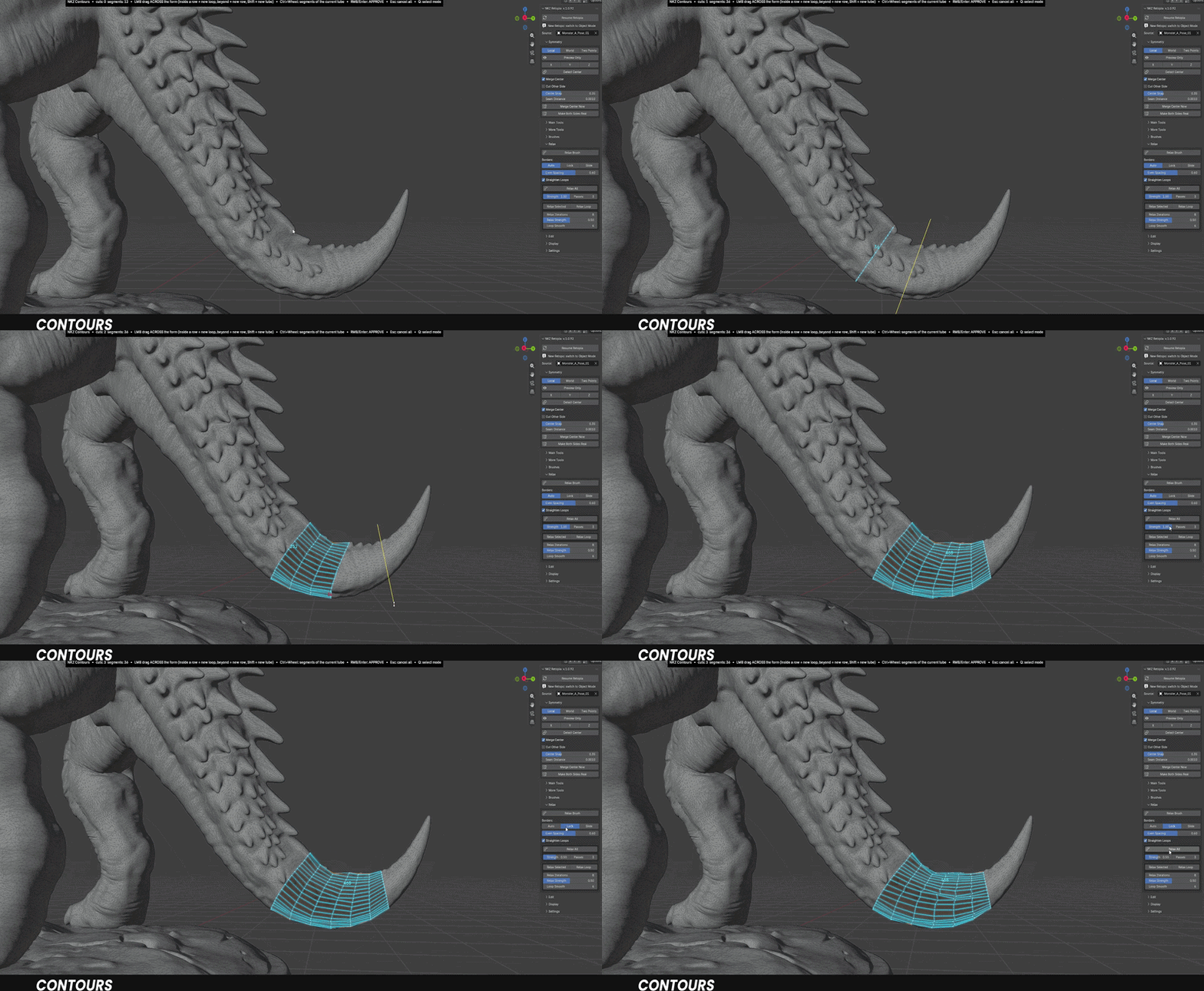
Contours
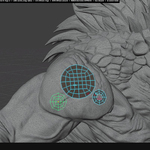
Drag across an arm, a finger or a neck and get a ring that wraps the form. Density adapts to the rest of your retopo; add rows, insert loops, change segments at any time.
REFINE
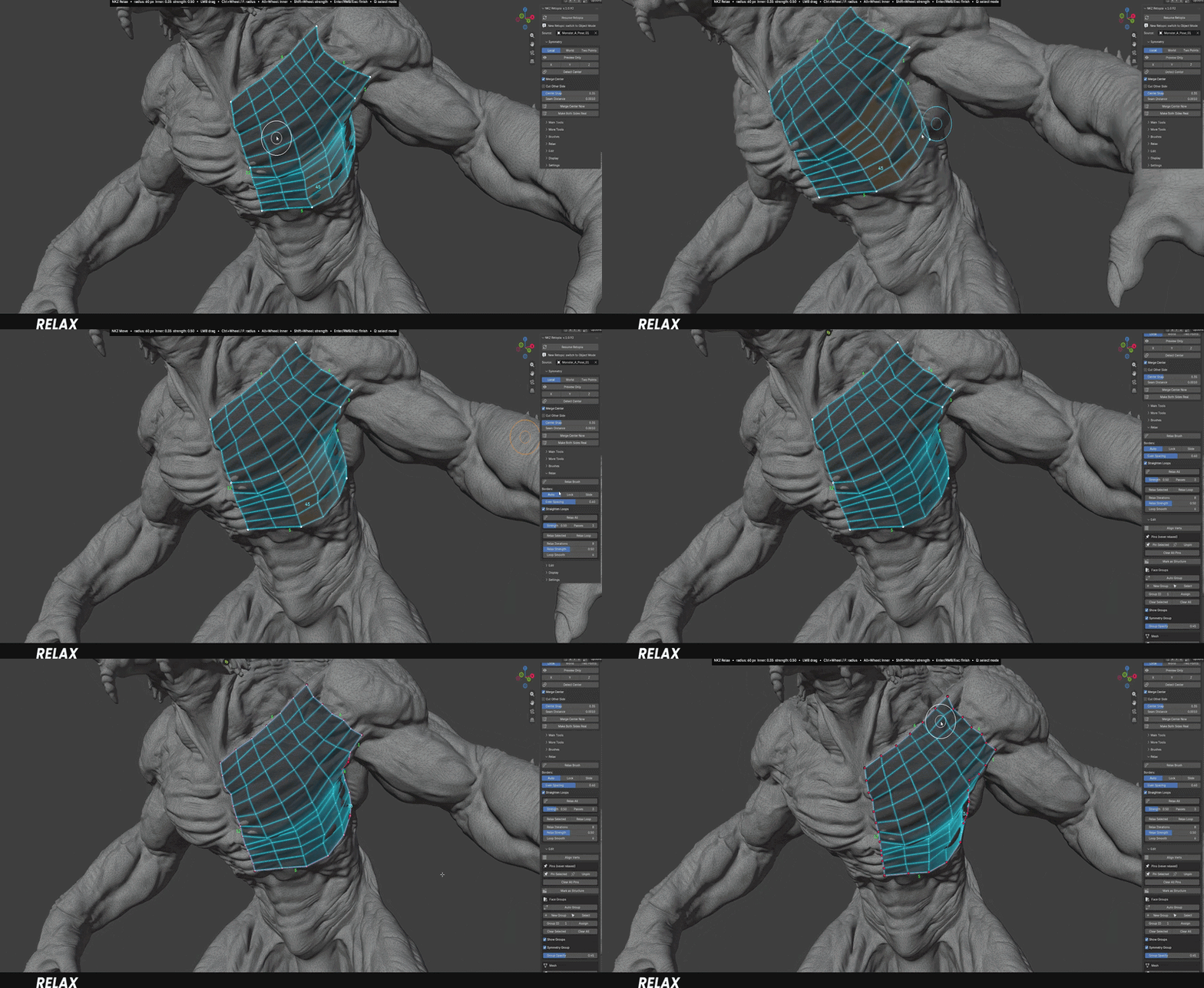
Relax
Brush over the mesh to even out spacing and square up the quads. Vertices are highlighted as you go, and faces never fold or overlap.
◆ SMARTER THAN IT LOOKS.
The details that save hours on real production models.
SMART
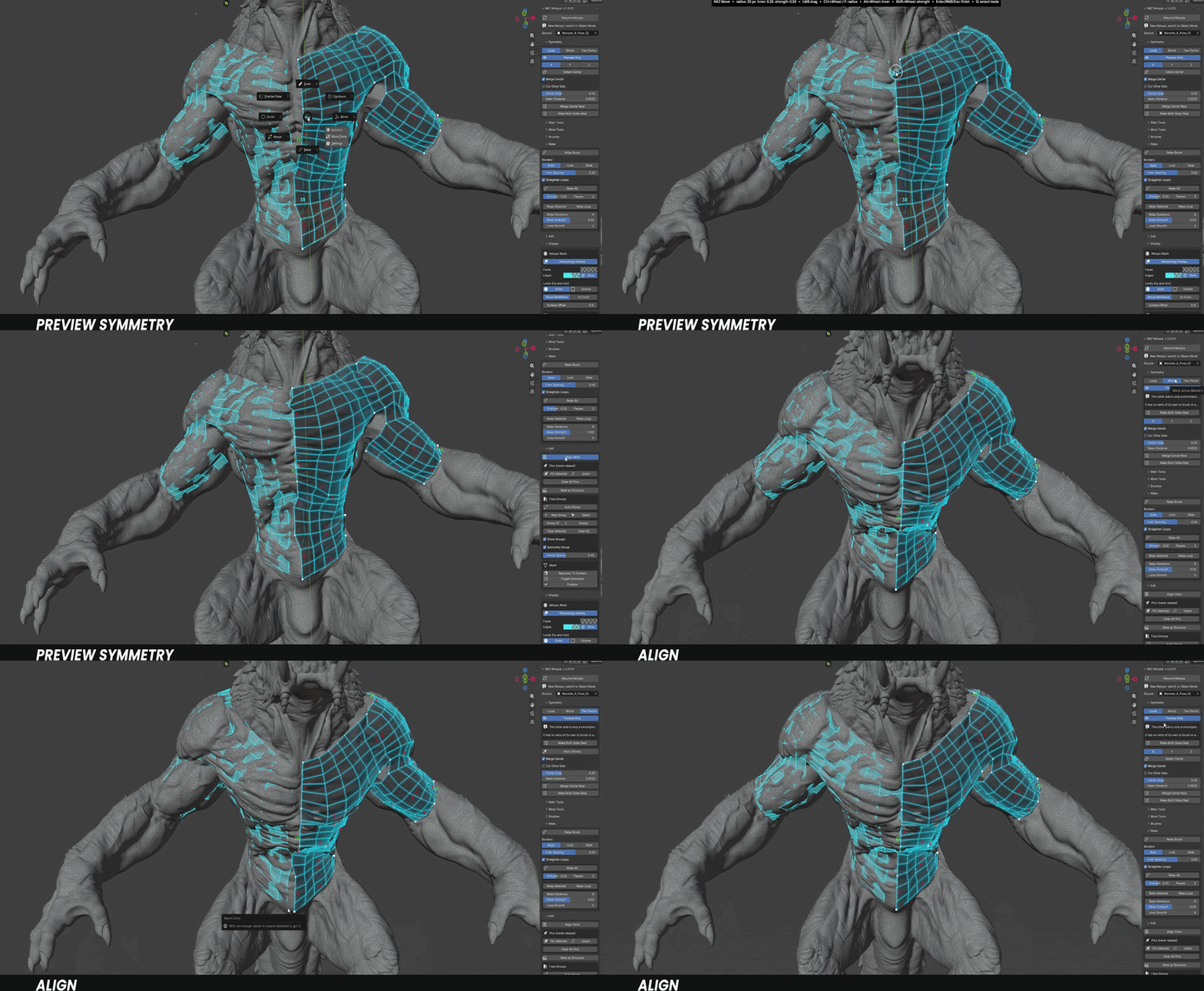
Smart Symmetry
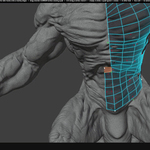
Finds the true centre of your sculpt, even when a weapon, a tail or a big hand makes it uneven. Work live, or keep the mirror as a see-through preview.
Structure Numbers & Side Totals — the segment count of every piece and every joined side, to plan the next patch so it connects cleanly.
Always-right normals — every face points outward, automatically, after every action.
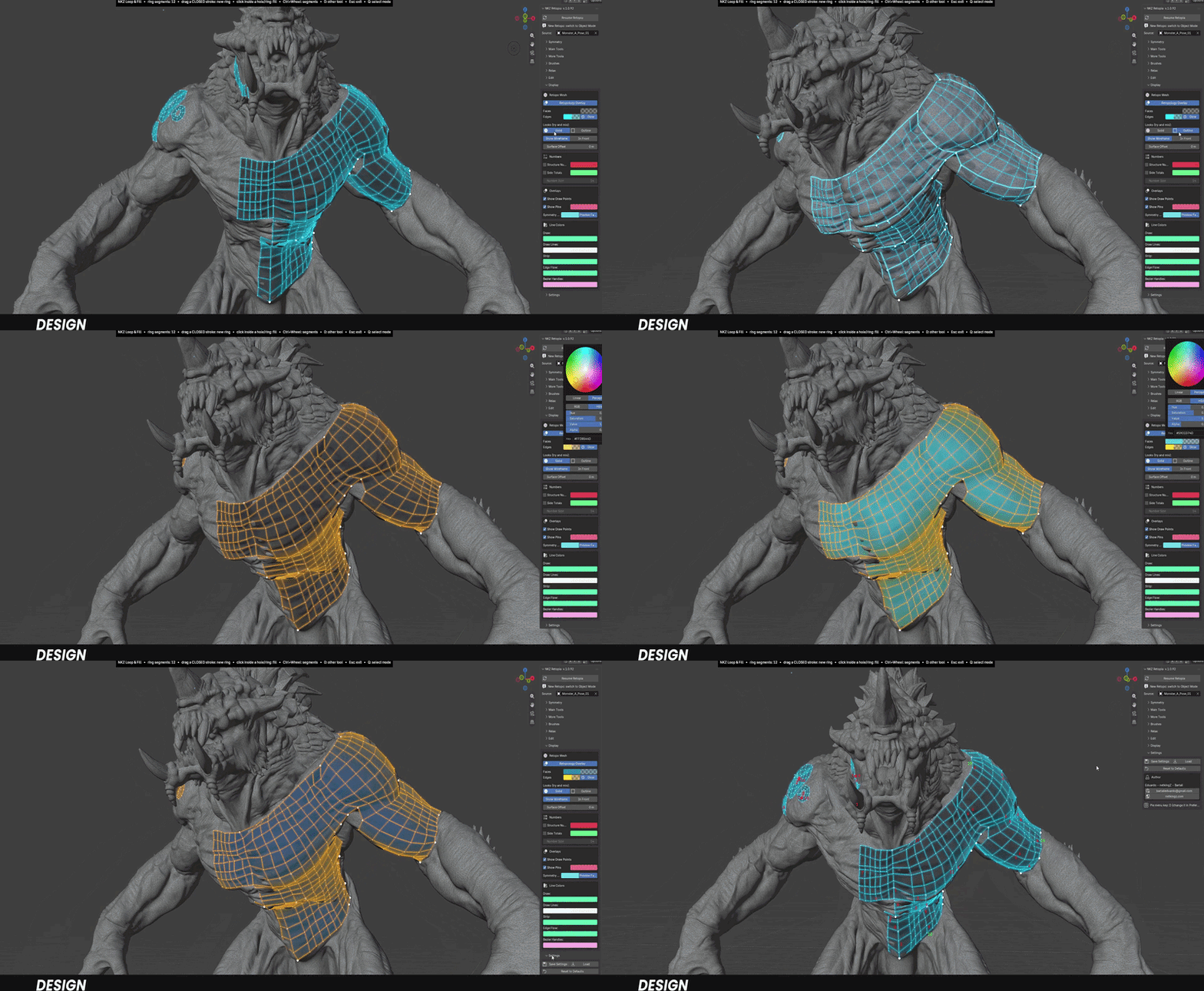
Solid + Glow display — a clear, modern look over the sculpt, with In Front when you need to see through.
Resume anytime — close the file, come back later, pick up exactly where you left off.
◆ ALSO IN THE TOOLKIT
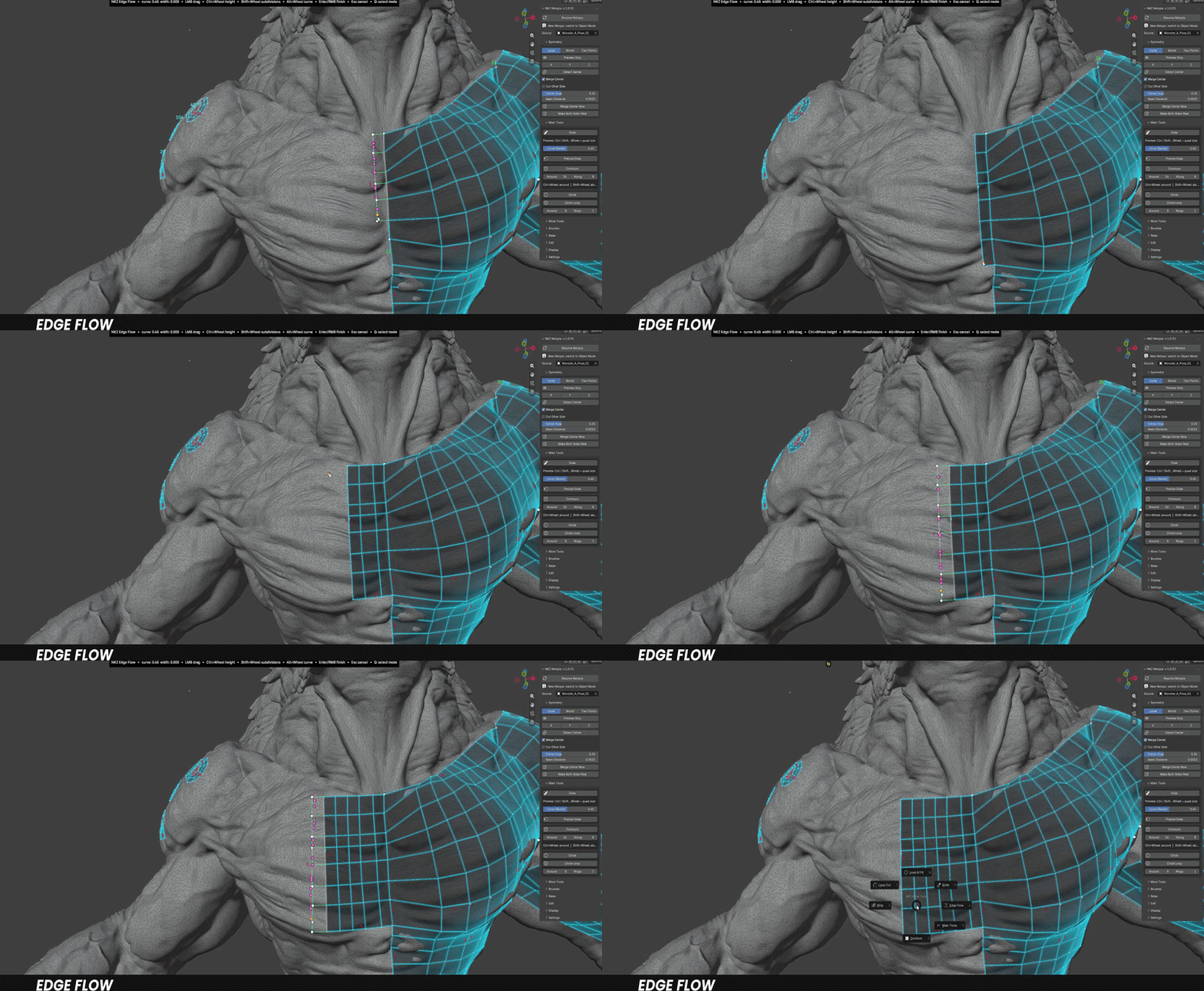
Edge Flow — continue an existing row, perfectly matched.
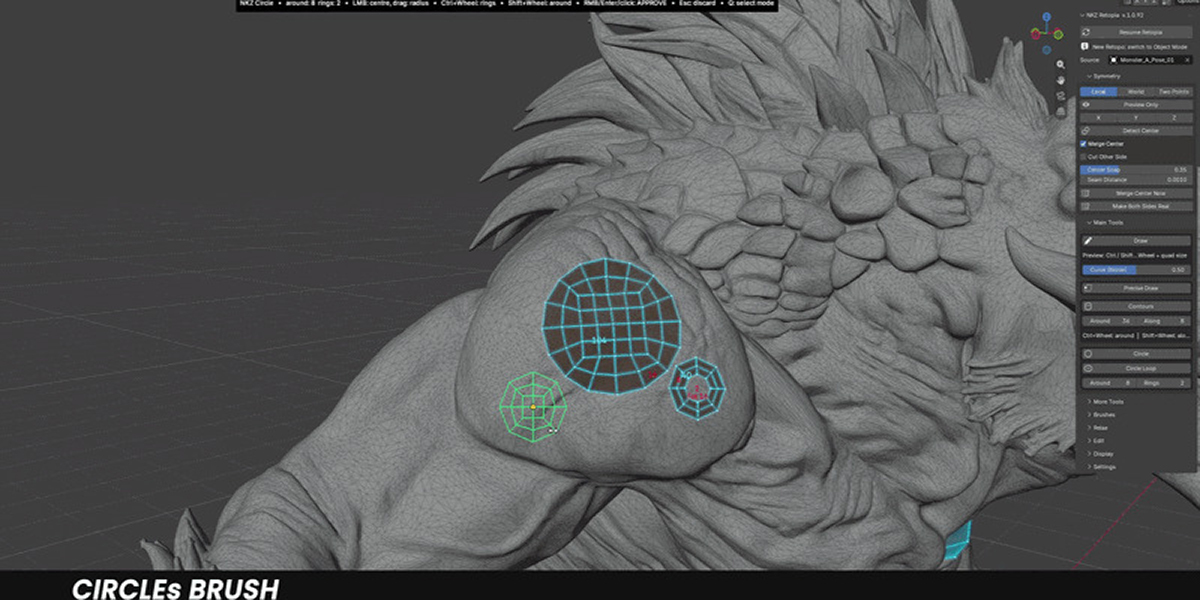
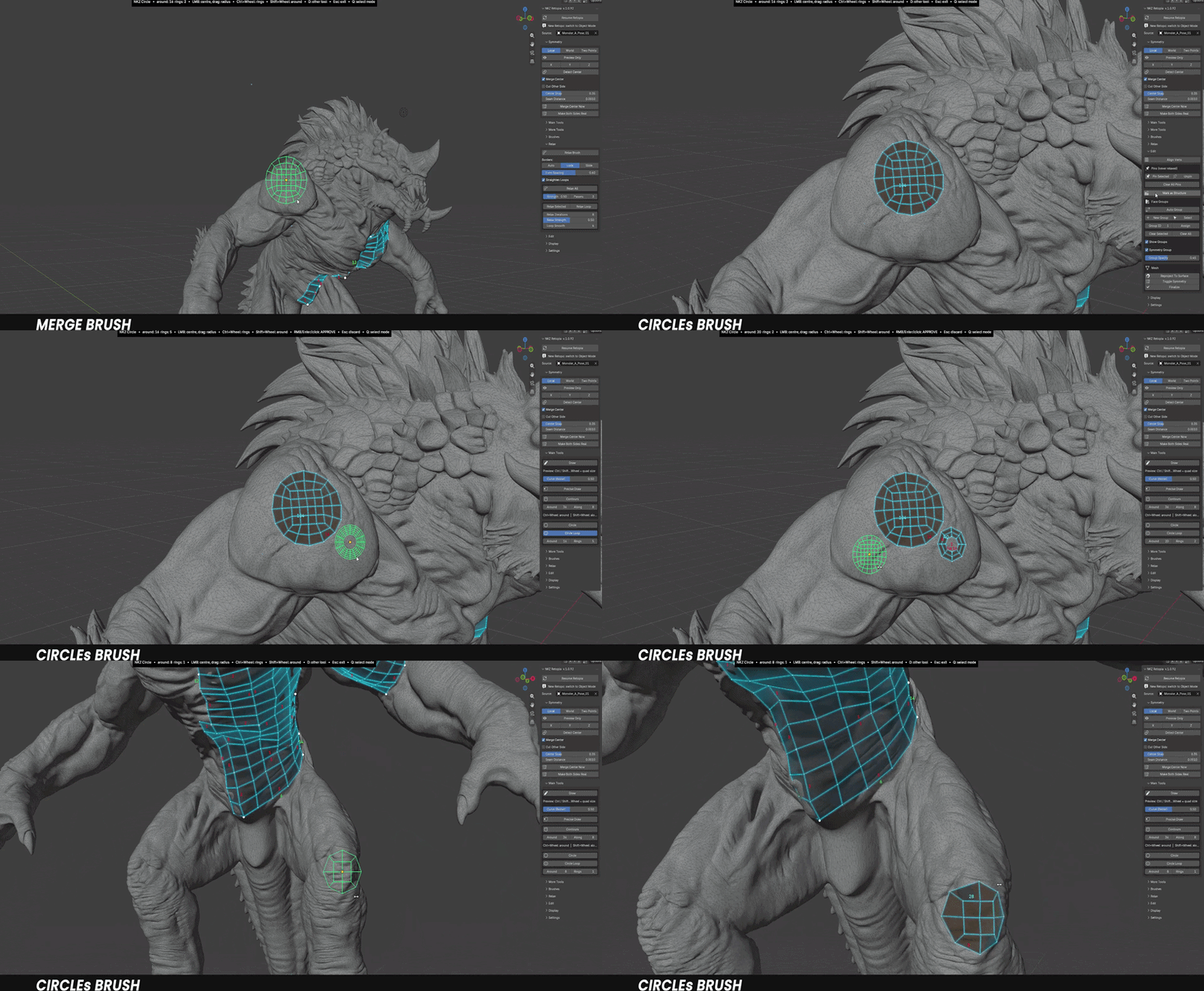
Circle & Circle Loop — all-quad disks or rings for eyes, mouths and pipes.
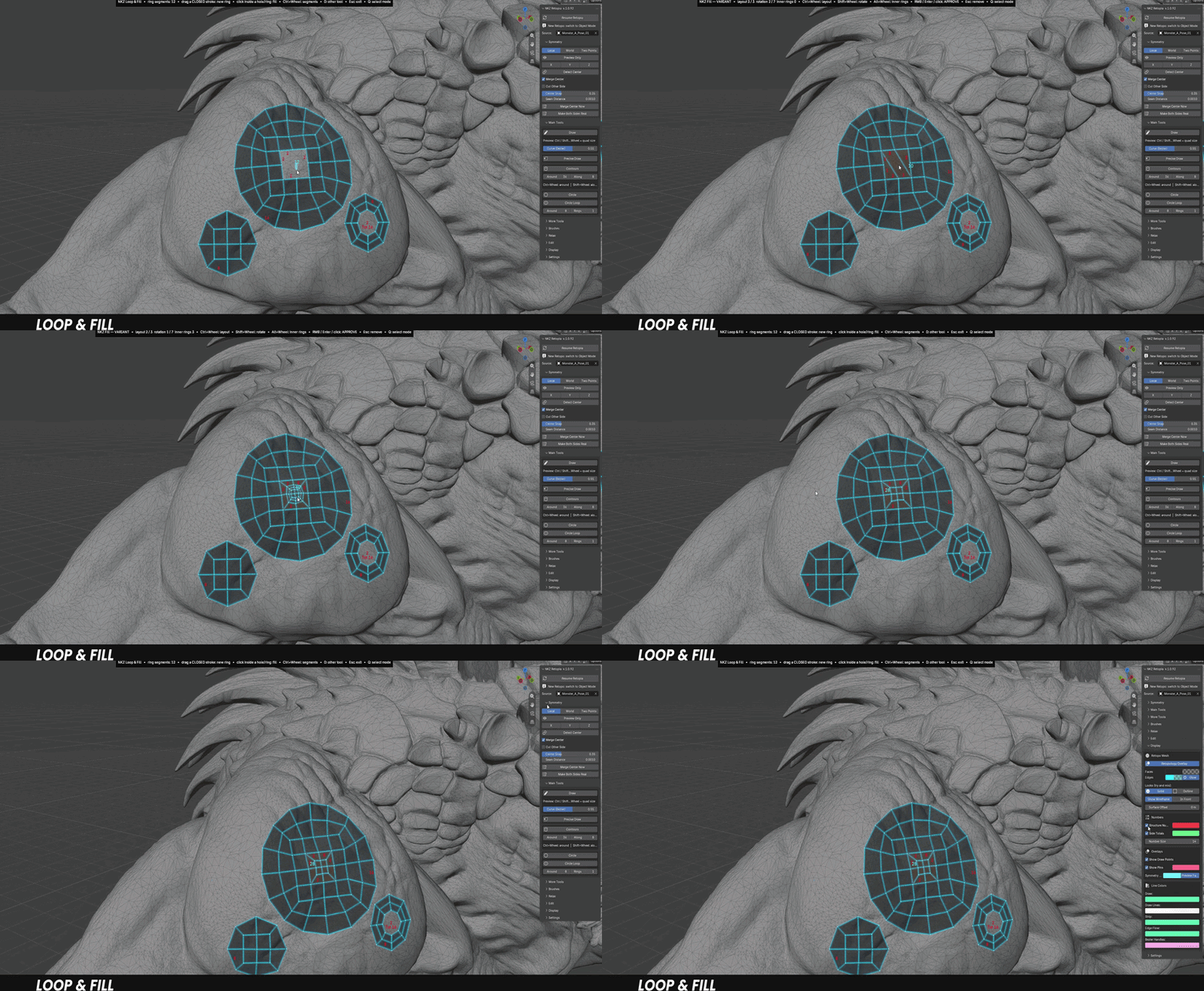
Loop & Fill — create rings and fill holes with the cleanest layout.
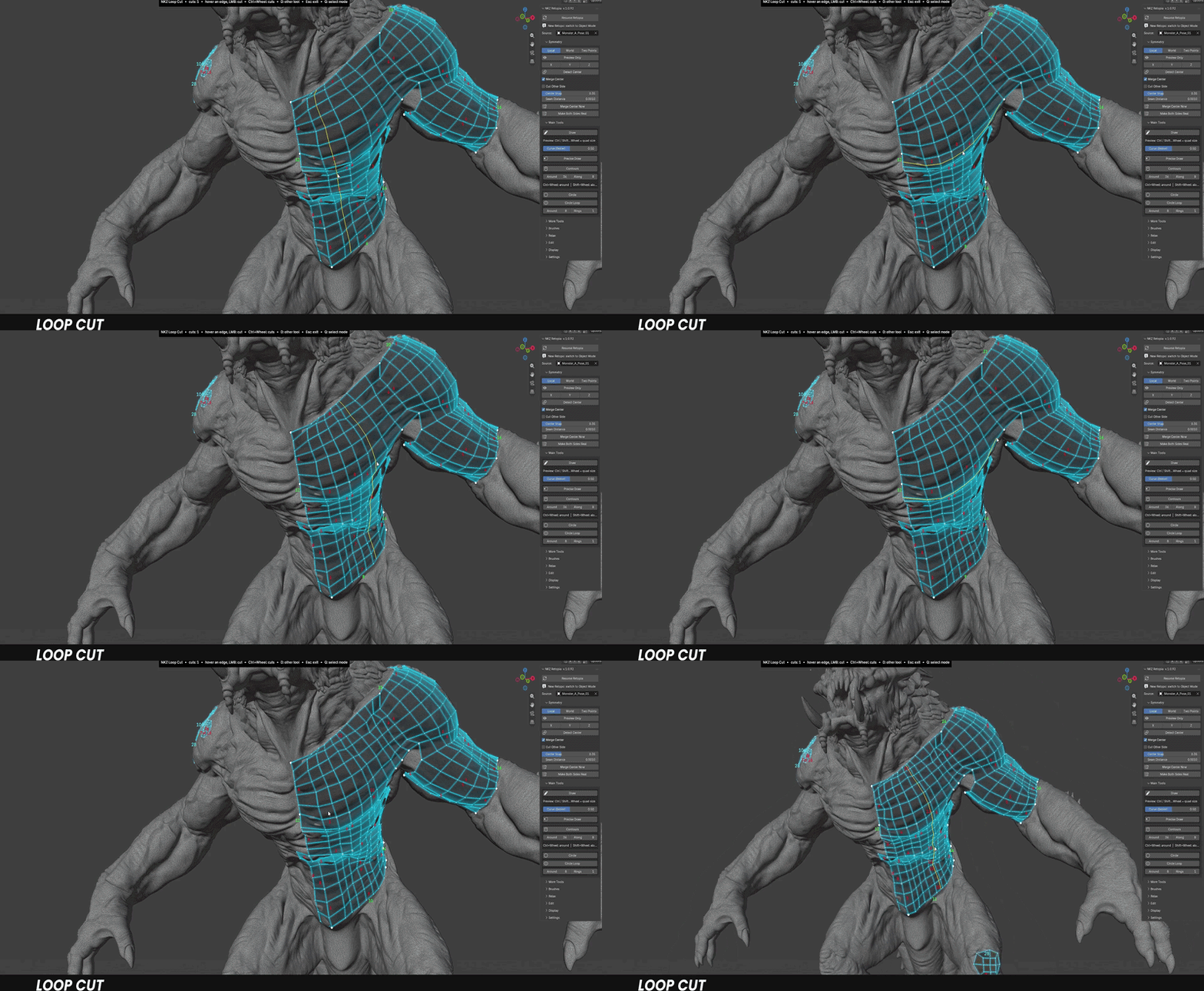
Loop Cut and Knife — add loops under the mouse, plan several cuts and apply them at once.
Move, Conform, Merge, Align — the brushes and actions to tidy up any area.
Pins and Face Groups with Auto Group — lock what's done, colour-code what you build.
◆ FROM SCULPT TO CLEAN MESH
1Select your sculpt or scan.
2Press Start Retopia: a separate retopo mesh is created and linked to it.
3Press D to open the tool pie and start building.
◆ YOUR SCULPT STAYS SAFE. YOUR MESH STAYS YOURS.
✓ Standard geometry — the result is a normal Blender mesh: keep editing it with any tool.
✓ Runs locally — no cloud, no account, no extra libraries.
✓ Never folds — Relax and every tool protect your mesh from flipped or overlapping faces.
What you get
▸ NKZ Retopia 1.0.92 as a Blender extension (.zip)
▸ Full written documentation in the Documentation tab
▸ Updates through Superhive
▸ Use what you make in commercial work
Compatibility
Blender 4.5 or newer — developed and tested on Blender 5.2. Licensed under GPL-3.0-or-later.
RETOPOLOGY THAT FEELS LIKE DRAWING
Stop placing vertices. Start drawing loops.
NKZ Retopia · by Eduardo Bartali · NETKINGZ — netkingz.com