 netkingZ

NKZ RETOPIA · DOCUMENTATION
Everything you need, tool by tool
Install, start, and learn every shortcut. Press D in Edit Mode to open the tool pie at any time.
◆ INSTALLATION
1Download nkz_retopia-1.0.X.zip — do not unzip it.
2In Blender: Edit › Preferences › Get Extensions › the drop-down arrow (top right) › Install from Disk… and choose the zip.
You can also drag and drop the zip into Blender.
3Enable NKZ Retopia. The panel appears in the 3D View sidebar N › NKZ Retopia tab.
◆ GETTING STARTED
1Select your sculpt — the source.
2Press Start Retopia: a separate retopo mesh is created and you enter Edit Mode.
3Press D to open the tool pie and pick a tool.
4To stop a tool: Q (back to normal selection) or Esc.
5Coming back later? Select the retopo mesh and press Resume Retopia.
◆ THE TOOLS
BUILD
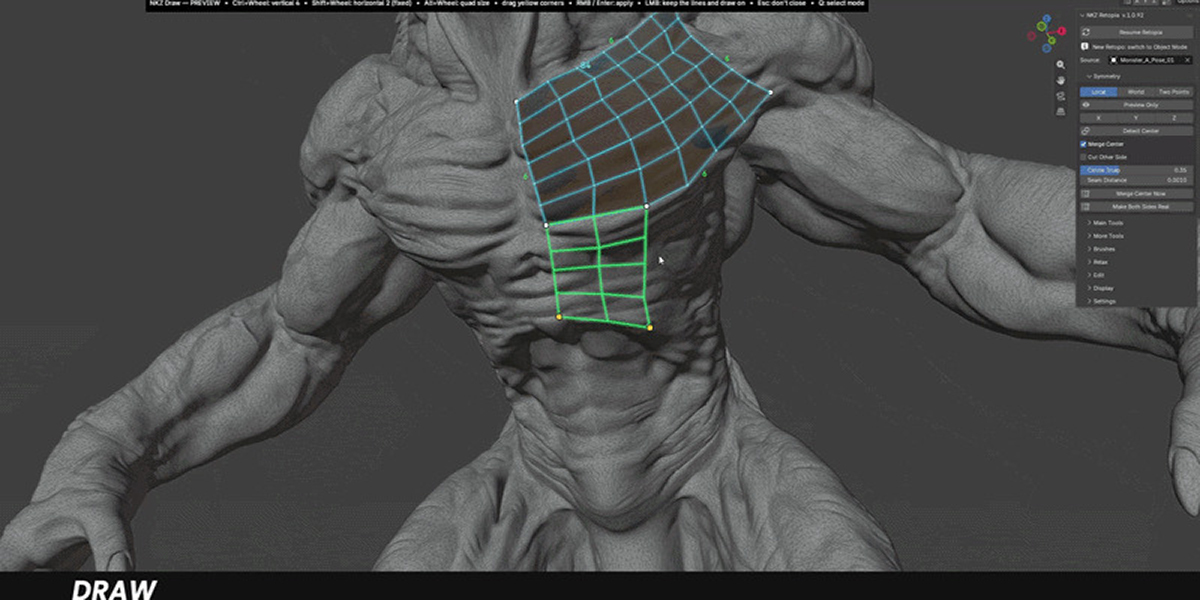
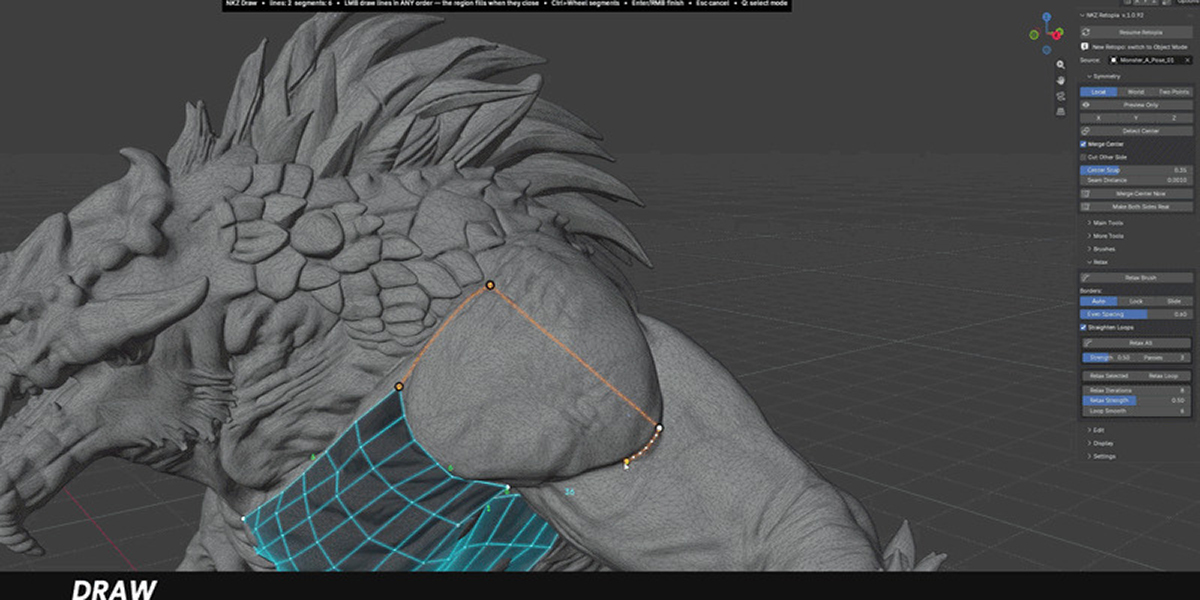
Draw
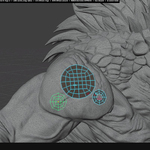
- LMB drag: draw a line. Lines can be drawn in any order; when they close a region, a green preview grid appears.
- Ctrl + LMB drag: continue the last line.
- Ctrl / Shift + Wheel: vertical / horizontal segments. Alt + Wheel: quad size.
- Right-click or Enter: apply the grid. LMB or Esc: keep the lines without closing and draw on.
- Ctrl + Z: remove the last line.
BUILD
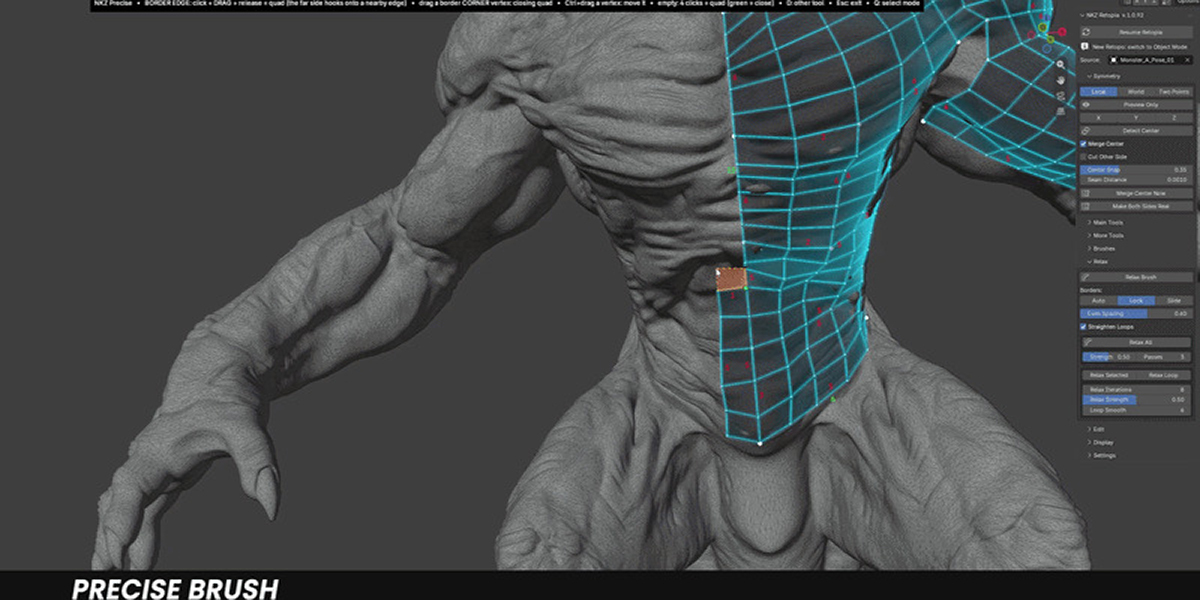
Precise Draw
- Hover a border edge, click-drag and release: a new quad. The far side snaps green onto a nearby edge.
- Drag from a border corner vertex: closing quad.
- Ctrl + drag a vertex: move it on the surface.
- 4 clicks in empty space: a quad — the green dot closes it.
BUILD
Strip
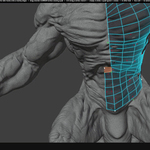
Draw a stroke: a rigid band of square quads follows it.
Ctrl + Wheel: height · Shift + Wheel: subdivisions · Alt + Wheel: curve
SHAPE
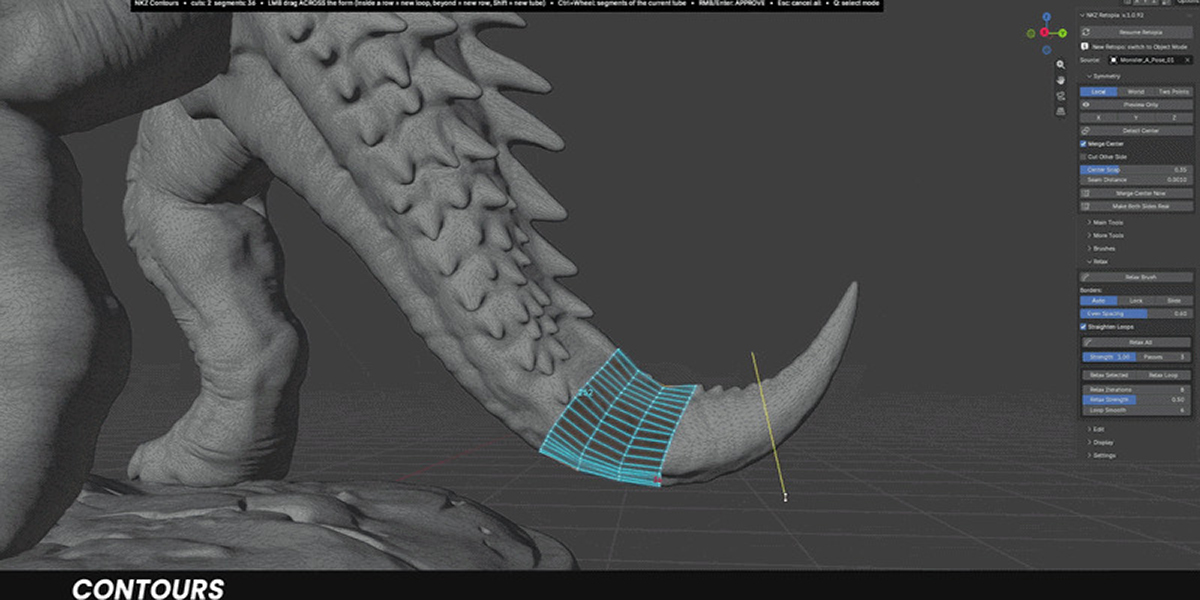
Contours
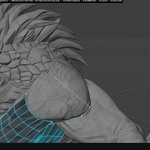
Drag across a limb to add a ring that wraps the form.
Ctrl + Wheel: segments around · Shift + Wheel: rows along · Shift + drag: always a new tube
SHAPE
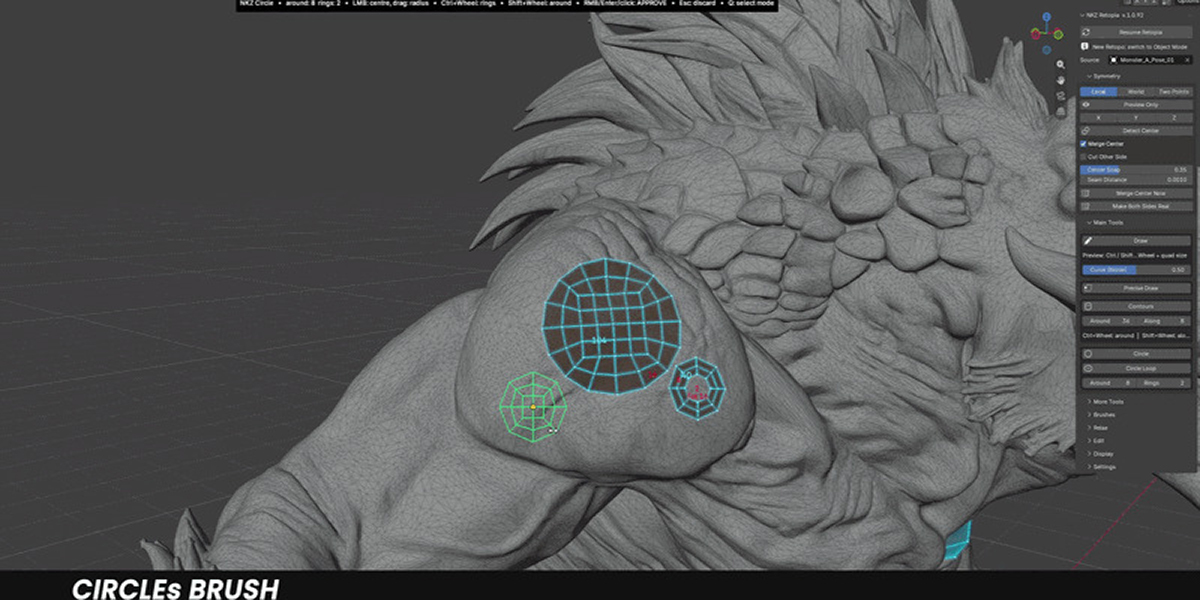
Circle / Circle Loop
Click to place, Wheel to size. Circle Loop (panel toggle) makes a ring with an open centre — for eyes, mouths and pipes.
REFINE
Relax
- Relax Brush: paint over the mesh — the vertices being relaxed are highlighted.
- Relax All / Relax Selected: panel buttons.
- Borders: Auto (a stroke starting on a border slides only the border) · Lock · Slide.
EDIT
Knife
LMB drag: add a cut line (as many as you like). Enter / Space / Right-click: cut. Esc: clear the lines.
◆ DISPLAY & SETTINGS
Display
- Retopology Overlay, Faces and Edges colours, Glow, Solid, Outline, Show Wireframe, In Front.
- Structure Numbers: the segment count of each side of every structure. Side Totals: the total where several structures join. Select edges to read their count.
- Mark as Structure: turns the selected faces into one structure — for areas made with older versions or with Precise Draw / Edge Flow.
Settings
Save / Load / Reset to Defaults. The pie key D can be changed in Preferences › Add-ons › NKZ Retopia.
NKZ Retopia · by Eduardo Bartali · NETKINGZ — netkingz.com
Have questions about this product?
Login to message
| Blender Extension Compatible | Yes |
| Published | about 14 hours ago |
| Blender Version | 4.5 - 5.2 |
| Extension Type | Add-on |
| Render Engine Used | Arnold, Blender-Internal, Blender-Game-Engine, Cycles, Eevee, Freestyle, Luxrender, Mental-Ray, Octane, Vray, Yafaray |
| License | GPL |