 SUPRA3D





Install
- In Blender, open Edit › Preferences › Get Extensions, click the ⌄ menu at the top right and choose Install from Disk…. Then pick retro_grid-1.0.0.zip. You can also drag the zip straight into Blender.
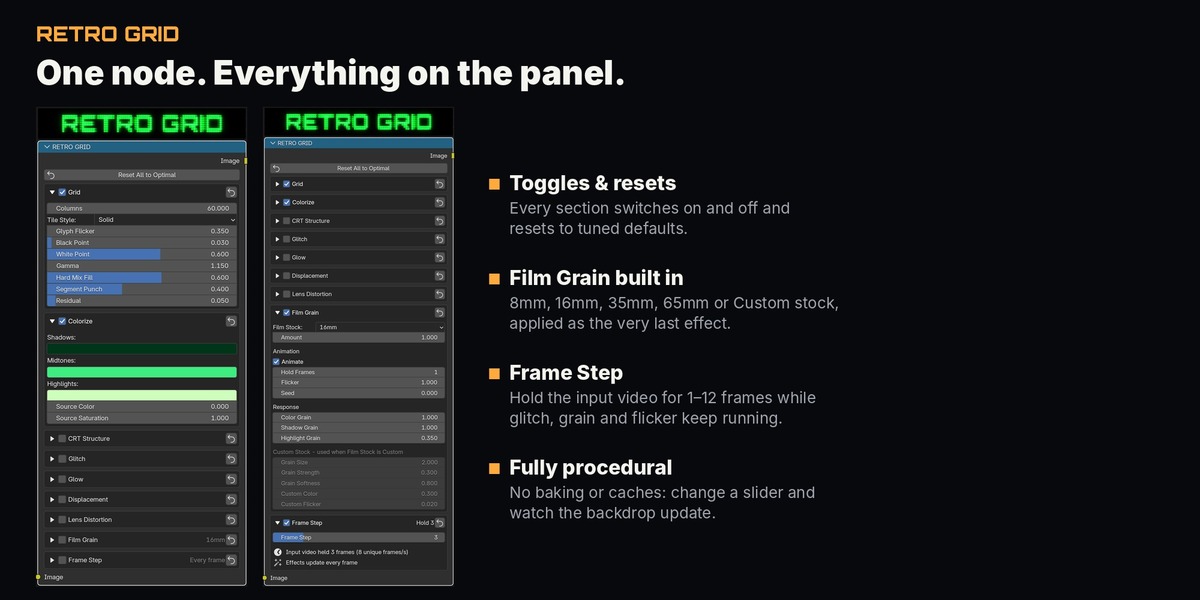
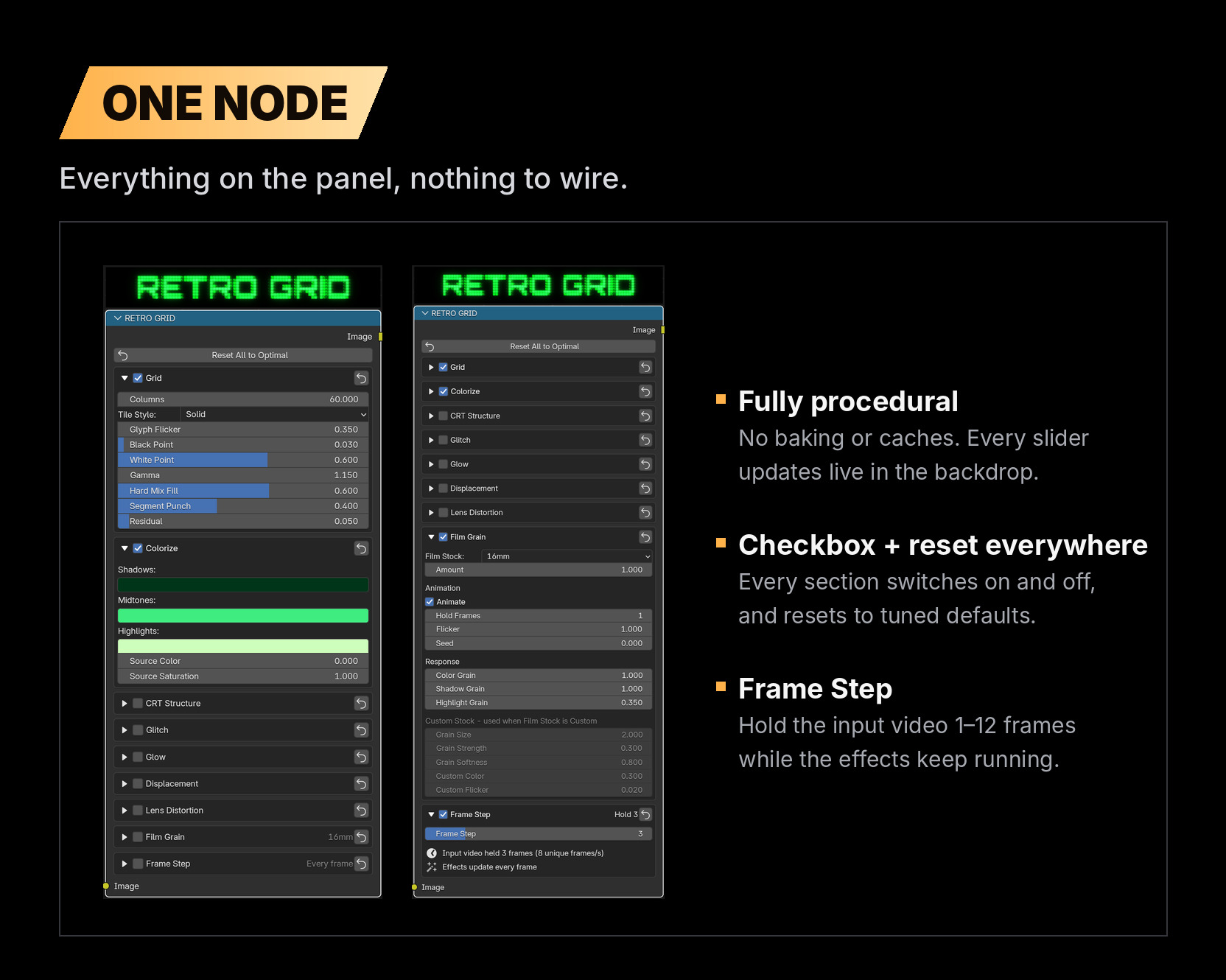
- In the Compositor, choose Add › RETRO GRID.
- Connect your footage/render into the node