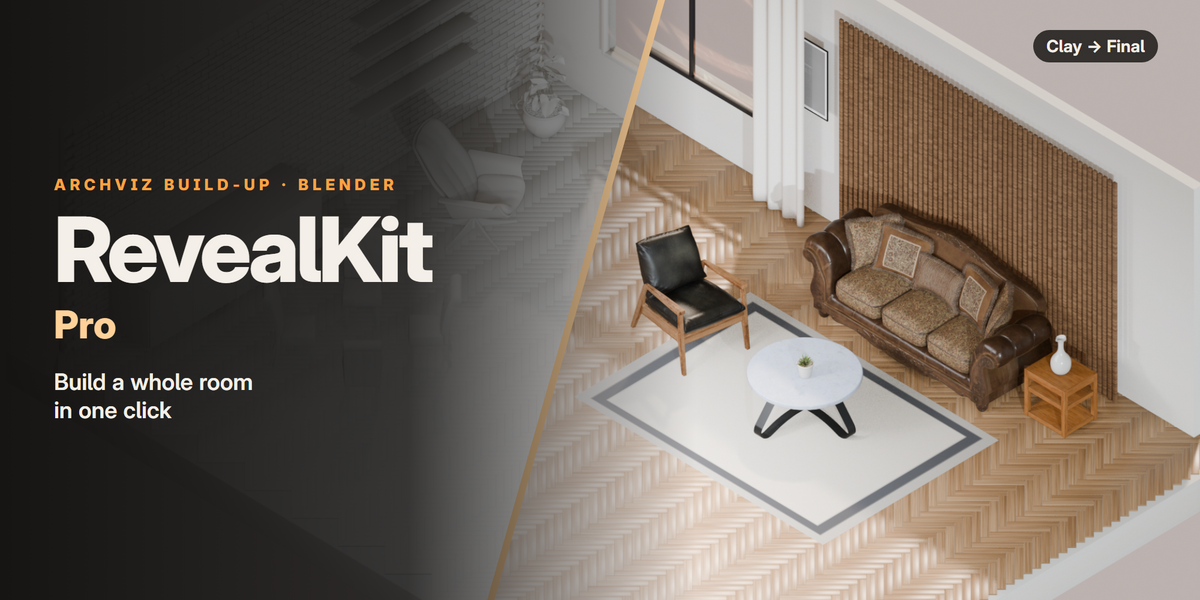
RevealKit Pro animates every plank, tile, brick and piece of furniture in your archviz scene, for Blender 4.5 LTS to 5.2 LTS, in EEVEE and Cycles.
KEY FEATURES
A Whole Room Builds Itself
A Whole Room Builds Itself
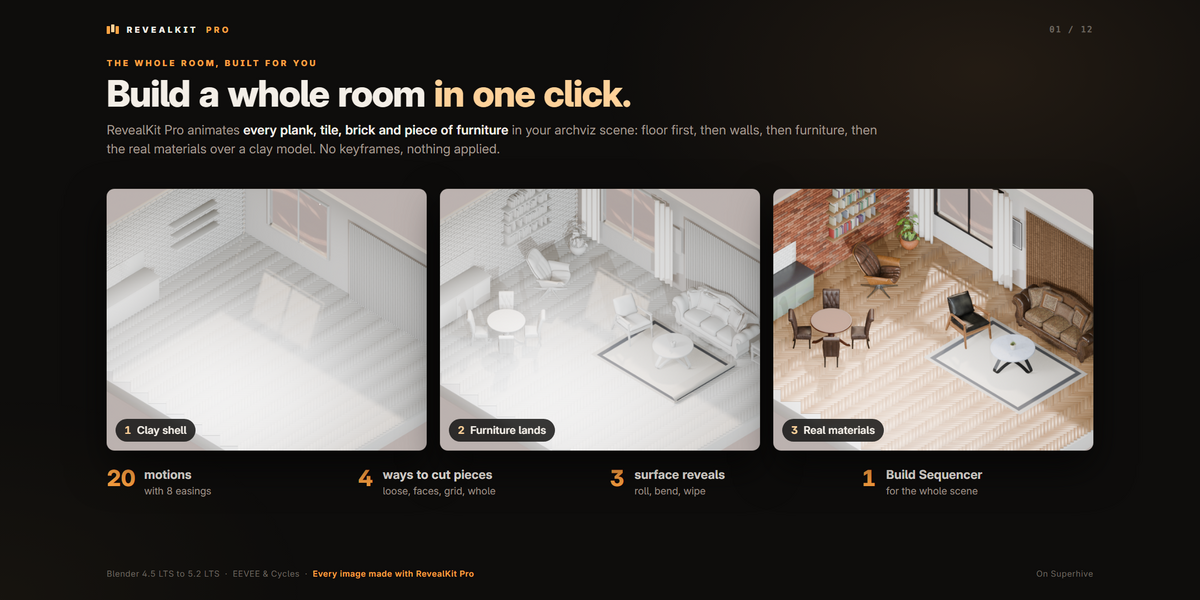
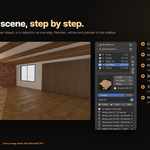
The floor drops in plank by plank, the walls build up, the furniture lands, and the real materials sweep in over a clay model.
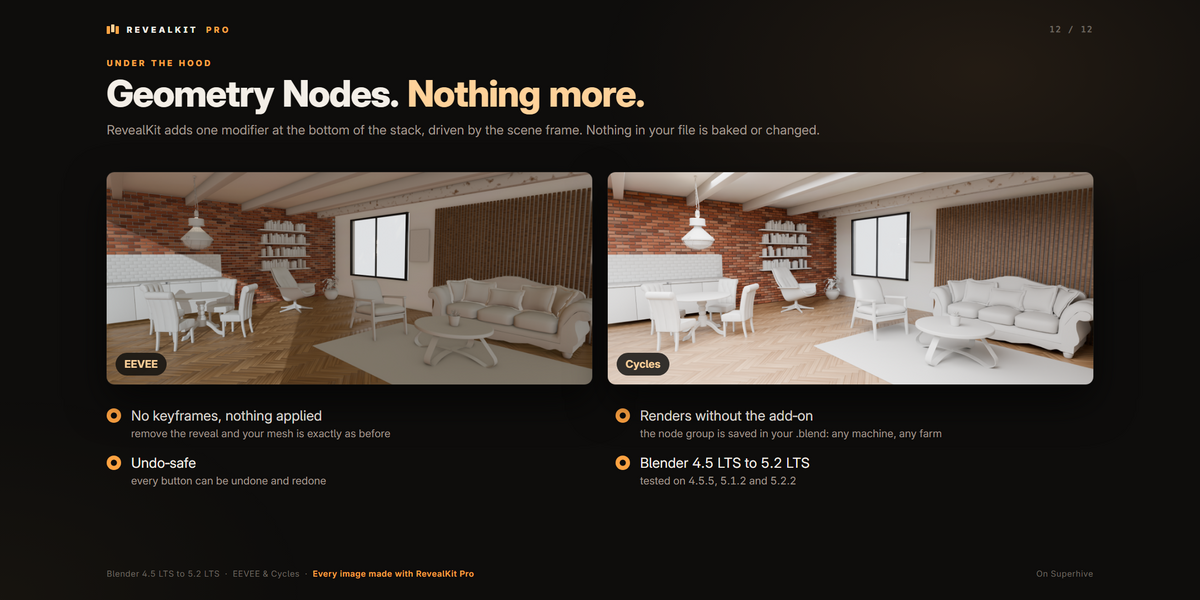
No keyframes, and nothing is applied to your mesh: each reveal is one Geometry Nodes modifier you can change at any time.
Every clip on this page is a real render made with the add-on.
A Whole Floor Along One Curve
A Whole Floor Along One Curve
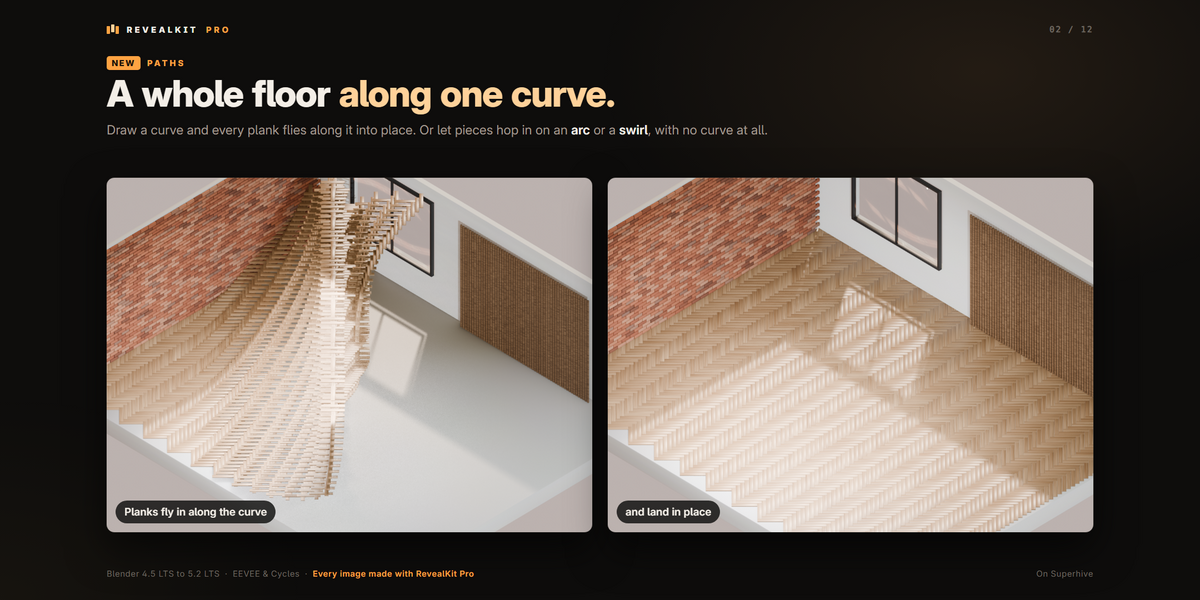
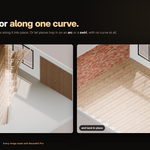
Draw a curve and every plank flies along it into place.
Add Path Curve makes the curve for you. Shape it like any Blender curve and the reveal follows live.
Here: one herringbone floor, one mesh.
20 Motions, 8 Easings
20 Motions, 8 Easings
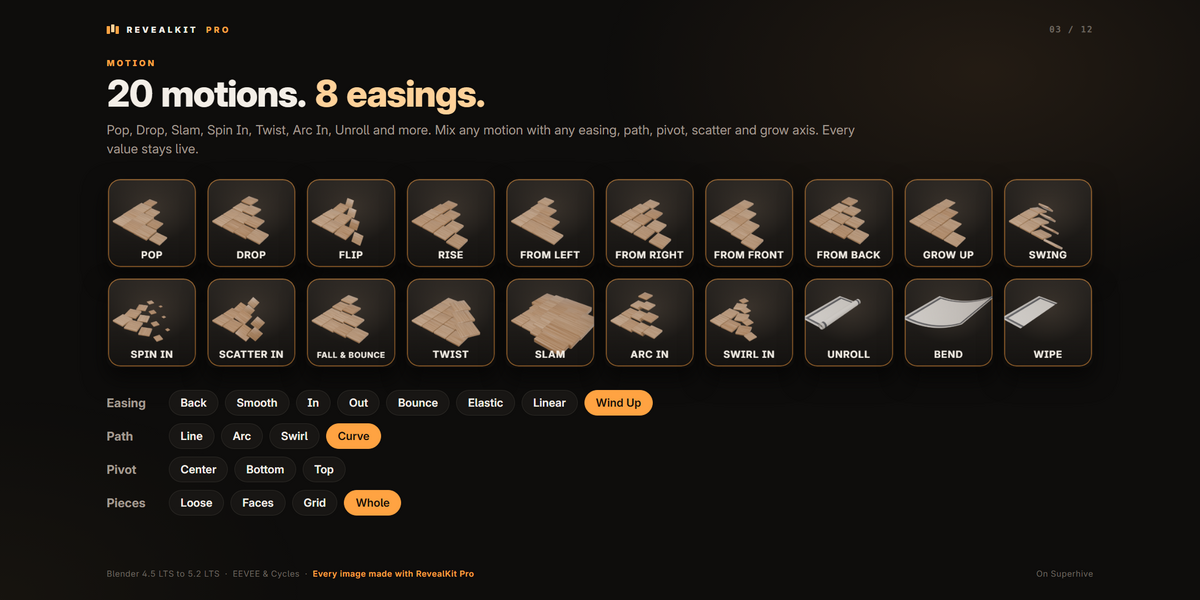
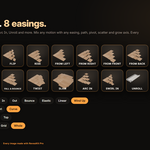
Pop, Drop, Flip, Rise, From Left, Right, Front and Back, Grow Up, Swing, Spin In, Scatter In, Fall & Bounce, Twist, Slam, Arc In, Swirl In, Unroll, Bend and Wipe.
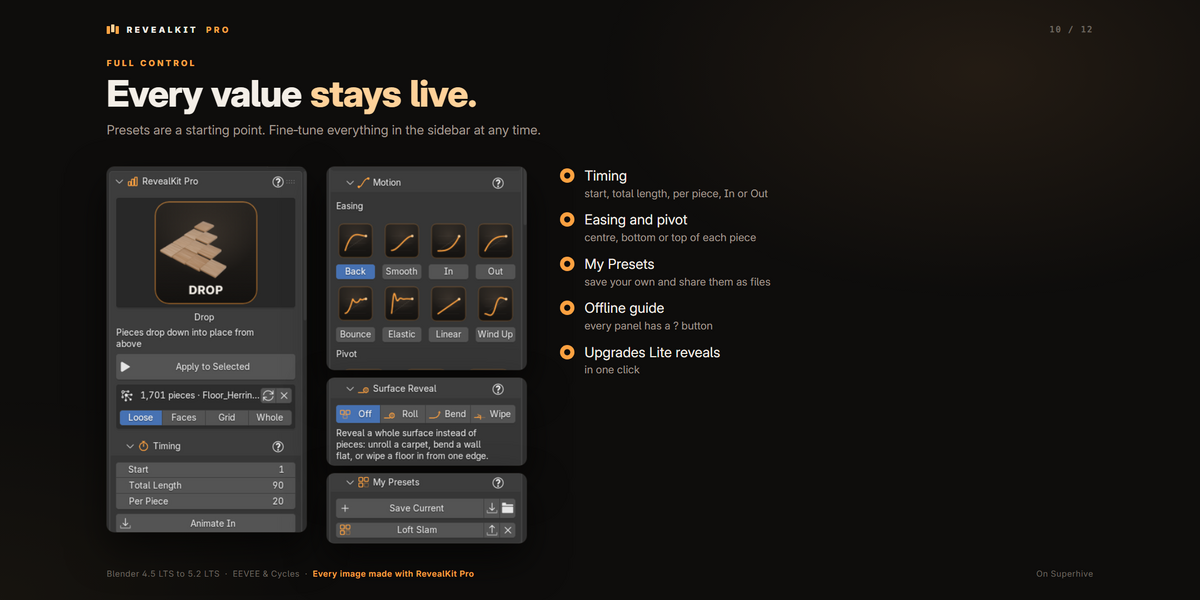
Any motion with any easing: Back, Smooth, In, Out, Bounce, Elastic, Linear or Wind Up.
Switch presets at any time: your timing and order stay as they are.
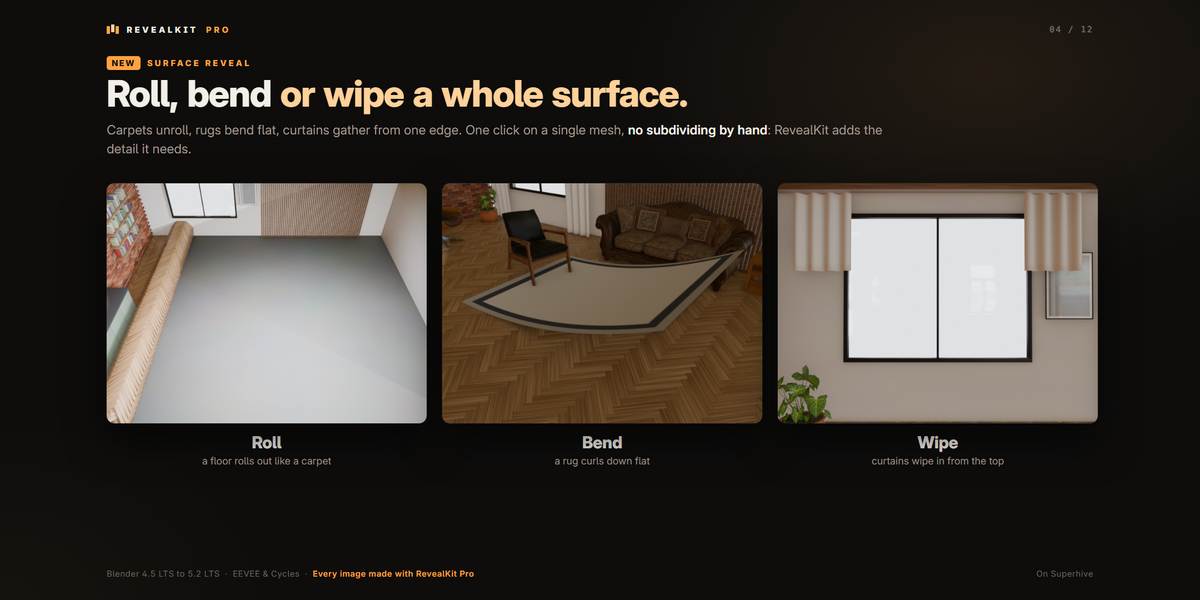
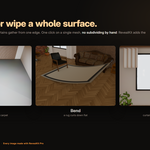
Roll, Bend or Wipe a Whole Surface
Roll, Bend or Wipe a Whole Surface
A carpet, a floor or a curtain is one surface, not many pieces.
Unroll rolls it out, Bend curls it down flat, Wipe grows it in from one edge.
Detail subdivides it only while it moves, so even a single plane rolls smoothly. Travels and Flip Side set the direction.
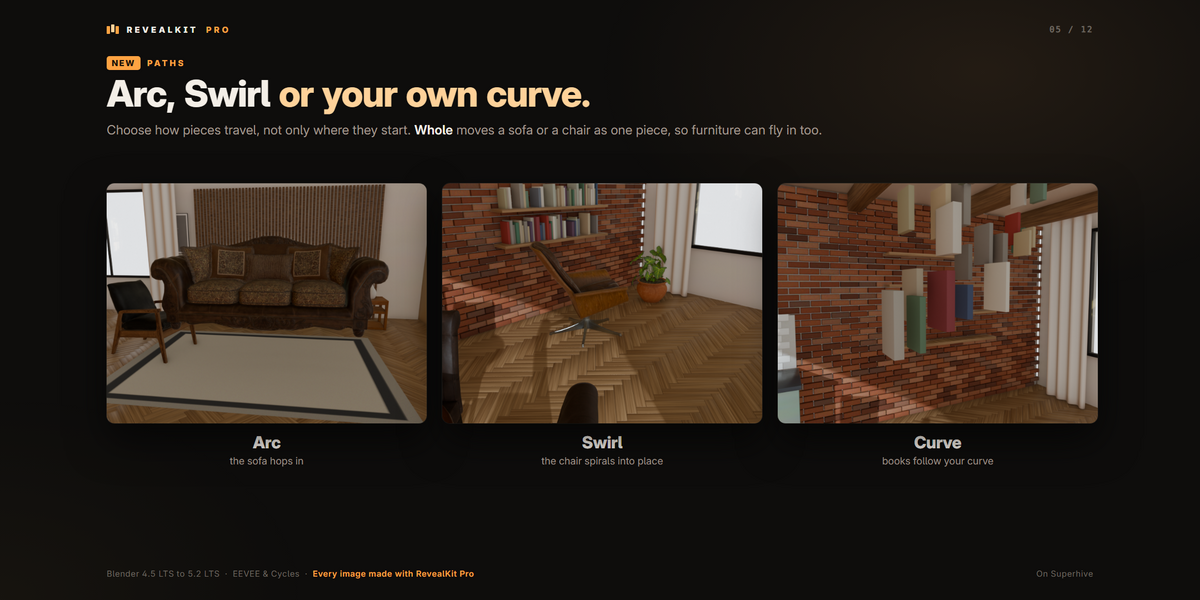
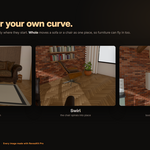
Arc, Swirl or Your Own Curve
Arc, Swirl or Your Own Curve
Choose how pieces travel: a straight line, a hop on an arc, a swirl or your own curve.
With Pieces: Whole, a sofa or a chair moves as one piece, so furniture can fly in too.
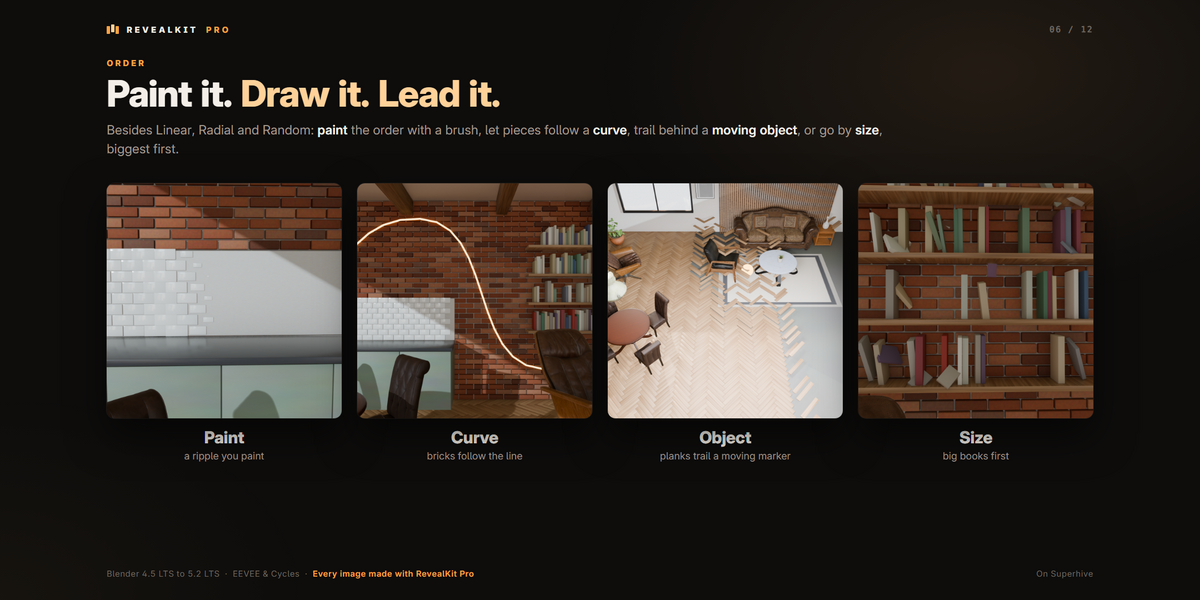
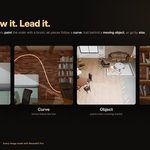
Decide Who Comes First
Decide Who Comes First
Paint the order with a brush: blue arrives first, red last.
Let pieces follow a curve, trail behind an object you animate, or go by size, biggest first.
Linear, Radial and Random too, with Randomness, Seed and Reverse on top.
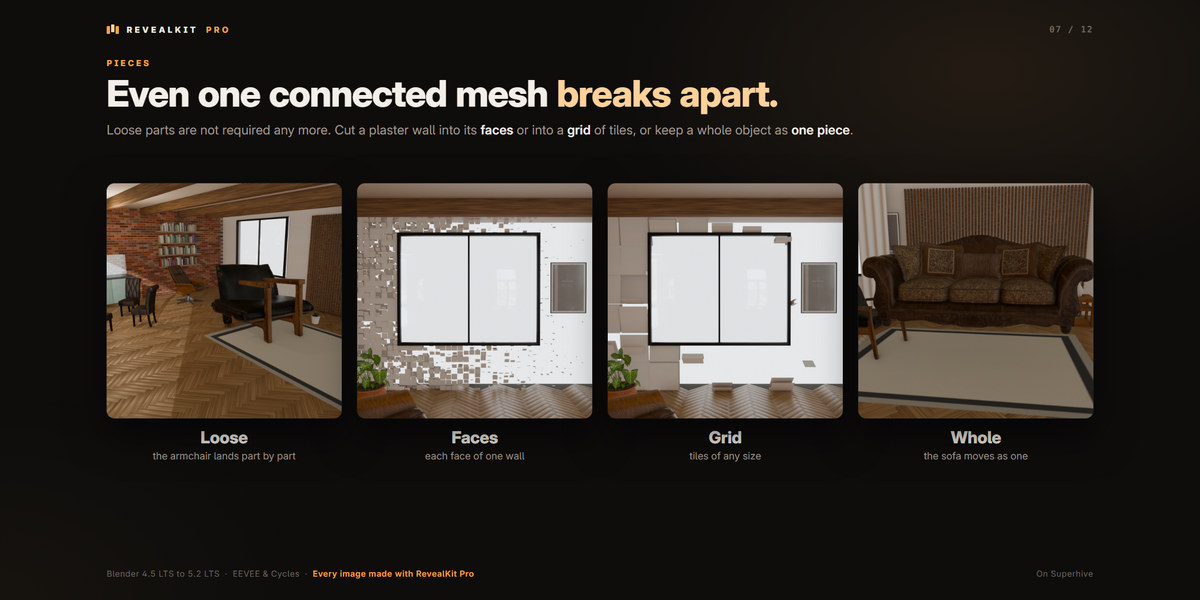
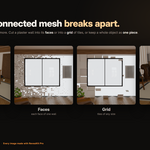
Even One Connected Mesh Breaks Apart
Even One Connected Mesh Breaks Apart
Pieces don't have to be loose parts. Cut one connected mesh into its faces, or into a grid of blocks of any size.
The mesh itself is never changed, and the sidebar shows how many pieces RevealKit found.
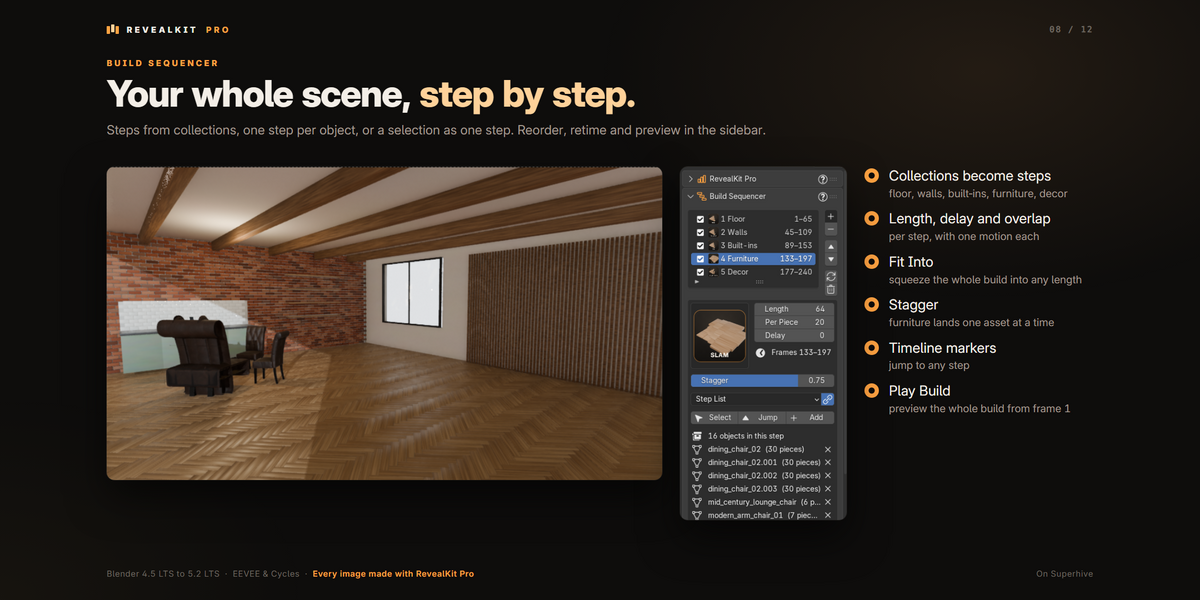
Build Sequencer
Build Sequencer
Your collections become steps: floor, walls, built-ins, furniture, decor.
Each step has its own motion, length and delay, with a gap or an overlap between steps.
Fit Into squeezes the whole build into any number of frames. Markers and Play Build let you jump to a step and preview it all.
Furniture Lands One Asset at a Time
Furniture Lands One Asset at a Time
Stagger brings a step's objects in one after another instead of all together.
Keep Assets Together keeps a pot, its soil and its plant arriving as one.
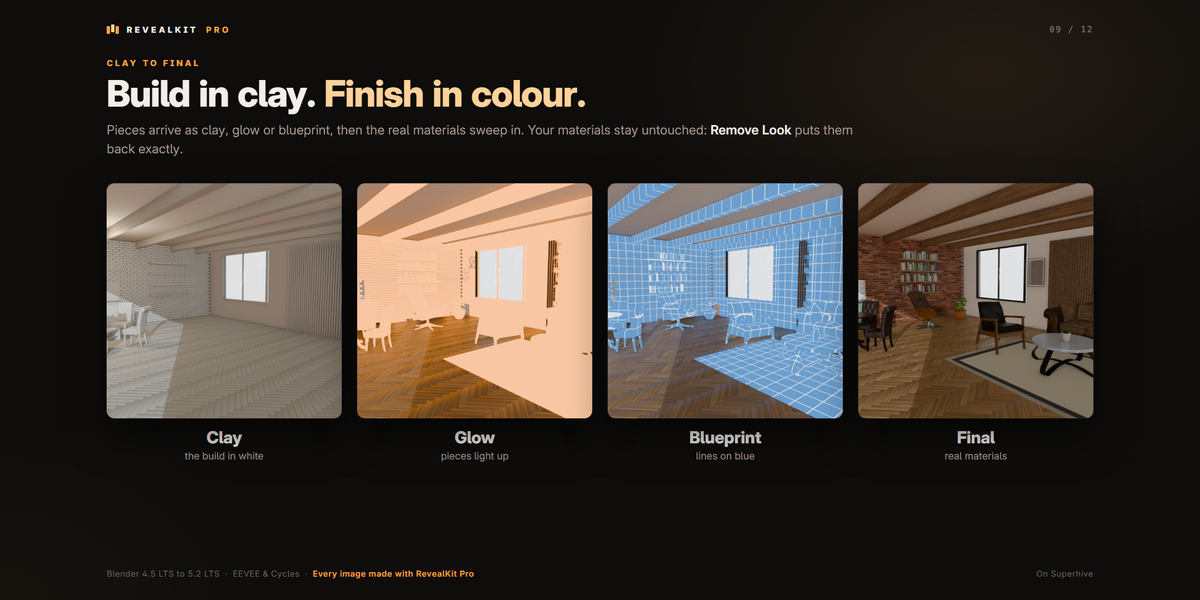
Clay to Final
Clay to Final
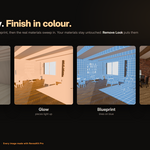
Build in clay, glow or blueprint, then sweep in the real materials, in EEVEE and Cycles.
Your materials are never rewritten: Remove Look reconnects every one exactly as it was.
AND THE REST
| My Presets |
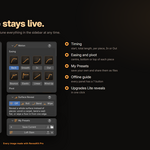
Save a reveal's motion, and optionally its timing and order. Export it as a file to share, or import one you received. |
| Every Value Stays Live |
Presets are only a starting point: change timing, order, motion, easing, path and surface in the sidebar at any time. |
| Animate In or Out |
Out plays the reveal backwards, and pieces leave in the same order. |
| Extend Scene to Fit |
The panel shows the frame a reveal ends on, and fits the scene to it in one click. |
| Non-Destructive |
One Geometry Nodes modifier at the bottom of the stack. Remove it and your mesh is exactly as before. |
| Renders Without the Add-on |
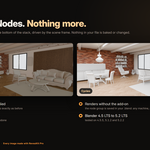
The node group is saved in your .blend, so the file plays and renders on any machine or render farm, even without RevealKit. |
| Undo |
Every button can be undone and redone. |
| Offline Guide |
Every panel has a ? button that opens the guide inside the add-on at that topic. |
| Upgrade From Lite |
Pro switches RevealKit Lite off when you enable it. Lite reveals keep working, and Upgrade to Pro keeps every value. |
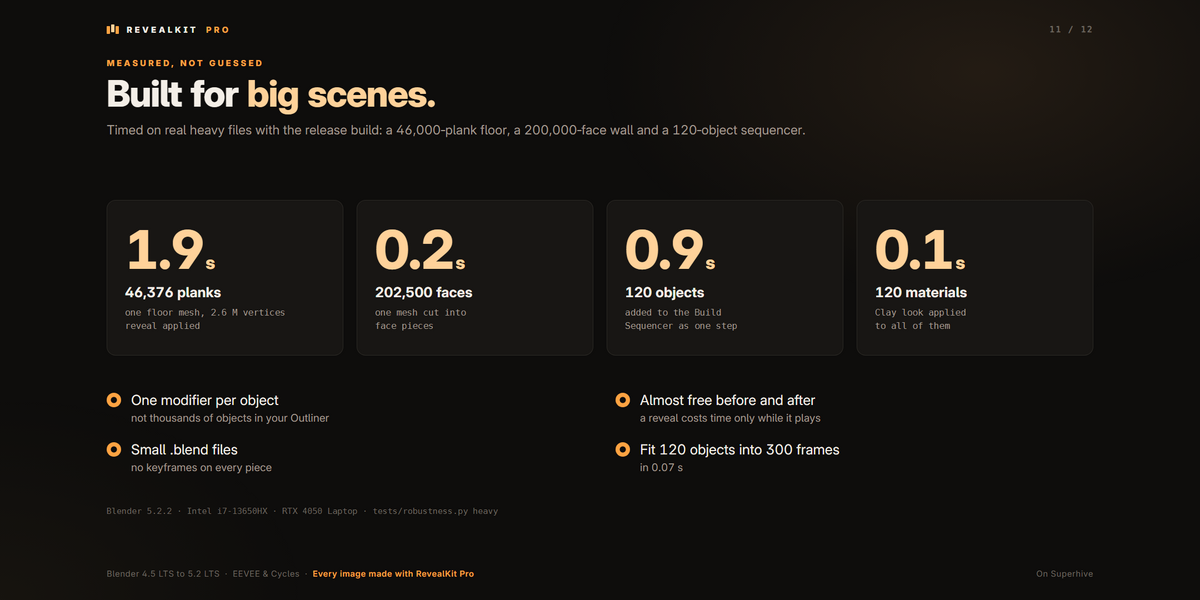
BUILT FOR BIG SCENES
Timed with this release on heavy test files (Blender 5.2.2, Intel i7-13650HX):
- A 46,376-plank floor (2.6 million vertices): reveal applied in about 3 s
- 200,000 faces of one mesh cut into pieces in under 1 s
- 120 objects added to the Build Sequencer in about 2 s, fitted into 300 frames in 0.1 s
- Clay look applied to 120 materials in about 0.3 s
SEE IT
LEARN IT, EVERY FEATURE STEP BY STEP
REQUIREMENTS
- Blender 4.5 LTS or newer, up to 5.2 LTS. Tested on 4.5.5, 5.1.2 and 5.2.2, on Windows.
- EEVEE or Cycles.
- No internet connection, account, registration or extra downloads.
GOOD TO KNOW
- A curve that leads an order or a path must stay a plain curve: with a bevel or an extrude it can't lead the pieces, and the panel says so. Want to see the line in your render? Show a copy of it.
- Reveals saved with an older version keep playing as they were. Press Upgrade to Pro in the panel to bring them up to date, with every value kept.
- A connected mesh counts as one piece until you choose Faces or Grid, or a Surface Reveal.
- Clay to Final needs a material with a shader connected to its Material Output.
INCLUDED
- revealkit_pro-1.0.1.zip: install it with Edit › Preferences › Get Extensions › ⌄ › Install from Disk (don't unzip it). The panel is in the 3D Viewport sidebar (N), in the RevealKit tab.
- An offline guide inside the add-on (the ? buttons).
- An 8-minute video tutorial with chapters.
LICENSE
GPL-3.0-or-later. © 2026 Ashish Maurya.
 ASHISH KUMAR MAURYA