 keyboardkungfu
Review Kit — client review & presentation, inside Blender
Pin feedback straight onto the model. Hand over a client-ready PDF in one click.
Review Kit turns Blender into a client review tool. Just define the exact views your client should see, drop numbered feedback notes right onto the 3D model, and export a polished review document — no accounts, no cloud, no plugins on their end. Everything you need is in your .blend file.
I'd really appreciate any feedback or suggestions for improvement. Happy blending!
What it does
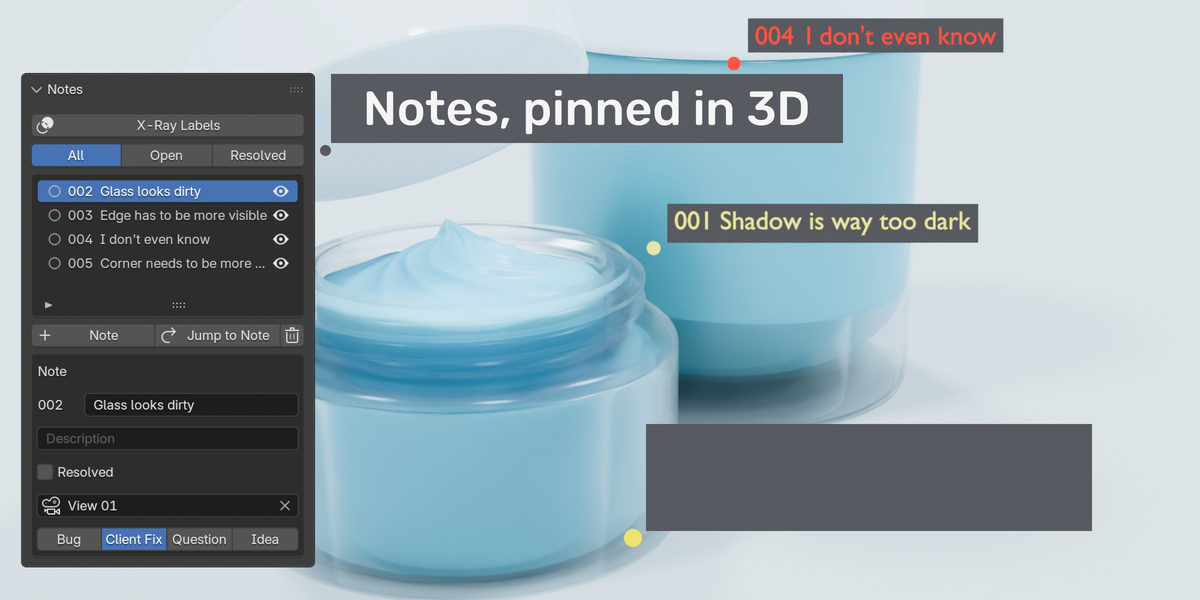
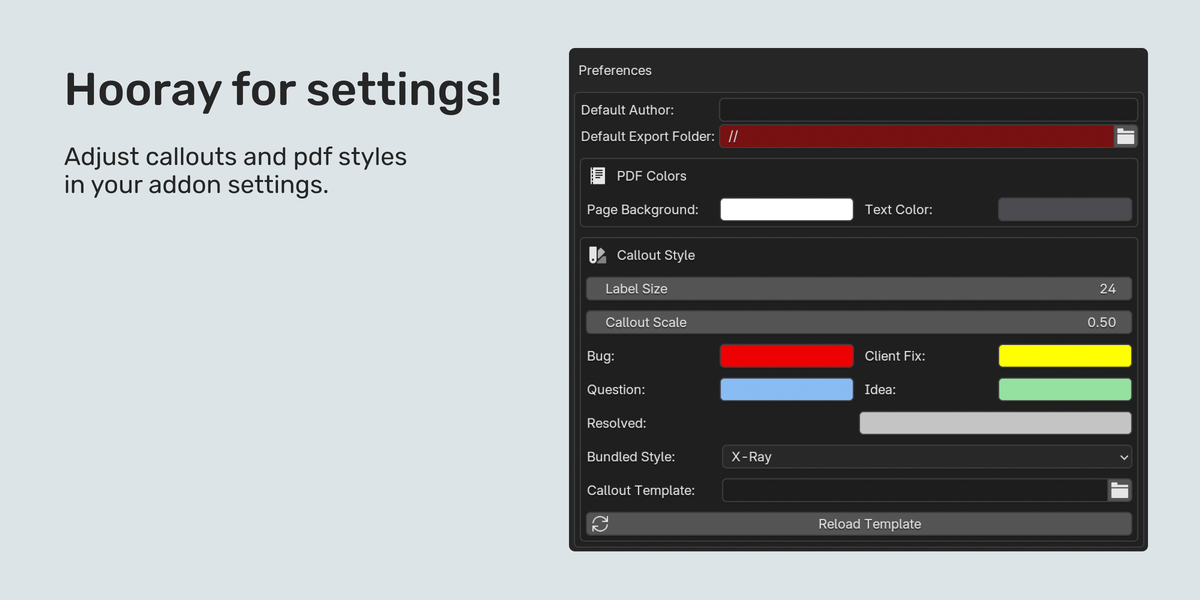
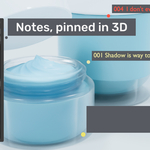
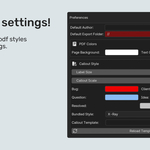
- Notes, pinned in 3D — click a spot on the model, type a title and description, pick a category (● Bug ● Client Fix ● Question ● Idea). Each note is a numbered 3D callout, not a flat mark-up. Filter by status and resolve with one click — resolved notes turn gray.
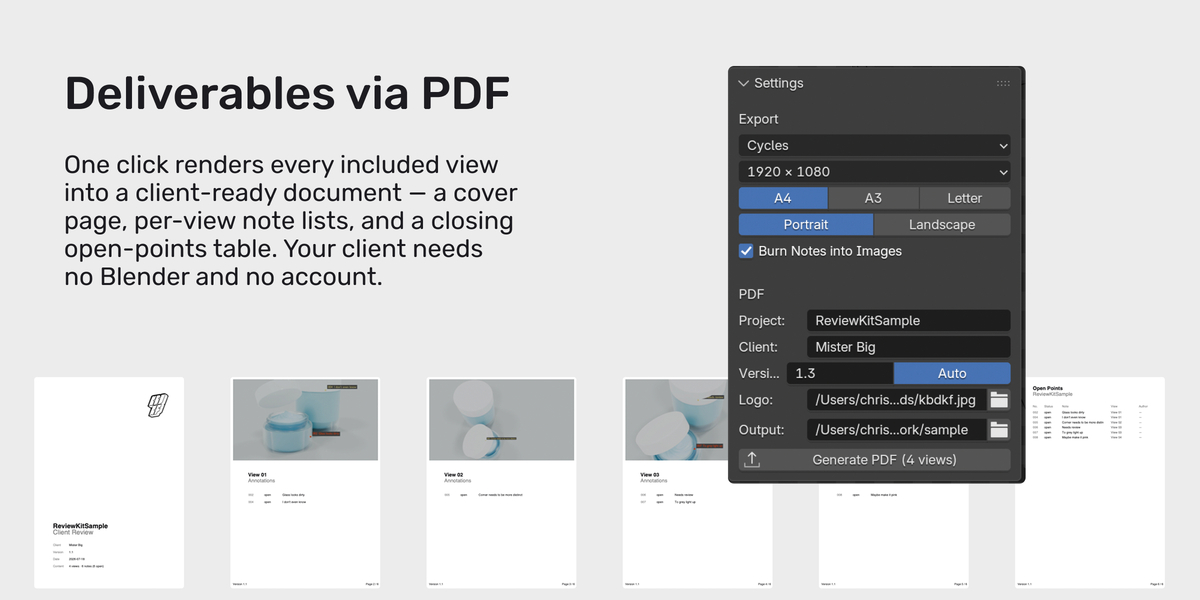
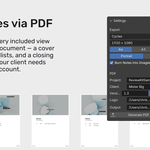
- PDF is the deliverable — one click renders every included view into a client-ready document: a cover page with project, client and version; one page per view with its notes listed underneath; and a closing open-points table. Your client needs no Blender, no add-on, no account.
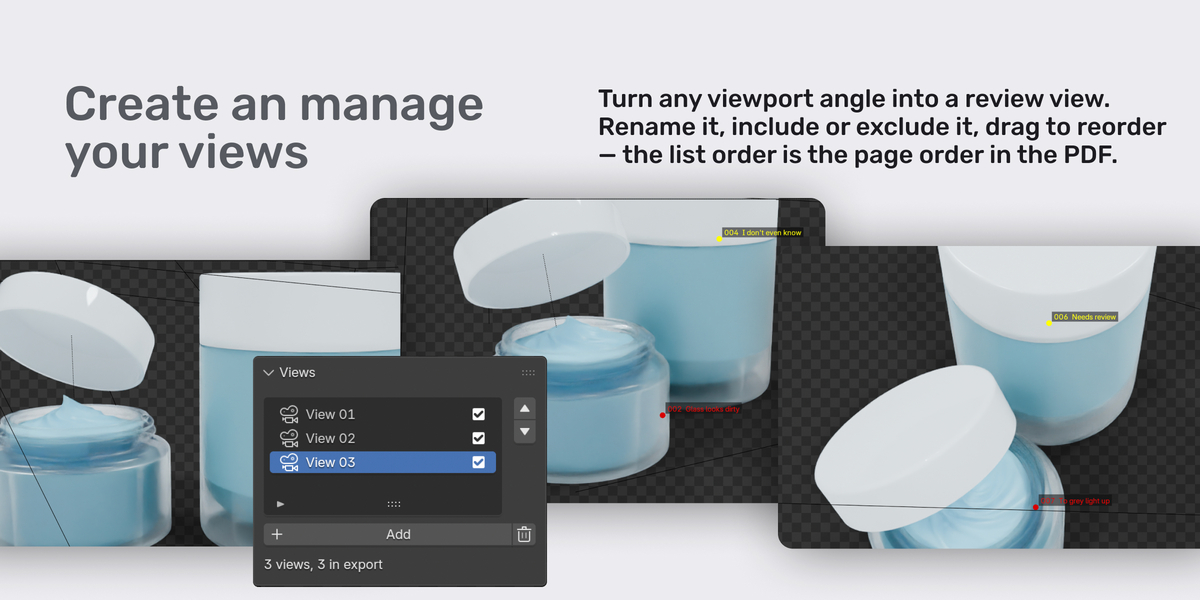
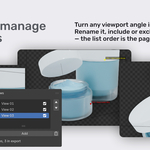
- You choose the views — turn any viewport angle into a review view. Rename, include or exclude, drag to reorder — the list order is the page order in the PDF.
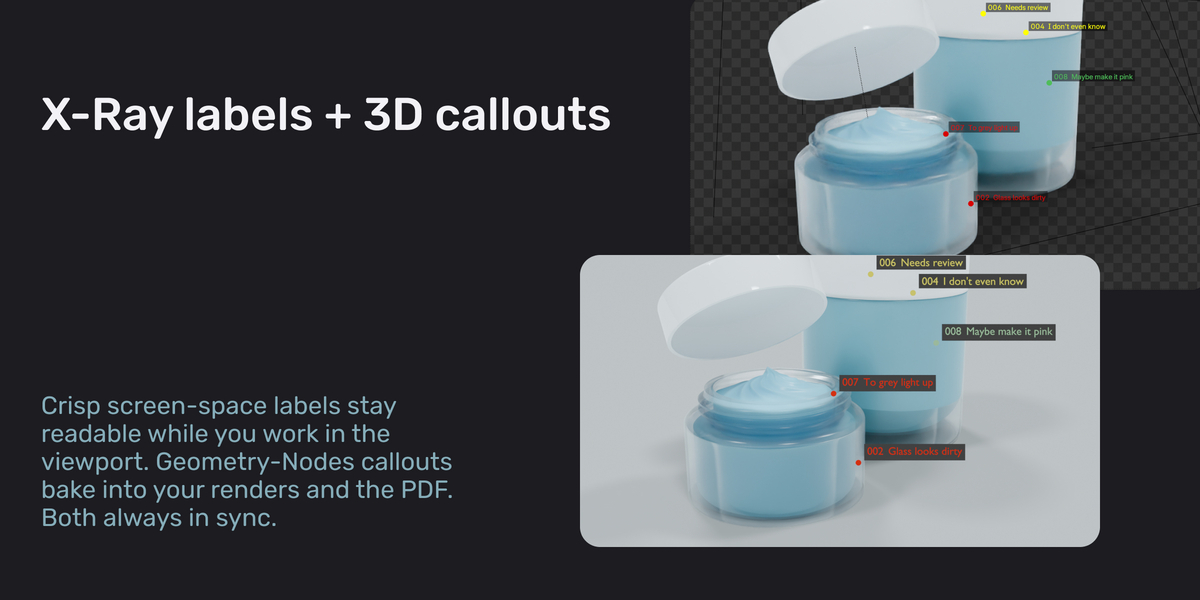
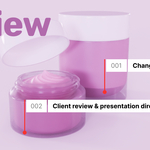
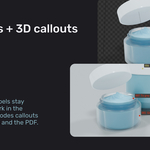
- Two display modes, always in sync — crisp X-Ray screen-space labels stay readable while you work in the viewport; Geometry-Nodes callouts bake into your renders and the PDF. Edit a note once, both update.
- Zero dependencies — a built-in, pure-Python PDF writer means no packages and no external tools. Declares no network permission and never phones home. Blender 3.6–5.1, EEVEE · Workbench · Cycles.
Why it fits your workflow: the PDF is all your client ever touches; views and notes are ordinary Blender data saved with your file (no sidecars, no sync); render settings are restored after every export; and note numbers stay stable across deletions.