Revo Bridge
 revolutionart
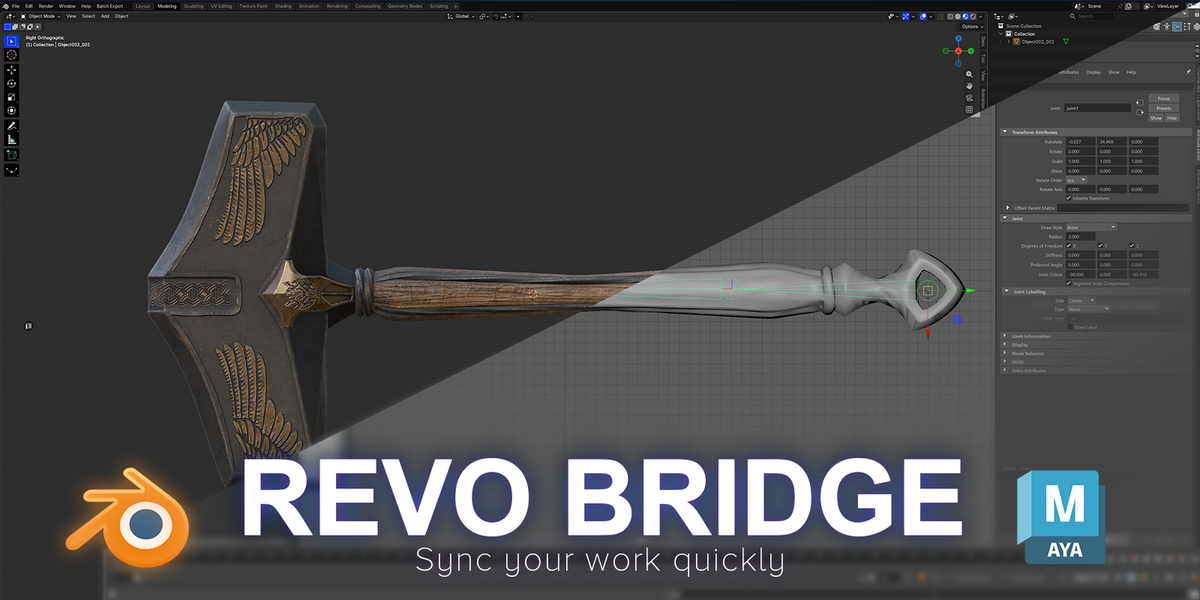
Fixed
- Fixed: Export to Toolbag, Create Bake Project and sending to ZBrush, Maya or Painter could stop working without showing any error. This happened when Windows Storage Sense or a temp-file cleaner deleted REVO Bridge's private token file. The bridge now restores it automatically, and Toolbag exports are never silently dropped.
- Fixed: Restart in Integrations couldn't stop a bridge server that was stuck in this state. It now replaces it, and Blender does the same at startup.
New
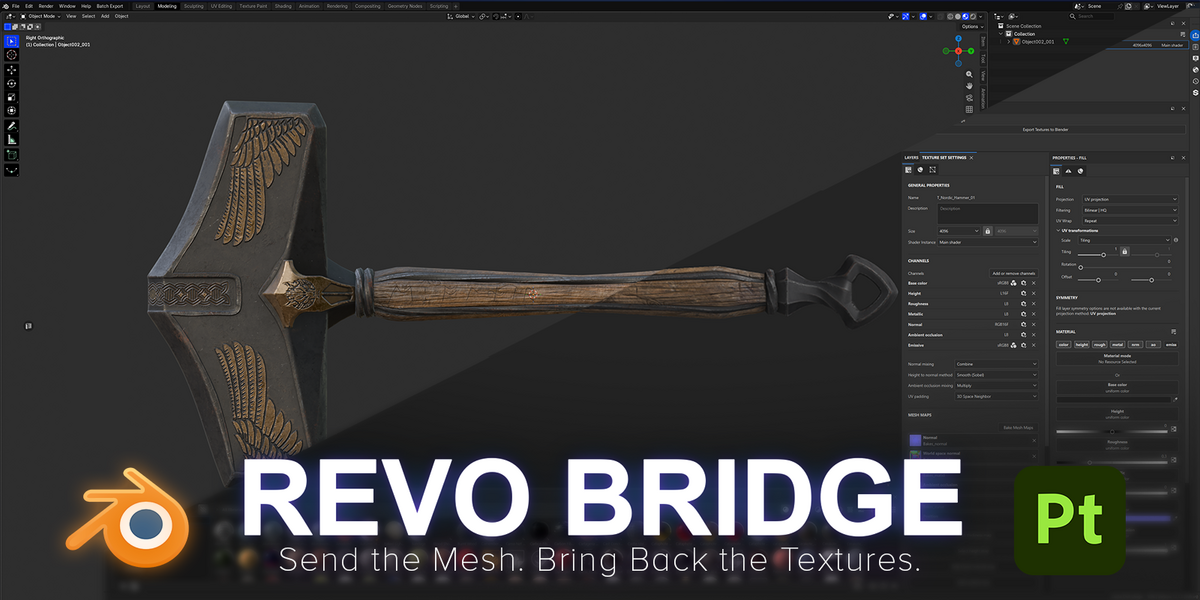
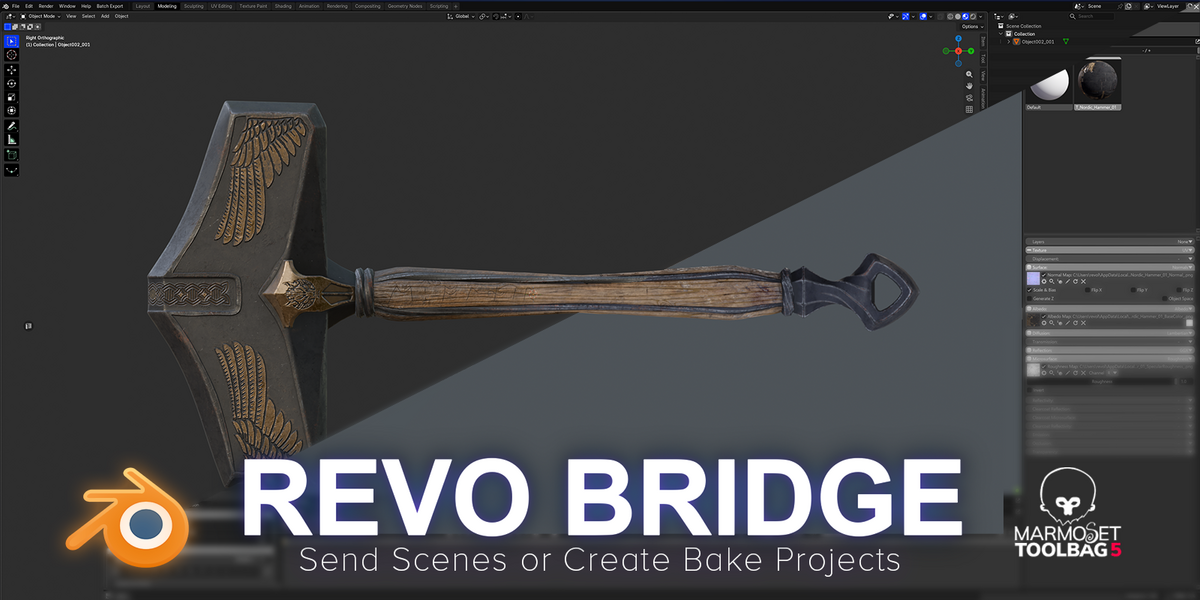
- Substance 3D Painter bake projects: Create Low/Low Bake and Create Low/High Bake. Name meshes _low / _high and REVO Bridge sets up a new Painter project with the high mesh loaded in the baker, your chosen mesh maps enabled and By Mesh Name matching for multiple groups. You bake in Painter.
- Painter bake settings under Utilities: Bake Resolution, Match By Mesh Name and all ten mesh maps.
- Help tab with links to the documentation, Discord and ArtStation.
Improved
- Redesigned sidebar: icon tabs on the left, and each app (ZBrush, Toolbag, Painter, Maya) in its own collapsible section, collapsed by default. Click anywhere on a header to open it.
- Color-coded sections make the panel easy to scan, so you can quickly find the tools you need. Each app keeps the same color and order on every tab.
- Taller, grouped Install / Update and Uninstall buttons on the Integrations tab.
Fixed
- Marmoset Toolbag showed the REVO Bridge plugin twice under Edit > Plugins. Install / Update now installs a single copy and removes the extra one.
- Substance 3D Painter now shows the real error when project creation fails.
$8
Have questions about this product?
Login to message
| Blender Extension Compatible | Yes |
| Published | 11 days ago |
| Blender Version | 4.2 - 5.2 |
| Extension Type | Add-on |
| License | GPL |

Discover more products like this
sync maya baking usd zbrush fbx marmoset-toolbag game-art pipeline Substance painter texture-baking